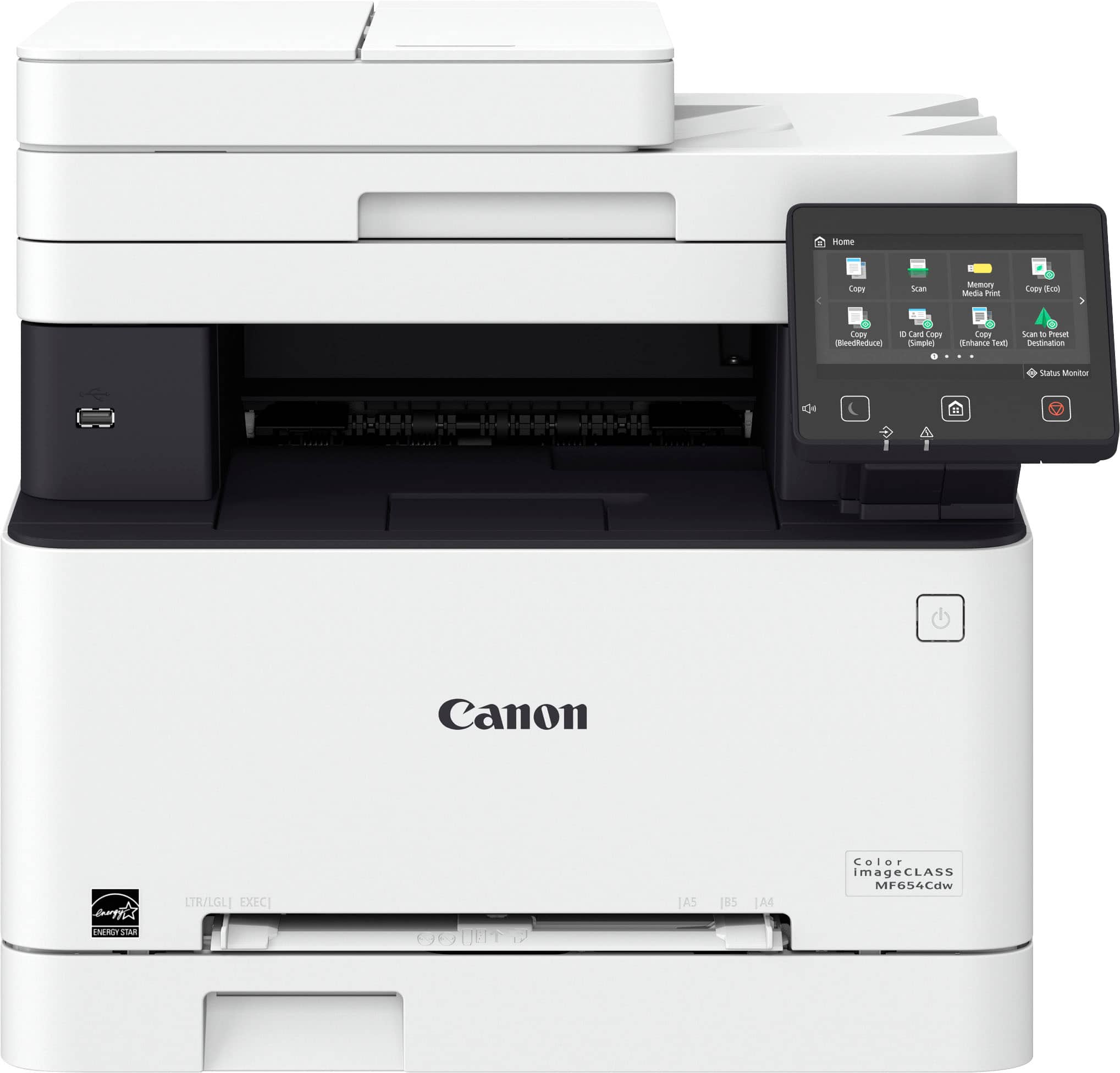
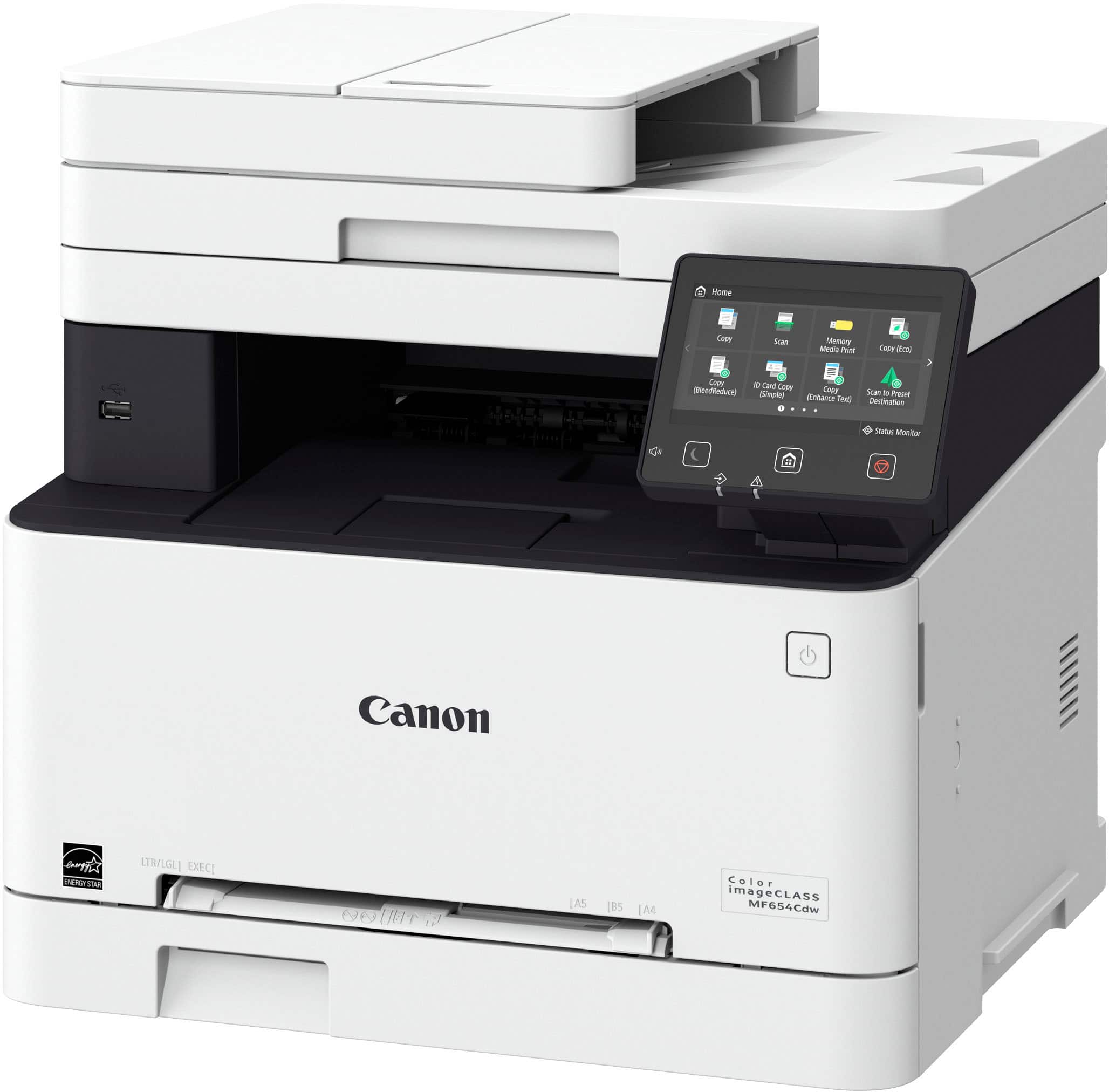
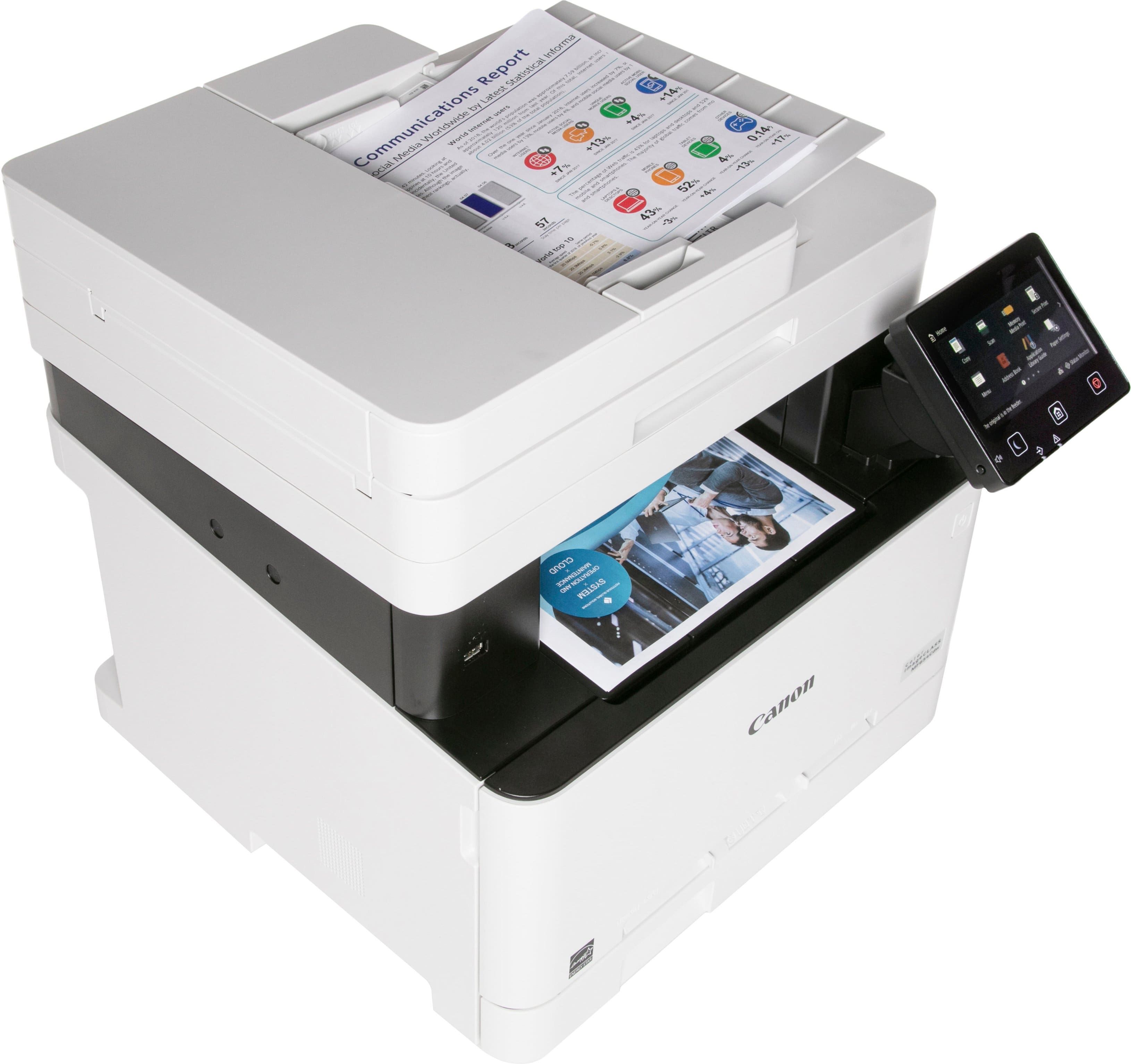
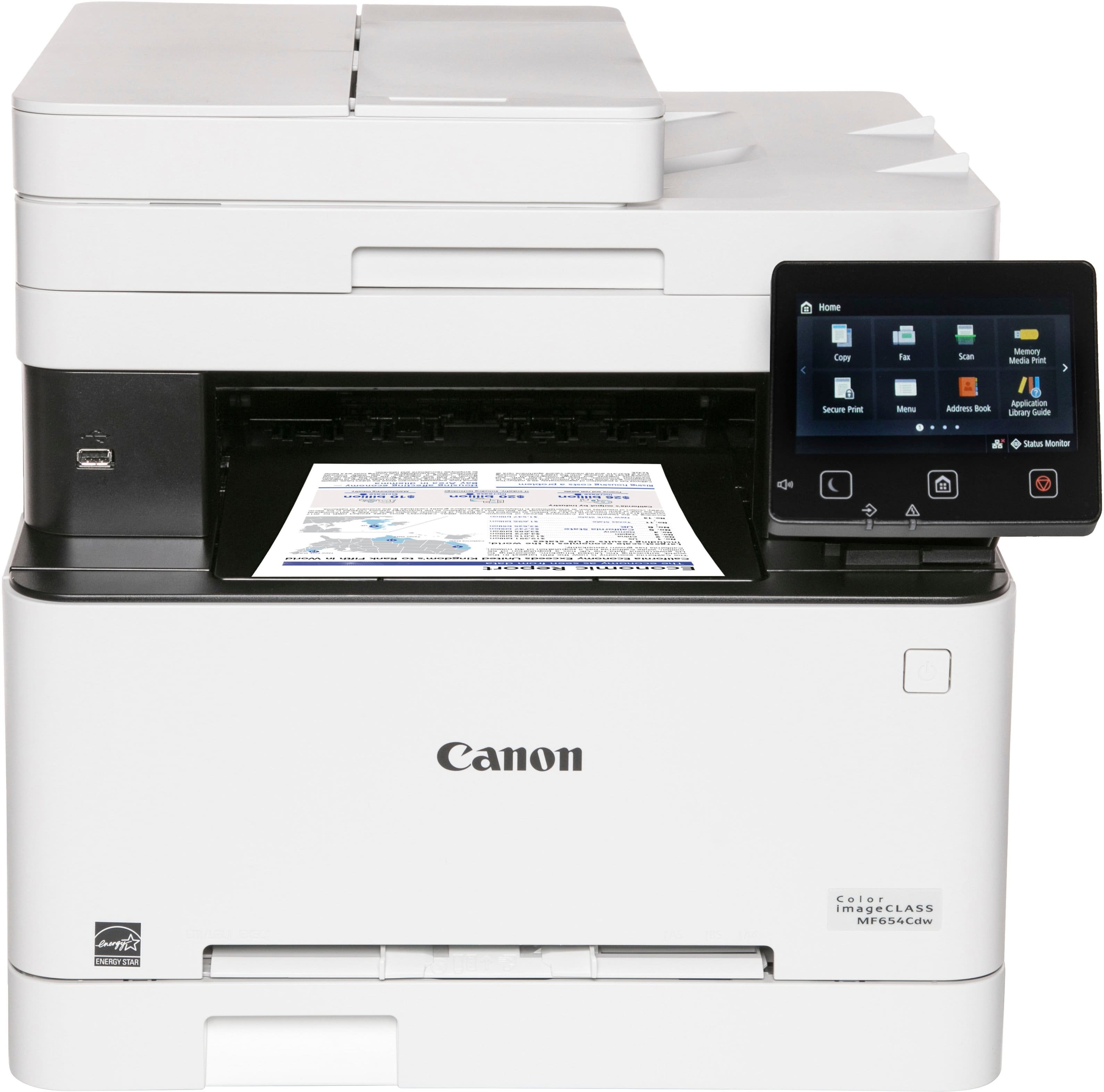
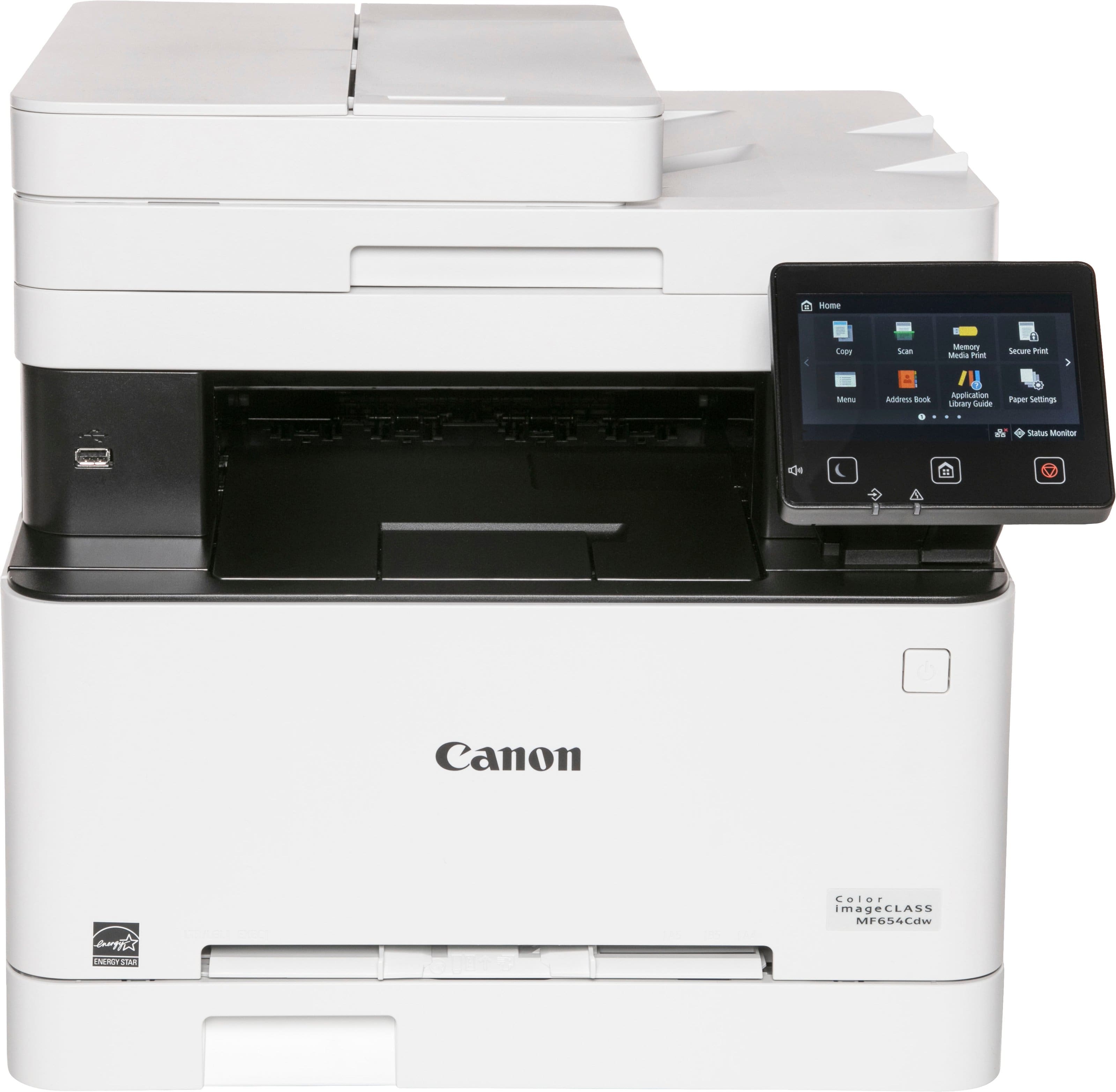
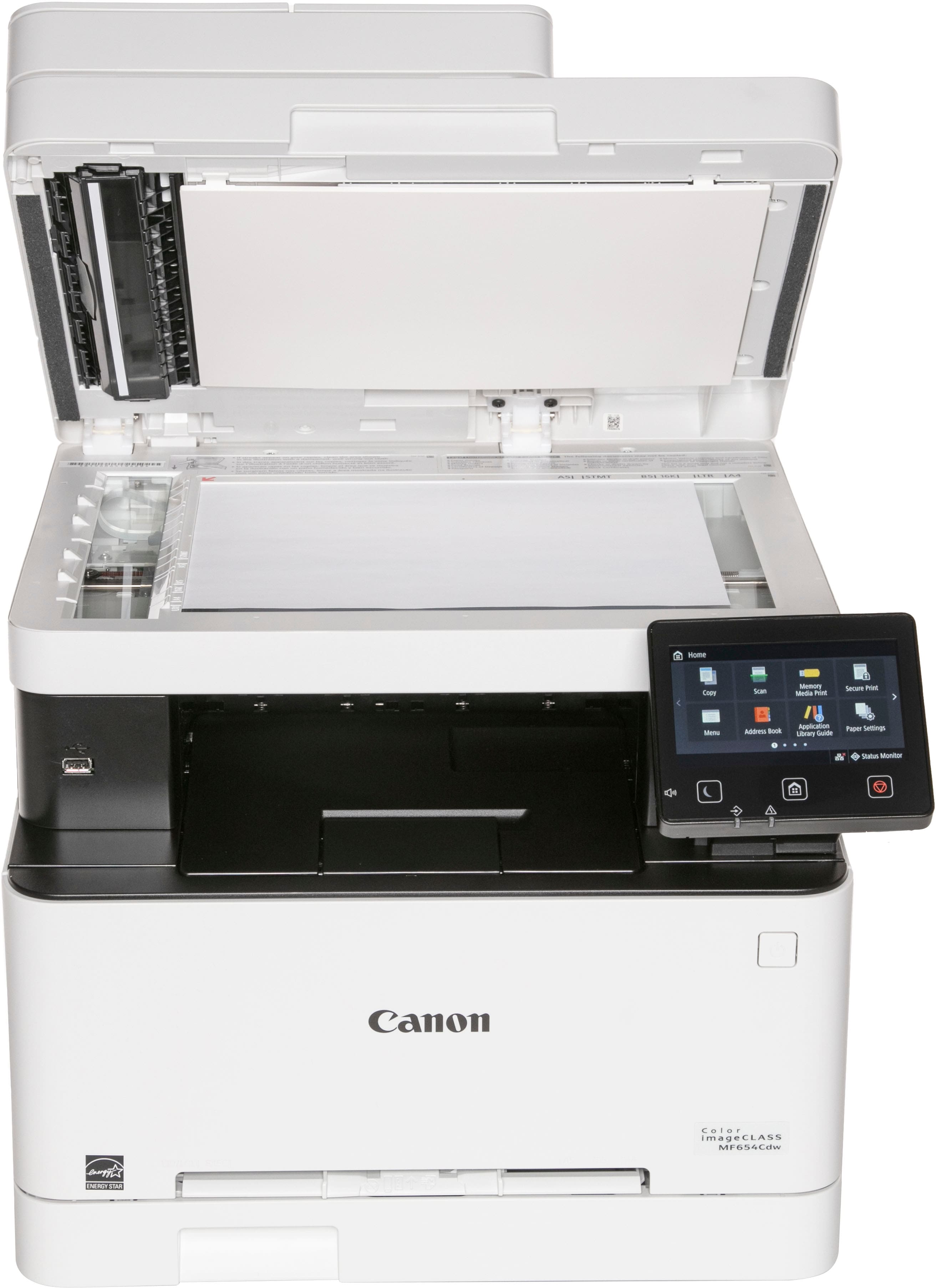
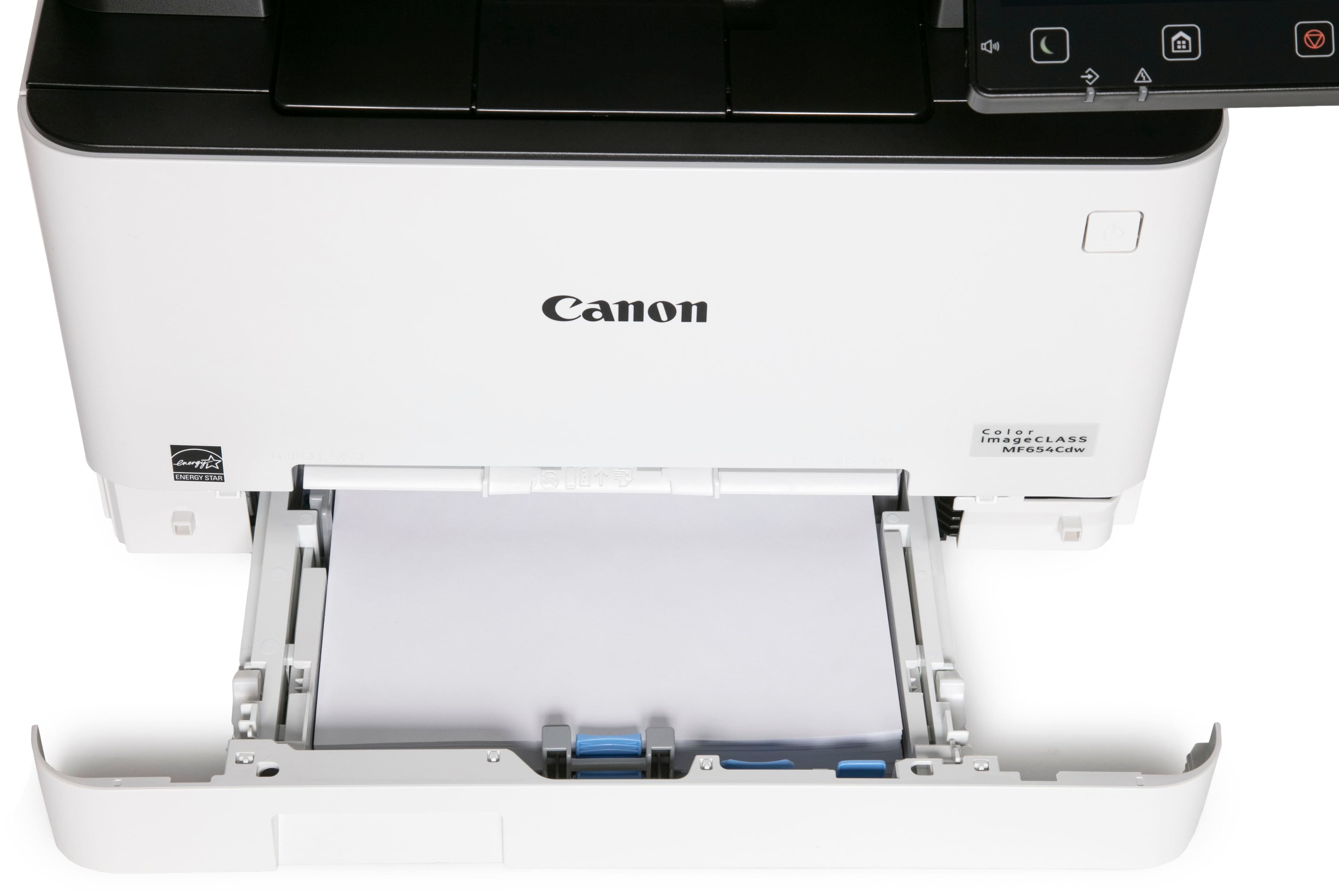
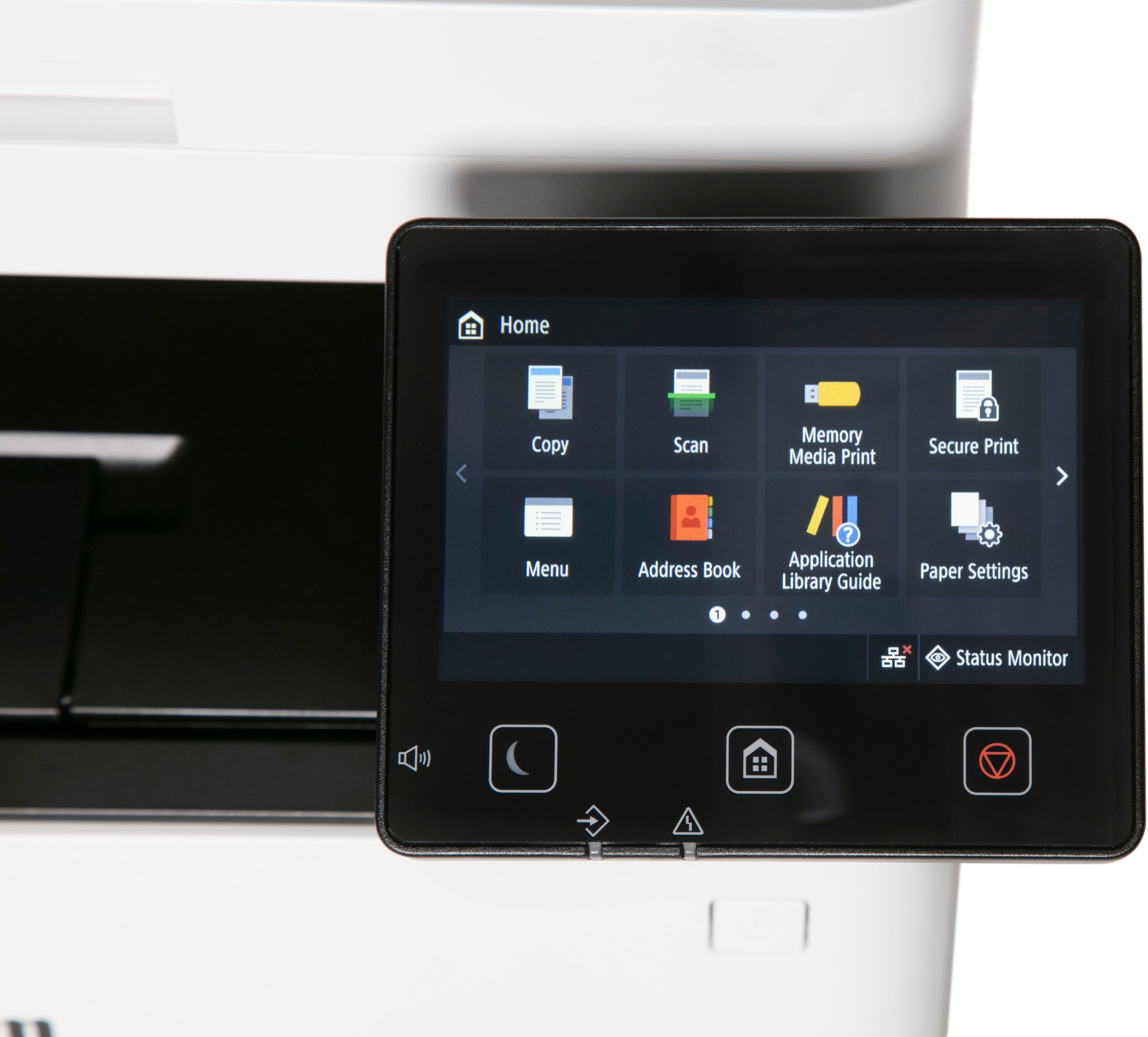
A:AnswerYes, but not on photo paper, so the image won't look as good as it could. The inherent design of a laser printer does not lend well to printing out photos on photo style paper; the printer melts the toner on the paper and this does not play well with photo paper. You will eventually gum up the printer. If you want to print photos that look their best, get a photo inkjet printer and use coated photo paper.
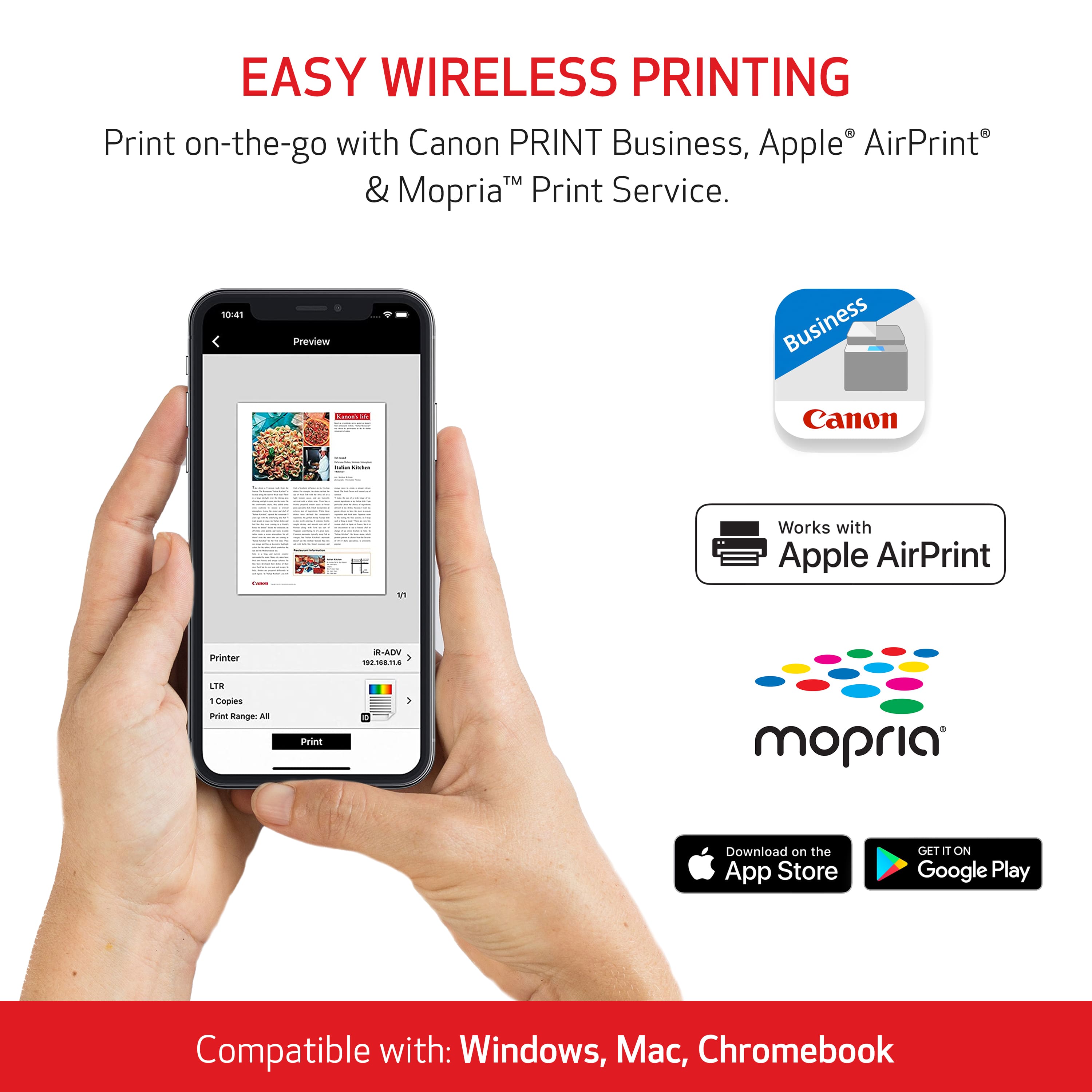
A:AnswerI think the minimum Mac OS this printer will work with is Mac OS X (10.11)! It also doesn't work with the newest OS which is 14.1.2. I am able to work around this though!
A:AnswerFirst it is fully compatible with Windows 10.for card stock printing get a piece of that paper and give it a try. It’s a pretty durable and flexible printer. Think you’re good to go unless stock feels like a piece of slate in your hand. Pretty sure it doesn’t print on rock‼️ Good luck.
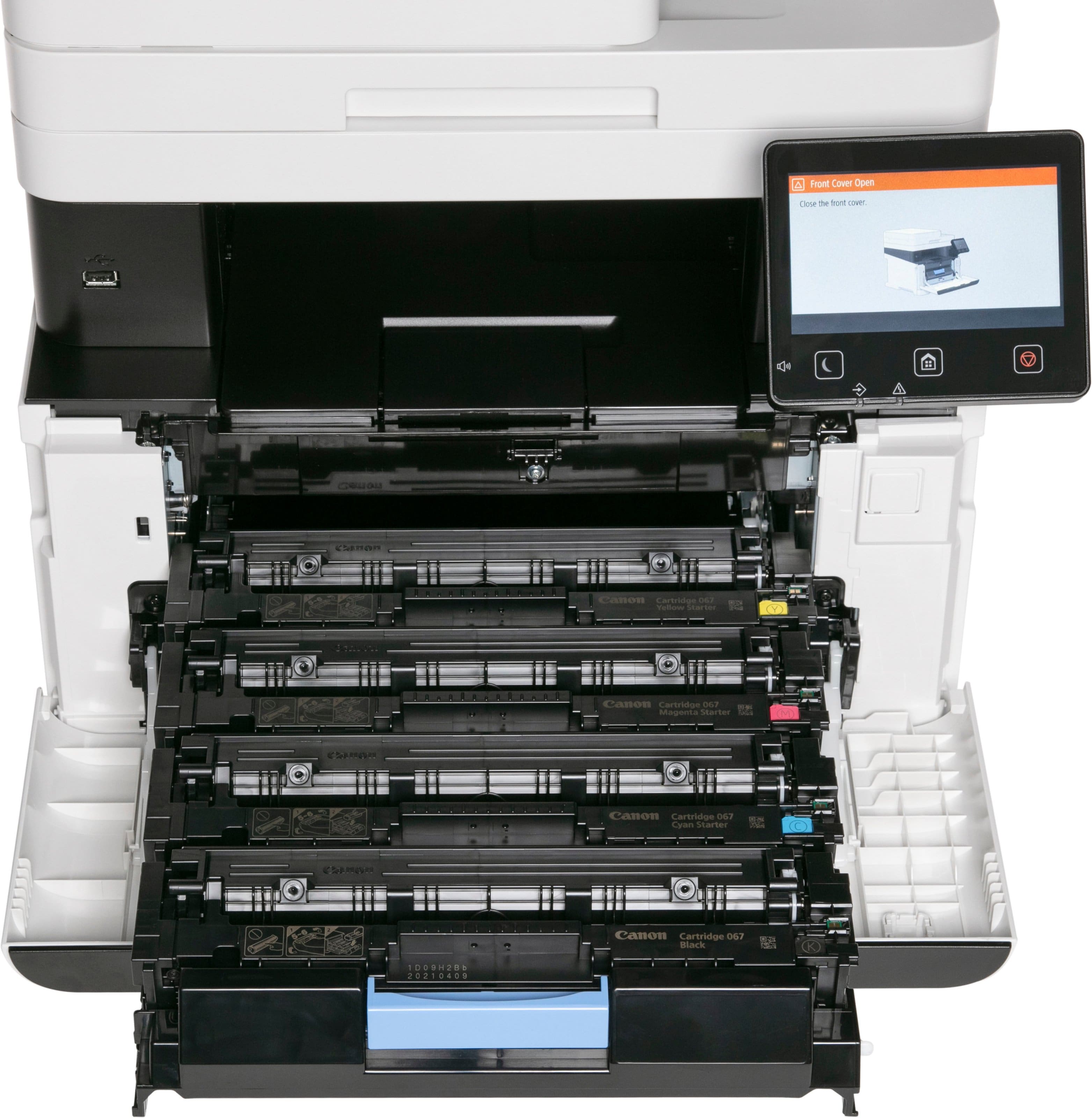
A:AnswerYes. The new printer only came with starter toner cartridges, but they do last quite a while. I bought non-OEM toner cartridges for when the starters run out.
A:AnswerSo, the size of the business isn't really the question it's how often you are using it. How many pages you think you would print in a day consistently. I think it would be fine if you go through a ream a week. But I will caution. This thing is loud. So, if it's a quiet office space you will hear it. If it's a shop you're probably fine.
A:AnswerI’ve noticed it only Prince very light on “draft“ mode. Be sure to choose the print quality option from your computer or whichever device you’re sending the print job from, to “Best” or “Highest” quality. I hope that helps!
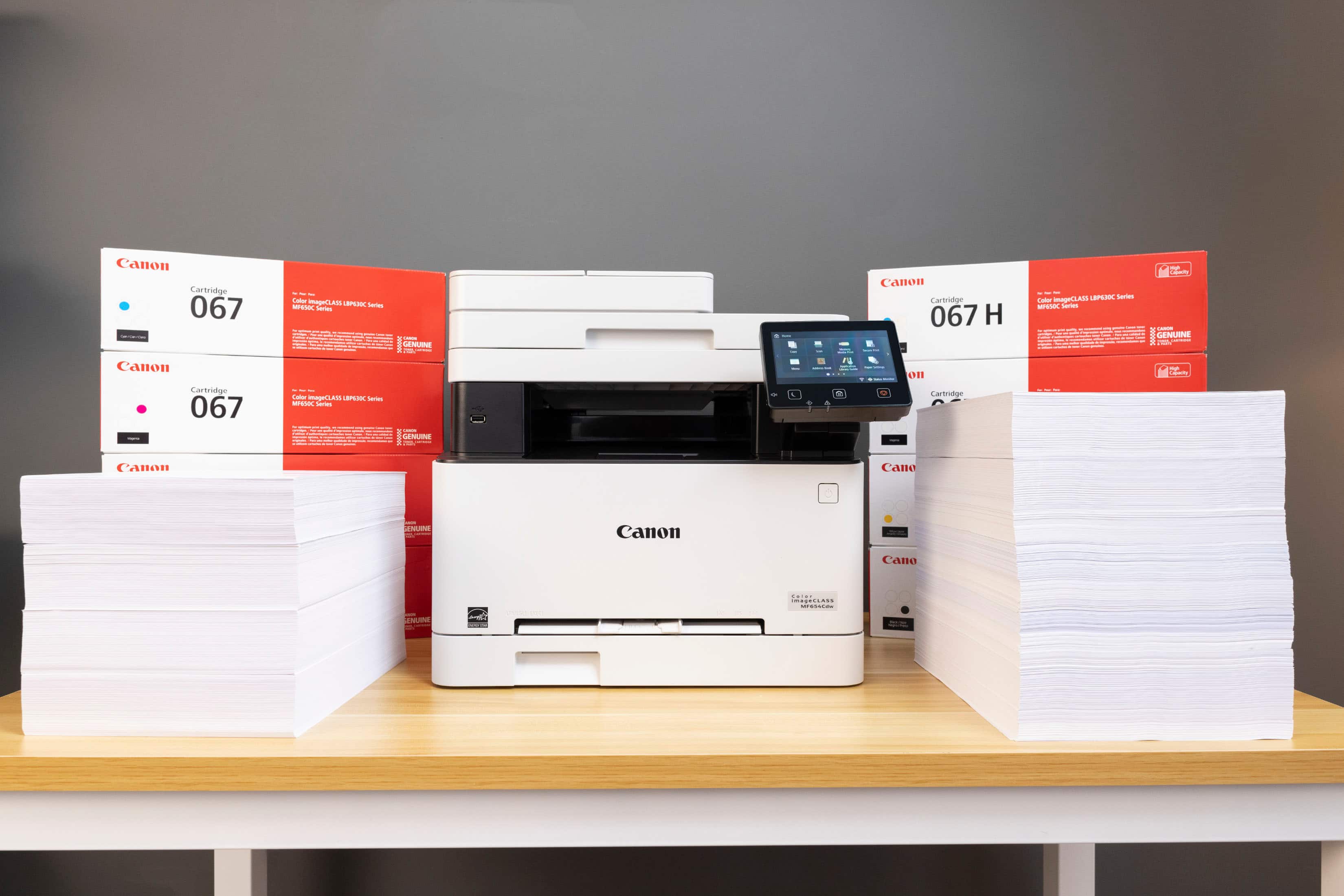
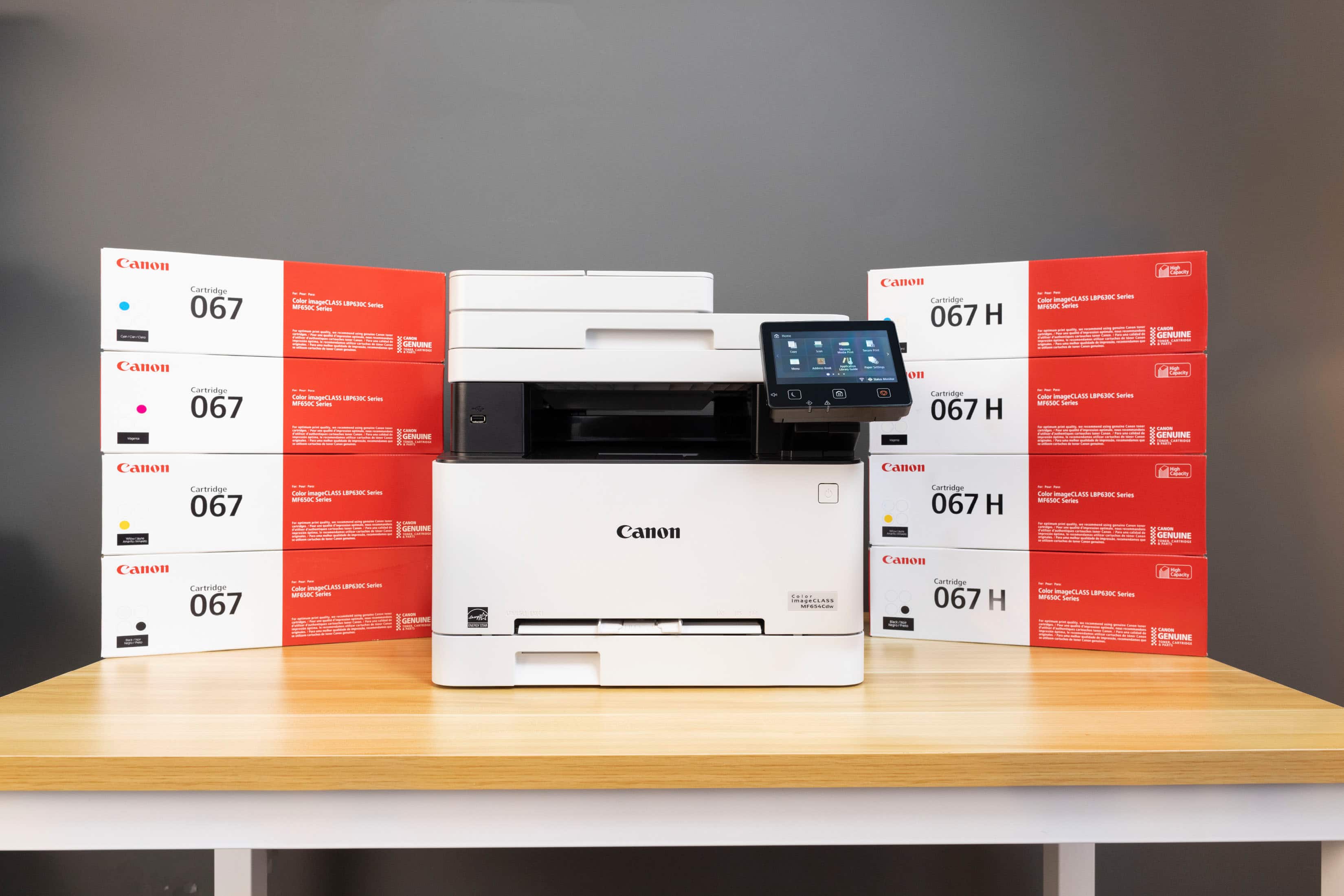
A:AnswerYes toner is included with the purchase but as with almost all printers, they are not high capacity. You will need to purchase some fairly soon if you print a lot. I do not recommend aftermarket cheap toner. We have tried many brands and they all work terrible. We only use Canon brand now. Make sure you buy the high capacity ones. They contain twice as much toner for very little more cost.
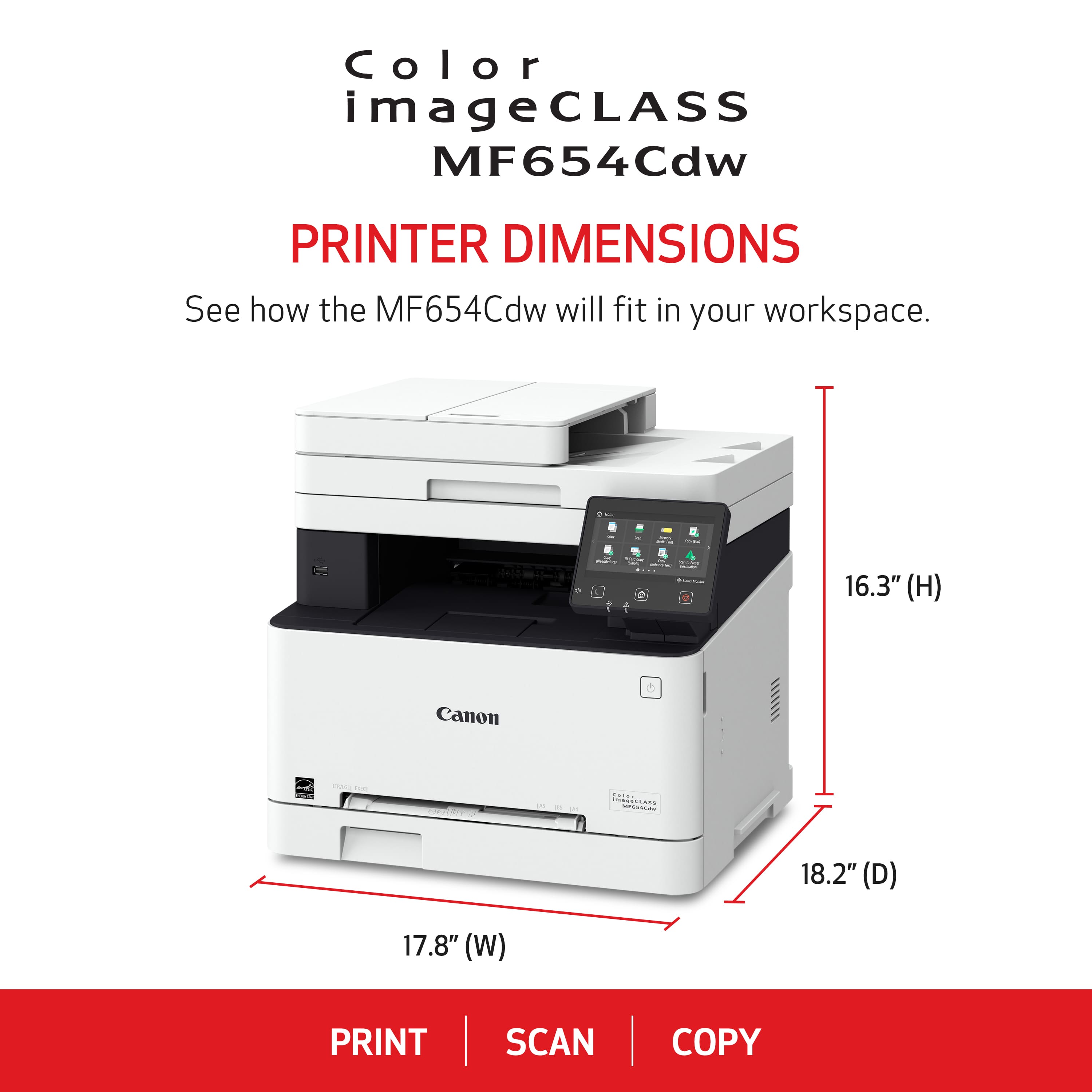
A:AnswerNo, it does not support 11x17 paper. Per printer spec sheet:
Min (3" x 5") / Max (8.5" x 14") Paper
https://www.usa.canon.com/support/p/color-imageclass-mf654cdw?srsltid=AfmBOoq6hQDTMtgTnn2Xr8x70AL9r_9UZsV8ypW2pjQZSHWfT1yQAkNX