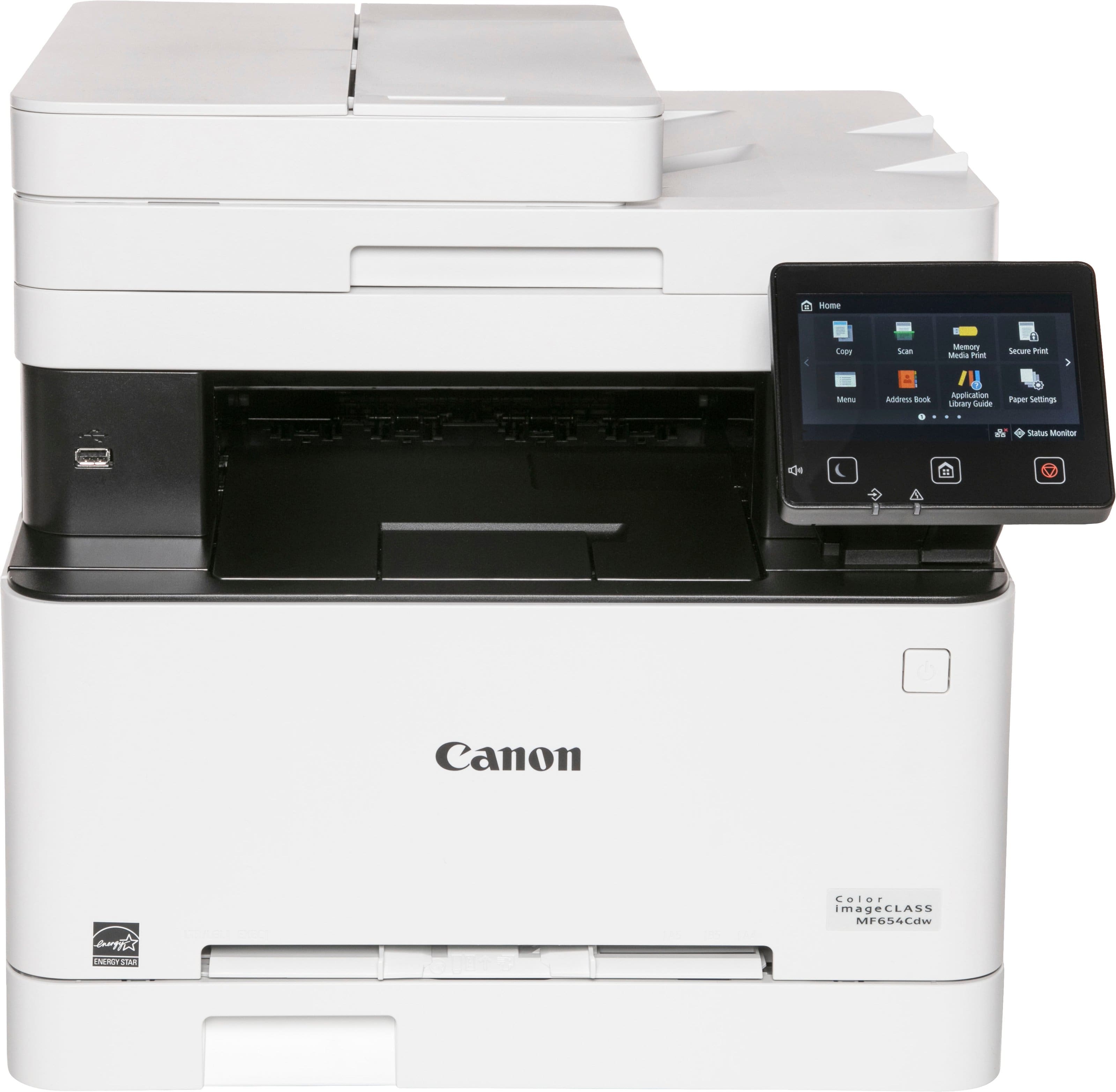
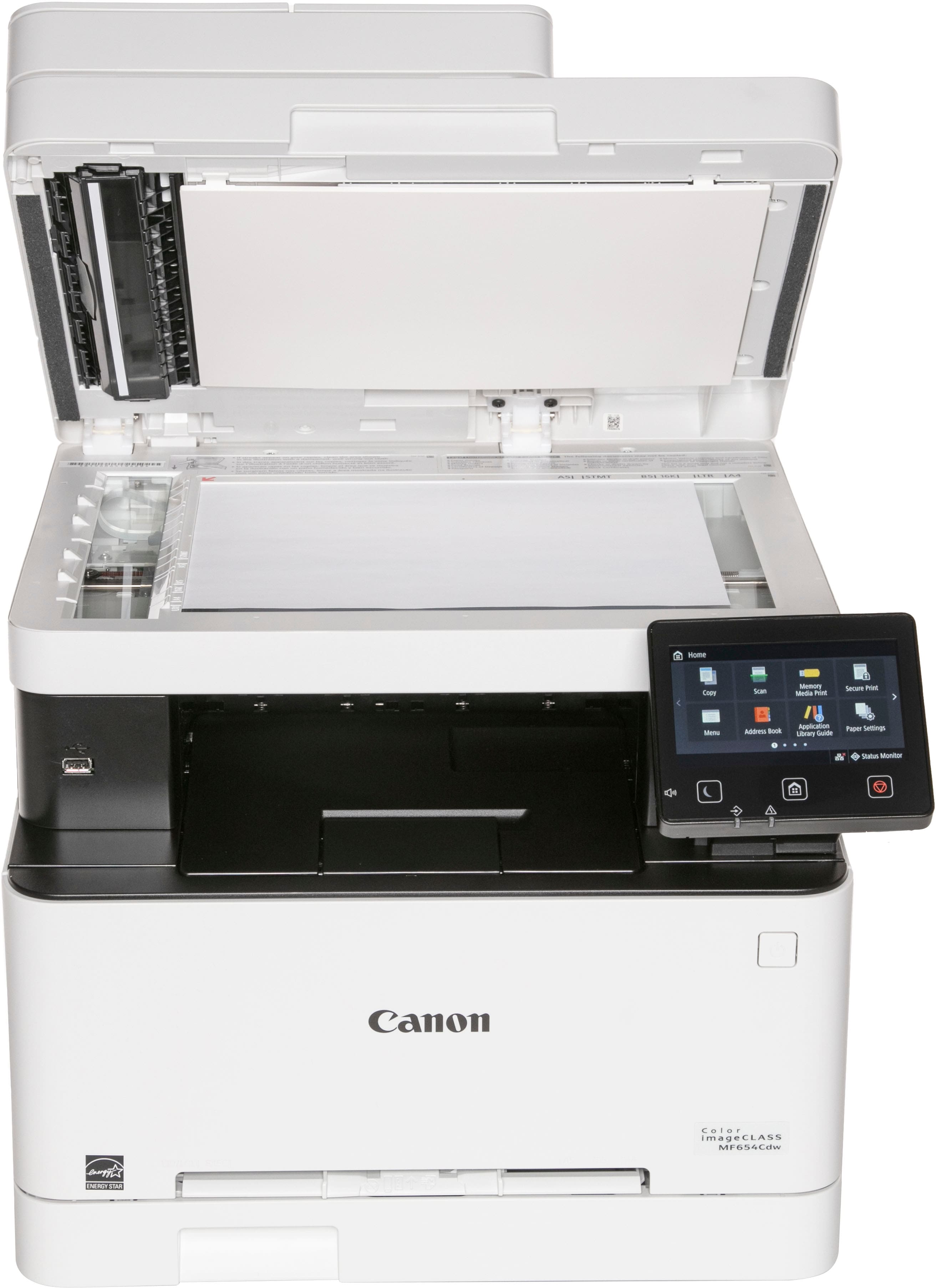
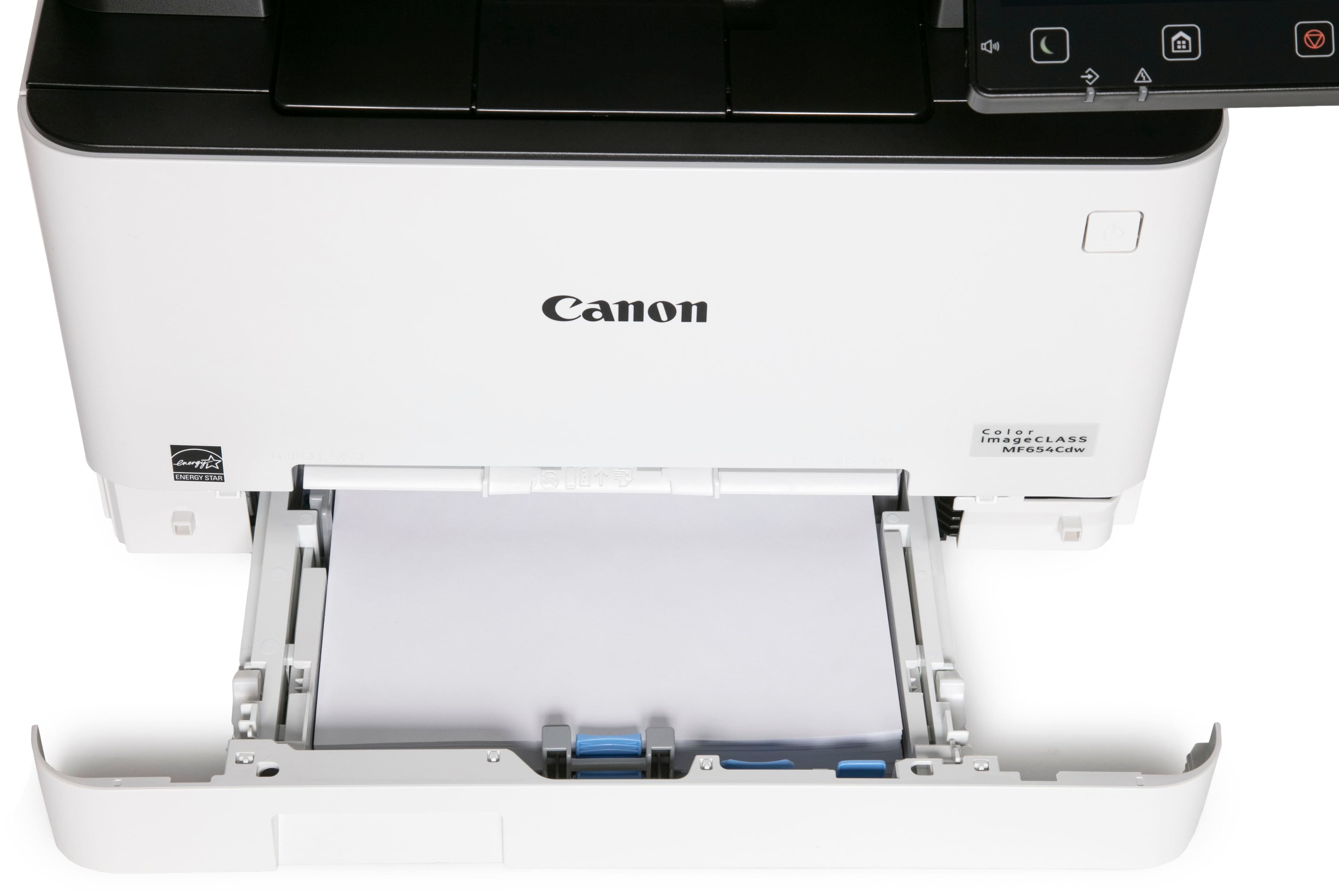
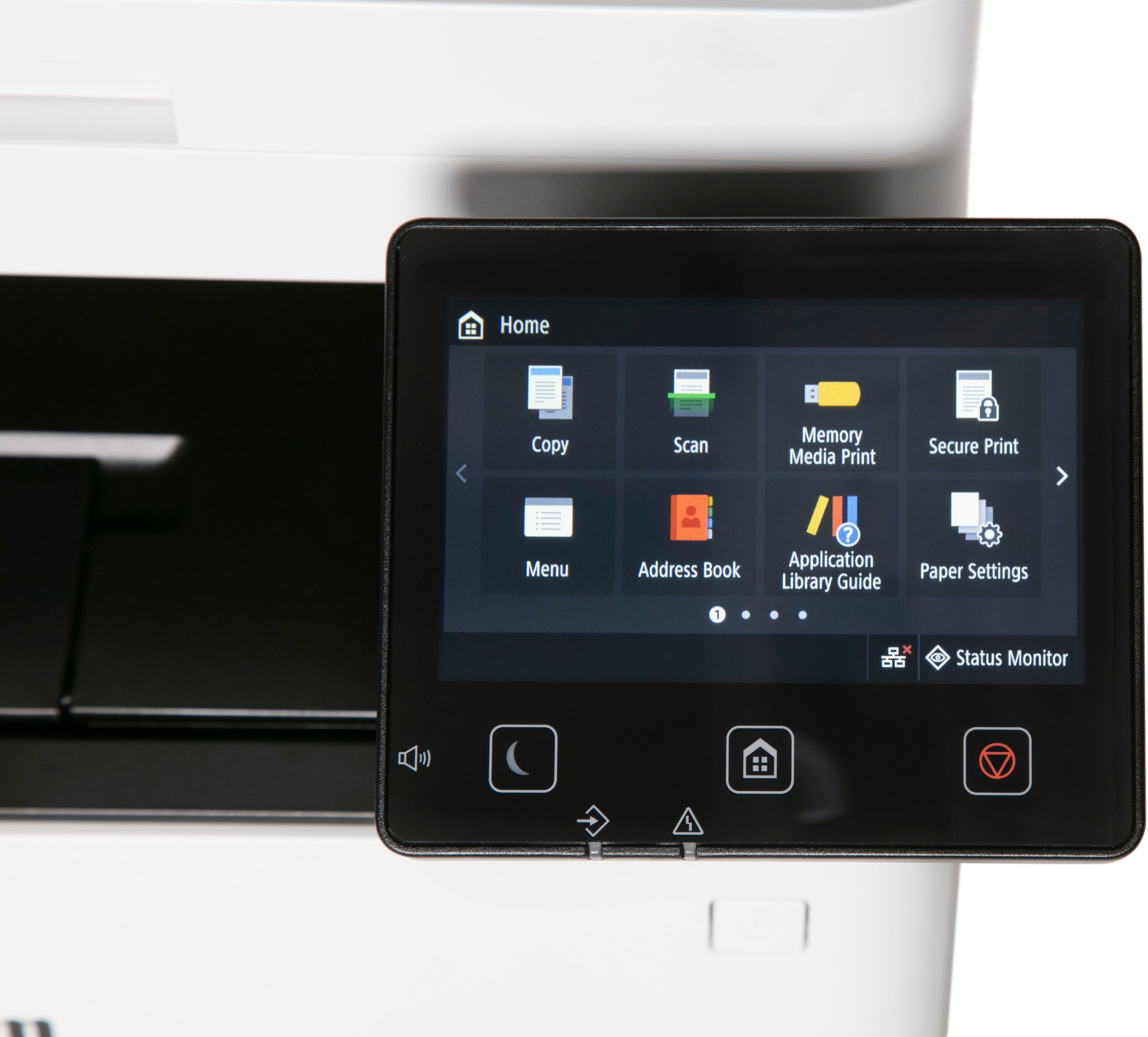
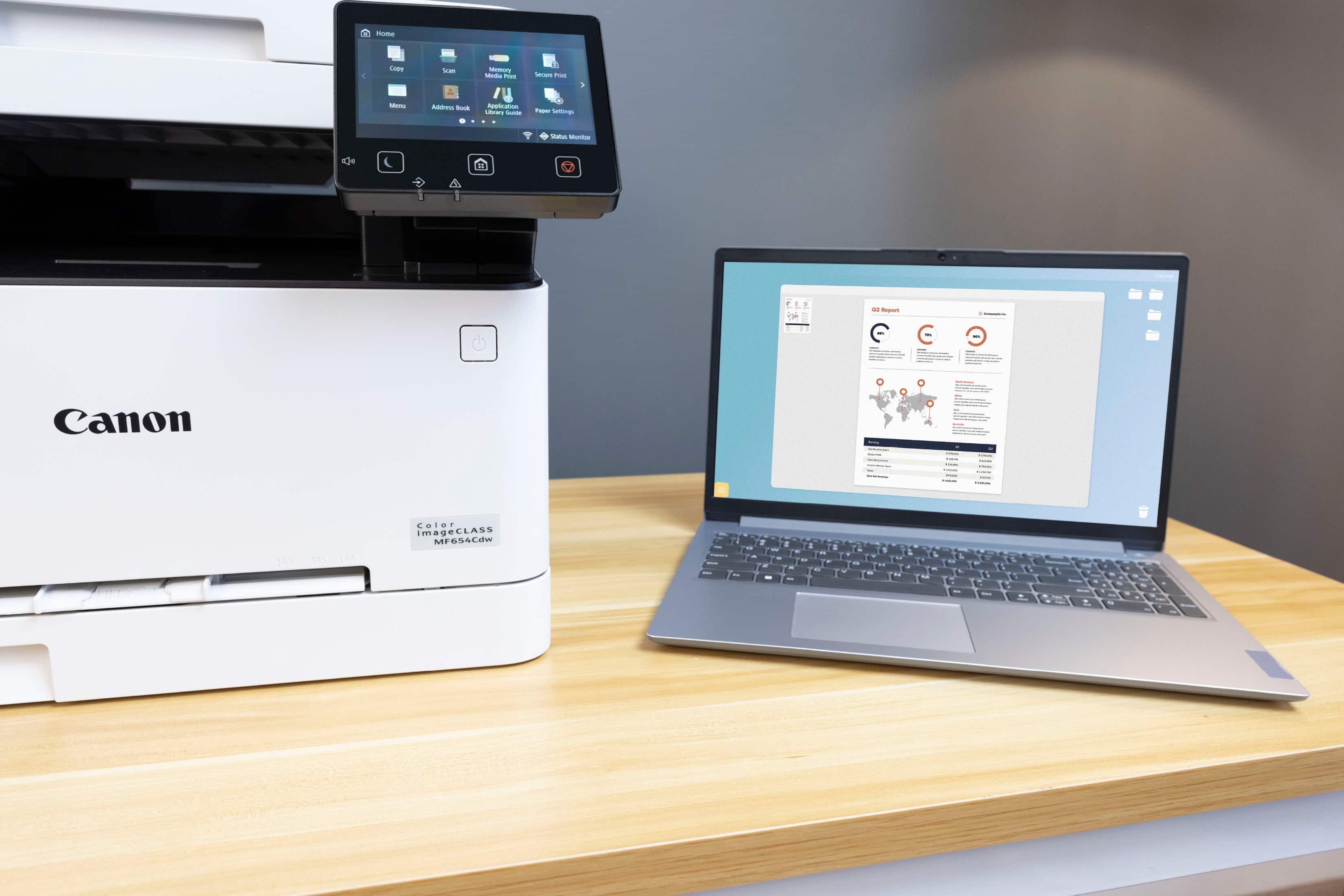
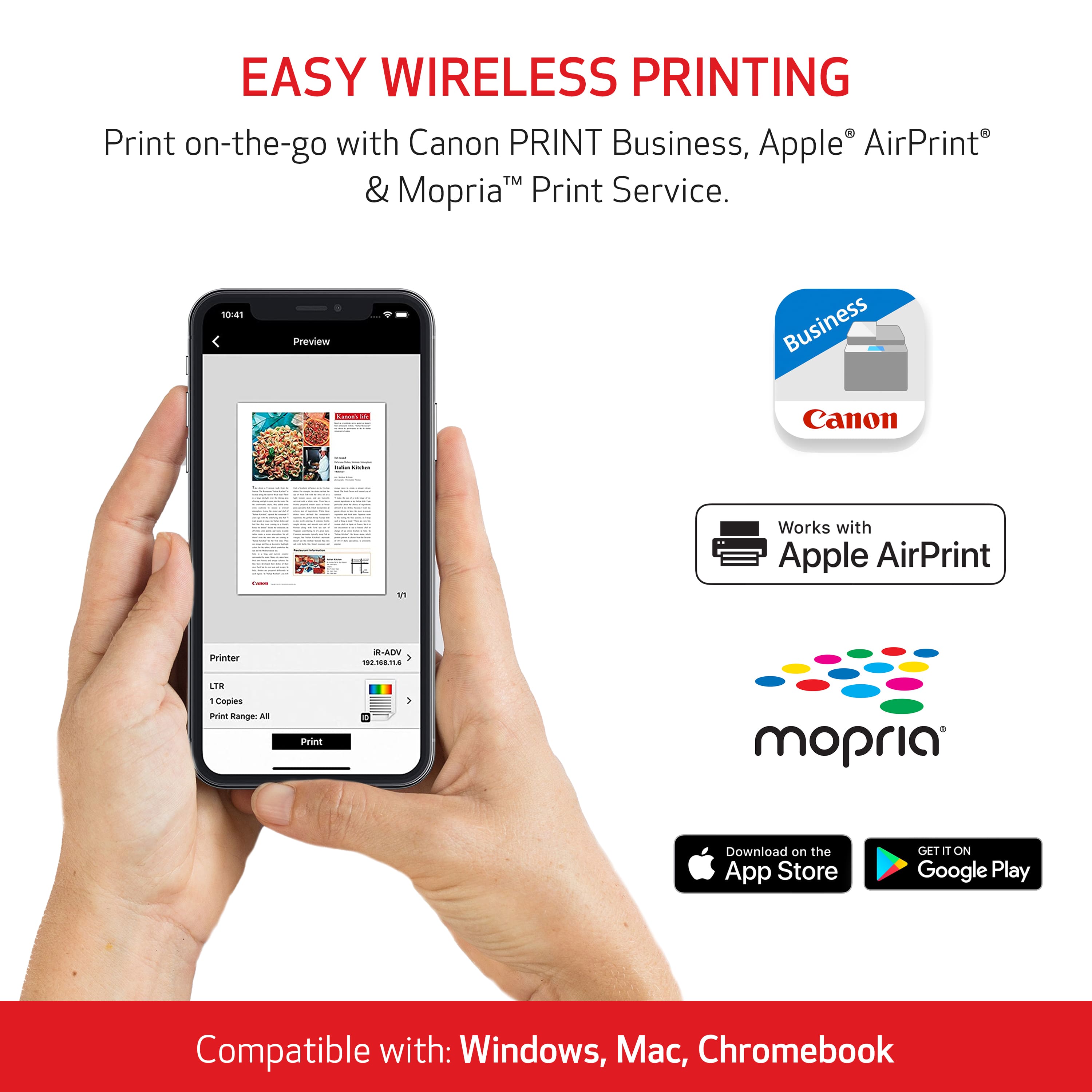
A:AnswerYou should follow the quick setup guide that comes with your printer. I set up the printer, downloaded the driver to my various Macs, and use the printer wirelessly. You do not need to connect a cable at any point.
A:AnswerI can print from my HP PC, my Dell laptop, and my MacBook Air with no problem. Did not need to load any software. Scanning from each device may require more setup.
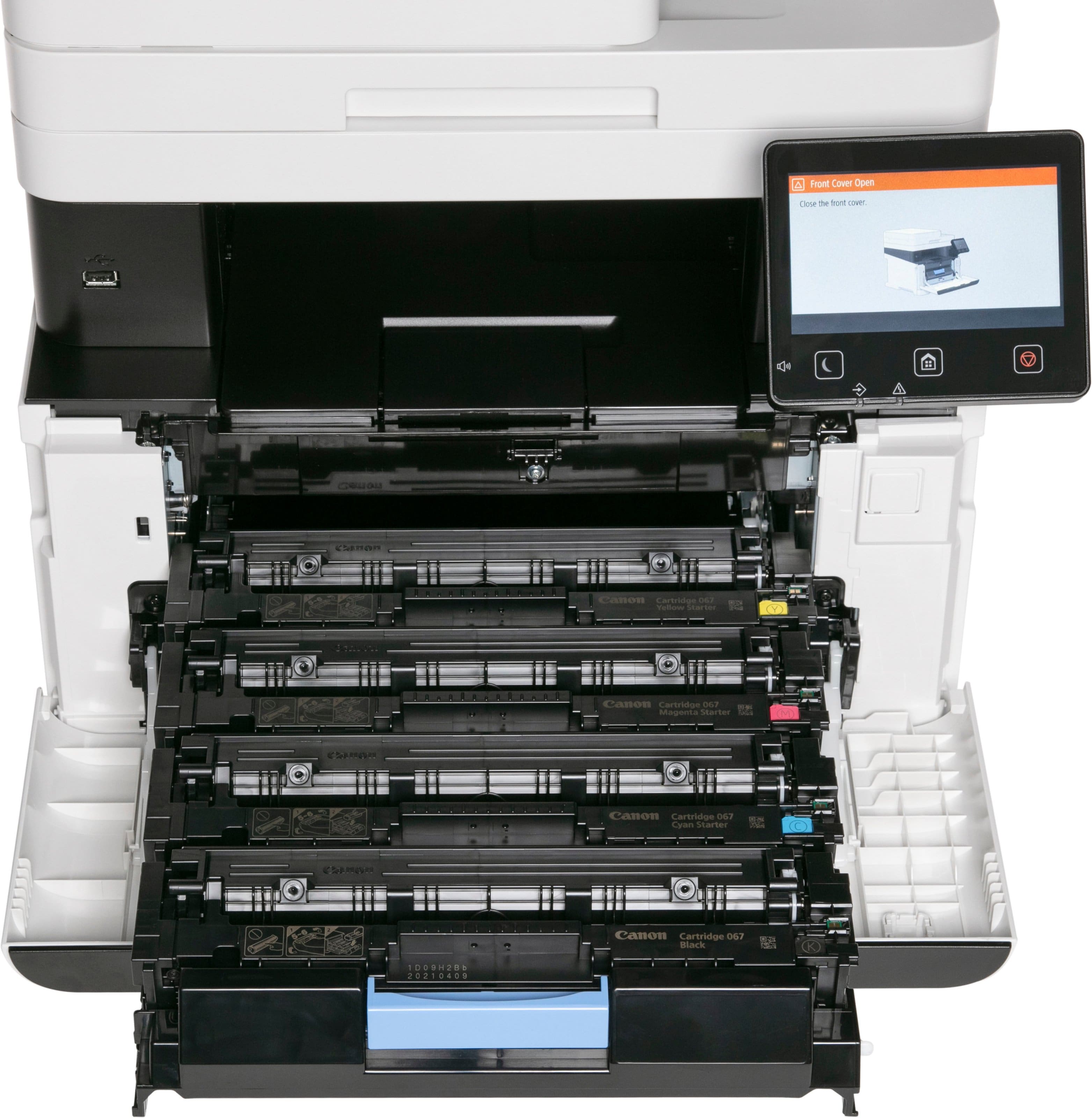
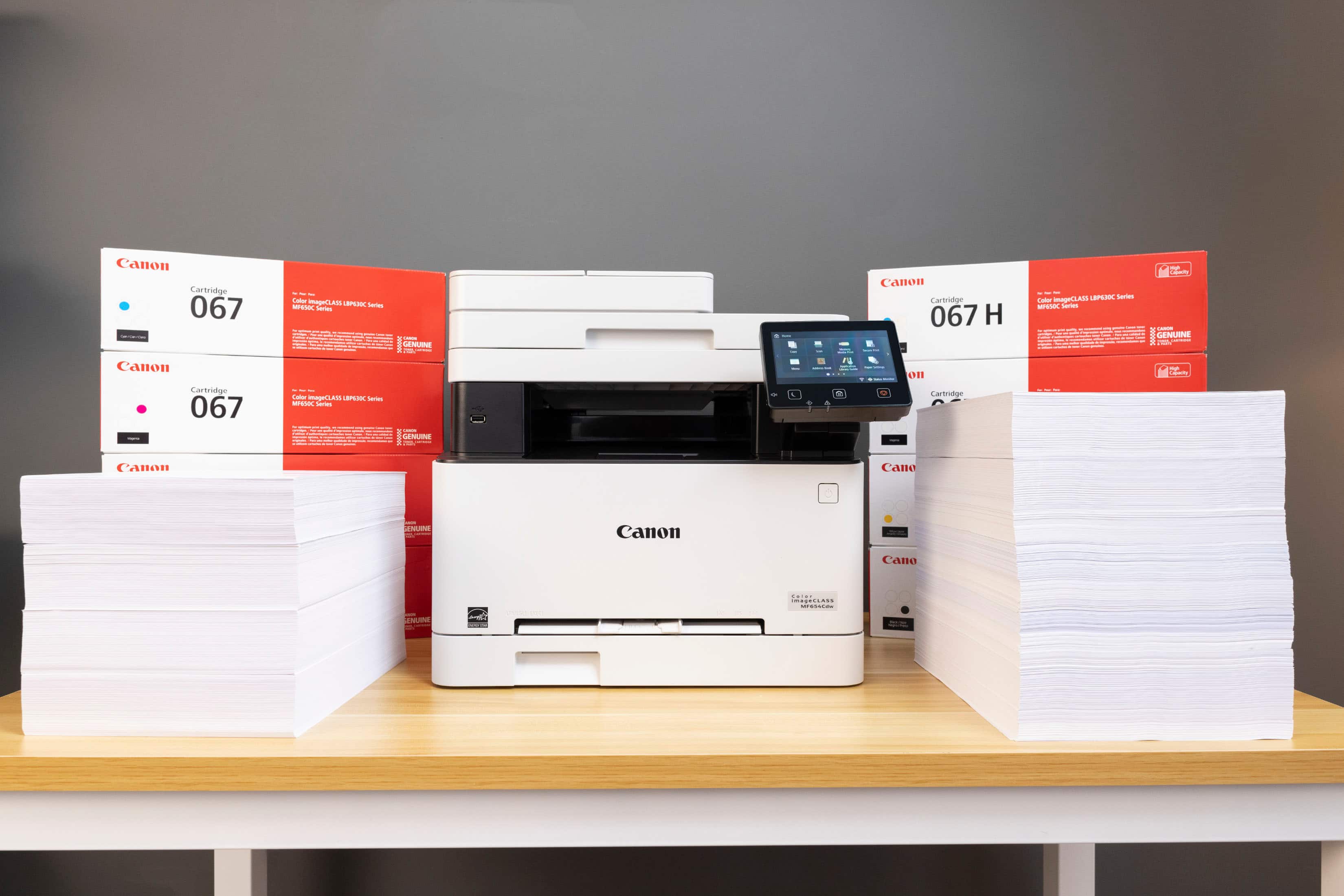
A:AnswerThis is one thing I've been looking at when trying to choose a new printer. You can change the settings to black and white and it will print even if one or more of your toner cartridges are out. The cartridge does need to remain in place though.
A:AnswerStandard ethernet port - Yes
Wifi - Yes
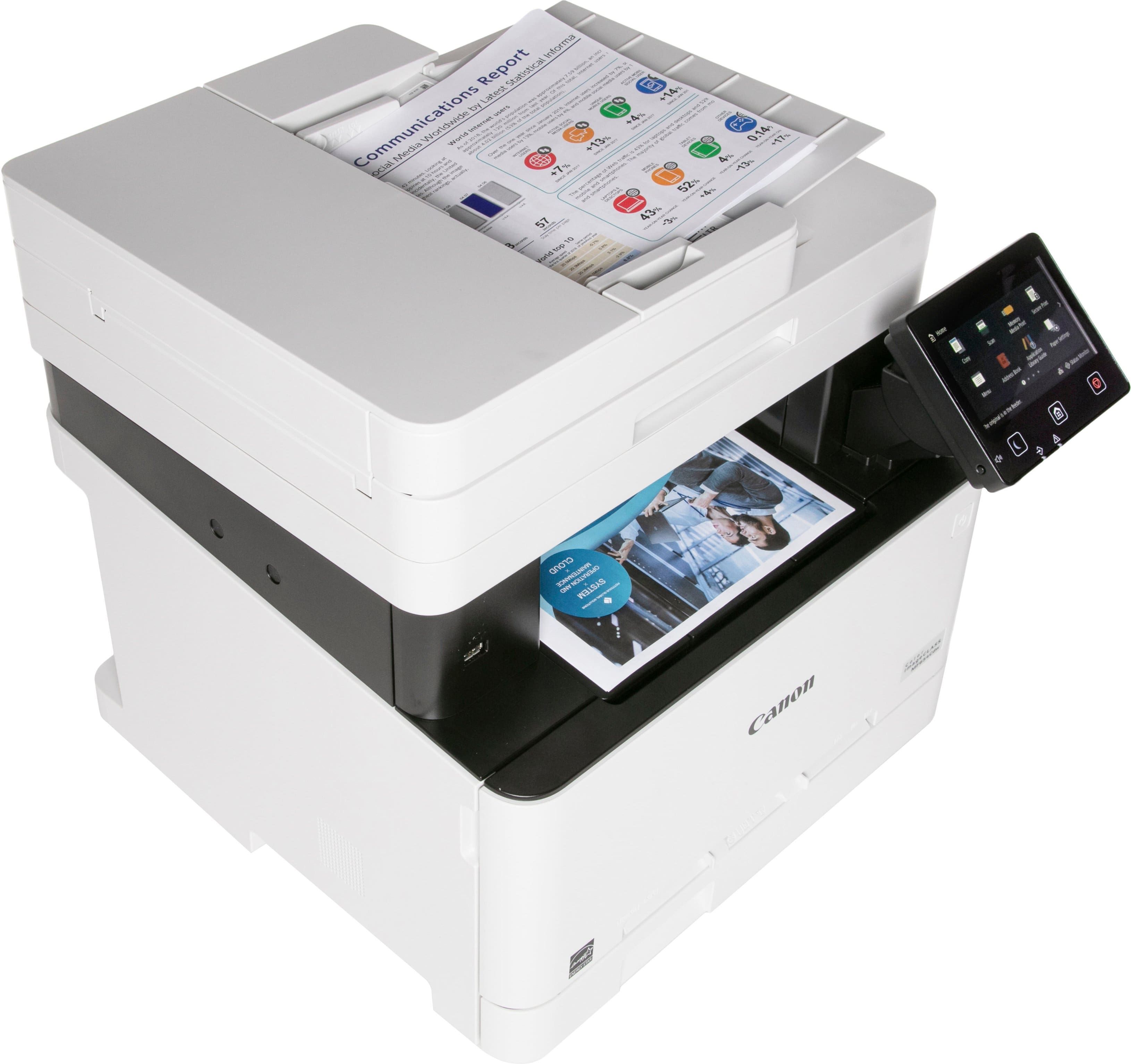
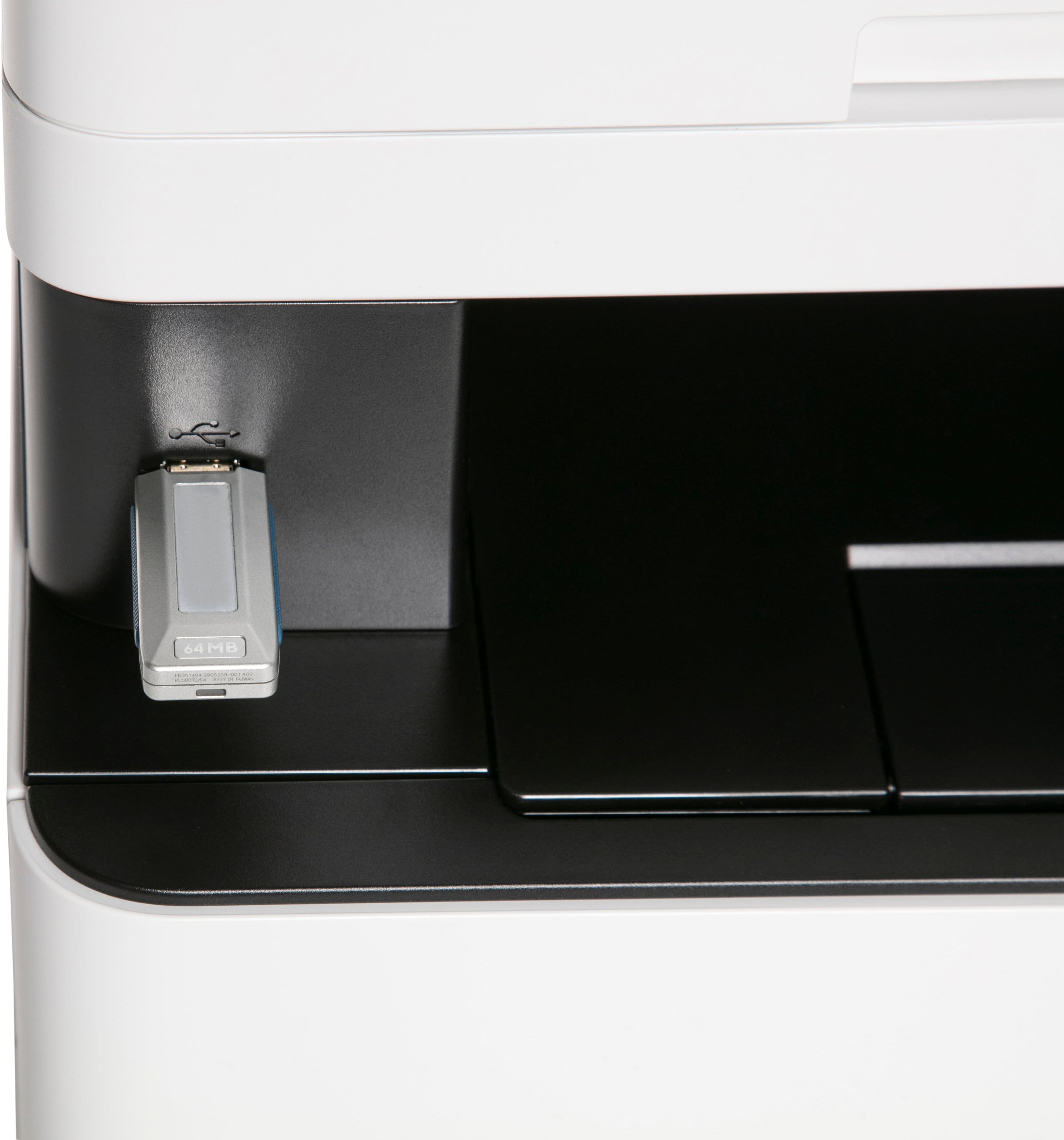
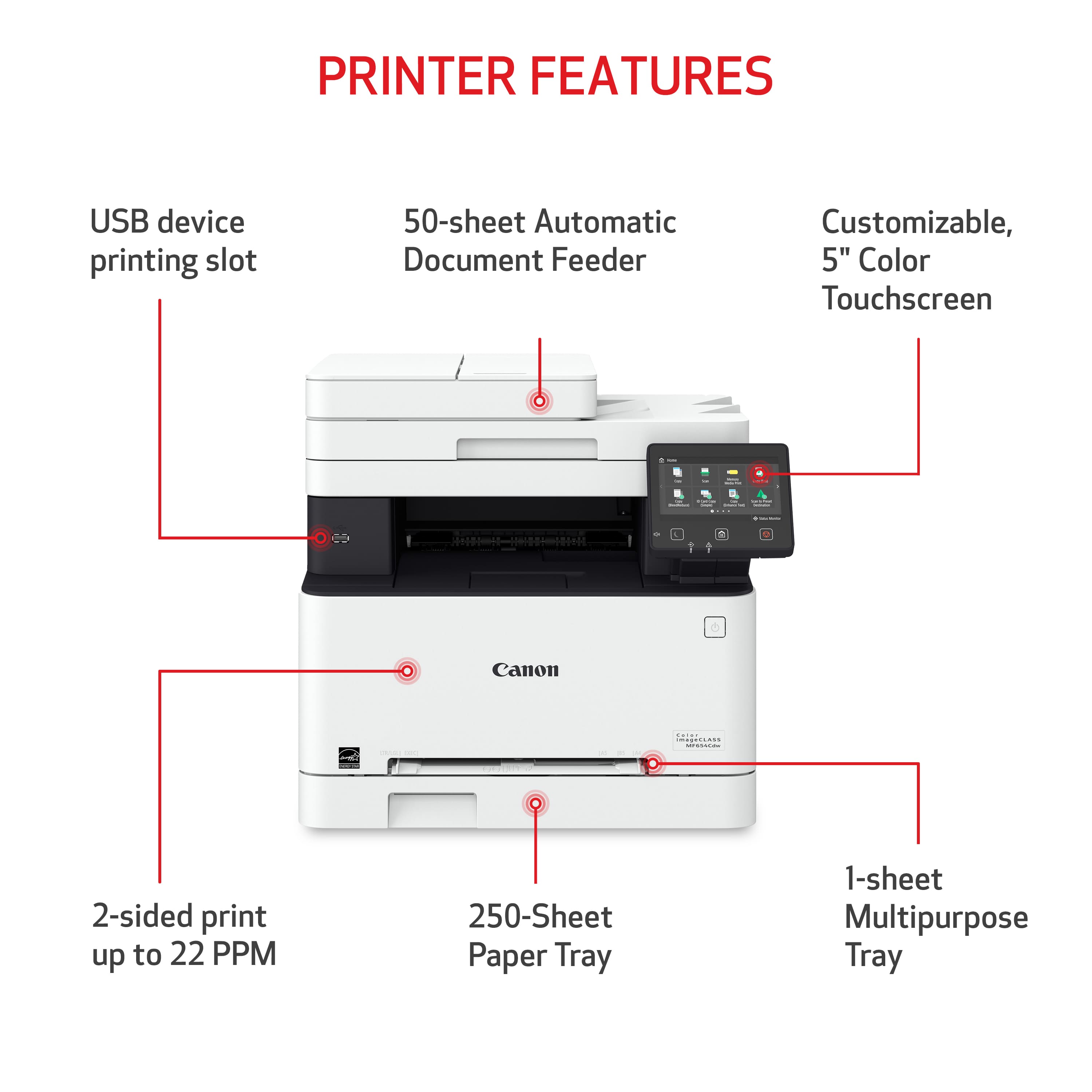
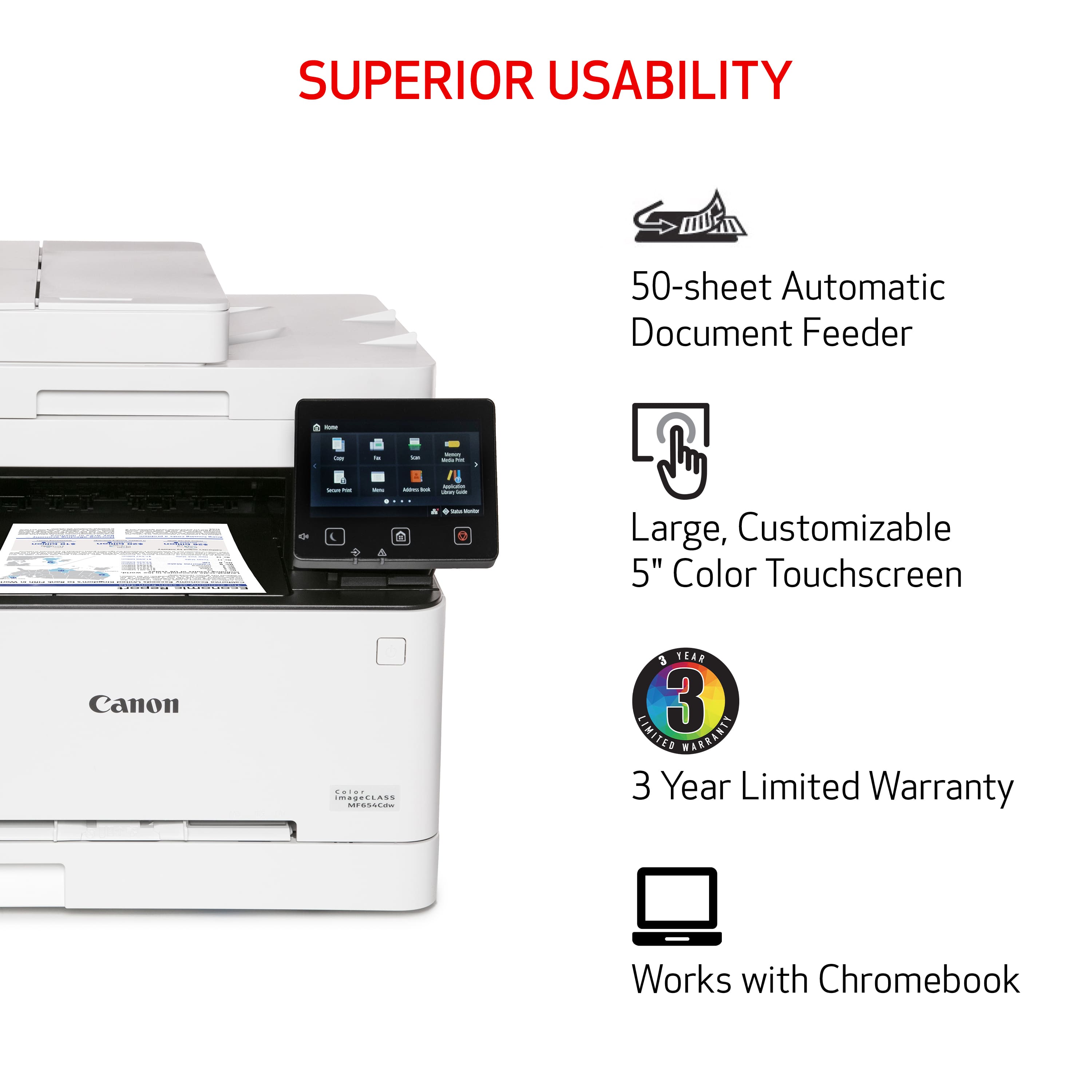
Yes, it is possible to scan a document to a thumb drive. Please note that this model only has a single sided ADF. You can also scan and email with this model, which is very useful it certain situations.