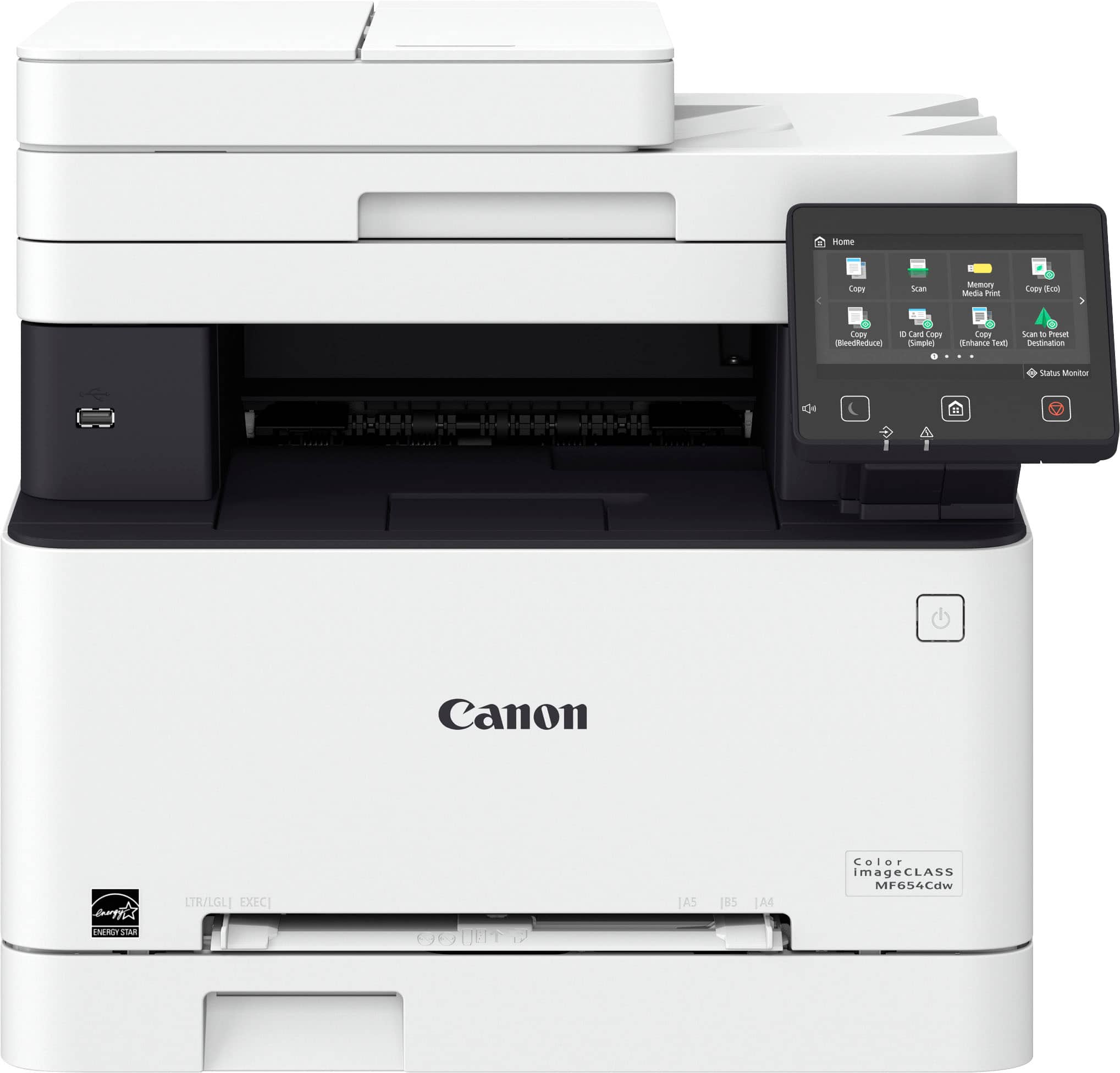
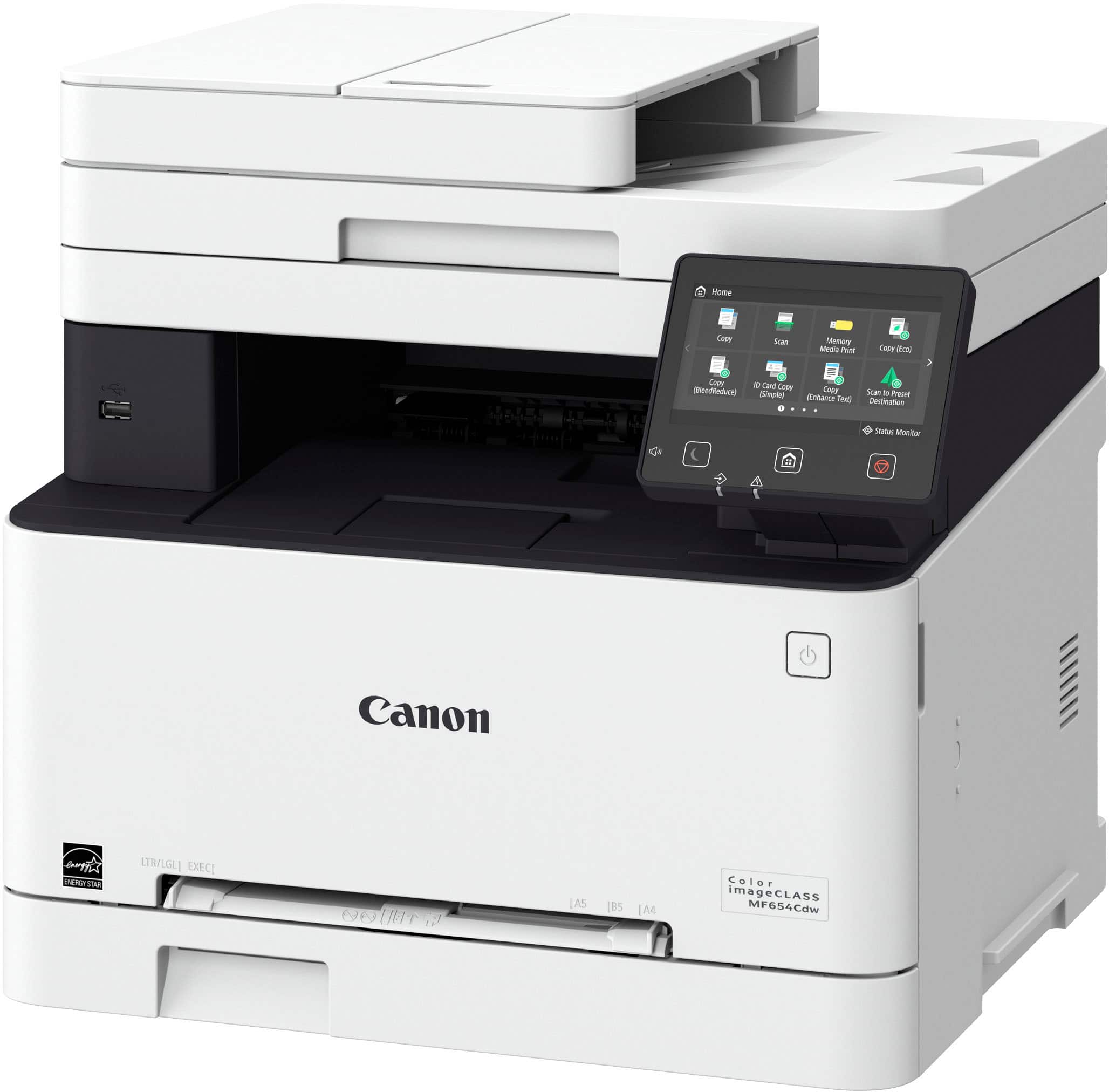
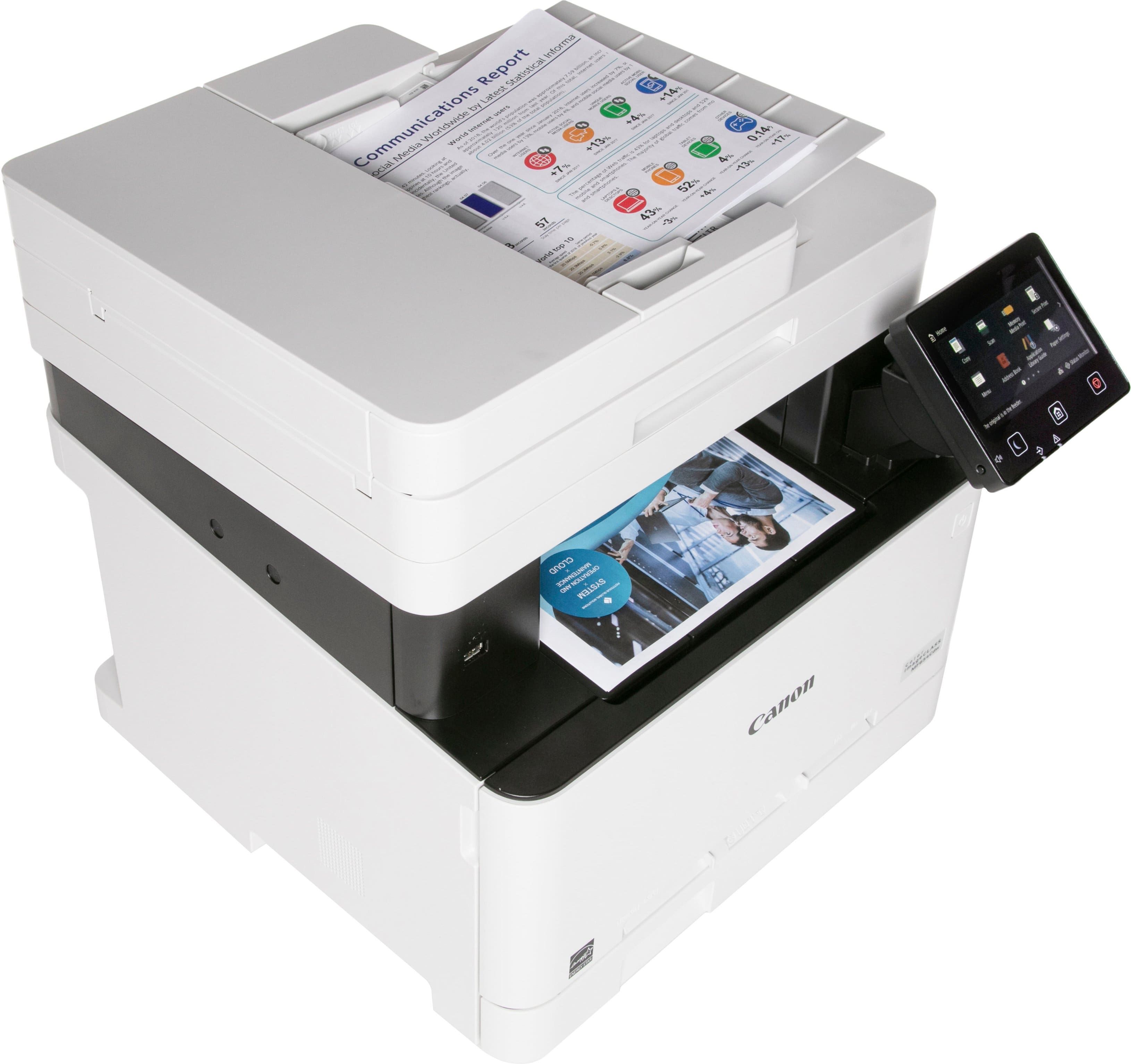
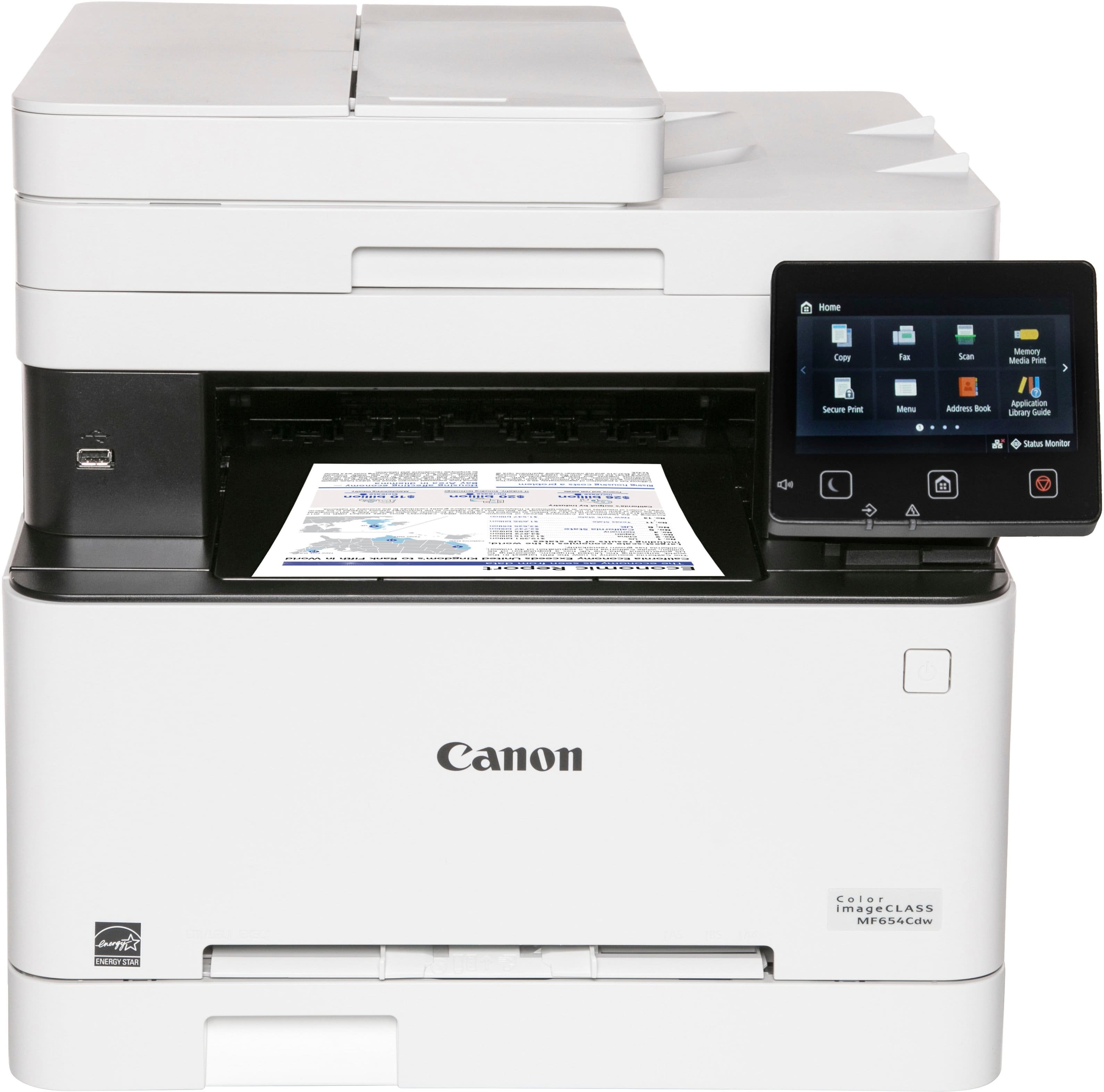
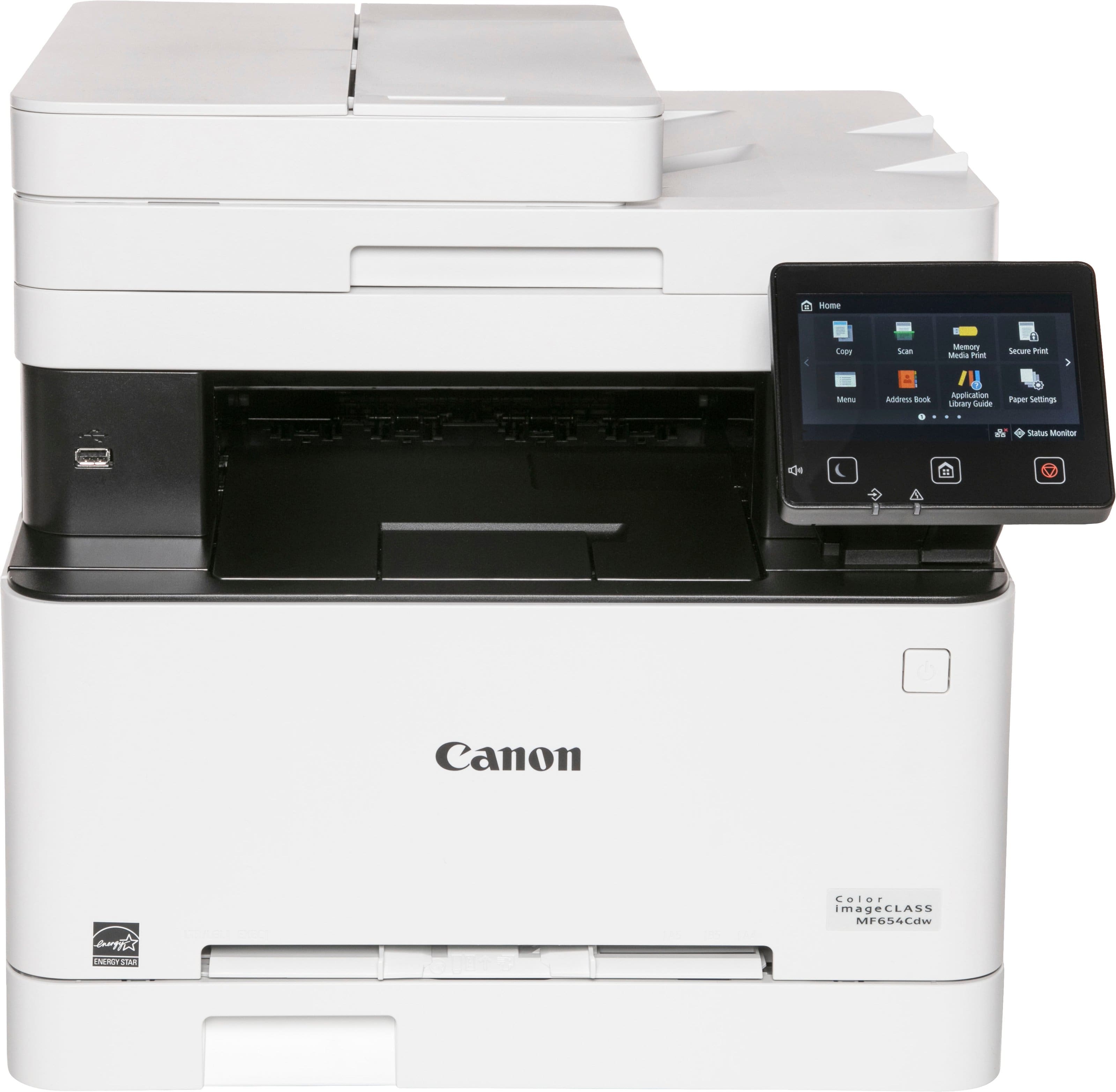
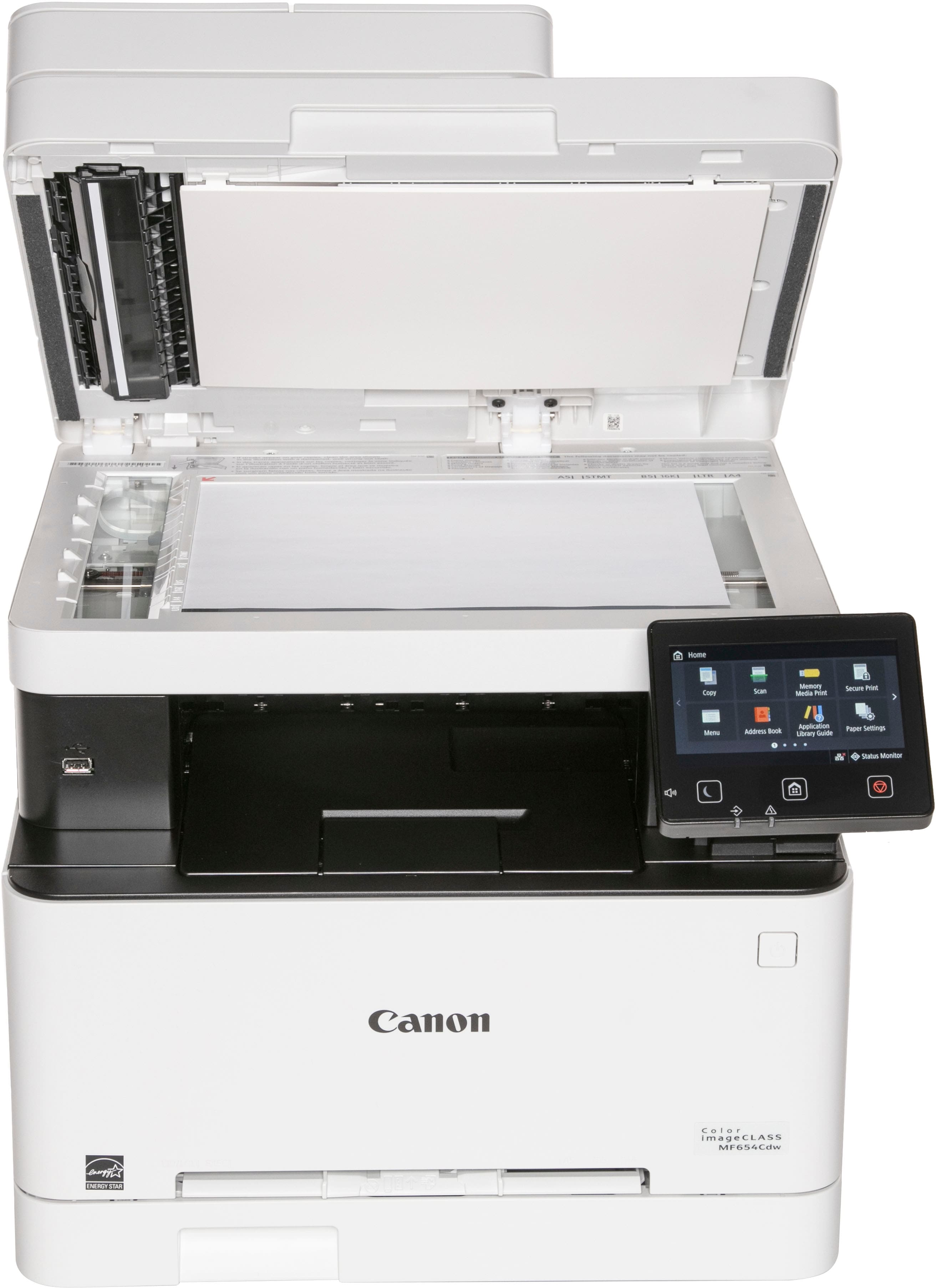
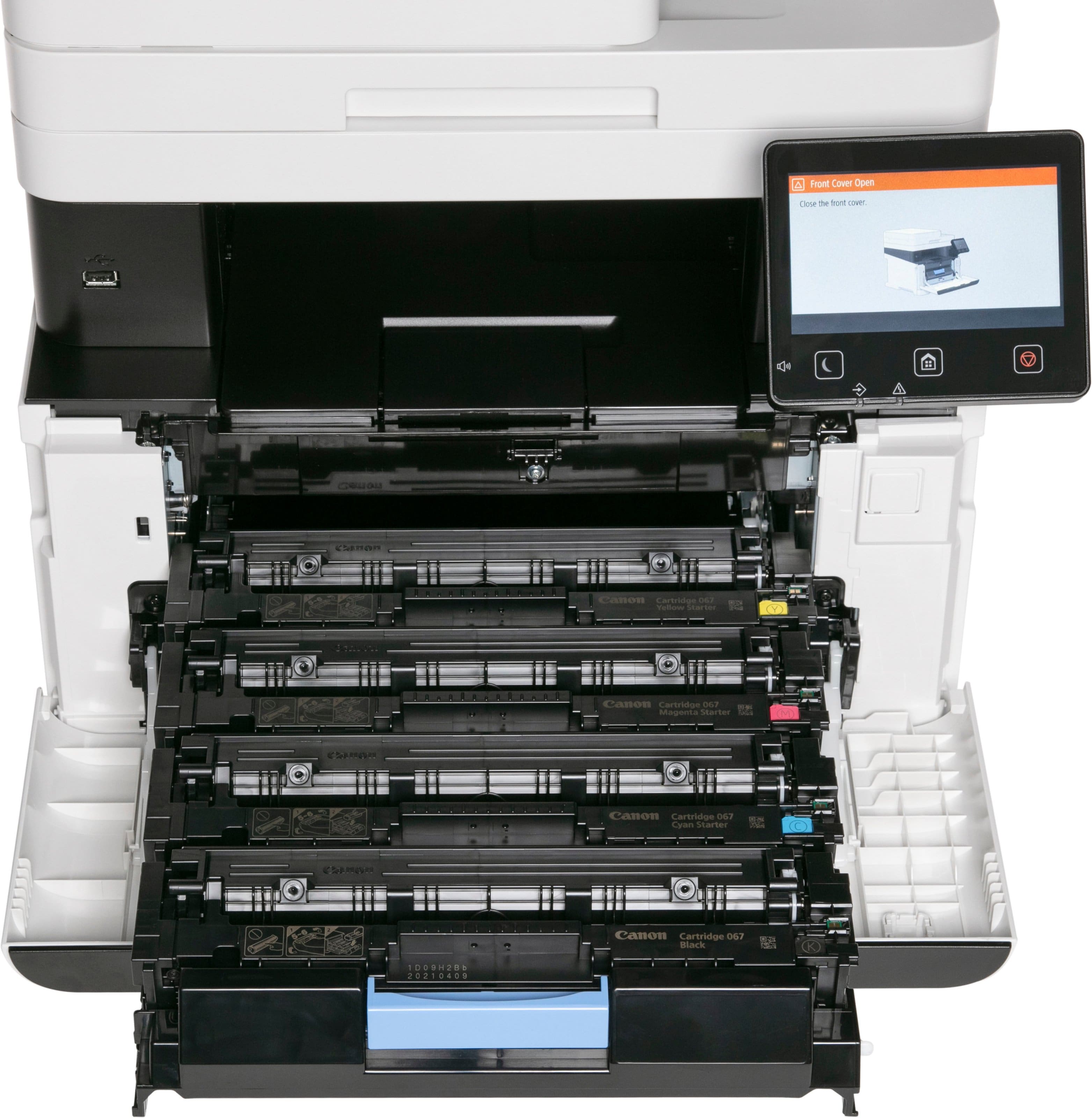
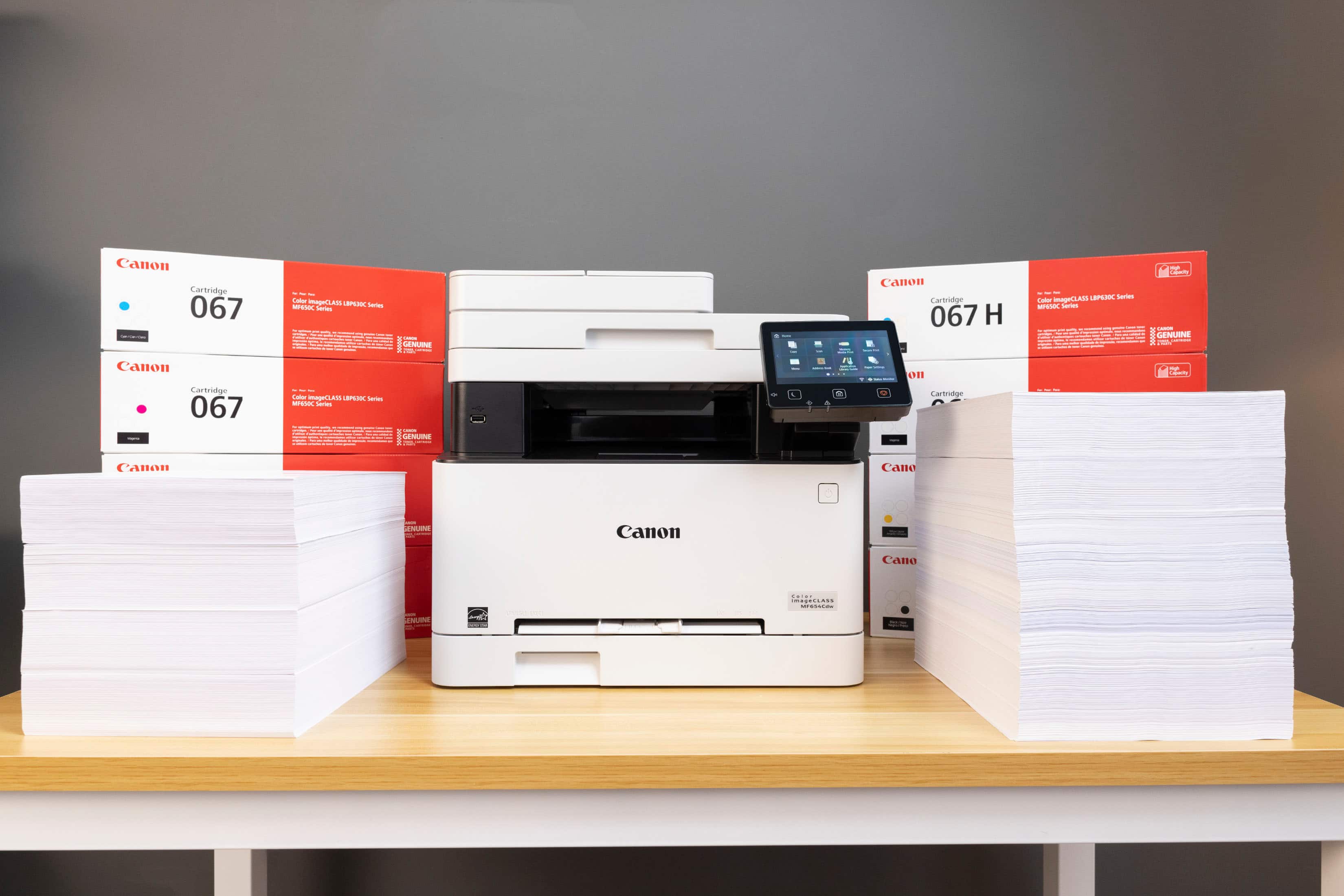
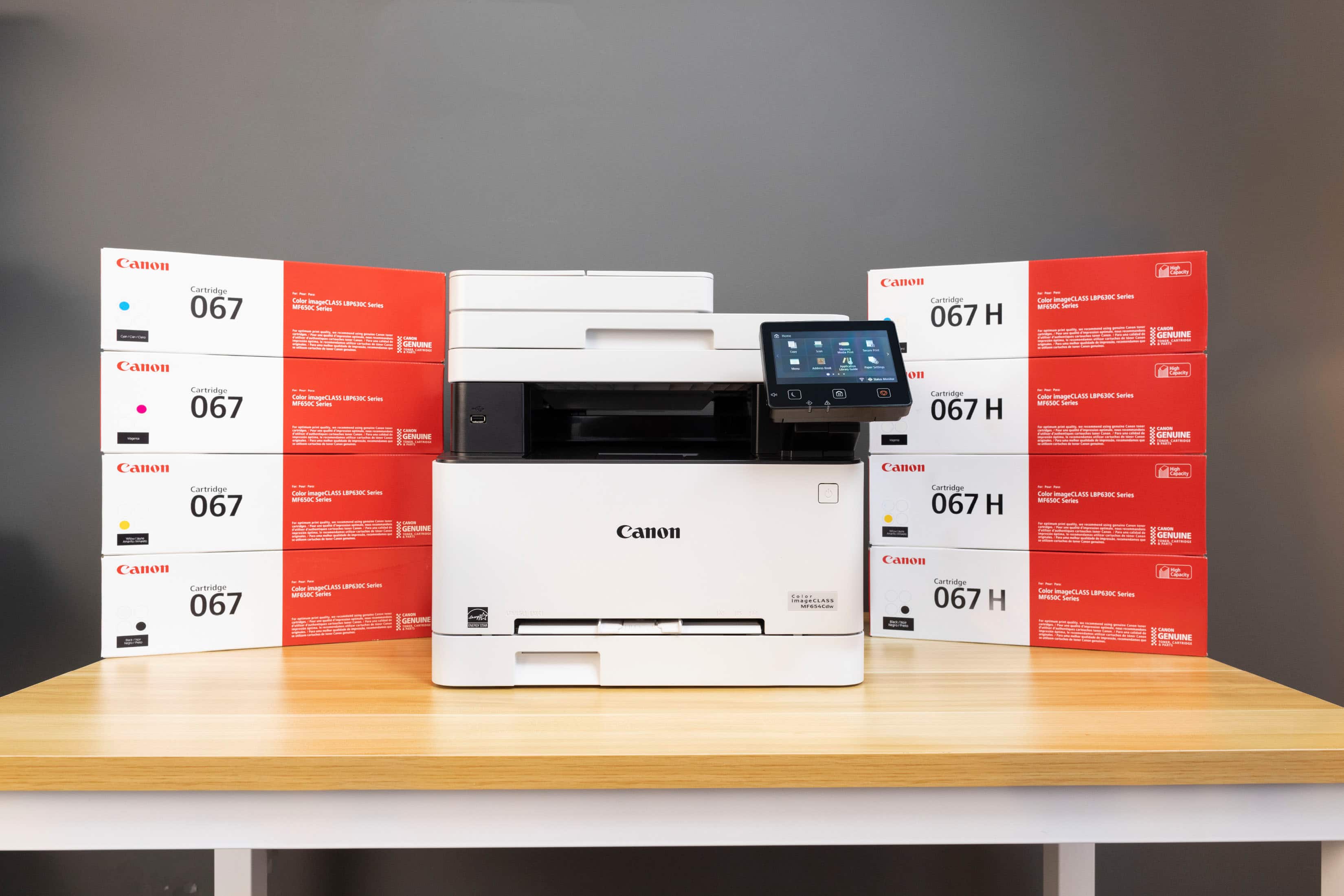
A:AnswerNo, the MF654cdw takes 067 toner cartridges. For differences, see product spec sheet for each and compare them. They seem very close. I can only assume the 63X series is discontinued and the 65X series is its successor.
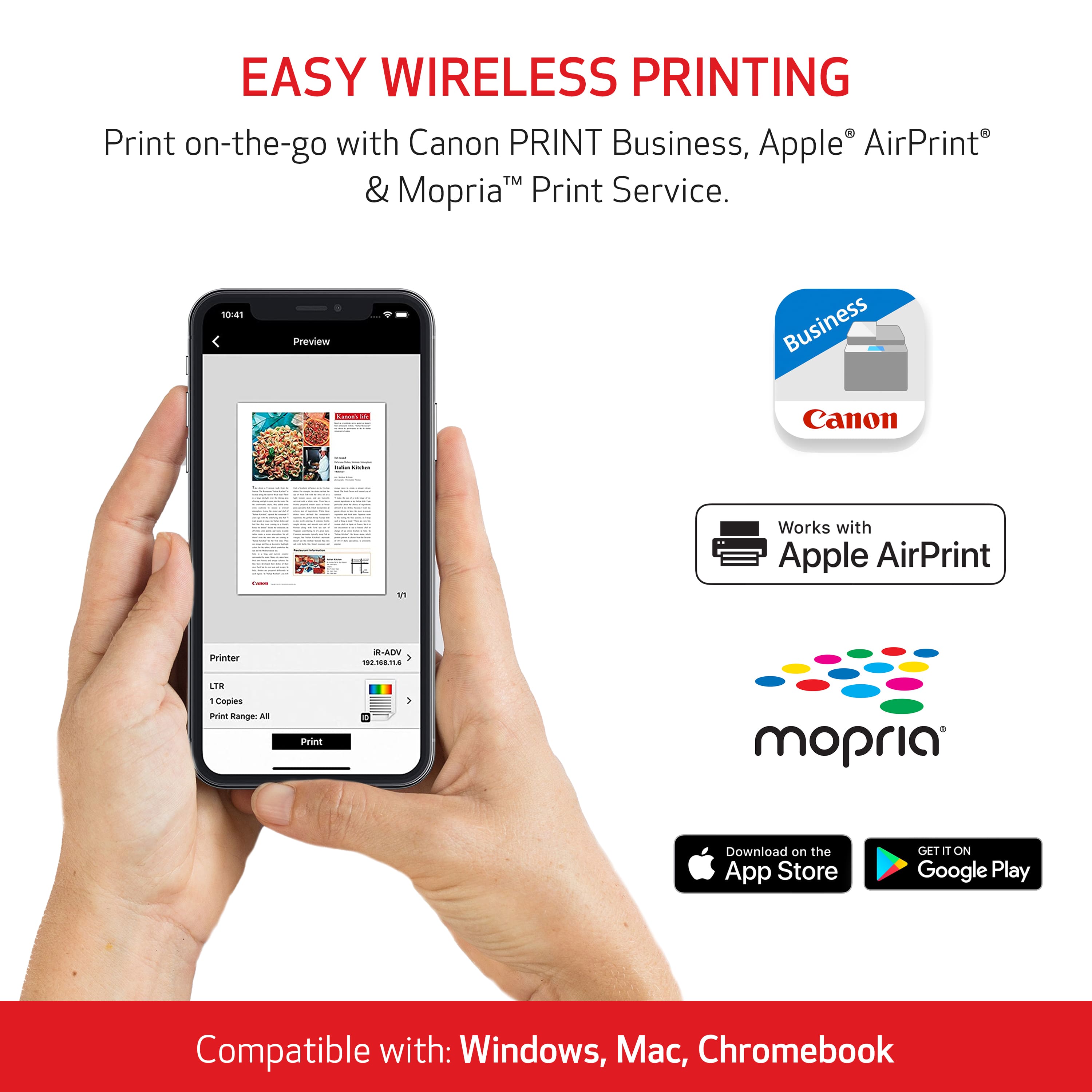
A:AnswerYou want to make sure you go to your computers, settings, and toggle on AirPrint. This will allow the air print to always work even when the printer is on idle or sleep, it will automatically wake to print. Then restart your computer and printer. That should work!
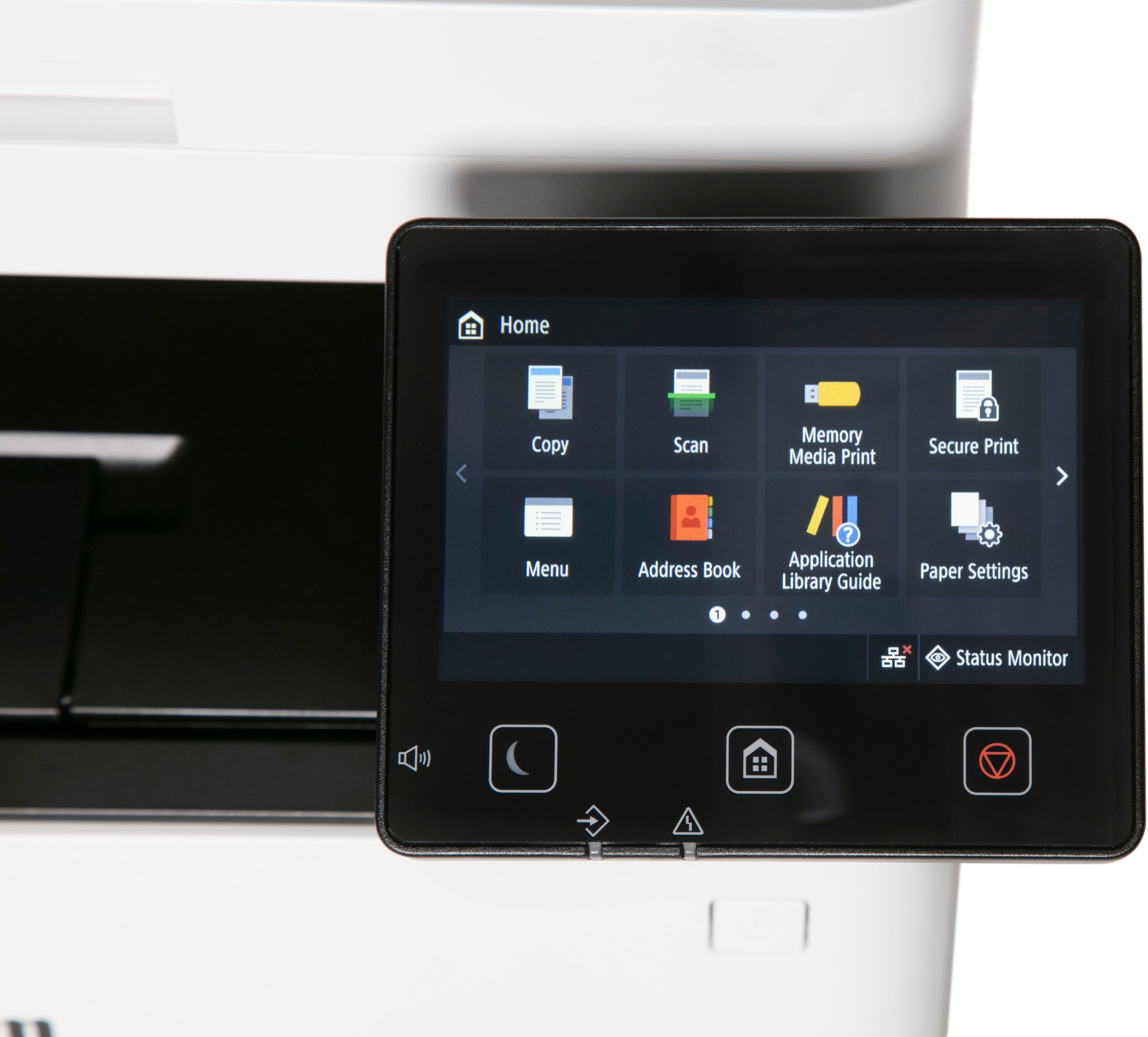
A:AnswerI can answer about scanner. Recently put 5 pages to scan in the top auto feed and did fine scanning them. Do not use Mac devices. WiFi was easy to set up since shows list of networks available. Just touch your network and enter password and connected. Do not do much printing so co not know about toner yield. Can say after printing about 12 pages the toner status is still Black 100%, all the color toners are 90%.
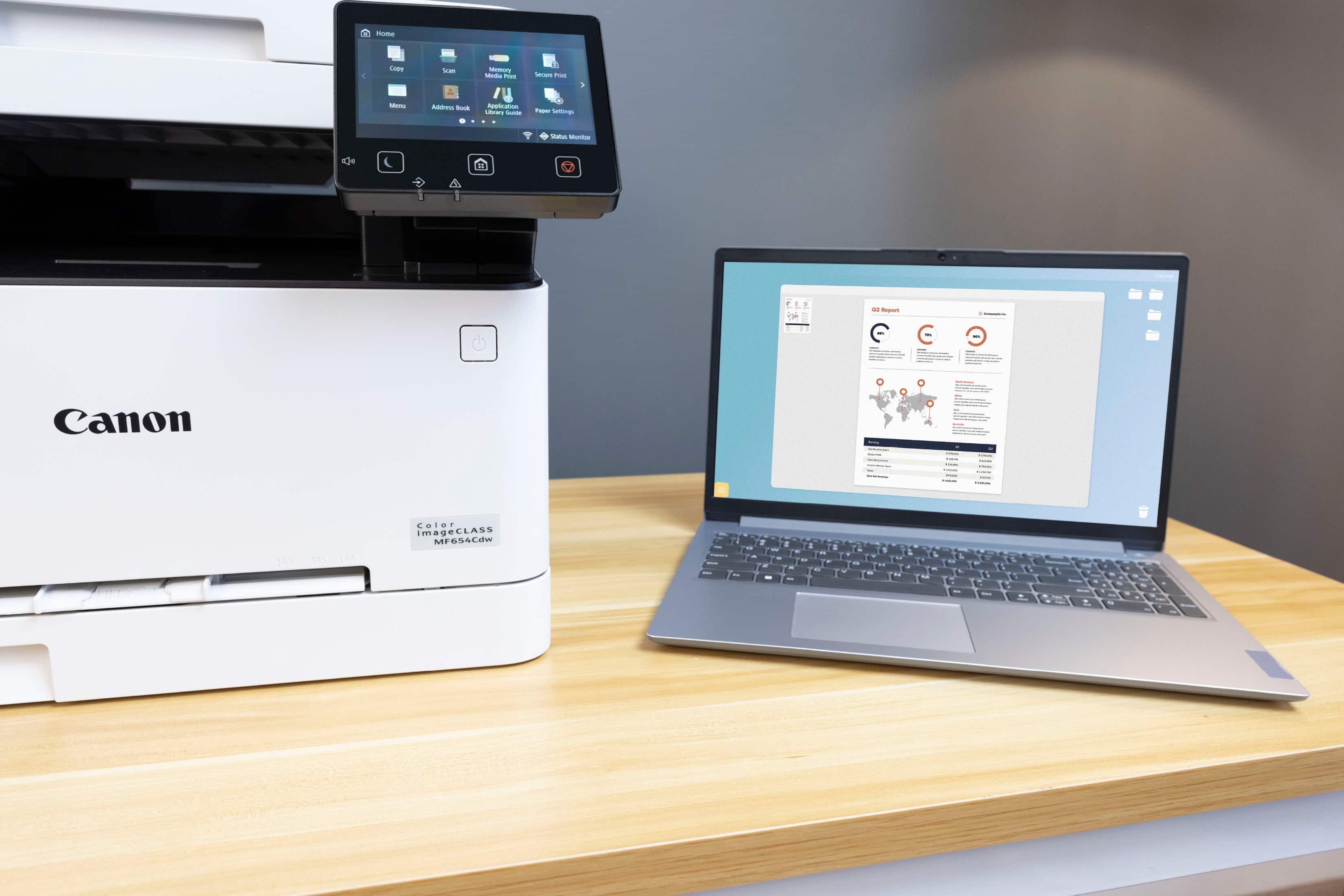
A:AnswerWas able to see and print stuff from both apple and android device once setup on wifi. I think you have to be connected to the home wifi to be able to see printer but no issues so far.
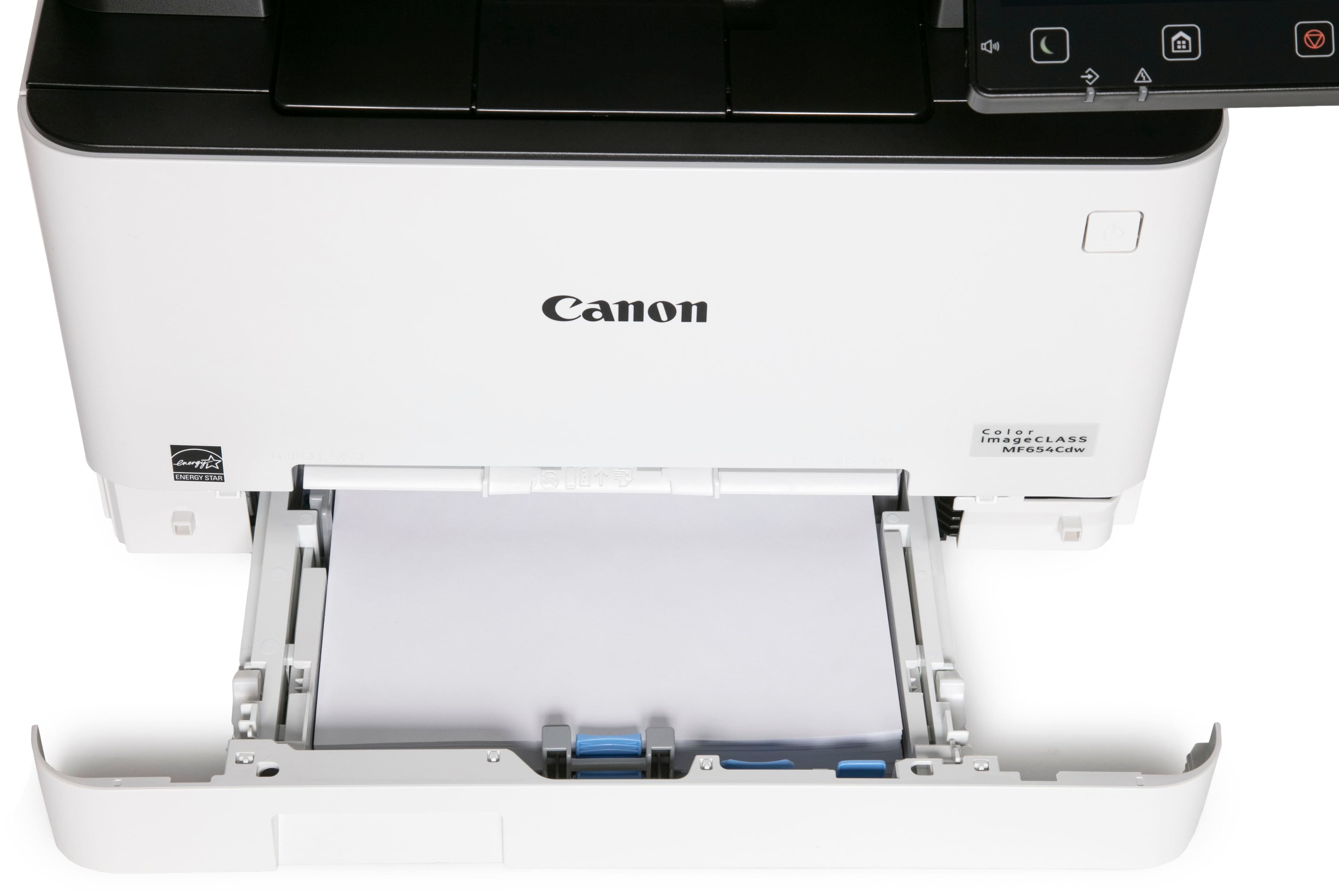
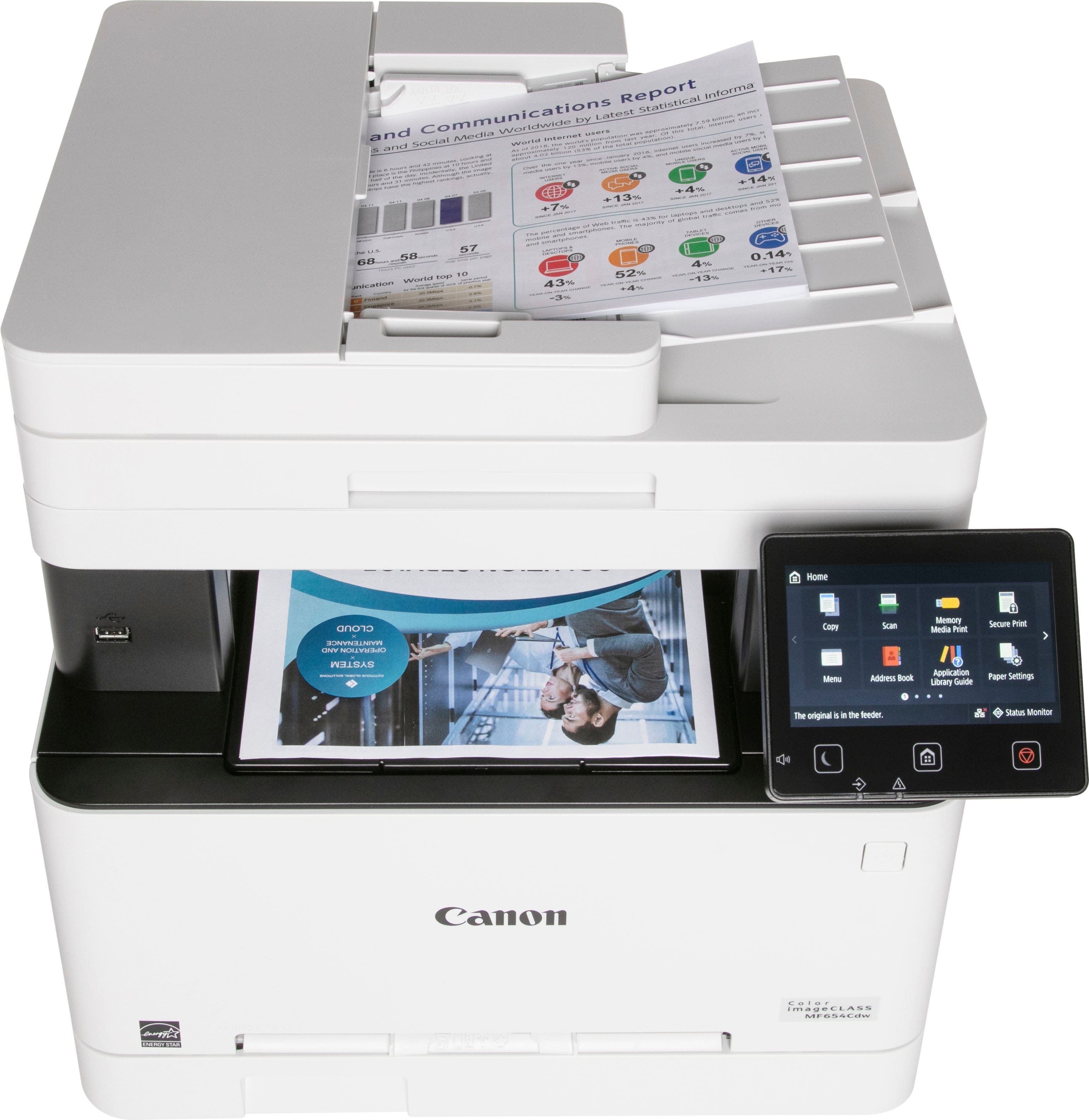
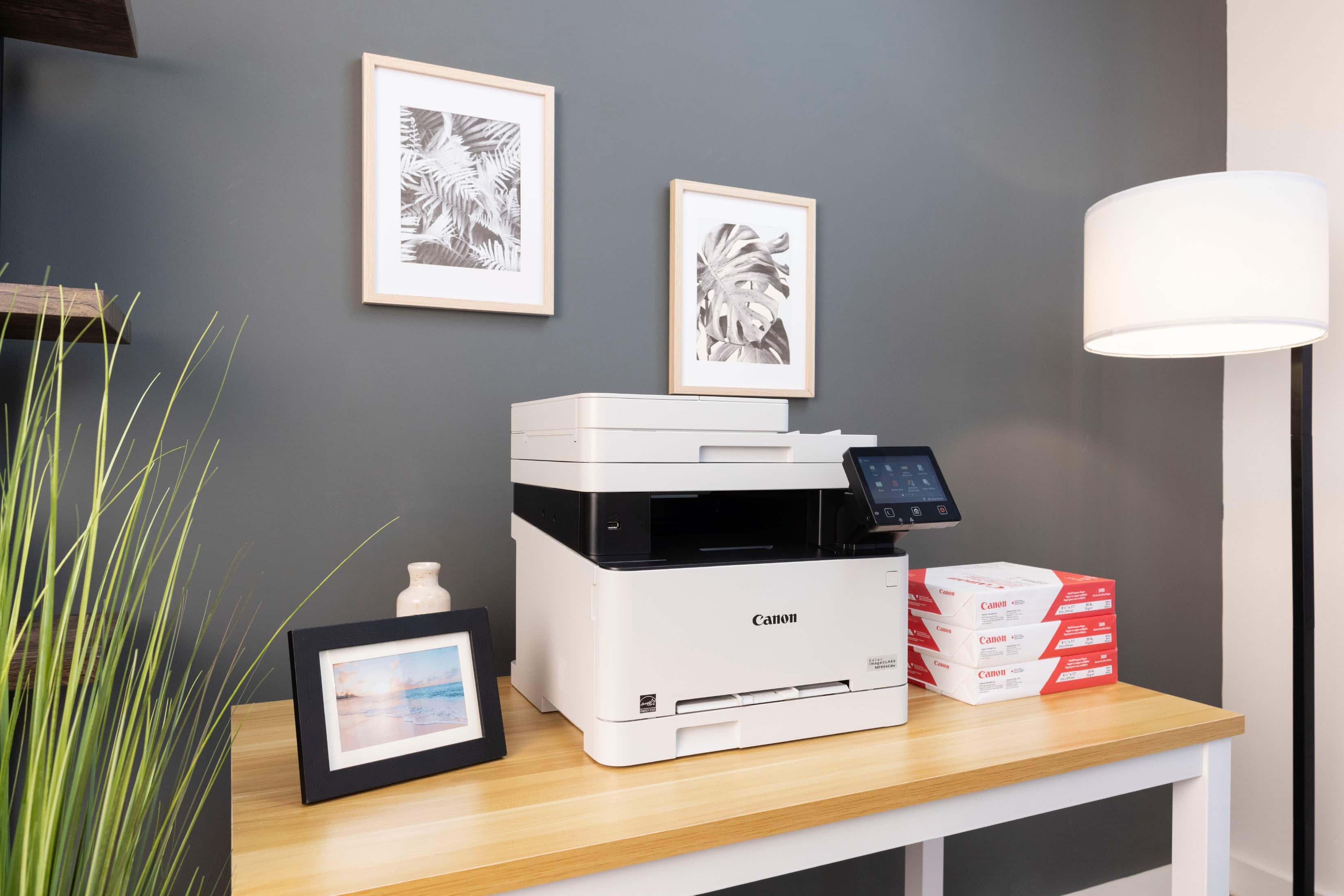
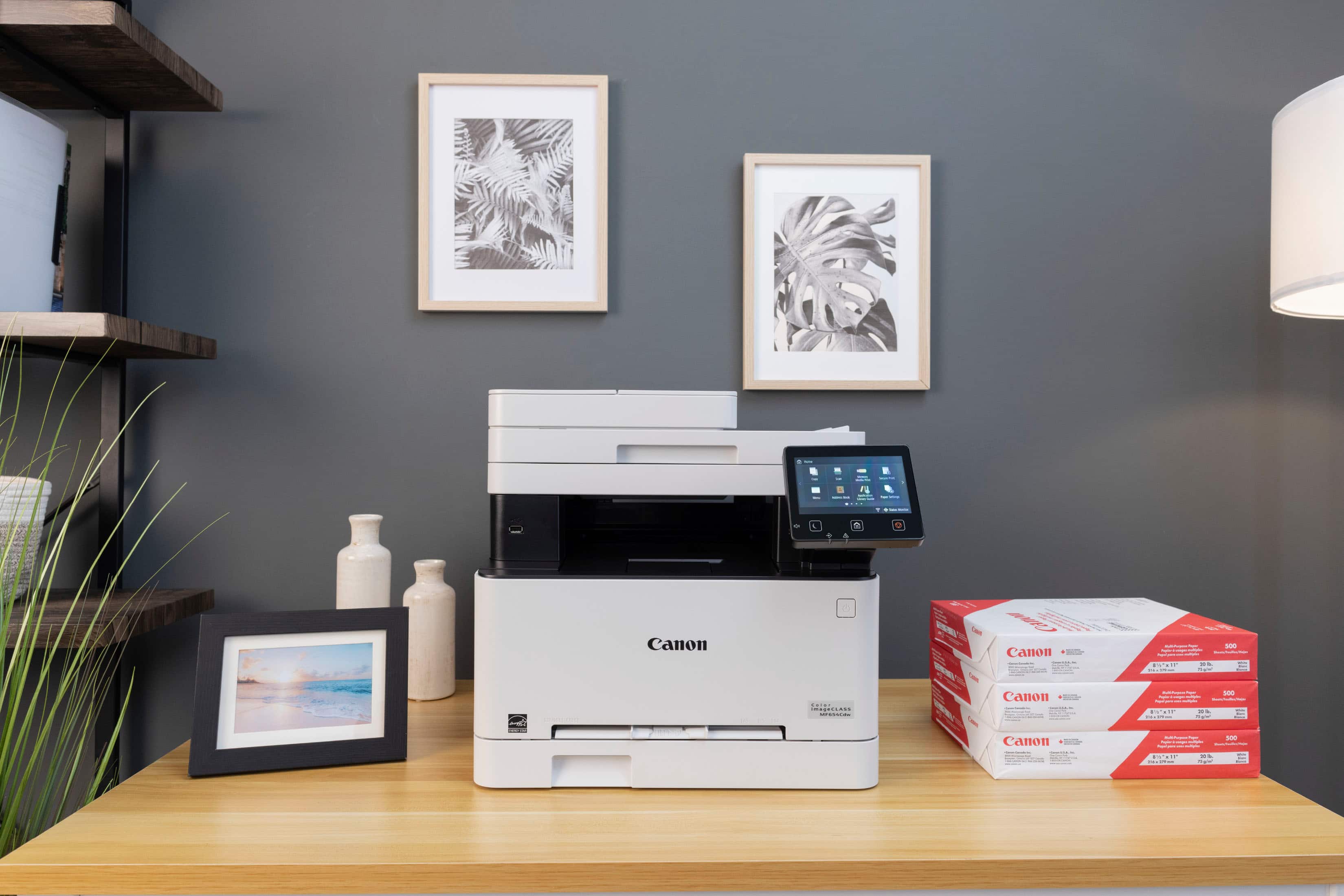
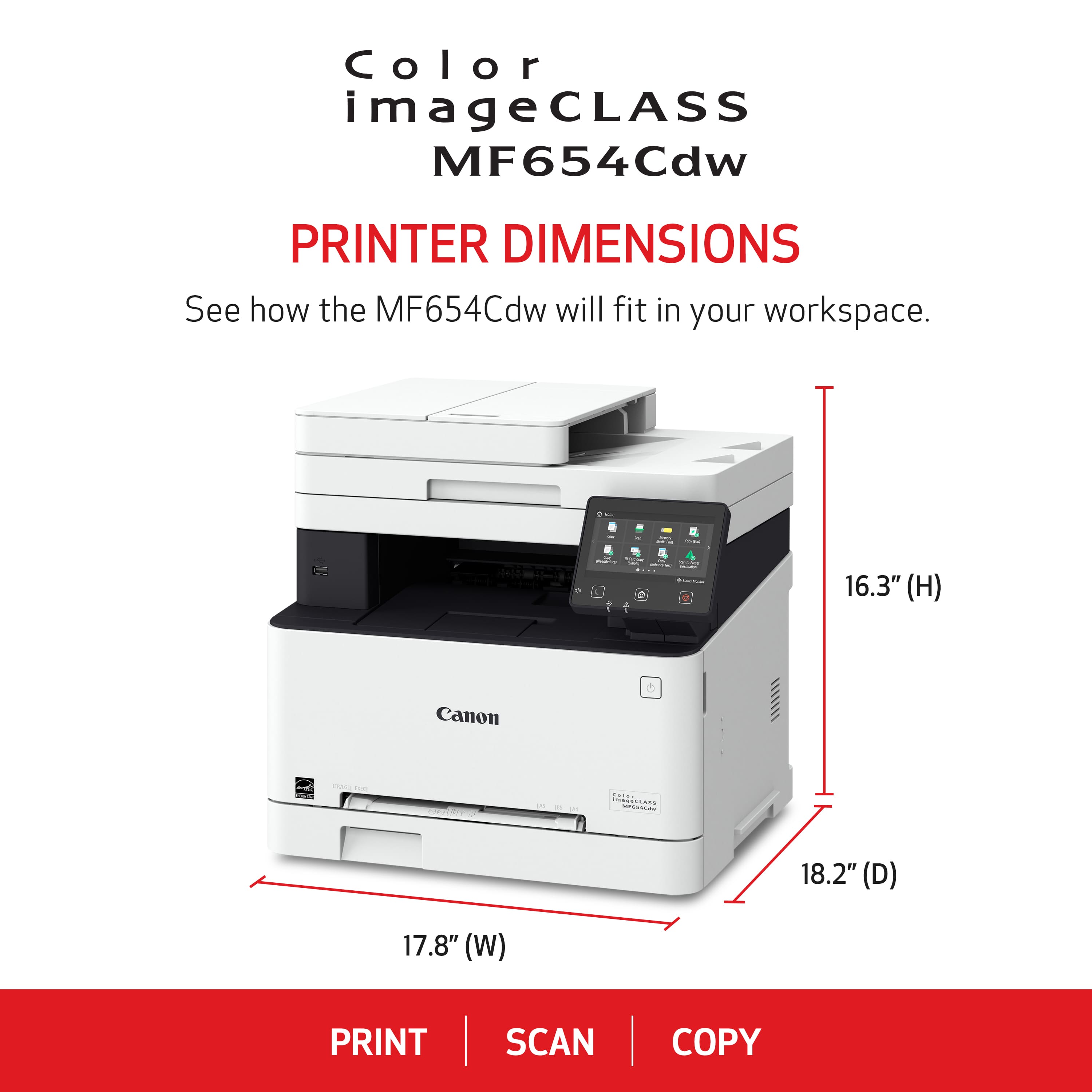
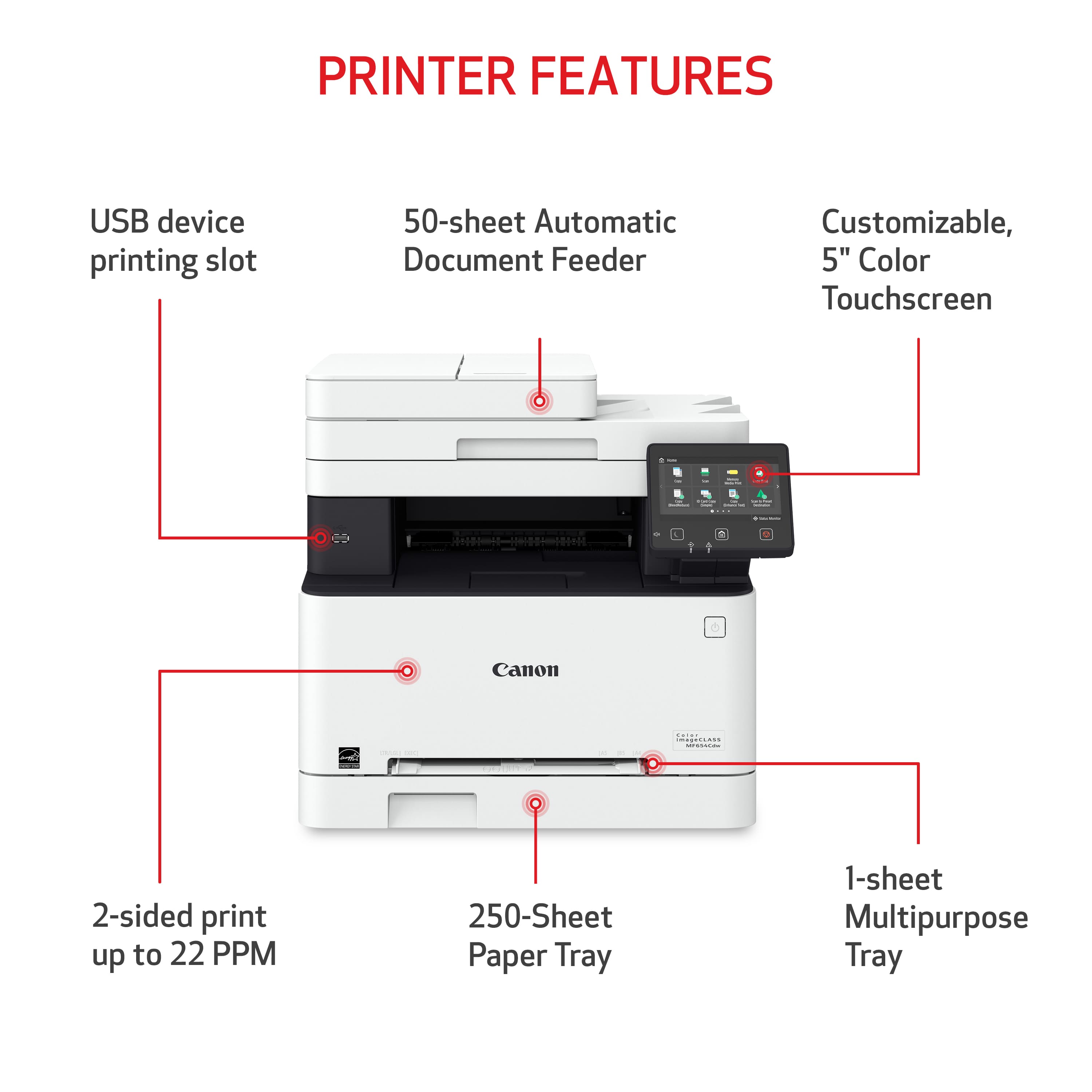
A:AnswerNo. It has the single tray and you can't get an attachment for a bigger one. The only other option would be the single sheet feed slot (you can see in the pic) for envelopes, larger sizes.
A:AnswerCanon rates this printer with a maximum monthly duty cycle of up to 30,000 pages, but that’s a stress limit, not an everyday target. For longevity, it’s intended for light to moderate office use, typically a few thousand pages per month or less.