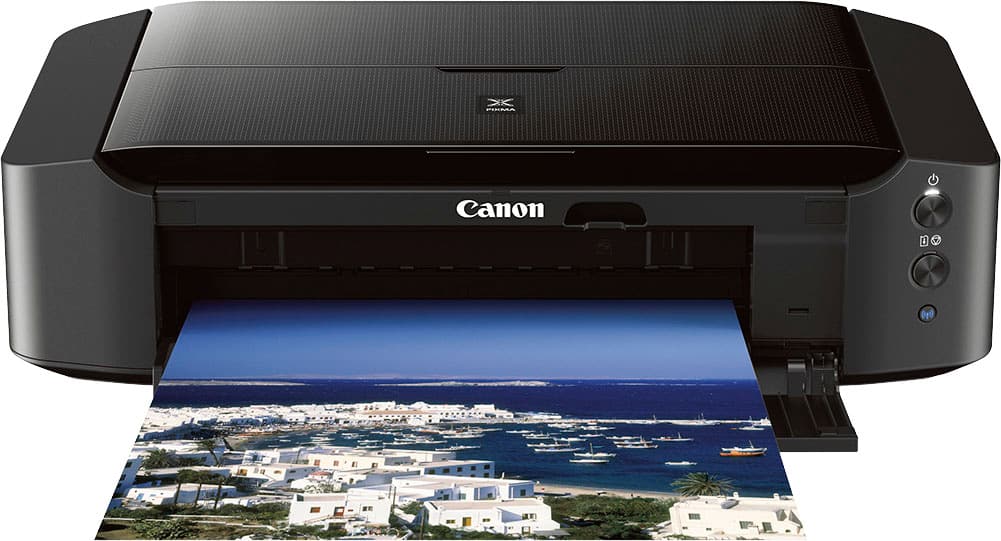
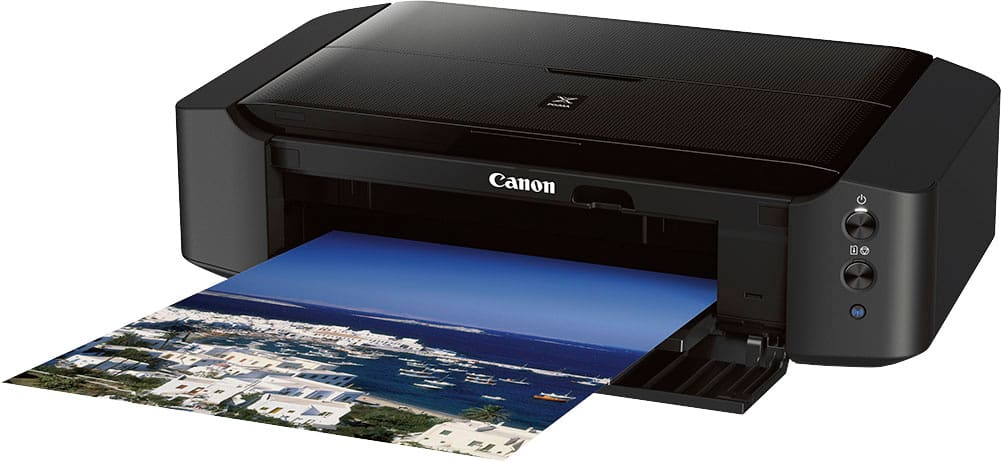
A:AnswerYes. It comes with a software CD. Make sure to install it. Using the software to print the photos will increase the vibrancy and Acuracy of the photos you’re printing. (Be sure to click the setting that prioritizes picture output. Otherwise it may dull your printed photos a bit).
A:AnswerI also ordered this printer because it does take the same ink cartridges as the IP7220. My IP7220 printer suddenly wouldn't turn on and it wasn't the power supply. So I ordered this printer thinking it was an upgrade, BUT when I got It I found out IT DOESN'T AUTOMATICALLY PULL THE PAPER BACK IN TO PRINT THE OTHER SIDE. We would have to run up a flight of stairs to the office to turn the paper over to print the other side. So I took it back to Best Buy. I got a better printer, the TS8220 series printer. It does everything the IP7220 did including printing on disks, turn the paper over automatically and pulling in photo paper separately. The only thing, it doesn't use the same ink but it does use the Canon 281 and it has 6 cartridges. But the added bonus, IT'S AN ALL-IN-ONE PRINTER.