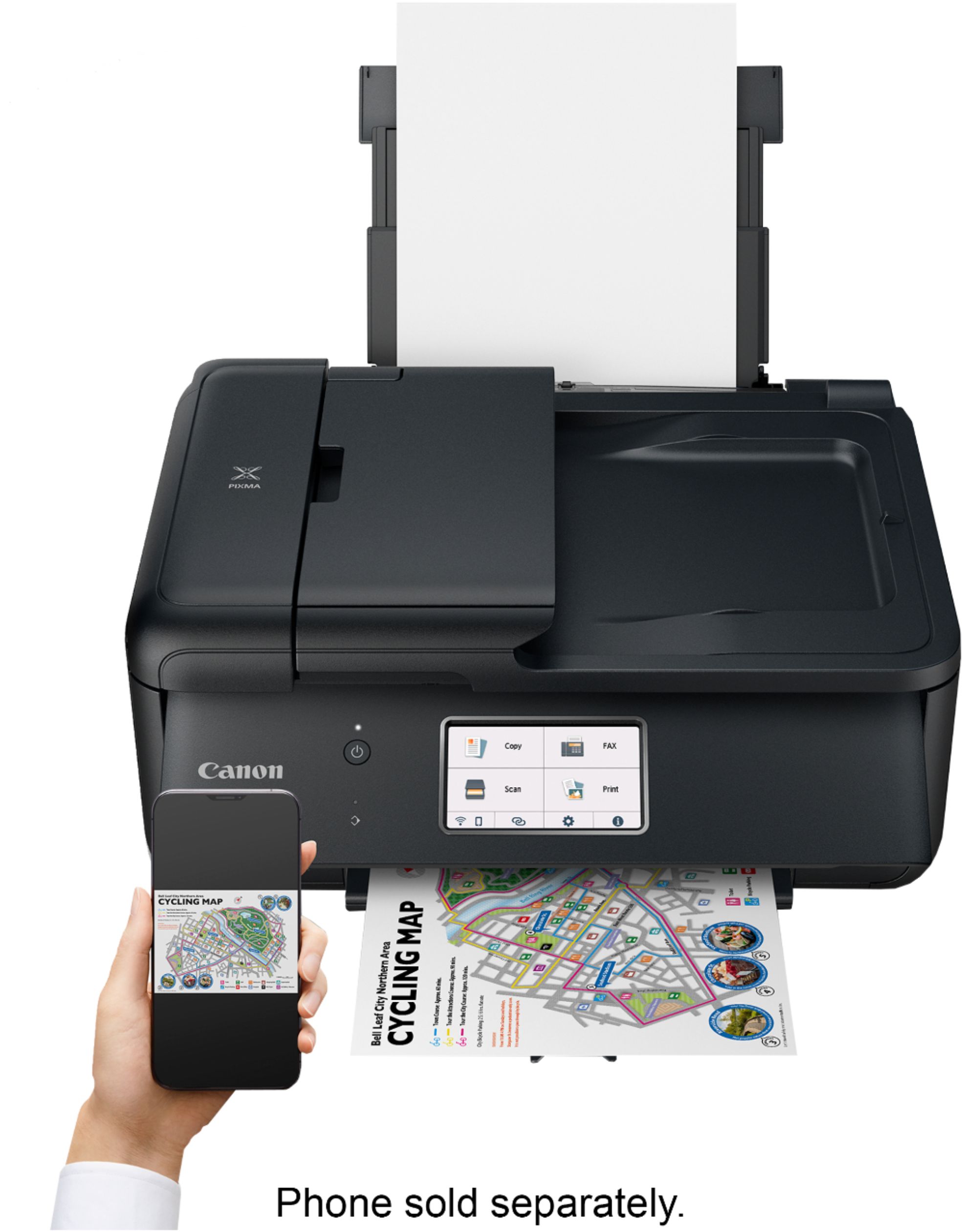
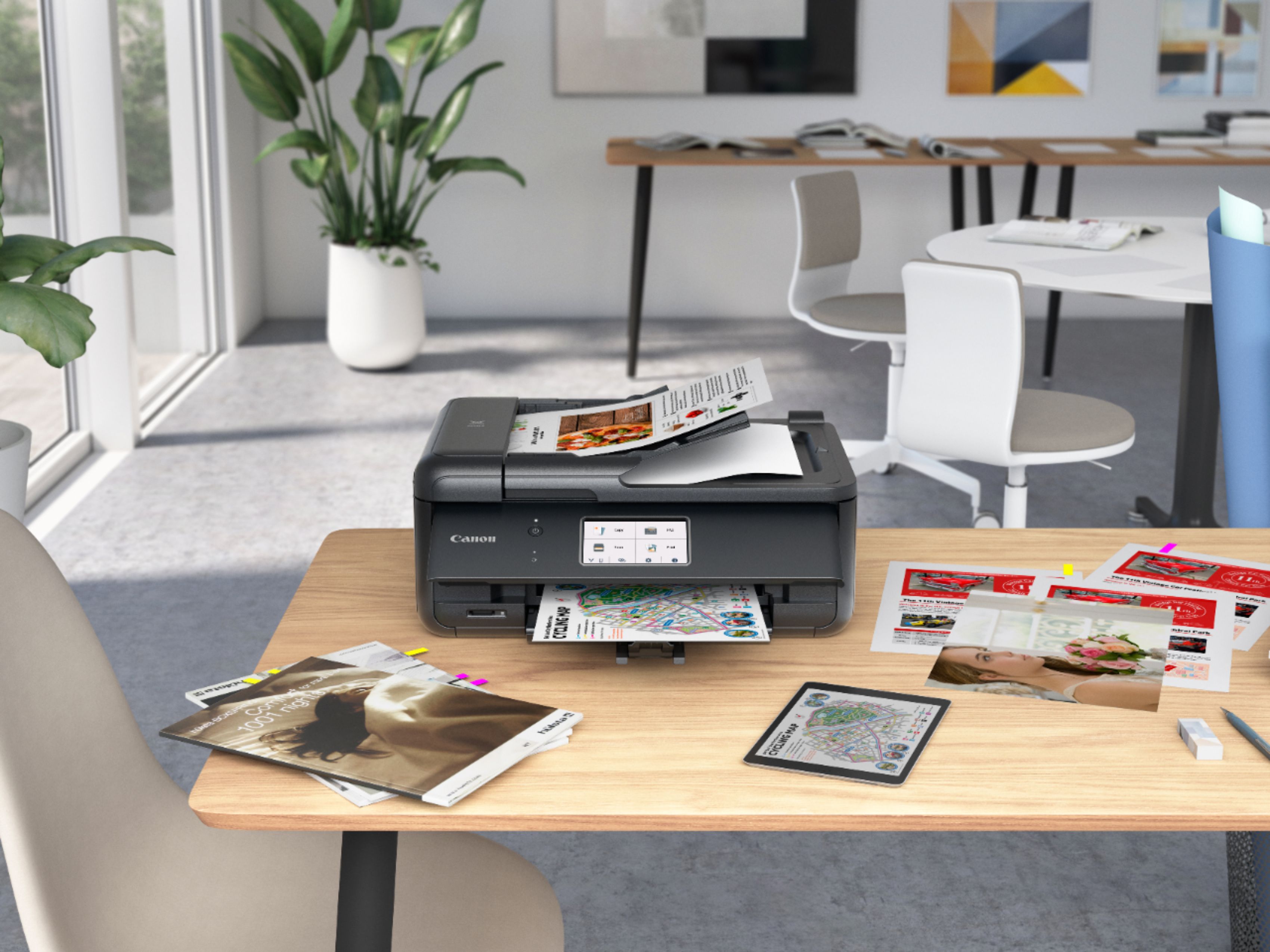
A:AnswerCANON Manual has set up instructions : What device are you connecting.
Computer and Smart Phone
Smart Phone
I hope this info helps you,
Regards!
A:AnswerHave you loaded the software for it to your computer?
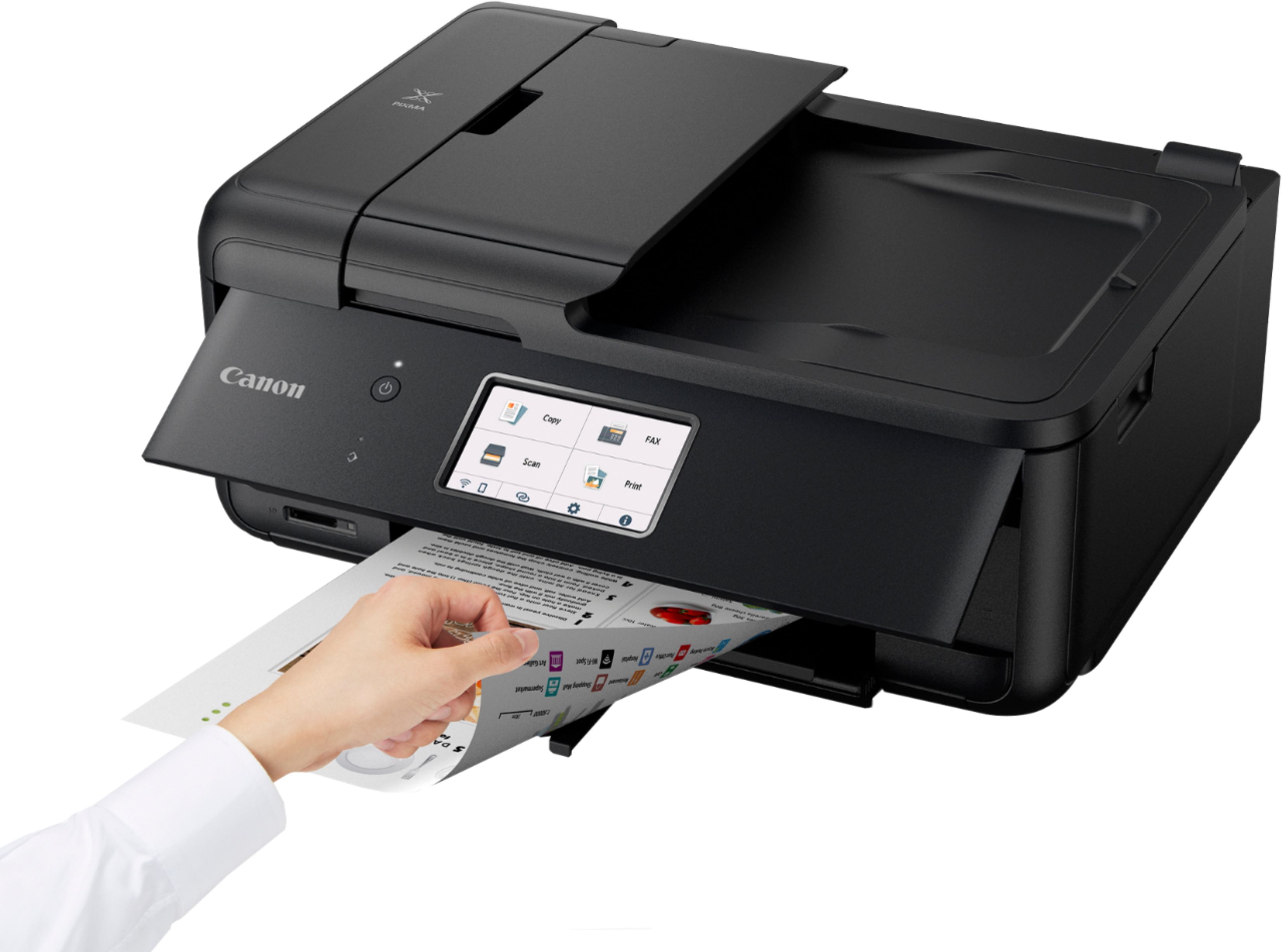
Your Printer also works by itself, with no computer connection, for simple copying for example.
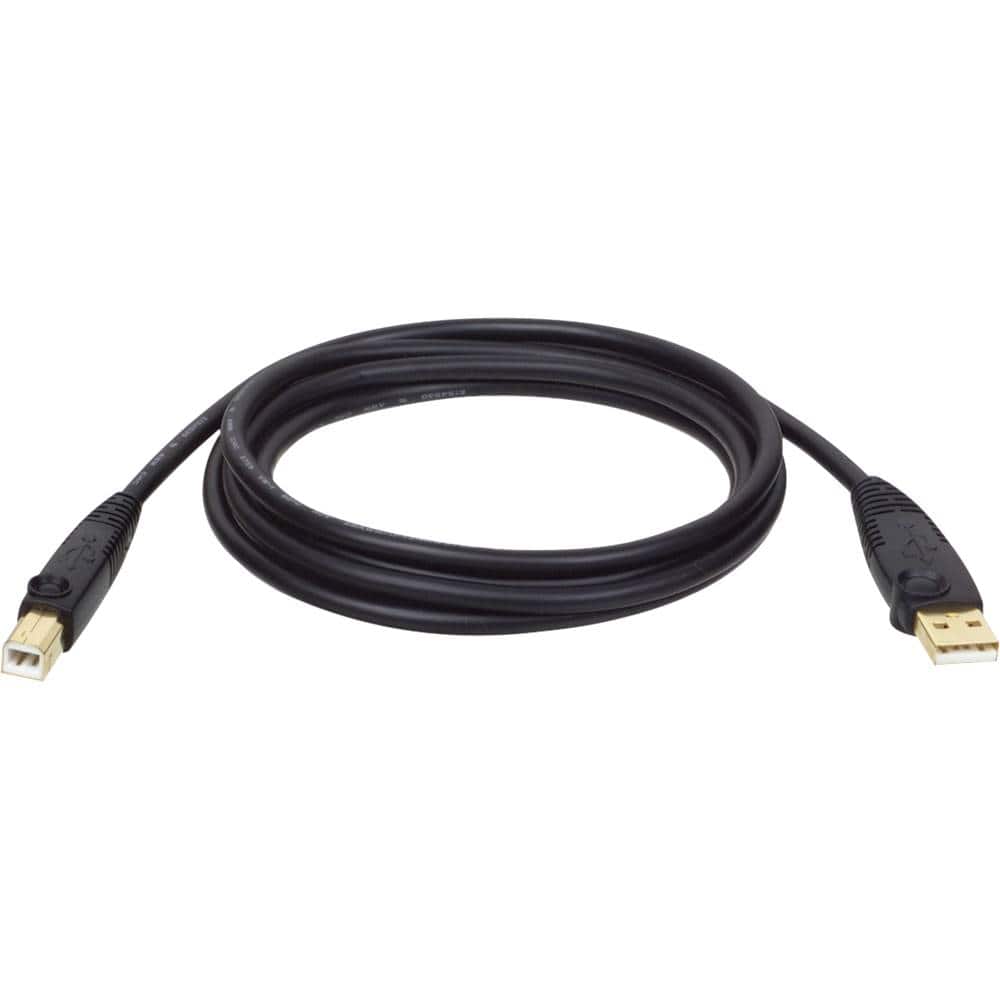
A:AnswerThere is no printer cable in the box, however you can buy a printer cable. I use the cable for my desktop because the wireless direct printing settings don't "stick" for me reliably. You can get one many places, but here is a link for one at Best Buy: https://www.bestbuy.com/site/tripp-lite-15-usb-type-a-to-usb-type-b-cable-black/9987616.p?skuId=9987616
A:AnswerYou can be connect both ways, by cord, which is sold separately, or Wi-Fi. Almost all new printers connect by wifi and do not come with a cable.
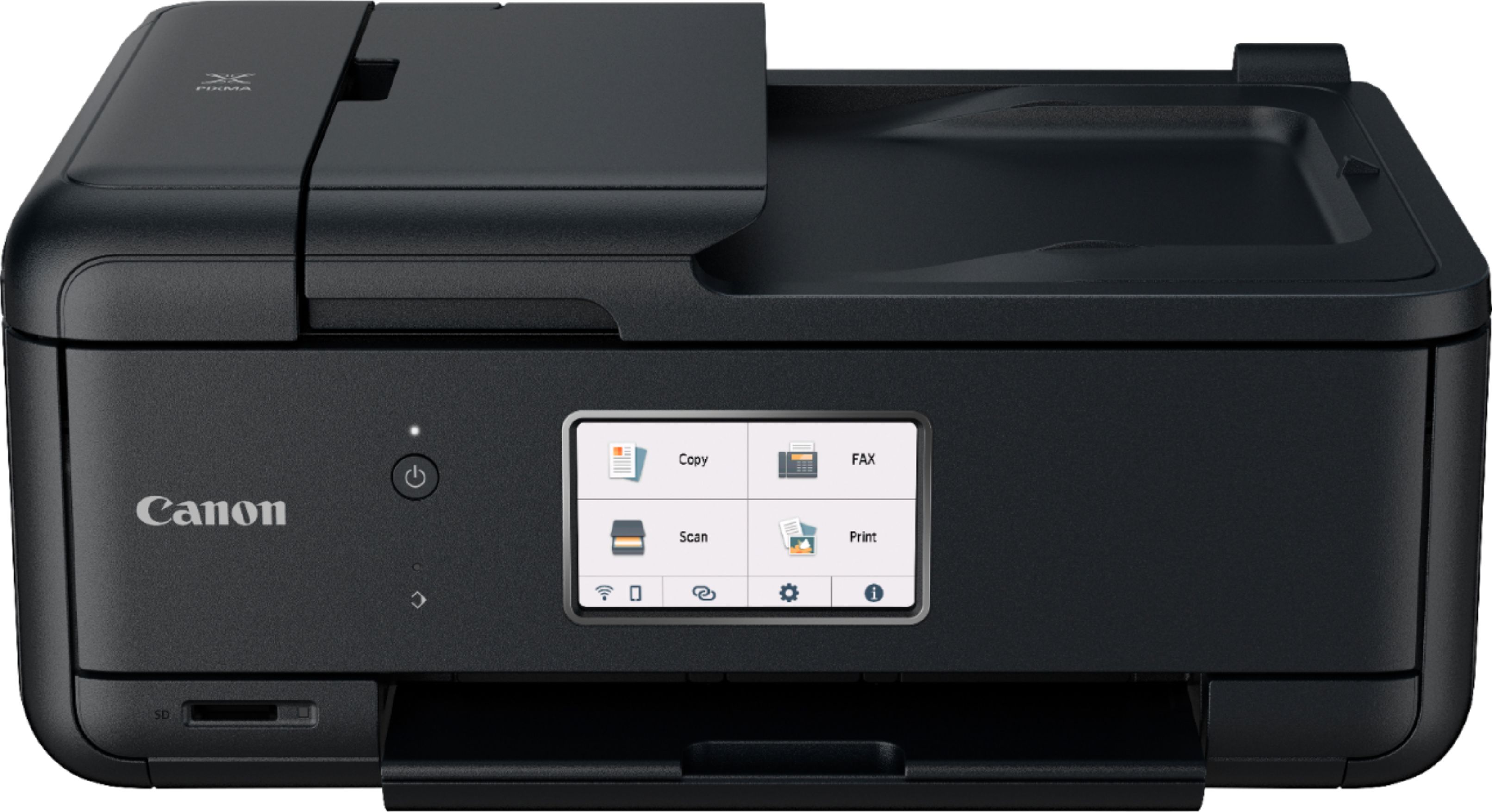
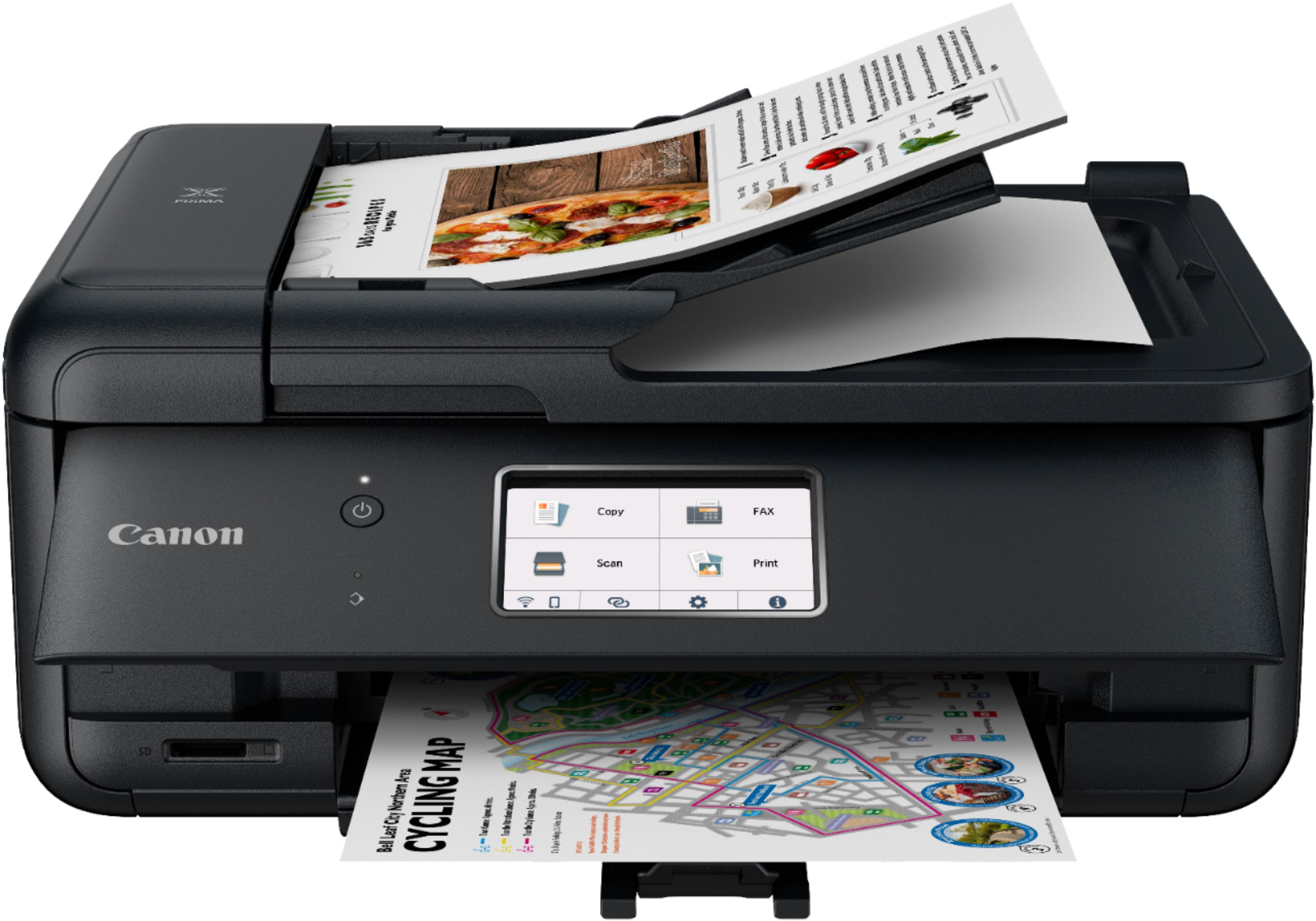
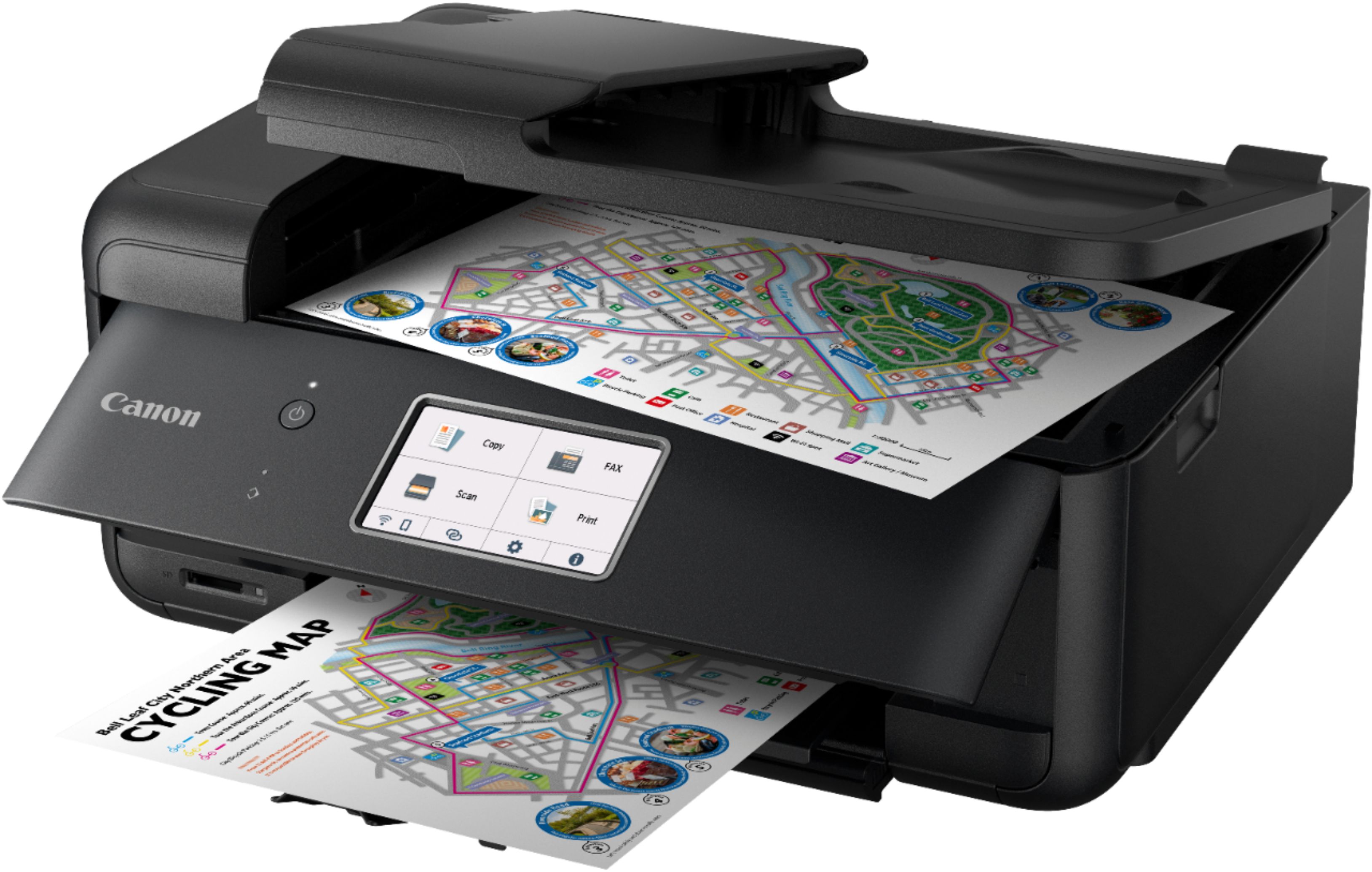
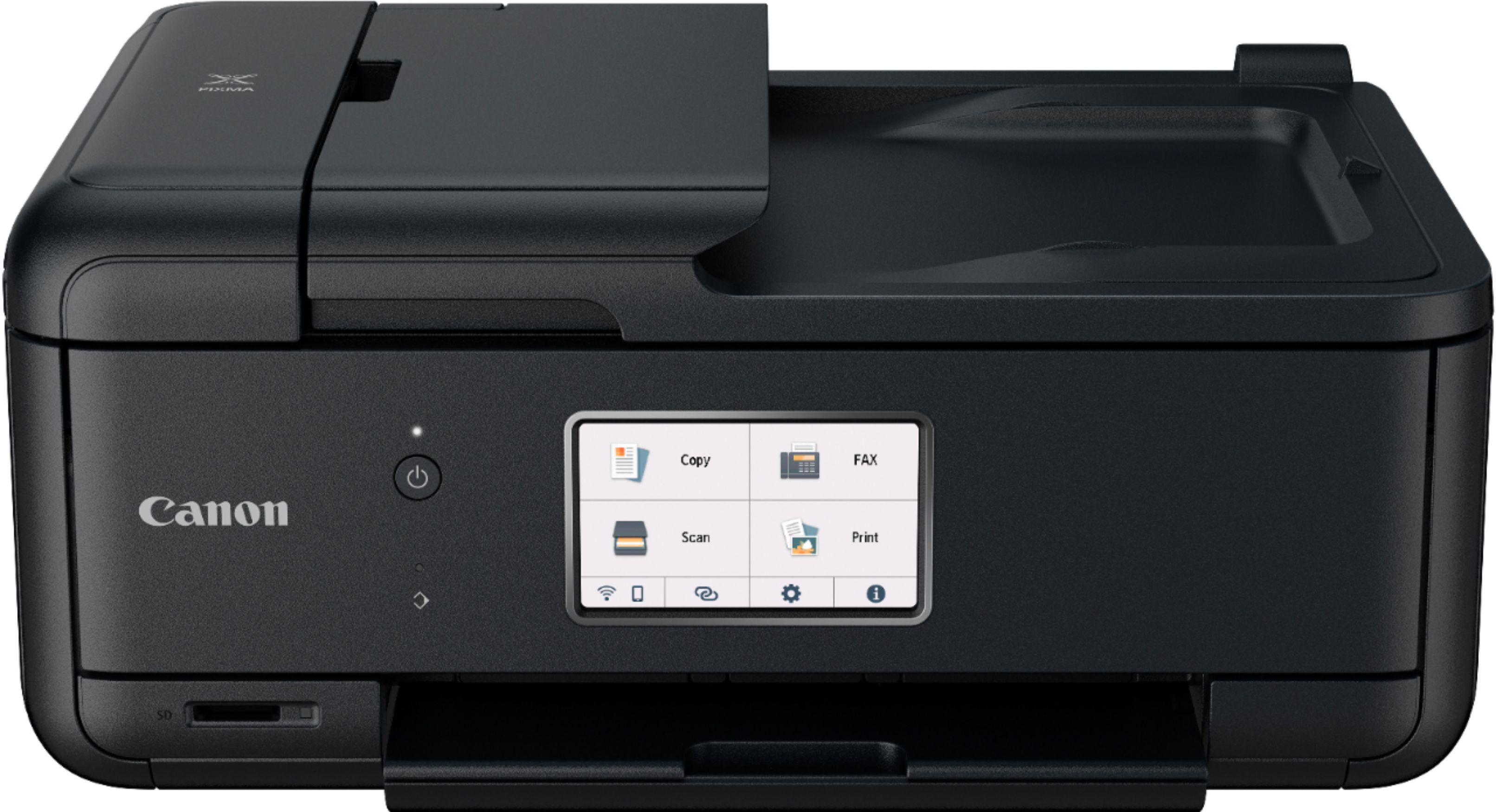
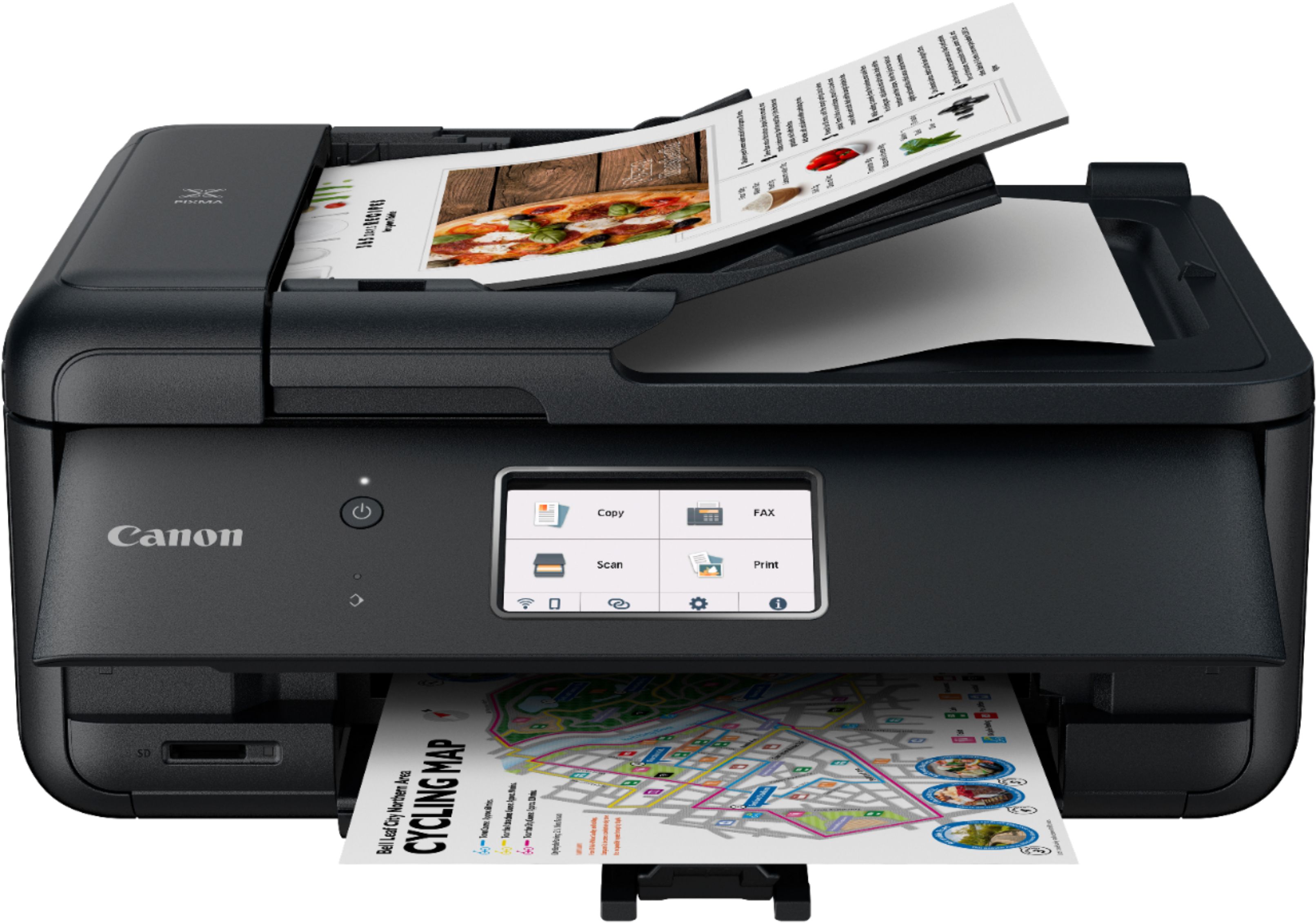
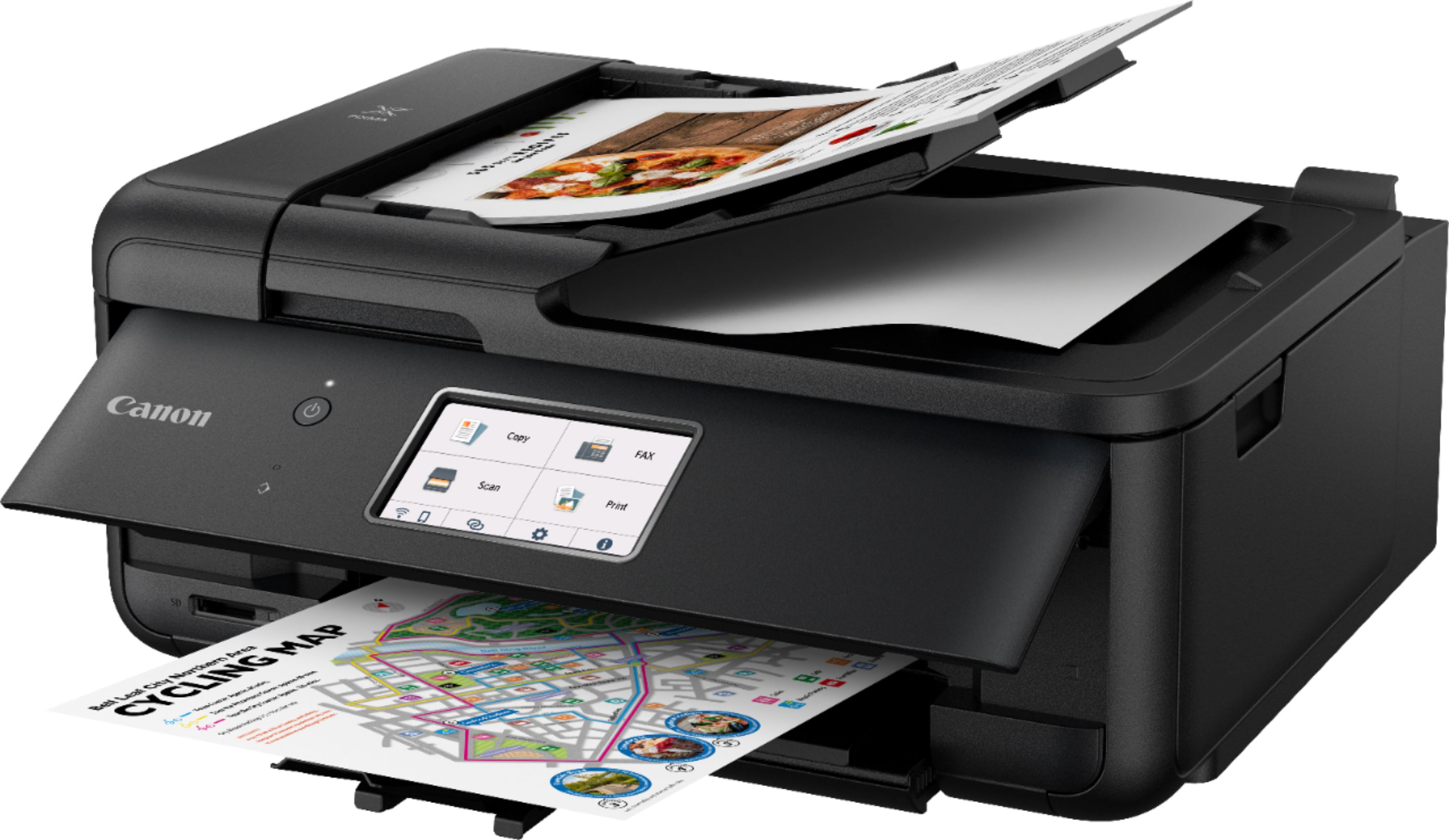
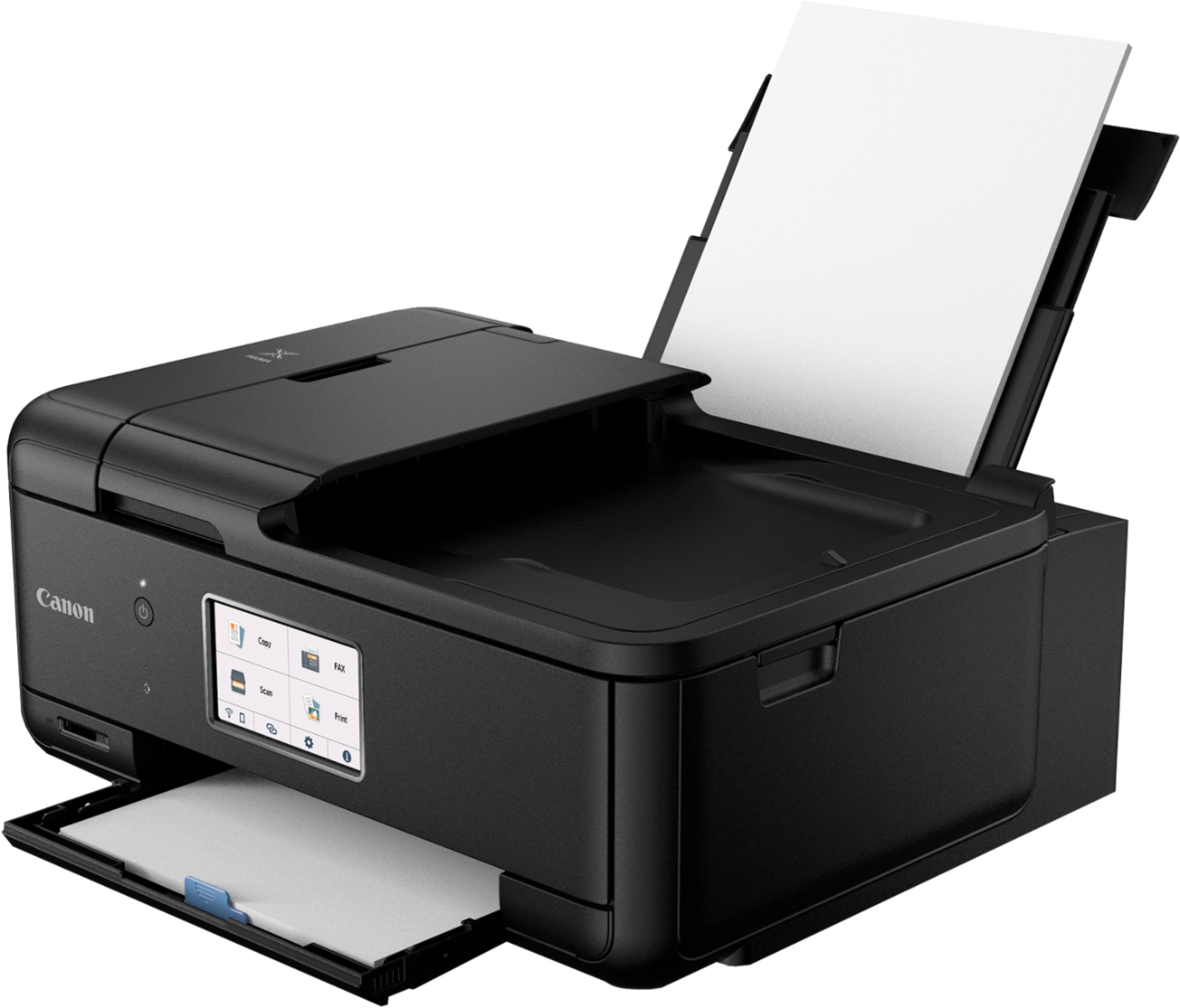
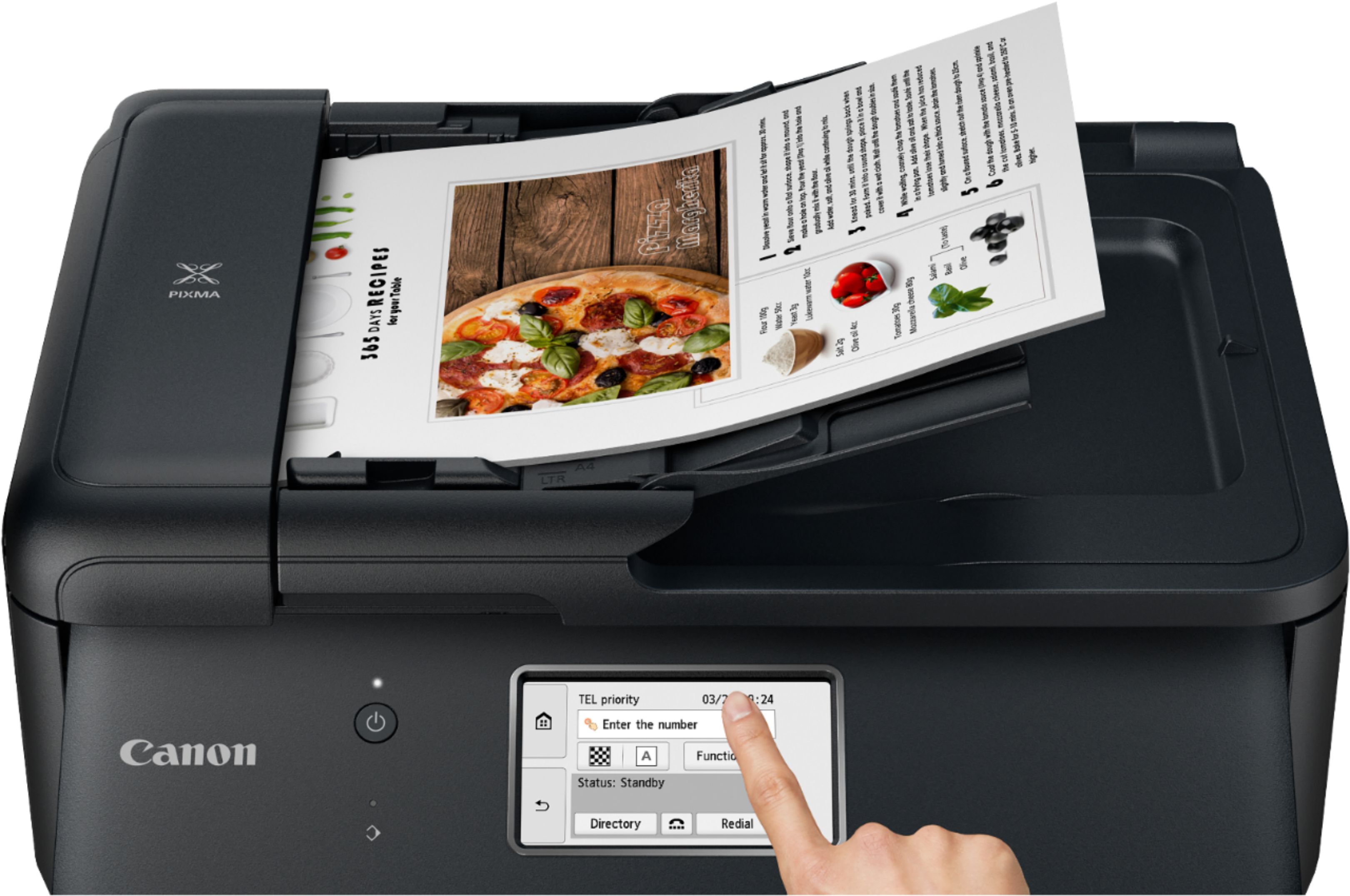
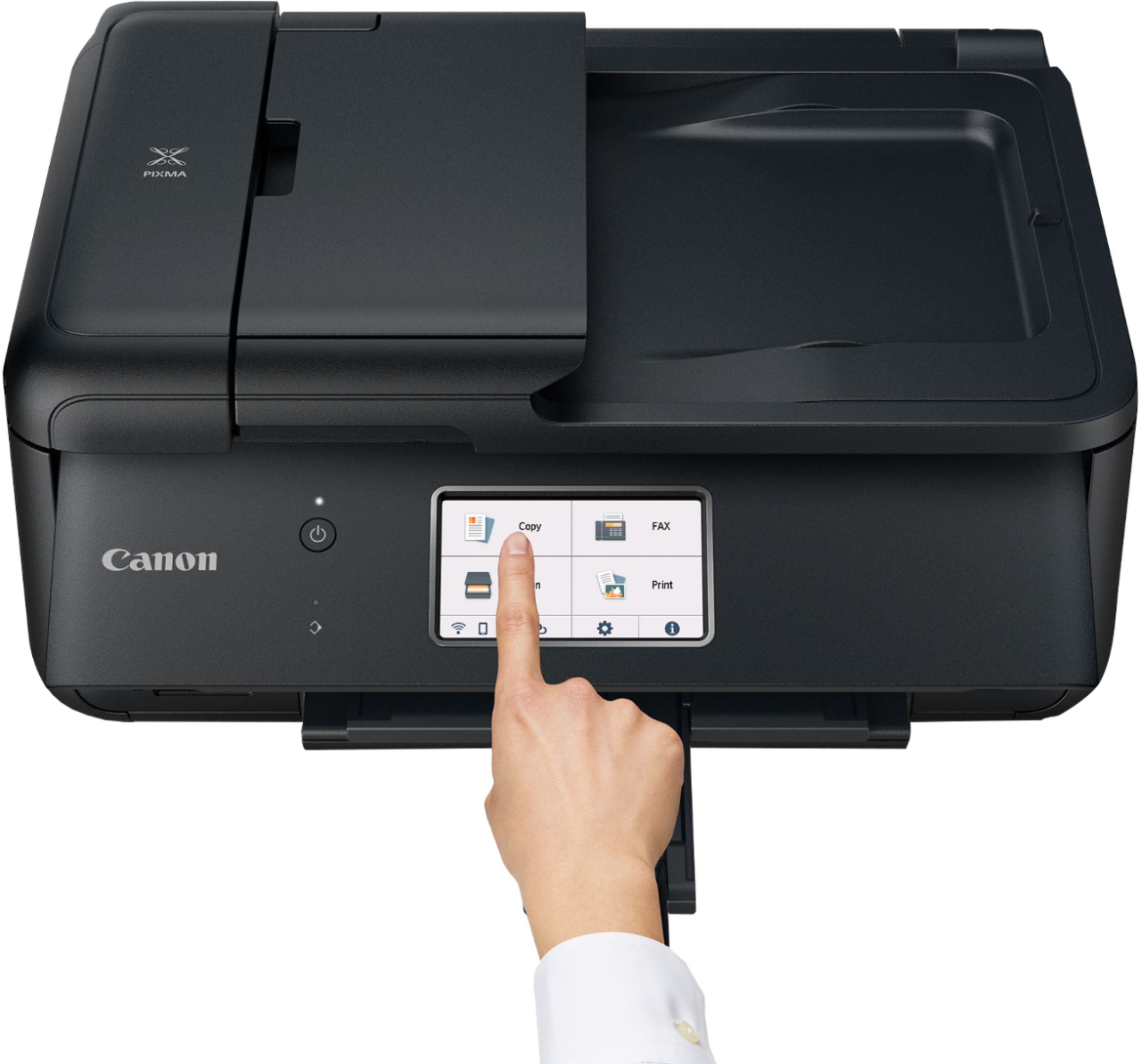
A:AnswerYes, the Canon Pixma TR8620 will send faxes. I have not used the Fax option on mine, but it's one of the 4 main options on the front panel. The Canon specs say:
___
Fax
Modem Speed: Up to 33.6 Kbps (Super G3 Color Fax)
Transmission Speed (approx.) Black: Approx. 3 seconds per page
Color: Approx. 60 seconds per page
Memory Capacity Approx. 250 pages
Group Dialing 99 Locations
Other Features Answering Machine Connectivity, Caller Rejection, Check RX Fax Info., Dial Search, Fax Number Re-Entry, Fax Reception Reject, Memory Transmission, Redial, Remote Reception