A:AnswerThank you for reaching out to us Butch. This PC should be compatible with most external DVD drives that uses a USB connection. If you have any further questions or concerns then please do not hesitate to give our tech support agents a call for any assistance; we're always happy to help.
Tech support:
(888)937-5582
-CyberpowerPC Support
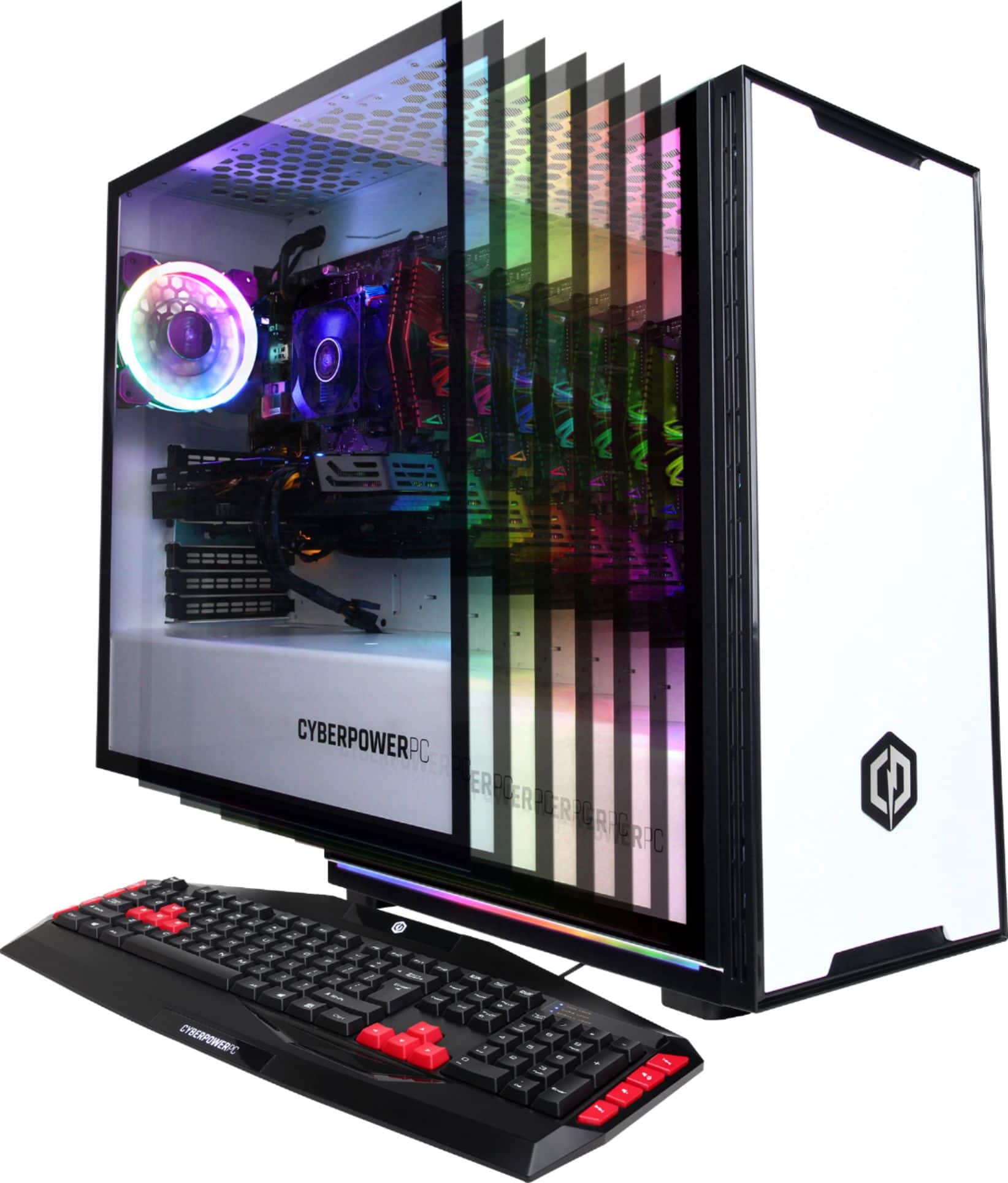
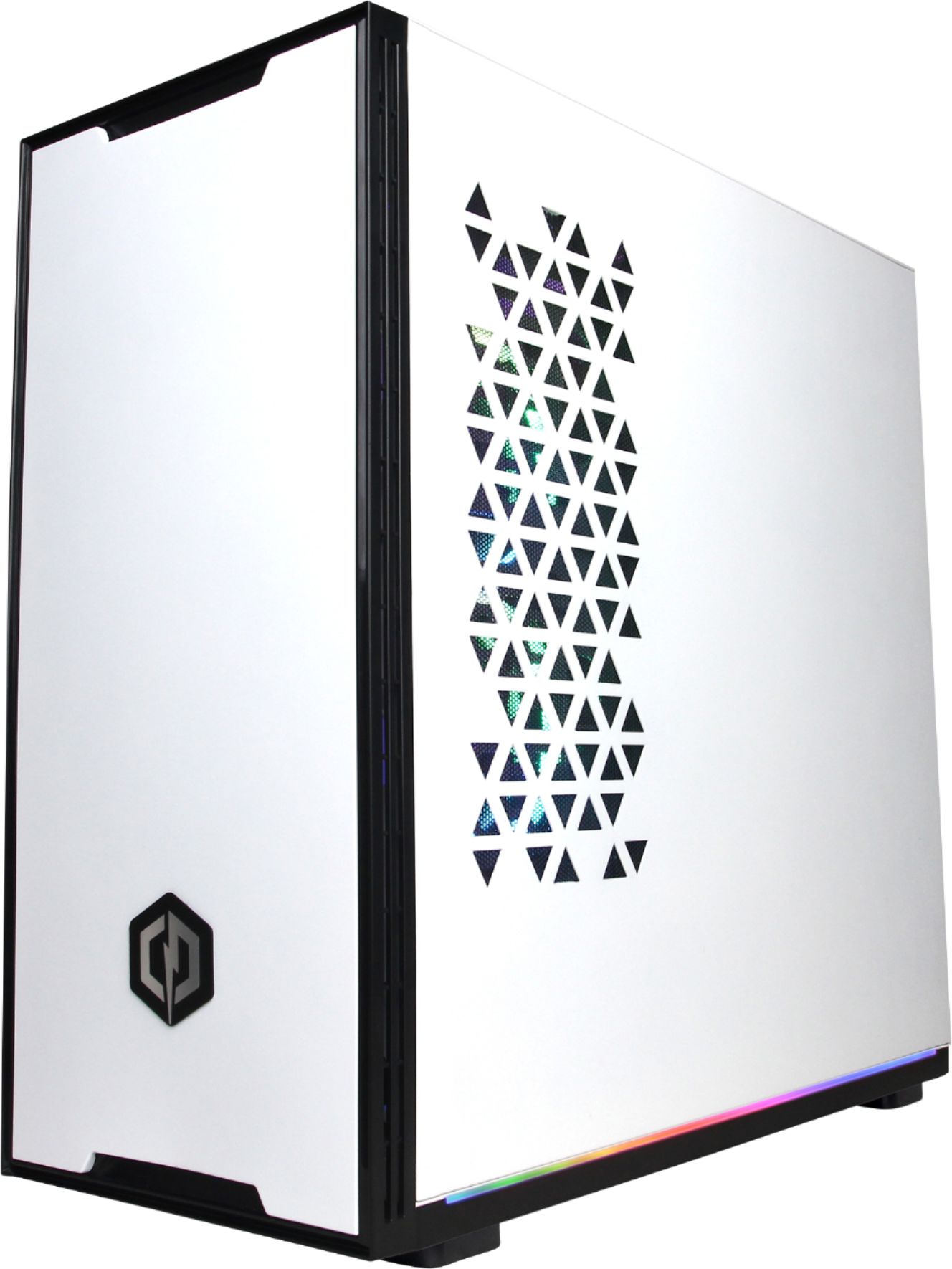
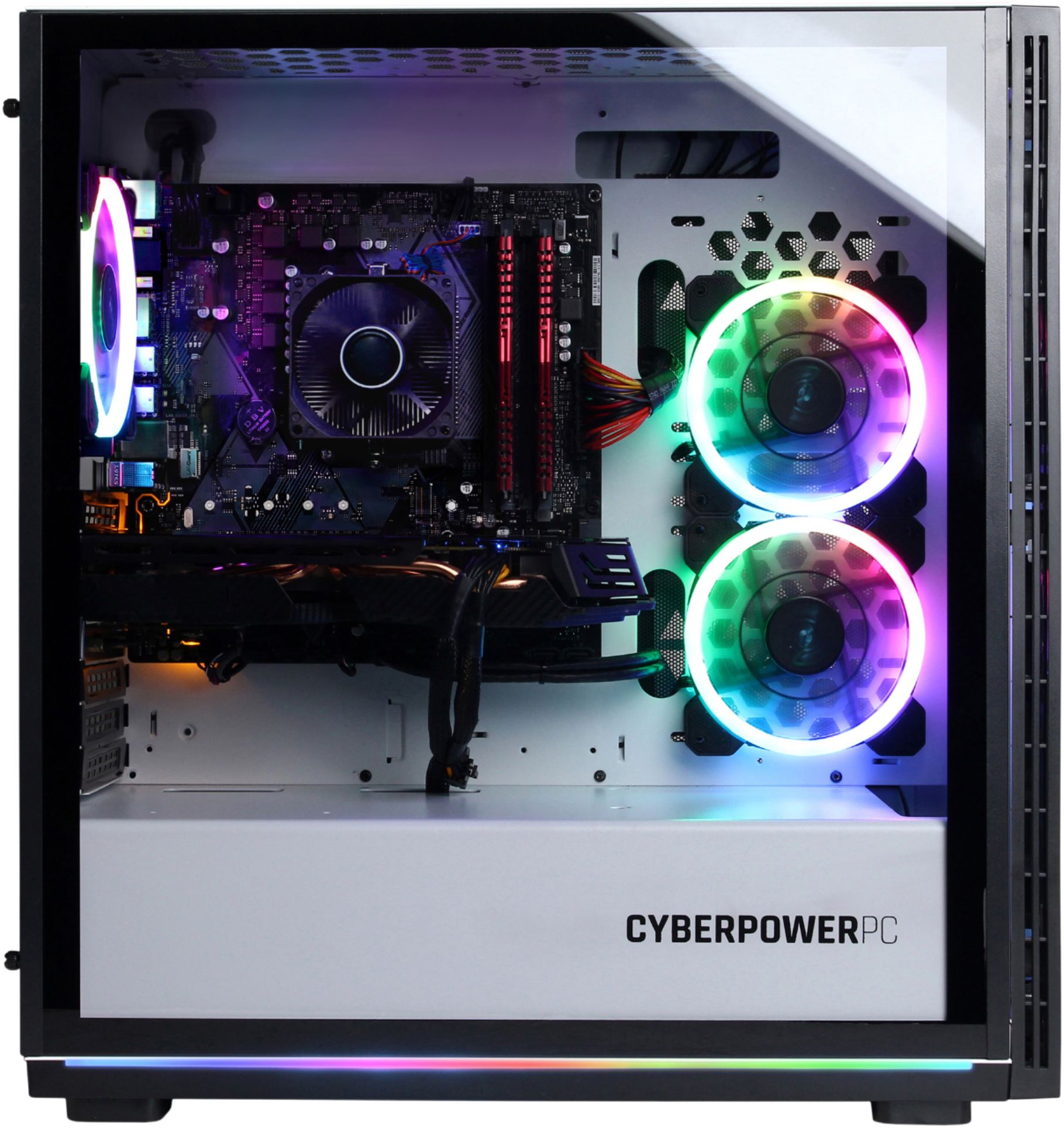
A:AnswerNo it does not have a DVD Drive. Most gaming PC's do not require DVD, blue ray and CD drives. This case does not allow you to install one either. But you can always get a USB DVD drive.
A:AnswerThank you for reaching out to us T. It looks like your PC is having issues loading into Windows, in most cases this can be resolved by making sure you have a SATA and a SATA power cable connected to your drives. If you haven't already please feel free to contact our tech support team at your earliest convenience for further assistance on this matter; we're always happy to help.
Tech Support:
(888)937-5582
[email protected]
Hours of Operation:
Monday - Friday: 8:00AM - 7:00PM PST
Saturday: 9:30AM - 3:00PM PST
-CyberPowerPC Support
A:AnswerThank you for reaching out to us Sergio. Please feel free to contact our tech support team at your earliest convenience for further assistance on this matter; we're always happy to help.
Tech Support:
(888)937-5582
[email protected]
Hours of Operation:
Monday - Friday: 8:00AM - 7:00PM PST
Saturday: 9:30AM - 3:00PM PST
-CyberPowerPC Support
A:AnswerThank you for reaching out to us Ben. Please check each cable coming from the fan and make sure they are properly seated on the RGB controller. If the cables are properly seated and you're still having issues with them not lighting up, please feel free to contact our tech support team at your earliest convenience for further assistance on this matter; we're always happy to help.
Tech Support:
(888)937-5582
[email protected]
Hours of Operation:
Monday - Friday: 8:00AM - 7:00PM PST
Saturday: 9:30AM - 3:00PM PST
-CyberPowerPC Support
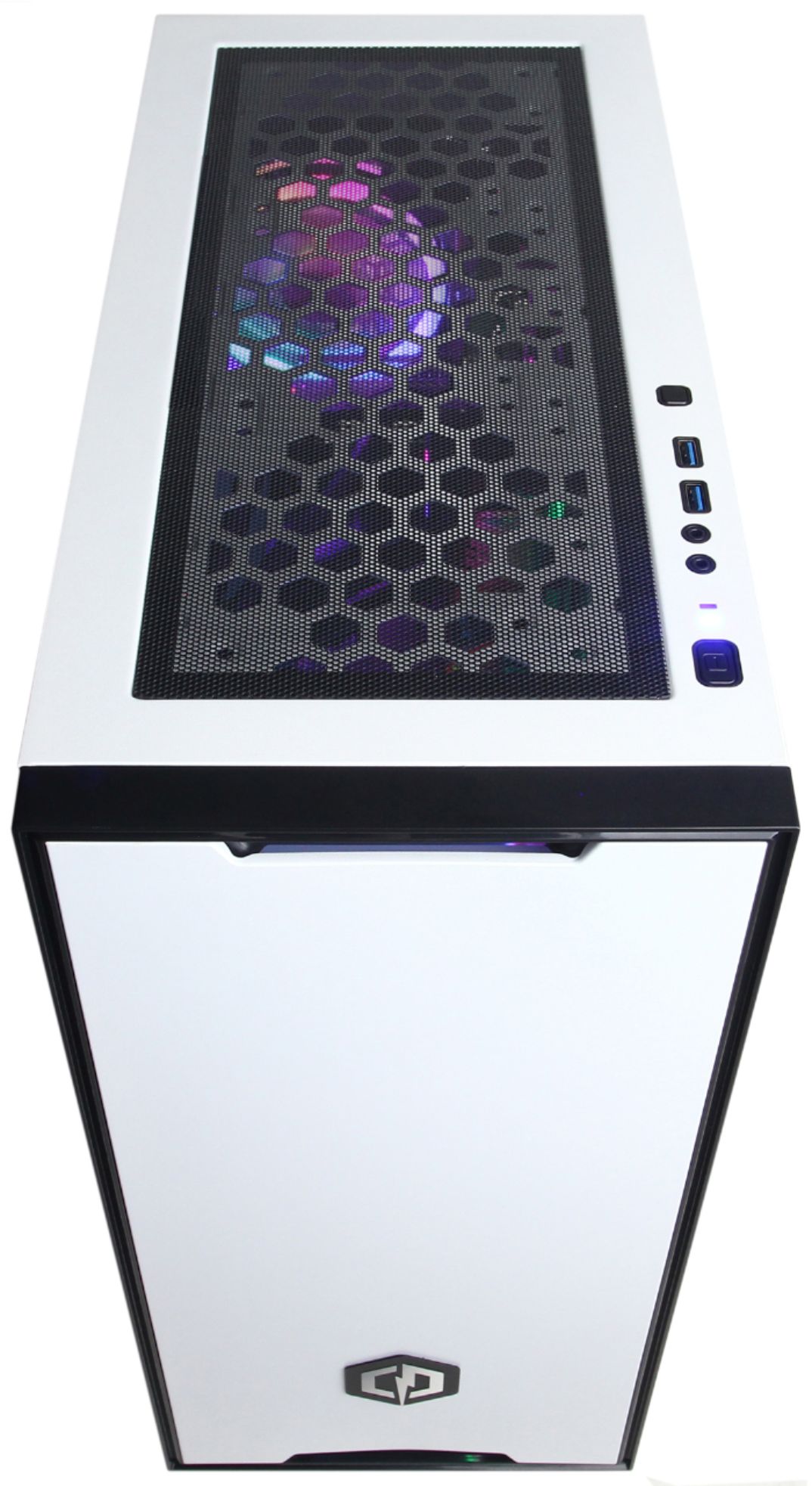
A:AnswerThank you for reaching out to us MLOGAN2. Please make sure you've switched the audio source after plugging your headset on the top of the PC. You can switch your audio source by going into your sound settings on the right side of your task bar. If you have any further questions or concerns then please do not hesitate to give our tech support agents a call for any assistance; we're always happy to help.
Tech support:
(888)937-5582
-CyberpowerPC Support
A:AnswerThank you for reaching out to us RudeGaming. You should be able to upgrade the graphics card for this system, however, it is always recommended that you check for compatibility before making your purchase on new hardware. If you have any further questions or concerns then please do not hesitate to give our tech support agents a call for any assistance; we're always happy to help.
Tech support:
(888)937-5582
-CyberpowerPC Support
A:AnswerThank you for reaching out to us. This system should include 120mm fans, the manufacture of the fans may vary depending on what was currently available at the time the PC was built. If you have any further questions or concerns then please do not hesitate to give our tech support agents a call for any assistance; we're always happy to help.
Tech support:
(888)937-5582
-CyberpowerPC Support
A:AnswerYou should still be able to keep your current graphics card. Upgrading your GPU doesn't really affect the graphics card unless it's just too old.
A:AnswerI don’t know much less care. I would run from this computer. We bought 1 for our son at Christmas. Opened up on Christmas and he couldn’t even use it - bad hard drive. Take it back and they exchange it. About 5 months later that one fried also. Def not worth the hassle or money. Switched to dell.
A:AnswerThanks for reaching out Joshua. Please try to press the two buttons on top of the case to control the LED. If you are comfortable with doing so, you can also check the connections for the fans. If you are still experiencing this issue, please do not hesitate to contact our tech support agents at your earliest convenience so they can look into the matter further.
Tech support:
(888)937-5582
-CyberpowerPC Support
A:AnswerThanks for reaching out Zac0. This PC should be able to run Fortnite with at least 60 FPS, however, your settings and connection may affect your performance. If you have any further questions or concerns then please do not hesitate to give our tech support agents a call for any assistance; we're always happy to help.
Tech support:
(888)937-5582
-CyberpowerPC Support