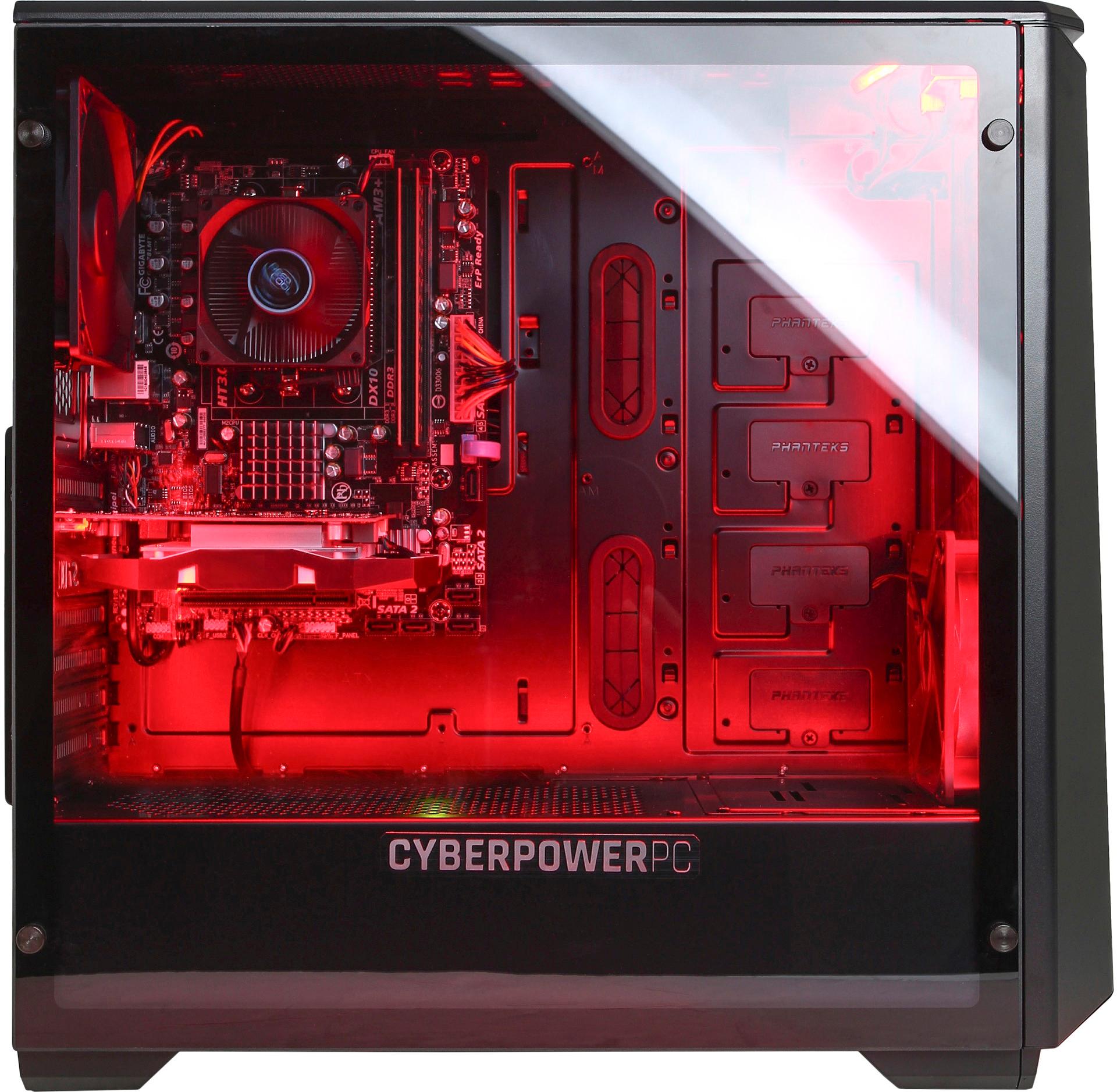
A:AnswerThis PC only supports the socket type AM3. you would have to replace the motherboard to one that support LGA 1151. If you have any further questions or concerns then please do not hesitate to give our tech support agents a call for any assistance; we're always happy to help.
Tech support:
(888)937-5582
- CyberpowerPC Support
A:AnswerThis listing is for a gaming desktop and is compatible with most games. However, for information regarding a particular game, it is recommended to check with the game's software publisher web site for their compatibility with Windows 10 operating system and the minimum/recommended hardware requirements (Is a Graphics card required, the processor speed and the minimum required system RAM and the minimum available hard drive space) to run their program, then compare those requirements to this system's configuration.
A:AnswerHi there,
Yes, we had this same issue. After contacting the company, they disclosed that the only working hdmi port is the one at the far bottom. The one on the top left does not work, neither does the VGA, or the other V1. They are just dummy's. If you need another HDMI port you'll need to get an adapter to change it. Very frustrating indeed. See picture below I have taped over the ports that do not have power. The ones on the bottom where the HDMI cable is plugged in all work, as well as the secondary USB ports, Ethernet plug, and headphones jack etc. seem to all work.
A:AnswerEnsure you connect to the monitor to the computers graphics card. These ports are located under the computers exhaust general in a horizontal profile. If you have any further questions or concerns then please do not hesitate to give our tech support agents a call for any assistance; we're always happy to help.
Tech support:
(888)937-5582
- CyberpowerPC Support
A:AnswerEnsure the monitor at least supports DVi as many modern video cards still support that port. If you have any further questions or concerns then please do not hesitate to give our tech support agents a call for any assistance; we're always happy to help.
Tech support:
(888)937-5582
- CyberpowerPC Support
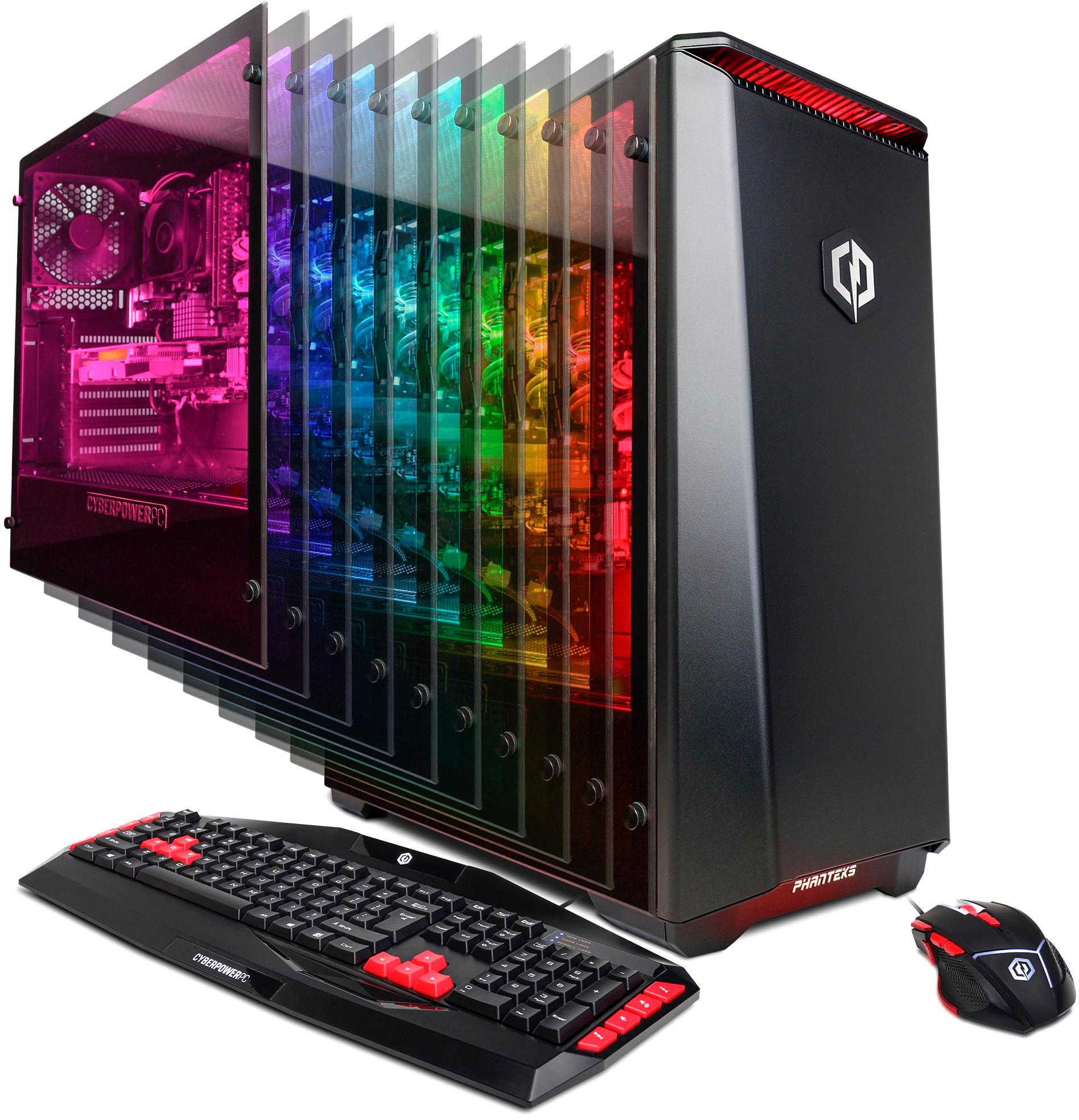
A:AnswerIt comes with the gaming mouse and key board shown. Unfortunately I do not know those specific games you asked about but it was a gift for my son and he seems quite happy with it. He spends hours gaming on it and is happy with its performance.
A:AnswerPlease ensure you are connecting the monitor directly to the video card. You will see to sets of ports, one set will be disabled and this is the one located on the motherboard. The set that will provide display is located further down the rear of the case. If you are still having trouble then please do not hesitate to give our tech support agents a call for further assistance.
Tech support:
(888)937-5582
- CyberpowerPC Support
A:AnswerSame here buddy, I play both of those Games and Gta5 runs at normal which is the lowest option around 40-80
Fps. Siege I can easily get up to 100
Fps on meds setting so it could depend on what resolution you’re runnin the game. The higher the res the lower the frames you’re gonna achieve. I played BFV around 50 and up Fps on Medium settings. I believed it stayed around 60 for the most part on the beta.
This pc cannot run blackout not one bit. Can’t even run it at steady Fps on low settings.
A:AnswerYou are fully able to replace the board for one of your liking. If you happen to have any questions or any concerns then do not hesitate to give our support agents a call.
Tech support:
(888)937-5582
- CyberpowerPC Support
A:AnswerYou will be able to add that to the board. Ensure you get the correct size PCIe card for the available PCIe slot. There are varying sizes. If you happen to have any questions or any concerns then do not hesitate to give our support agents a call.
Tech support:
(888)937-5582
- CyberpowerPC Support
A:AnswerEnsure your head set is using a split audio stream; one cable for audio and the second cable for mic. The PC require a separate cable for each in order to use the headset to its full potential. If you happen to have any questions or any concerns then do not hesitate to give our support agents a call.
Tech support:
(888)937-5582
- CyberpowerPC Support