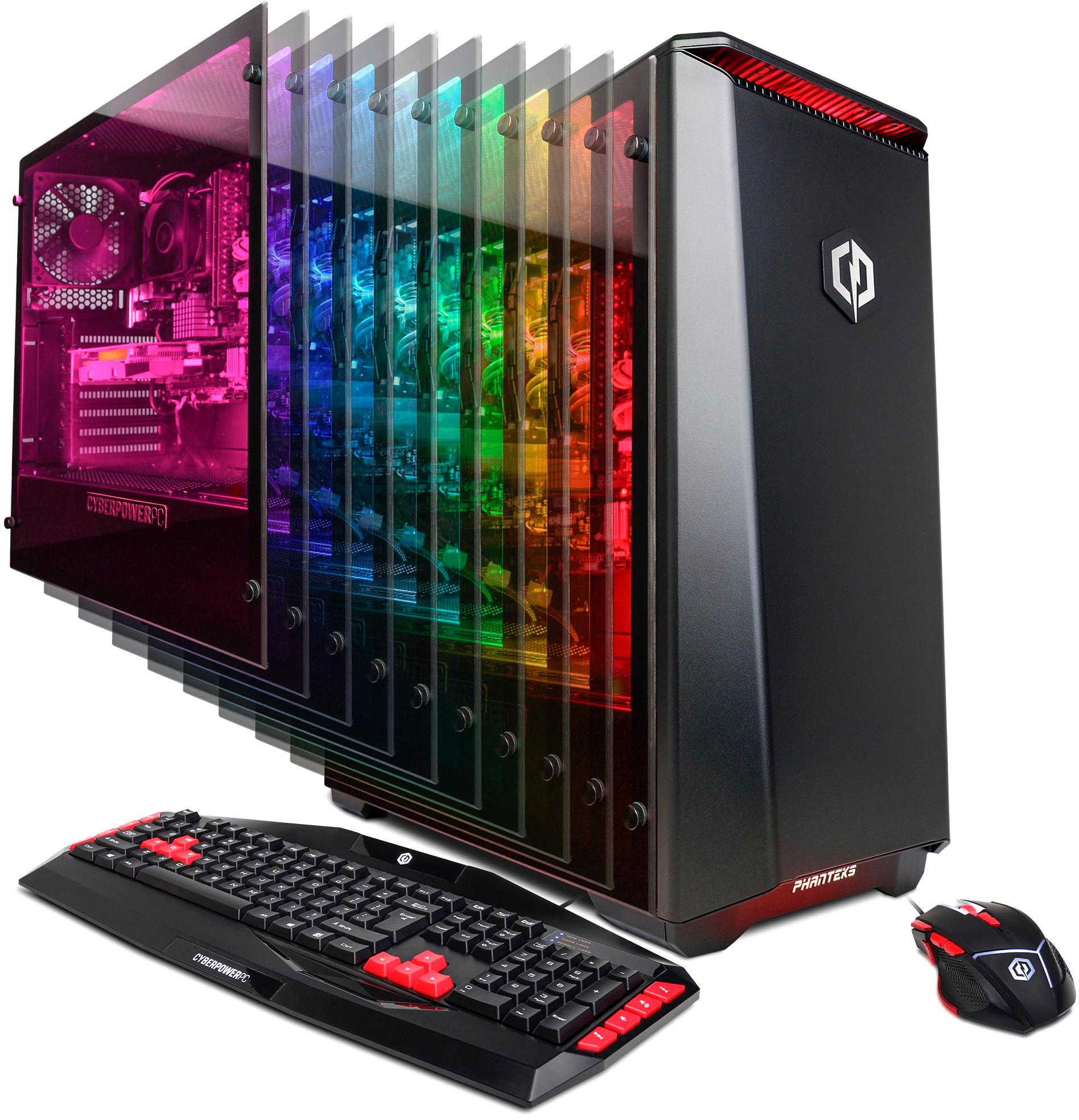
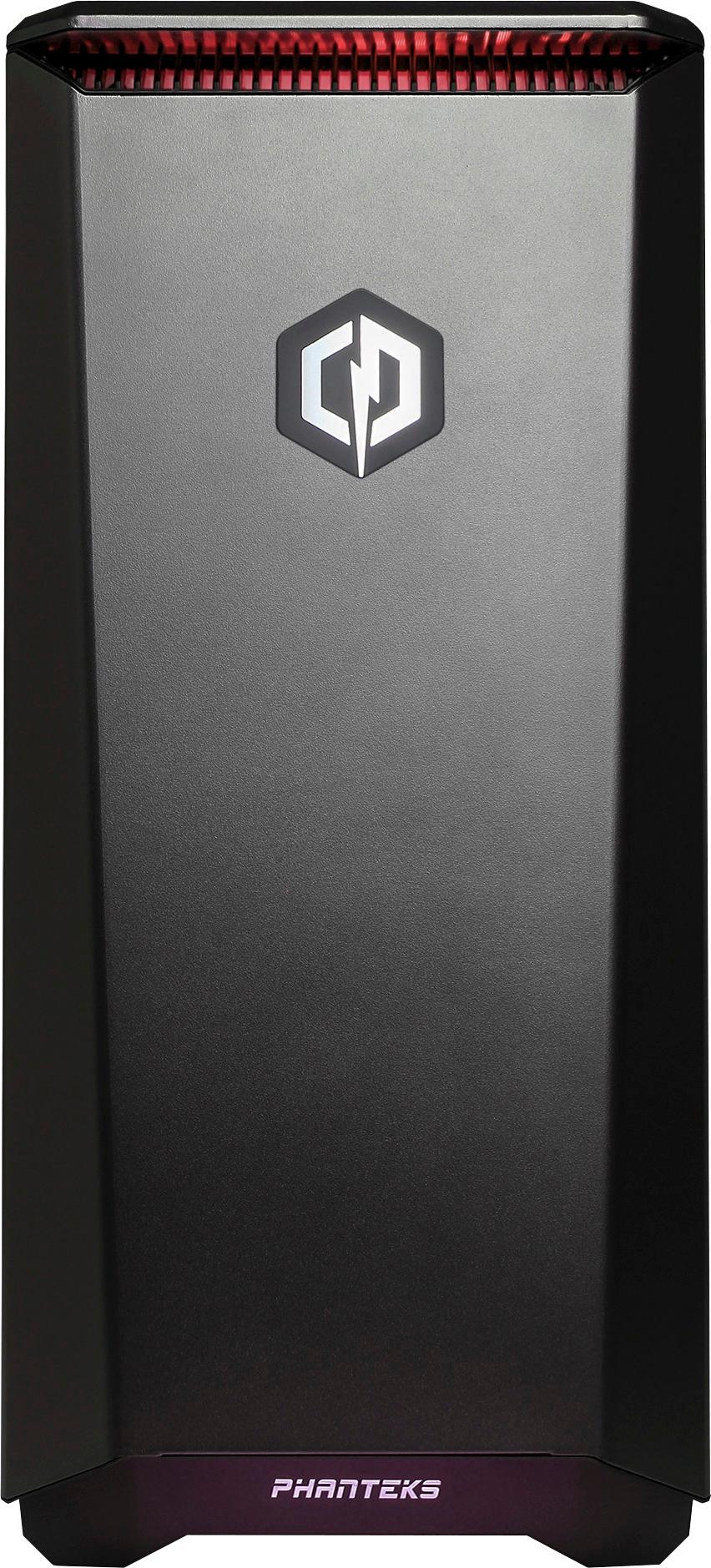
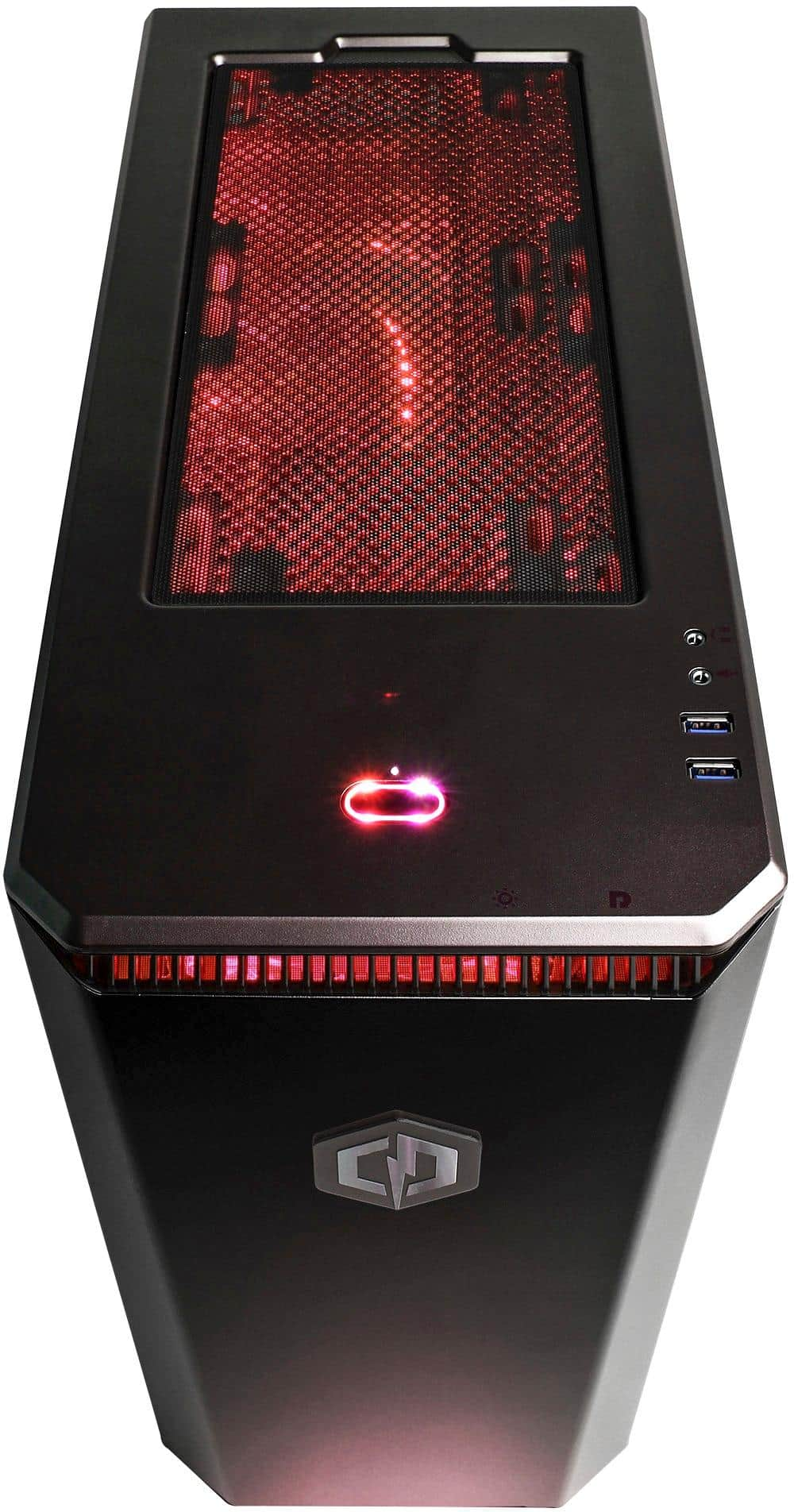
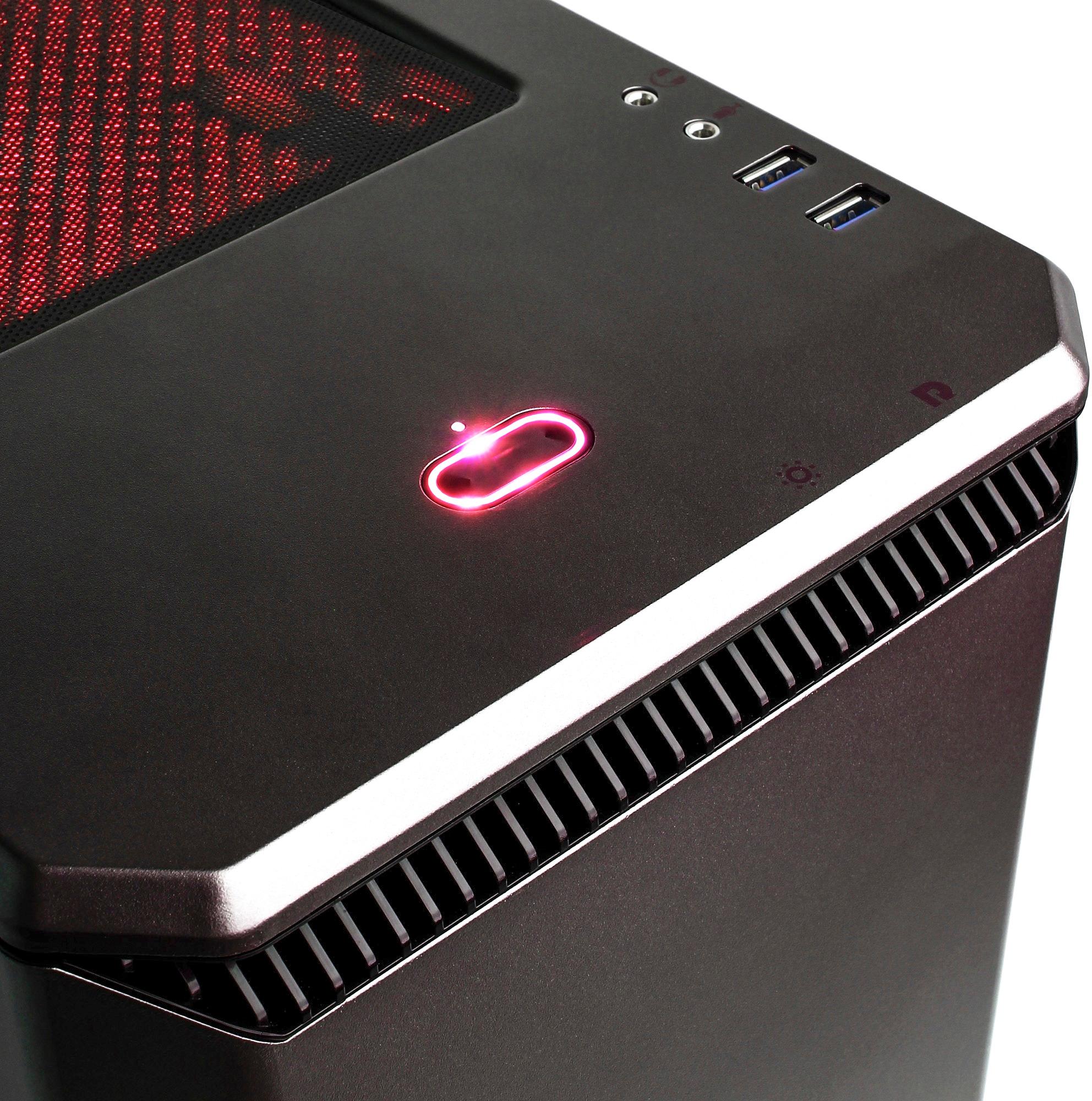
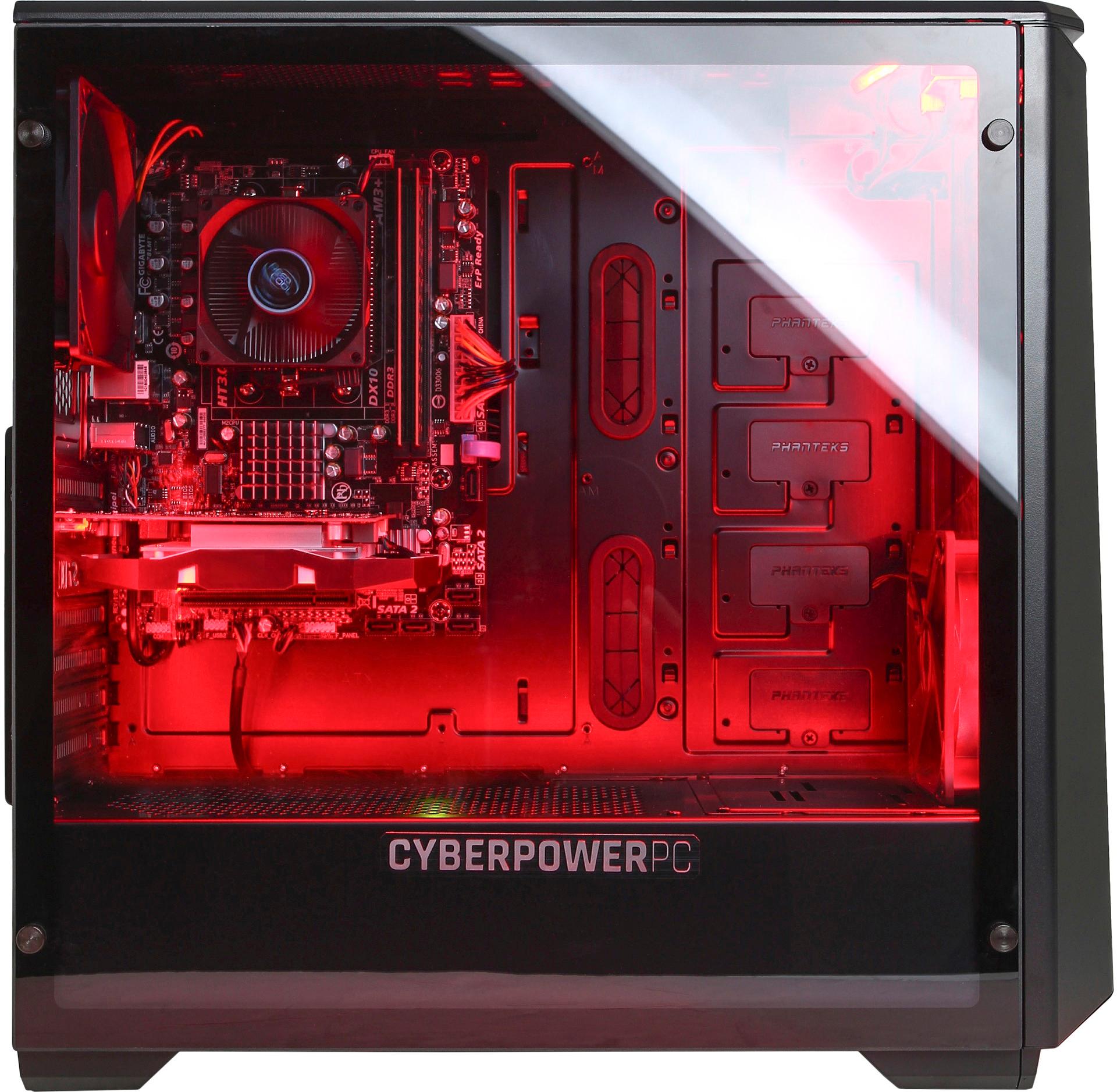
A:AnswerOurs was perfect... Except that the instructions that came with it did not match the actual model in front of us... Please also note that it does not have an Optical Drive and is not Bluetooth capable. If these are desired, you must purchase a USB External Optical Drive for Reading Game CD's or burning pics and files and an Eternal USB Bluetooth Dongle for Bluetooth Accessories such as Headphones.
A:AnswerTo adequately power the video card upgrade you may want to upgrade the power supply, everything else supports the parts you mentioned. If you have any further questions or concerns regarding the computer please feel free to get in touch with our tech support agents; we're always happy to help.
Tech support:
(888)937-5582
-CyberPowerPC Support
A:AnswerThis Pc can run those games, however you may need to adjust the game's graphical settings for a smooth experience. If you have any further questions or concerns regarding the computer please feel free to get in touch with our tech support agents; we're always happy to help.
Tech support:
(888)937-5582
-CyberPowerPC Support
A:AnswerThis model meet/exceed the recommended system requirements for that game. The FPS will vary depending on the resolution. Please feel free to call us if you have any other questions at 800.707.0393.
A:AnswerIf you scroll down to the overview section of the BestBuy webpage and click on Specifications to expand it. You be able to see all the Hardware listed in more detail. Under the area labeled Memory it says Memory type DDR3 SDRAM which would be the type you need to expand to 16GB.
A:AnswerThe recording performance will depend on what being recorded. The system can upload videos to youtube. Please feel free to call us if you have any other questions at 800.707.0393.
A:AnswerThis model meets/exceeds the minimum system requirements for that game. Please feel free to call us if you have any other questions at 800.707.0393.
A:AnswerThis model has 1 HDMI port, 1 DVI and 1 displayport on the graphics card. Please feel free to call us if you have any other questions at 800.707.0393.
A:AnswerYes, you can add another RAM stick. The PC uses DDR3 RAM. You generally want to use the same model of RAM sticks together. Please feel free to call us if you have any other questions at 800.707.0393.
A:AnswerFirst thing, try a different hdmi cord. You would be surprised how often that is the problem. I would use one that is used for your tv, so you know it works.
Then if it is not fixed, then the ports try to hook pc up to your tv or another screen. You want to determine where the issue is.
If that screen still doesn't work, check the pc port for damage. If your technical enough, make sure the gpu is connected properly.
If everything looks ok. And you still have a problem. It would probably be a defective unit. Bring it to a bestbuy for repair/replace. Assuming it is new, it would still be under warranty or return period.