A:AnswerThis build meets the system requirements to play Counter Strike: Global Offensive at a smooth performance level, however it will not be idle for playing Call of Duty: Black Ops 3. If you have any further inquiries, or would like assistance in finding the right build to suit your needs; don't hesitate to give our support team a call. They can be reached via the contact info listed on our homepage, & will of course be happy to help.
From your friends here at CyberPowerPC,
-Cyber_Tech2
A:AnswerYou can uses monitors that use VGA, DVI or HDMI connections as those are the ports provided wby the AMD Radeon R7 240 video card. Please call us if you have any questions at 1.888.937.5582 Monday through Friday from 6am to 8pm PST.
A:AnswerIt is good to run CS:go but im not sure about the other game I guess you could find out and if it doesnt work you can always return it, Have fun!
A:AnswerEvery software will have different hardware requirements in order to run smoothly on a given system. To ensure you receive the best system to suit your needs; we encourage you to gather a list of games/software(s) which you intend to play/run & then contacting our support team(s) with this list. We'll of course be happy to help, & can be reached via the contact info listed at the bottom of our website's homepage.
From your friends here at CyberPowerPC,
-Cyber_Tech2
A:AnswerThis model will be able to run those games at lower graphical settings. Please keep in mind, in-game experience may vary depending on graphic settings, internet connection speed, and number of applications running at the time. For assistance in finding the best build to suit your needs; you're welcomed to get in touch with our support team(s). Just give them a shout via the contact info listed at the bottom of our website's homepage; they'll of course be happy to help.
From your friends here at CyberPowerPC,
-Cyber_Tech2
A:AnswerFair question; we'll look into that. If you'd like assistance in finding a build which suits your needs; feel free to give our support team(s) a call. Their contact info can be found via the bottom of our website's homepage, & they'll of course be happy to help.
From your friends here at CyberPowerPC,
-Cyber_Tech2
A:AnswerThis build can support a (wired) Internet connection with speeds up to 1Gb/s, out of the box. If you have any further inquiries; you're welcomed to give our support team(s) a shout. Their contact info is listed at the bottom of our website's homepage, & they are always happy to help.
From your friends here at CyberPowerPC,
-Cyber_Tech2
A:AnswerThe motherboard within this PC can only accept processors of the AM3+ socket type; however it can support any video card which uses a PCIe x16 connection type. If you have any further inquiries, feel free to give our support team(s) a shout. Their contact info can be found listed at the bottom of our website's home-page, & they are of course happy to help.
From your friends here at CyberPowerPC,
-Cyber_Tech2
A:AnswerThe Corsair H60 can fit within the chassis of this build. If you have any further inquiries; don't hesitate to give our support team a shout, via the contact info listed at the bottom of our website's homepage.
From your friends here at CyberPowerPC,
-Cyber_Tech2
A:AnswerEvery program will have different requirements to run smoothly on a system. To ensure the best "out of the box" experience, we will always suggest researching the system requirements of the games/software which you intend to run with your new PC, & then comparing these requirements against the specifications of the machine which you intend to purchase. We'll even lend the expertise of our support team in the matter should you feel you need it. Just give them a shout via the contact information listed at the bottom of our website's homepage, they'll of course be happy to help.
From your friends here at CyberPowerPC,
-Cyber_Tech2
A:AnswerCheck to see if all monitors are plugged into the dedicated video card and not onboard video ports. Make sure the Display Setting menu recognize the monitors. Please contact our friendly technical support staff toll-free at 888-937-5582 so we may further assist you. Thank you.
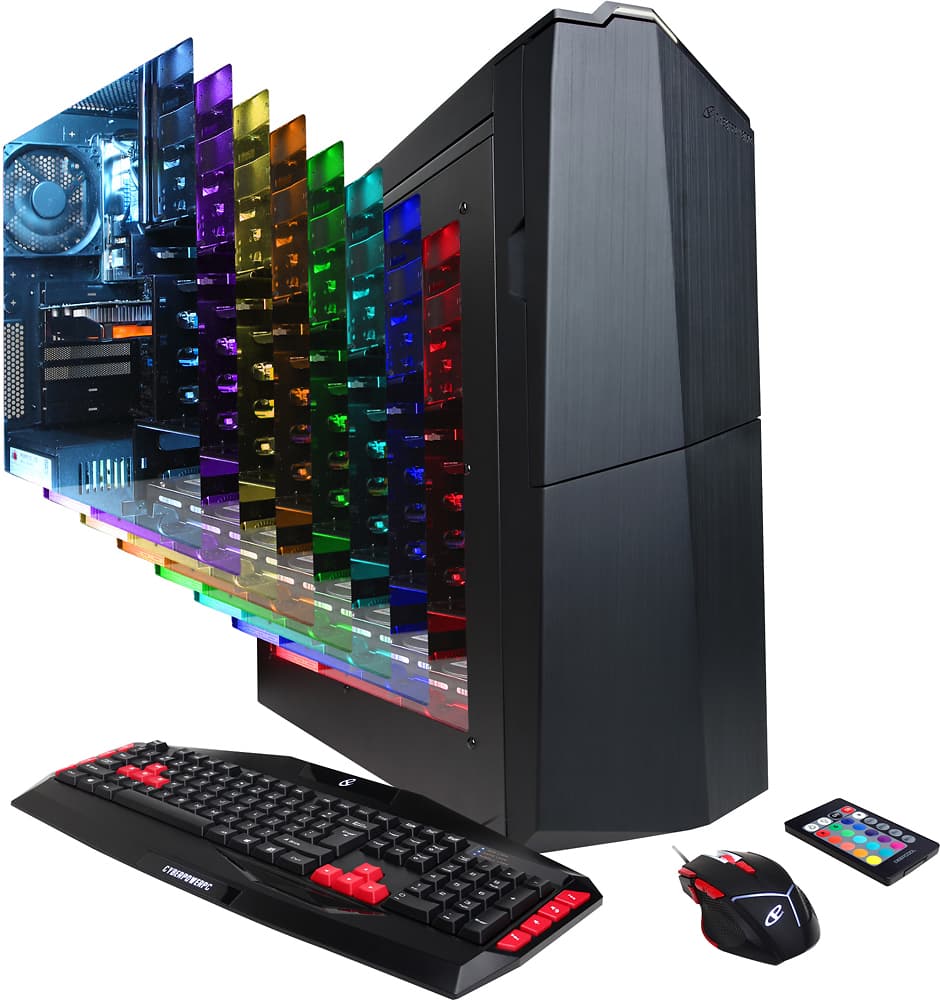
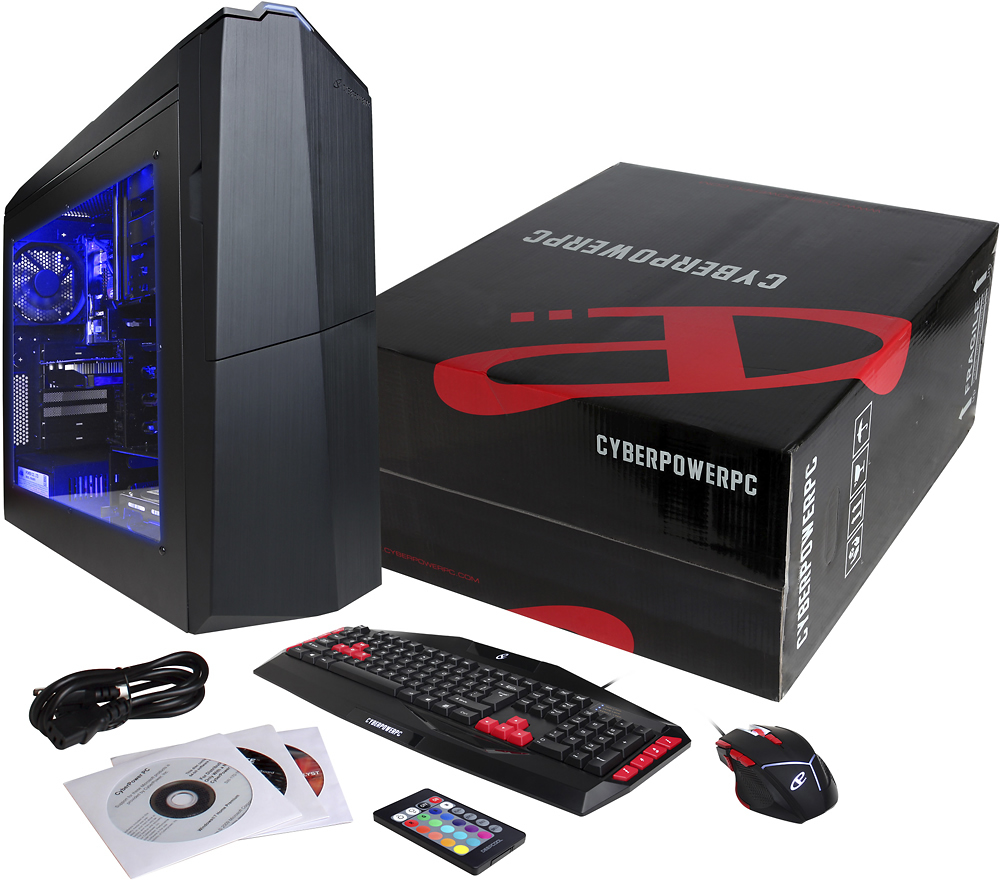
A:AnswerIt changes the color. There are 16 color choices and you can also adjust the brightness. There is also an option for flash, strobe, fade, or smooth, or you can just turn the LED's off :)
A:AnswerThere are multiple kinds of Wireless adapters & they will be installed in different manners/locations depending upon the card itself. The simplest WiFi adapter to install will be a Windows 10 compatible USB WiFi adapter. If you have any further inquiries, you're welcomed to contact our support team(s) directly. Just give them a shout via the contact info listed at the bottom of our website's homepage.
From your friends here at CyberPowerPC,
-Cyber_Tech2
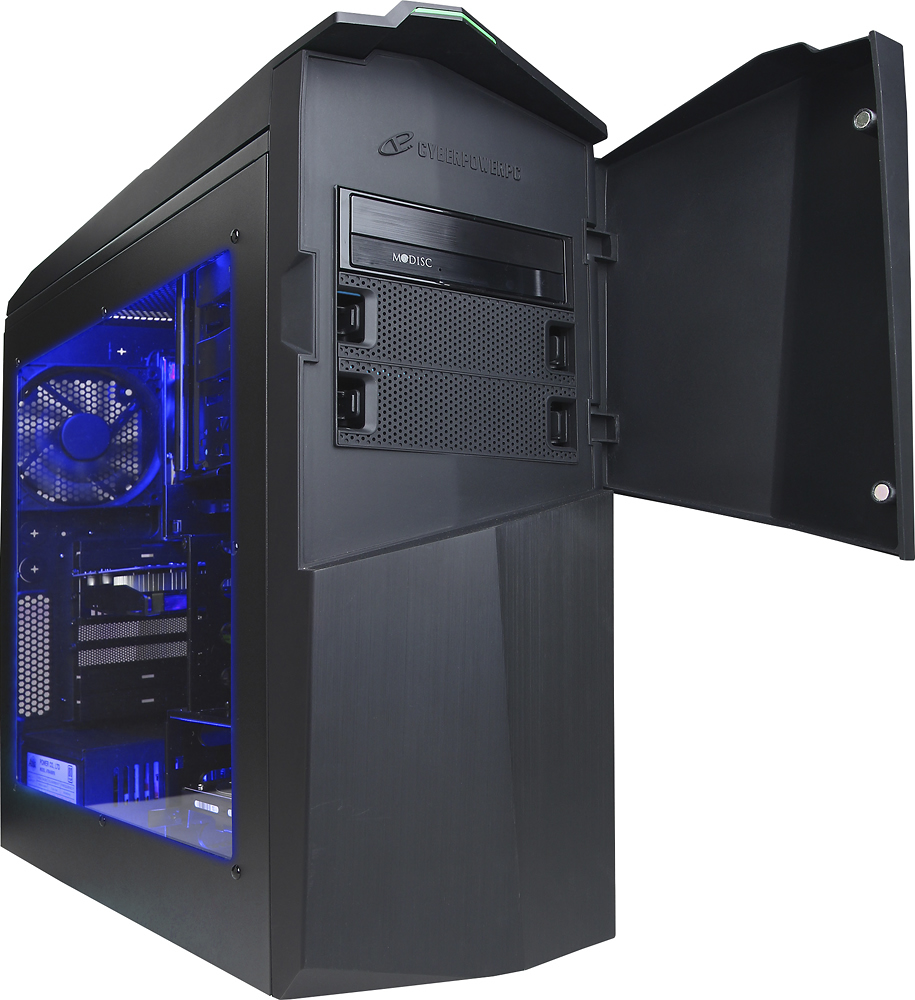
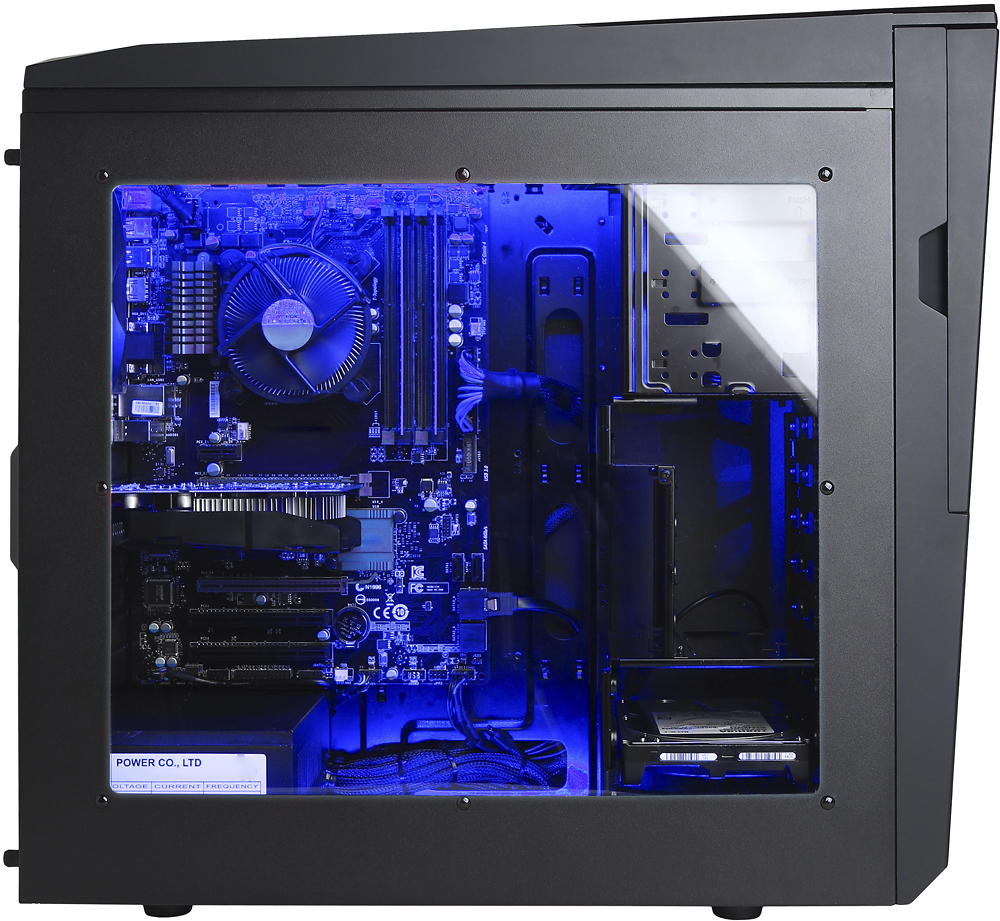
A:AnswerNo if you look on the side that doesn't have a window there should be a sticker with a code on it, type that in. Also don't get rid of the sticker because if you have to reinstall the operating system then it will ask you for the code again, at least that is what I am 99% sure what you need it for again but that is what a geek squad member told me.
A:AnswerUnfortunately; it is impossible to calculate the FPS which a system will be able to produce, even if given the name of a game & build specifications. The GUA1000BST build does meet the system requirements to play Overwatch at a smooth performance level. However it will likely only be able to do so at low-medium graphical settings. If you have any further questions or if you'd like assistance in finding the best build to suit your needs, then don't hesitate to give our support team(s) a shout via the contact info listed on our web-site.
From your friends here at CyberPowerPC,
-Cyber_Tech2