A:AnswerThanks for reaching out Luck. This PC meets the requirements to play Minecraft as Minecraft does not need a heavy gaming PC to play it. You can run it at least at an average of 60 FPS, depending on your settings. If you have any further questions or concerns then please do not hesitate to give our tech support agents a call for any assistance; we're always happy to help.
Tech support:
(888)937-5582
- CyberpowerPC Support
A:AnswerThanks for reaching out. As long as you did not add anything else, upgrading the graphics card should be fine as this should be equipped with 500 watt PSU. If you do decided to upgrade the graphics card, as well as RAM and others, you may need to upgrade. If you have any further questions or concerns then please do not hesitate to give our tech support agents a call for any assistance; we're always happy to help.
Tech support:
(888)937-5582
- CyberpowerPC Support
A:AnswerYeah behind the front panel is a place specifically for one to be mounted. The case is pretty much a Eclipse P300 I believe if you need to look up how to remove the front cover.
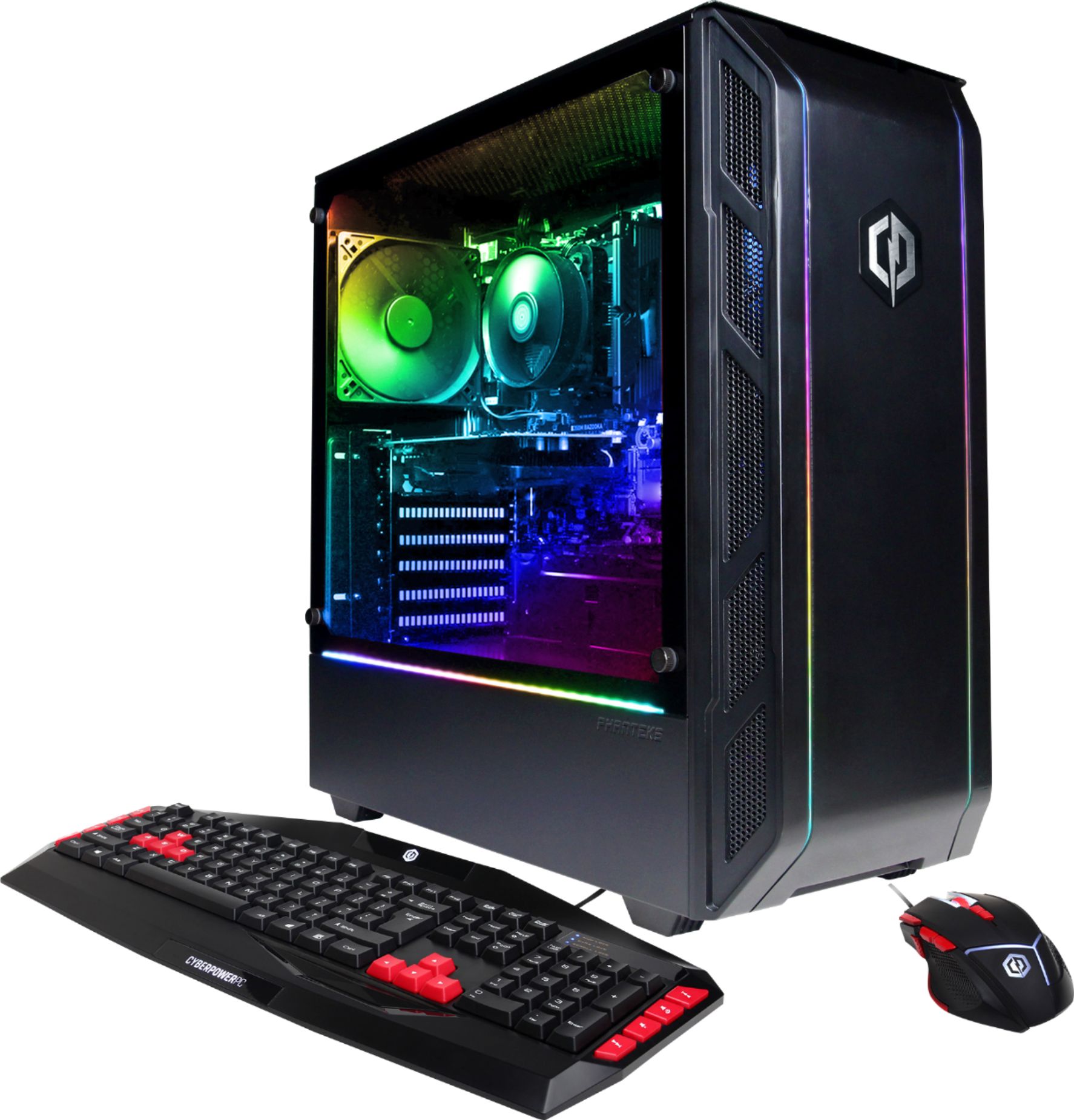
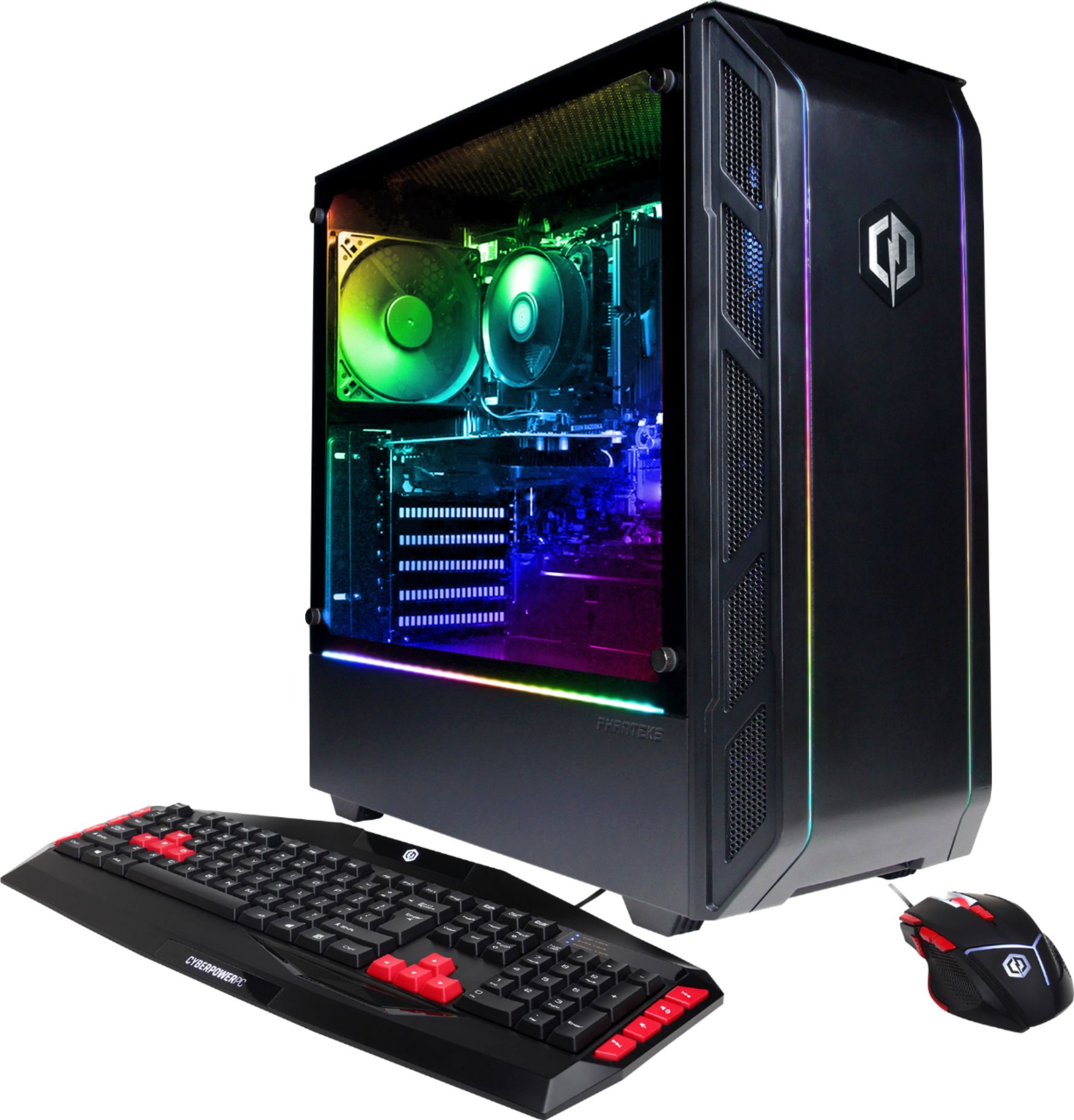
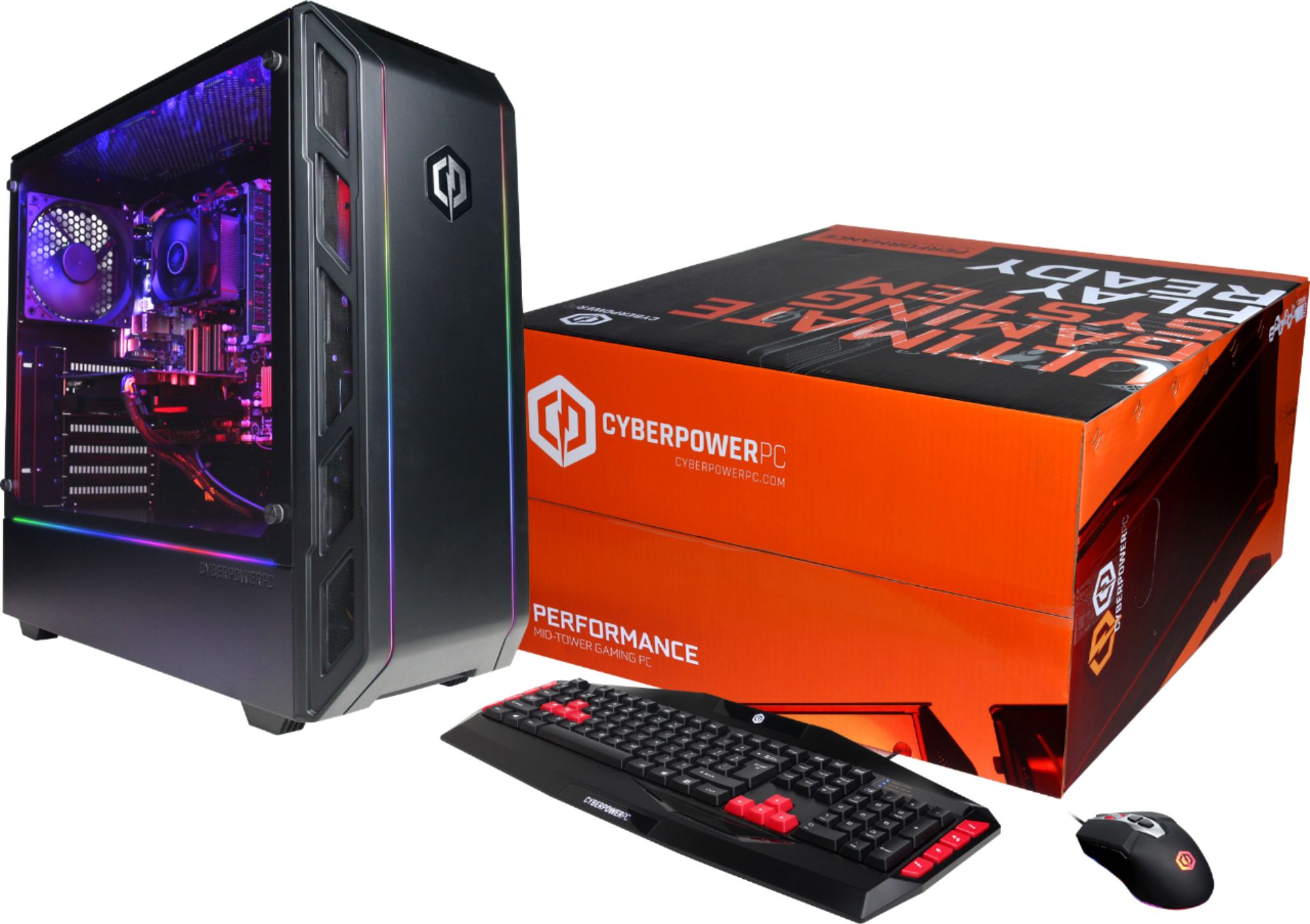
A:AnswerThe photos of the mouse and keyboard are the exact ones that come with it, nothing is different. The mouse is very nice, but I ended up changing for a mechanical keyboard.
A:AnswerThank you for reaching out. This PC passes the minimum requirements for the new Battle for Azeroth expansion. However, it is barely meeting the recommended requirements for the expansion. It should be able to run it, but maybe at lower settings. If you have any further questions or concerns then please do not hesitate to give our tech support agents a call for any assistance; we're always happy to help.
Tech support:
(888)937-5582
- CyberpowerPC Support
A:AnswerThanks for reaching out Jorge. The components are based on what the motherboard supports. You can upgrade any part in the computer, but you need to make sure all parts are compatible with the motherboard as well as each other. If you are looking to upgrade, make sure to your PSU has enough watts to support your new system. If you have any further questions or concerns then please do not hesitate to give our tech support agents a call for any assistance; we're always happy to help.
Tech support:
(888)937-5582
- CyberpowerPC Support
A:Answerthrow another stick of 8GB ram on it and should be able to handle streaming and playing at decent settings. Otherwise maybe turn down the graphics.
A:AnswerThanks for reaching out Pc. The motherboard varies. A lot of motherboards can use Intel as it's processor. You may need to look at which processors the motherboard supports as a safety measure. If you have any further questions or concerns then please do not hesitate to give our tech support agents a call for any assistance; we're always happy to help.
Tech support:
(888)937-5582
- CyberpowerPC Support
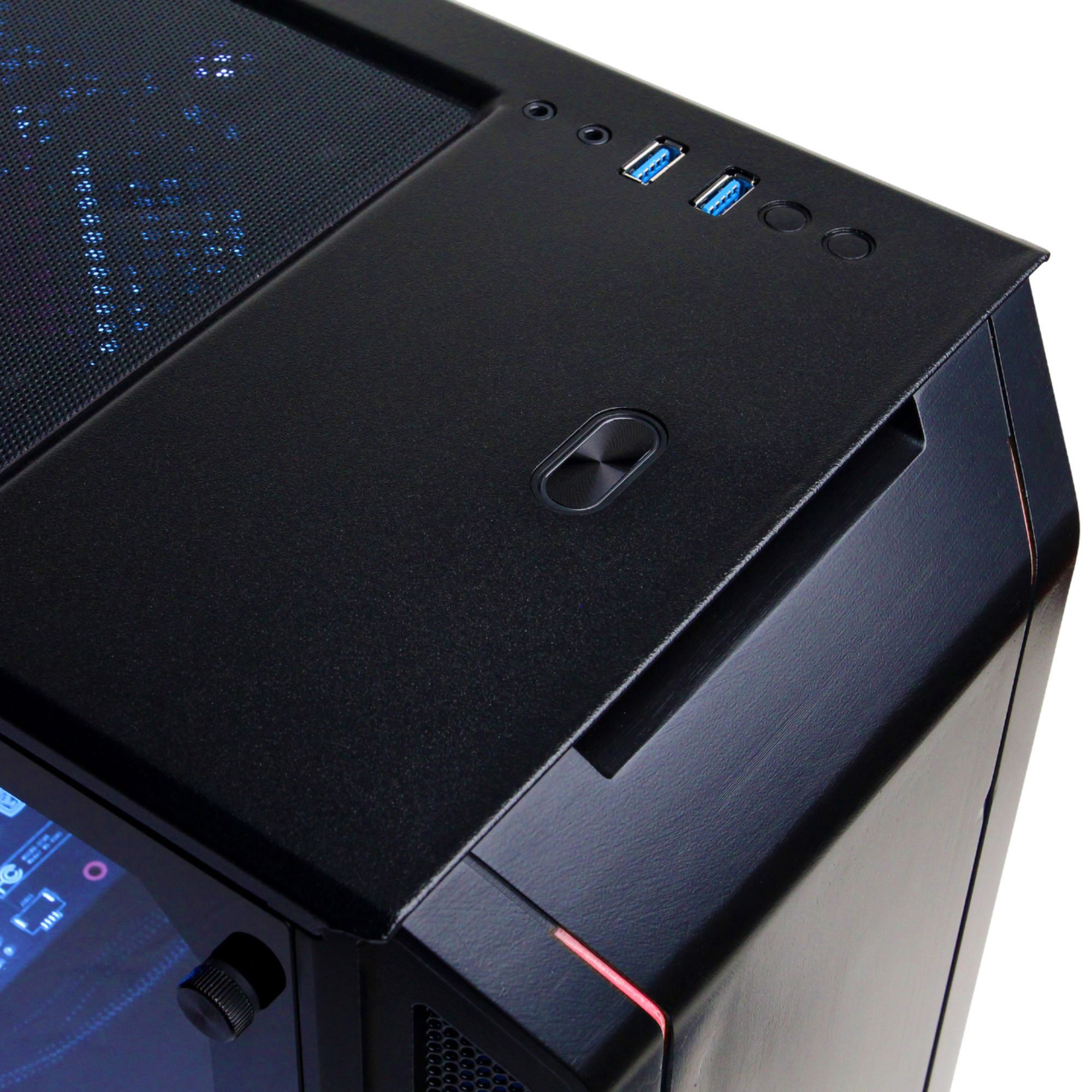
A:AnswerMic goes in the pink jack on back on top there is a white icon indicator for the top jack (other is for headphones), make sure the mic is installing it's drivers properly and is detected in the hardware or get a usb mic.
A:AnswerThanks for reaching out Scully. The PSU should a 500 WATT 80 PLUS BRONZE POWER SUPPLY. The video card and processor depends on how much wattage they need. You may need to upgrade as you do not want to bottleneck your PC. If you have any further questions or concerns then please do not hesitate to give our tech support agents a call for any assistance; we're always happy to help.
Tech support:
(888)937-5582
- CyberpowerPC Support
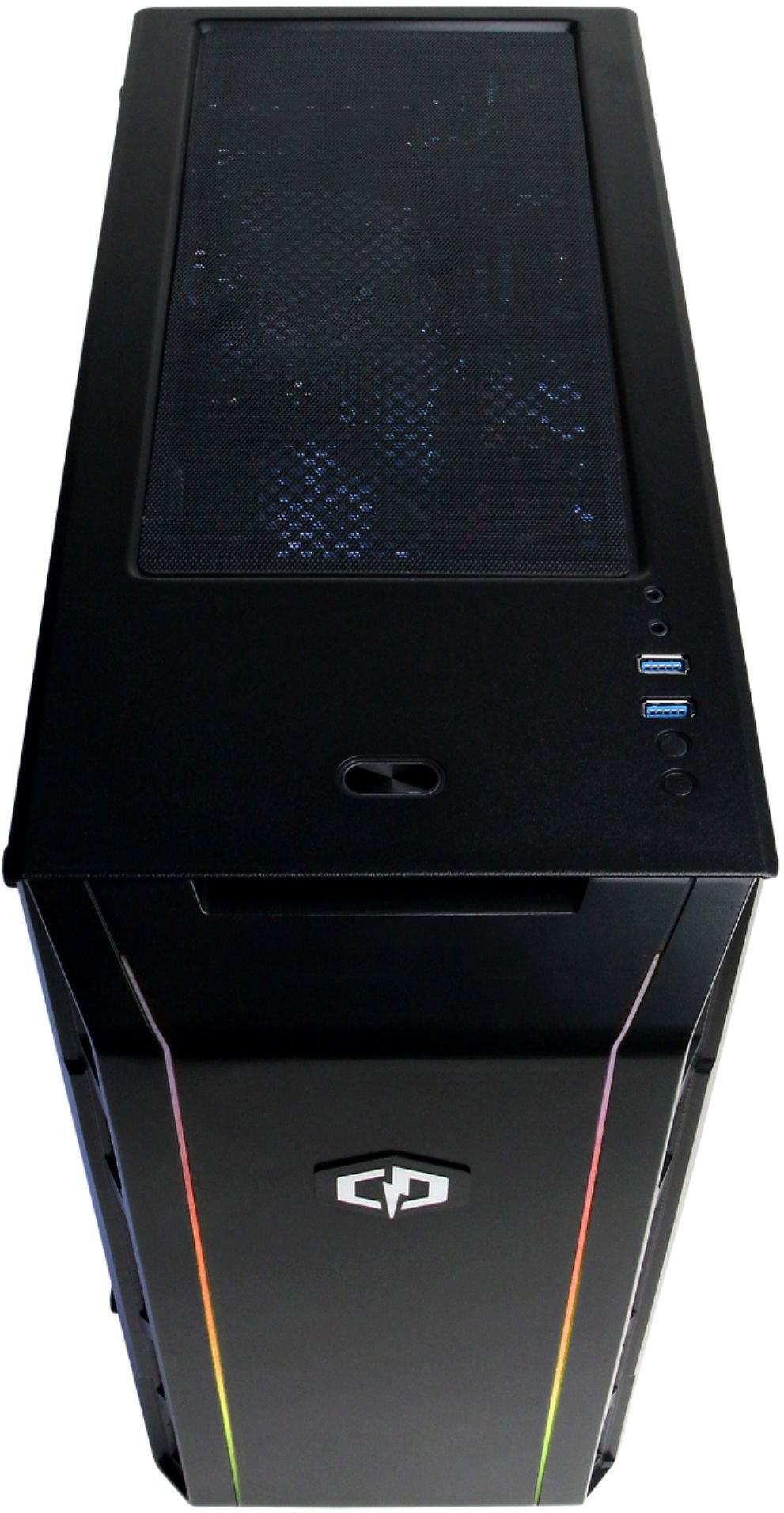
A:AnswerThank you for reaching out Paul. There should be RGB lights inside the case as well as a remote to control the color. If you have any further questions or concerns then please do not hesitate to give our tech support agents a call for any assistance; we're always happy to help.
Tech support:
(888)937-5582
- CyberpowerPC Support
A:AnswerIt is probably the 600w due to the graphics card, but you do not have to worry about the power rating to upgrade your RAM. The slot are in sight and easy to get to.
A:AnswerThis pc is easily upgradable but the Motherboard is set up for AMD chipsets so if you want to upgrade the pc make sure the CPU is AMD. The motherboard only supports The earlier AMD CPUS and the FX series CPUS and I'm positive a 1060 would fit in the case. Depending on the GPUS power demand you may need to upgrade the PSU(Power Supply Unit) If I'm correct the stock PSU is a 600W and I'm not too sure what the power demand for a GTX1060 is it all depends on if the GPU is Over Clocked or not the GTX 1060 TI and Overclocked usually require a bit more power.
A:AnswerThank you for reaching out gghh. This PC should be able to handle Rainbow Six Siege fairly decently. It does pass the minimum requirements to play the game. However, it does not pass the recommended requirements so there is a chance in low settings and performance drops. If you have any further questions or concerns then please do not hesitate to give our tech support agents a call for any assistance; we're always happy to help.
Tech support:
(888)937-5582
- CyberpowerPC Support
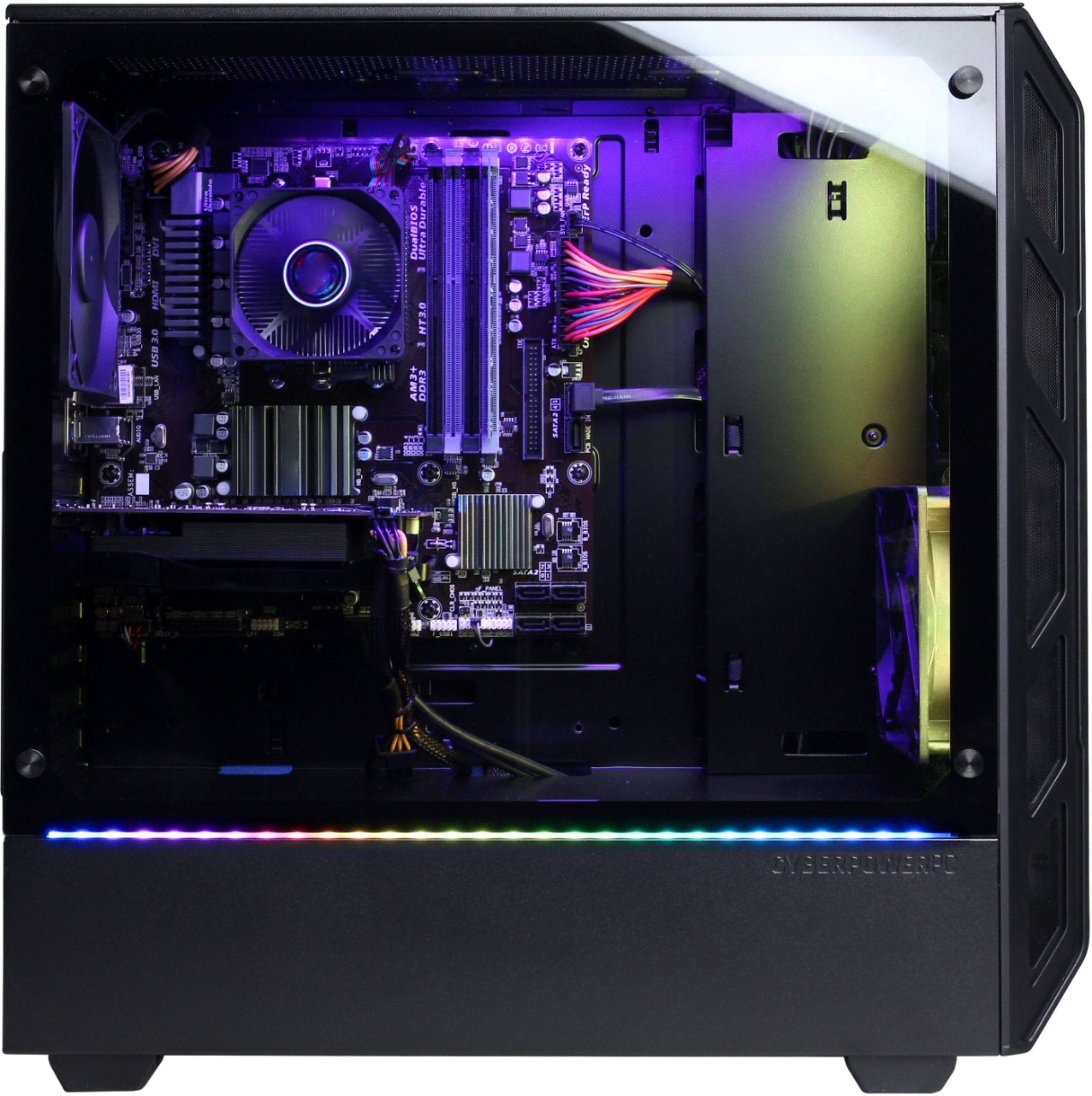
A:AnswerHi Sabastian I ran into the same issue. I figured out you have to hook it up to the middle one not the top. Look at the back of the GPU there should be 1 DVI and 1 HDMI port hook it up there.
A:AnswerThanks for reaching out Matt. This computer should be able to run all games listed. They meet the minimum requirements for each game, however, please be aware that your settings and connection can also affect the frame rate. You should be able to average out 60 FPS. If you have any further questions or concerns then please do not hesitate to give our tech support agents a call for any assistance; we're always happy to help.
Tech support:
(888)937-5582
- CyberpowerPC Support
A:AnswerThanks for reaching out Isac. This system should run OBS perfectly normal. Just be aware that your settings may affect performance and FPS. If you have any further questions or concerns then please do not hesitate to give our tech support agents a call for any assistance; we're always happy to help.
Tech support:
(888)937-5582
- CyberpowerPC Support














