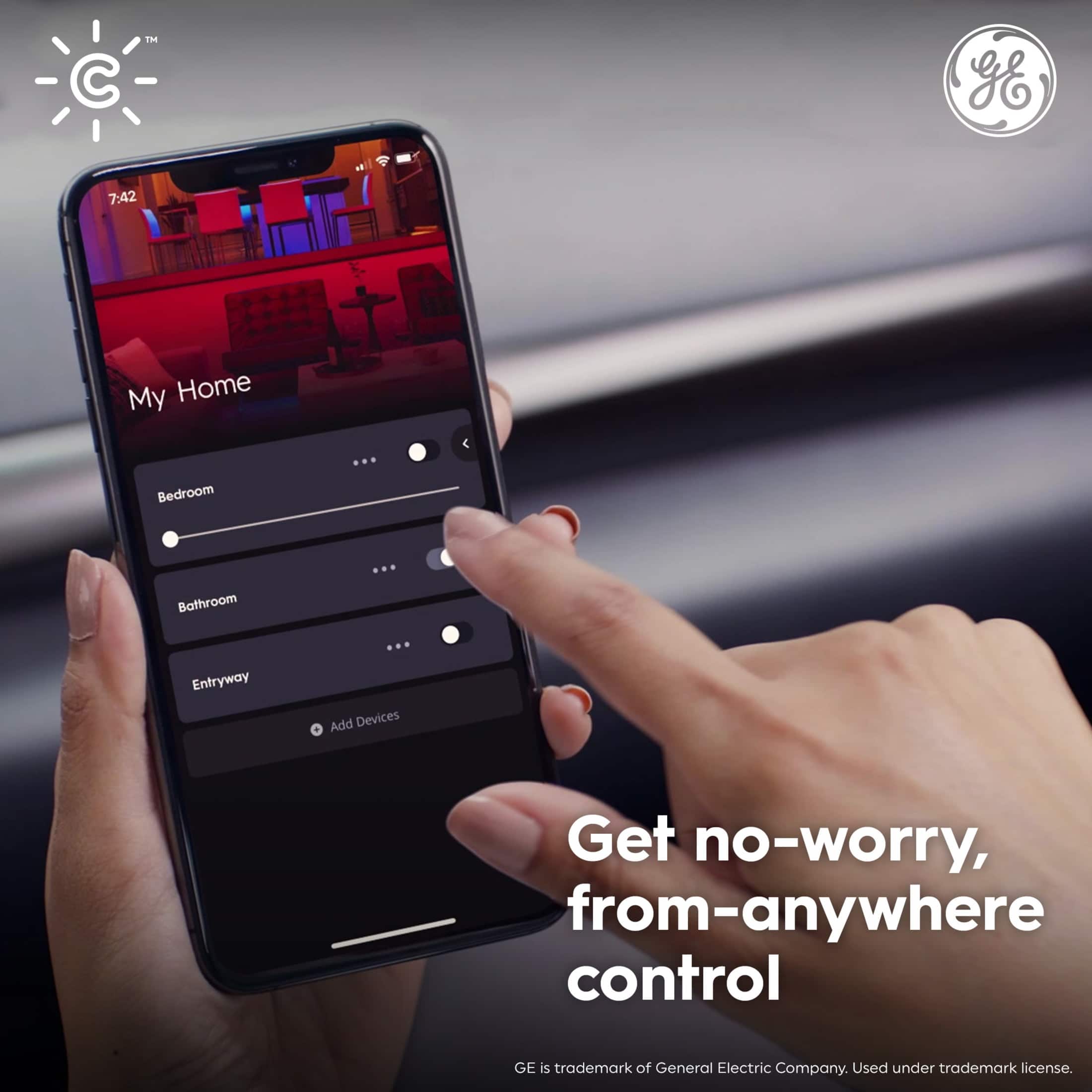
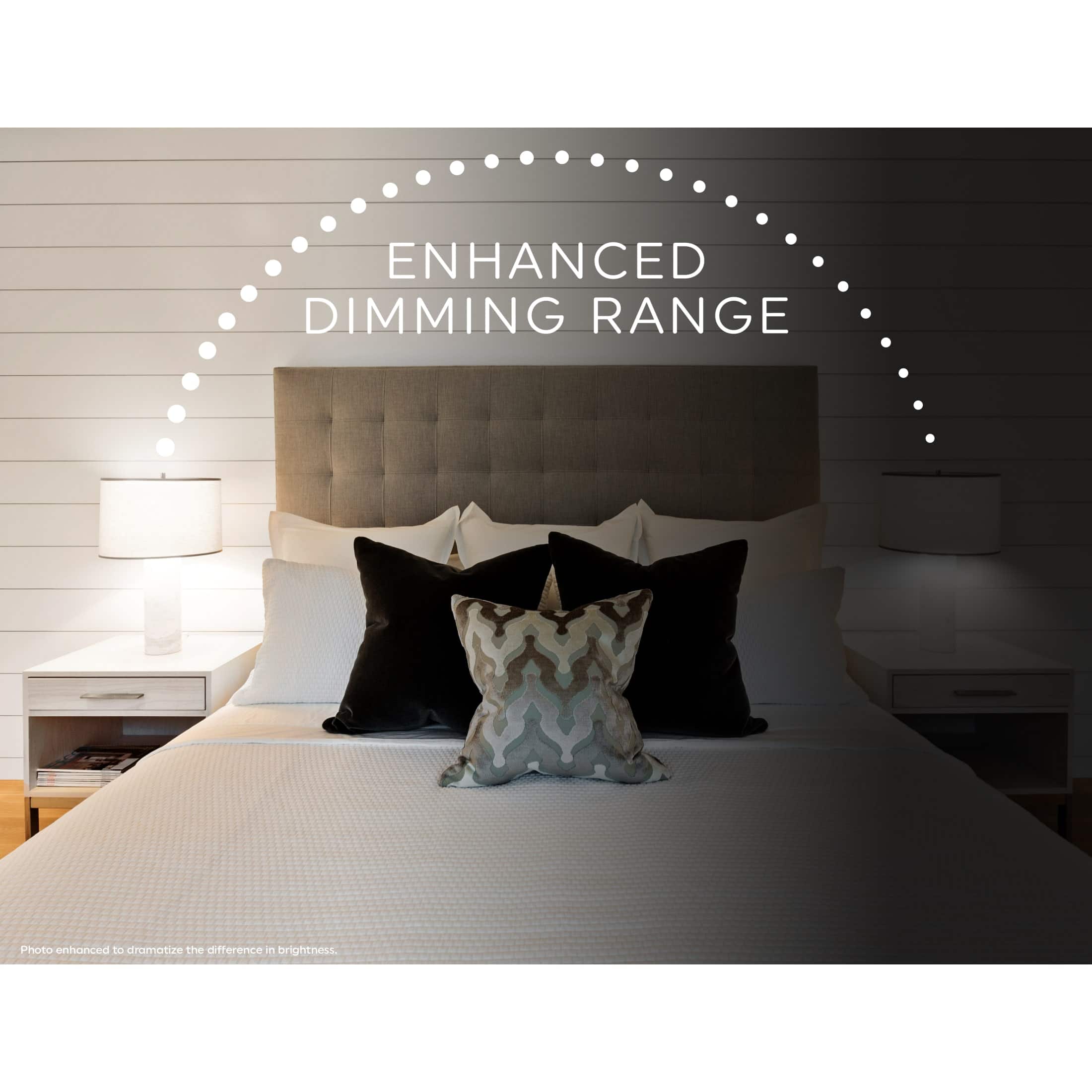
A:AnswerThey dim through the app (or your alexa/apple/google, however you have them set up.) I didn't *test* them with a dimmer, but I wouldn't imagine it would work well with the dimmer lowering power to the electronics that drive these bulbs.
A:AnswerHi Angie thanks for reaching out to us we really appreciate it. Unfortunately the Direct Connect lights are not supported for Apple Homekit at this time, however our bluetooth Light Bulbs do work with Homekit. If you have any further questions please feel free to reach out to us at 1-844-302-2943 or by emailing us at help@cybge.com
A:AnswerWith these bulbs you generally use them either as a regular bulb (with a light switch and/or dimmer) or as a smart bulb with the app (which has a built in dimmer). Using it both ways may cause damage (using the dimmer knob when the dim feature in the app is also used, for example).
I found these bulbs to be most useful in fixtures that aren't hooked to wall switches, like lamps.
A:AnswerThe Direct connect lights work with 2.4 GHz only. If you're using a mesh network which is both 2.4GHz and 5GHz it will still only connect to your 2.4 GHz.
A:AnswerI purchased these bulbs. As for your question, once you set up each bulb and I put it in the Google home app, you can turn the light on and off, and you can choose an array of colors including magenta and indigo blue with the top of a button on your app.
I wish I bought these at the beginning of the pandemic:)
A:AnswerI purchased these bulbs. Yes, your lamp plugged into the regular AC socket. You simply screw in this bulb replacing your old bulb. It works with Alexa, Google home, or the C by GE app. The colors are amazing including magenta and indigo blue. With my Google home app I can turn it on and off change colors are huge with the top of a button. I wish I bought them at the beginning of the pandemic.:) I put some photos on the yelp website under Best Buy today.
A:AnswerYes and no. They cannot be controlled with the Sengled app (GE has its own app, which must be used) but multiple brands of bulbs can be controlled in groups using Amazon Alexa. I have GE, Sengled and Hue and they all work together using Alexa. Or can be controlled by individual apps.
A:AnswerSo tech guy to answer your question here’s what I found out today. I tried to set up the lightbulbs with it see by GE app but my Google home kept grabbing them away does that make sense? All colors and Hughes are at the top of the button on the Google home app as well as turning each individual light on and off once you designate the location. They’re really sexy looking! I placed some pictures on the Best Buy store front on the Yelp app today.
A:AnswerHey there, our bulbs are not rated for inclosed fixtures as these types of fixtures have been known to cause issues for our bulbs. If you have any further questions please feel free to reach out to us directly and we would be happy to assist you! - Cync Support Team
A:AnswerHi Coakley thanks for your question. Unfortunately Apple does not support our Direct Connect Lights at this time only our bluetooth lights. If you have any further questions we can be reached at 1-844-302-2943 or email help@cbyge.com
A:AnswerThe simple answer is yes, replace them on your ceiling fan and they'll change colors and be smart and be controlled with your phone or with voice on google assistant or alexa. But the more complicated answer is that if the fan needs to be turned on with with a wall switch that wall switch will need to stay always on the on position to be able to do voice control/phone control. So you would have to always leave the switch on and if you want to use your fan turn it off or on from the pull chain. If you just want a smart ceiling fan/light you can always go an replace the switch with a smart switch instead of replacing the bulb. C by GE also makes some smart switches that dim the bulb and turn on the light and fan and they are pretty good. I use them with ceiling fans with that would have required me to change multiple bulbs.
A:AnswerThat shouldn't happen. Have you tried to start over by reseting them & then start the process of pairing them again as if you just took them out of the box for the first time? That would be the first thing I try & it should work.