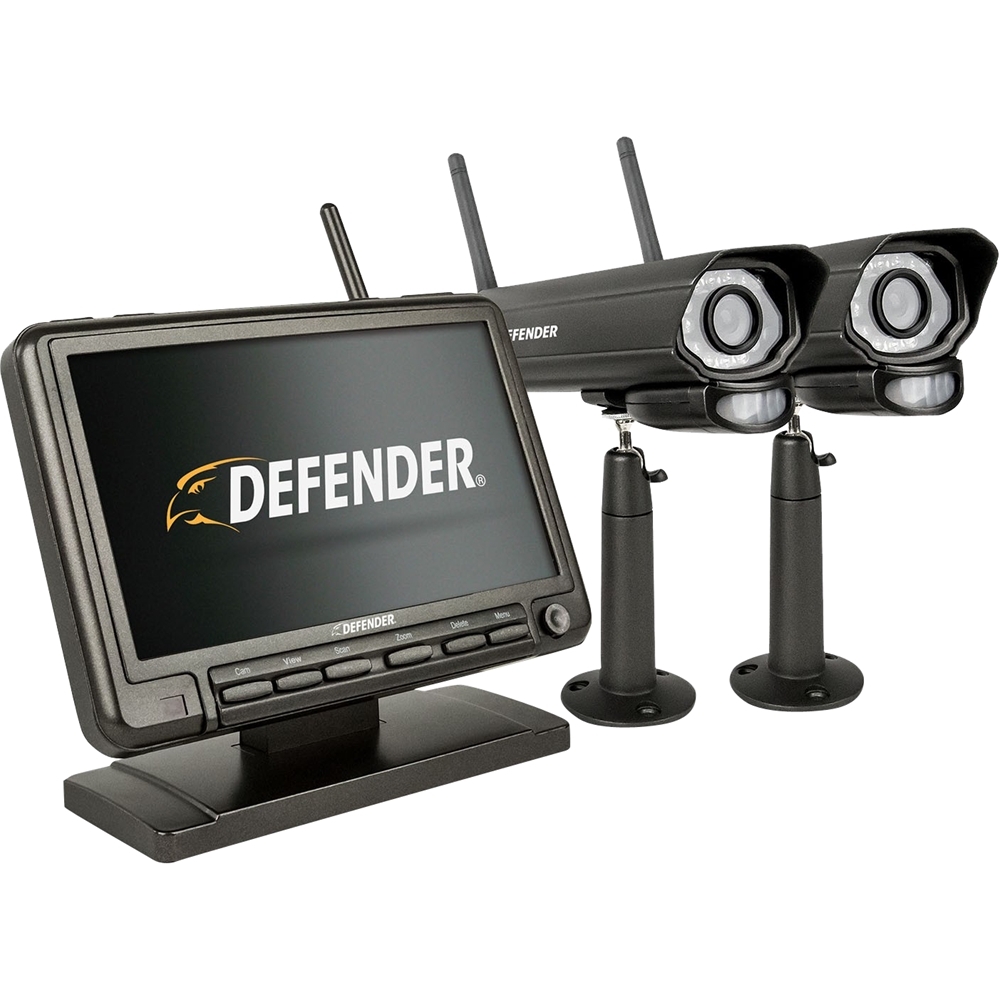
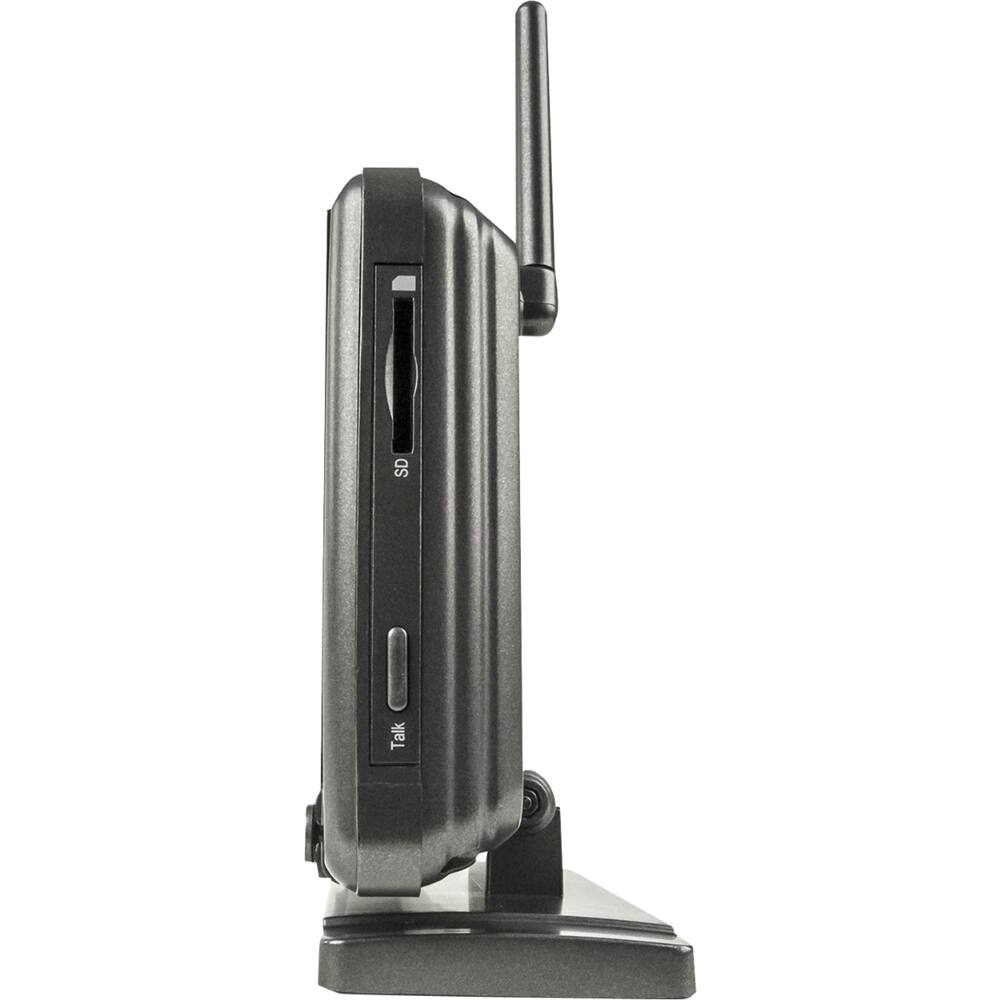
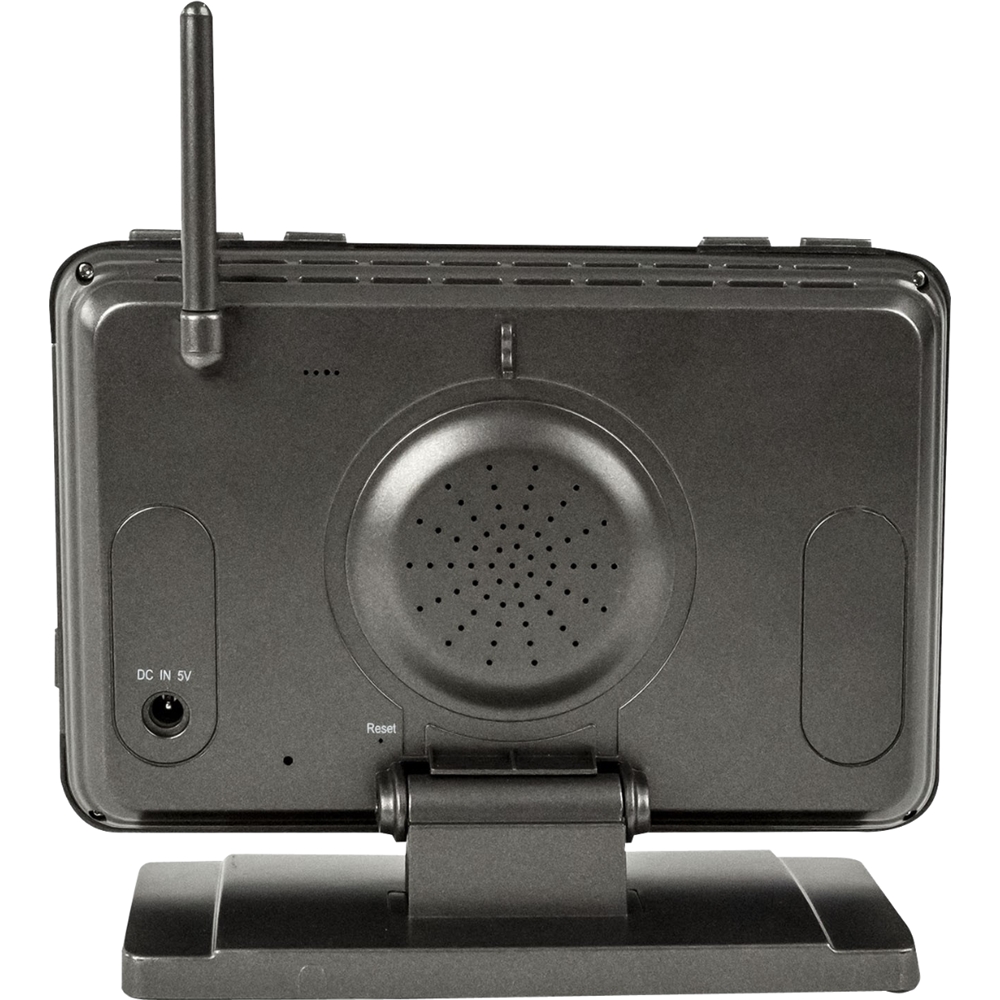
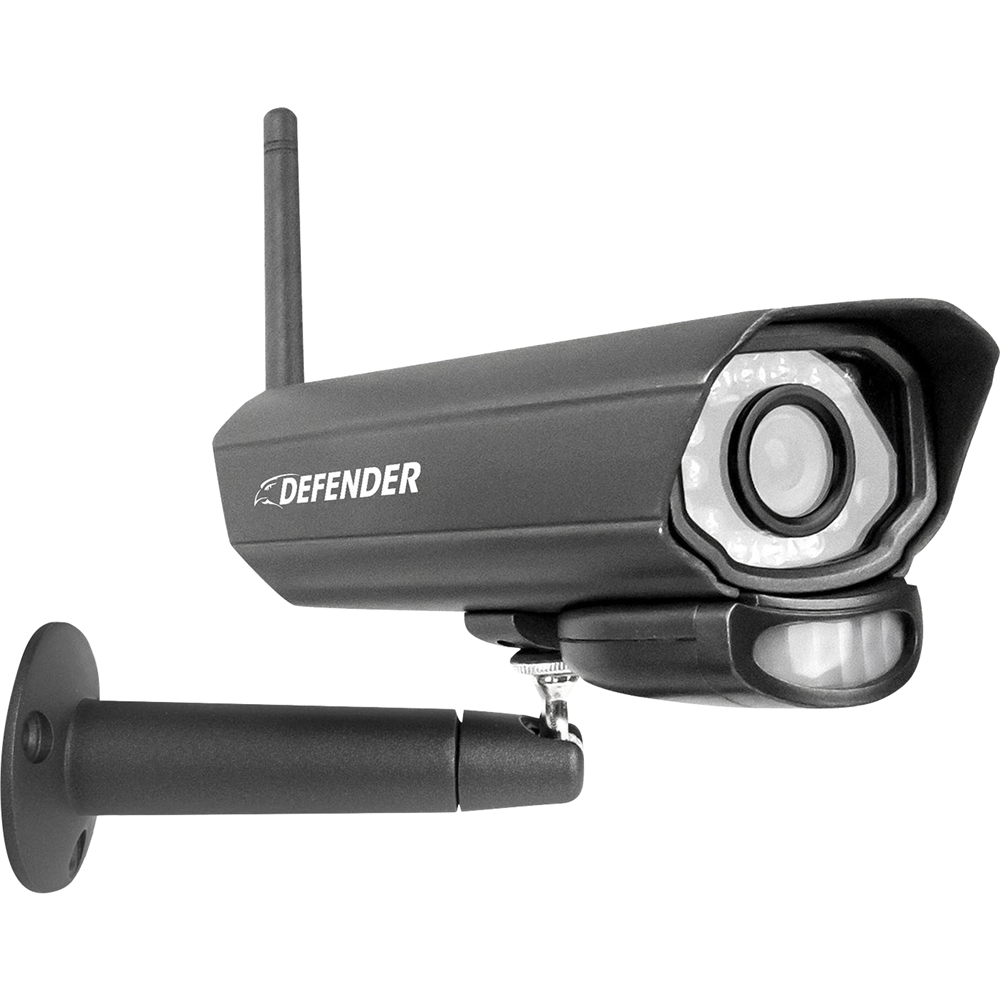
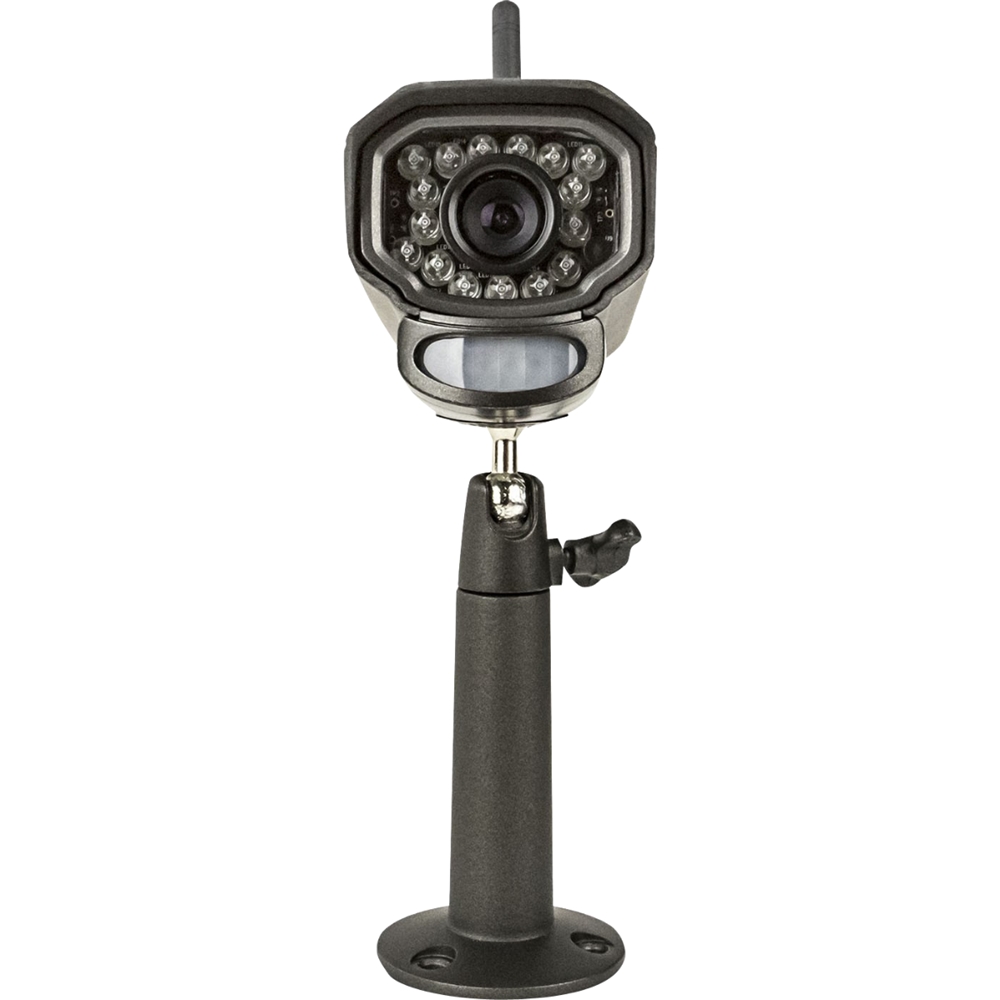
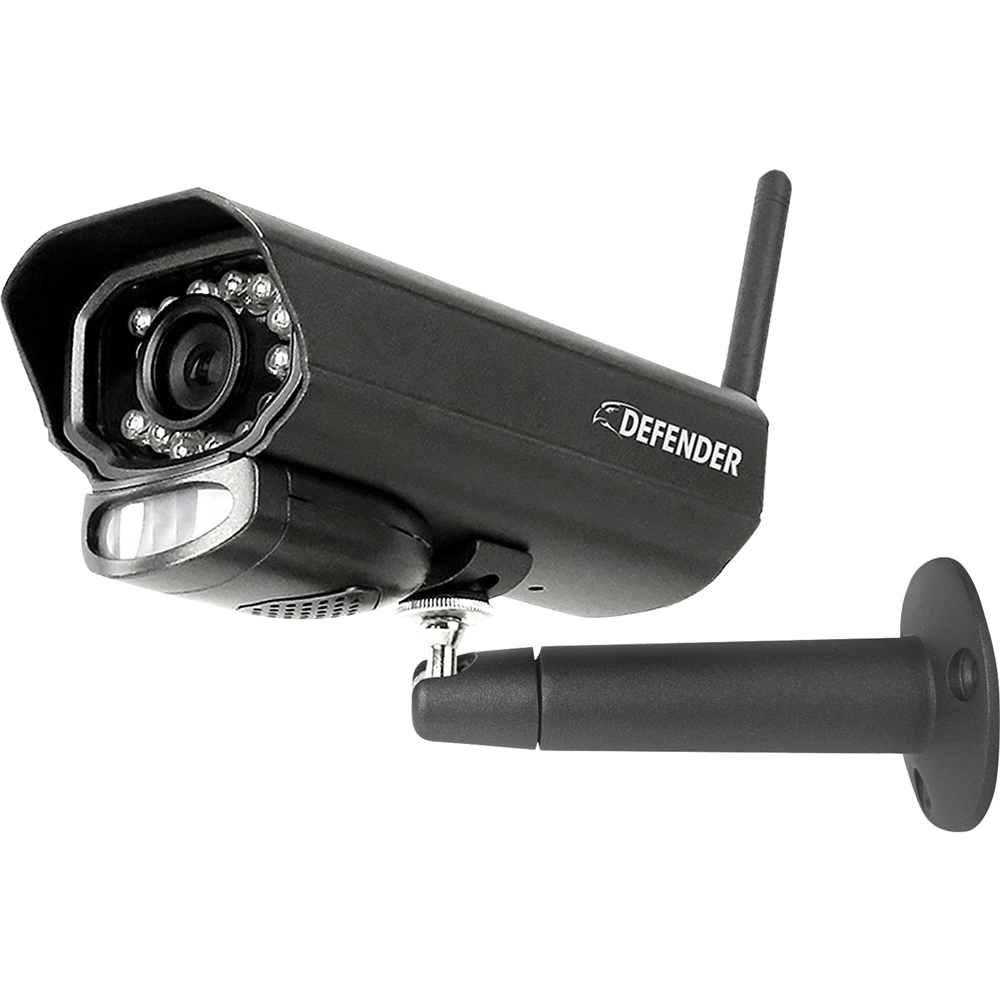
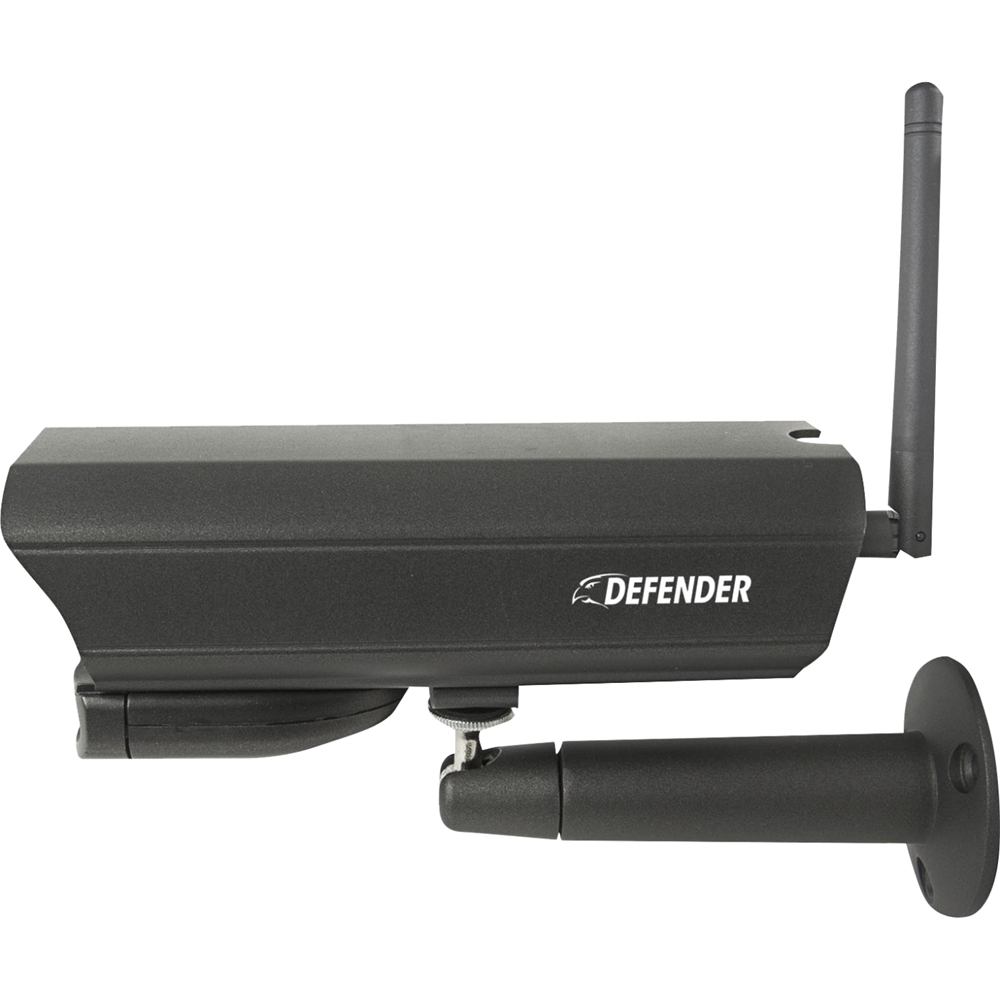
A:AnswerHello Judge, these are great questions. The PhoenixM2 operates on a 2.4ghz private network that is only visible to the monitors and cameras. If you have two Phoenix systems the cameras will only pair to one of the monitors. It is not possible to pair one camera to two monitors.
Defender Support
A:AnswerHello Rooster, thanks for the question. The PhoenixM2 does not have any app available for the smartphone or tablet. You can only use the monitor to view footage.
Defender Support
A:AnswerHello Bankx, thanks for the question. The PhoenixM2 power supplies uses a standard power outlet so you can use any extension cord that you find at your local retailers.
Defender Support
A:AnswerHello Fxdwings, thanks for the great question. The PhoneixM2 does not have an app to view it remotely. The system is designed for local viewing of the cameras.
Defender Support
A:AnswerHello Lissy, thanks for the great question. The PhoneixM2 does not have an app to view it remotely. The system is designed for local viewing of the cameras.
Defender Support
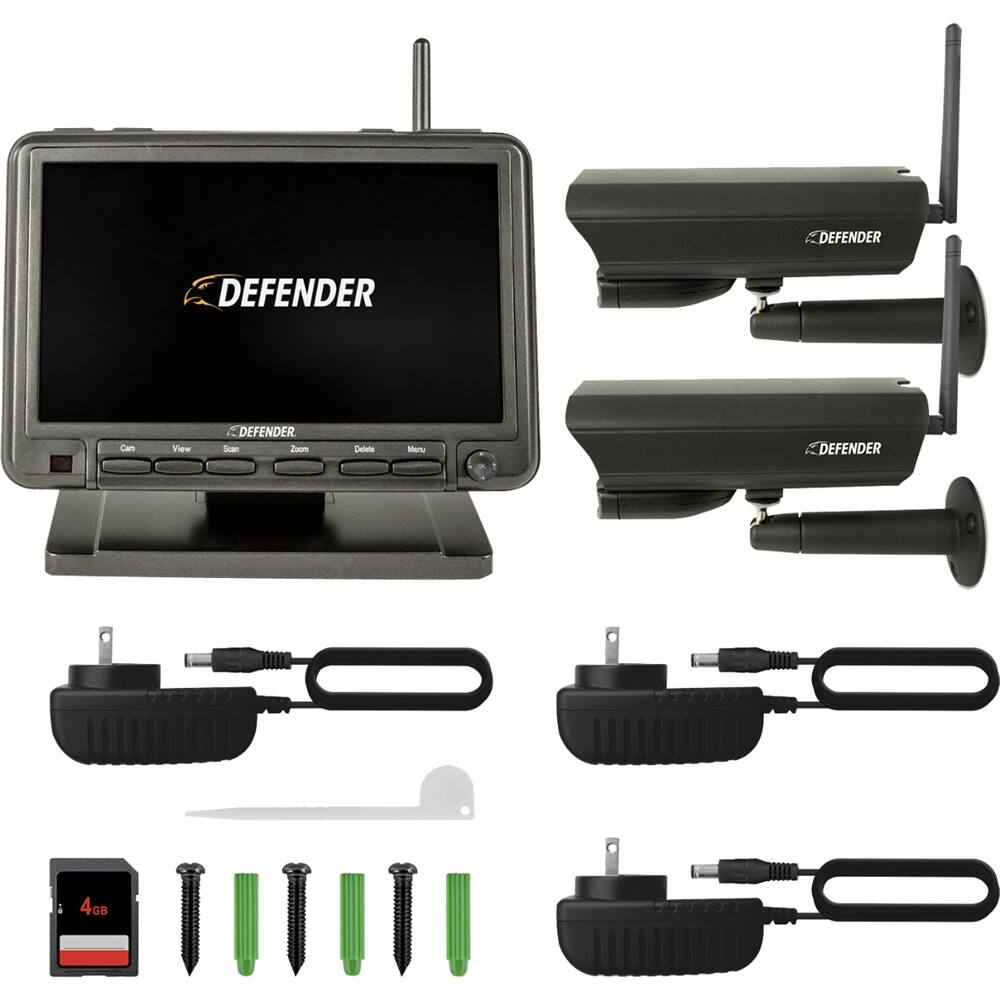
A:AnswerHello Banx, thanks for the questions. The PhoenixM2 comes with an 8ft power supply cable which you can extend with any extension power cord. The system does not come in a battery powered variation.
Defender Support
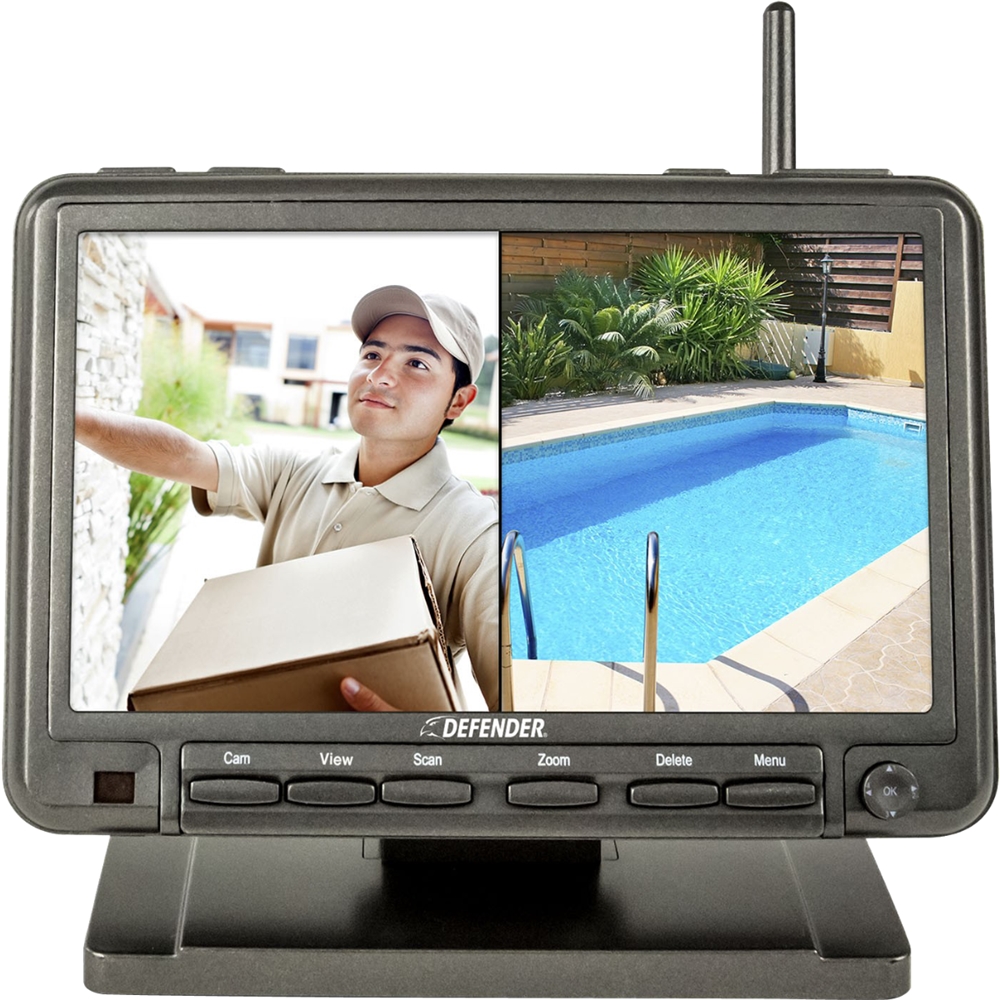
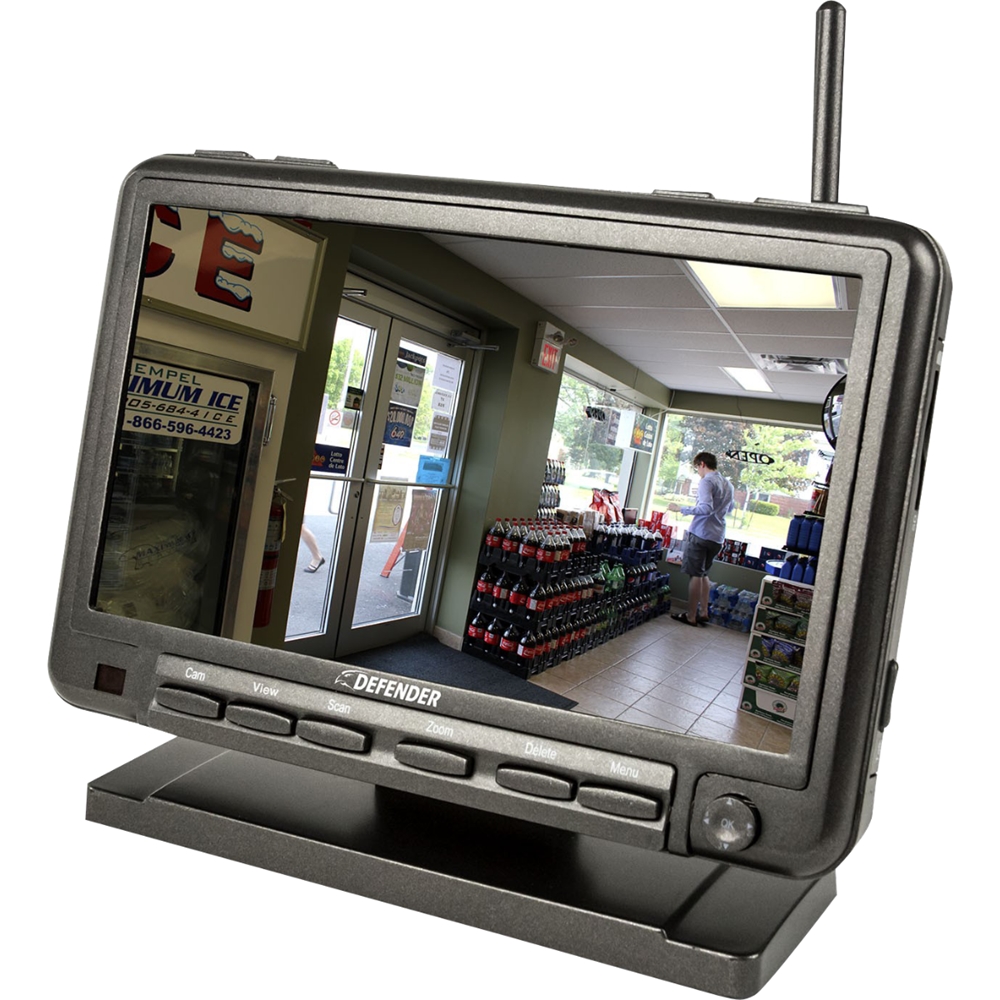
A:AnswerHello JG, thank you for the question. The monitor does stay on when it is powered. It will record motion once that setting has been enabled, or continuously depending on the schedule that is set up.
Defender Support
A:AnswerDianne, great question! You can add a total of 4 cameras to the PhoenixM2 system. The model number for additional cameras is PhoenixM2C. Should you have any further questions please contact our support team by email, phone or live chat!
Defender Support
A:AnswerCRAZYSHOT2090, great question. The PhoenixM2 does not have an app. It is designed to be viewed on the monitor only. Should you have any further questions please contact our support team by email, phone or live chat!
Defender Support
A:AnswerLOUANNE great question. In order for the 128GB SD card to be readable on the PhoenixM2, the newest firmware needs to be installed on the system. If you contact our support team they can walk you through the process. They can be reached by phone, email or live chat.
Defender Support
A:AnswerThanks for the question Sandi, the Phoenix M2 can operate up to 450ft with clear line of sight but its optimal range is 150ft. It also depends on how many walls the signal has to go through and what those walls are made of. Should you have any further questions please contact our support team by email, phone or live chat!
Defender Support
A:AnswerHawk, thanks for the question. The PhoenixM2 is designed to work on the monitor that it comes with only. There is no way to broadcast to a larger display.
Defender Support
A:AnswerTB7TEE great question. In order for the 128GB SD card to be readable on the PhoenixM2, the newest firmware needs to be installed on the system. If you contact our support team they can walk you through the process. They can be reached by phone, email or live chat.
Defender Support
A:AnswerHello Mark77 , thanks for the question. If the PhoenixM2 monitor is off then the system will not record motion. The only time the monitor is off is when it is powered down. Should you have any further questions please contact our support team by email, phone or live chat!
Defender Support
A:AnswerThank you for your question, Aim! The cameras can be viewed on the included monitor and are not able to be attached to a TV. Thank you for considering Defender to give you the peace of mind you deserve!
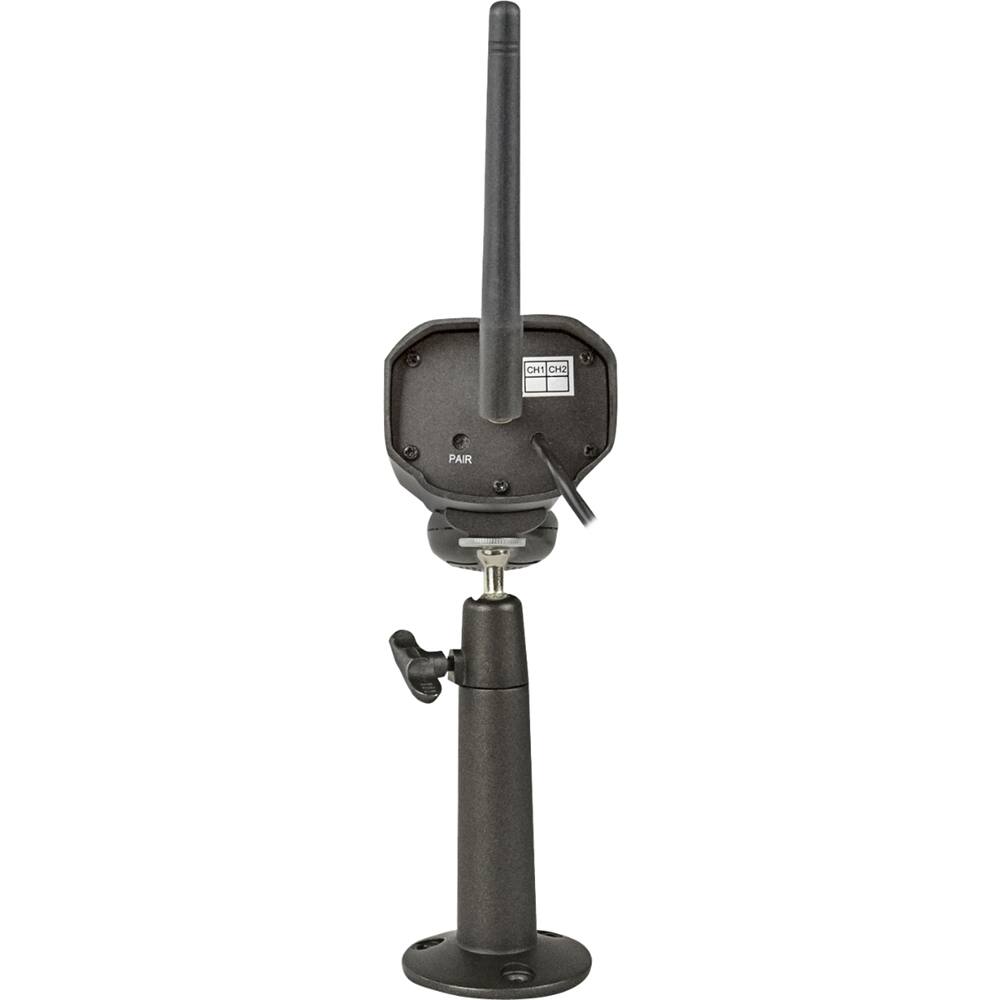
A:AnswerGreat question, Brandy! To pair your camera to the PhoenixM2 monitor, follow these steps.
• Press the menu button on the monitor
• Select Camera
• Select Pairing
• Choose the camera you would like to pair
• A 30-second countdown will appear
• Using the white pairing tool, press the pairing button on the back of the camera before the timer runs out.
• The camera image will now appear
These steps can be repeated for up to 4 cameras.
Thank you for being a part of the Defender Family!