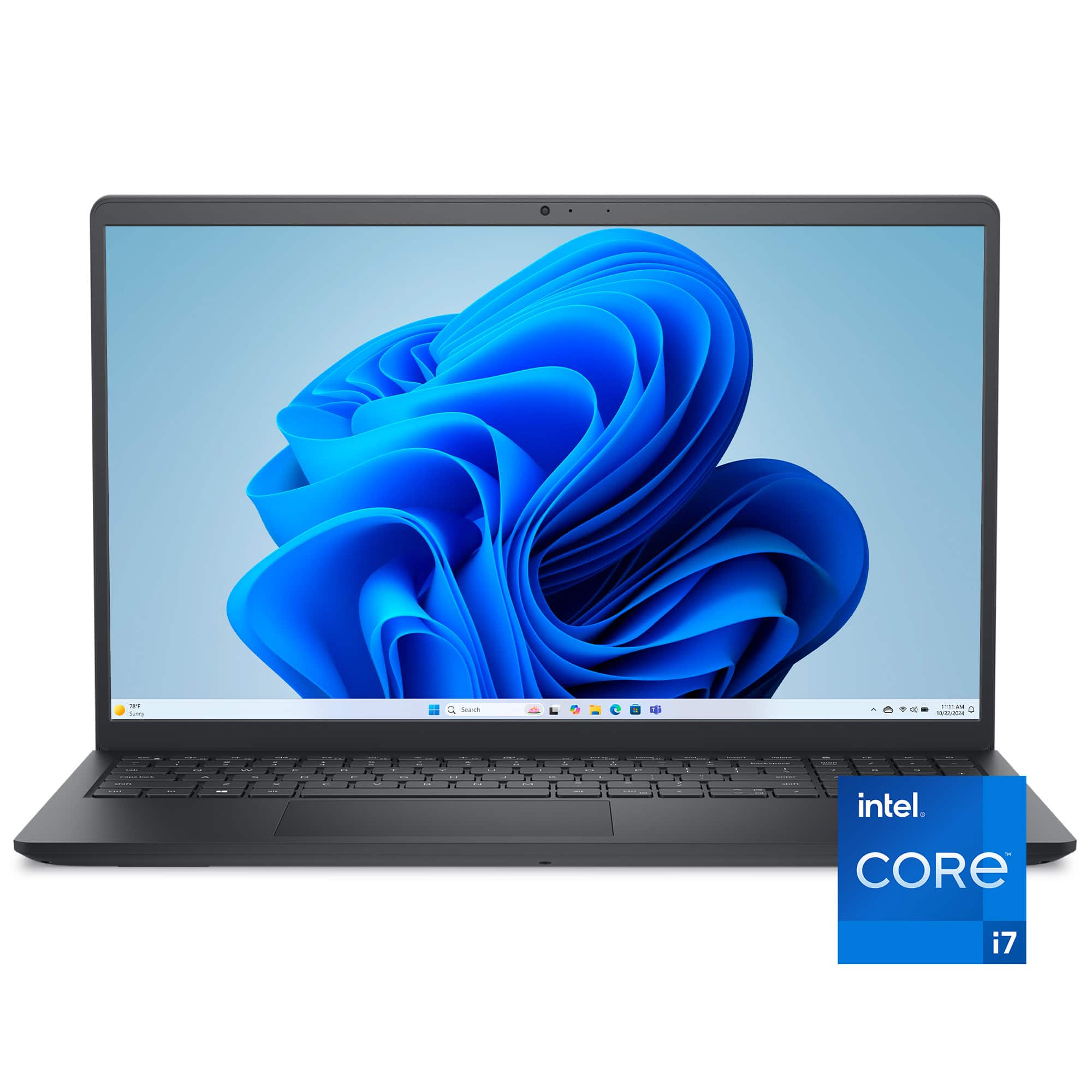
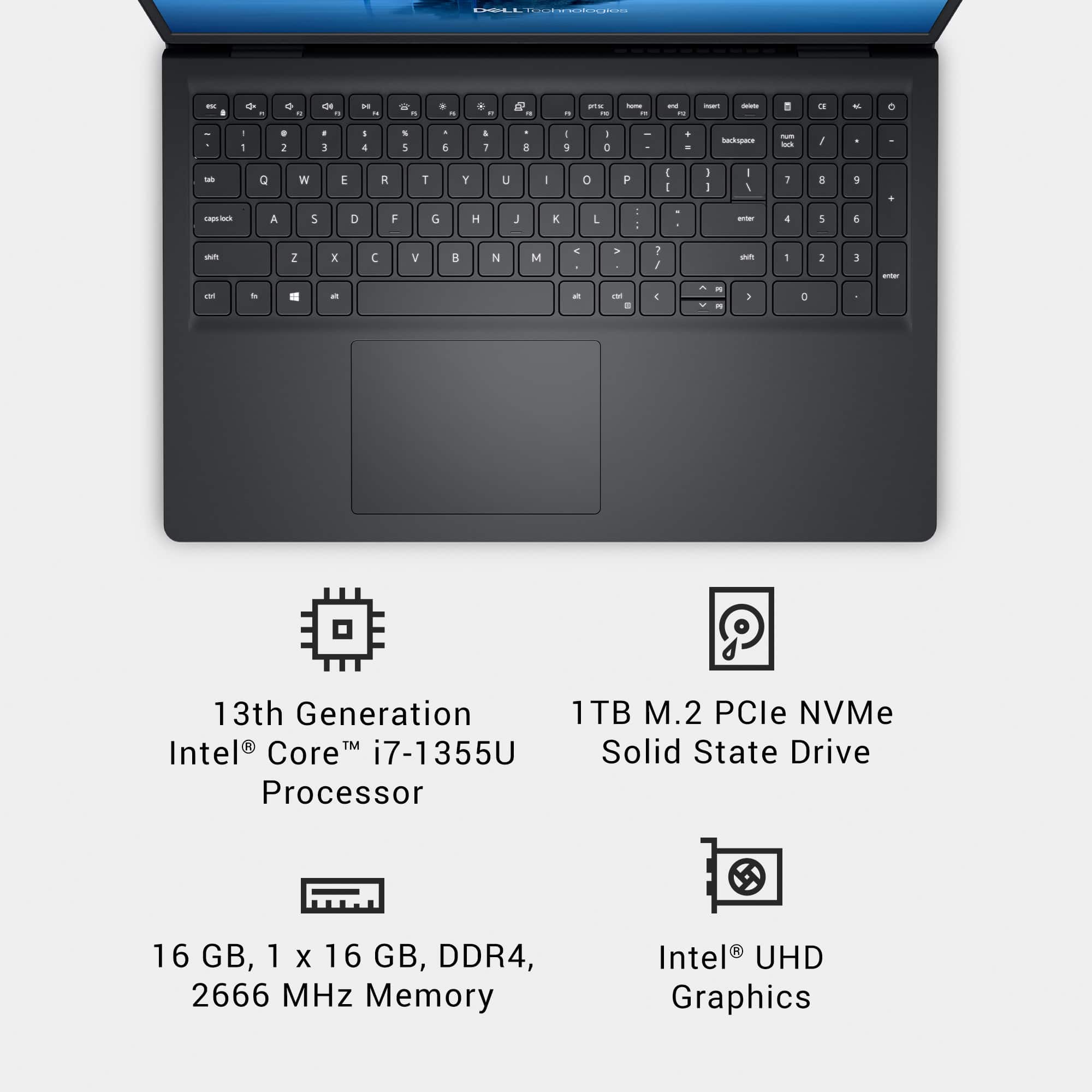
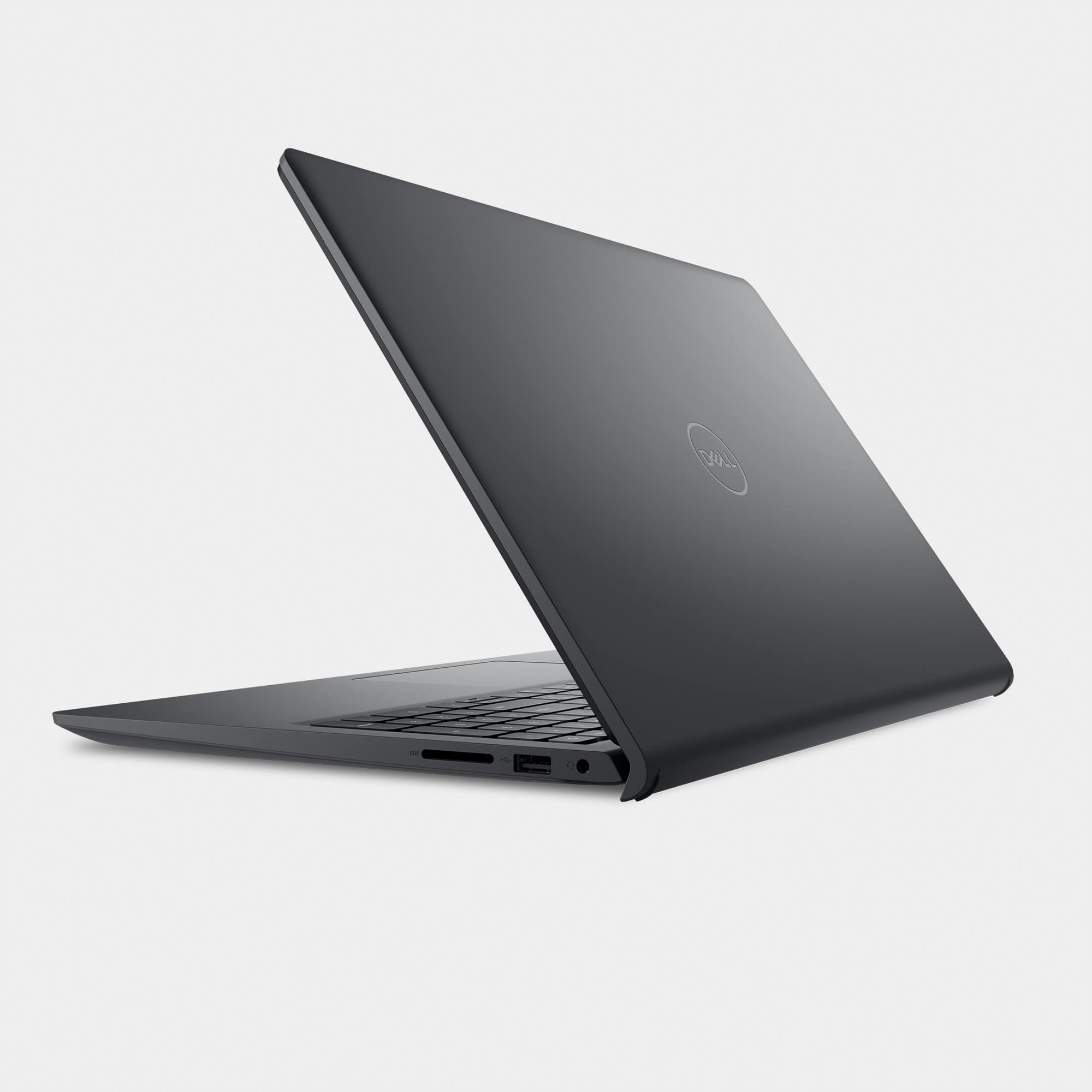
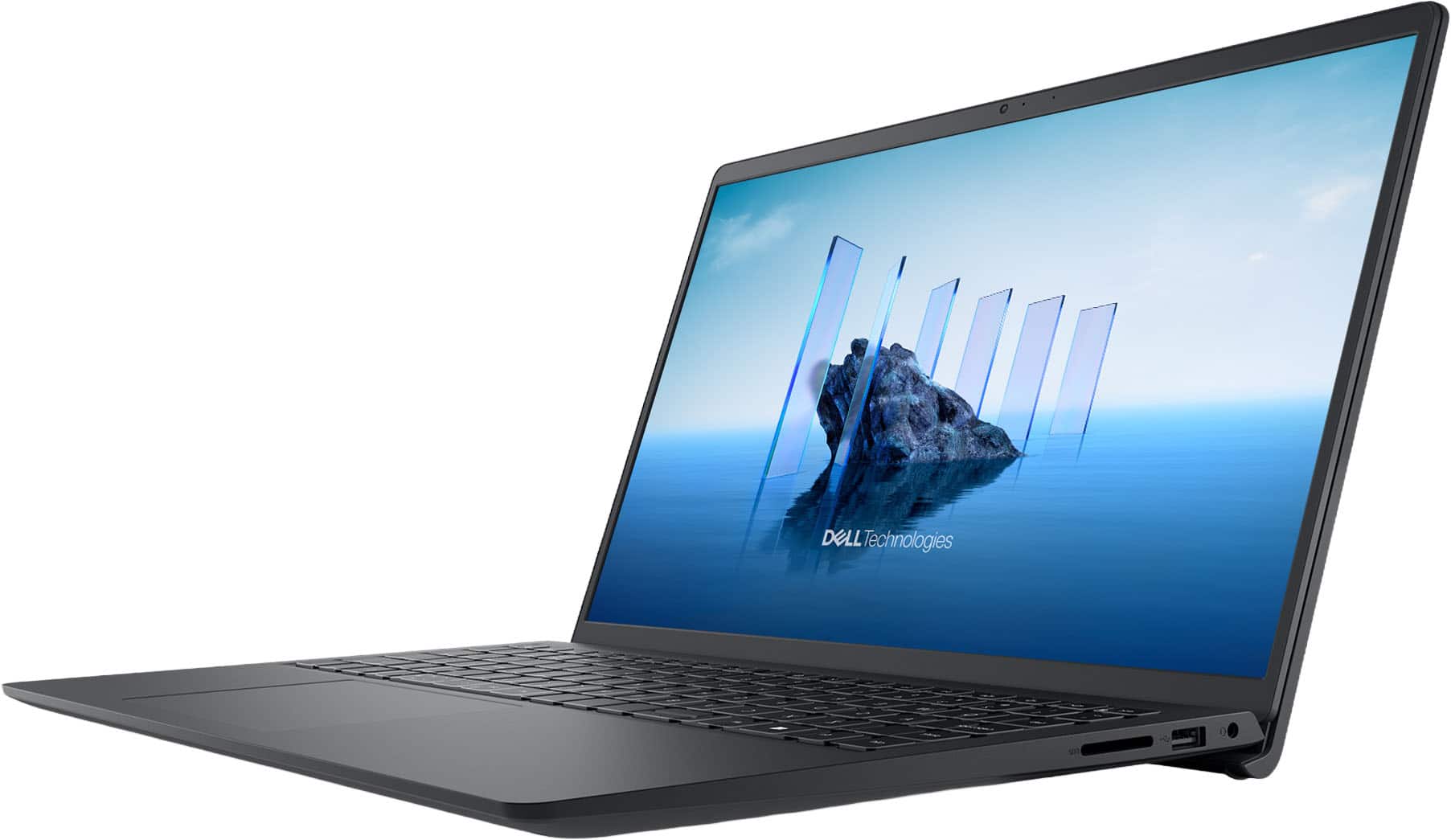
A:AnswerThis is not a gaming laptop for say. It will run simple games but does not have the RAM, storage, nor video power to run most of the high level games (such as first person shooters). It is perfect for home and school use. Look at the Alienware laptops sold by Dell for gaming laptops - only downside is Alienware laptops are not cheap.
A:AnswerThank you for highlighting this information. We apologize for any confusion this may have caused. The device features FHD display and not 2K. We will update the necessary changes to the title.
A:AnswerA. Unlike desktops, laptops have absolutely NO spare room inside (OK, maybe 1/8" here and there), so if a laptop comes without an optical drive, you have a 99% chance that it will NOT accept the addition. This is true across all brand names, both old and new models, and all price points. Even Framework laptops, which are famous for their customization, upgrade, and repair capacity, won't accommodate one.
So if you must have an optical drive, your reasonable options are to 1) search for used/refurbished models, 2) look at one of the few new models (usually larger, budget-friendly, or business-oriented machines), 3) get an external, portable drive. Of course, if money is no object, I am sure you can find a technician who will build one for you from the ground up with both an optical drive (or even two) plus the newest technology.
B. As to the second part of your question: a quick search showed that you can upgrade the RAH and SSD to at least 64 GB RAM and 2 TB SSD.
A:AnswerMy search found you can upgrade to 64 GB RAM and 2 TB SSD. However, this is NOT the Dell official spec, but based on other people's experience.
A:AnswerAh, I remember the days when was a noobie and knew absolutely nothing.. Hated them.
Depends on the games you want to play. Check the websites for those games, get the recommended specs, then come back here and compare them. Then you will know for SURE.
A:AnswerIf you have a serious interest in this model, I suggest you use one of the links at the bottom of the page under the heading "Support & Services," or possibly "Corporate Information."