Dell - 15.6" FHD Touchscreen Laptop - Intel Core i7 1355U 2023 - 16GB Memory - 1TB Storage - Carbon Black
Customers are saying
Customers are satisfied with the product's strong overall performance, speed, and ease of use. Many also appreciate its generous storage capacity, ample RAM, and convenient touchscreen. Positive feedback extends to its good battery life, spacious design, and favorable weight. The only notable concern raised by customers is the noise level.
Highlights
Effortlessly chic
Always efficient. Finish your to-do list in no time with the Dell 15 DC15250, built for everyday computing with Intel processors.
Designed for easy learning
Energy-efficient batteries and Express Charge support extend your focus and productivity.
Stay connected to what you love
Spend more screen time on the things you enjoy with Dell ComfortView software that helps reduce harmful blue light emissions to keep your eyes comfortable over extended viewing times.
Type with ease
Write and calculate quickly with roomy keypads, separate numeric keypad and calculator hotkey.
Ergonomic support
Keep your wrists comfortable with lifted hinges that provide an ergonomic typing angle.
- Screen TypeWVAScreen Size15.6 inchesScreen Resolution1920 x 1080 (Full HD)Touch ScreenYesRefresh Rate60Hz
Reviews
Rating 4.7 out of 5 stars with 392 reviews
- Overall Performance (164)
- Speed (47)
- Ease of Use (36)
- Storage Capacity (26)
- Touchscreen (14)
- Noise Level (4)
Customer Images
The vast majority of our reviews come from verified purchases. Reviews from customers may include My Best Buy members, employees, and Tech Insider Network members (as tagged). Select reviewers may receive discounted products, promotional considerations or entries into drawings for honest, helpful reviews.

- Microsoft - Surface Laptop - 13.8" 2K Touchscreen - Snapdragon X2 Plus (10 Core) 2026 - 16GB - 512GB Storage - Dune$1,399.99The price was $1,599.99
Compare similar products

Effortlessly chic. Always efficient. A 15-inch laptop with a built-in HD camera, enlarged ergonomic keyboard and Intel processors.
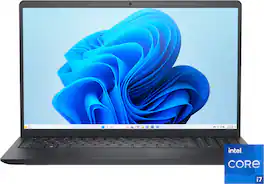
Effortlessly chic. Always efficient. A 15-inch laptop with a built-in HD camera, enlarged ergonomic keyboard and Intel processors.

Effortlessly chic. Always efficient. A 15-inch laptop with a built-in HD camera, enlarged ergonomic keyboard and Intel processors.

The Inspiron 15 is as stylish on the outside as it is efficient on the inside. Built with up to 13th Gen Intel processors, you can finish your to-do list in no time.
| Pros for Dell - 15.6" FHD Touchscreen Laptop - Intel Core i7 1355U 2023 - 16GB Memory - 1TB Storage - Carbon Black | |||
|---|---|---|---|
| Overall Performance, Speed, Touchscreen, Ease of Use, Storage Capacity | Overall Performance, Speed, Touchscreen Functionality, Battery Life, Screen Size | Overall Performance, Speed, Portability, Touchscreen Responsiveness, Design | Overall Performance, Portability, Touchscreen, Processor Speed, Weight |
| Cons for Dell - 15.6" FHD Touchscreen Laptop - Intel Core i7 1355U 2023 - 16GB Memory - 1TB Storage - Carbon Black | |||
| Noise Level | Heat Dissipation | Battery Life | Battery Life, Connectivity, Port Count, Screen Size |
Specs
It says this has Windows 11 Home in S Mode. Can you take this out of S Mode? If so, what do you need to do to put it into full Windows 11 Home? Can the User do that? Does it cost more? Do I have to buy a Windows 11 Home license?
Answered by YourDellTeamYes, you can switch your Dell DC15250 laptop from Windows 11 Home in S Mode to the full Windows 11 Home version, and it’s free. How to Switch Out of S Mode (Step-by-Step) Open Settings: Click the Start menu → Settings (gear icon). Go to Activation: Navigate to System → Activation. Find the “Switch to Windows 11 Home” Section: Look for a link that says “Switch to Windows 11 Home”. Click “Go to the Store” (important: don’t click “Upgrade your edition of Windows”). Open Microsoft Store: You’ll be taken to a page titled “Switch out of S mode”. Click “Get”: Press the Get button to confirm. The switch will begin and usually completes in under a minute. Done! You now have full Windows 11 Home. Important Notes One-way switch: Once you leave S Mode, you cannot go back. You cannot go back to S Mode just by changing a setting. To go back to Windows 11 in S Mode, you would need to: Reinstall Windows 11 Home in S Mode from scratch.
Will Windows Home in S Mode allow me to run Google Chrome as a browser or will I only be able to use Microsoft products?
Answered by YourDellTeamNo, Windows 11 Home in S Mode will not allow you to install or run Google Chrome directly. To Use Chrome: You must switch out of S Mode: Go to Settings > System > Activation. Click “Switch out of S Mode” via the Microsoft Store. After switching, you can install Chrome from its official website. Please be informed the operating should be reinstalled if you wish to go back to S mode.
Is this refurbished?
Answered by YourDellTeamNo, this is brand new Laptop.
What is the capacity of the solid state drive?
The solid state drive capacity is 1000 gigabytes.
This question and answer was generated by AI based on customer and product data.What kind of wireless connectivity does the laptop support?
The laptop supports wireless connectivity with Bluetooth.
This question and answer was generated by AI based on customer and product data.

Customers often buy these together
Office Software




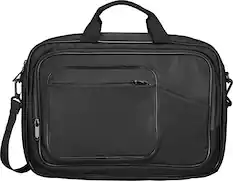
Laptop Bags and Cases


More recommended items
 Mice
Mice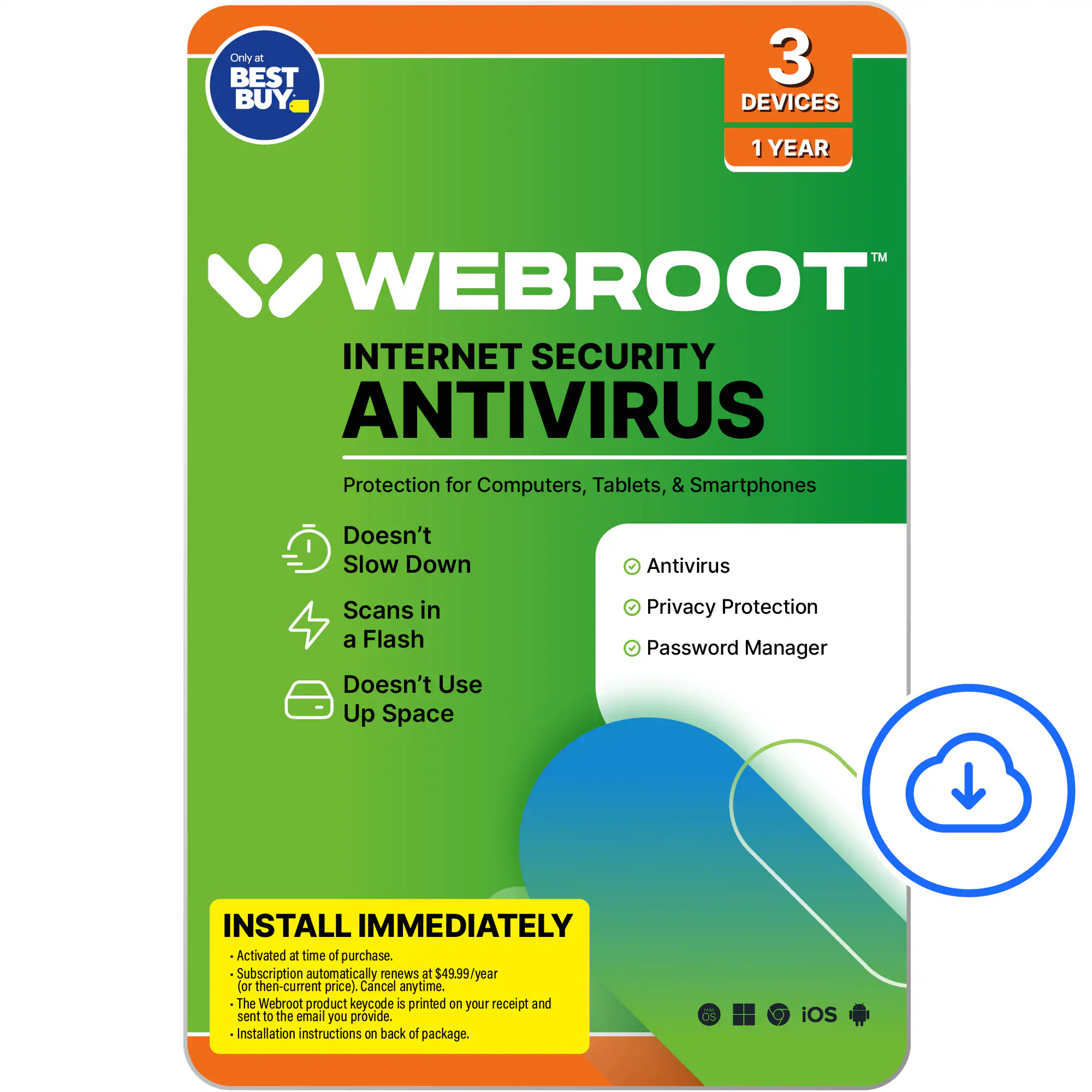 Antivirus and Internet Security Software
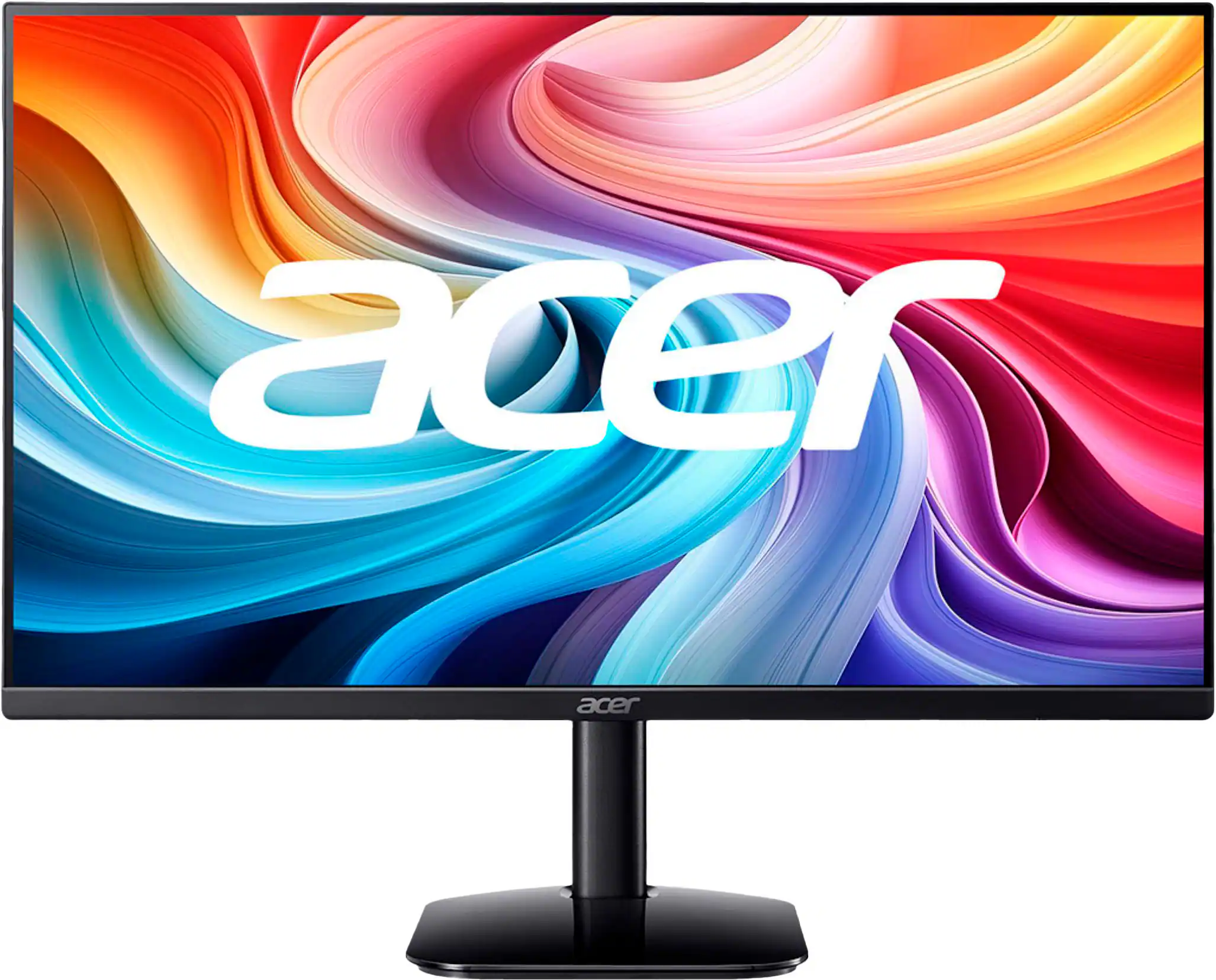 Monitors
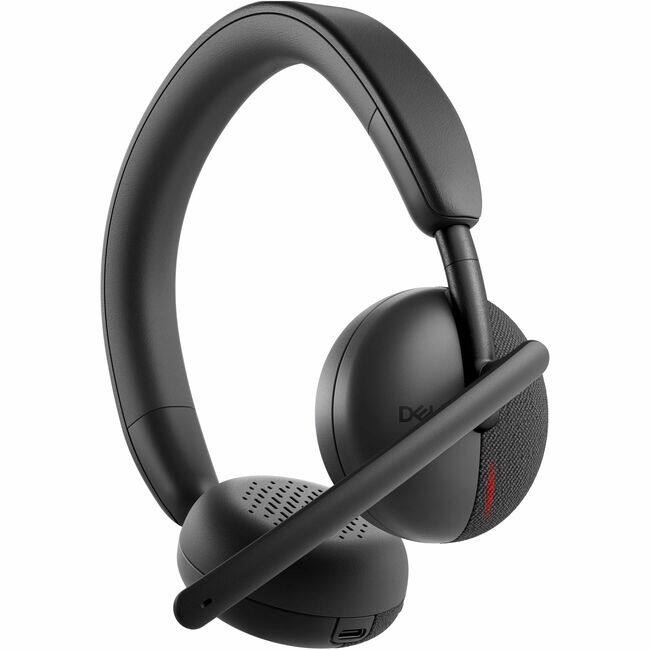 Headphones
Customers ultimately bought
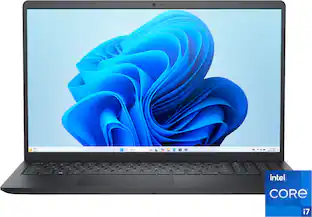 $703.49The price was $999.99
 $809.00The price was $1,299.99
 $775.00The price was $788.99
 $1,099.00The price was $1,308.09
 $779.00The price was $789.00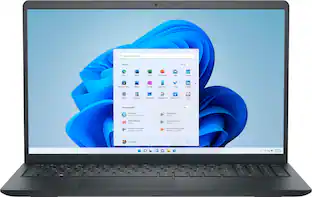
Dell - Inspiron - 15.6" 2K Touchscreen Laptop - Intel Core i7 1355U 2023 - 16GB Memory - 1TB Storage
$869.00The price was $899.99 Top Deal$649.99The price was $949.99
 $1,299.99The price was $1,599.99
 $789.00The price was $1,299.99
 $536.00The price was $849.99
 $583.02The price was $879.99
 $1,049.99The price was $1,099.99
 $759.99The price was $799.00

Explore tech essentials Sponsored

Discover related products
 $949.99The price was $999.00
 $555.99The price was $659.99
 $12.99The price was $13.99
 $249.00The price was $275.00







Keep exploring
 $789.99The price was $1,299.99
 $550.00The price was $559.00
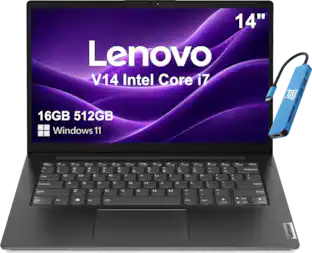 $699.99The price was $899.99
 $1,099.99The price was $1,154.99
 $1,099.99The price was $1,399.99
 $939.99The price was $1,049.00
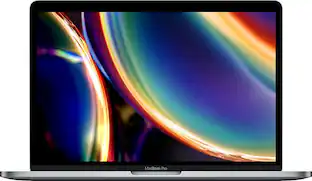 $919.99The price was $1,799.99