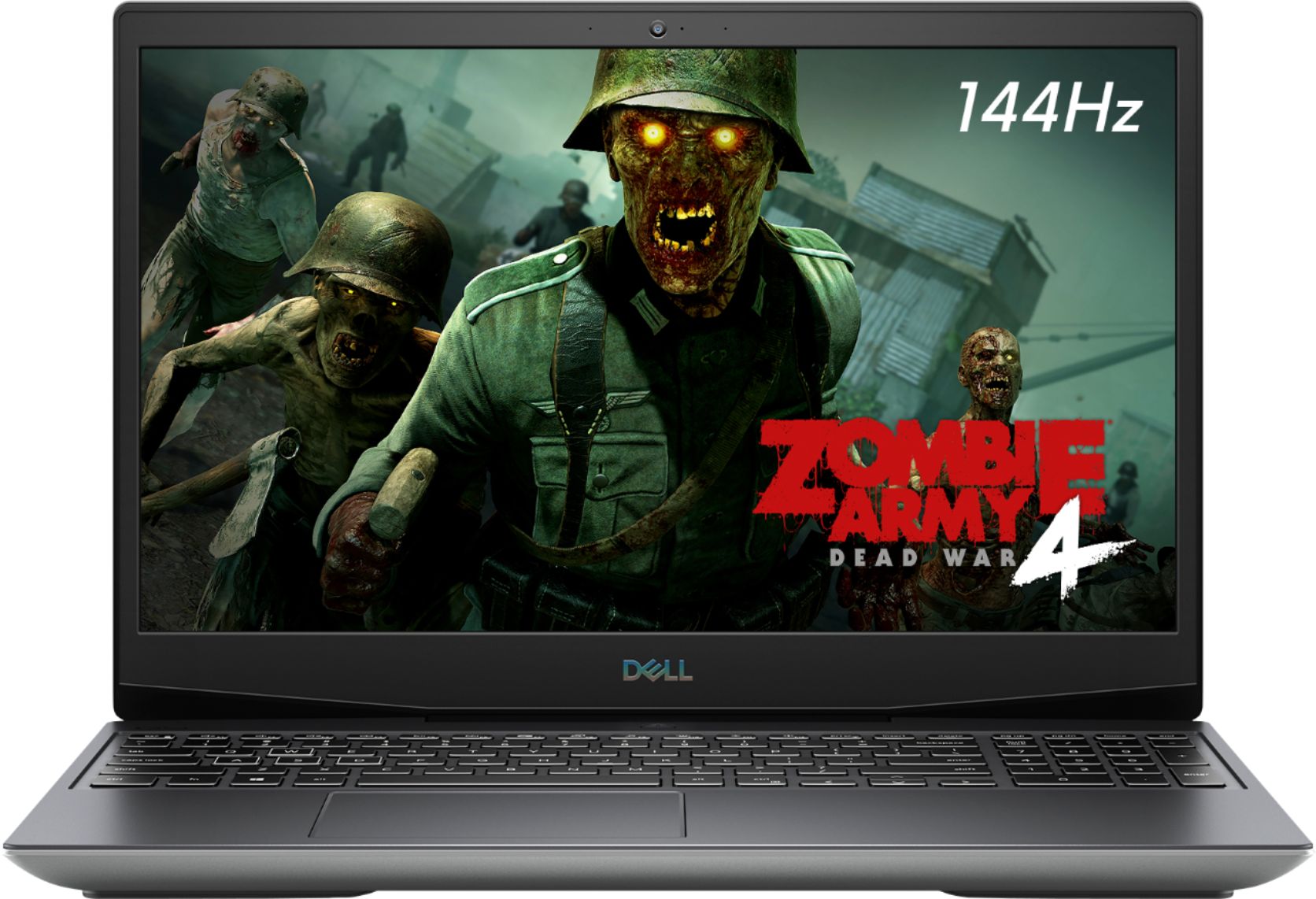
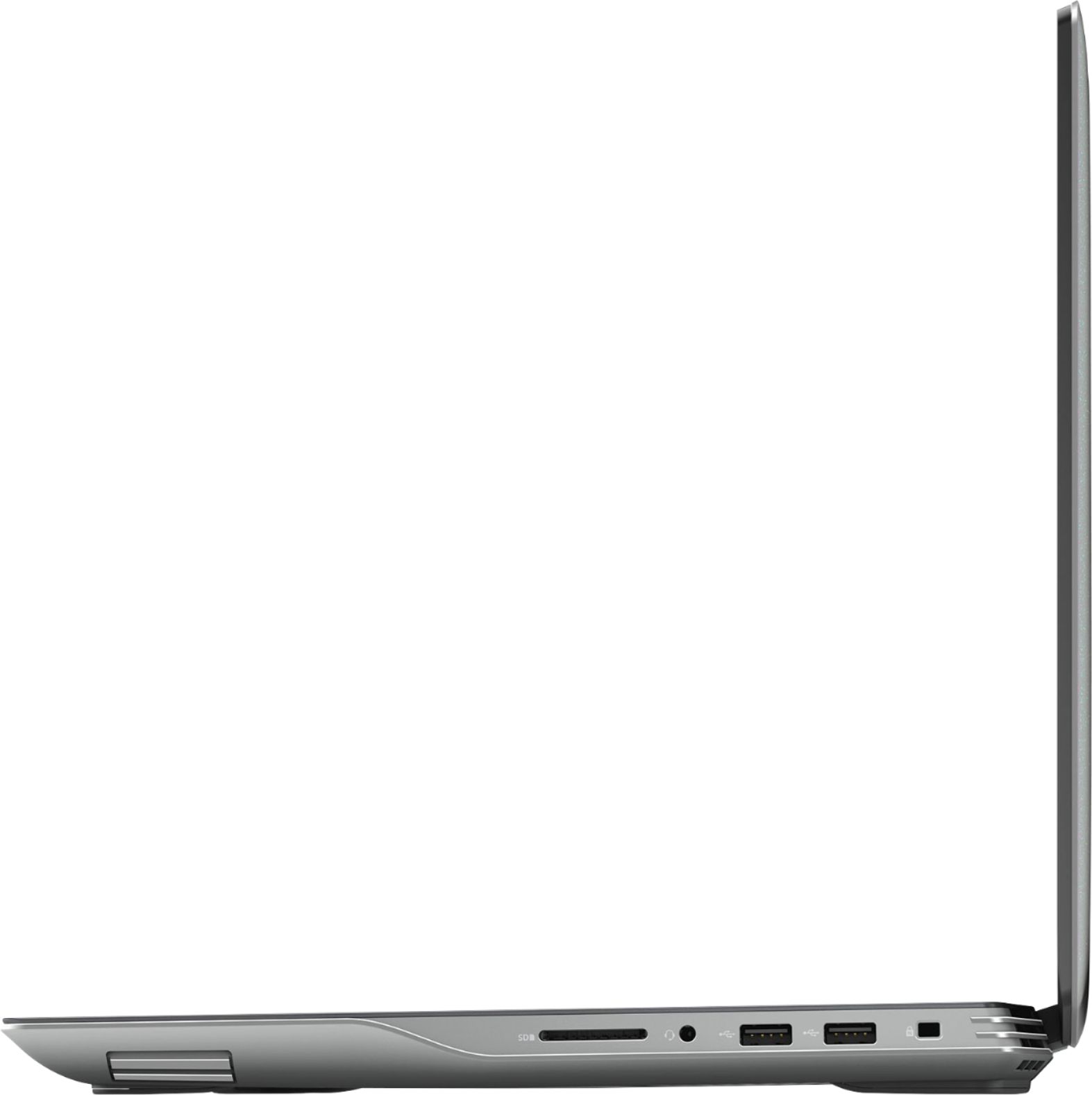
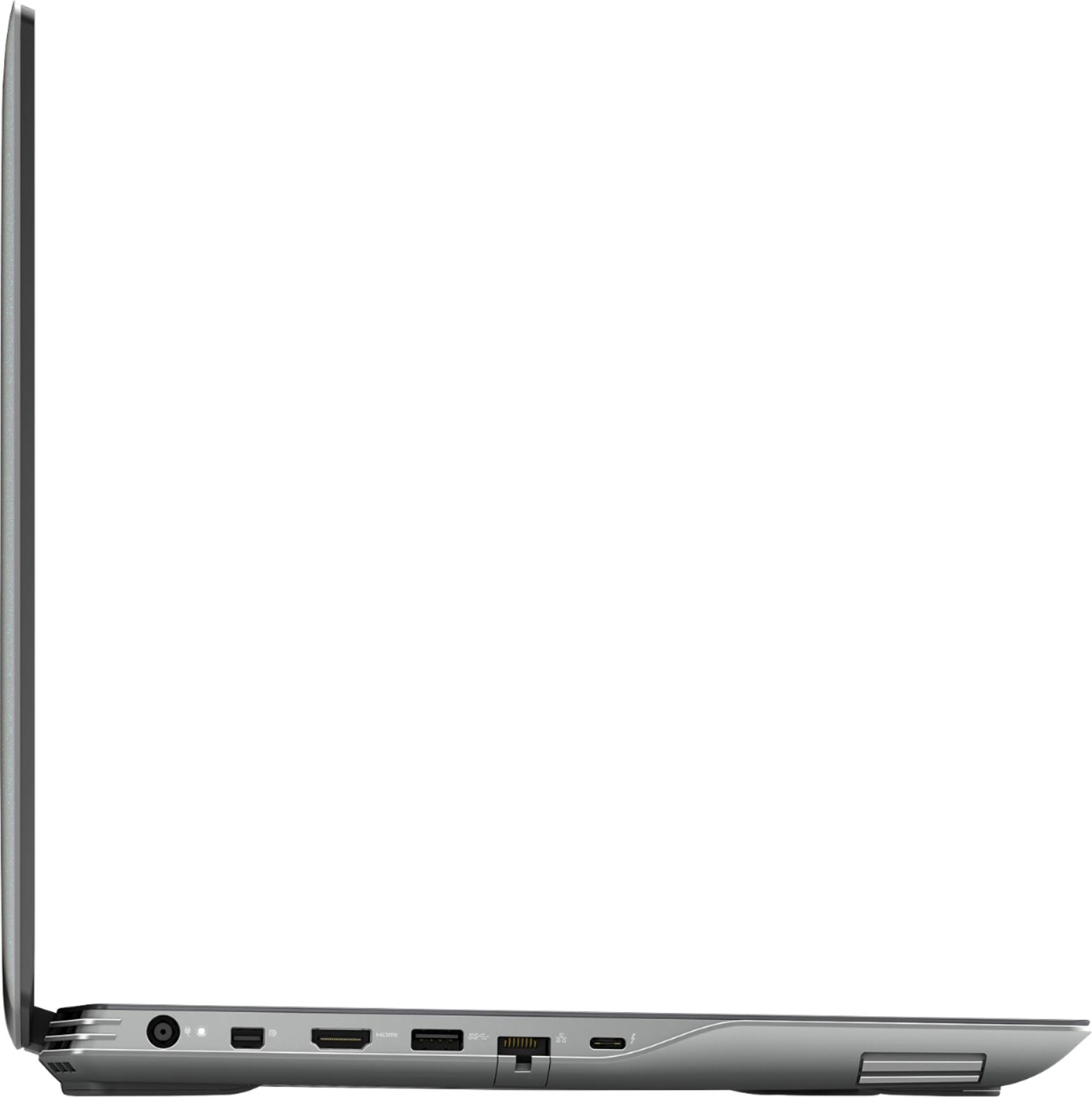
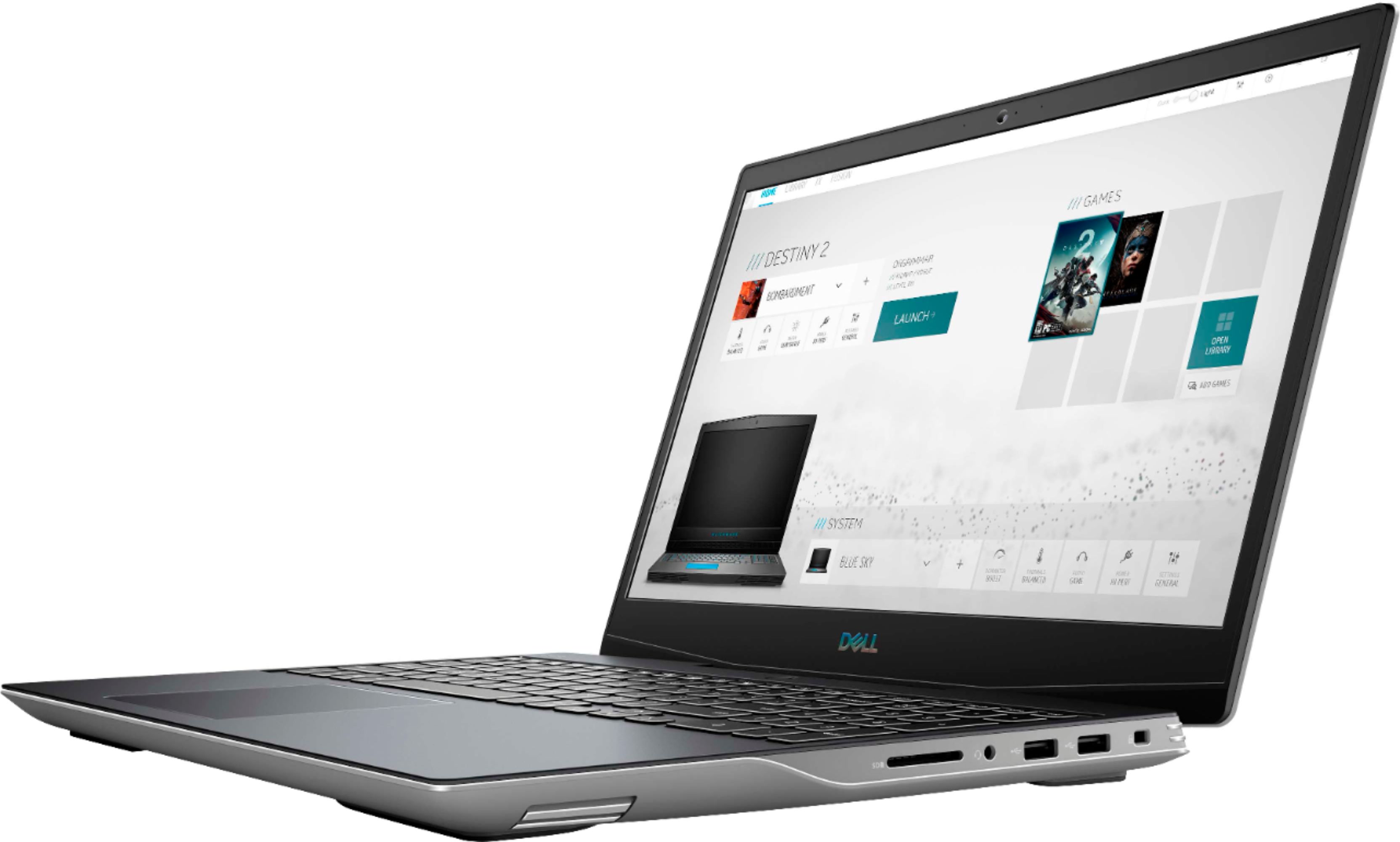
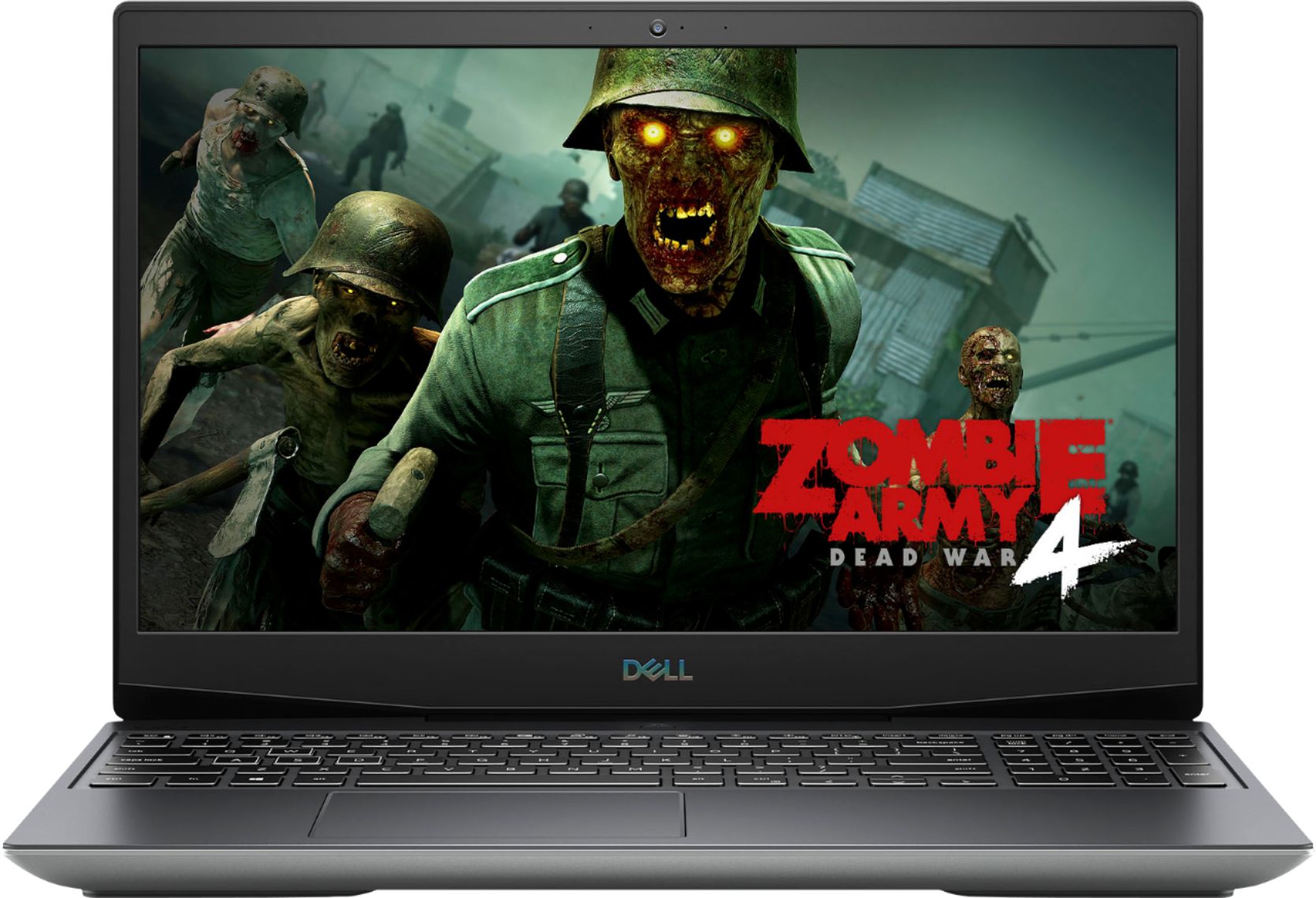
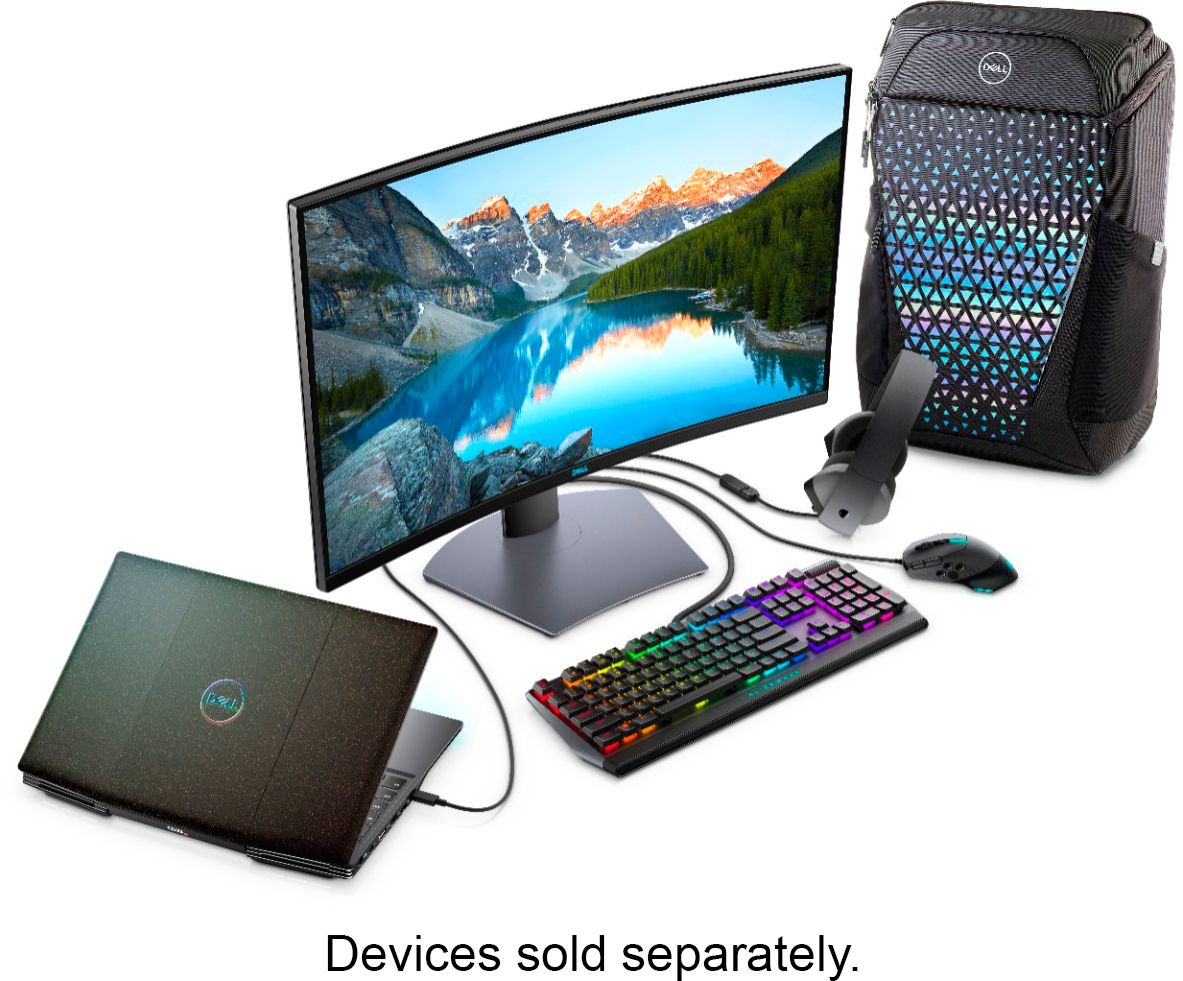
A:AnswerThe internal display is 1920 x 1080 (Full HD) but you can connect an external 4K monitor that supports a 60 Hz refresh rate to get the desired display output.
A:AnswerMine did not have alienware command center installed but it can be installed from the the Dell website or the Dell support app or the windows store.
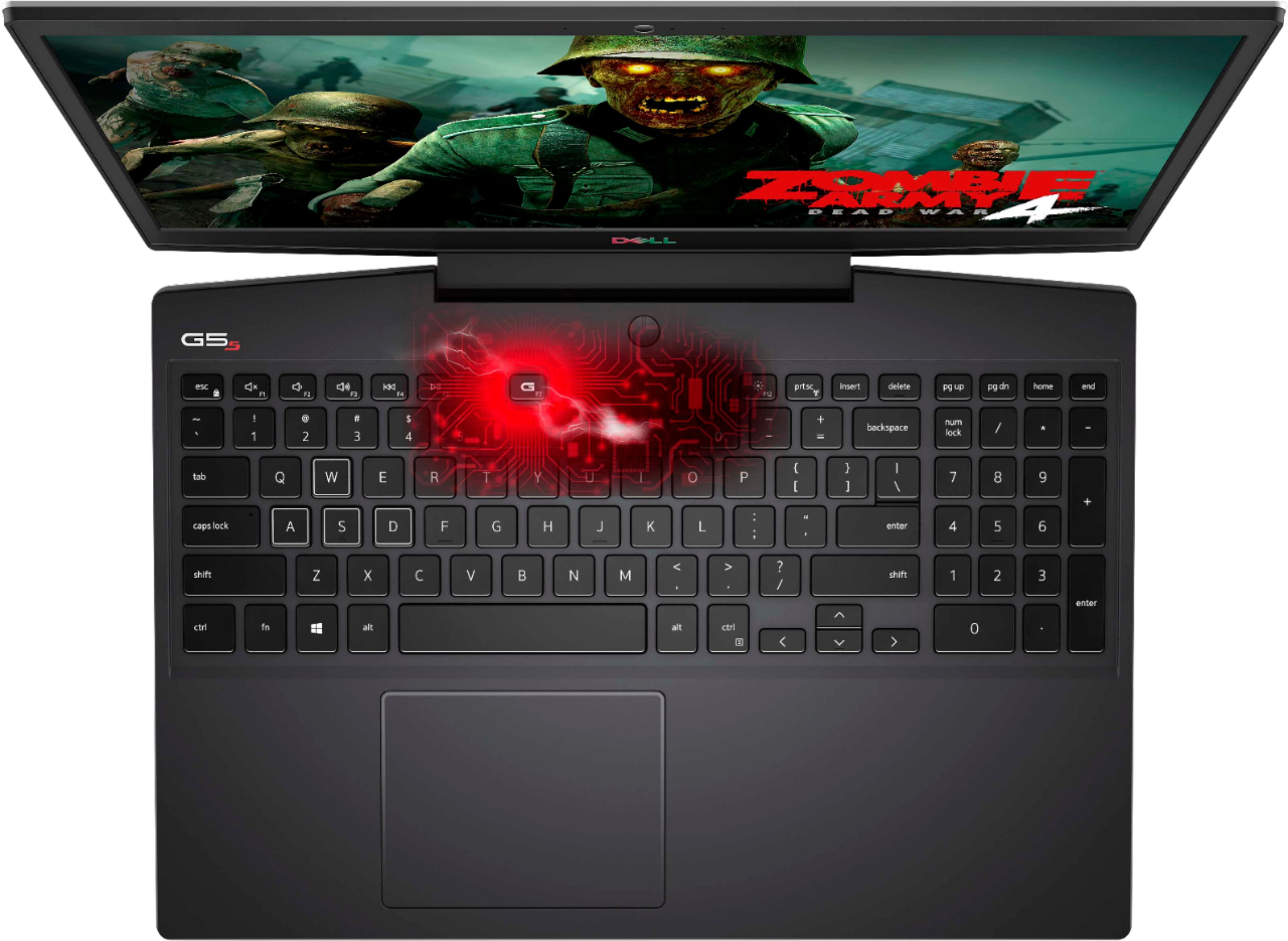
A:AnswerI had the same issue. I checked the bios and set the 'backlit' to never so it wouldn't shut off. Still nothing. Then after doing the updates from dell and installing alienware command center the keyboard backlight came on and has been working ever since. I think you need alienware command center to use the Fn combos for the backlight as well as for G shift to work.
A:AnswerWe suggest you to not do any third party or non-Dell aftermarket upgrade, as that can void the system’s warranty. We suggest you to contact the Dell Technical support team regarding this query.
A:AnswerThis laptop comes with two varints one with the 3 cell and one with the 4 cell battery. We request you to contact the contact the Best Buy customer care team and they will help you with this information.
A:AnswerYou should get an email from BestBuy with your codes. Check promotions/spam maybe? That's where mine were sent. After you have your codes you can redeem them on amdrewards.com.
A:AnswerYes, this system is good for digital arts. However, we suggest you to check the Dell's Precision series which is best for digital arts: https://bit.ly/3jZC9hl