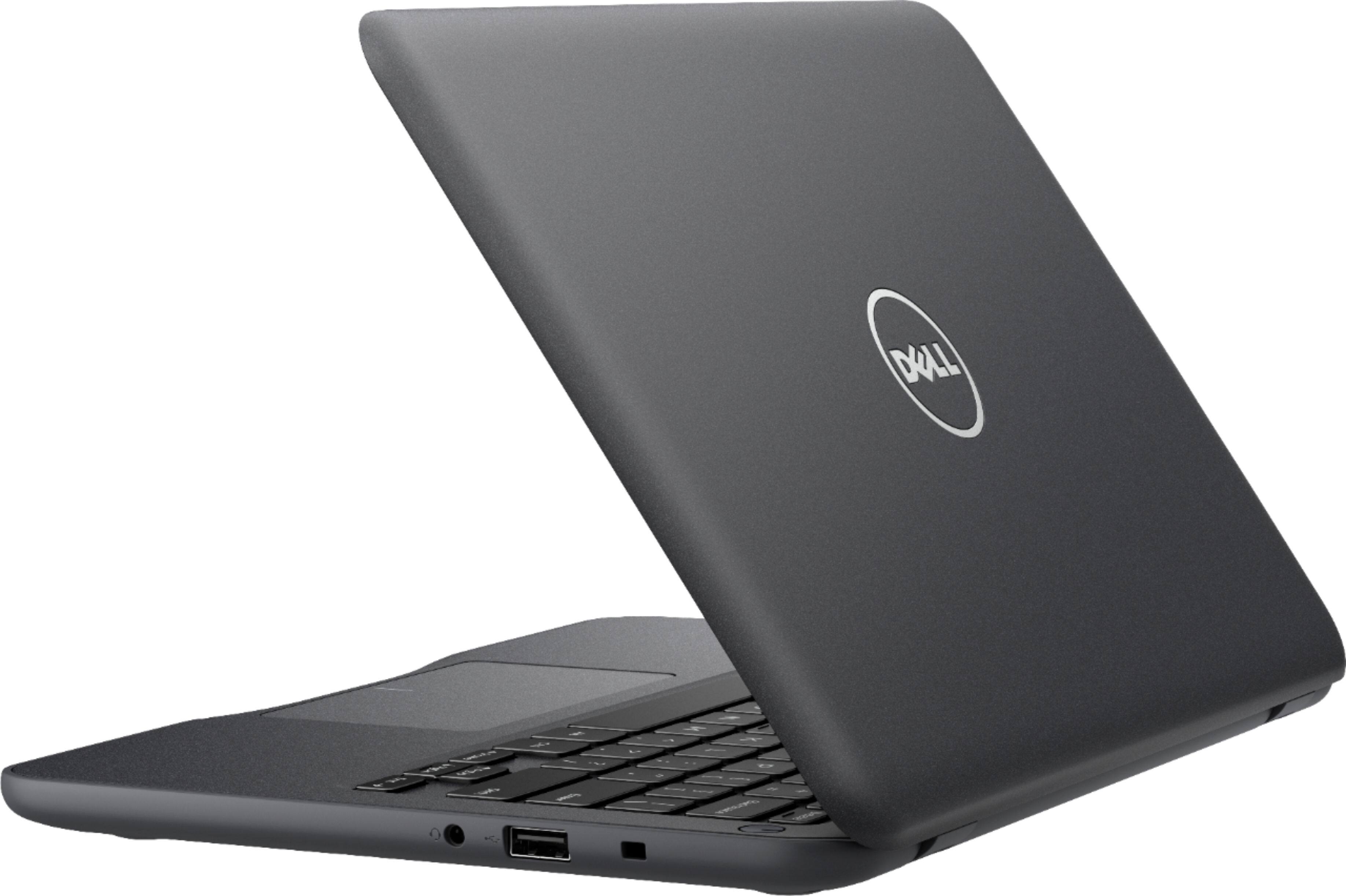
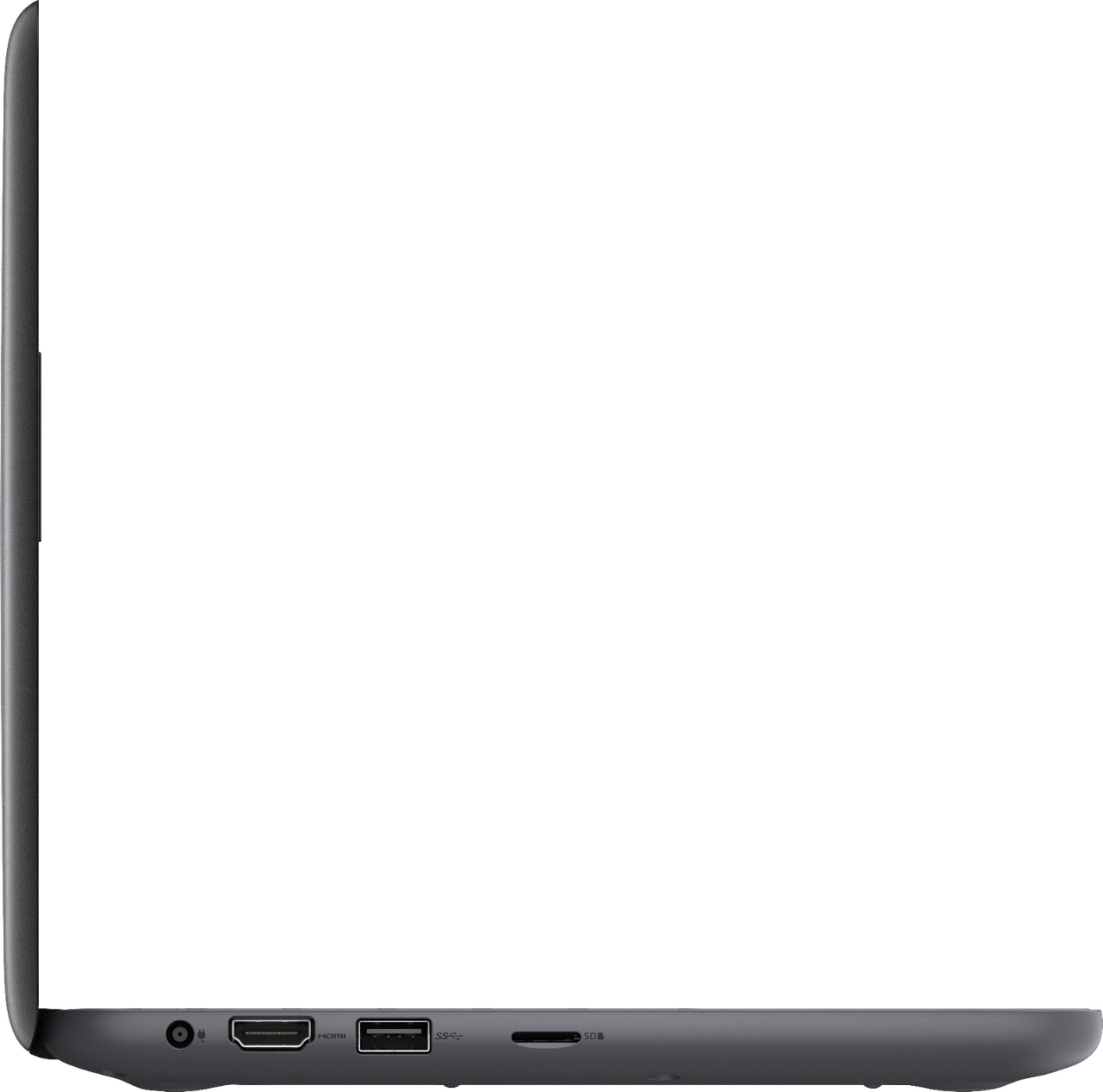
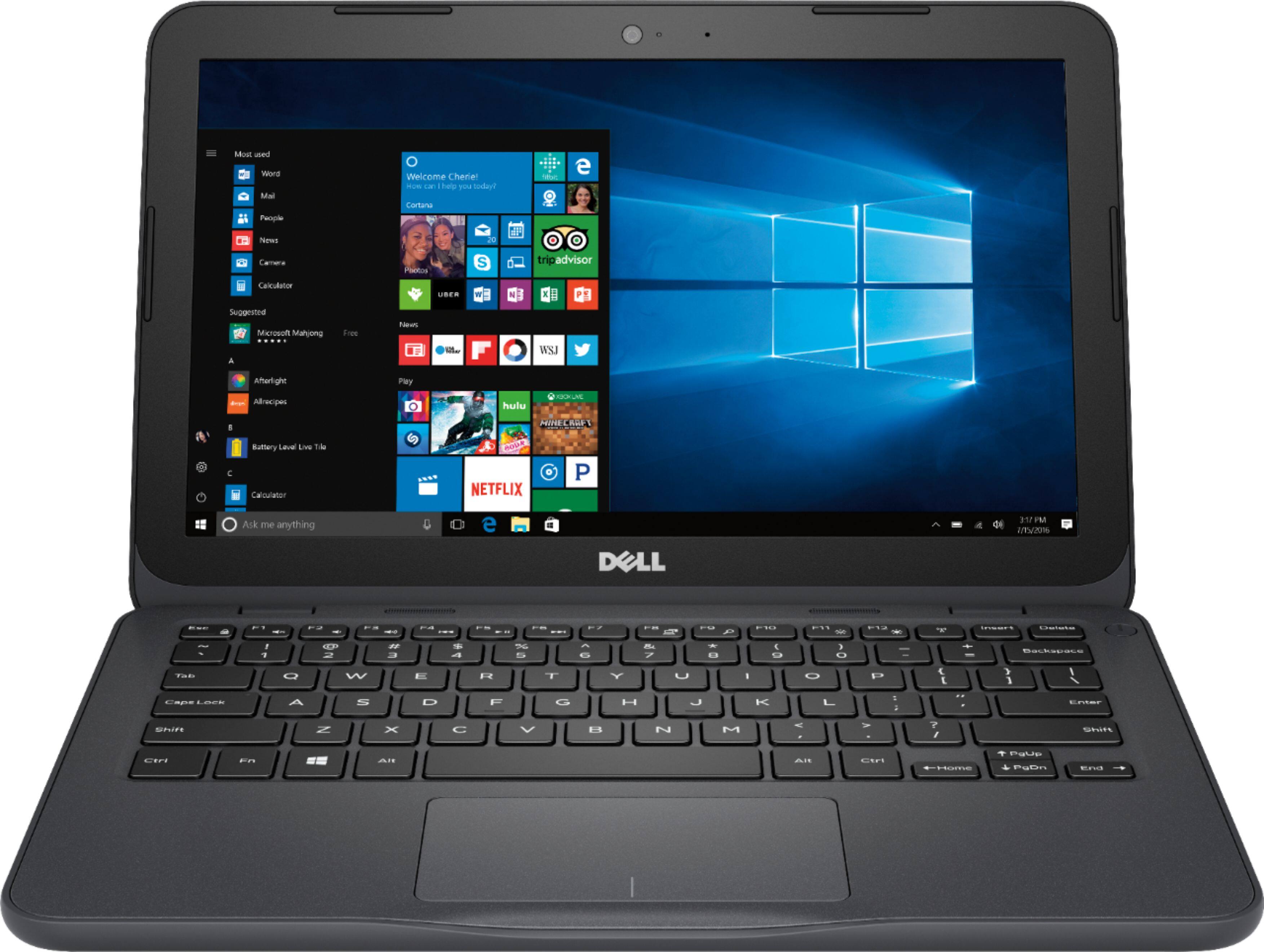
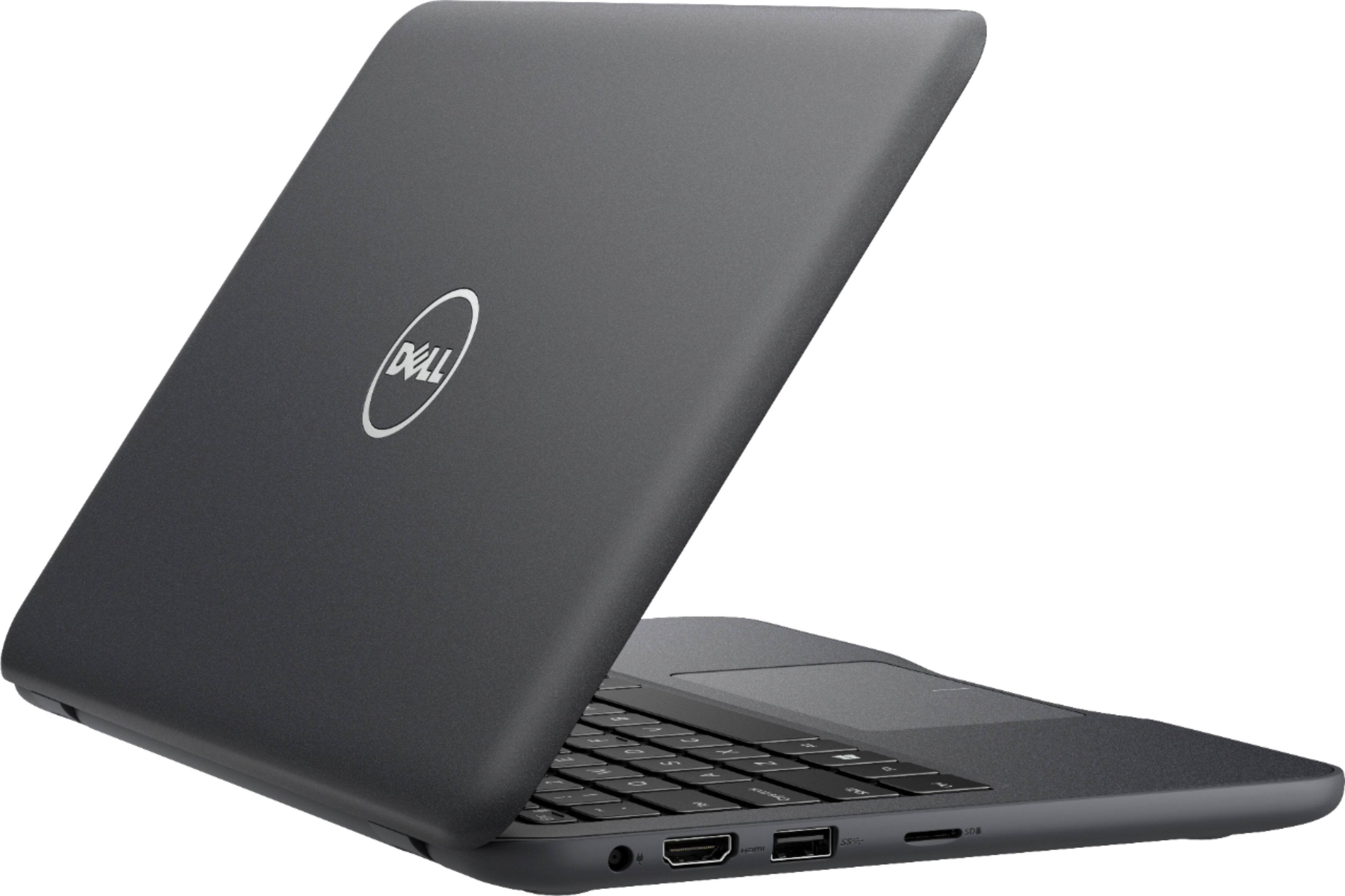
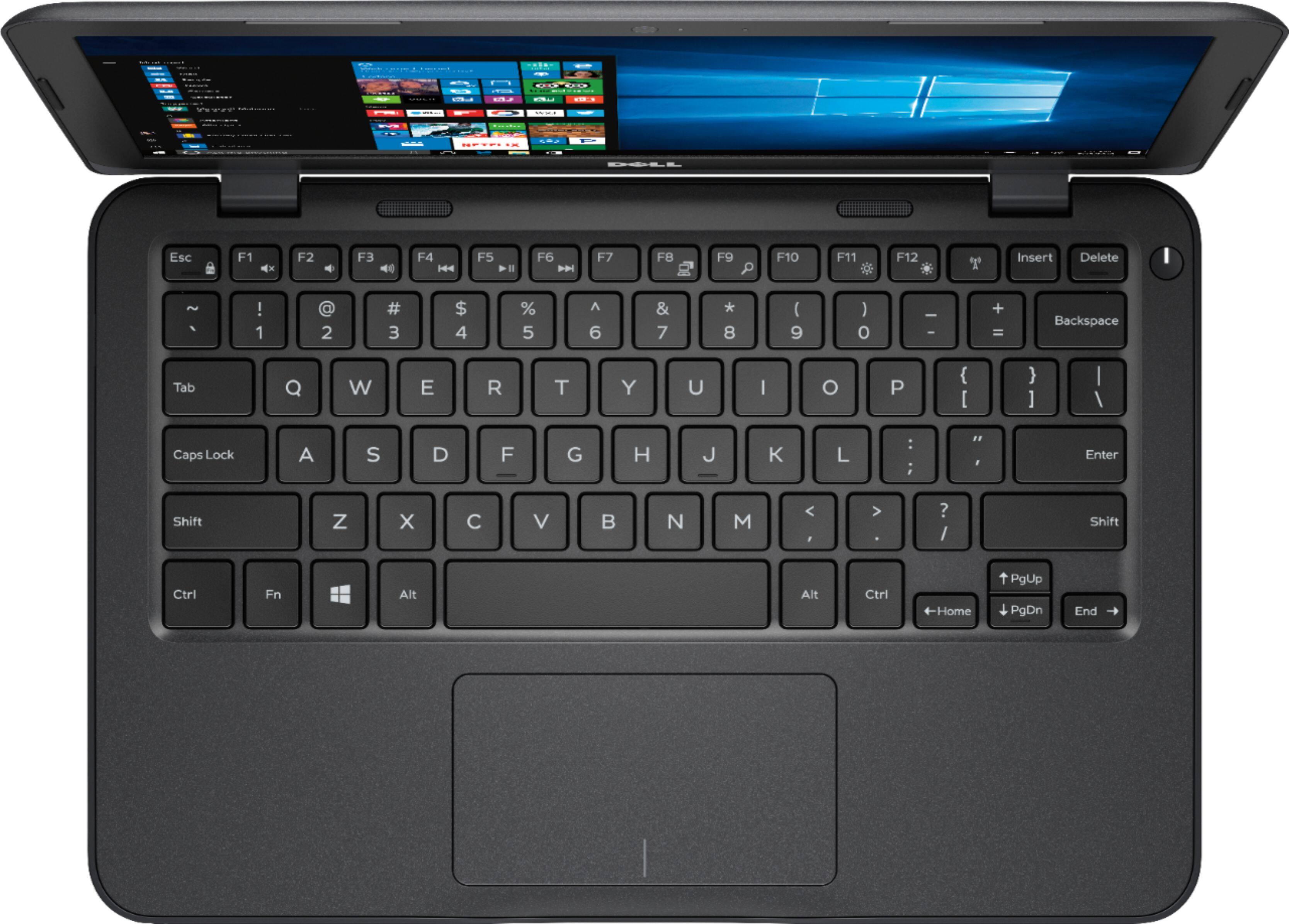
A:AnswerIt has a single USB port you can use to attach to external drives. It also has a card slot so you can insert a memory card, similar to cameras/cell phones. It has a headphone jack for music...not sure if that is what you mean about digital output for music.
A:AnswerYes it should be fine with cricut machine. It has USB ports and should connect with no issues as long as you use the latest Cricut software that is compatible with Windows 10.
A:AnswerIn order to get it for free, you need a school email address that you have access to so you can receive the authorization codes they will send you. For example [email protected] My son obtained one in junior high, and has one in high school, so it might be possible to get one at the grammar school but you'll have to contact them and find out if it's possible.
A:AnswerComes with Input 100 - 240V,1.3, 50-60Hz Power Cable. You may require local country power adaptor. Buy additional large microSD card to update Microsoft Windows.
A:AnswerThis laptop doesn't come with an optical drive. But you could probably purchase one. I'd recommend buying something else for movie watching - like a dedicated portable DVD player.
A:AnswerJeff - you will get a "desktop experience" from the perspective that full-blown Windows 10 ships with this machine and you can do anything with it you can do with a desktop, if you factor in it has a mobile processor (entry level) and a small amount of HDD space.
RE: Flash, the built-in browser (Edge) comes with Flash pre-installed per se, but I would recommend installing Chrome for a better experience. I use Chrome exclusively on mine and it runs great and works with virtually every site I browse to. You can always install Flash from Adobe and use IE if you wish, but I firmly believe one of the previously mentioned two options is 1) more secure and 2) will work best for you.
JD
A:AnswerI would not plan on storing your photos on this machine, but you can view anything easily that is stored in "the cloud" aka on the Web. I would recommend putting all of your pictures into Google Photos (look in the app store for your phone for this) and then you can view and modify them from the Dell laptop. That's what my wife does from her iPhone and it works well, and I think its unlimited storage.