A:AnswerThis system supports one of the following configurations:
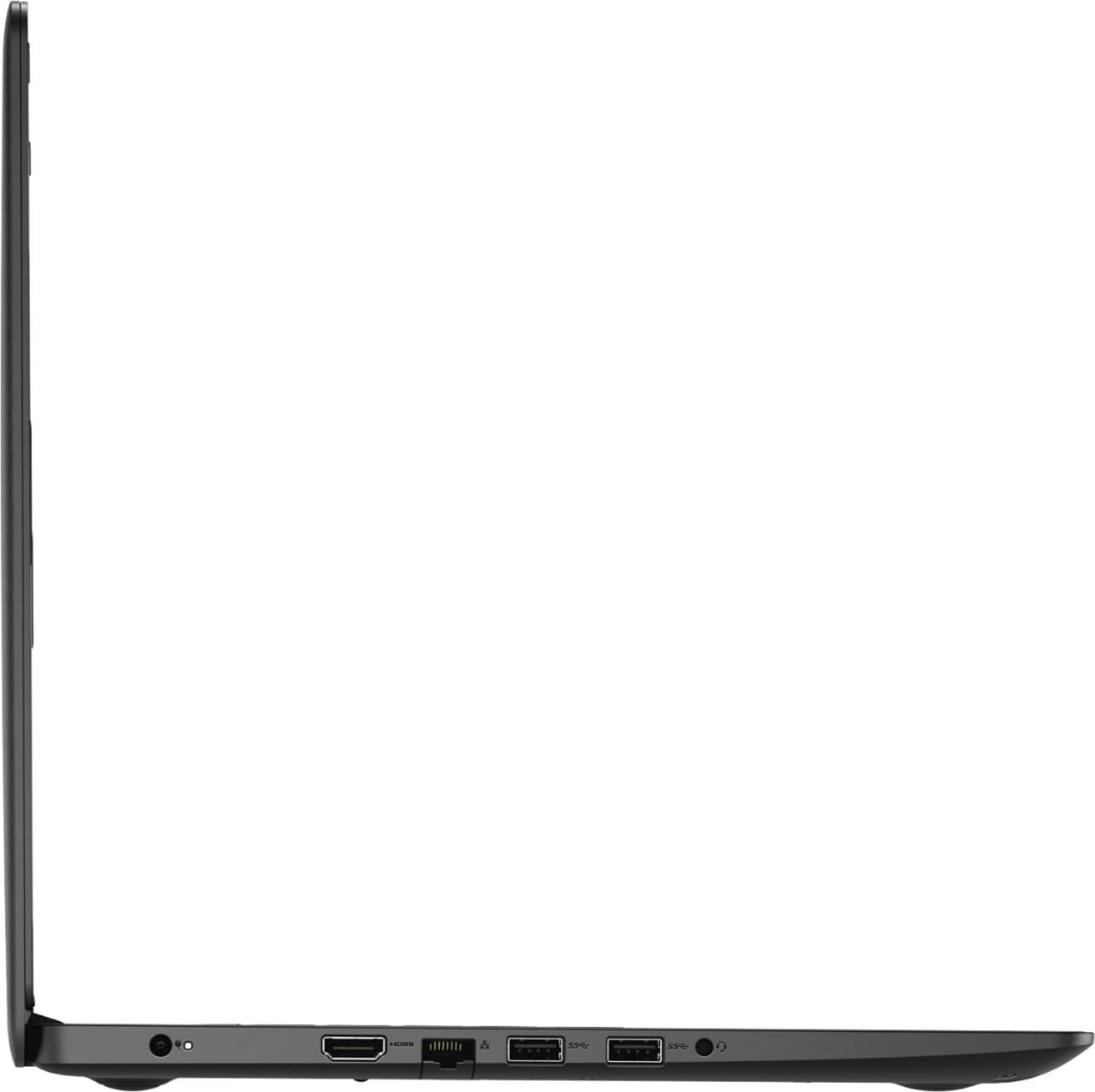
One M.2 solid-state drive
One 2.5-inch hard drive
One M.2 solid-state drive and one 2.5-inch hard drive.
However, we suggest you to not do any third party or non-Dell aftermarket upgrade, as that can void the system’s warranty. We suggest you to contact the Dell Technical support team regarding this query.
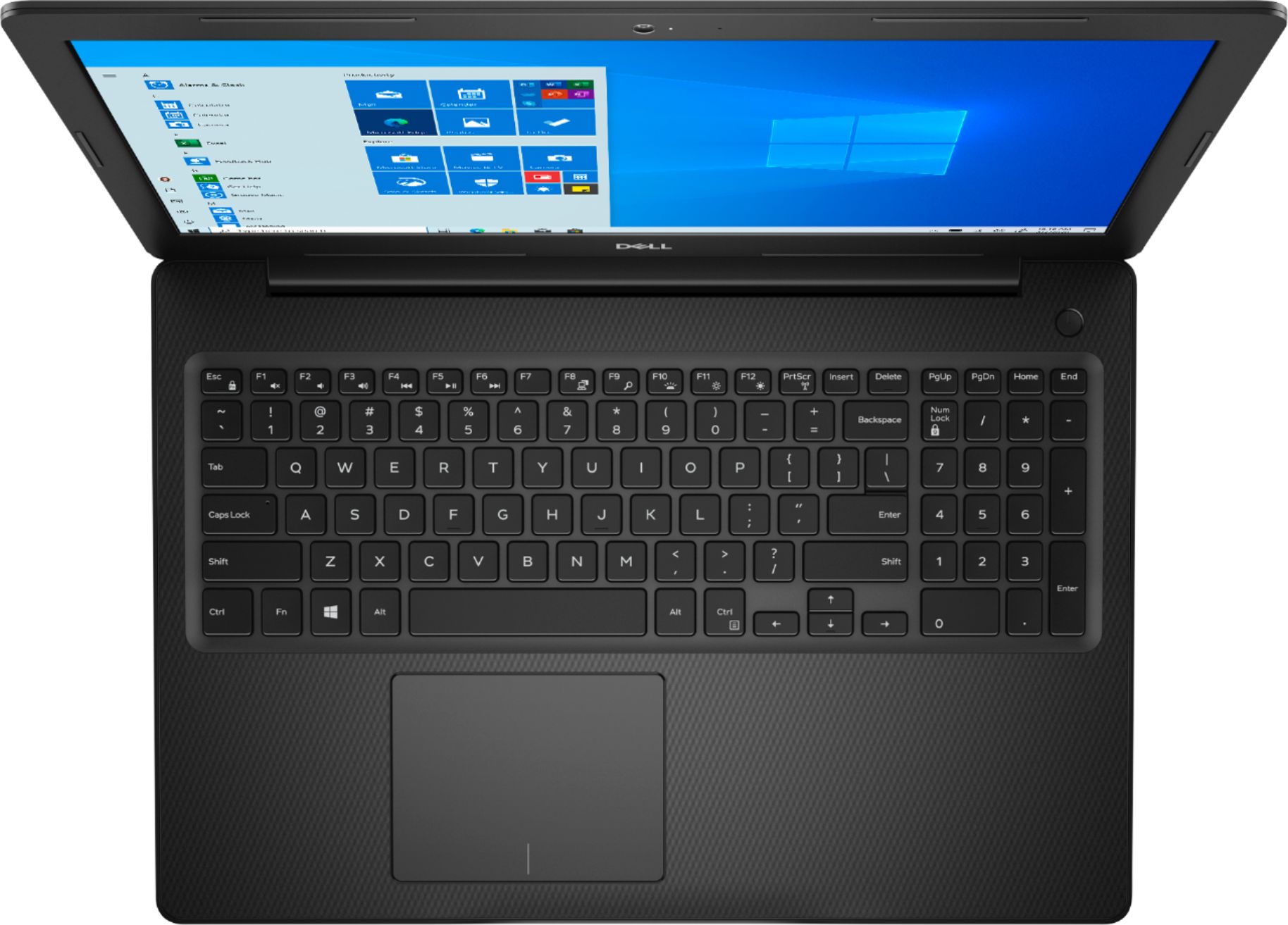
A:AnswerThis laptop comes with a non-backlit keyboard. Though this model has a backlit keyboard as an option, this unit is configured with a non-backlit keyboard.
The symbol in the F10 key refers to toggling the keyboard backlight if it is confiurged.
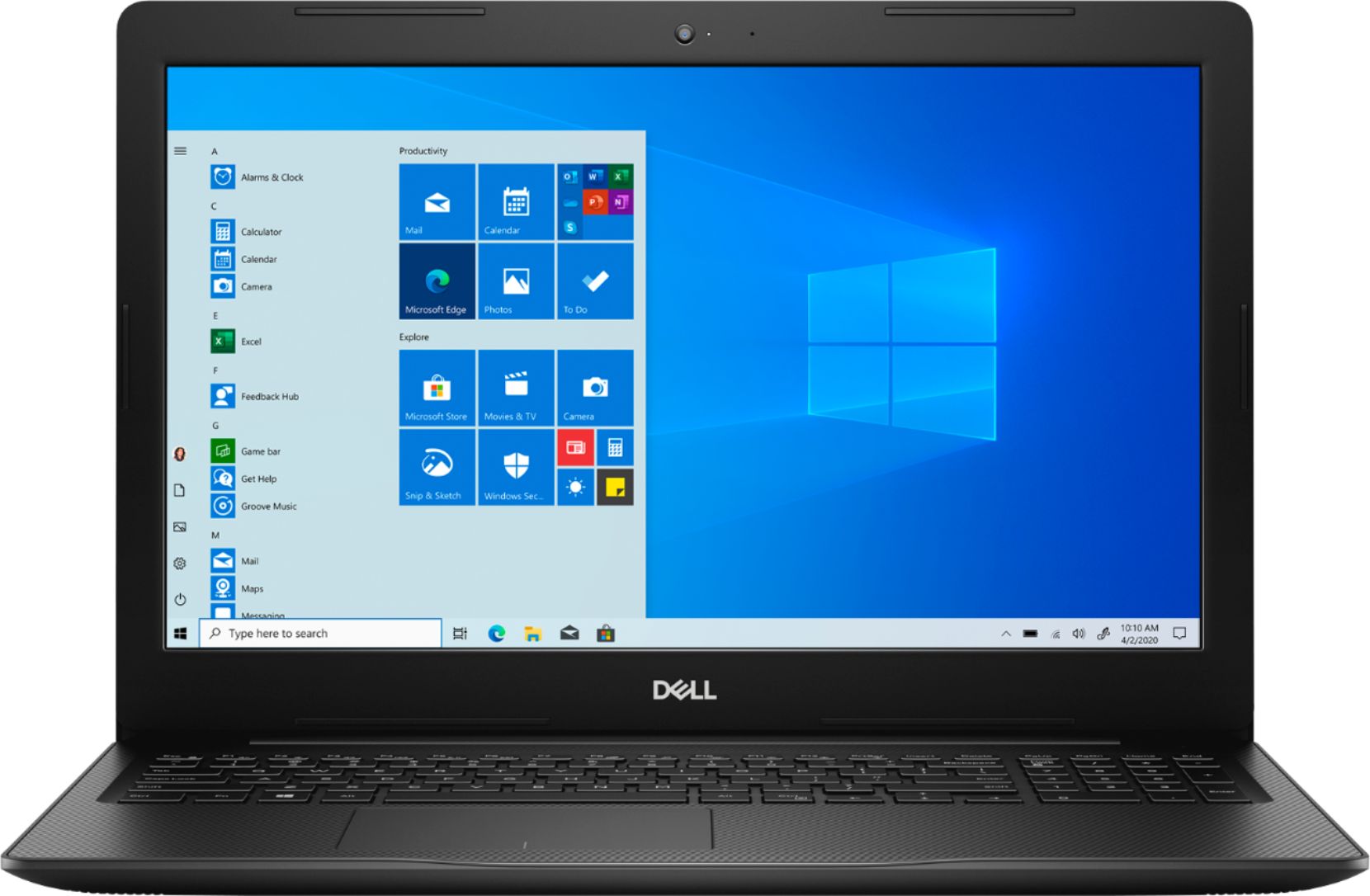
A:AnswerThe internal display is 1366 x 768 (HD) but you can connect an external 4K monitor that supports a 60 Hz refresh rate to get the desired display output. You can install the VP9 codec into the windows 10 OS.
A:AnswerThe microphone is Riiiiiight next to the camera, so you have to speak to the camera to sound good. I'd still recommend using headphones or a mic though.
A:AnswerYes, you can install the application but the hardware on this system is not built for video editing. However, we suggest you check the Dell's Precision mobile workstation that will be apt for these applications.
A:AnswerI found this on another site. Suggest you go on Crucial Memory site to confirm:
"Crucial specs state a maximum of 32 GB with 16 GB in each slot and Crucial has a guaranteed compatibility. So if it did not work they will give you a refund."