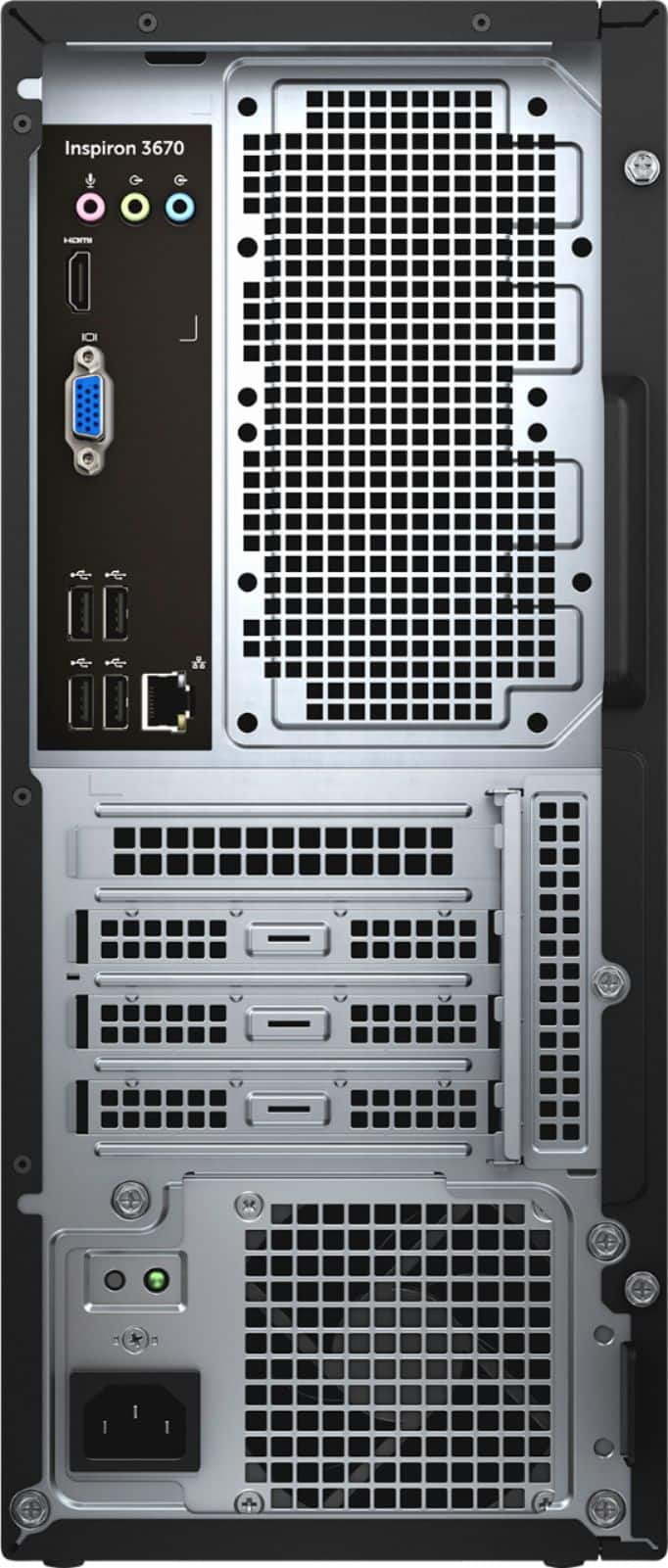
A:AnswerThis depends on the style of screen and keyboard you had before. I had to replace my keyboard with one that had a USB plug, because I had a very old pin-style connection on my old computer even though I was running Windows 10 on it.
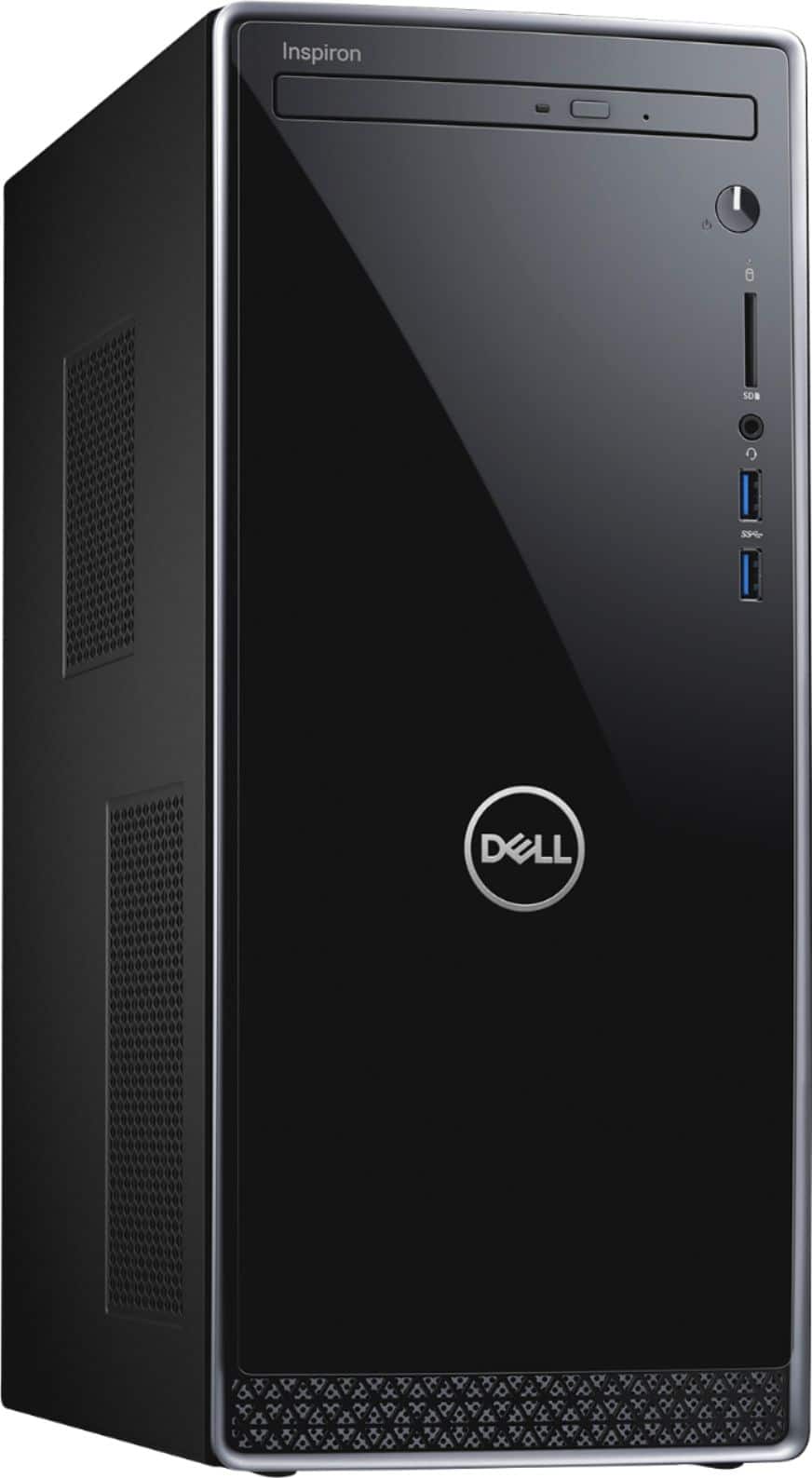
A:AnswerI bought same model you're referencing. It came with one available SATA data connector and one available SATA power connector available, so I was able to add one SSD. If you want to add more than that, you'd need to provide your own additional SATA data cables and get a SATA power splitter. The motherboard has a total of 4 SATA data ports on it. DVD takes one. The M.2 drive does not use a SATA connector, so there's a total of 3 available. But getting power to three additional SSDs would get a little tricky and there's only mounting holes for a single SSD, so you'd have to get creative like adding a 2.5" drive cage for the SSDs and then use the mount holes to mount that.
A:AnswerSee the answer above. It has 2 sticks: 8gb and 4gb. You can remove the 4 and add an 8. Or you can replace both with 16gb for a total of 32gb. Or any other combination up to 32GB.
A:Answerj recently bought one and the hard drive is 256 gig. Your best option is to buy a back up hard drive, ex Wd My Book. They come in various amounts of terrabybes. Then move your photos to the back up drive. The advantage of this is you can easily move the back up drive to other computers. If your computer crashes your pictures are saved.
A:AnswerYes you can but I would recommend just adding one. Because SATA drives run warm. I added a 1/2 gig solid state drive. There is only one cooling fan which is mounted on the processor.
A:AnswerHello! I'm not sure I understand your question. But this desktop has a 256GB Toshiba solid state drive (storage). It will come with an Intel Core i5 Processor. And it does come with three Dell software programs: Dell Cinema, Dell Support Assist, and Dell Mobile Connect. It comes with Windows 10, a 30 day trial of McAfee, and a 30 day trial of Mircosoft Office.
A:AnswerYou can go to Microsoft's support page and purchase an upgrade to Windows 10 pro if you want Pro on it. The new program will integrate seamlessly with any current programs and new programs that you will put on the machine. You will have the option of choosing the upgrade which is like an update which allows you to keep everything, or you can install a fresh copy of Windows 10 Pro which wipes everything out including the current programs which come with the machine that will have to be reinstalled.
That can be complicated, so it would be best to do the simple upgrade which guides you through the process.