A:Answerif im not mistaken, 76hz is the refresh rate, not the resolution. And you cant change the refresh rate. It is what it is, unless you purchase a different model with higher refresh rate.
A:AnswerYes it is If your computer has enough outputs for it, then you'll open display settings and most likely it will recognize the 2nd monitor already, but in those settings you can select which monitor is left and right and its quite easy. Here's a good walk through though. https://support.microsoft.com/en-us/help/4340331/windows-10-set-up-dual-monitors. Good luck
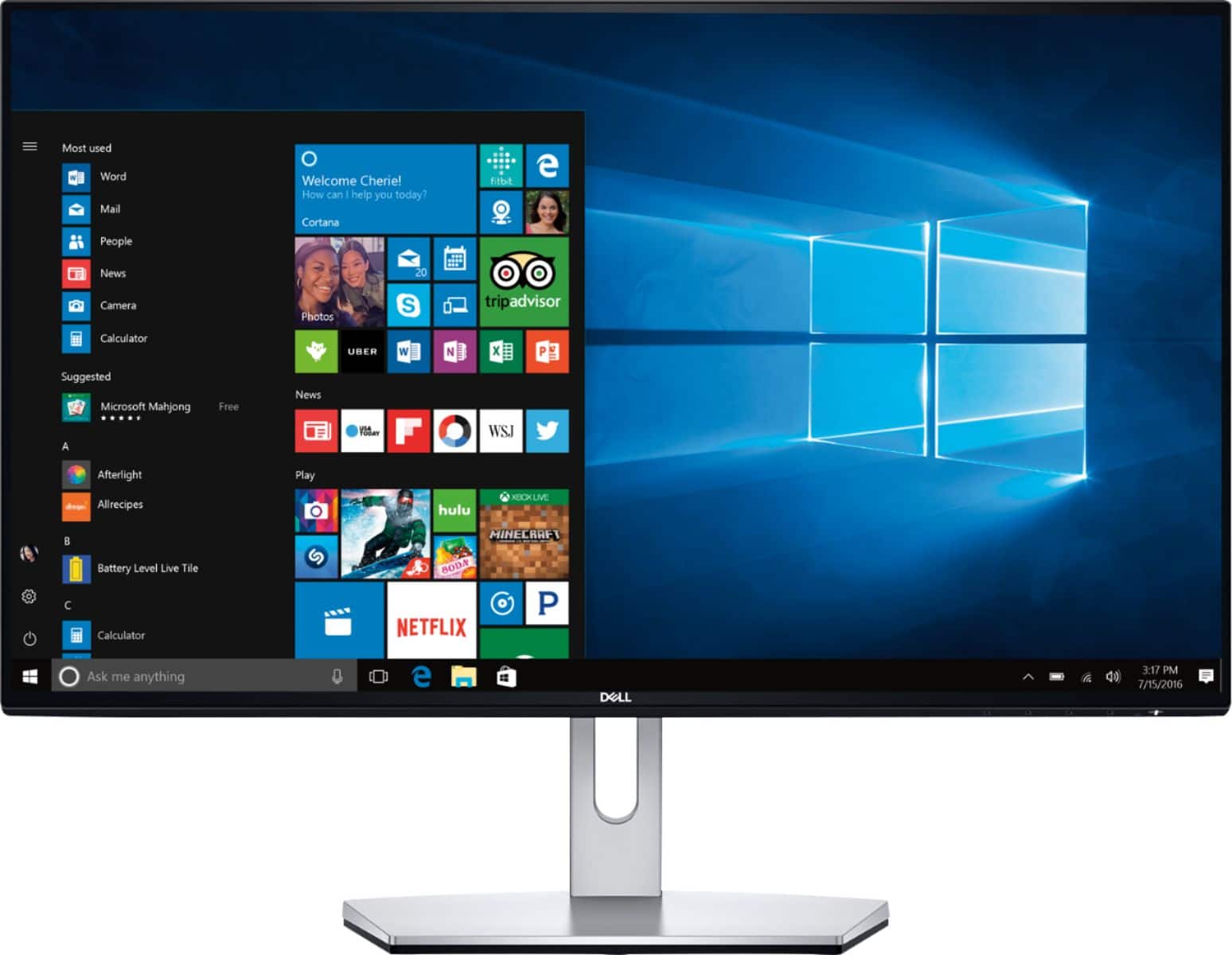
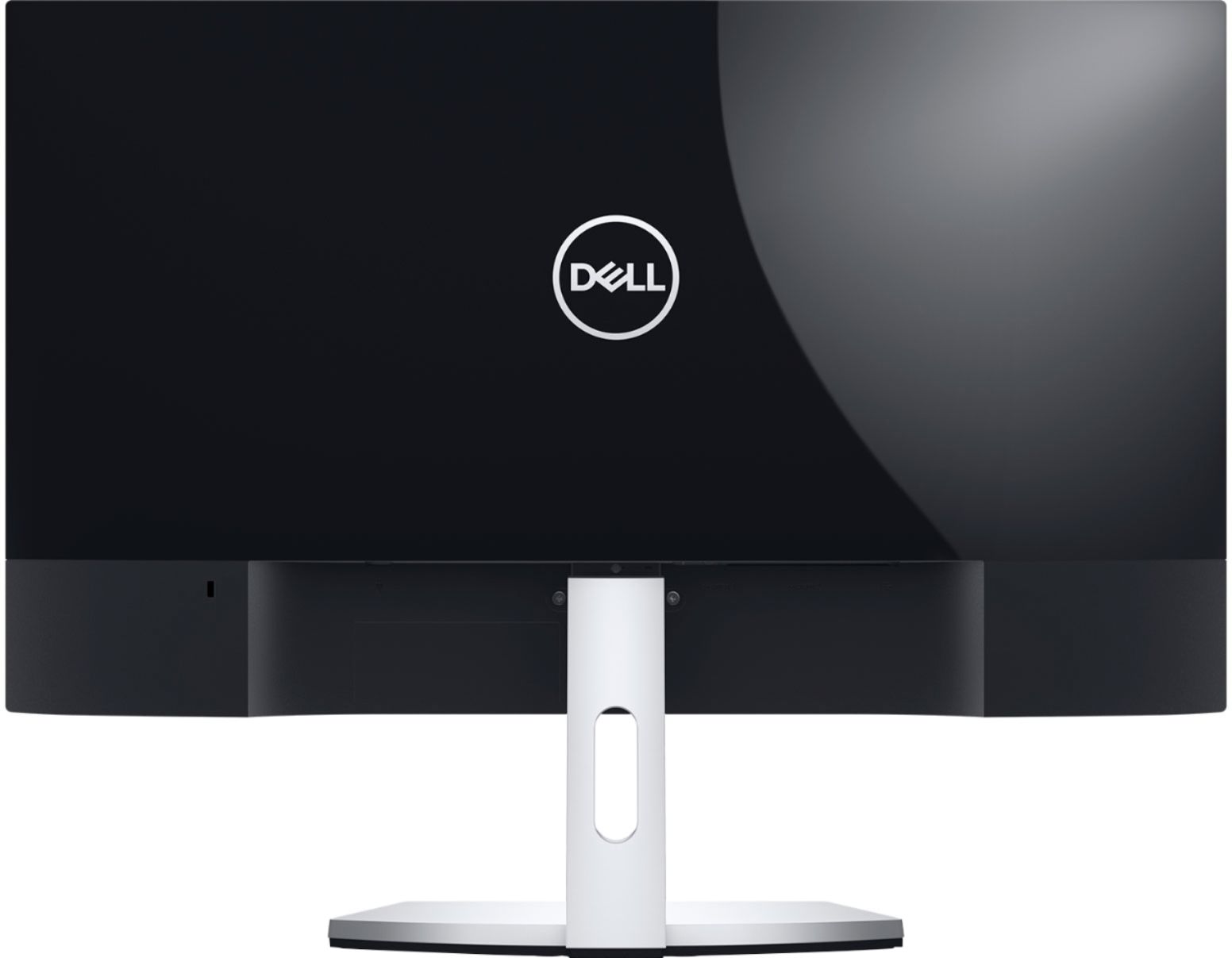
A:AnswerThis is just a monitor. Typically you just plug your mouse and keyboard up to the computer (tower or laptop) then just the display just shows up on this screen. Think of it as a small tv that you need a source to connect to it.