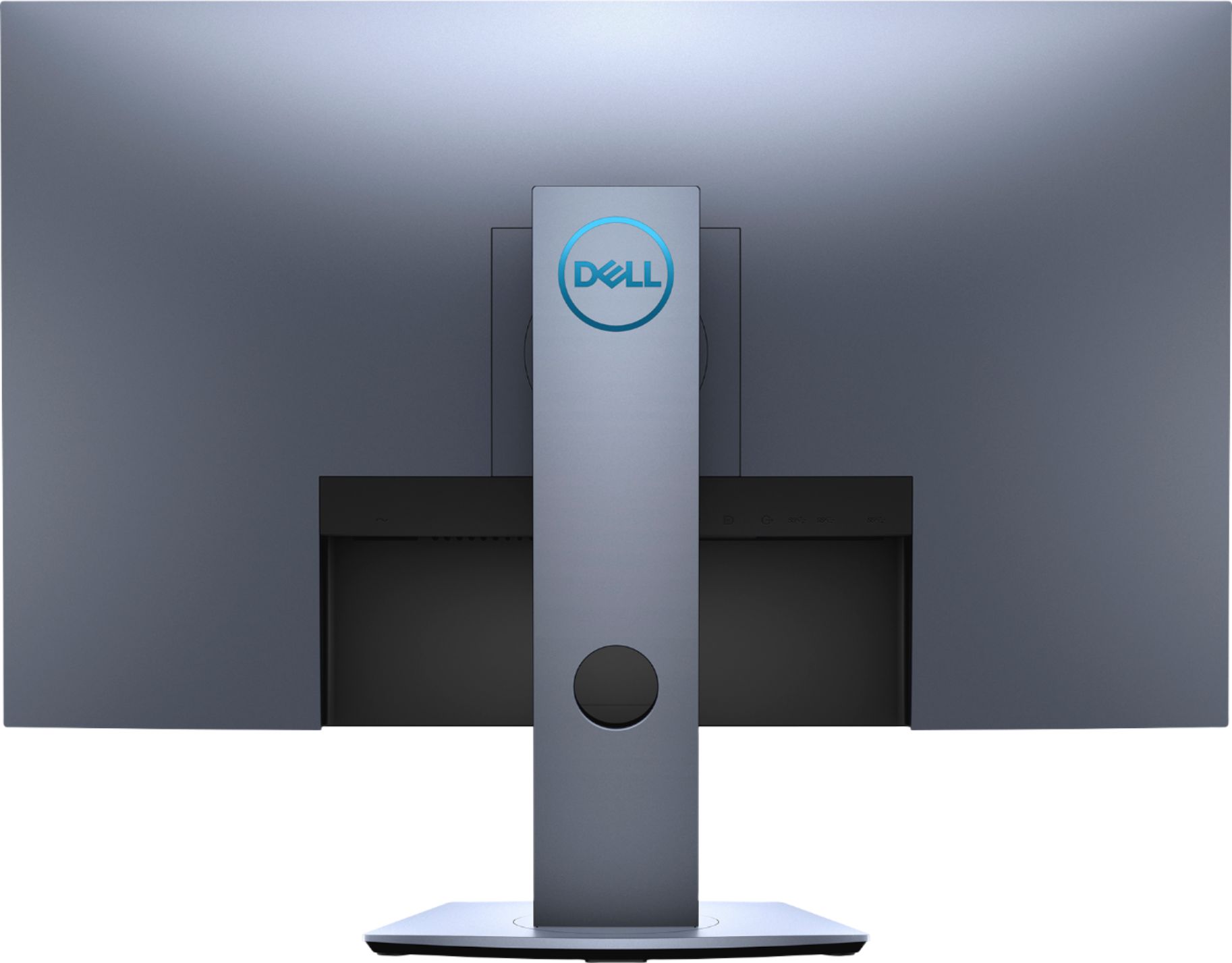
A:AnswerIt looks to have an HDMI 1.4 port and an HDMI 2.0 port. It also has Display Port 1.2 which is what you want to use to take advantage of the Gsync / FreeSync.
A:AnswerYes, the Nvidia can support G sync. However, the Dell S2719DGF 27" monitor has only supports Freesync 40 Hz - 144 Hz (HDMI) and can be overclocked to 155 Hz through DisplayPort only.
A:AnswerThis monitor has a maximum preset resolution of 1920 x 1080 at 60 Hz for HDMI 1.4 (HDCP) port. However, if you are looking at a 4K monitor you can check out Dell's 24" Ultra HD 4K Monitor: P2415Q.
A:AnswerYes, it has a usb hub built in and I have both a mouse and keyboard plugged into mine. You just need to have a usb cable from your computer to the hub on the monitor. This is a very nice monitor.
A:AnswerHello Jim! You will have to check your ports. You will likely need an HDMI to USB-C, USB - C to USB or USB-C to DisplayPort depending upon your MacBook's ports. This comes with a USB and HDMI cable.
A:AnswerTypically? Yes; however, it is imperative that you register the product on the manufacturer's website ASAP to avoid any issues. If the previous purchaser registered the monitor and s/n, then there could be a conflict down the road. Most manufacturer's will honor the warranty on an open-box if an attempt to register the product is made upon purchase.
A:AnswerHi Bob! This will come with a USB and HDMI cable that you just plug into your external device (laptop, desktop, or all-in-one). Depending upon your external device, you will probably want to consider a keyboard and mouse as well. If you need additional USB ports for these items, you can purchase an adapter that give you multiple ports. If you need any assistance with your purchase, the Geek Squad can assist remotely! https://www.bestbuy.com/services/remotesupport
A:AnswerI had a similar problem. It turned out that I could have it delivered to the larger store near me or to my local Fedex office. For some reason it refused the closer Bestbuy, but didn't really say why.
A:AnswerThis monitor supports 2 x HDMI and 1 x Display Port inputs. However, only one HDMI to HDMI cable is included in the box. I'm using a USB C to HDMI adapter and works really well with my MacBook. If you can find a USB C to HDMI cable then it should work without any adapters.
The adapter that I'm using for MacBook - https://www.bestbuy.com/site/insignia-usb-c-to-4k-hdmi-multiport-adapter-with-power-delivery-white/5577934.p?skuId=5577934
A:AnswerYour laptop has a displayport (DP) connection. Use a displayport cable (DP 1.2) to connect from your laptop to the monitor. This should provide you with 1440p @ 155hz.
A:AnswerThe PS4 Pro offers output resolutions like 1080p and 4k, but does not offer 1440p like an Xbox one S/X or PC can. I personally use the MClassic hdmi adapter from Marseille. This is a post processing adapter that can help improve the output resolution. While the PS4 Pro says its outputting 1080p my monitor reads it at 1440p. The MClassic isn't a miracle worker, but it definitely improves the image enough to warrant the price tag.