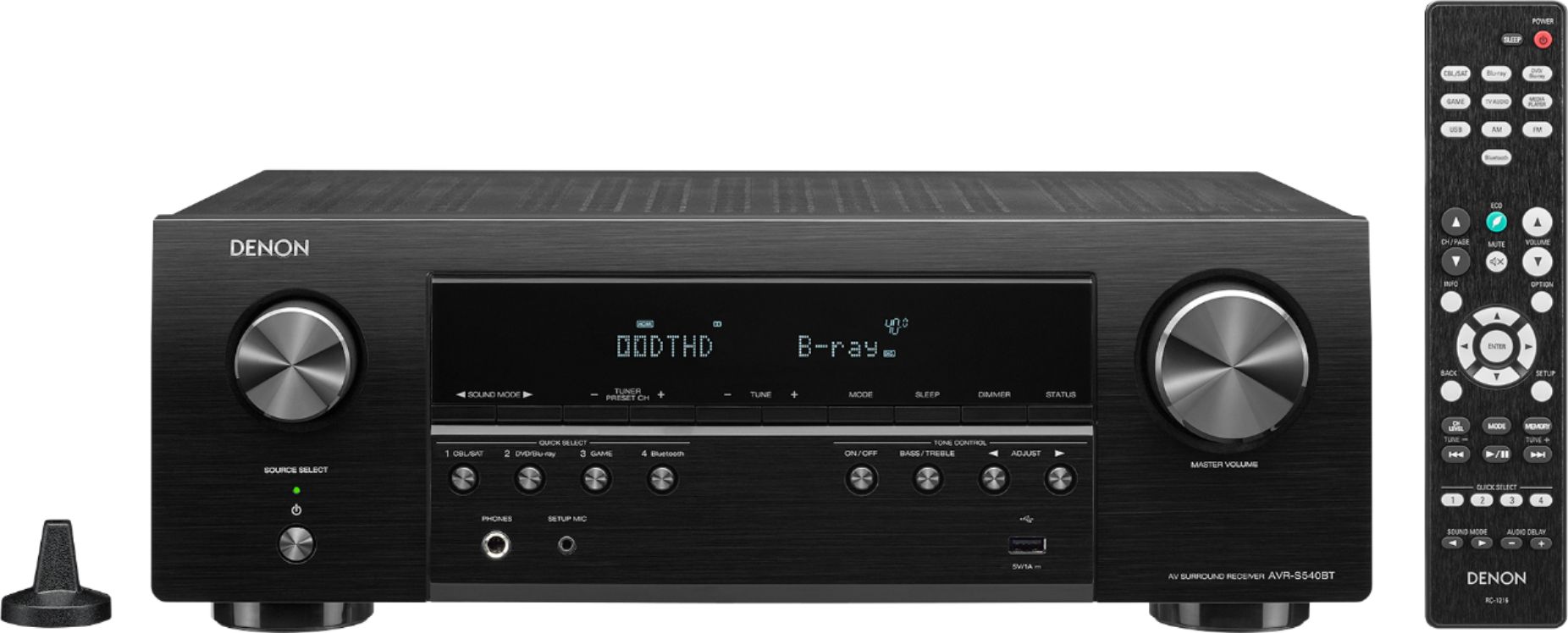
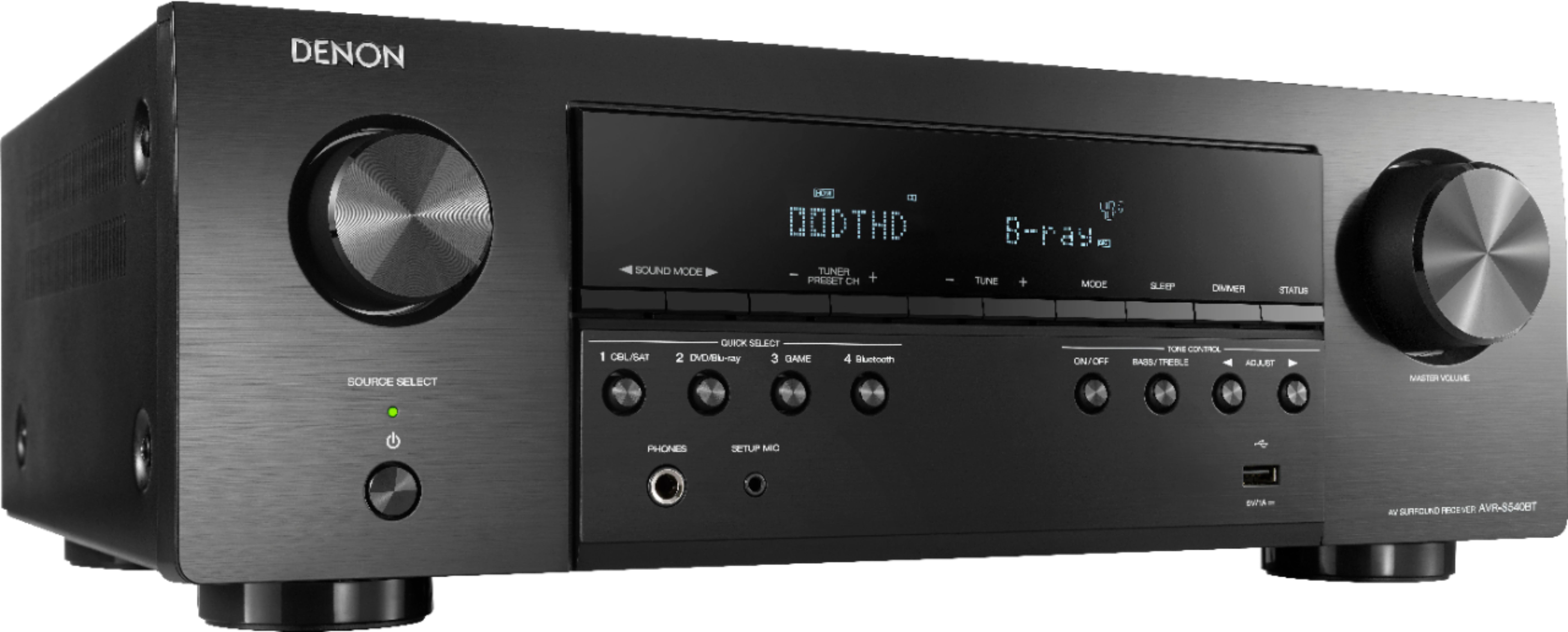
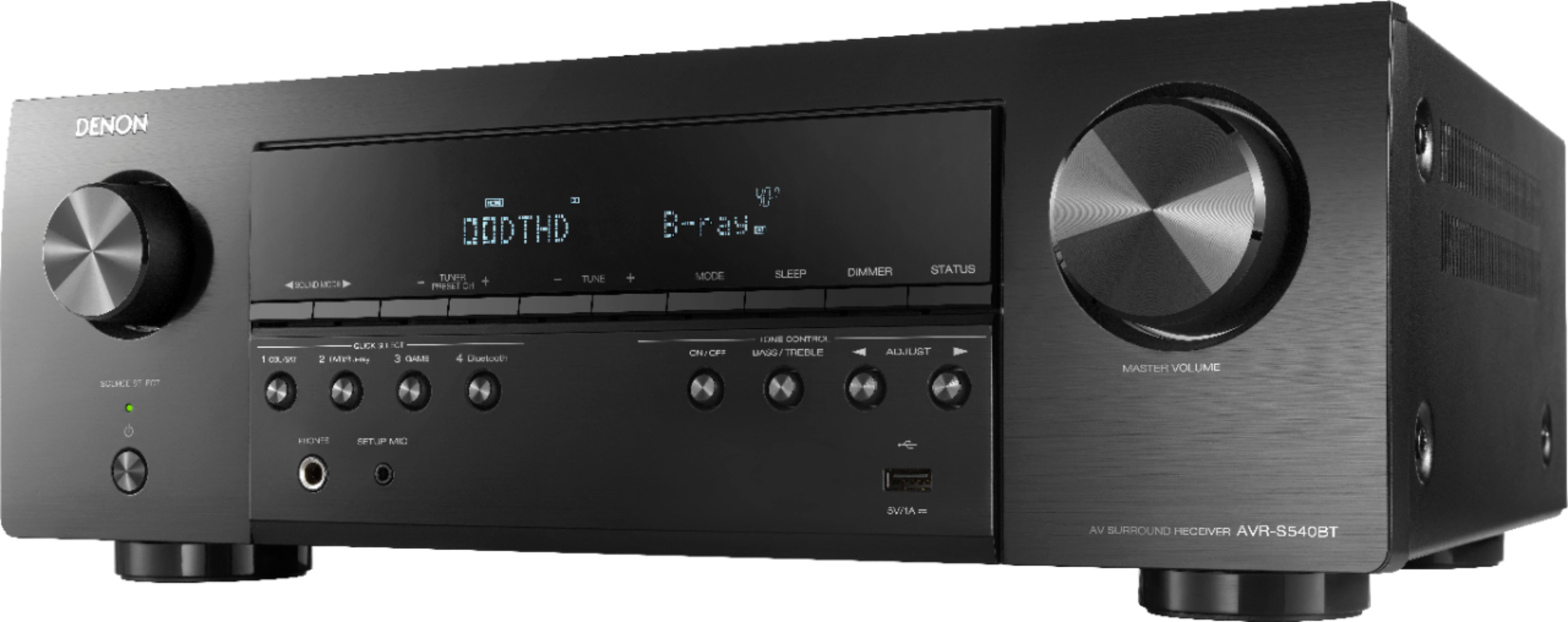
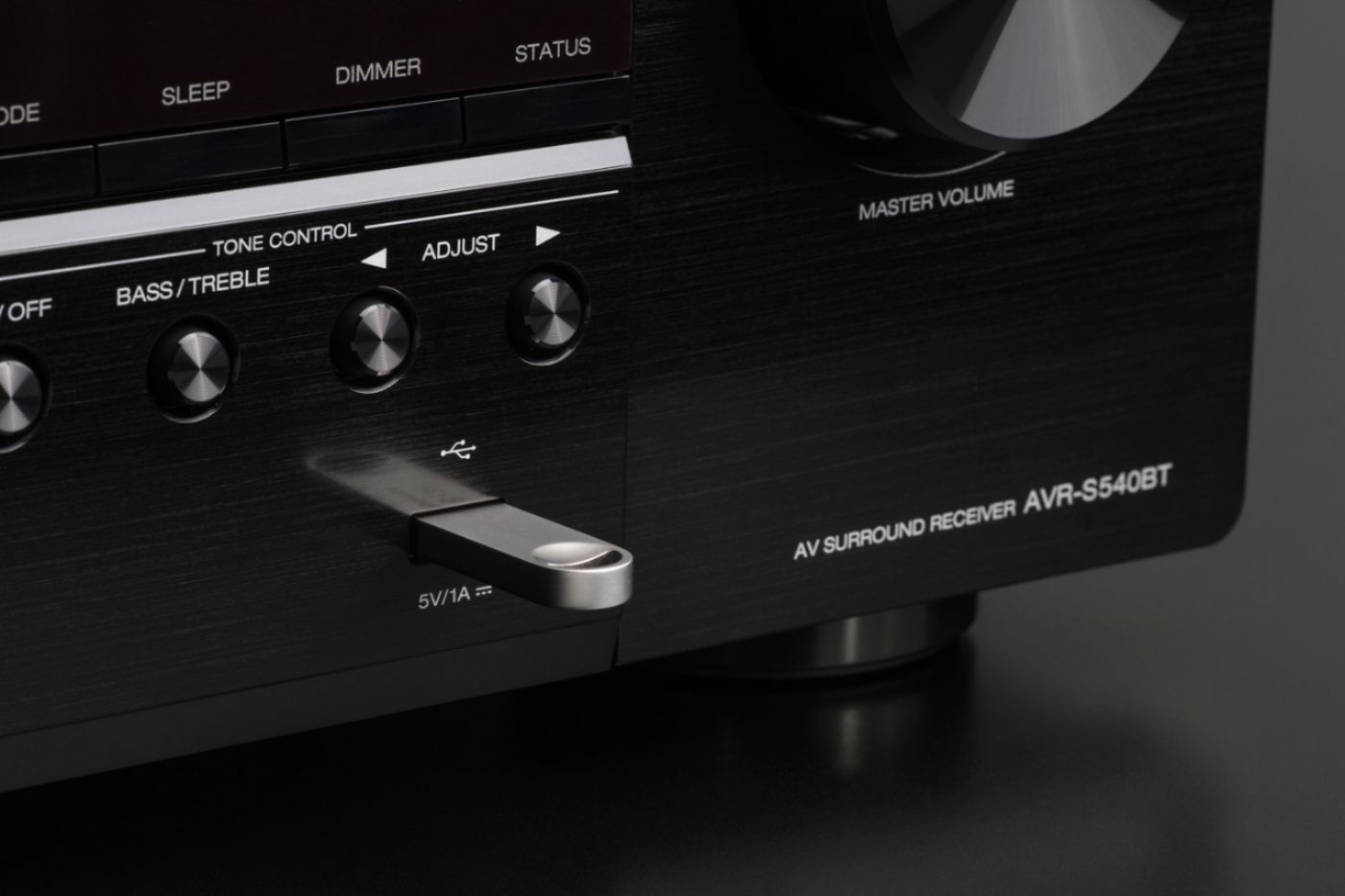
A:AnswerIt is preferred to connect a TV for USB playback as functions and song selection are visible on the monitor. However, the receivers display will allow for play back without a monitor.
A:AnswerDepending on the distance, connect the Mac using Bluetooth and stream from your Apple music. (please keep in mind connecting with Bluetooth is dependent on location of the Mac and Bluetooth ability of the Mac) Bluetooth average range is 30'. Add an Apple TV to stream Apple music without having to use Bluetooth. A Mac Book could also be hard lined to the Denon unit via the front USB port. Another option is to upgrade to a Denon with HEOS. The AVR-S650H has HEOS wireless music streaming built-in
A:AnswerIf at all possible, Connect the receiver to a TV in the house before connecting outside. The setup can be performed using the front controls and the remote. Please contact customer service for assistance. 800-497-8921
A:AnswerHello and thank you for your question. The DT AW6500's are wonderful speakers. They are also fairly easy to drive with a sensitivity rating of 92db. The Denon AVR-S540BT will work the the AW6500 speakers.
A:AnswerAre you hearing sound out of the front speakers? If everything is connected properly, you should be hearing sound outside. At his point I would recommend calling customer service at 800-497-8921
A:AnswerFirst, the Denon AVR-S540BT is not a Zone 2 receiver. In order to hear sound outside you will have to set the receiver to all channel/5 channel stereo. This will send stereo signals to the surround sound speakers. Be sure to go into the AVR settings and activate the surround sound speakers.
A:AnswerIn this type of configuration, set the receiver to all channel or 5 channel stereo. Be sure to set the receiver to 2 channel stereo when not using the outdoor speakers.
A:AnswerYou can use the AVR's Video Select feature to listen to one audio source and watch a separate HDMI based vide source. To do this, go to the audio source first. (AM/FM, USB, Bluetooth) Then, press the OPTION button on the remote, activate the feature and select the video source you want to use. (i.e. CBL/SAT)
A:AnswerPlease try a tap test using your finger to tap on the SW cable connector and see if there's a "thump" when you touch the connector. You can also test using the AVR's Levels option by accessing the menu and selecting Speakers - Manual Setup - Levels. If you hear signal out of the sub from the Levels test, then the SW pre-out is working.
A:AnswerAs long as the soundbar is passive, (uses speaker wire) then it can be connected to the AVR. The sub would connect to the AVR's Subwoofer Pre-out. (RCA cable)
A:AnswerYou can use a FAT 16, 32 or NTFS formatted USB drive. The AVR supports wma, wav, mp3 and aac and flac file types. The AVR can read up to 99 folders, 16 folder directories and 999 files.
A:AnswerGiven this model does not have a Zone 2, you can use the Front L/R channels and the Surround L/R channels for 4 speakers. When using Stereo mode, 2 speakers will output. With Multi Channel Stereo mode, all 4 speakers will output.
A:AnswerThat's correct. Actually, the S540BT does not support networking at all. The wireless chip's only function is for Bluetooth. The first HEOS based model we carry is the S650H. Any model with "H" at the end supports HEOS internally.
A:AnswerPlease make sure the FM antenna is connected properly or you will get no reception. Also, I would test with another source that's not reception based to see if the unit is outputting anything. You can also test the amp channels from the Levels menu by outputting test tones. If you hear the test tones, then the amp section is working.
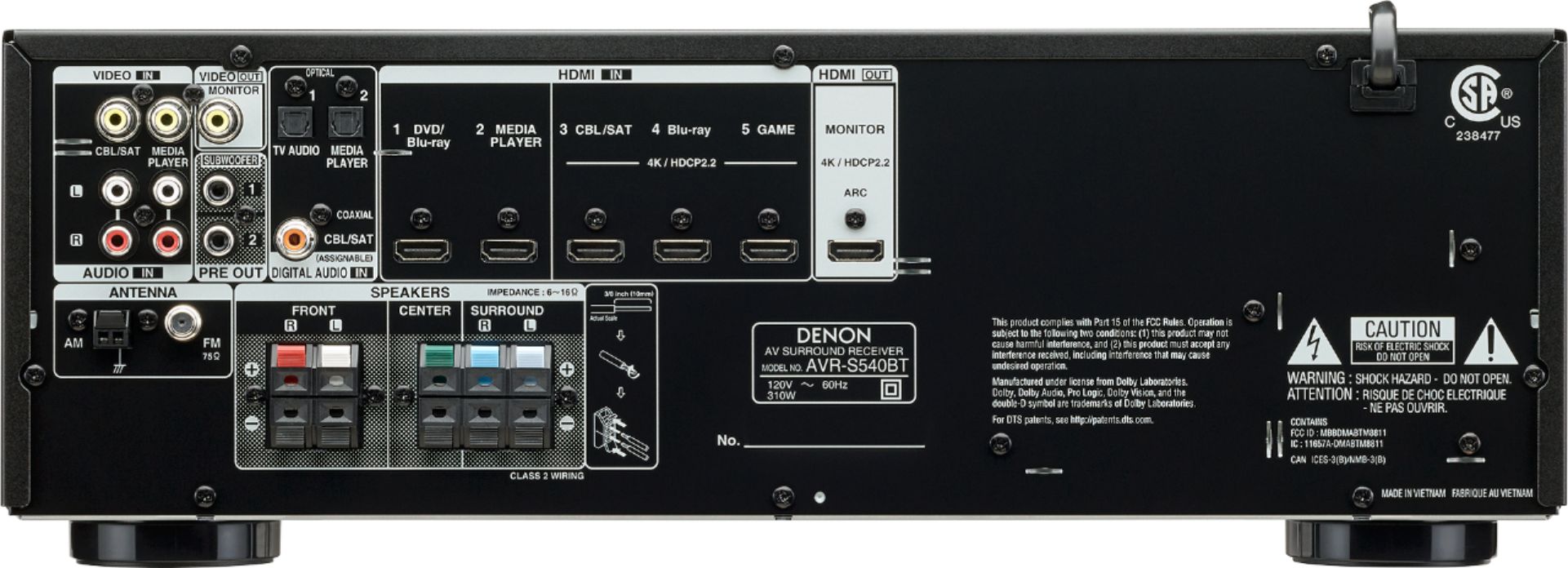
A:AnswerYou can use the optical inputs or digital coax input only for audio. However, to view the AVR's menu you will need an HDMI connection from the AVR to a TV.
A:AnswerThere still might be some latency as the AVR still has to process the signal. If you're trying to match Bluetooth audio and video, you're better off putting the AVR in Direct mode to bypass the audio processing.