A:Answerhttps://manuals.denon.com/AVRX2700H/NA/EN/OFAQSYzyvsczry.php
Hello, with the Denon AVR-X2700H, you can listen to audio playing through the MAIN ZONE of this unit on Bluetooth headphones. I attached a link that will help guide you through setup.
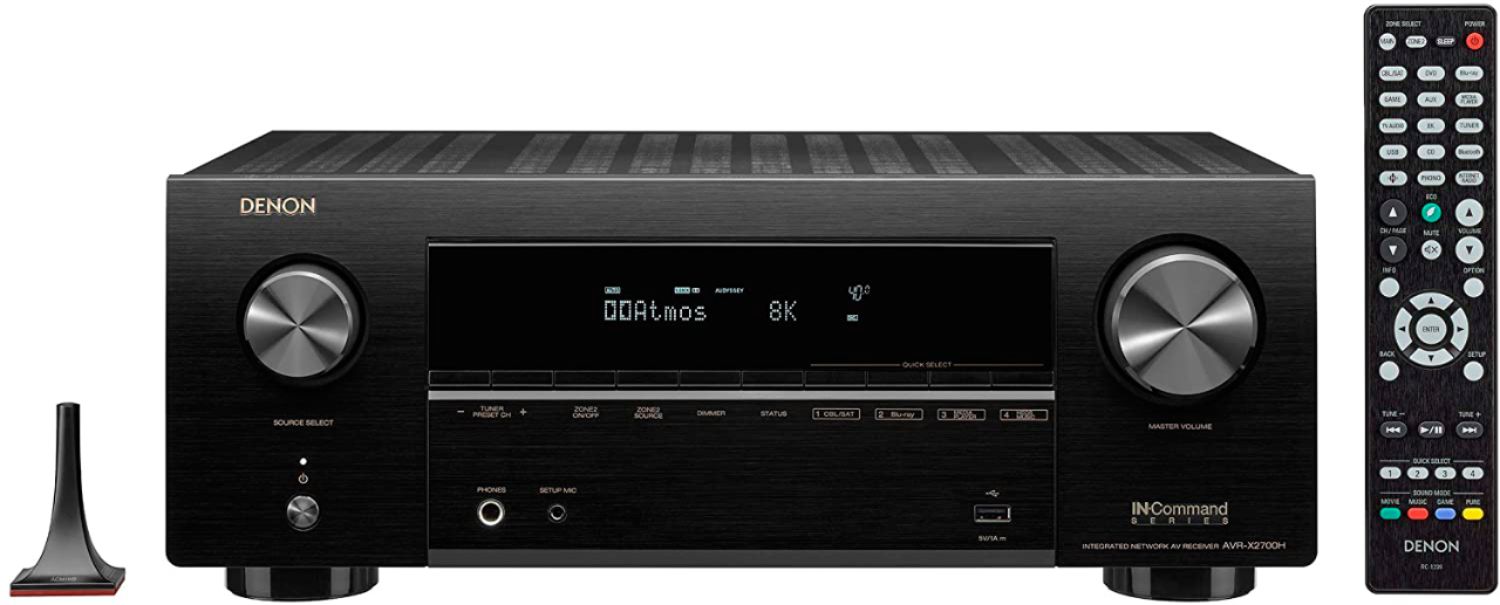
A:AnswerWith the AVR-X2700H, you have several options. This unit has 7 channels of amplification. When connecting a 5.1 system, use the two extra channels for the second zone. If connecting a 7.1 system, an external 2-channel amp is required. The Denon AVR-X2700H also has HEOS built-in. With HEOS, up to 32 zones are possible. Simply add HEOS products throughout your home. https://support.denon.com/app/answers/detail/a_id/2098/~/heos-by-denon
A:AnswerUsing one of the analog inputs with the receiver set to pure direct. An external EQ may be used. I do recommend using the Audyssey setup as this technology has come a long way.
A:AnswerThe Denon remote app is an available feature on the AVR-X2700H. Download the Denon Remote app for setup. Music can be played from a hard drive using HEOS. HEOS requires Wi-Fi. Setup through the HEOS app. https://www.denon.com/en-us/product/av-receivers/avr-x2700h
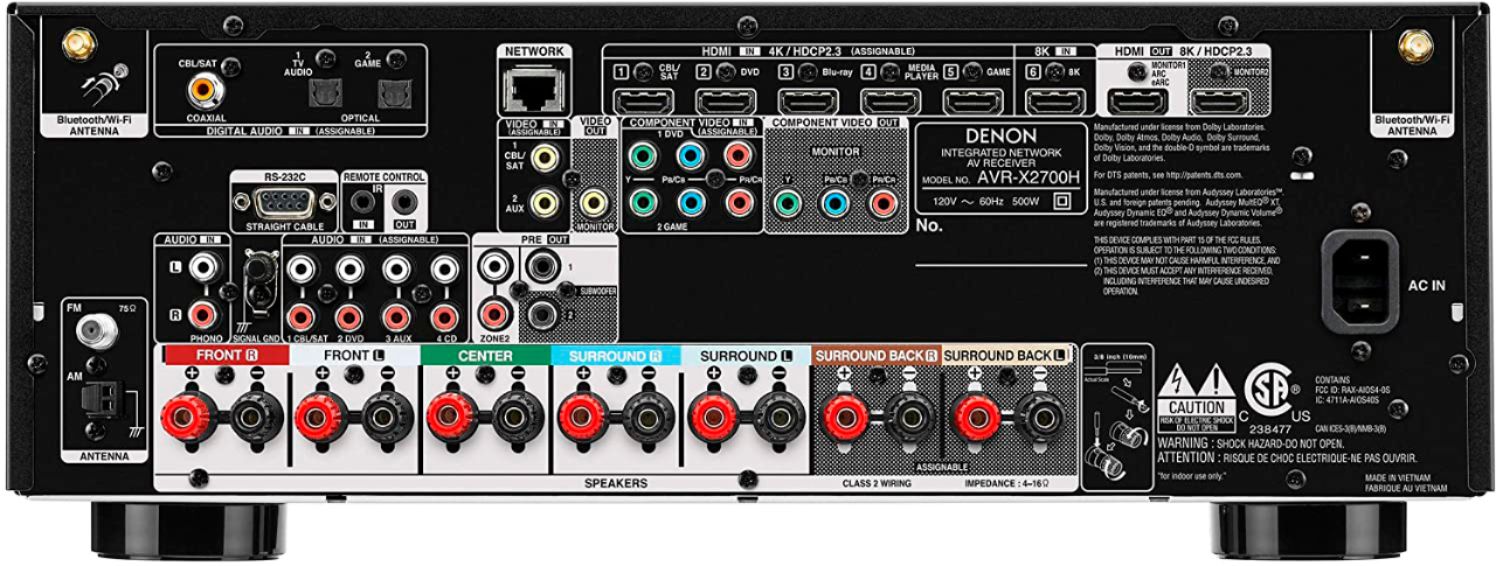
A:AnswerA 5.1.2 Atmos speaker configuration plus zone 2 is possible with the addition of an external 2 channel amplifier for zone 2. The AVR-X2700H has 7 channels of amplification with the surround back channels being assignable for surround back, Atmos, or zone 2. If connecting 7 speakers in your main zone, connect a separate 2 channel amplifier to the zone 2 pre output.
A:AnswerI don't know "why" but I do know that it is not designed to upgrade a component signal to output from the HDMI out. I found this out when I also tried to hook up a component DVD player. It is just the way it is. Only work around is to output from DVD player directly to the TV - if your TV has component in capability. Mine does not! So, if I want to play DVDs I need to get a new player that will output HDMI.
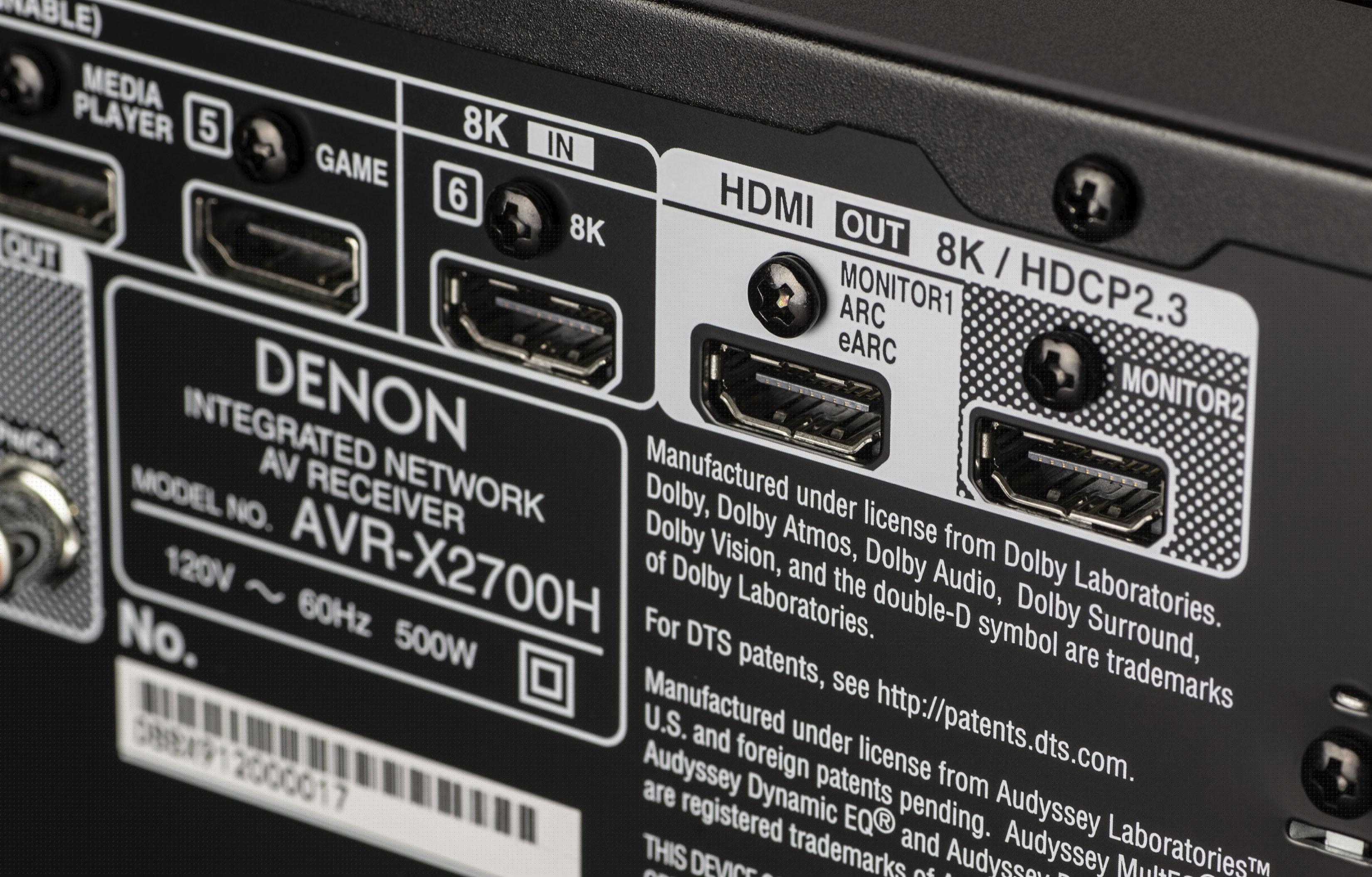
A:AnswerWe are pleased to announce a permanent fix for the 4K/120 & 8K issues we are currently seeing with certain 8K source devices. While this fix is not yet available, we will make it available at no cost to you very soon. Please use the following link for more info. https://www.denon.com/en-us/hdmiadapter.
You will be able to register
starting May 15th to receive the SPK618 HDMI adapter at no cost.
A:AnswerNo, the analog inputs cannot output via the HDMI Out to the TV. Only the HDMI based input sources are capable of passing audio to the TV (sound bar) instead of the AVR internally processing it.
A:AnswerThere is no issue with the PS5 passing 4K/120 and 8K through the 8K AVRs. Please make sure you set the AVR to 8K Enhanced in the 4K/8K Signal Format. (GUI - Video - 4K/8K Signal Format)
A:AnswerYes, but if it's from the HEOS Music source, then it first needs to start in the Main Zone. Once it's playing to Zone 2, then you can change the Main Zone source to something else. With the X2700H you cannot play 2 different HDMI sources in both zones. You can use the All Zone Stereo feature (OPTION button on remote) to play one HDMI source to both zones at the same time. The X3700H is the first model in our lineup that allows you to play 2 different HDMI based sources in both zones.
A:AnswerNo, all of our current 2.1 version AVRs only have one 8K input to connect a single 8K source device. We will have an accessory coming later this year that will allow you to connect multiple 8K sources to this AVR. Stay tuned...
A:AnswerNo, that functionality starts in our X3700H model. The X2700H does have an All Zone Stereo feature that allows you to output an HDMI based source to all zones simultaneously.