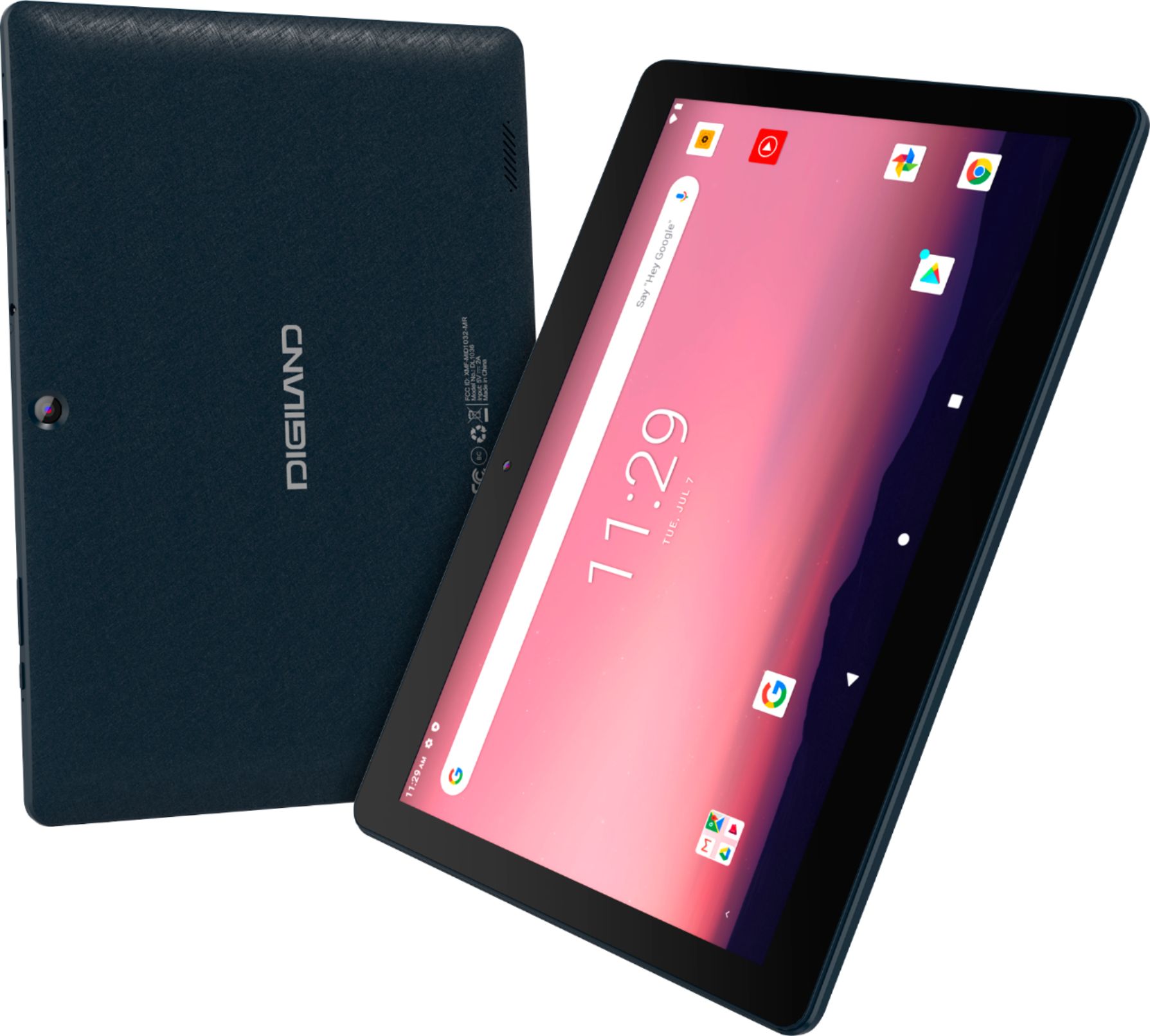
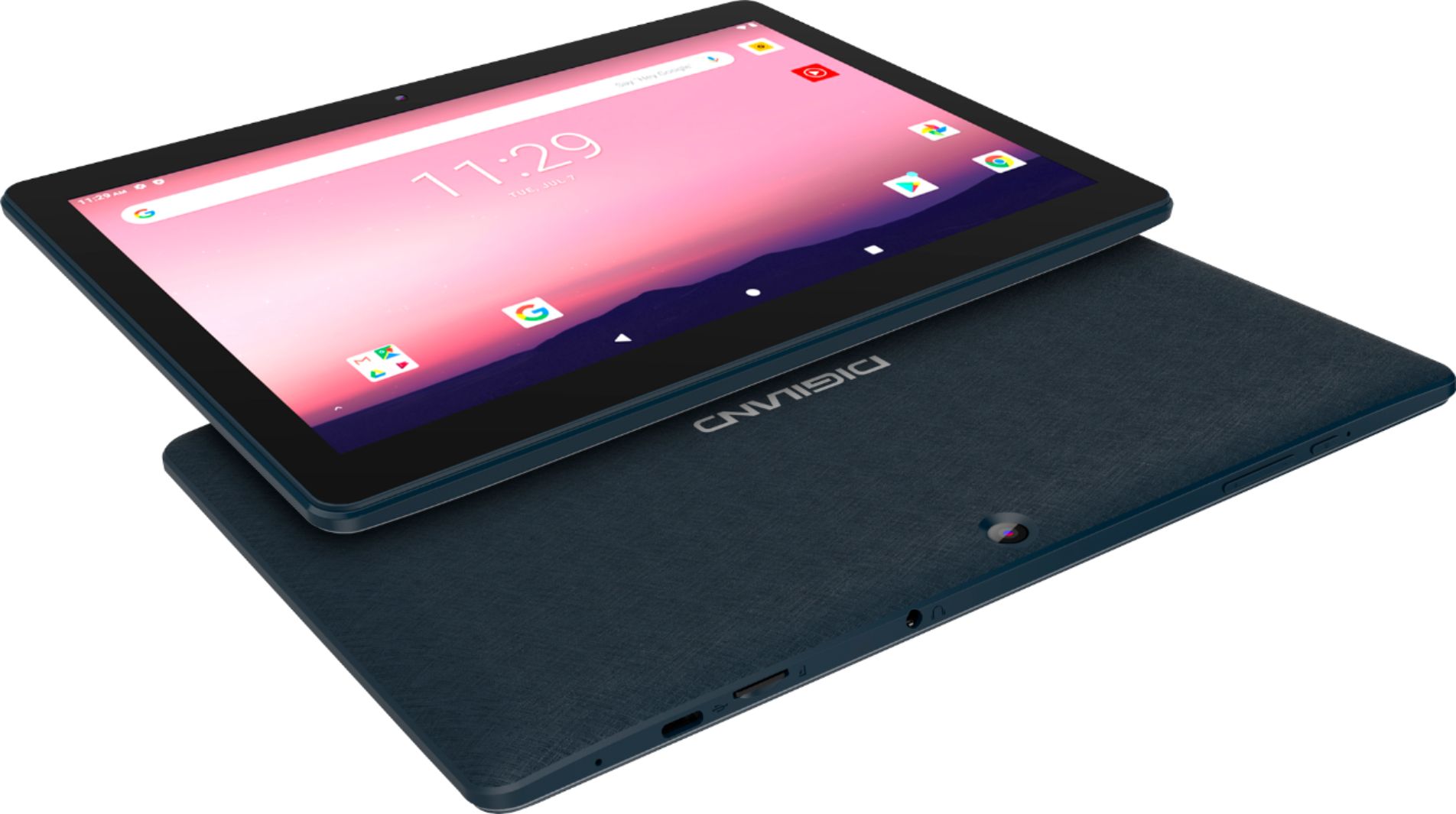
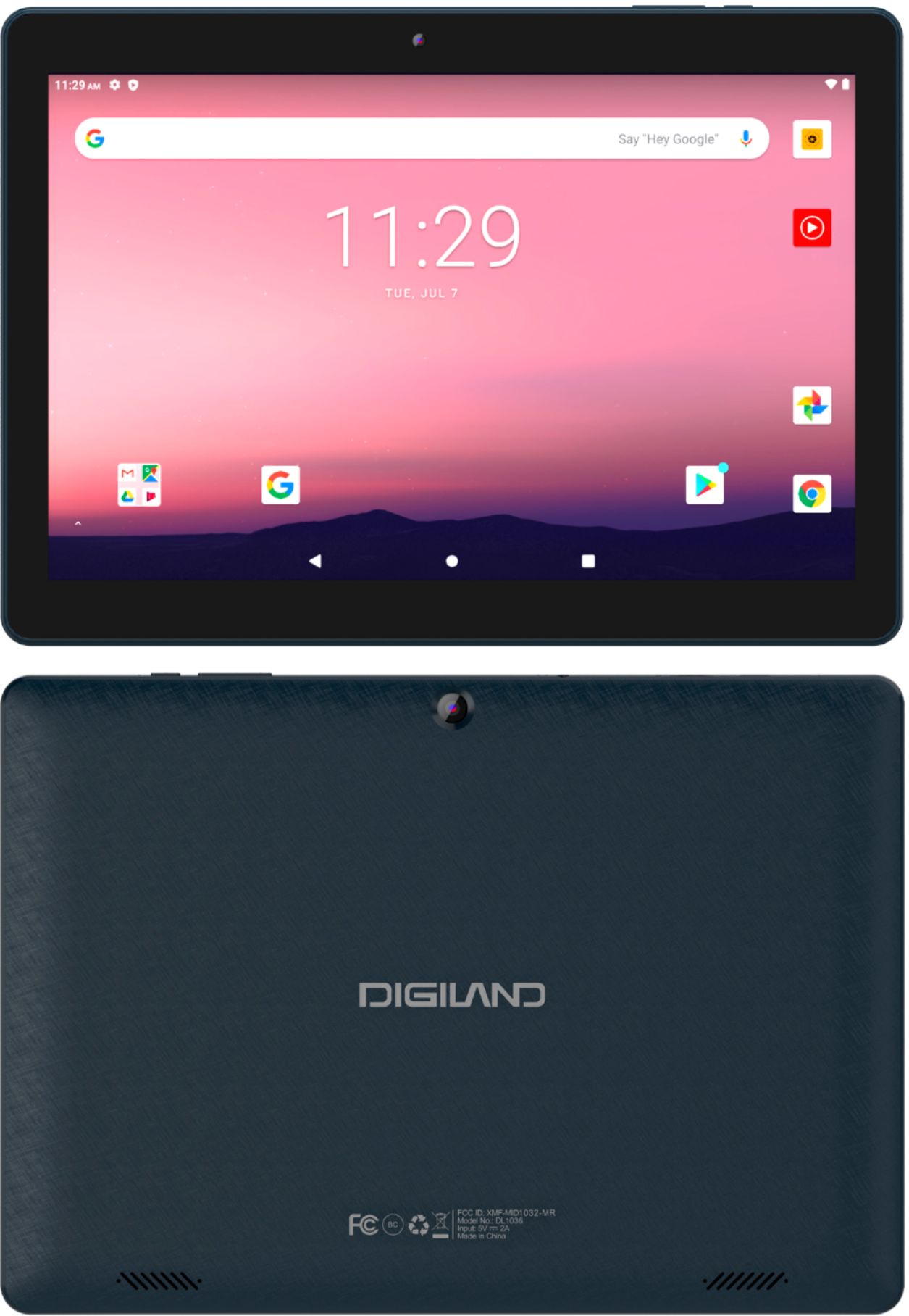
A:AnswerYes, all this can be done thru the Google Drive on the tablet, however any changes to the settings of Google Drive must be done from your computer.
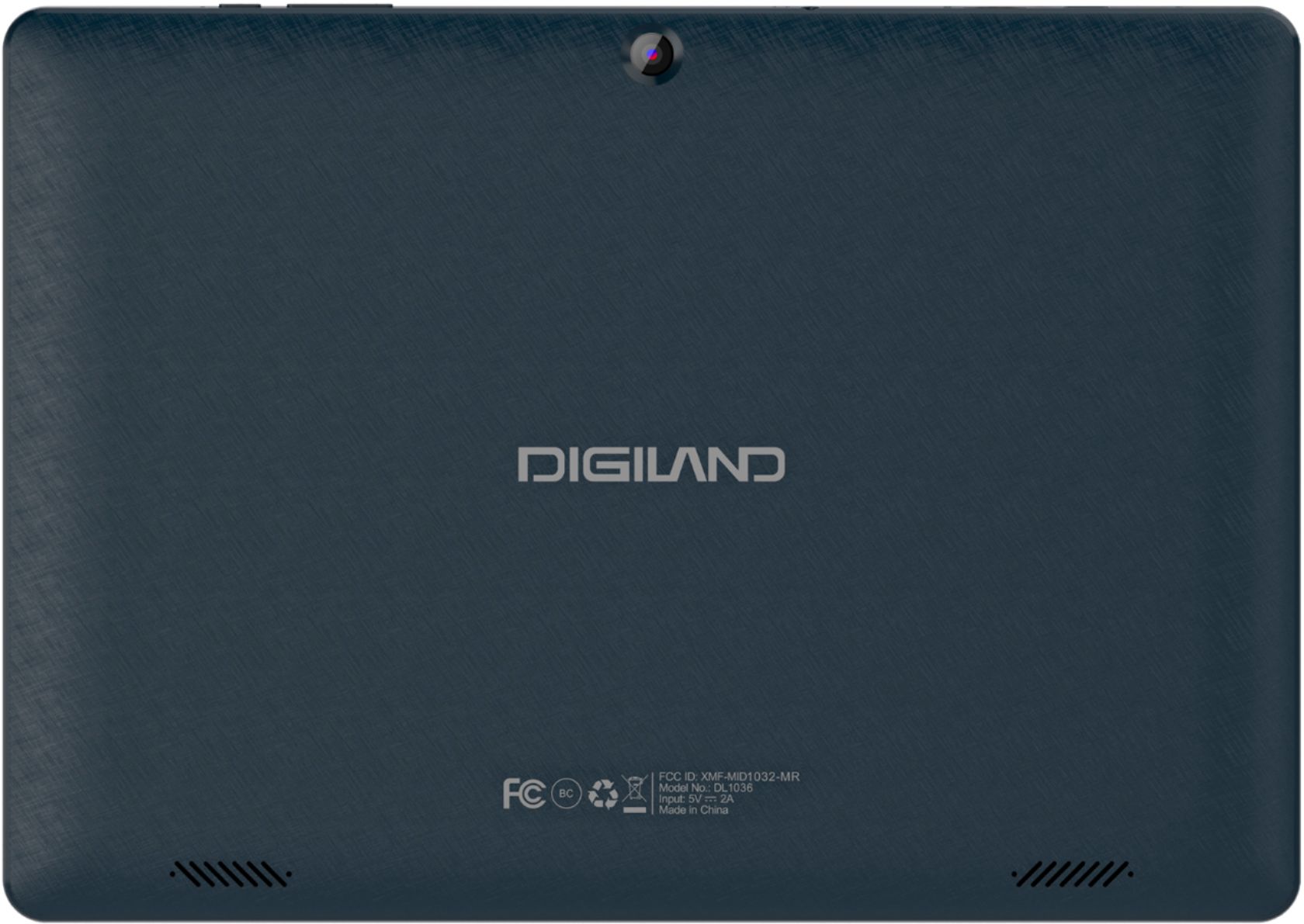
A:AnswerYour photo didn't upload, so there is nothing to see. Go on line and look a manual from Digiland, or, better yet call customer service. If you didn't purchase an extended warranty, keep in mind that there is only a (3) three month manufacturer warrenty on this tablet. So, I would either return it for a refund, or have it repaired before your warreny expires. I've had issues with my tablet, but have been able to figure out some of these issues by going on line and found a manuel for a similar Digiland tablet. I was unable to find a manual for the DL-1036.
A:AnswerYes, there is a headphone jack. It also has bluetooth to connect to your wireless speaker or headphones. Storage can also be increased with a 128gb (max) micro SD card.
A:AnswerYes, you can use Google Docs on it. Chrome is already downloaded to the tablet. This is an android tablet so you can link your Google account to it. It does have Bluetooth so you should be able connect a Bluetooth keyboard.
A:AnswerIt doesn't come with anything. I turned on my hotspot and downloaded some free card games and some free paint stuff! You don't have to have the hotspot with a few of them, you just have to figure out the ones. Its a lot though.