A:AnswerThe size of you video will depend on the quality. If you record a 4k video with the camera you are most likely to not be able to email that clip, but what you can do is once you have your video on your desktop is to upload it to Google Drive, and then email the link to your friend, that way you can share that video with only the people you share the link with, and they can watch it without having to download the file in case is too big.
For 1080p videos you might be able to email some clips, but I believe there is a file size limit no matter what email service you might be using.
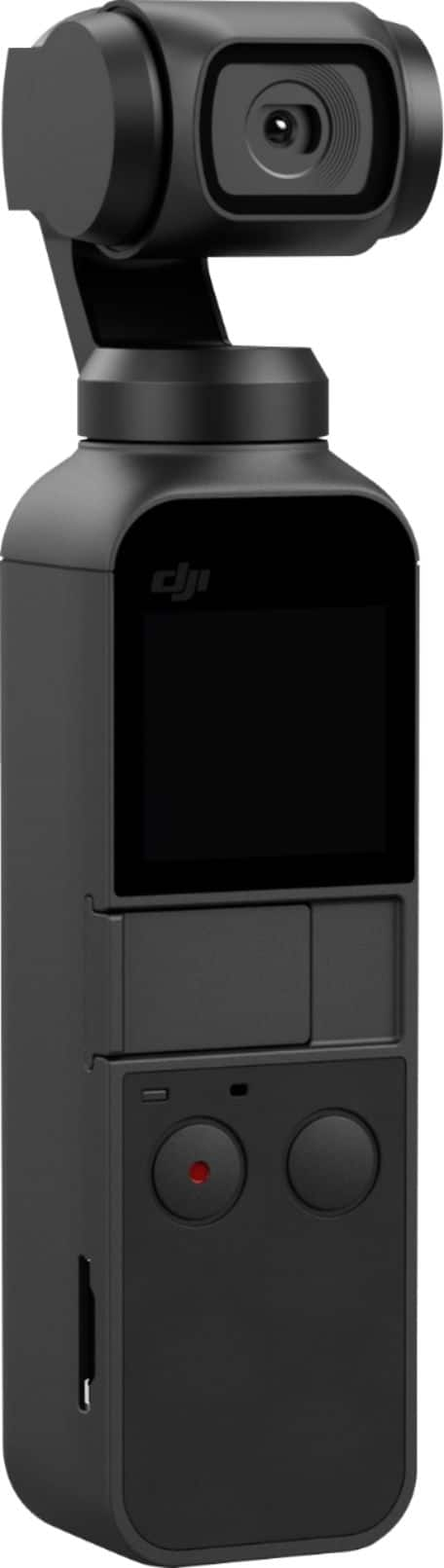
A:AnswerThere is an audio adapter available, but it does not come standard with the device. The built in mic produces usable sound. Certainly better than a GoPro if you have any experience with those, but not pro quality.
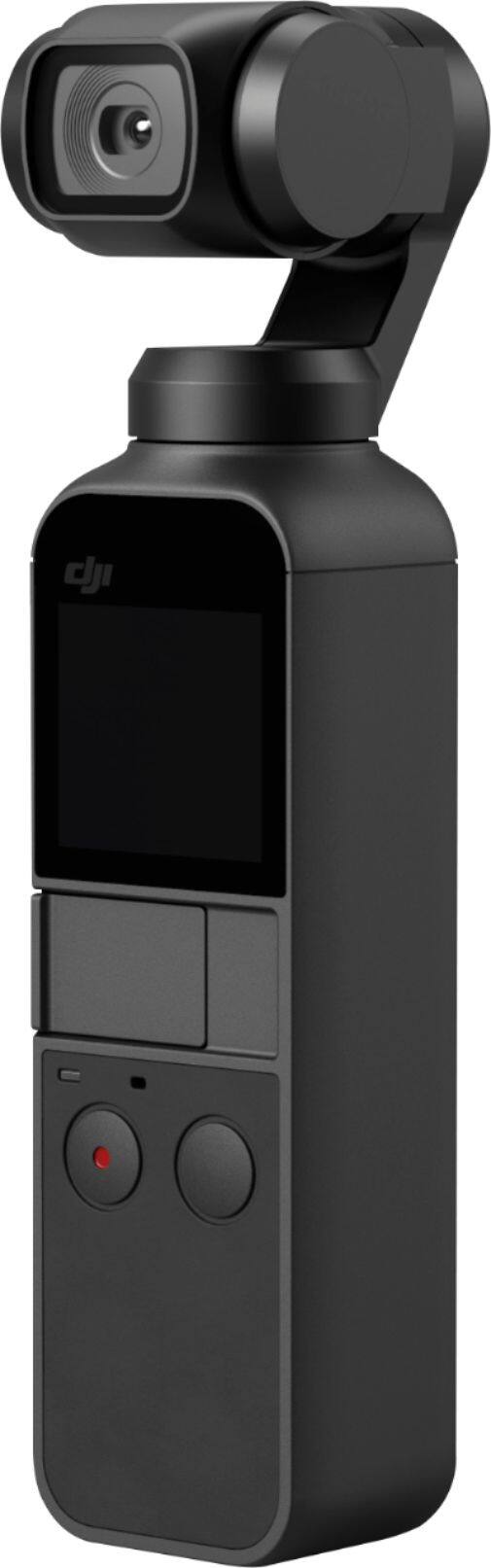
A:AnswerBy itself it can be stood upright. But it will fall over with the lightest touch. You can use an adapter to put a small tripod which is what I use. If you're sure nothing will knock it over, than you can just stand it up by itself.
A:AnswerWhichever your lil heart desires. Export to your phone via the USB-C or lightning smart connector or to your computer using a Micro-SD card adaptor.
A:AnswerOsmo Pocket in Low Light: So I decided to do a comparison shoot between the Samsung Galaxy Note 8 and the Osmo Pocket in low light and I was quite surprised that the video quality of the Samsung was significantly better. Now, most say that you get much better low-light video with the Osmo Pocket if you shoot in 4K at 60 frames per second (maybe 30). I wanted to do an apples to apples comparison, so shot in 1080P on both, and the colors and content were significantly better looking with the Note 8. Note that I set them both up on tripods right next to each other to make the test as much of a double blind as possible. I have seen some amazing footage with the Osmo in 4K at night, so perhaps that is a necessity.