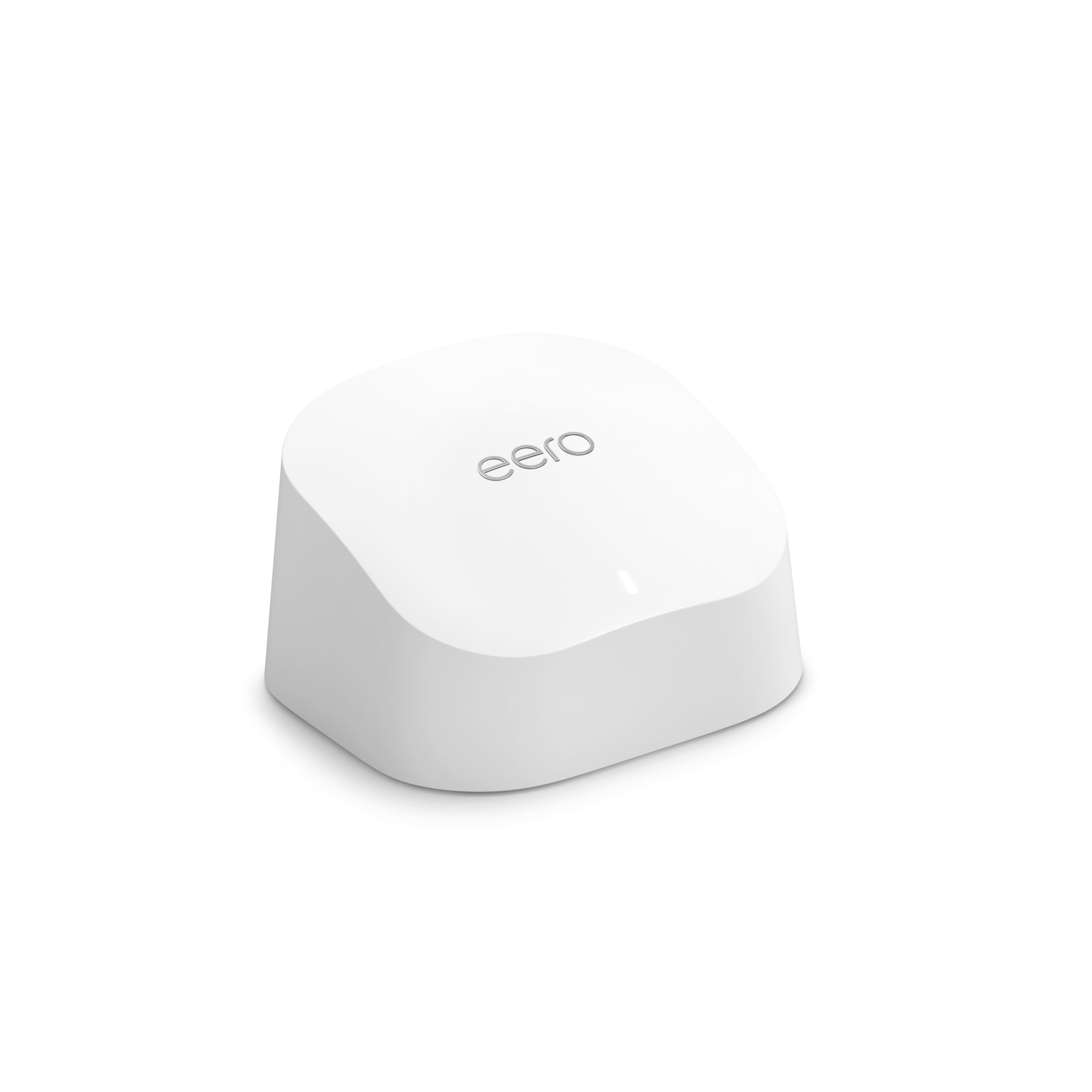
A:AnswerTechnically it would solve the problem, but really any extra eero would, regardless of it it's the eero 6 or eero 5. Basically, your Ring Doorbell is likely getting interference because the wall it's mounted to might be brick, or the door could be metal, etc... something is basically just throwing the signal off and you need another eero a lot closer to the door to compensate.
A:AnswerI have a Eero 6 pro about 40 ft from my Ring Door bell with an additional 5 ring cameras. So far so good, they have not lost the connection. However they were a bit harder to connect in the beginning.
A:AnswerYes, satellite internet doesn't make a difference. It will not make your internet faster, it will just ensure you get coverage all over your house without dead spots. Basically it ensures your wifi connection is rock solid no matter what.
A:AnswerThese are routers. Of the three, one is directly wired to your modem. This one is the "gateway" eero. The others can be wired to this gateway, or can be set up wirelessly. They all will communicate with each other, but the gateway is the one broadcasting to the rest. You can add more eero's if you need more coverage. According to eero, all eero's will work with any other eero's, as well. Maybe you just need to re-position your eero's to have better overlapping signals.
A:AnswerYes, you can replace your current gateway eero with this eero 6. That's what I have done, which was recommended by eero tech support. My other three eero's are eero pro's (2nd gen). I've had this setup for a couple weeks. So far, it works great.
A:AnswerYou can set a wifi password for the main network using the eero app under Settings->Wifi Password. You can setup the Guest network's name/password in Settings->Guest Access.