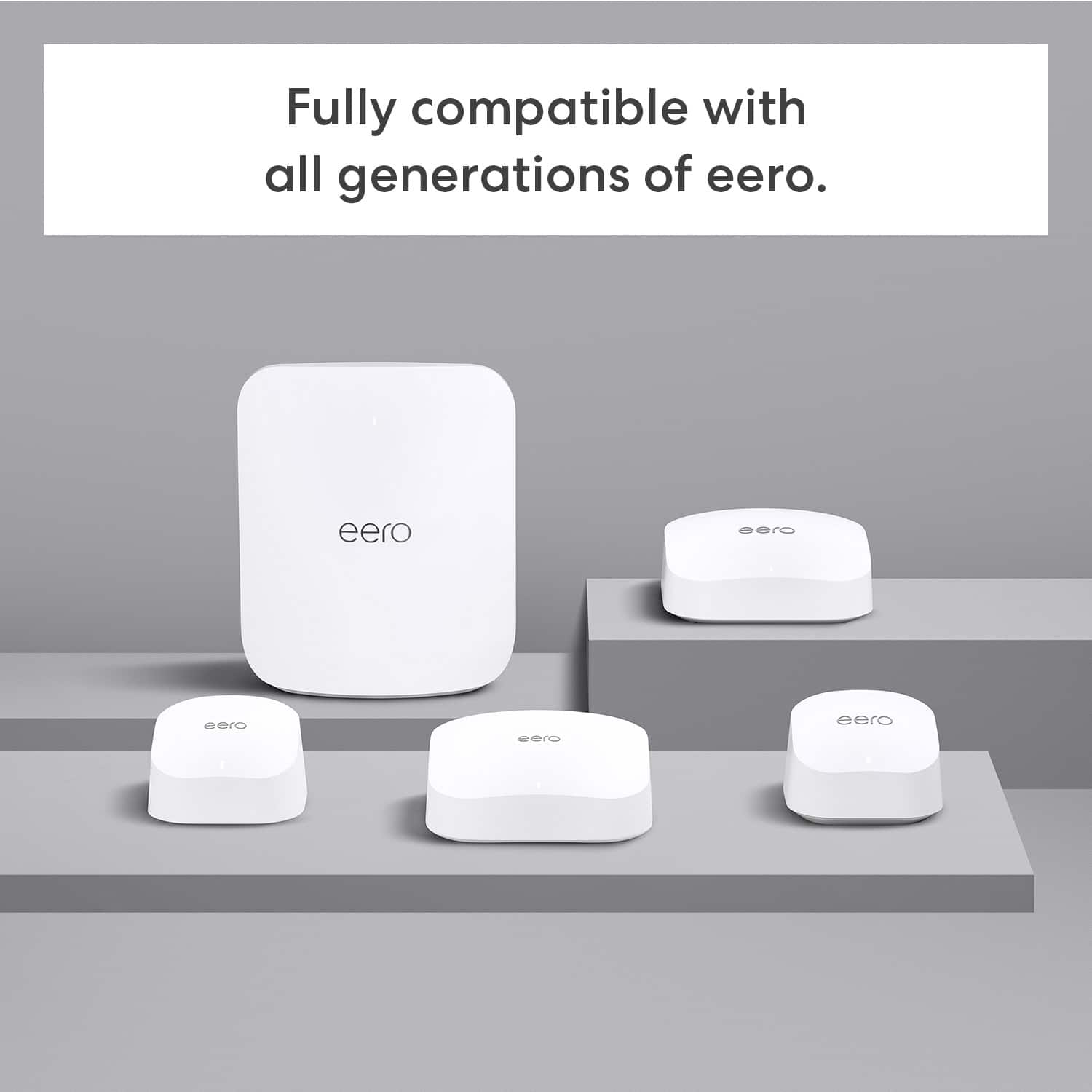
A:AnswerHi Tbharrison, yes you can mix your existing Eero 5 units with the new Eero 7 system. They will work together in one network, although the older units won’t support the same top speeds as the 7s. Hope this helps!
A:AnswerHi KMaware! There are several different ways that you can use an eero WiFi 7 system, and the app does a great job of walking you through setup. If your existing setup uses a single Router/Modem combination to both connect to the internet and provide a wireless access point, you can always use the eero in bridge mode which lets them handle the wireless communication and run the mesh network but keeps your main router in control of managing devices. If you have two devices and rent a Router for your wireless, you can most likely replace the Xfinity modem with an eero and save yourself some monthly cost. I hope that helps, have a great rest of your day!
A:AnswerHi Esperinos, yes — eero 7 works with Xfinity.
You just connect the eero to your Xfinity modem/router using an Ethernet cable, and it will create your Wi-Fi network.
Hope this helps!
A:AnswerHi DeveloperBill. Thank you for your question about the eero 7 and the included CAT5e Ethernet cable. Great news, the CAT5e cable that comes with the eero 7 is more capable than many people realize. A CAT5e cable can actually support speeds up to 10 Gbps, as long as the cable length is under 100 feet. The included CAT5e cable is well-equipped to handle the maximum wired throughput of the system without any additional cable purchase, provided your cable run stays within that 100-foot range. Should you need to place your modem more than 100 ft from your gateway eero, I would then suggest purchasing a CAT6a cable. I hope this information helps! Have a great day!
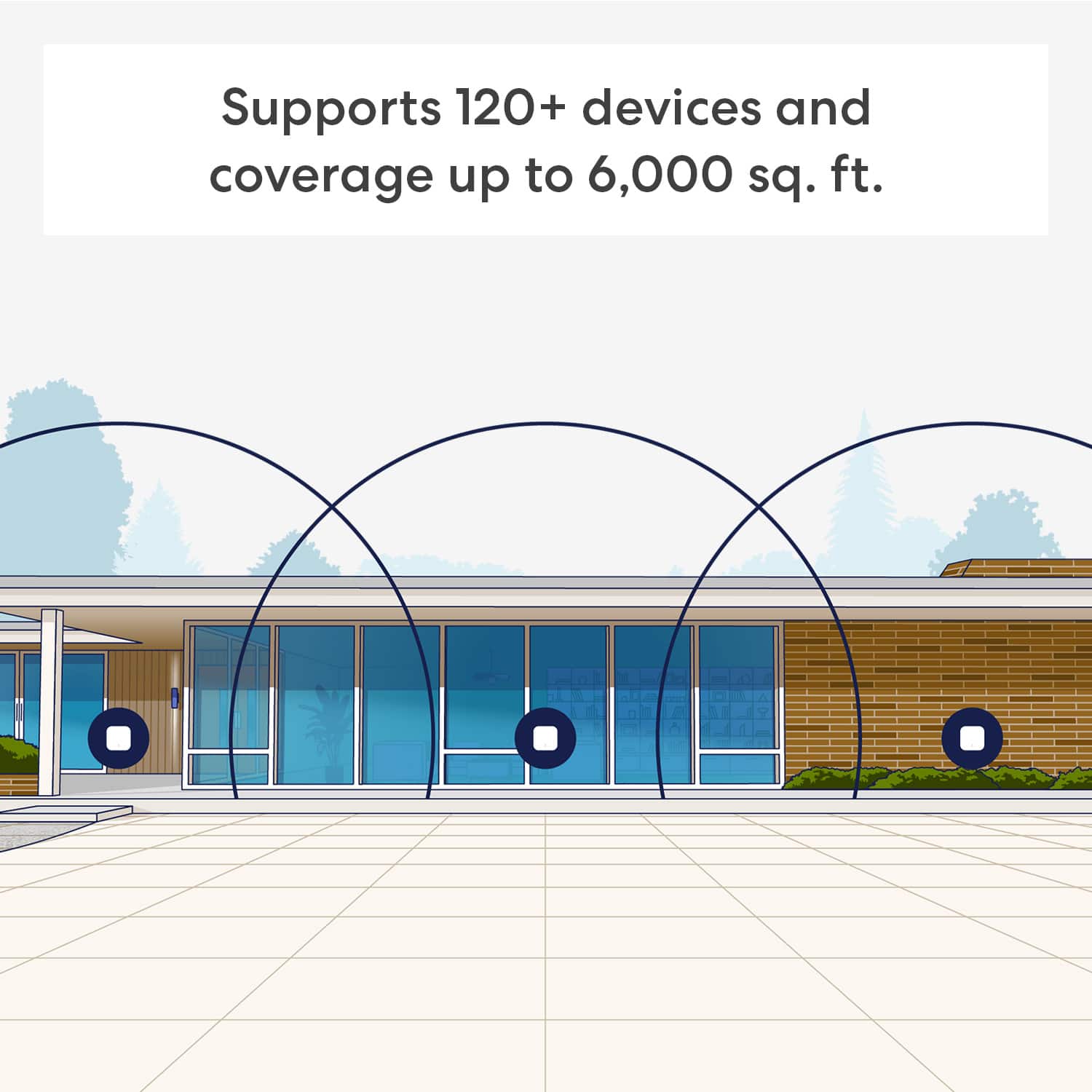
A:AnswerHello Bobby, there isn't a limit to the amount of Eeros that can be added to your network. If you have a larger home and need more coverage then you can purchase more and just click the (+) in the top right of your app and add additional devices. There is even an outdoor Eero if you need more coverage in your yard.
Have a great day!
A:AnswerHello Seth! Yes, you can absolutely split up an eero 3 pack. Each individual eero unit in the 3-pack is identical and capable of acting as a standalone primary router. All you would need to do is use the eero app to set two of them up as a mesh network in your home. One will plug into your modem, and the second will act as a wireless (or wired) node to extend your coverage. Your Sister will need to download the eero app and set up her own account, then set up the remaining eero as the primary router for her home. I hope this answers your question and I hope you have a good day!
A:AnswerHello Sedona! The Eero 7 uses an automated process to manage which frequency a device uses while maintaining a single SSID. This process involves Client Steering, where the Eero identifies the device's connection history, and if it sees the device is capable of 2.4 GHz and 5GHz the Eero will actively "steer" it towards the higher frequency.
The Eero 7 also uses Multi-Link Operation (MLO) which allows it to transmit data across multiple bands simultaneously with Wifi 7 compatible devices. The essentially allows the router and device to "talk" to each other to determine which bands are the least congested. For example, if your 5GHz band suddenly experienced a burst of interference (like a neighbor's router) the Eero 7 can instantly shift the data stream to the 2.4GHz band without your device ever disconnecting.
I hope this answers your question and I hope you have a great day!
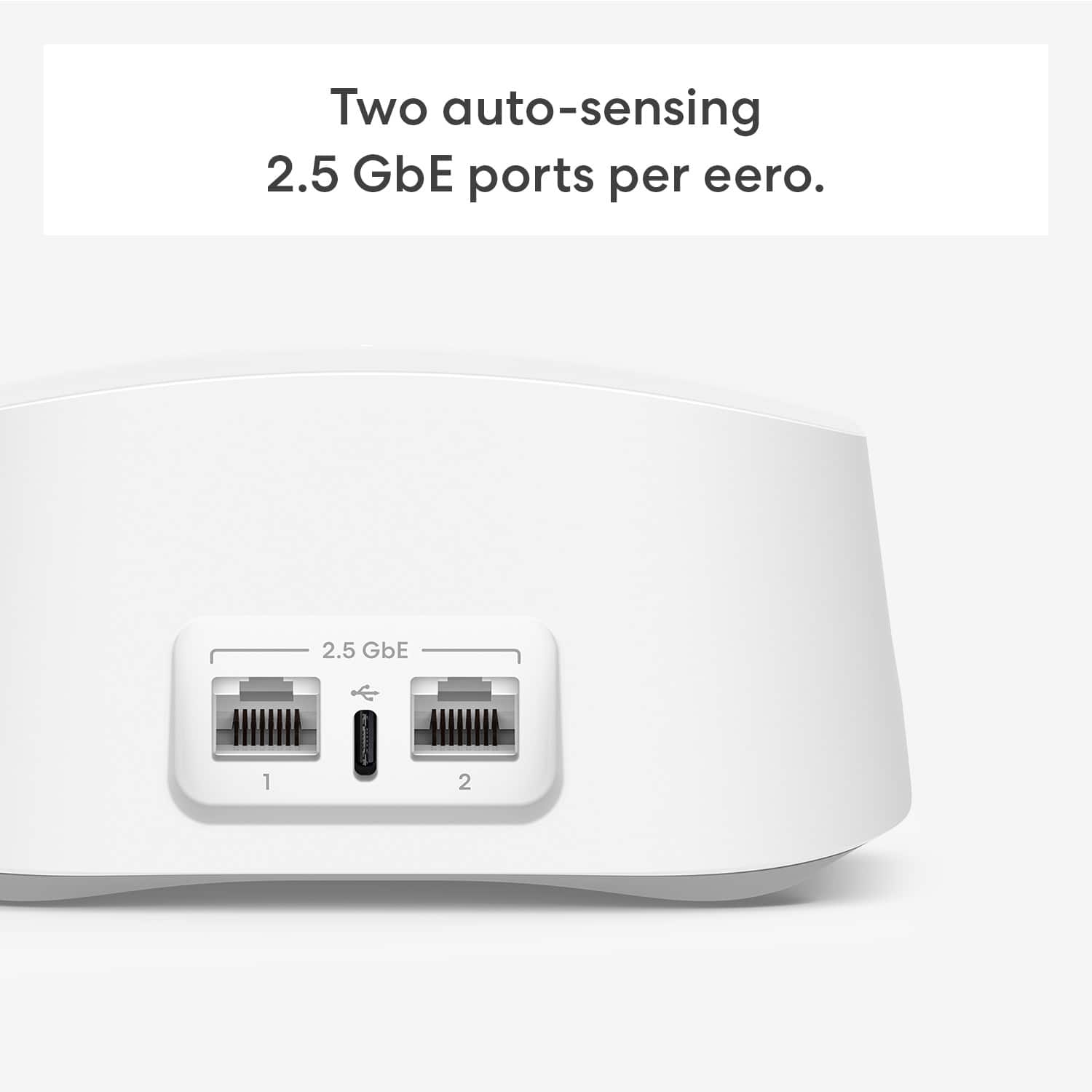
A:AnswerHi Sedona! The short version is that 2.5GbE means 2.5 Gigabit Ethernet, while 2.5GHz refers to a radio wave frequency. 2.5GHz connections tend to top out at a max of around 450Mbps, 5GHz can reach around 1300Mbps, which means that the 2500Mbps that the router can transfer from the modem is more than enough to handle the demands of the wireless devices it's communicating with. Most of the router's I've owned up until now have a 1GbE connection, and even my gaming PC that I hardwire to the router maxes out at 1GbE, so the Eero 7 gives you a lot of overhead! I hope that helps, have a great rest of your day!
A:AnswerHello nemada,
Yes, the Eero 7 3 pack will work great with Spectrum. Spectrum will provide the modem for your system and you can connect the Eero 3 pack system to use as your WIFI router. If the Spectrum Modem is already set up in your home, all you need to do is follow the directions that come with the Eero for setup. Eero uses a very customer friendly app to help out! One thing I would check on from Spectrum however is that, if they gave you a Modem/Router Combo, that the Router portion of the device is turned off. Also, I would consult your bill to see if they are charging you for the Router feature on the unit they set up. If this is the case, I would reach out to them to make sure you aren't paying any sort of rental charges for features that you won't be using.
I hope this answers your question!
A:AnswerHello. Thanks for reaching out! To setup the eero 7 system you'll need to download the eero app for iOS or Android on a phone or tablet with an internet connection, create an eero account or log in with your existing Amazon account information, and follow the prompts to create a new SSID. Once you've created the new network, the app will provide guidance for the placement of the wireless eeros. As you place the wireless eeros, the app will run placement tests to ensure each eero is receiving a reliable signal. Due to the concrete building materials, it is likely that you'll need to place your eeros closer to each other and more eeros may be needed to provide coverage to the whole property. I hope this helps. Have a great day!
A:AnswerDepends on your environment. A GB hardware Ethernet connection will serve you better if you are able to wire each/all of your WiFi Access Points. If you can't, the units will mesh well using just WiFi - but that "relay" (from one Eero to the next) can slow down your connection speed slightly.
A:AnswerHi Me,
You don’t need to pay a monthly fee just to use your Eero 7 and the associated app. The core Wi-Fi system works once you’ve purchased the device and have an active internet connection.
Hope this Helps!