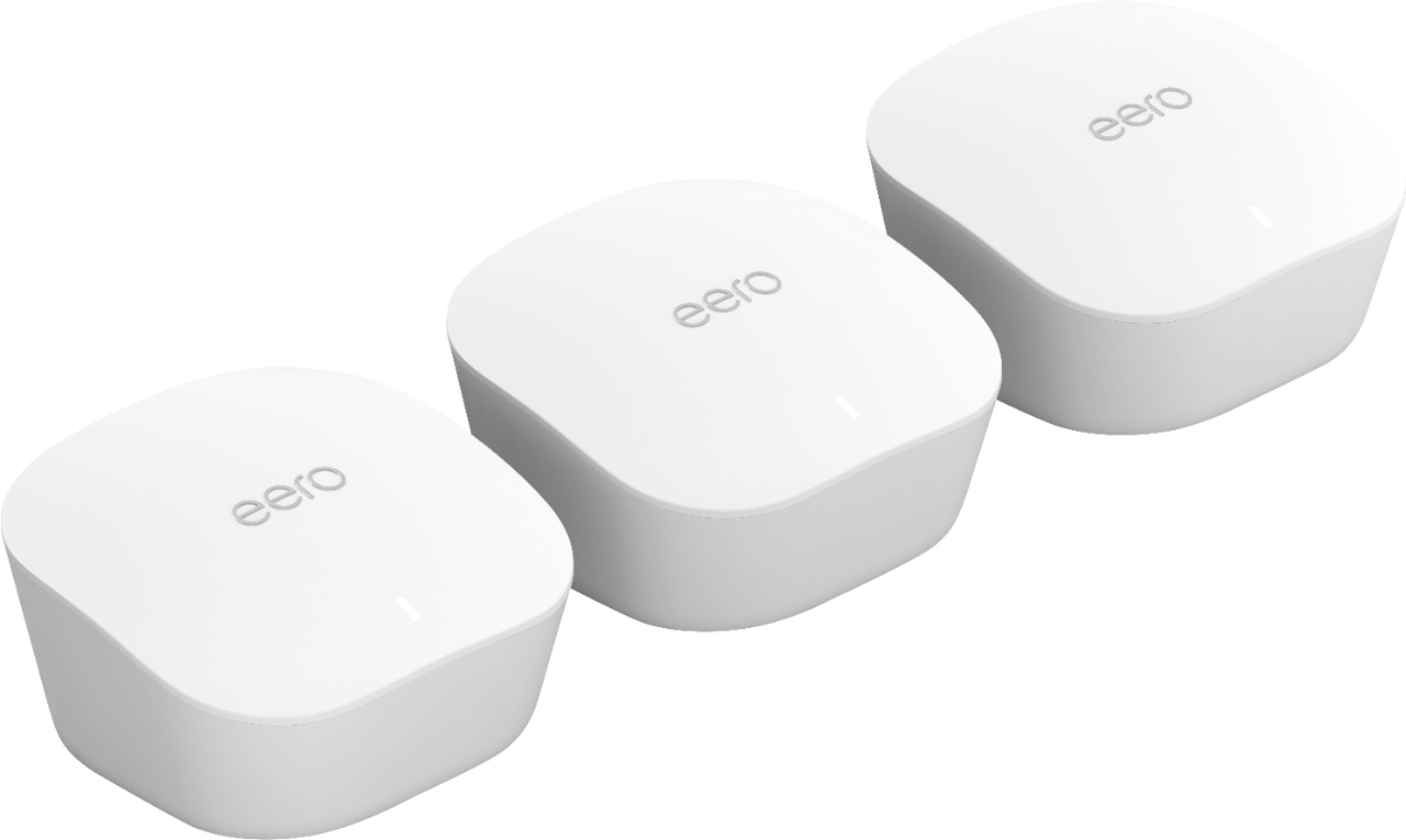
A:AnswerI have model:J010001 3 beacons and I have one by my modem upstairs , second in my living room and third in master bedroom and we get a lot better reception
on our iphone , ipads and smart tv it make a big difference with 3 beacons .
A:AnswerI purchased a gen 1 version of this product. It works well in minimizing the dead spots in the house. Its WiFi, so anything with the term Gig in it will be problematic. Some of the really expensive routers with next gen wifi claim gig speeds. I suppose in a perfect world to get gig speeds on wifi will take, a next gen router, and the latest wifi chip set in your laptop and your relatively close to the router and there is no interference and and and, if you get the point.
A:AnswerYes. I read as much as I could before I purchased. This is straight from EERO's website:
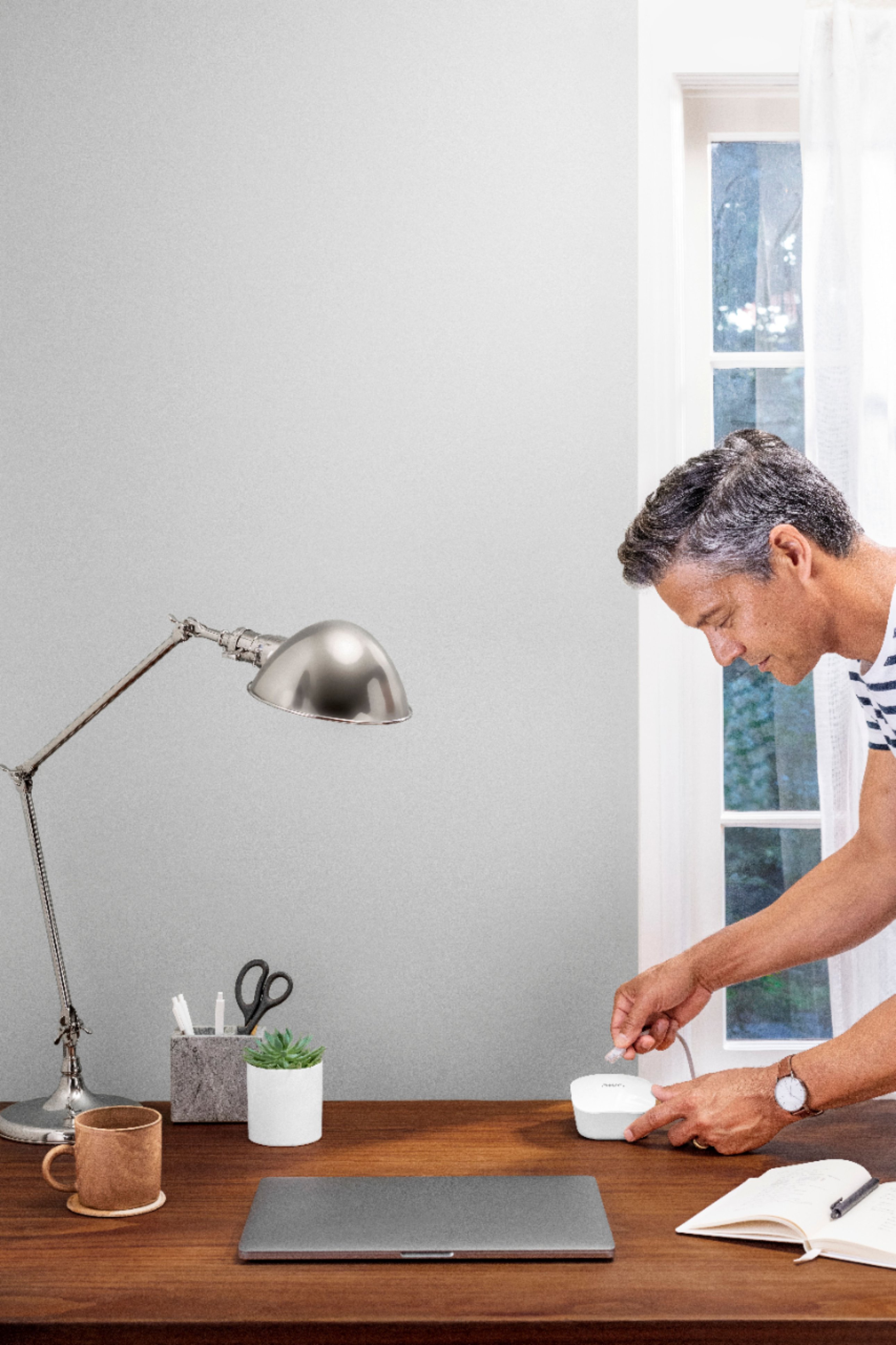
"eero doesn’t replace your modem, it replaces your router. The first eero plugs into your existing cable or DSL modem. If you have a combination modem/router, you’ll be using that as a modem and disabling the routing function by putting it in bridge mode. (check out this article for our instructions on how to do this). Additional eeros just need power from a standard outlet."
A:AnswerYes, but if you’re using the Time Capsule as your router, I’d suggest demoting it to Bridge Mode and unplugging it from your modem. Then set up an eero node to be your router, set up any other eero nodes in your mesh, and connect your Time Capsule to the first eero via Ethernet. Your Macs should be able to find it on your network.
A:AnswerA Wifi router only broadcasts the internet that is inputted to it from a modem. In order to get internet from a modem you must pay for the service from a provider.
A:AnswerYes, provided your cameras are within WiFi range of one of your eero nodes. You may need to add a node or two, if the distance to be supported is very large. I’d try it with a 3-pack, since that almost always works.
A:AnswerIf the modem is not too far away from the cable, than yes. You could run one mesh at your modem, one at the cable entrance to your house, and the third in your detached garage on the house exit. You wouldn't need a cable from the modem to the second Eero, unless the second eero is too far from the first.
A:AnswerYes this is a powerful set, that should be able to push your WiFi signal throughout your home and eliminate the dead spot that are giving you the WiFi issues you are dealing with
A:Answereero wants to _be_ your router, not just an access point; I'm not sure how you mean "work with". The TP-Link wouldn't be part of the eero mesh, and having it broadcast the same SSID would be a terrible idea. My recommendation - if you're going to get the eero - would be to replace the TP-Link and use it somewhere else that doesn't need mesh.