A:AnswerYou can use it for gaming, but I wouldn’t recommend this router for that. If you want a good gaming router I would be looking at the Asus RT-AC86U. It’s considered by most to be the best router for gaming due to its continuous high speeds and low latency. It’s sold out on Best Buy, although it is available on Amazon right now.
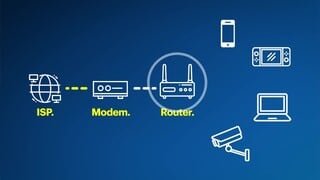
A:AnswerNo — You must have your Internet Service Provider (ISP) enable internet service to your home. When they do, they will provide you a router/internet modem. Your Erros unit(s) plug into the router/internet modem and allow you to set up a uniform and complete house-wide internet access capability across your entire home (in essence, a “blanket” over your home to eliminate dead spots that might be occurring when using just your router/modem as you get further away from the router/modem in your house). Please note that you need to purchase MULTIPLE Eeros units: one to plug into the router/modem to act as a “communications gateway” for the other Eeros units to communicate with, and additional units for each subsequent floor not near the ISP’s router/modem (usually a second floor, a basement, a garage or patio that is far away from the router and is experiencing intermittent or frequent ISP connection issues). I hope this helps.....
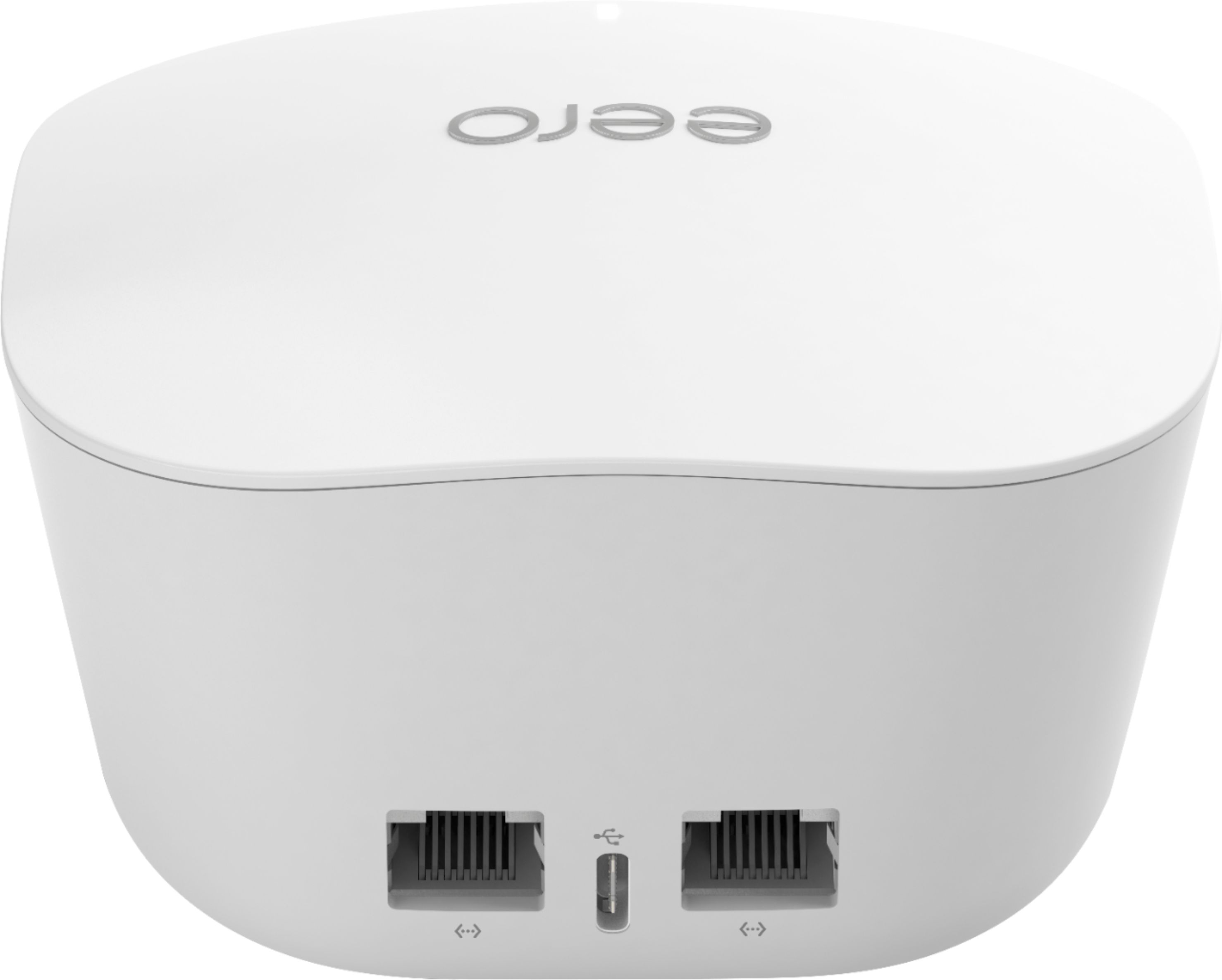
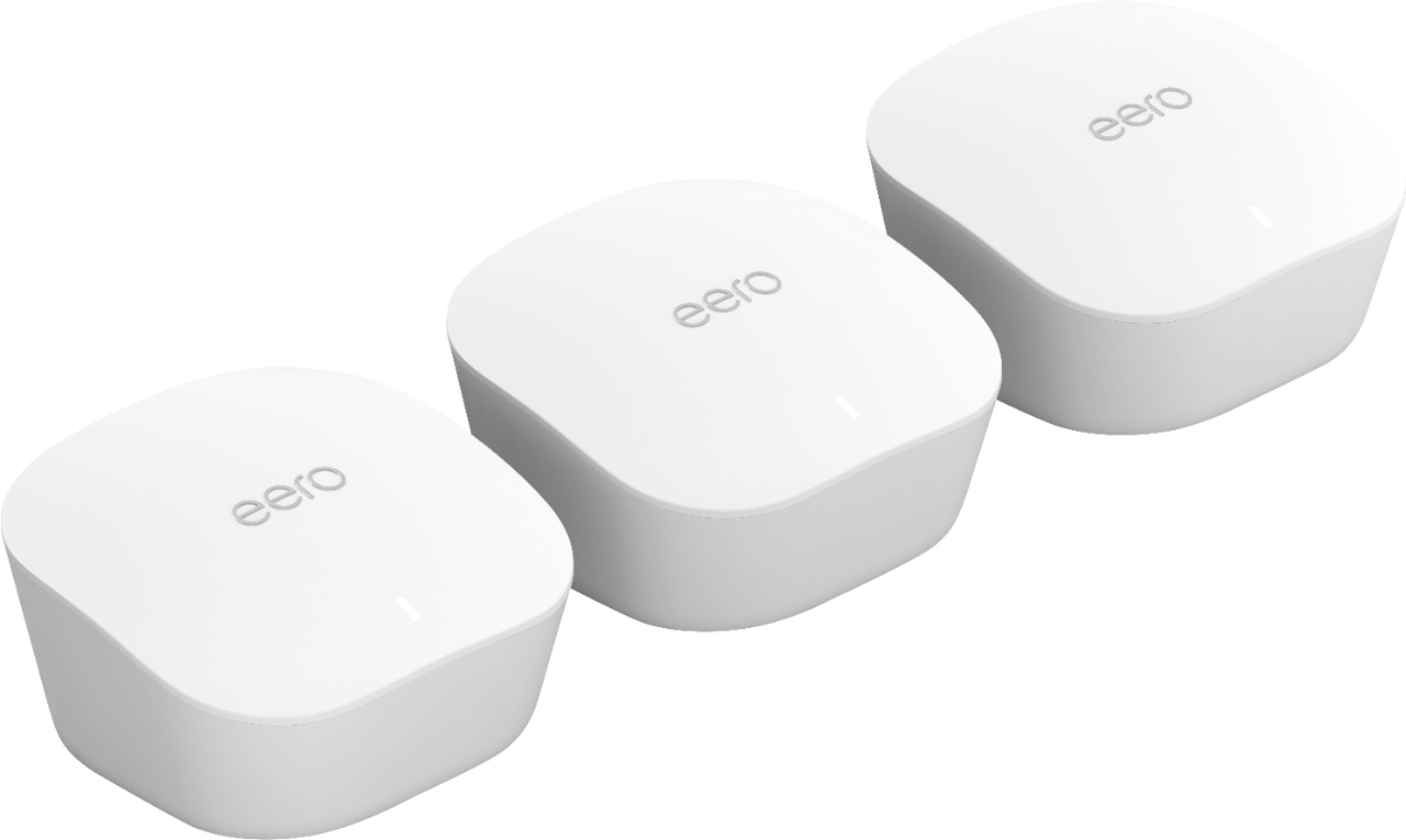
A:AnswerEach of the 3 units has two Ethernet jacks; the unit you designate as the base unit will obviously use one of its jacks to connect to your modem, but the other one - and both jacks on the other units - are available to connect computers/printers/etc. (You can plug in a switch and connect even more devices if you need to - that's what I'm doing in our home office.)
If you plug your laptop into one of the satellite units, the laptop's OS will report that it's connected via Ethernet, not WiFi. I don't know whether that will satisfy your company's requirement.
A:AnswerAs long as you use the same SSID and passphrase, your devices should* connect with no problem. If you were using a custom address range, DHCP reservations, port forwarding, etc., then you'll have to do a bit of spelunking through the eero app to find where to configure things - but if you know how to do those things in the first place, then finding them in the eero interface will not be terribly difficult. (It's designed to make a simple install very quick and easy; that means the advanced stuff is hidden from view. But it's not hidden THAT horribly.)
* Caveat: some devices will do extra verification to make sure they're not being spoofed by a rogue access point. Most consumer-grade equipment isn't that smart, but it's possible that your security equipment will balk at the change. Check with your vendor if you have any doubts.
A:AnswerNo, you will need existing internet. It connects via ethernet to one of the two ports on the back and then you have another to connect wired to another device.
A:AnswerA single Eero covers 1500 sq ft. The cool part about Eero is you can add as many pods as you want. The more connected the wider the signal. But in my opinion 1 pod would work fine for a 2bdrm appt. You get rid of your current wi fi (call sonic and ask them to cancel your wi fi) plug this bad boy in, download the app and a few minutes later your blazing fast.
A:AnswerNot sure about the AT&T or Direct TV - but all I had to do was remove my router and replace it with this. You will get 3 power cables for each eero and an Ethernet cable for the one you decide to make your base.