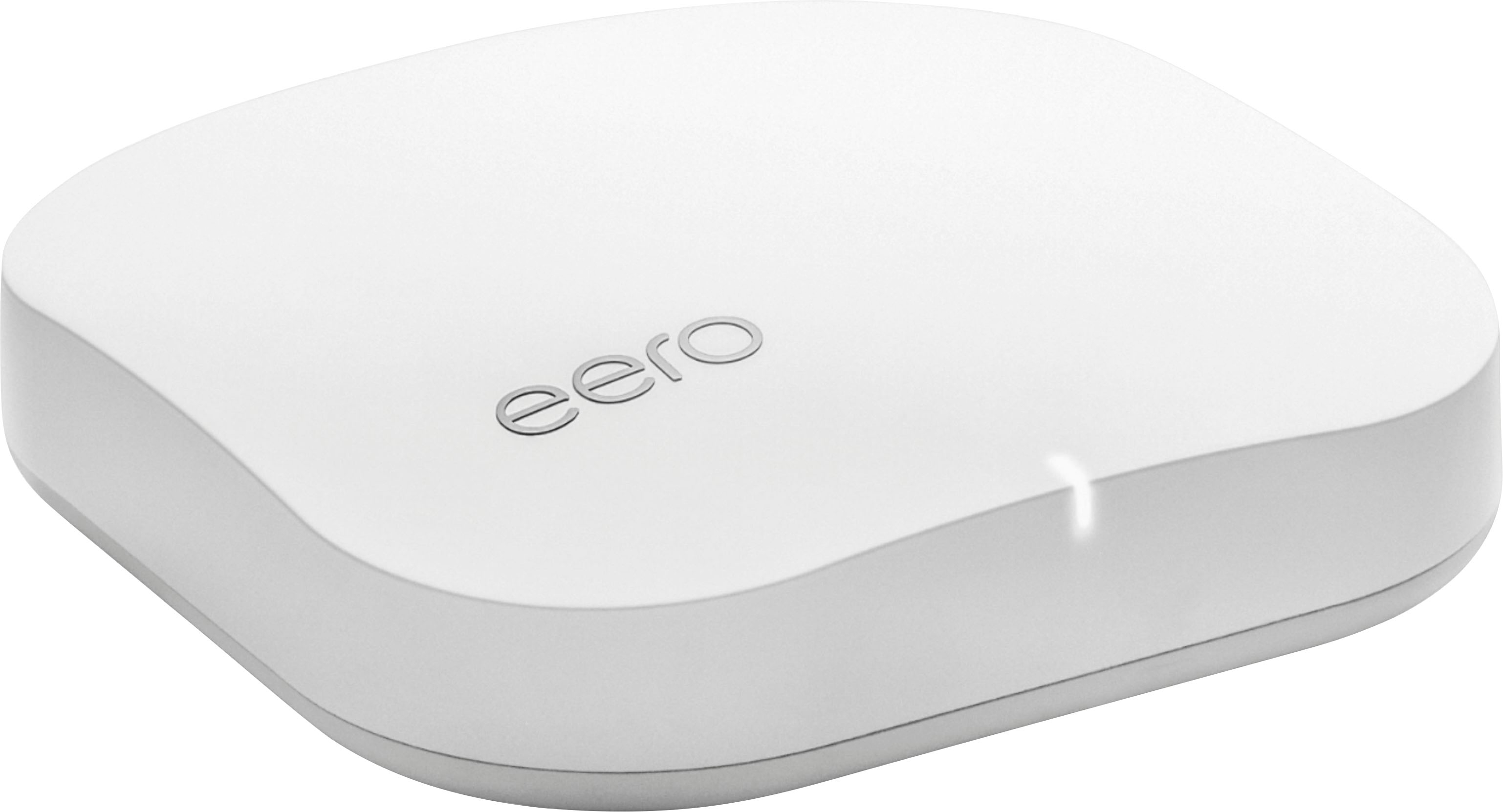
A:Answer3 unit Eero is much better than 3 unit mesh Linksys Velop. I have no connectivity issues between the 3 Eero units. 3 unit Velop was constant connectivity and red light no access issues.
A:AnswerShort answer - Yes.
Long answer - Make sure your Modem is capable of handling those speeds and you may need to adjust the EEROs on the advanced networking screens:
Open the eero app
Tap the menu button
Tap Network Settings
Tap Advanced settings
A:AnswerIf the eero are already on when the Internet goes out they will continue to work for a LAN unless you unplug them.
The eero won’t work from turning on with no internet available because they want to do a sanity check against eero service and do some security things to make sure they aren’t being breached so you wouldn’t be able to take them to a friends with no internet unless you did give it internet first and THEN disconnected the internet.
A:AnswerDepends if you have Fios TV or just internet. Just internet no problem. With TV you will need to set it up in bridge mode. You will Loose some functionality. There are ways to set it up with the fios router but you will need to research that.
A:AnswerThe intent is to tether and using wifi is the optimal use of the system. However I found, though, it tends to sprint through the slow peak times, by the time it registers the slow peak time, my system is already offline. This happens tbroughout the day intermittently. If you can I would return it and get something less expensive that does the same thing.
But the answer is yes it is in theory most optimal with wifi .
A:AnswerDo not use HP wireless printer. I spent a day and half trying to troubleshoot mine. No one had the answer until I discovered that eero is not compatible with WPA and WPS networks. The company (eero) considers them "unsecure" and won't support them.
A:AnswerI had the same question. We use Frontier Fios. It was AWFUL. I wanted to get rid of their equipment because we were constantly having to reboot the router. We got eero at the beginning of January and love it. We had Best Buy come install it BECAUSE we have FiOS. They still ran it through the Fios router, but it was my understanding that it is only a gateway...it’s not really doing much. Sorry I don’t know the technical terms, I just know it is a 150% improvement and we couldn’t be happier.
A:AnswerIt can handle 1Gbps ISP speeds
The speed from the Eero to the device will vary.
WiFi Devices:
Eero 1 that is connected to my modem via ethernet: 5GHz devices that is 10 feet away will peak at 500Mbps 15 drops to 250Mbps (line of sight). Speed will decrease the further and\or more walls are between device and Eero
Eero 2 and 3 that are connected to Eero 1 wirelessly will also depend how far the other 2 eero's are from the first eero. I can get about 200Mbps from another floor if 10feet away from the secondary eeros.
A:AnswerThe eero’ s will be able to handle the connections BUT they can’t deliver any speed that is faster than your internet provider. So the results you experience will be dependent on the speed of your internet service. The eero support website has an article on the speeds needed to support various devices or streaming services. For instance, streaming a 4K video will require 25Mbps. So if you simultaneously stream 2 4K videos to your 2 Apple TV’s, you need a internet service providing a minimum of 50Mbps bandwidth just for those units.
A:Answerfirst EERO connects to modem with cat 5,before you connect disconect wifi from existing modem. download EERO app and follow instructions. add every1500 sql another EERO . i have steel and concrete house three stories 4800 sqf. block walls. position around a stairwell so you create mesh network. good luck
sql another
A:AnswerYes you can use the eero devices as wireless access points behind your router, but with Eero's built in "features" it will seriously decrease your throughput during peak hours, regardless if it's behind your routers or not.
A:AnswerSo this isn't technically a modem in itself, which threw me off as well when I bought it. You'll still have to have an internet modem/router like people would usually get from their internet provider (or purchase youreelf) and this would be in addition to that specific for wireless for your home. It does a great job connecting to all wireless devices and can even give you a boost to your speed.
A:Answereero functions when internet is down, but of course doesn't connect to the internet.
eero pro has a single Guest access.
A cool feature is that the iPhone app created an IR code that you can scan using an iPhone/iPad camera (iOS 11+?) to establish the Guest credentials, rather than inputting this info. Guests do not access your other hardware.
Configuration is done via an app, which works super easily.
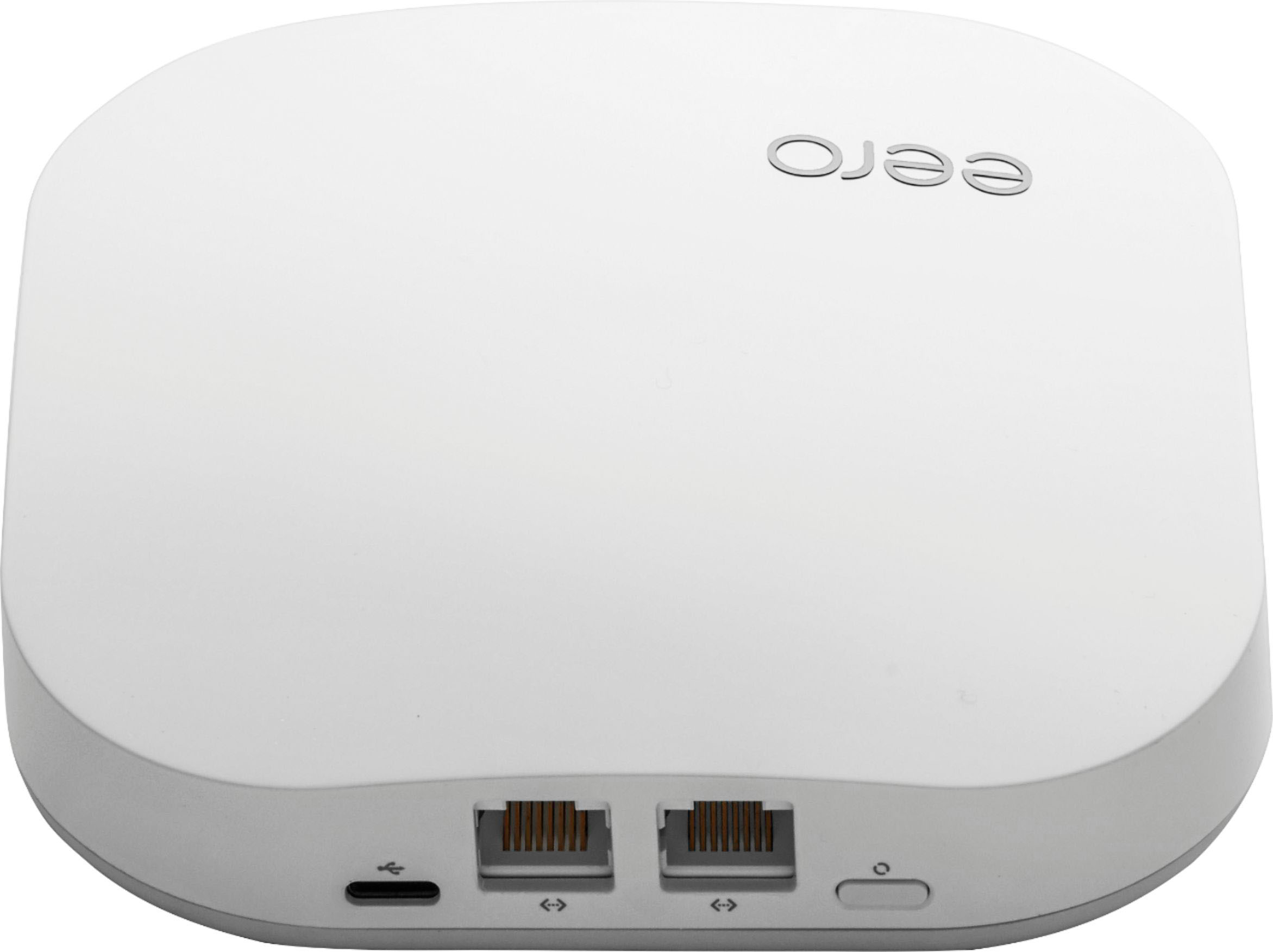
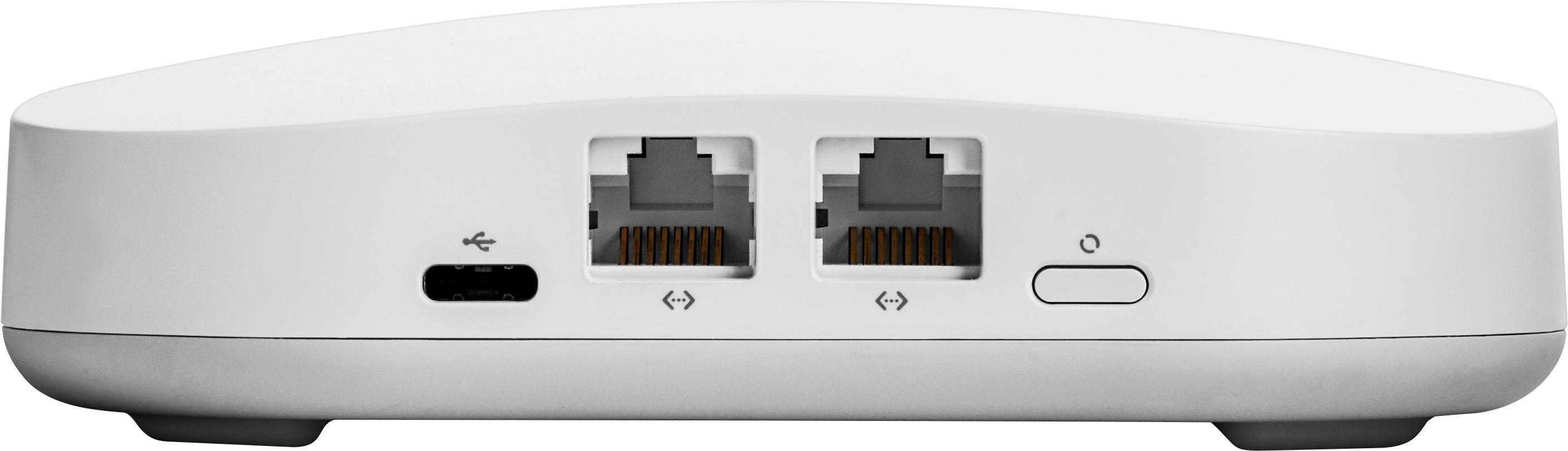
I attached a switch to my gateway erro and my satellite erros. Since each eero has two ethernet ports, I use one for the data backhaul (quicker than wireless) and the other for my switch.