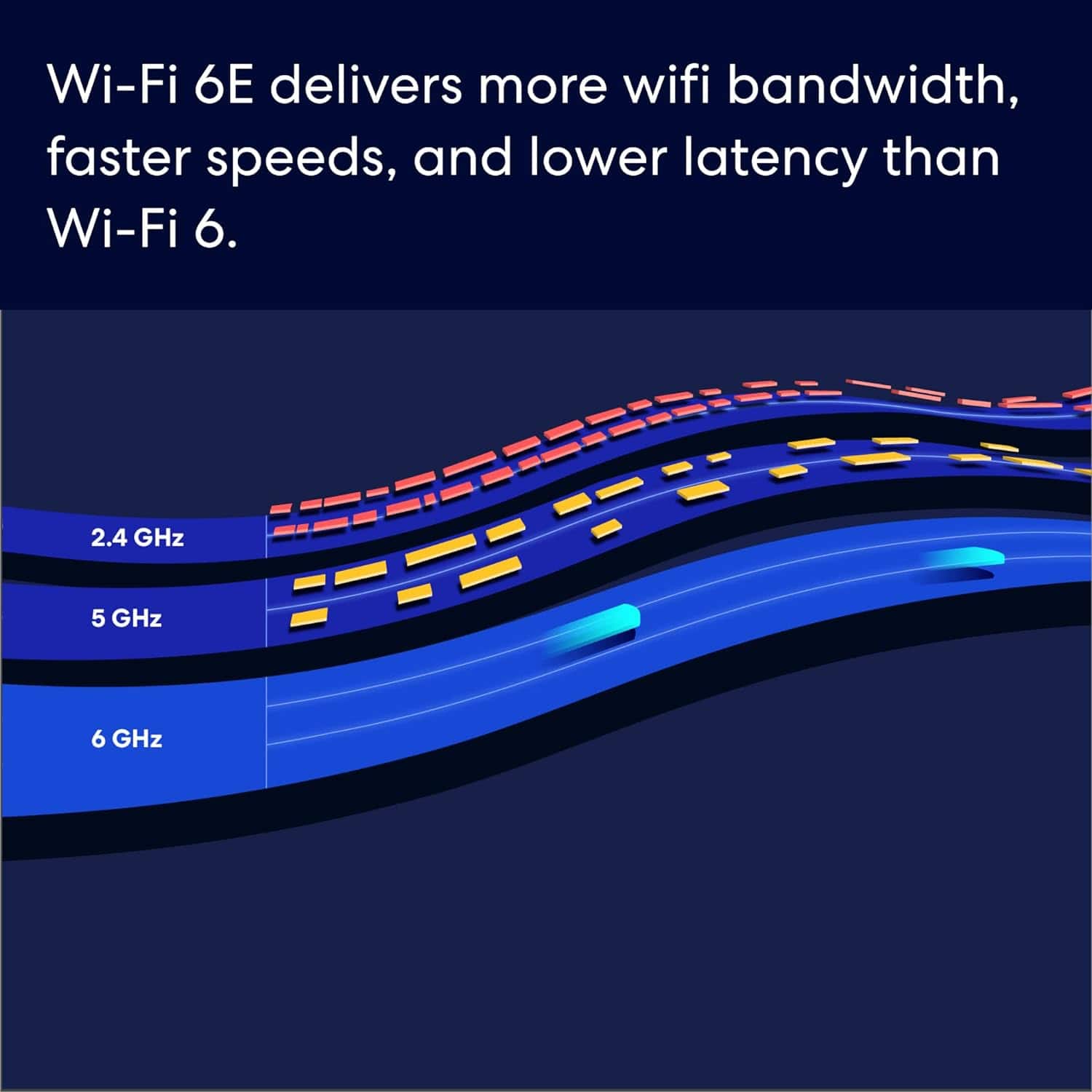
A:AnswerThe AX5400 is a marketing term intended to demonstrate the maximum possible speed for all the wireless radios combined. Since these speeds are almost never achieved in real world applications its usefulness is questionable, however the whole wifi market's marketing seems quite attached to it (since it does give an impressive looking number). for 2.4 bands we typically see, in real life situations) speeds from 10 to 200s, 5ghz gives us up to 500 to 600s and we have seen some wireless speeds a bit over 1 Gpbs on the 6ghz band, but 800s is more typical.
A:AnswerWe are unclear on what is meant by "Classic Mode", that is not a setting on eero. To get gigabit speeds wirelessly these Pro 6E should be able to give those speeds wirelessly, depending on if your device can go that fast of course.
If "Classic" mode means putting the eero into bridge mode, that could, and likely will, reduce the wireless speeds capable on the 5 ghz bands. It should still be pretty good/fast though, just not likely to 1gbps speeds.
A:AnswerHi Dobak. Thanks for reaching out about the eero Pro 6E (2-pack)! eero's app helps simplify the setup process. You'd just need to download the eero app for iOS or Android on a phone or tablet with an internet connection, create an eero account or log in with your existing Amazon account information, and follow the guided setup steps. eero has been tested for compatibility with most major Internet Service Providers (ISPs) in the United States. As long as you have an ISP modem or upstream device with an Ethernet port, you should be able to set up and use the eero system. I hope this information helps. Have a great day!
A:AnswerI'm not an expert by any means. However I recently replaced all of the smaller eero rental routers from Hotwire (we had 5 of them) with the Pro 6E Tri-Band Mesh wifi routers that we purchased from Best Buy. They were very easy to install and we now have a stronger system in our home. Note we needed a stronger system due to outdoor landscaping lights that are wifi driven as well as cameras, etc. Some of the lights are 50'+ from the house so we needed a good reach. And...yes you can just plug a new eero router into a power outlet and it should synch up.
A:Answereero works fine with the vast majority of Nest equipment. Most of Nest equipment needs a wifi signal which the eero will provide. However the Nest Wifi and eero do not work togther very well. When you setup the eero the head/gateway eero will be plugged into your internet source via an ethernet cable. This eero will make a wifi network. Other eero will connect to the gateway eero (wired or wirelessly) and broadcast the same eero wifi network. eero cannot wirelessly extend someone else's wifi.
A:AnswerYes, the head/gateway eero will still need to be able to get an IP address from the ethernet port it is getting internet access from, so you will need to go modem->piHole->headeero ->other hardwired eero (if any). The eero will do DHCP automatically once it is setup but you can put it into bridge by going to eero app->Settings->Network Settings->DHCP & NAT and putting that to bridge mode. While in bridge mode all the eero will ask for IP addresses via normal DHCP.
A:AnswerI would give eero support a call for assistance with this. You can find the number in the eero app->Settings->Troubleshooting (near the bottom of that screen for the number)
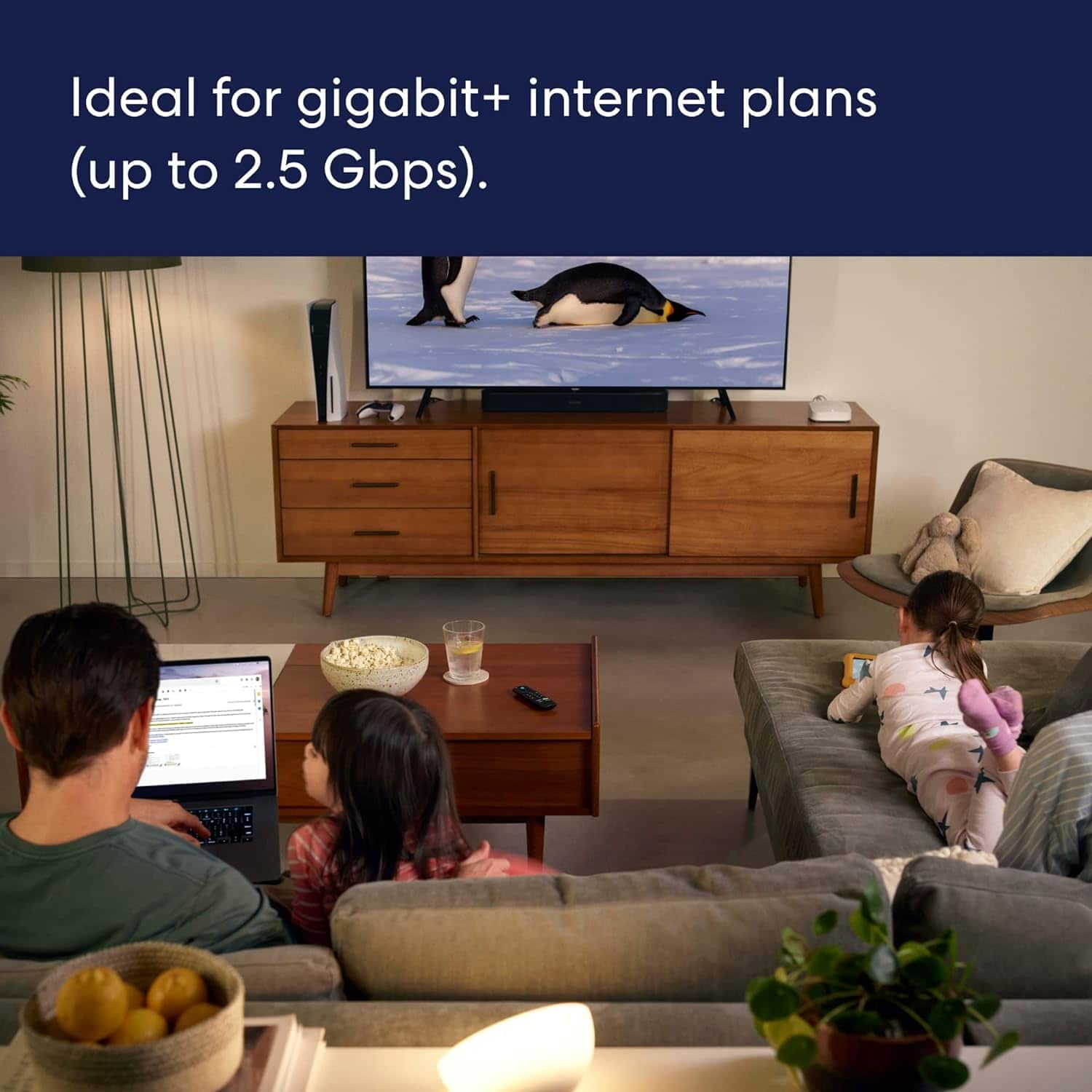
A:AnswerAn eero won't provide you more speed than the ISP is delivering you. eero will help you get those speeds at range and make the most of the speeds with all of your devices.
A:AnswerYes they can be wired by Ethernet cable this way you get the best speeds to all the other units. Use a gigabit unmanaged switch for best wired connection to devices specially tv or steaming devices or desktop pc/ ps5 for lowest latency.
A:AnswerHi Steve,
Yes, the Eero Pro 6E has a 2.5Gbps WAN port and a 1Gbps LAN port. If your modem feeds the 2.5Gbps port, any wired connection from the Eero will be limited to 1Gbps.
You could use a 2.5Gbps switch between the modem and Eero, but it may affect some Eero features and control. For full functionality, it's best to connect the modem directly to the Eero's 2.5Gbps port.
Hope this helps!
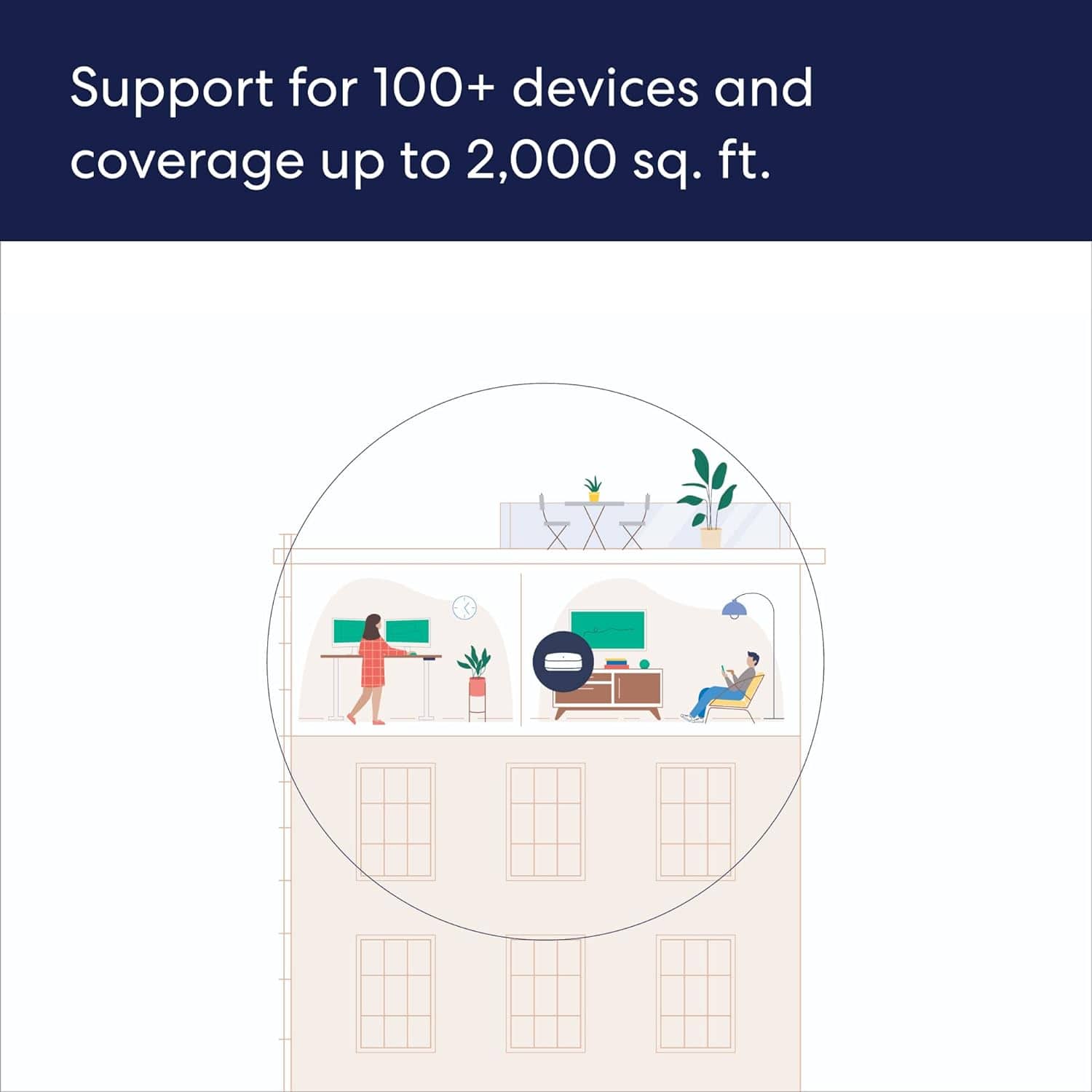
A:AnswerThese eero should do the trick. Each one of these Pro 6E should cover around 2000 sq ft, depending on the environment of course. Start with 2 and see how that goes. Placing them higher in a room, in the open, and away from any large sources of metal, glass or electronics help with range. Use the third if you need to. If needed you can use your Beacons with these for dead spots on the periphery. It is possible to have too many eero for a space so try to keep the number of eero to the minimum possible. We like to see about 30 to 50 feet between eero.
A:AnswerYes, eero and ATT Uverse TV service work fine. Since you cannot put the ATT modem into bridge mode you will, instead, put the eeros into bridge mode. Just setup the eero normally and once it is setup an running go to eero app->Settings->Network Settings->DHCP & NAT, move the dot to Bridge and click Save, this will make the network reboot. Once that is done your TVs should work off of either the AT&T Wireless or the eero wifi. We do recommend turning off the AT&T's wifi. if you can, having two wifi networks generated in close proximity almost guarantees they will interfere with each other.
A:AnswerHi Charlie,
Thank you for your question. Yes Eero Pro 6E works with Comcast XFinity, as long as you can connect your gateway Eero to a modem or upstream device with an Ethernet cord, you should be able to set up and use Eero. To use Eero, you will need to have a download speed of at least 1 Mbps – this is the minimum suggested speed for Eero to function properly. Hope this helps, have a nice day!
A:AnswerIn order for eero to work there must be one eero (which will be the head/gateway eero) hardwired to your modem/internet source. If you wanted to use a really long ethernet cable that will work. However, running cables all over a house isn't always feasible. If you have two (or more) eero you will have the gateway one hardwired to the modem. The other eero will connect to the first one (either wired or wirelessly) and they will both broadcast the same wifi network for your devices to connect to.
A:AnswerPlease make sure to contact us, the number is in the eero app under Settings->Troubleshooting and scroll down for Call Support, so we can check out the eero side to see if there is anything we can assist with.
A:AnswerAs long as the AT&T (or any ISP) provides you with access to the internet via an ethernet port the eero should work fine with it. We have quite a few customers who use AT&T
A:AnswerI connected the "base station" (the first of the eero 6s) directly into my modem with the ethernet cable and then set-up the wifi network from there-- no router needed. The eero app was straightforward and easy to use.