A:AnswerIt largely depends on the ISP. With most ISPs you can, even if the ISP requires PPPoE or VLAN settings. If you are getting phone or TV via Fios you do need to use their router.
A:Answerwhen the amazon echo devices connect to it they are automaticaly enabled for eero built in by default if they support it. i turned mine off becuase they just add slow spots to the network. its better to just get 3 mesh nodes so you have better coverage because the echo antennas are really week.
A:AnswerYes but make sure the gateway is a Pro 6E. Any devices connected through your old nodes will be WiFi 5 and the new ones will be WiFi 6. Your mesh network will also have bottlenecks to lower speeds, so it would be recommended to use only new nodes for max output.
A:AnswerDear Riley,
Thank you for your question! We're happy to help clarify the placement options for the eero Pro 6E.
Garage Placement: Yes, you can place the eero Pro 6E in a garage where it won't get wet. The eero Pro 6E is designed for indoor use and should be kept in a dry environment. A garage that is protected from moisture, rain, and extreme weather conditions is a suitable location.
Important Considerations:
Keep it dry: Ensure the unit is not exposed to water, humidity, or moisture
Ventilation: Make sure there is adequate airflow around the device to prevent overheating
Temperature: Keep it in an environment with moderate temperatures (avoid extreme heat or cold)
Wi-Fi coverage: Keep in mind that garage placement may affect Wi-Fi signal strength in other areas of your home, depending on distance and obstacles
Optimal Performance: For the best Wi-Fi coverage throughout your home, we recommend placing the eero Pro 6E in a central location, elevated off the ground, and away from walls and metal objects.
If you have any other questions about placement, setup, or performance, please contact us at 1-888-280-4331 or through the eero app.
A:AnswerHi Mounting! While the eero Pro 6E devices are mountable, they come without any mounting tools or hardware. Depending on exactly where you're looking to mount them, there are a bunch of great third party solutions available online. I just searched "eero mounting tools" and found a bunch, just make sure you're finding one compatible with the system you purchased. I hope that helps, have a great rest of your day!
A:AnswerHello MickeyD! No, the eero Pro 6E doesn't have an internal speaker and should not make any chirping or beeping sounds. eero routers are fanless and silent and contain LED status lights to indicate and potential issues. I hope this answers your question and I hope you have a great day!
A:AnswerHi The eero Pro 6E (tri-band Wi-Fi 6E mesh router) comes with a 1-year limited hardware warranty from the date of purchase (or shipment for pre-orders). Replacement policy: Any replacement unit is covered for the remainder of the original warranty or 30 days, whichever is longer. Exclusions: The warranty doesn't cover damage from accidents, misuse, unauthorized repairs, or normal wear. It also doesn't apply to software issues beyond what's covered in the limited warranty. How to claim: Contact eero support through their app or website with your proof of purchase and serial number. Hope you have a great day.
A:AnswerHello David,
Best Buy does offer installation services for Eero Devices. I would recommend checking in with your local Best Buy store however. They will have options for just device installation but they will also have pricing for protection packages that include installation and support. I can't quote anything for you unfortunately, as prices may vary based on your geographic location in the US. If you have already purchased the Eero 3 Pack, the best thing to do would be to swing back in to your local store at your earliest convenience and speak either with your sales associate you worked with, or go straight up to Geek Squad and let them know you would like to have your Eero installed.
I hope this helps!
A:AnswerHi Badash,
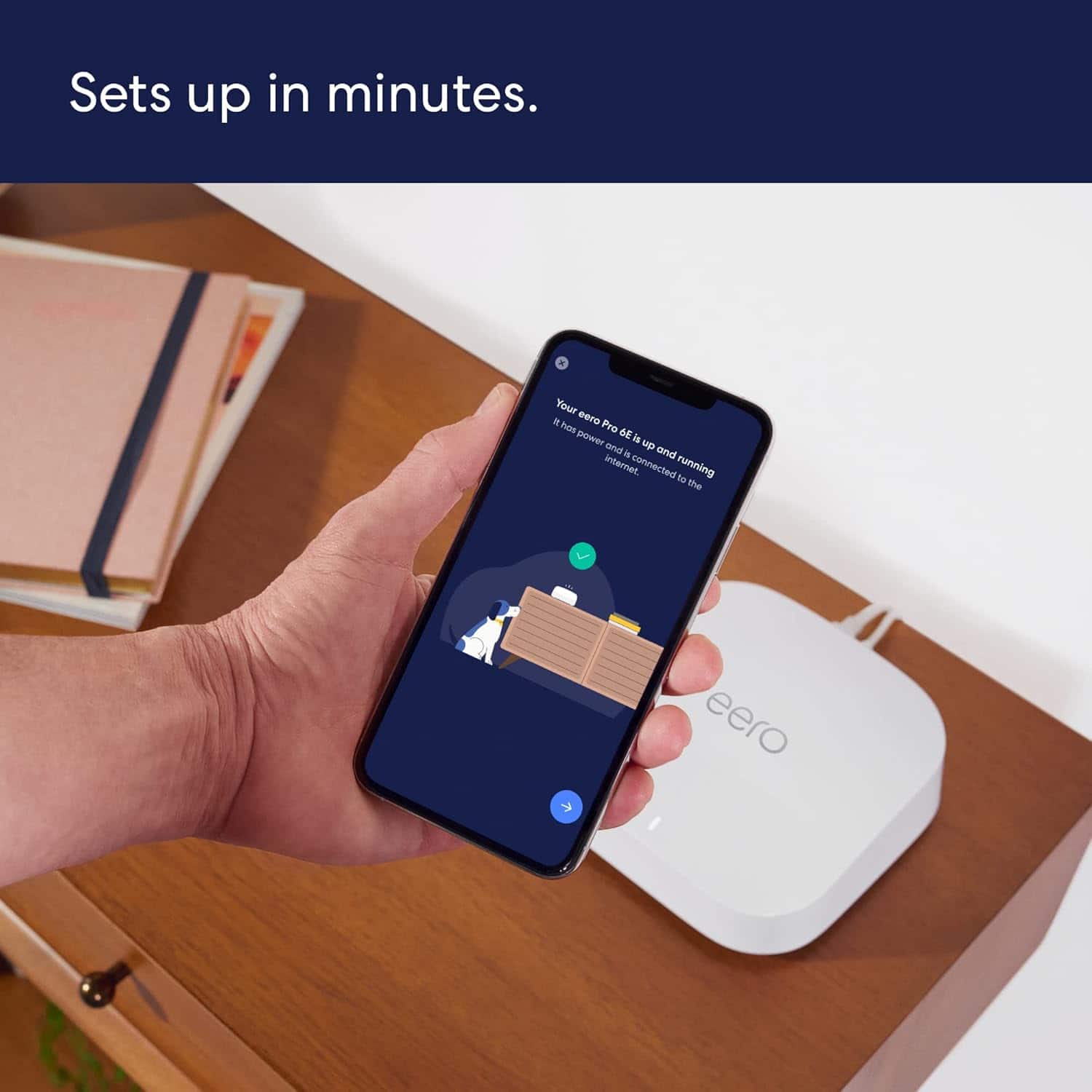
Yes — setup is easy. Just plug the eero Pro 6E into your Verizon CR1000A with Ethernet and follow the eero app. You can turn off the Verizon Wi-Fi if you want eero to handle everything.
Hope this helps.
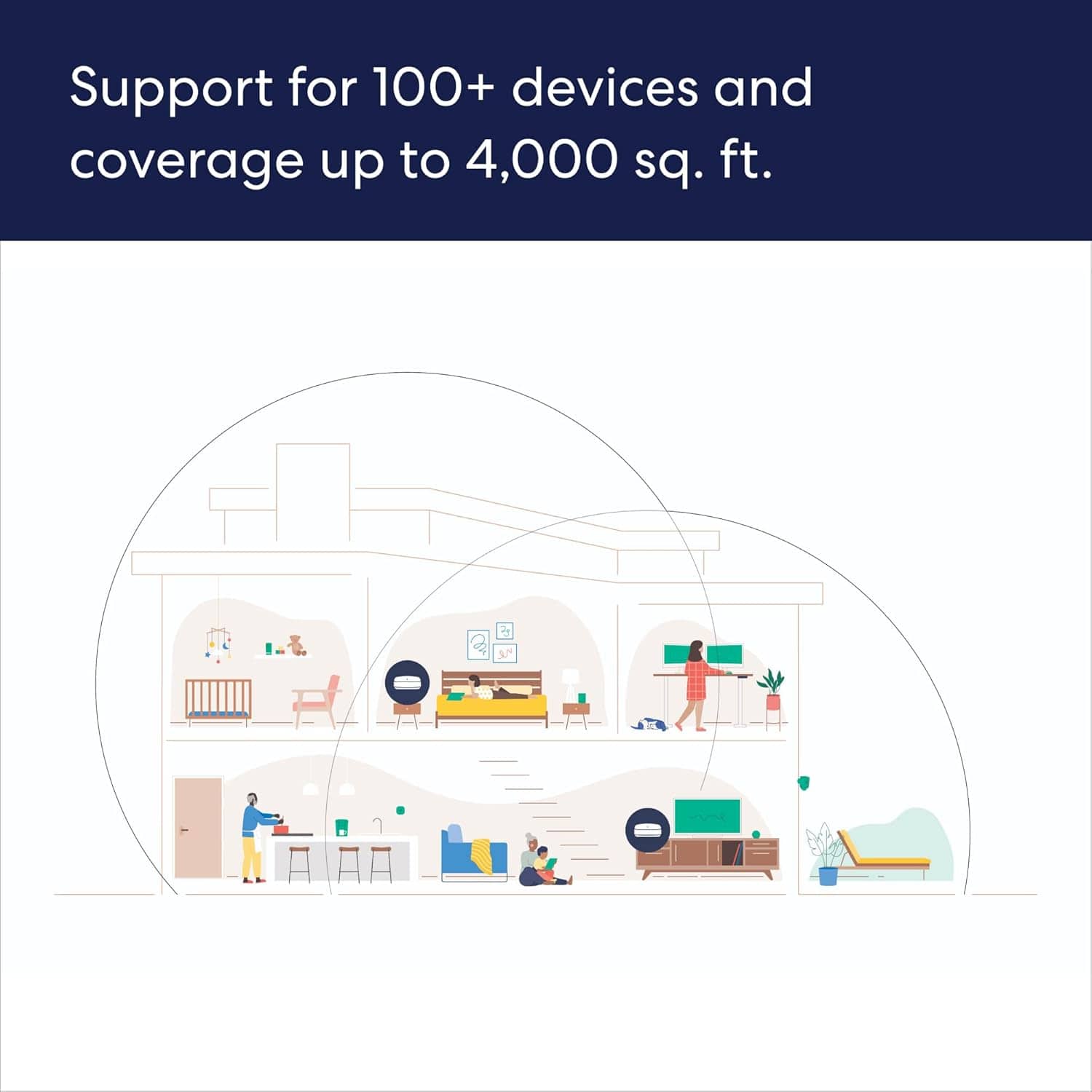
A:AnswerHello. Thank you for your question. The eero Pro 6E 1-pack includes just one router unit, not a mesh point. This single unit can function as your main router when connected to your modem and can cover up to 2,000 sq ft. If you're looking to create a mesh network for larger spaces or better coverage, you would need to purchase additional eero units or consider the 2-pack or 3-pack systems instead. I hope that helps and have a great day!
A:AnswerHi WhoDey, Great question about mounting your eero Pro 6E units! The eero Pro 6E devices aren't designed with built-in ceiling mounting options, but here are several solutions for your Cat6 ceiling installation:
Mounting Options:
Third-party ceiling mounts - Several manufacturers make wall/ceiling mount brackets specifically designed for eero devices that attach via the device's base
Flush mount boxes - Low-voltage junction boxes that can house the eero and provide a clean installation
Adhesive mounting pads - Heavy-duty 3M or Velcro strips to attach the eero directly to the ceiling surface near your Cat6 outlet
Custom mounting plates - Some homeowners create DIY solutions using small shelves or plates attached to the junction box
Connection Setup:
Run Ethernet from your Cat6 wall plate/box to the eero's Ethernet port
The eero will need power via its included AC adapter, so you'll need a power outlet nearby or use a PoE adapter if you want to power it through the Ethernet cable
Important consideration: The eero Pro 6E works best when positioned in open air rather than enclosed in a junction box, as this can impact Wi-Fi signal performance. A surface-mounted solution near your Cat6 outlet typically provides better coverage.
I hope this information helps, Have a great day!
A:AnswerHi DM. Thanks for reaching out! eero has been tested for compatibility with most major Internet Service Providers in the United States. As long as you can connect your gateway eero Pro 6E to a modem or upstream device with an Ethernet cable, you should be able to set up and use eero. I hope this helps. Have a great day!
A:AnswerHi Jack. Thanks for reaching out about the eero Pro 6E. eero devices receive guaranteed software security updates until at least five years after the device is last available for purchase on our websites. I hope this helps. Have a great day!
A:AnswerHi Dwilliamson. Thanks for reaching out! The eero Pro 6E system is compatible with cell boosters. Once you've setup your eero network, you'll connect the AT&T Cell Booster to your eero via Ethernet. I hope this helps. Have a great day!
A:AnswerHi Roberto11,
Yes, the Eero Pro 6E works with Starlink, you will just need the Starlink Ethernet Adapter to connect the systems.
I hope this answers your question!
A:Answeryes you can set it as static instead of dhcp. you can also put it in bridge mode so that your router assigns the wireless addresses which will make your wired and wireless one big network. this is desireable if you want to print from a wireless device to a wired printer.