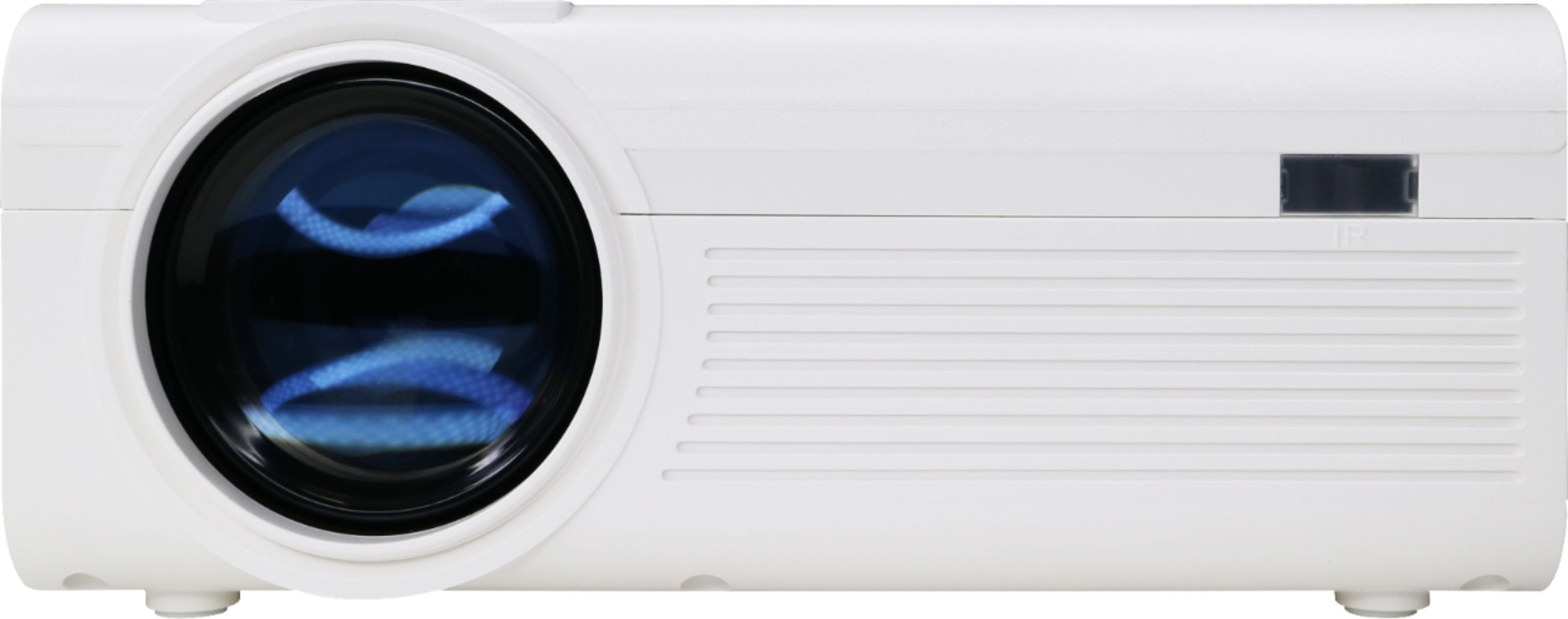
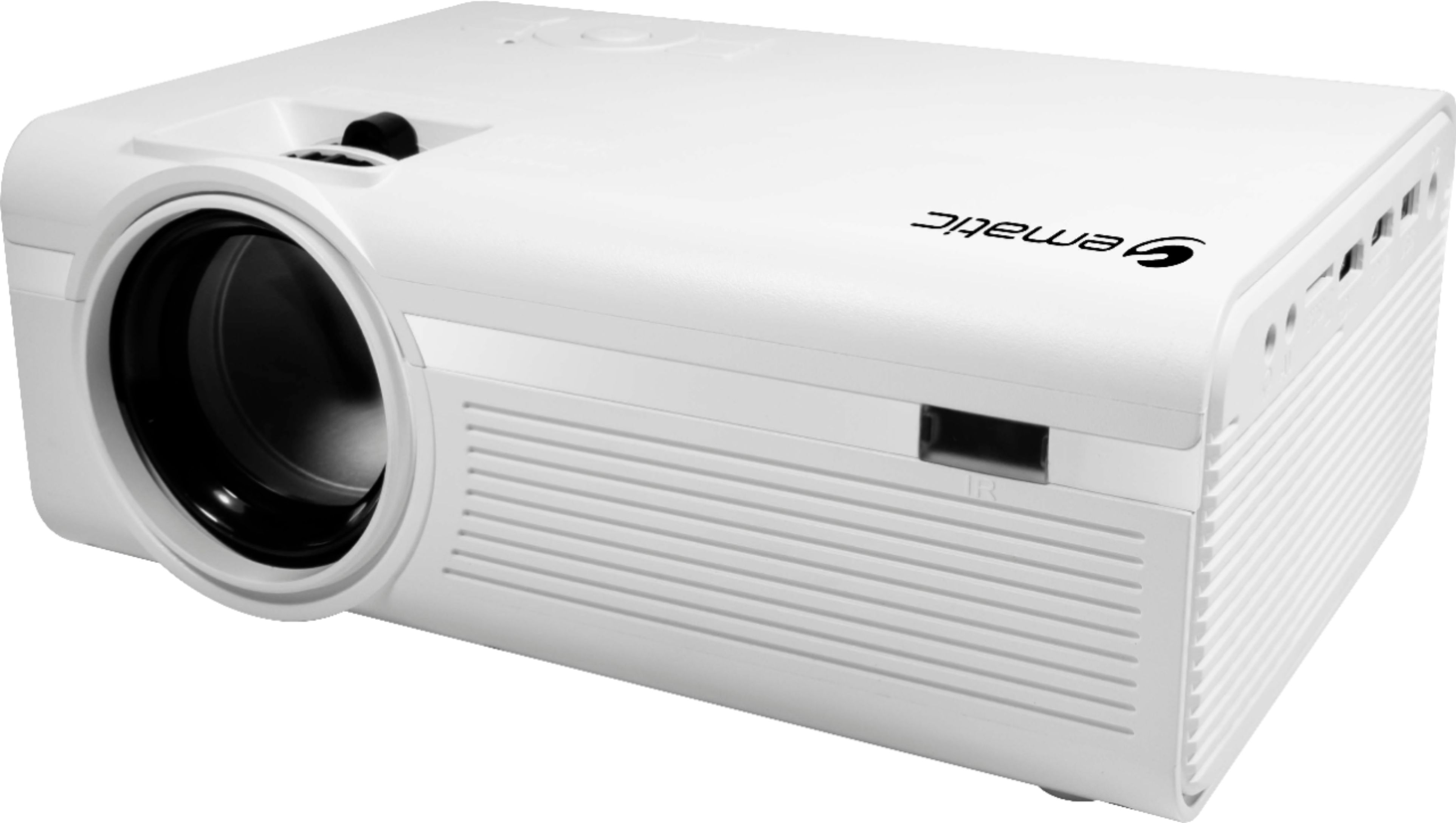
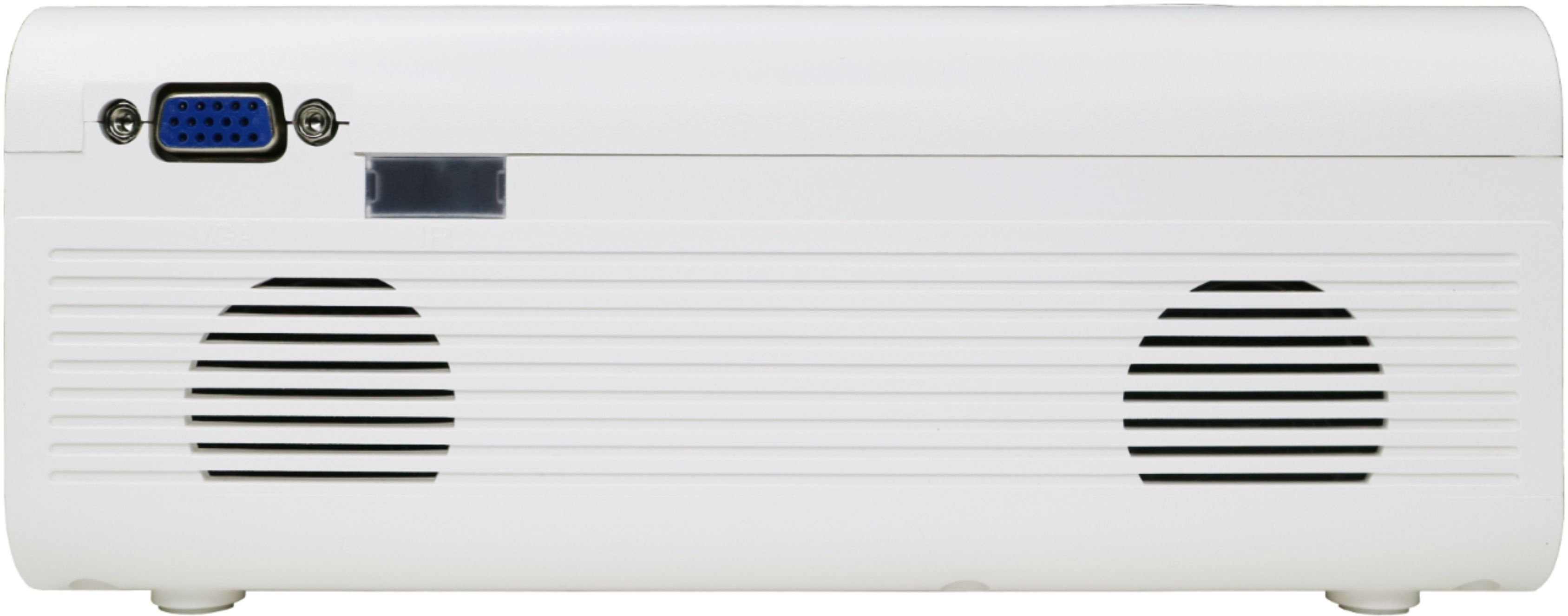
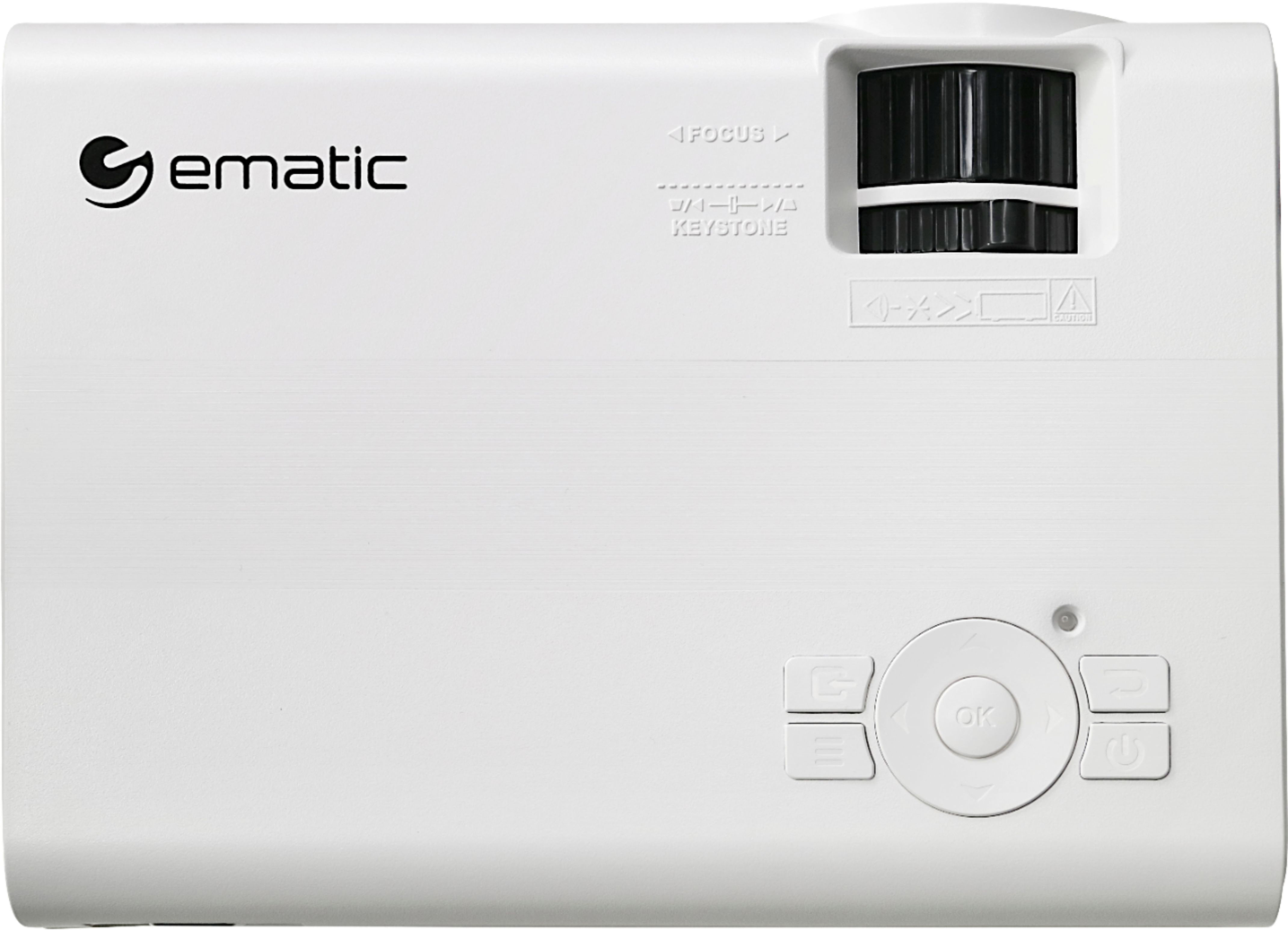
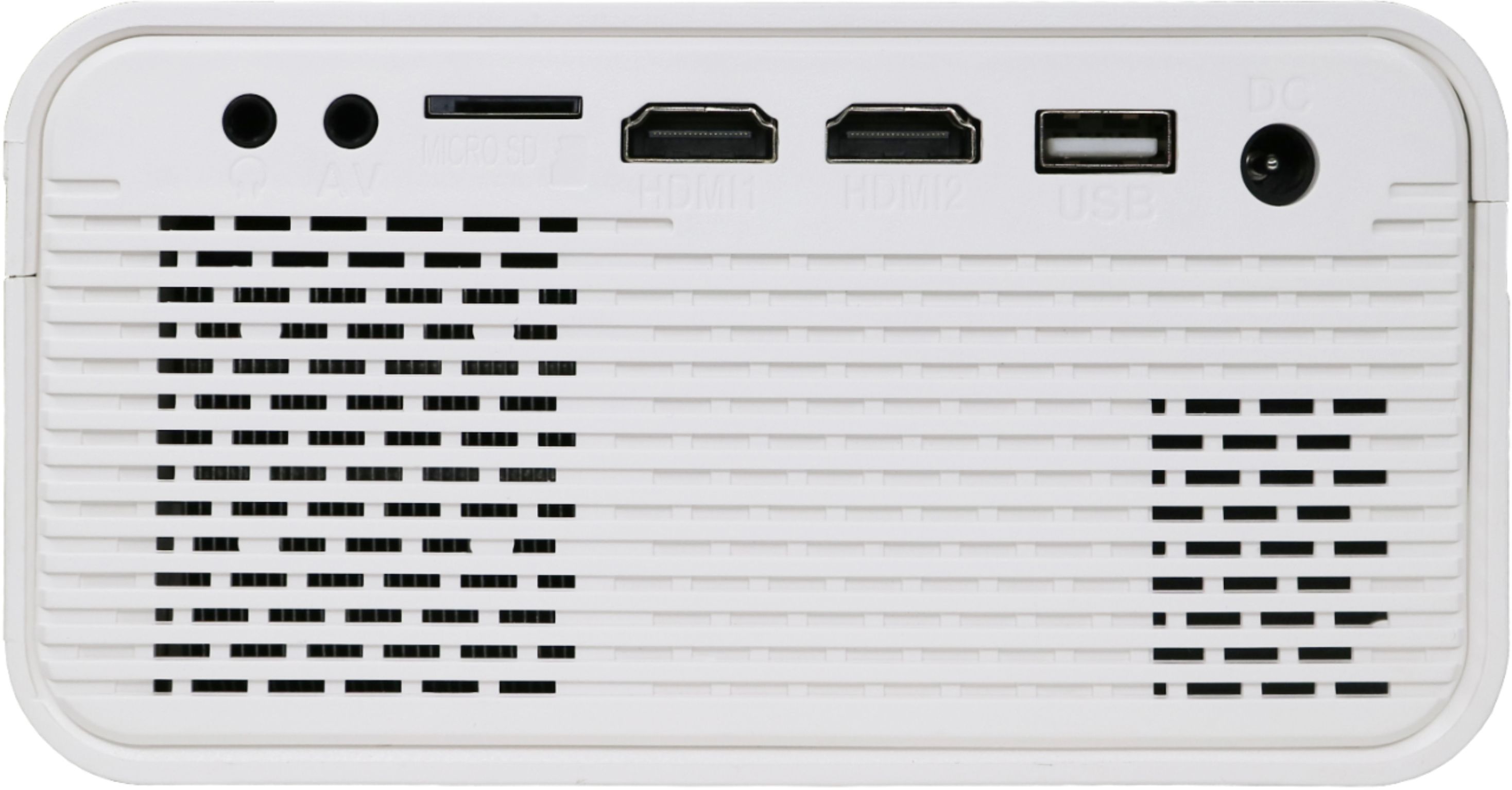
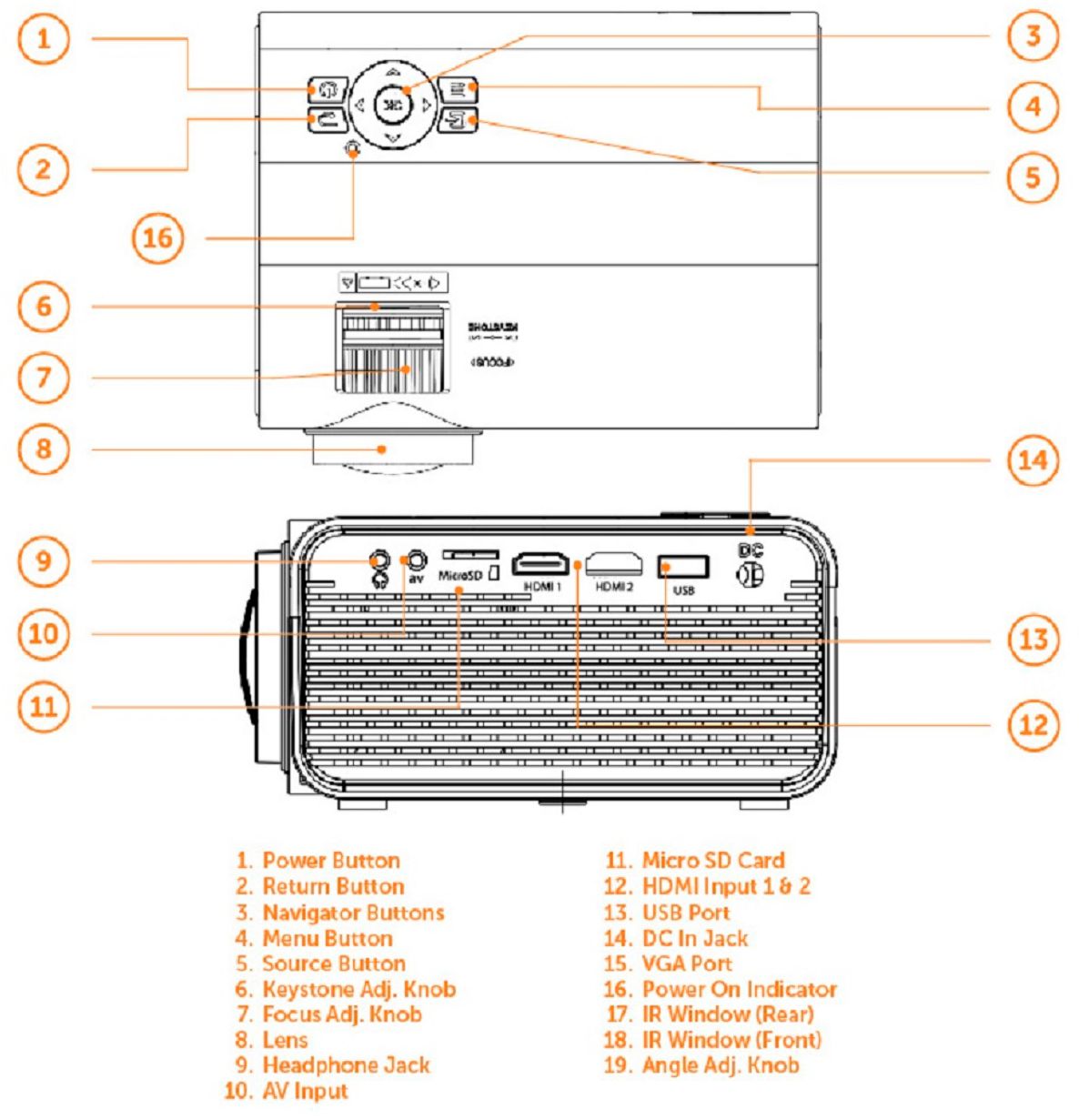
A:AnswerNo, it does not come with a screen. You can connect this to external speakers. Your smartphone can connect to this. Connect one end of the HDMI cable to your projector. Connect an HDMI or VGA cable to your adapter. Plug the adapter into the charging port of your smartphone. Switch to the correct video source on your secondary display.
A:AnswerFor further assistance with troubleshooting and for warranty claim concerns, feel free to call our customer service hotline at 1-888-968-1985. We are open Mondays to Fridays from 9AM to 5PM PST.
A:AnswerTry switching to regular audio on the show/movie (audio options). Some shows are 5.1 and sound won’t work. I was using my fire stick and not a phone. Hope it helps
A:AnswerFor further assistance with your troubleshooting and warranty, feel free to call our customer service hotline at 1-888-968-1985. We are open Mondays to Fridays from 9AM to 5PM PST.
A:AnswerGreat question, the projector has its own internal speaker and also an Audio- Video in and a 3.5mm earphones for sounds results however EPJ590WH is not equipped with BT to connect to air pods. But you can us your apple device to connect via HDMI or USB connectors to connect with your pods.