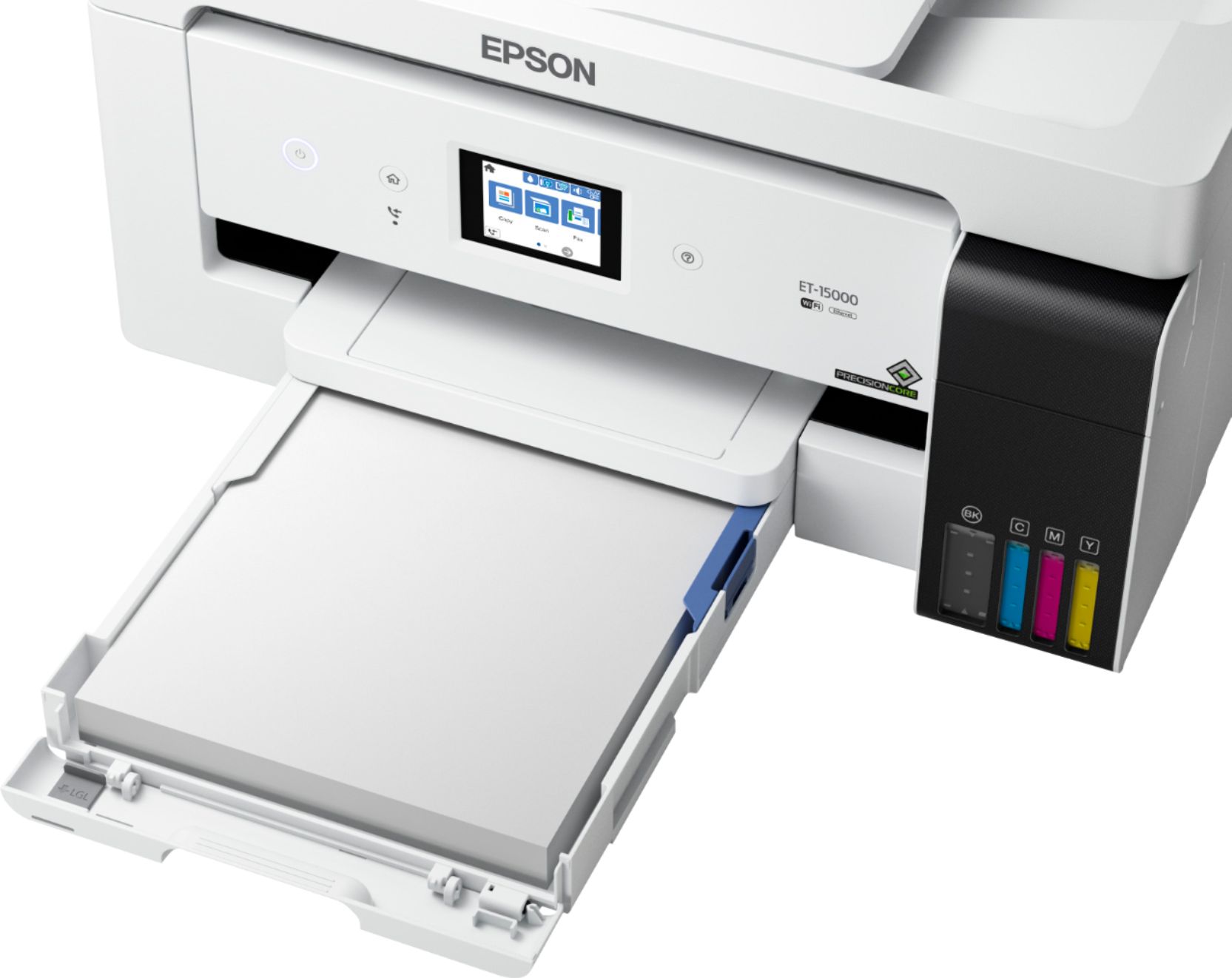
A:AnswerHello. The option for your paper source settings can be found under the print settings. From there, you can choose to print from the paper tray or paper cassette. Regards, Kevin - The Epson Team.
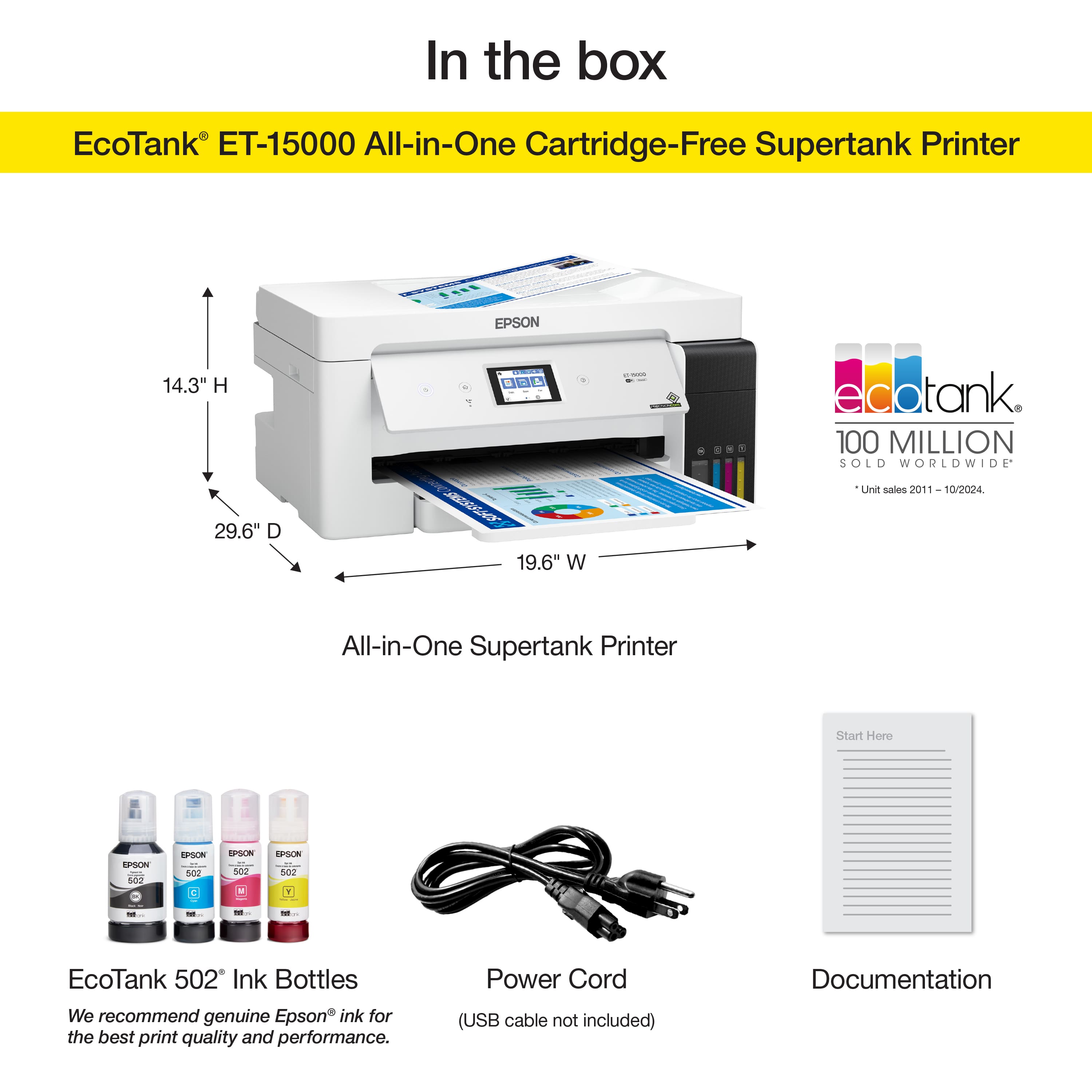
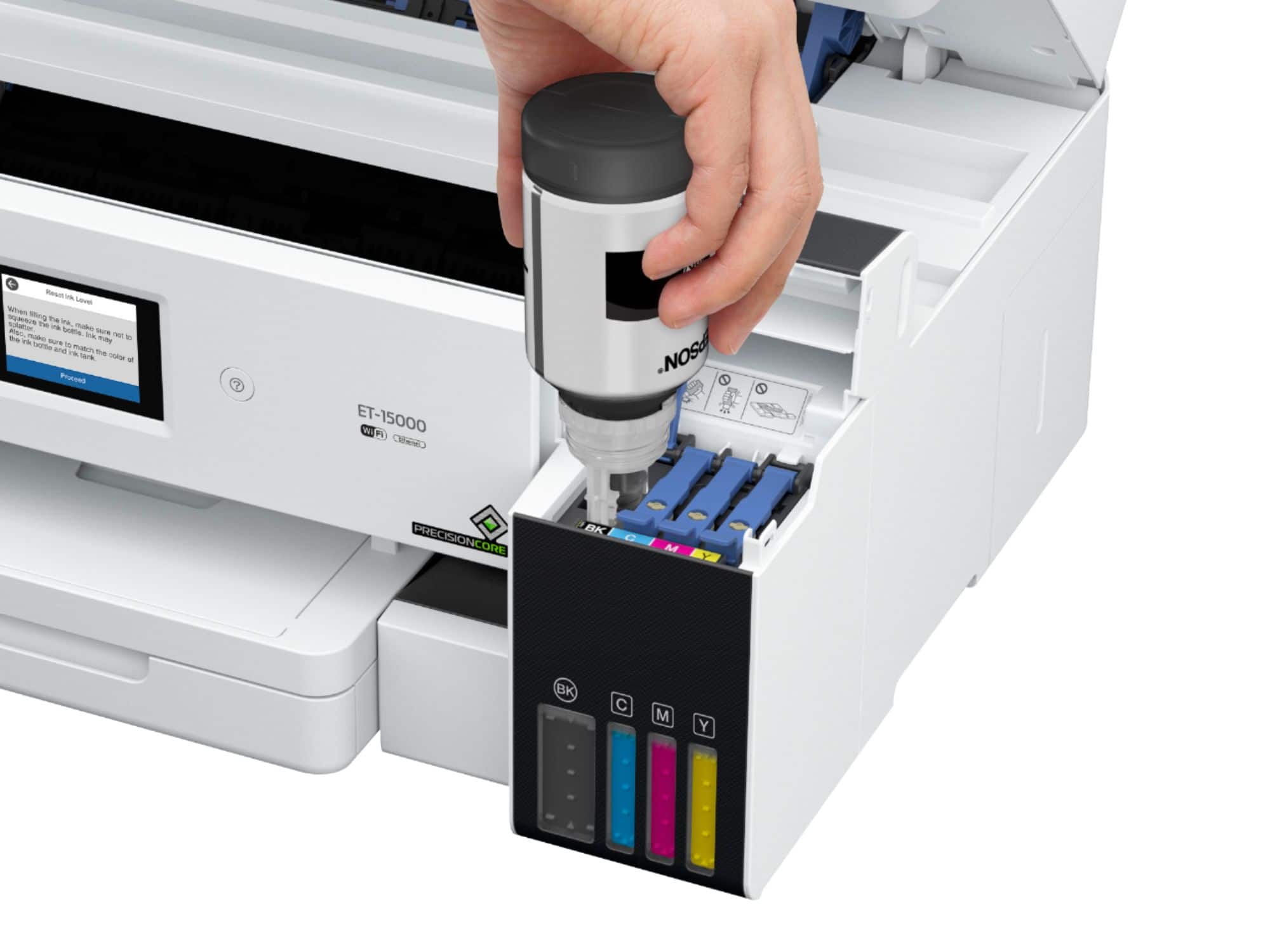
A:AnswerHello Twinkle. The ET-15000 is not designed for dye-sublimation printing or the use of non-genuine Epson Ink Cartridges. We recommend using Genuine Epson Ink for optimal print quality and performance. Non-genuine ink could cause damage not covered by the printer’s limited warranty. Regards, Kevin - The Epson Team.
A:AnswerHello CRAIG. The USB port on the ET-15000 is designed to be used with a USB cable when you're connecting to a computer. Unfortunately, it doesn't have a port for a flash drive. Regards, Kevin - The Epson Team.
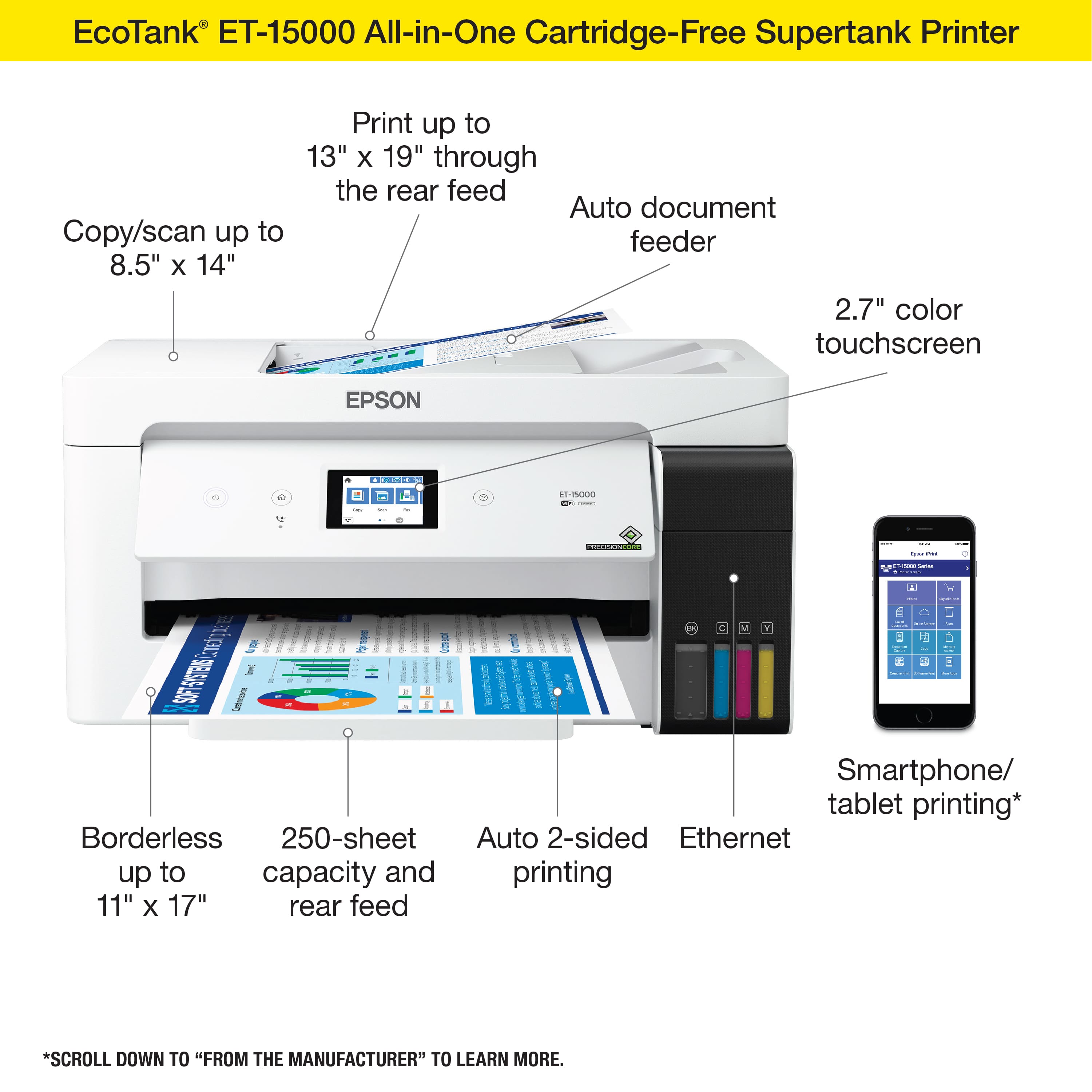
A:AnswerHello. Yes, the ET-15000 can print 4" x 6" and 5" x 7" photos. The printer supports paper sizes ranging from 2.13" x 3.39" to 13" x 19". Regards, Kevin - The Epson Team.
A:AnswerHello A. We're sorry to hear that you are experiencing print quality and scanning issues with the printer. Please contact our Technical Support team for assistance. Our contact information can be found on our official Epson Support page. Regards, Kevin - The Epson Team.
A:AnswerHello JJ. The ET-15000 works with Epson Iron-on Cool Peel Transfer paper, which can be used with t-shirts. Please note we have not tested other brands of transfer paper with the machine. Regards, Kevin - The Epson Team.
A:AnswerHello LaLa. Yes, Yes, the ET-15000 can print borderless. Please be aware that borderless printing is only available when selecting specific paper types and sizes. For more details, see the "Borderless Paper Type Compatibility" section in the User Guide. Regards, Kevin - The Epson Team.
A:AnswerHello Vick. Yes, the ET-15000 includes automatic 2-sided printing. You can enable or disable the option from the print settings on the computer. Regards, Kevin - The Epson Team.
A:AnswerHello HF12. The ET-15000 supports automatic 2-sided printing. Unfortunately, this model and other EcoTank printers do not support automatic 2-sided printing on legal-size paper. Regards, Kevin - The Epson Team.
A:AnswerHello. The ET-15000 can print on card stock. However, the thickest paper we have tested on the machine is Epson Premium Photo Paper Glossy, which weighs 79 lb. For cardstock, we have tested similar Epson paper that weighs around 44 lb. Please be aware that these recommendations are for Epson paper only. You can try a cardstock that falls in that range, but your results can vary when using other brands and heavier paper. Regards, Kevin - The Epson Team
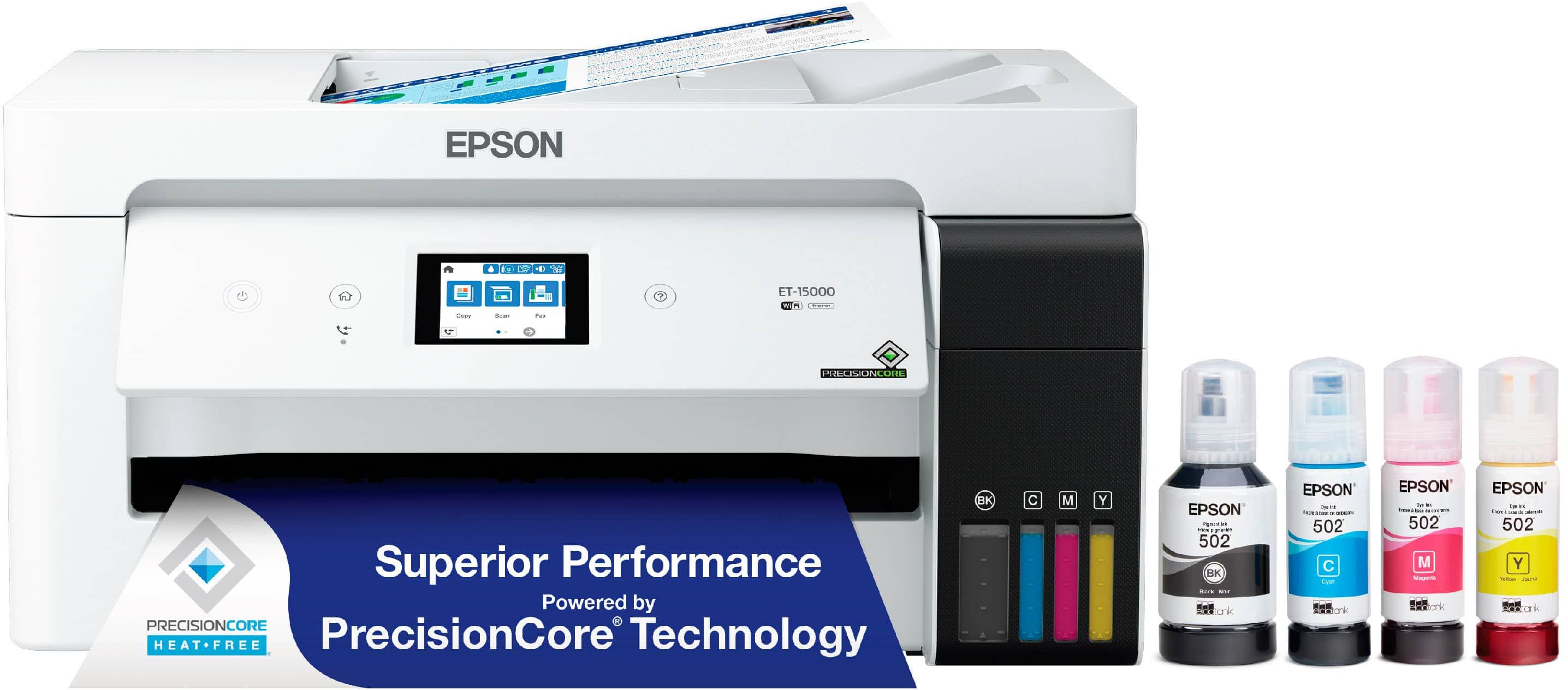
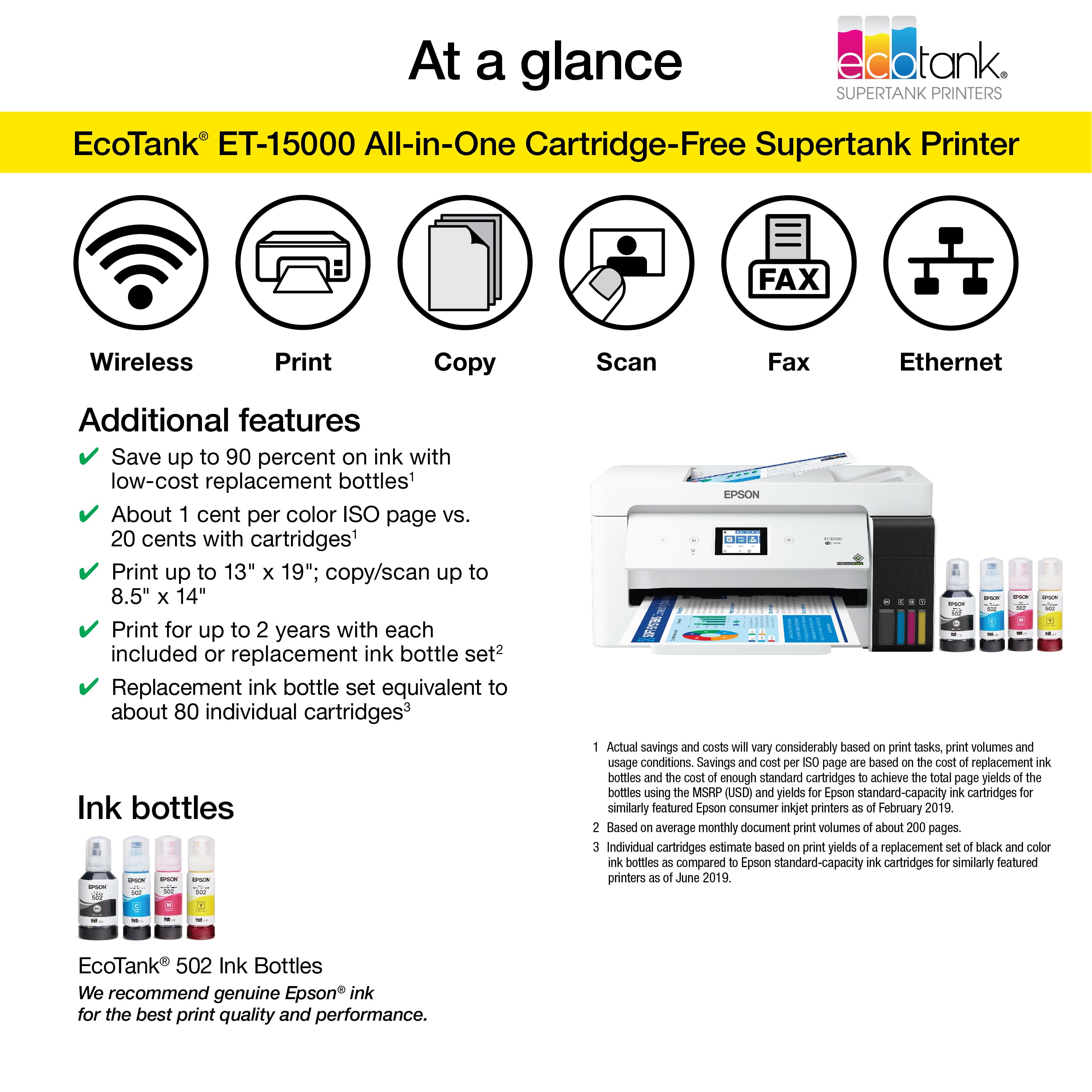
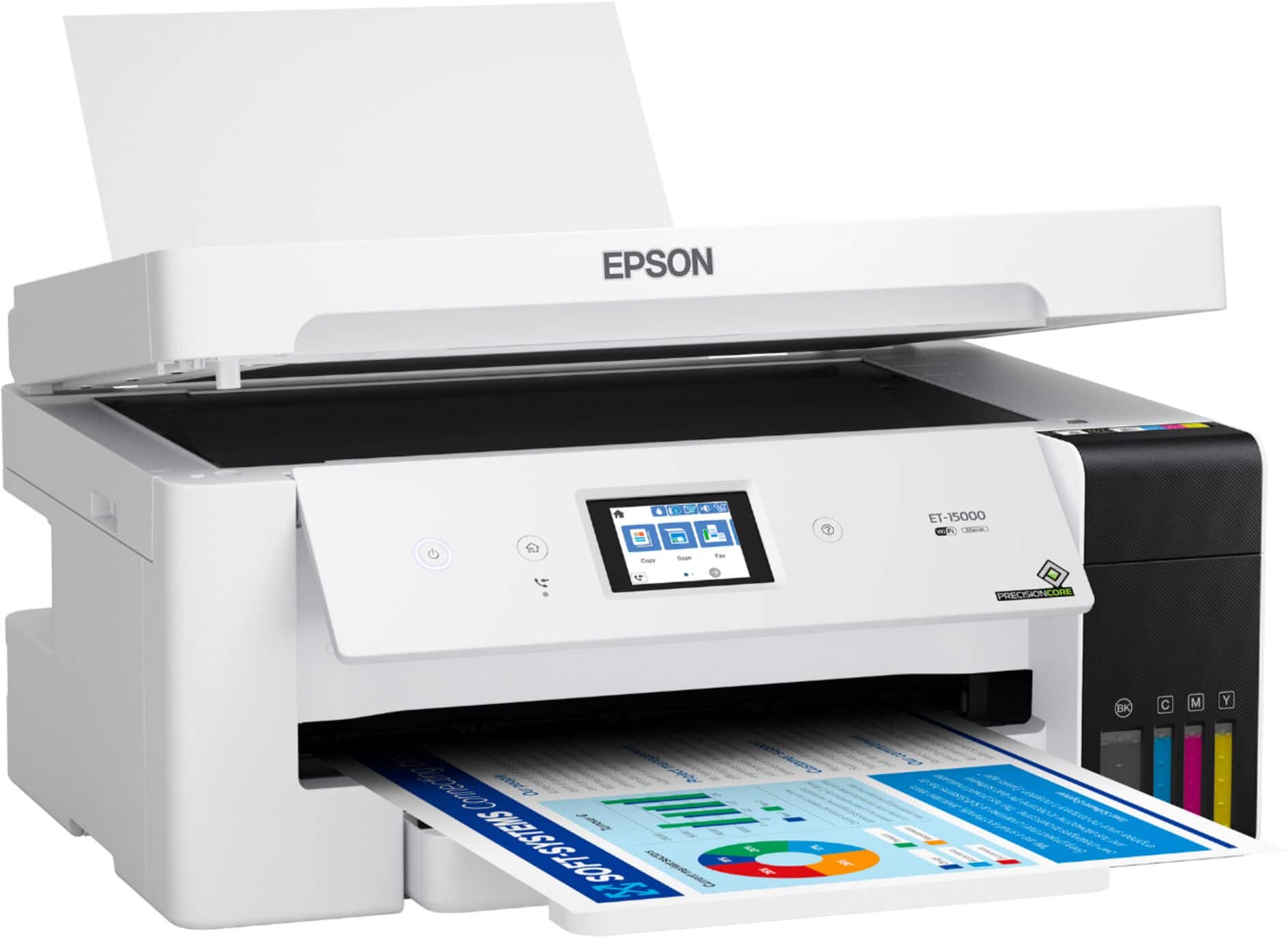
A:AnswerHello John1994. Both printers include print, copy, and scan functionality. The ET-15000 uses Ink Bottles, and can print on 13" x 19" paper, but does not include fax. Automatic 2-sided printing is available for both models, but the ET-15000 does not have automatic 2-sided scanning. Regards, Kevin - The Epson Team.
A:AnswerYes, you can use this printer for sublimation as that is what I use my printer for. You just have to purchase sublimation ink separate and do not use the ink that comes with the printer
A:AnswerHello Richard. Yes, the ET-15000 will work with a MacBook Air. The printer is compatible with macOS versions 10.6 - 14. Regards, Kevin - The Epson Team.