Epson - EcoTank ET-15000 Wireless All-In-One Supertank Inkjet Printer - White
Customers are saying
Customers love the beautiful print quality and the overall performance of this printer, which many users find to be a wonderful addition to their home office. The device is frequently praised for its ease of use and straightforward setup process, along with reliable connectivity. While most feedback is positive, some users have noted that the printer can be a bit noisy during operation and occasionally experiences issues with paper jams.
Features
Innovative Cartridge-Free Printing
No more tiny, expensive ink cartridges; each ink bottle set is equivalent to about 80 individual cartridges (4)
Dramatic Savings on Replacement Ink
Save up to 90% with replacement ink bottles vs. ink cartridges (1) – that’s enough to print up to 7,500 pages black/6,000 color (3)
Stress-Free Printing
Up to 2 years of ink in the box (2) – and with every replacement ink set – for fewer out of ink frustrations
High-Capacity Ink Tanks
Epson’s exclusive EcoFit ink bottles make filling easy and worry-free
Zero Cartridge Waste
By using an EcoTank printer, you can help reduce the amount of cartridge waste ending up in landfills
Versatile Paper Handling
Print up to 13" x 19" and on specialty media through rear feed; copy and scan up to 8.5" x 14" via ADF
High Productivity
Auto 2-sided printing; 2.7" color touchscreen; borderless printing up to 11" x 17"; hands-free voice-activated printing (5)
Ultimate Wireless Solution, Plus Ethernet
Easily print from your smart device (6) with the intuitive Epson Smart Panel app (7); includes Wi-Fi Direct (8) for network-free printing
Product Protection You Can Count on
Key security features, including WPA2 for both wireless and Wi-Fi Direct (8), user-initiated data erase and network protocol disablement
Use Genuine Epson Ink
For optimal print quality and performance. Non-genuine ink could cause damage not covered by the printer’s limited warranty
Specifications
- NetworkingWired, WirelessENERGY STAR CertifiedYesPrinter TypeAll In OneISO Color Print Speed9 pages per minuteISO Mono Print Speed17 pages per minuteTouch ScreenYes
Reviews
Rating 4.6 out of 5 stars with 752 reviews
- Print Quality (351)
- Overall Performance (137)
- Ease of use (130)
- Setup (28)
- Connectivity (11)
- Noise Level (7)
- Paper Jam (6)
Customer Images
The vast majority of our reviews come from verified purchases. Reviews from customers may include My Best Buy members, employees, and Tech Insider Network members (as tagged). Select reviewers may receive discounted products, promotional considerations or entries into drawings for honest, helpful reviews.


Compare similar products
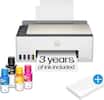
The EcoTank ET-15000 wireless all-in-one offers Cartridge-Free Printing with easy-to-fill supersized ink tanks. Save up to 90 percent on ink with low-cost replacement bottles (1). This all-in-one delivers vibrant prints up to 13" x 19" (through rear-feed tray) and scans up to 8.5" x 14" (via the ADF). Print for up to 2 years with each included or replacement ink bottle set (2) — each replacement set includes enough ink to print up to 7,500 pages (3). That’s equivalent to about 80 individual cartridges (4). And, there’s zero cartridge waste. The ET-15000 features a 250-sheet front tray paper capacity and rear specialty-paper feed, plus a 2.7" color touchscreen and hands-free voice-activated printing (5).

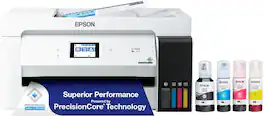
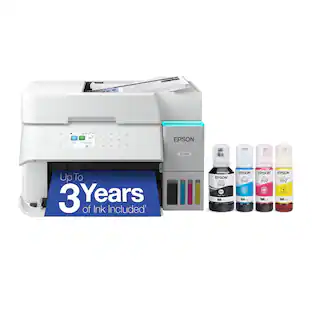
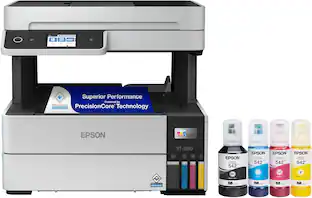
Introducing the EcoTank ET-4950—The Ultimate Home Office Printer. Say goodbye to expensive cartridges with the Epson EcoTank ET-4950, the newest innovation from a recognized leader in photographic printing. Combining simplicity with a modern design, the ET-4950 features advanced technology that enhances both performance and print quality, making it an ideal choice for productive office printing—including content created by AI. Powered by PrecisionCore Heat-Free technology, the ET-4950 offers a duty cycle that’s twice as robust as its predecessor (1). And unlike conventional thermal inkjet printers, its unique permanent printhead is engineered to last the life of the printer. Designed to be simple and error-free, refilling ink is a breeze with large ink tanks and uniquely keyed EcoFit bottles—no mess, no stress and no ink bottle mix-ups. And with enough ink in the box to last up to three years (2), you'll enjoy affordable color printing without the hassle of frequently replacing cartridges. Featuring Ethernet and Wi-Fi for seamless connectivity, along with the user-friendly Epson Smart Panel app (3), you can easily print, scan, and more directly from your computer or mobile device (4). Choose Epson EcoTank, the #1 Best-Selling Supertank Printer (5). With more than 100 million units sold globally (6) across seven generations of innovation, EcoTank consistently delivers affordable, photo-quality prints, making it a reliable choice for all your printing needs.

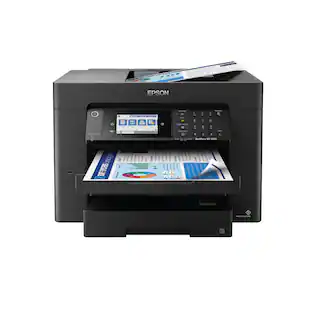
Employ high-quality printing with this Epson EcoTank Pro all-in-one printer. The 550-sheet paper tray capacity handles a large volume of work without interruption, while Wi-Fi, Ethernet and Bluetooth connectivity lets you print from various devices. This Epson EcoTank Pro all-in-one printer has a 4.3-inch touch screen for easy menu navigation, and the print speed of up to 25 ISO ppm produces documents quickly.

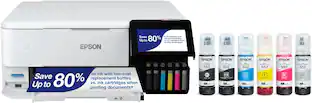
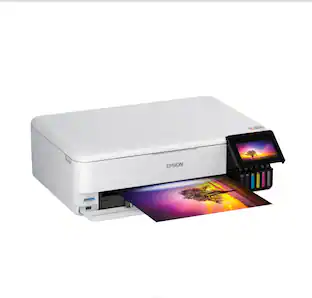
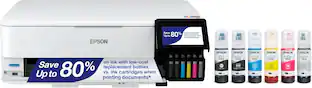
The EcoTank Photo ET-8550 wireless all-in-one prints lab-quality, wide-format color photos, graphics and everyday documents — all at an incredible value. Epson’s cartridge-free, 6-color Claria ET Premium Ink system delivers vibrant colors and sharp text for all your creative projects. With low-cost replacement ink bottles, print 4" x 6" photos for about 4 cents each compared to 40 cents with cartridges (1). Print everything from borderless 13" x 19" photos to customized CDs/DVDs. You can even print on cardstock and other media up to 1.3 mm thick. For added convenience, each set of bottles lets you print for up to 2 years (2). Plus, save up to 80 percent with replacement ink bottles vs. ink cartridges (3) — that’s about $2,000 on each set (3). The EcoTank Photo lets you do it all with affordable in-house printing.
| Pros for Epson - EcoTank ET-15000 Wireless All-In-One Supertank Inkjet Printer - White | |||
|---|---|---|---|
| Print Quality, Overall Performance, Ease of use, Connectivity, Setup | Print Quality, Connectivity, Setup Ease, Noise Level | There were no pros for this product— | Print Quality, Overall Performance, Ease of use |
| Cons for Epson - EcoTank ET-15000 Wireless All-In-One Supertank Inkjet Printer - White | |||
| Noise Level, Paper Jam | There were no cons for this product— | There were no cons for this product— | Paper Jam, Noise Level, Price, Setup |
Specs
Questions & Answers
Will the print head nozzles dry and plug up when there is long-term nonuse?
Answered by EpsonHi Pjm, If you do not use any ink jet printer, including the ET-15000, for an extended period of time nozzle issues can occur. In order to prevent this, print something once a week. Even a nozzle check, which uses minimal ink will work. Regards, Mark - The Epson Team.
Is there a direct phone number for Epson to reach their USA support location without being routed offshore? Thanks.
Answered by EpsonHi Sunshine. Yes, you can contact our Advanced Support Team directly at 1-800-241-5794 between 7 am - 4 pm (PT), Monday - Friday. Regards, Bobby - The Epson Team.

Can I print wirelessly from my smartphone or tablet?
Yes, you can print wirelessly from your smartphone or tablet using the Epson iPrint mobile app or Apple AirPrint.
This question and answer was generated by AI based on customer and product data.Does this printer offer two-sided printing?
Yes, the Epson EcoTank ET-15000 offers automatic two-sided printing.
This question and answer was generated by AI based on customer and product data.How much ink is included with the Epson EcoTank ET-15000?
The Epson EcoTank ET-15000 comes with enough ink to print for up to 2 years.
This question and answer was generated by AI based on customer and product data.

Customers often buy these together
Ink Cartridges

Copy and Multipurpose Paper










More recommended items
 Ink Bags and Bottles
 Printer Paper
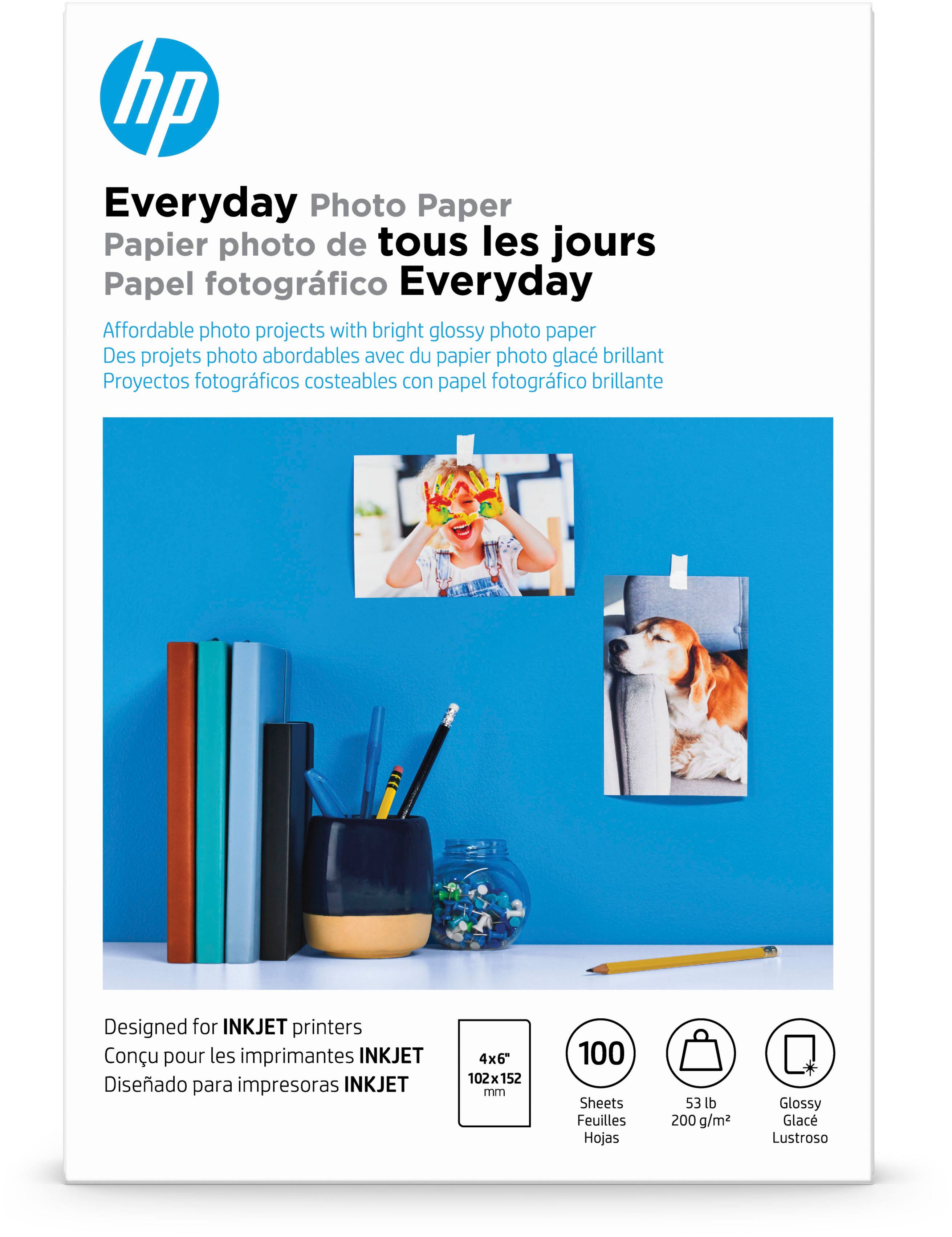 Photo Paper
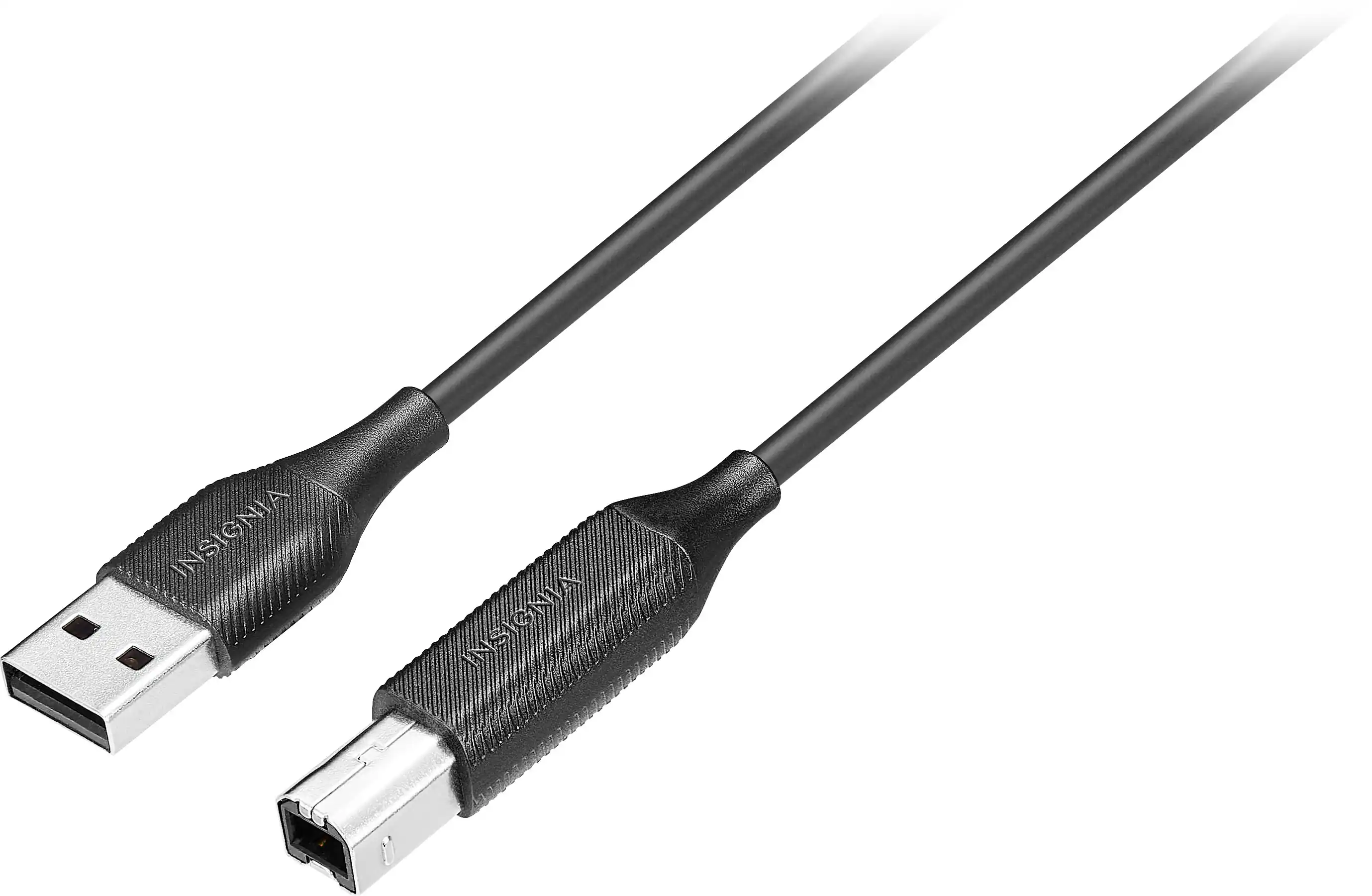 Monitor and Video Cables
More to consider
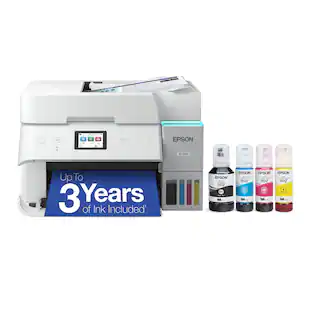 Techtober Deal$369.99The price was $499.99
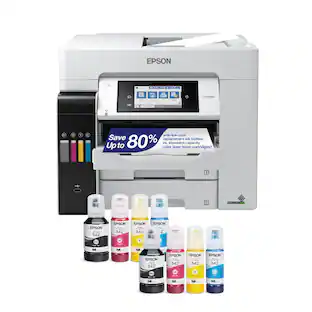 Our 365-day lowest price$649.99The price was $849.99
 $688.00The price was $699.99
 Techtober Deal$329.99The price was $399.99
 Our 365-day lowest price$229.99The price was $329.99
 $854.99The price was $859.99
 $199.00The price was $323.00
 $229.99The price was $379.99

Explore tech essentials Sponsored
- Our 365-day lowest price$229.99The price was $329.99
- Techtober Deal$369.99The price was $499.99
- Techtober Deal$329.99The price was $399.99
- Our 365-day lowest price$649.99The price was $849.99
 Our 365-day lowest price$129.99The price was $249.99
Discover related products
 Techtober Deal$649.99The price was $699.99
 $1,349.99The price was $2,499.00
 $399.99The price was $479.99








Keep exploring
Epson - WorkForce ST-M3000 Multifunction Supertank Printer. Cartridge Free MFP with ADF & Fax Inkjet
$380.63The price was $411.98