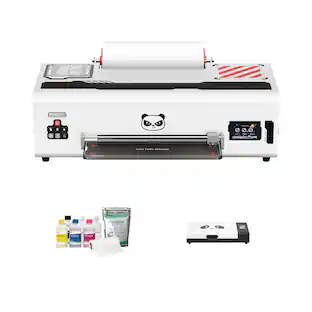
Epson - EcoTank Photo ET-8550 All-in-One Wide-format Supertank Printer - White
Customers are saying
Customers appreciate the exceptional print quality and overall performance of this printer, which are the most frequently praised aspects. Users also find the device convenient due to its straightforward setup and easy Bluetooth connectivity. While the printer is highly regarded, some individuals have noted concerns regarding occasional paper jams, the initial cost, and the operational noise level.
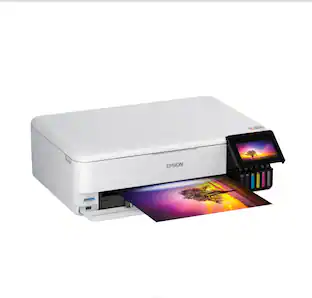
Cartridge-free printing for lab-quality photos, graphics and creative projects
Get vibrant colors and sharp text with Epson's high-accuracy printhead and Claria ET Premium 6-color inks; print a 4 x 6" photo in as fast as 15 seconds (4)
Extraordinary media support, including borderless photos up to 13" x 19"
Accommodates cardstock, CD/DVDs and other specialty media up to 1.3 mm thick; auto 2-sided printing
Amazing value
Save a ridiculous amount on photos (1) and creative projects with affordable in-house photo printing; print 4" x 6" photos for about 4 cents each vs. 40 cents with traditional ink cartridges (1)
Save up to 80% with low-cost replacement ink bottles vs. ink cartridges (3)
That's about $2000 on each set (3), enough ink to print up to 6,200 pages color (5)
Print up to 2 years (2)
With each included and replacement ink bottle set
Zero cartridge waste
With high-yield ink bottles; each replacement ink bottle set is equivalent to about 100 individual ink cartridges (6)
Print, scan and more from your mobile device (7) with Epson Smart Panel app (8)
Set up, monitor and operate your printer directly from your mobile device; supports iOS and Android
Intuitive touch display and wireless connectivity
4.3" color display, voice-activated printing (9) and more for fast, easy performance
Exclusive EcoFit ink bottle design
Uniquely keyed for easy filling of each color
Use Genuine Epson Ink
For optimal print quality and performance. Non-genuine ink could cause damage not covered by the printer’s limited warranty
- NetworkingWireless, WiredENERGY STAR CertifiedYesPrinter TypeAll In One, Copier, Printer, ScannerISO Color Print Speed12 pages per minuteISO Mono Print Speed16 pages per minuteTouch ScreenYes
Reviews
Rating 4.6 out of 5 stars with 1482 reviews
- Print Quality (924)
- Overall Performance (193)
- Ease of use (176)
- Setup (24)
- Paper Jam (25)
- Price (12)
- Noise Level (6)
Customer Images
The vast majority of our reviews come from verified purchases. Reviews from customers may include My Best Buy members, employees, and Tech Insider Network members (as tagged). Select reviewers may receive discounted products, promotional considerations or entries into drawings for honest, helpful reviews.
Compare similar products

The EcoTank Photo ET-8550 wireless all-in-one prints lab-quality, wide-format color photos, graphics and everyday documents — all at an incredible value. Epson’s cartridge-free, 6-color Claria ET Premium Ink system delivers vibrant colors and sharp text for all your creative projects. With low-cost replacement ink bottles, print 4" x 6" photos for about 4 cents each compared to 40 cents with cartridges (1). Print everything from borderless 13" x 19" photos to customized CDs/DVDs. You can even print on cardstock and other media up to 1.3 mm thick. For added convenience, each set of bottles lets you print for up to 2 years (2). Plus, save up to 80 percent with replacement ink bottles vs. ink cartridges (3) — that’s about $2,000 on each set (3). The EcoTank Photo lets you do it all with affordable in-house printing.
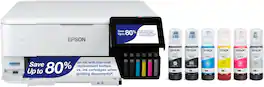
The EcoTank Photo ET-8500 wireless all-in-one prints lab-quality color photos, graphics and everyday documents — all at an incredible value. Epson’s cartridge-free, 6-color Claria ET Premium Ink system delivers vibrant colors and sharp text for all your creative projects. With low-cost replacement ink bottles, print 4" x 6" photos for about 4 cents each compared to 40 cents with cartridges (1). Print everything from borderless 8.5" x 11" photos to customized CDs/DVDs. You can even print on cardstock and other media up to 1.3 mm thick. For added convenience, each set of bottles lets you print for up to 2 years (2). Plus, save up to 80 percent with replacement ink bottles vs. ink cartridges (3) — that’s about $2,000 on each set (3). The EcoTank Photo lets you do it all with affordable in-house printing.
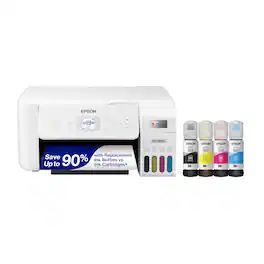
Your family needs a printer that’s fast, affordable, and easy to use. That’s why we developed the EcoTank ET-2800 – an innovative cartridge-free solution that uses high-capacity, easily refillable ink tanks. So you’ll worry less about running out of ink, and save a lot on replacement ink (1). The ET-2800 features genuine Epson print quality, a high-resolution flatbed scanner, and convenient color display – making it the ideal basic home printer.
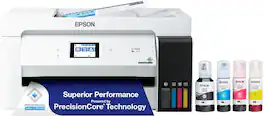
The EcoTank ET-15000 wireless all-in-one offers Cartridge-Free Printing with easy-to-fill supersized ink tanks. Save up to 90 percent on ink with low-cost replacement bottles (1). This all-in-one delivers vibrant prints up to 13" x 19" (through rear-feed tray) and scans up to 8.5" x 14" (via the ADF). Print for up to 2 years with each included or replacement ink bottle set (2) — each replacement set includes enough ink to print up to 7,500 pages (3). That’s equivalent to about 80 individual cartridges (4). And, there’s zero cartridge waste. The ET-15000 features a 250-sheet front tray paper capacity and rear specialty-paper feed, plus a 2.7" color touchscreen and hands-free voice-activated printing (5).
| Pros for Epson - EcoTank Photo ET-8550 All-in-One Wide-format Supertank Printer - White | |||
|---|---|---|---|
| Print Quality, Overall Performance, Ease of use, Setup | Print Quality, Ease of use, Overall Performance, Setup, Noise Level | Print Quality, Ease of use, Overall Performance, Setup, Connectivity | Print Quality, Ease of use, Overall Performance, Setup |
| Cons for Epson - EcoTank Photo ET-8550 All-in-One Wide-format Supertank Printer - White | |||
| Paper Jam, Price, Noise Level | Paper Jam, Price, Software | Noise Level, Paper Tray | Noise Level, Paper Jam, Connectivity, Size |
Specs
What is the difference between the ET-8500 and ET-8550 ?
Answered by EpsonHello 4sallypat. Both printers are similar in design and features. The main difference between the two is that the ET-8550 is a wide-format printer that can print up to 13" x 19" in size. The largest paper that can be used on the ET-8500 is 8.5" x 14". Regards, Kevin - The Epson Team.
what are the dimensions for this printer?
Answered by EpsonHi Norma, If the EcoTank Photo ET-8550 has all trays open for printing the dimensions are: 20.6" x 29.8" x 16.9" (523 x 758 x 430mm) (W x D x H). If all trays are closed for storage the dimensions are: 20.6" x 14.9" x 6.7" (523 x 379 x 169mm) (W x D x H). Regards, Mark - The Epson Team.
What is the maximum size photo this Epson printer can print borderless?
The Epson EcoTank Photo ET-8550 can print borderless photos up to 13 inches by 19 inches.
This question and answer was generated by AI based on customer and product data.What is the warranty on this Epson printer?
The Epson EcoTank Photo ET-8550 comes with a 1-year limited warranty for both parts and labor.
This question and answer was generated by AI based on customer and product data.How much can I expect to save on ink with this Epson printer?
This model allows you to save up to 80% on ink compared to using ink cartridges.
This question and answer was generated by AI based on customer and product data.

Customers often buy these together
Ink Cartridges
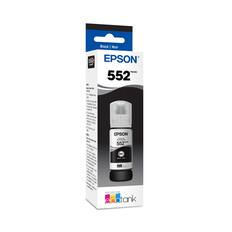
Epson - T552 Pigment Ink Bottle - Black
$29.65The price was $32.20
Copy and Multipurpose Paper

More recommended items
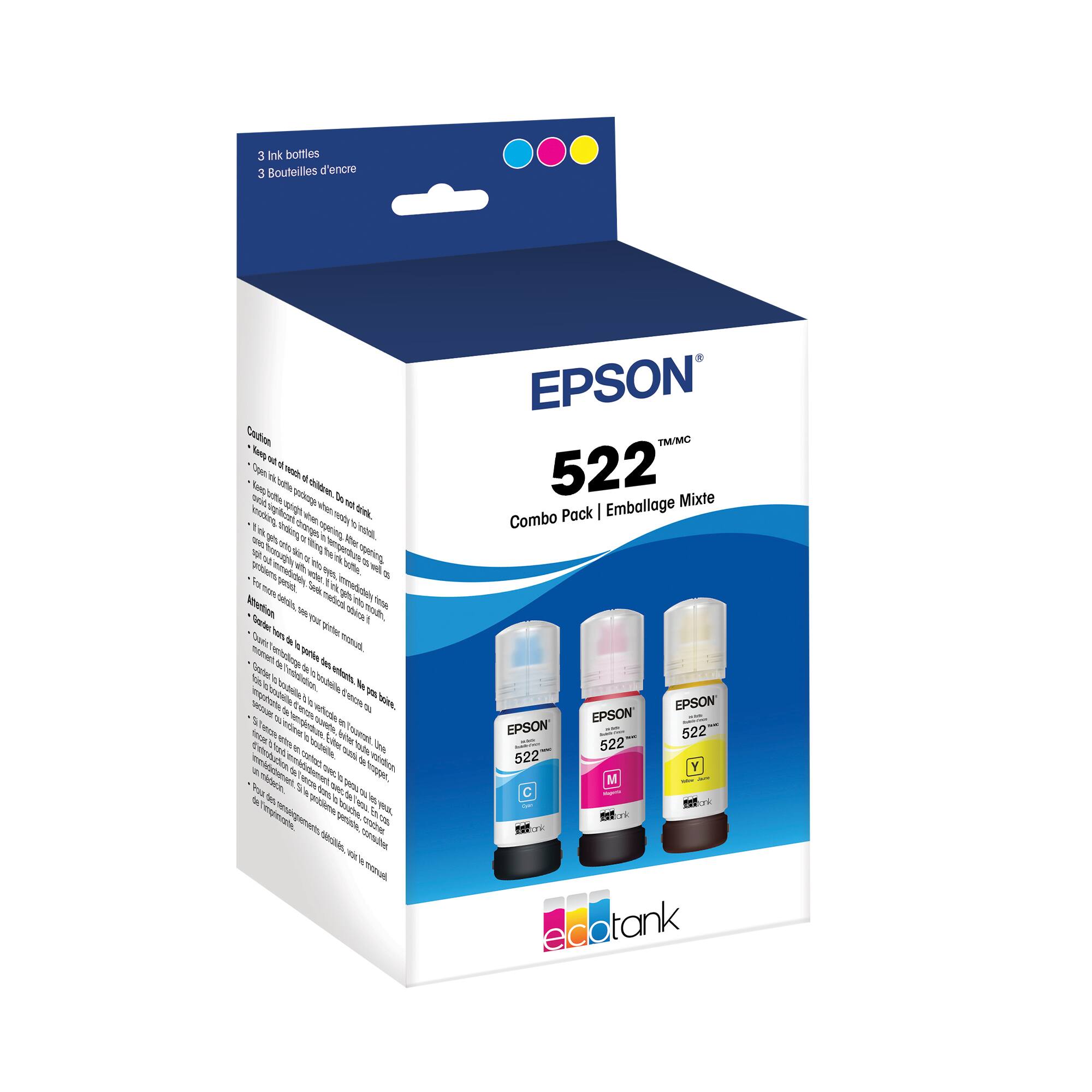 Ink Bags and Bottles
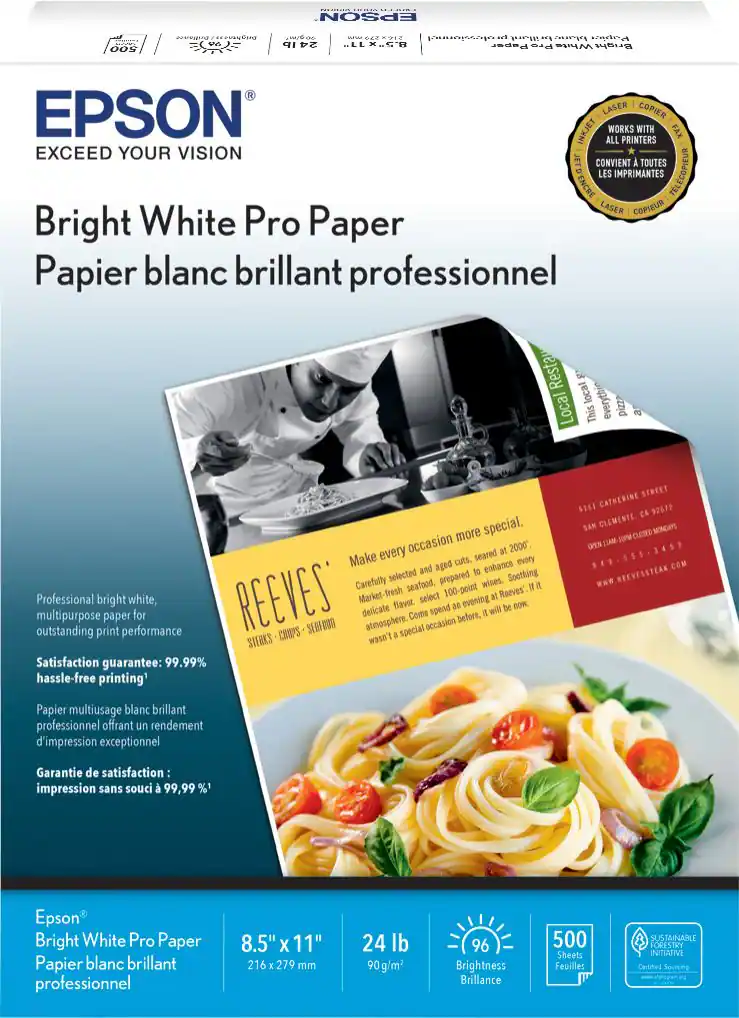 Printer Paper
 Photo Paper
More to consider
 Top Deal$199.99The price was $239.99
 Top Deal$269.99The price was $329.99
 $749.99The price was $849.99


Explore tech essentials Sponsored
 Top Deal$169.99The price was $189.99
 $264.95The price was $298.95


Discover related products
 $92.52The price was $114.63
 $1,599.99The price was $1,799.99
 $799.00The price was $899.00








Keep exploring
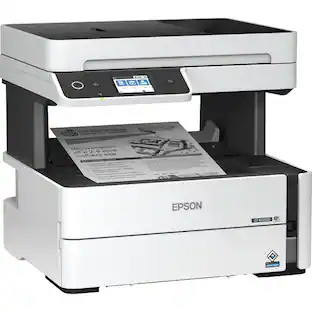
Epson - WorkForce ST-M3000 Multifunction Supertank Printer. Cartridge Free MFP with ADF & Fax Inkjet
$419.99The price was $421.31 $3,378.90The price was $3,678.90