Questions & Answers
- Model:
- ECOTANK ET-2720 C11CH42201
- |
- SKU:
- 6347408
Highly rated by customers for: Print Quality, Ease of use, Size
Page Showing 521-527 of 527 questions
Q: Questionwhy won't my printer Epson 2720 print red?
Asked by joe77.
- A:Answer Hi joe77, You mave have missing nozzles, Try printing a nozzle check to find out. See the Epson support site for more FAQs and troubleshooting tips. Regards, Mark - The Epson Team.
Answered by Epson

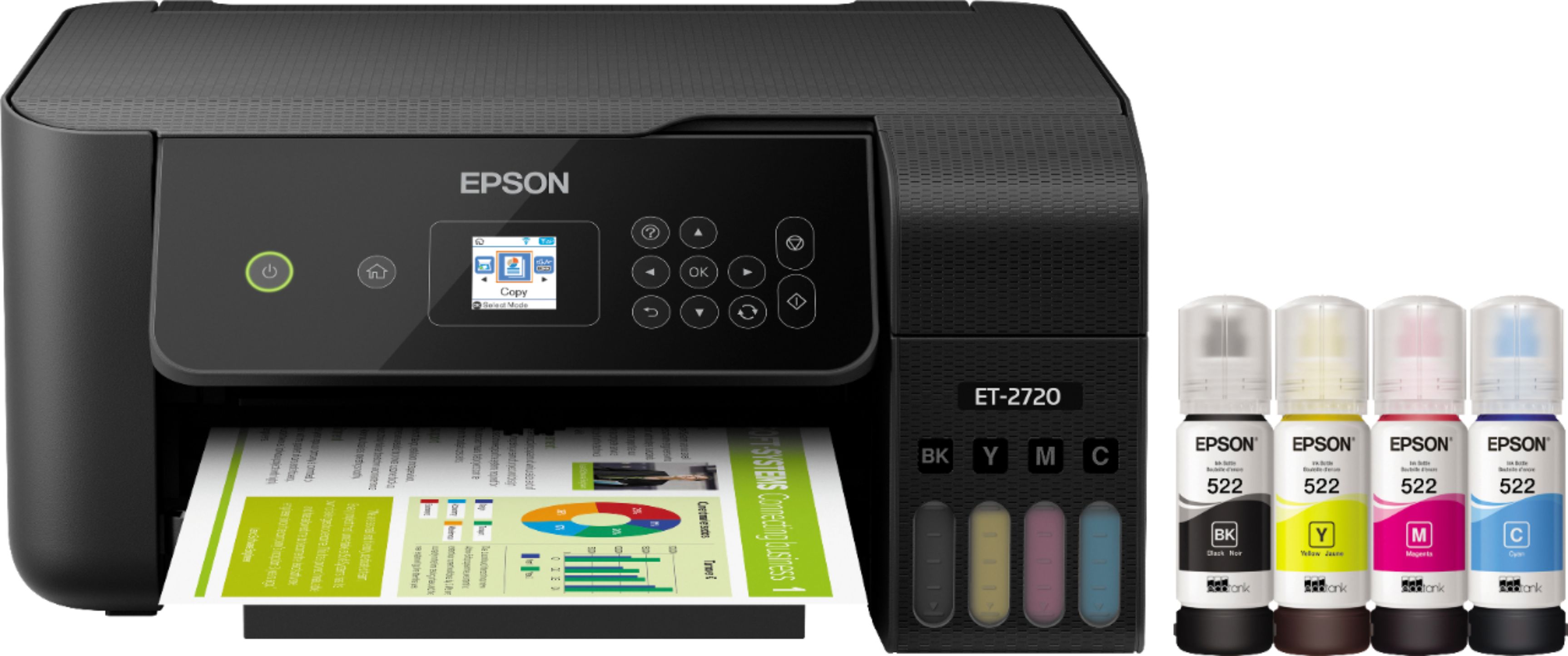
Q: QuestionCan the Epson ET-2720 use 502 ink instead of 522 ink? Is there a difference in the ink? It will be used for regular printing?
Asked by UrsTruly.
- A:Answer Hi UrsTruly. The EcoTank ET-2720 is designed to work with only genuine Epson T522 ink bottles. Regards, Bobby - The Epson Team.
Answered by Epson

Q: QuestionWill this printer work with my new Eero mesh router?
Asked by Sundog.
- A:Answer Hi Sundog, The EcoTank ET-2720 is compatible with 2.4 GHz, 802.11 b/g/n WiFi networks. as long as your router complies with these standards, then it should work with the printer. Regards, Mark - The Epson Team.
Answered by Epson

Q: QuestionDoes the scan function work with Mac Catilina and saves in PDF to the MAC?
Asked by Enforcer5806.
- A:Answer I have not used mine to scan anything yet. I know nothing about Apple products. My old Epson printer saved everything as a photo. I know that I can print from my PC desktop and laptop, my android phone, and a Kindle Fire 8. I have printed PDF and Microsoft Office documents.
Answered by kerick913
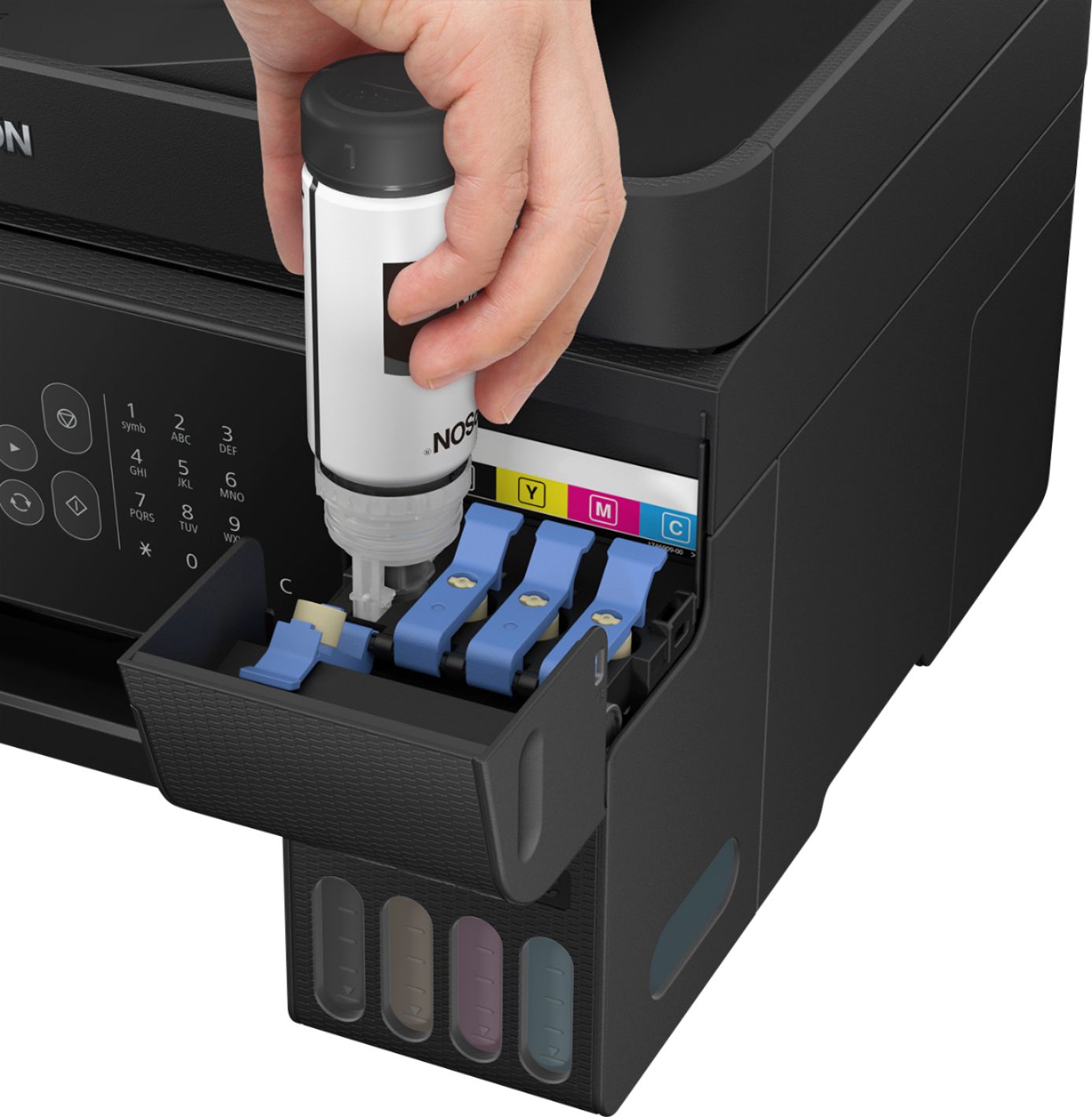
Q: QuestionI jut refilled my ink on epson 2720. the printer keeps indicating that the ink is low.it doesn't seem to be sensing the topped up compartments. Is there a way to reset the ink tank?
Asked by muggsy.
- A:Answer Hi muggsy, you can reset the ink levels from the ET-2720 Control Panel. Go to "Maintenance," then press OK. Select "Reset Ink Levels," then press OK to proceed. If you need more information, please go to the Epson Support site. Bobby - The Epson Team.
Answered by Epson
Q: QuestionMy wife's 2720 will not print anything in color. Just refilled all of the ink & the cyan looks to be full - it wouldn't take any more. I've run the print head clean and reset the ink levels. What else can I look at to get this printing in color again?
Asked by ThomasN.
- A:Answer Hello ThomasN. Confirm if there are missing nozzles by printing a Nozzle Check. Regards, Bobby - The Epson Team.
Answered by Epson

Q: QuestionTrying to set up printer can’t get past open scanner unit and remove all protective materials inside the printer what does this mean
Asked by Lizzie.
- A:Answer Hello Lizzie. Please review the Start Here - Installation Guide on the official Epson Support page for more information. If you need additional assistance, please contact our support team. Regards, Sam - The Epson Team.
Answered by Epson
Top Rated
- $1,089.00$1,089.00The price was $1,099.00
- $1,399.99$1,399.99The price was $2,699.99
- $1,617.89$1,617.89
- $329.99$329.99The price was $469.99
- $449.99$449.99The price was $649.99