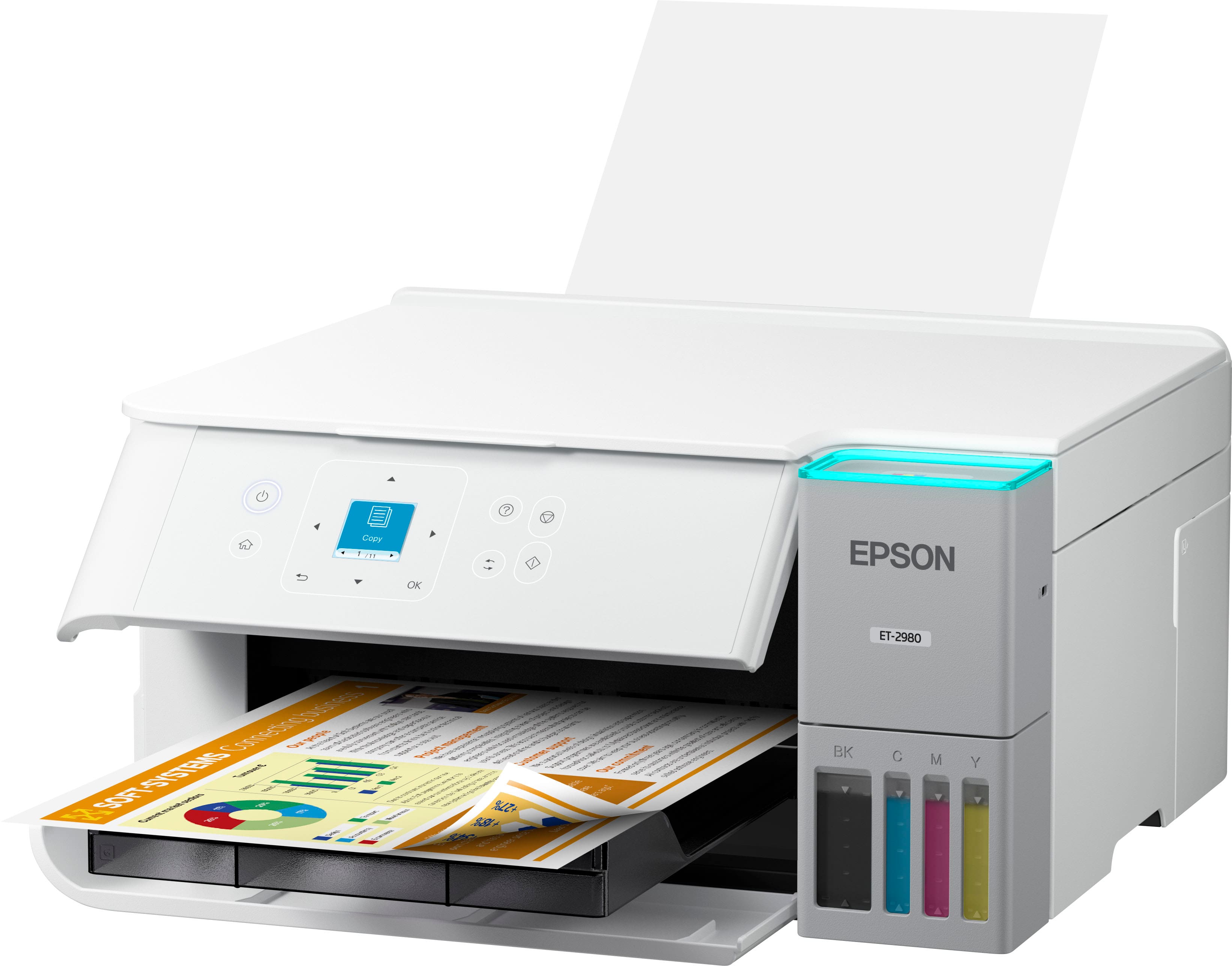
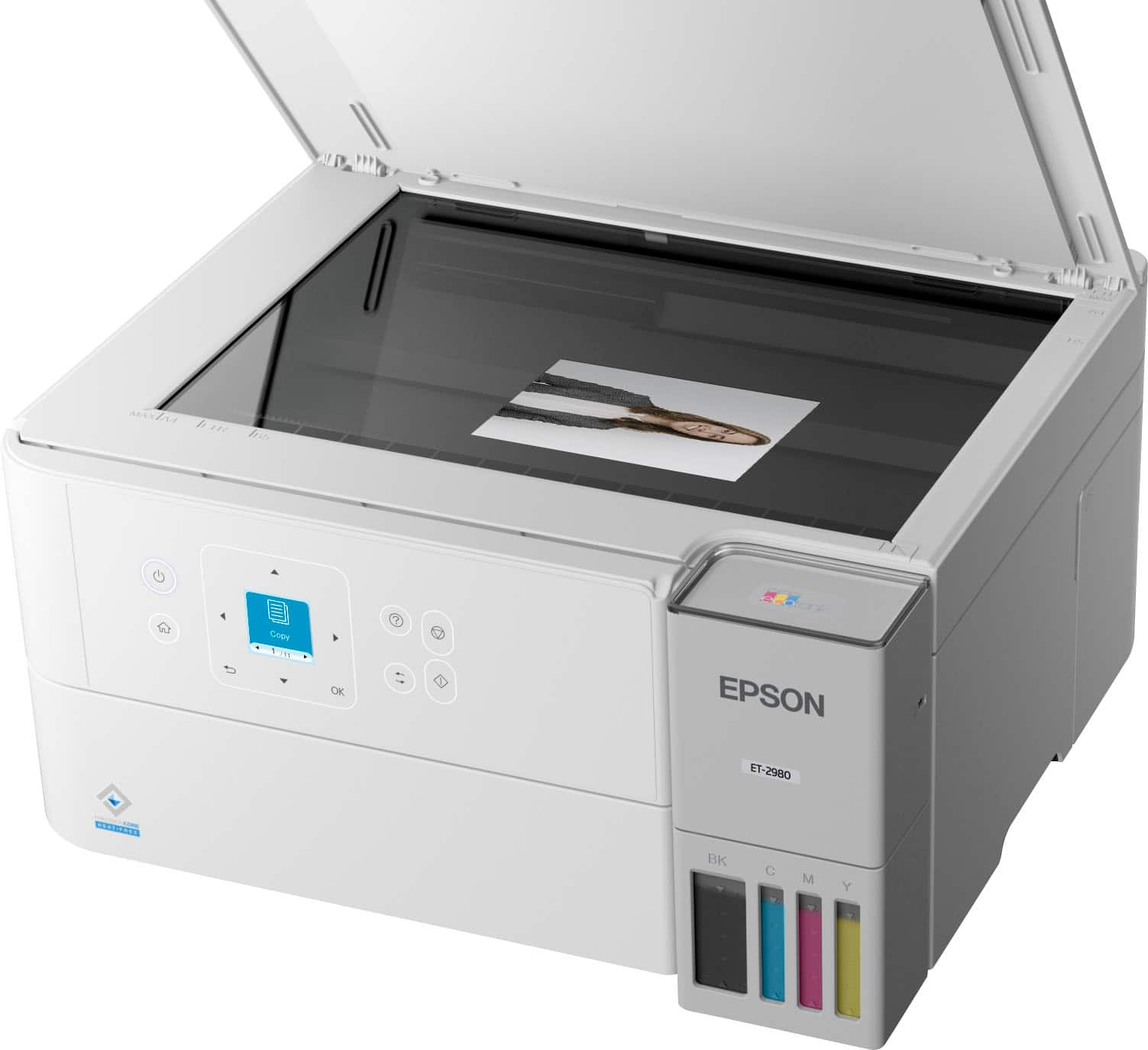
A:AnswerHello Golfer. Yes, the ET-2980 can print 5.5" x 8.5" in booklet format. However, it is not directly supported by the Epson print driver. So, you would have to use 3rd party software that supports booklet printing. Regards. Kevin - The Epson Team.
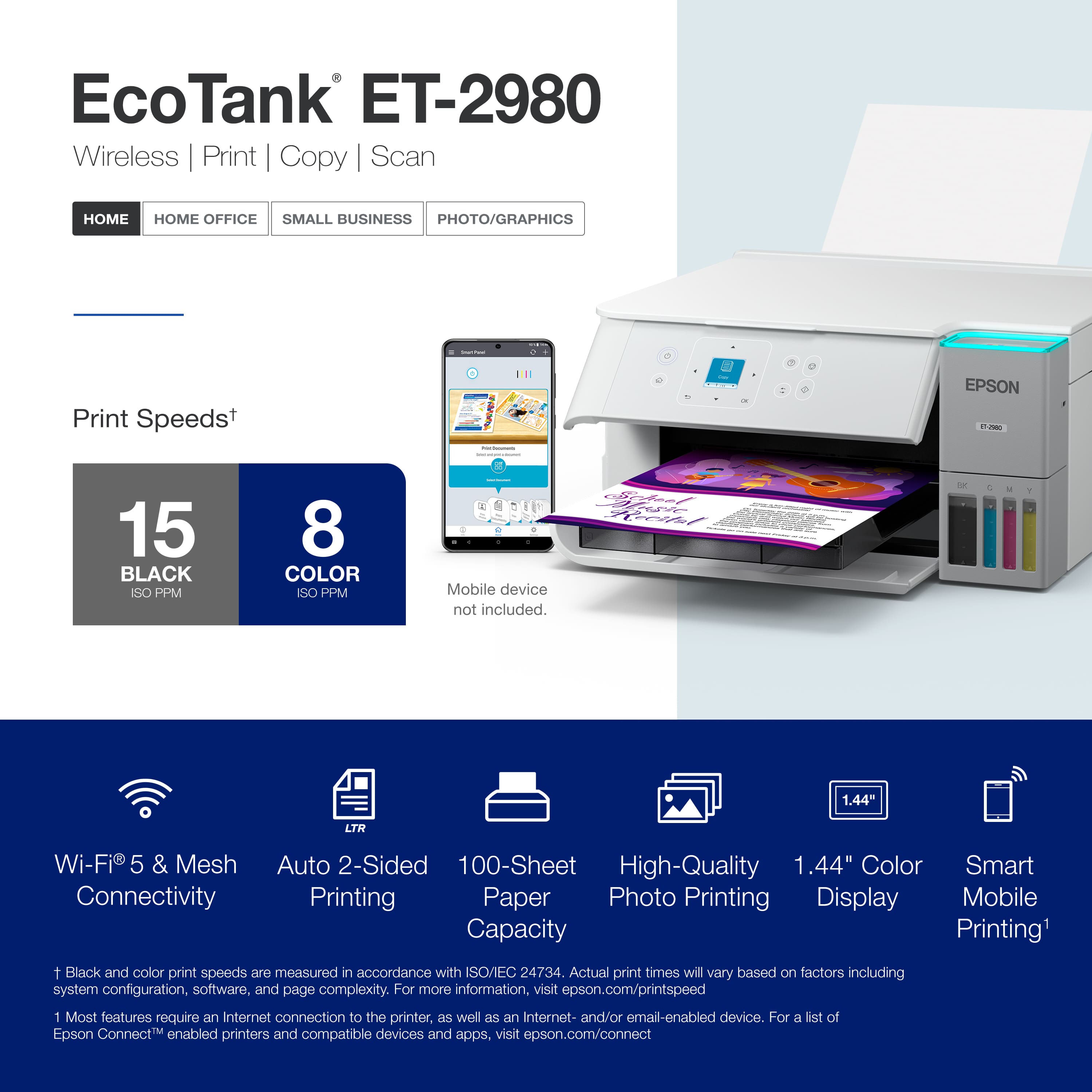
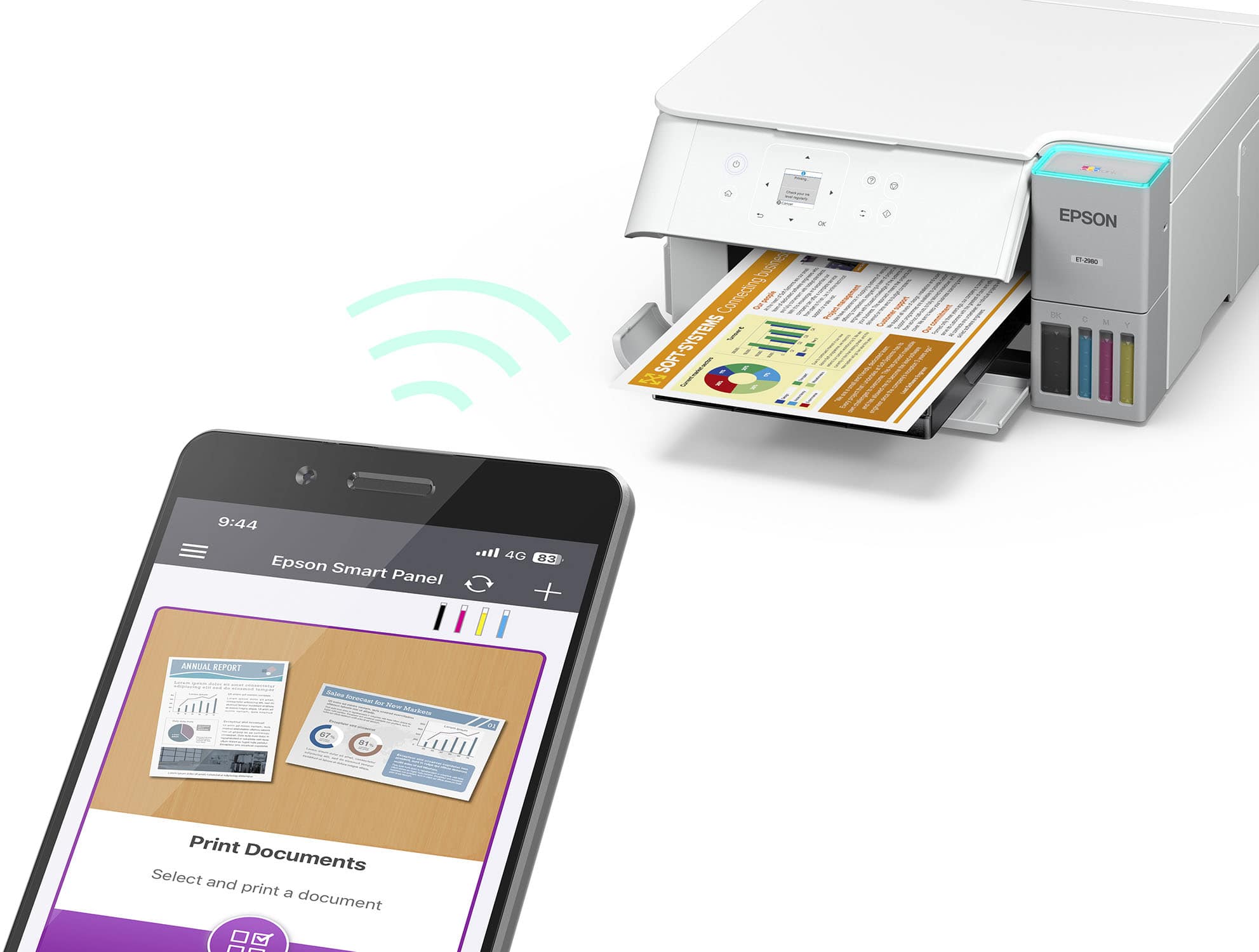
A:AnswerHello Vince. Yes, you can use the printer with multiple computers via Wi-Fi. You can also connect the device to a smartphone and tablet. Regards, Kevin - The Epson Team.
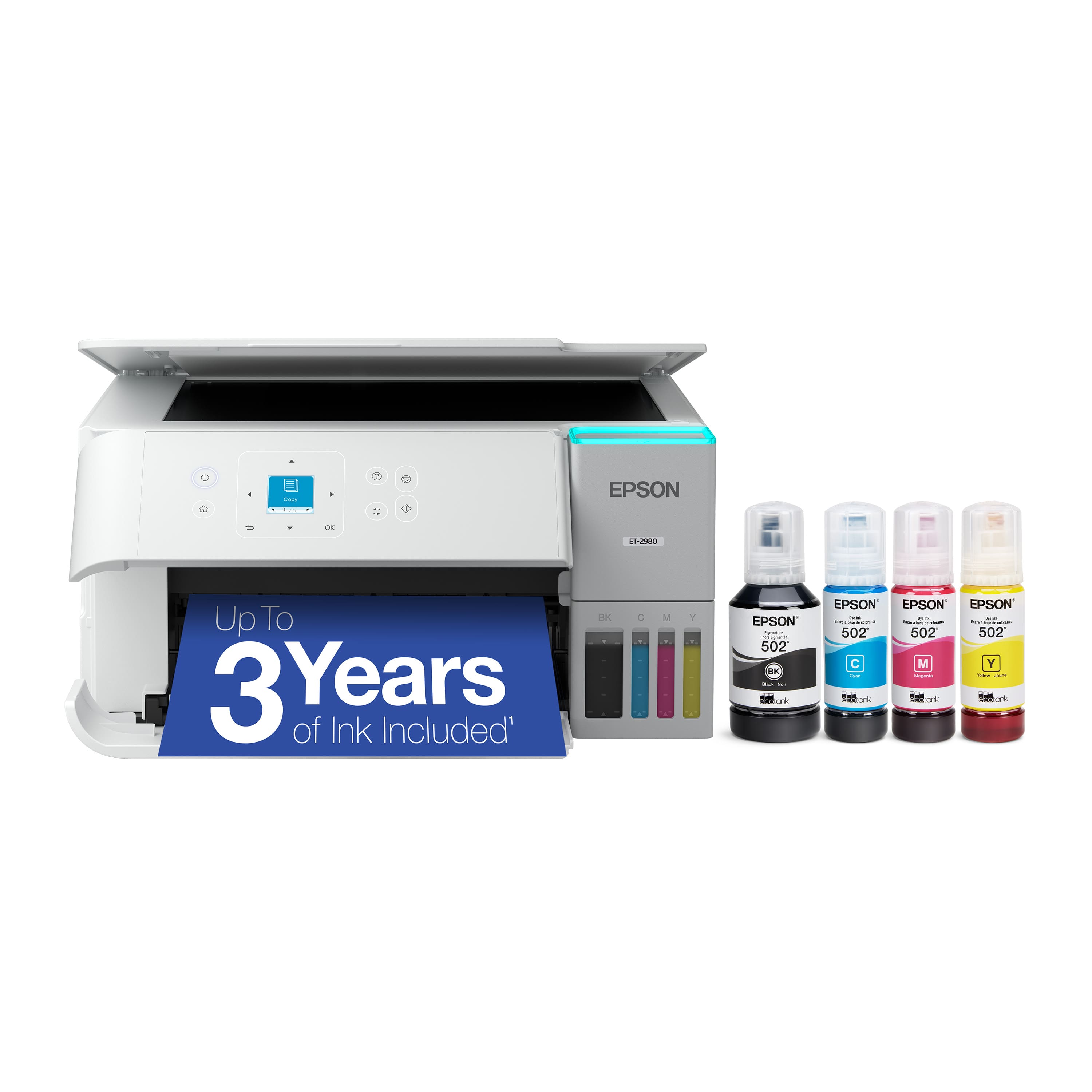
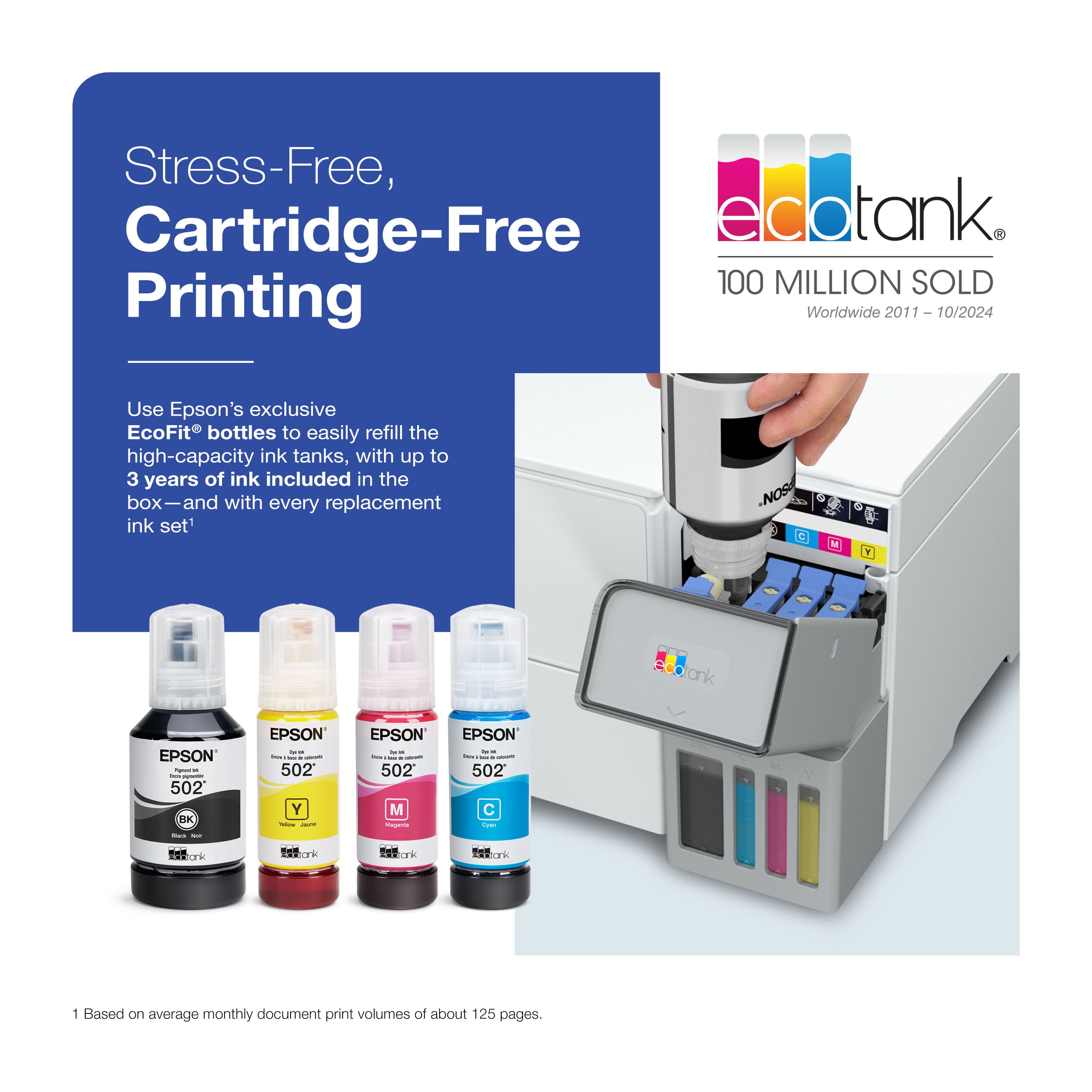
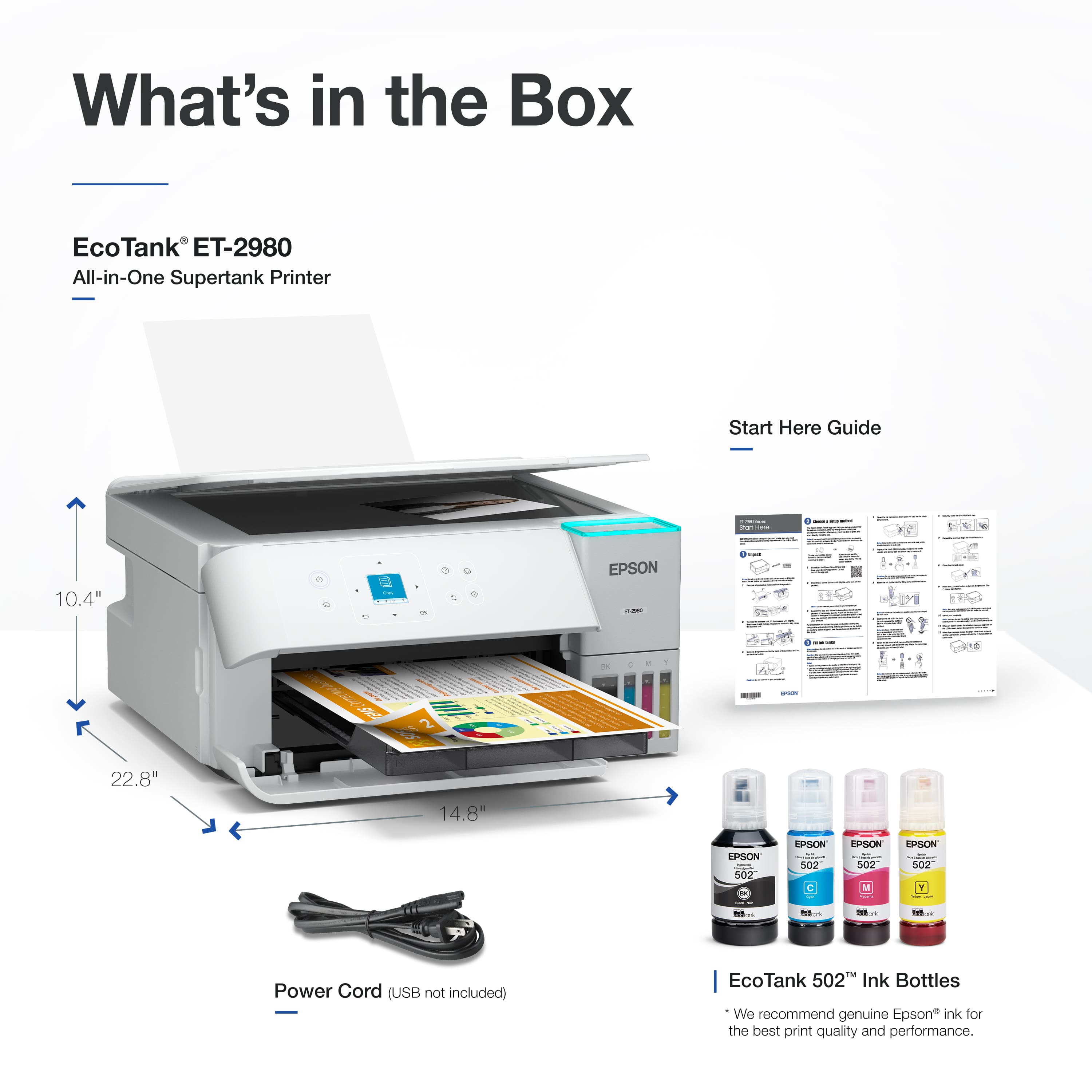
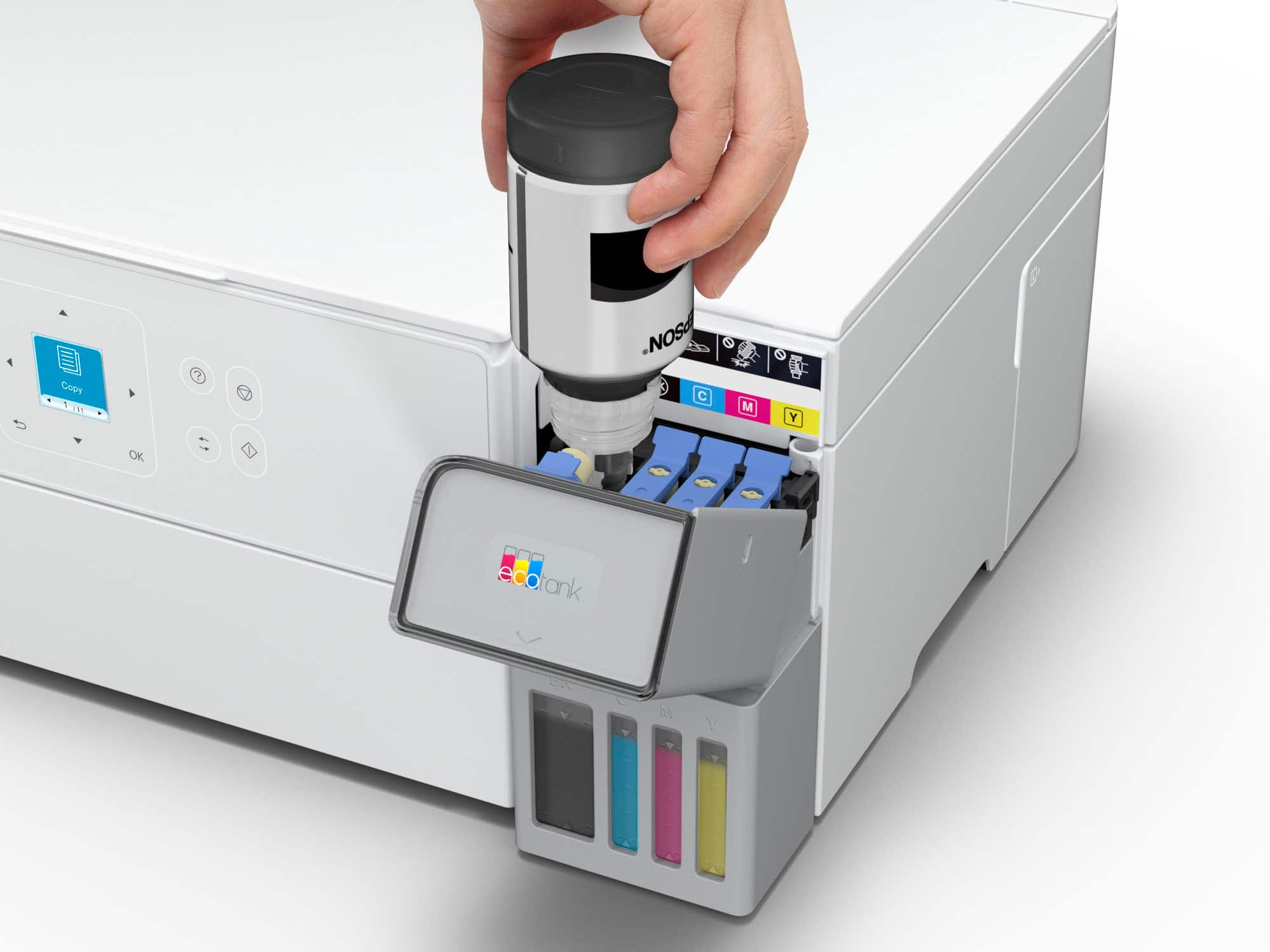
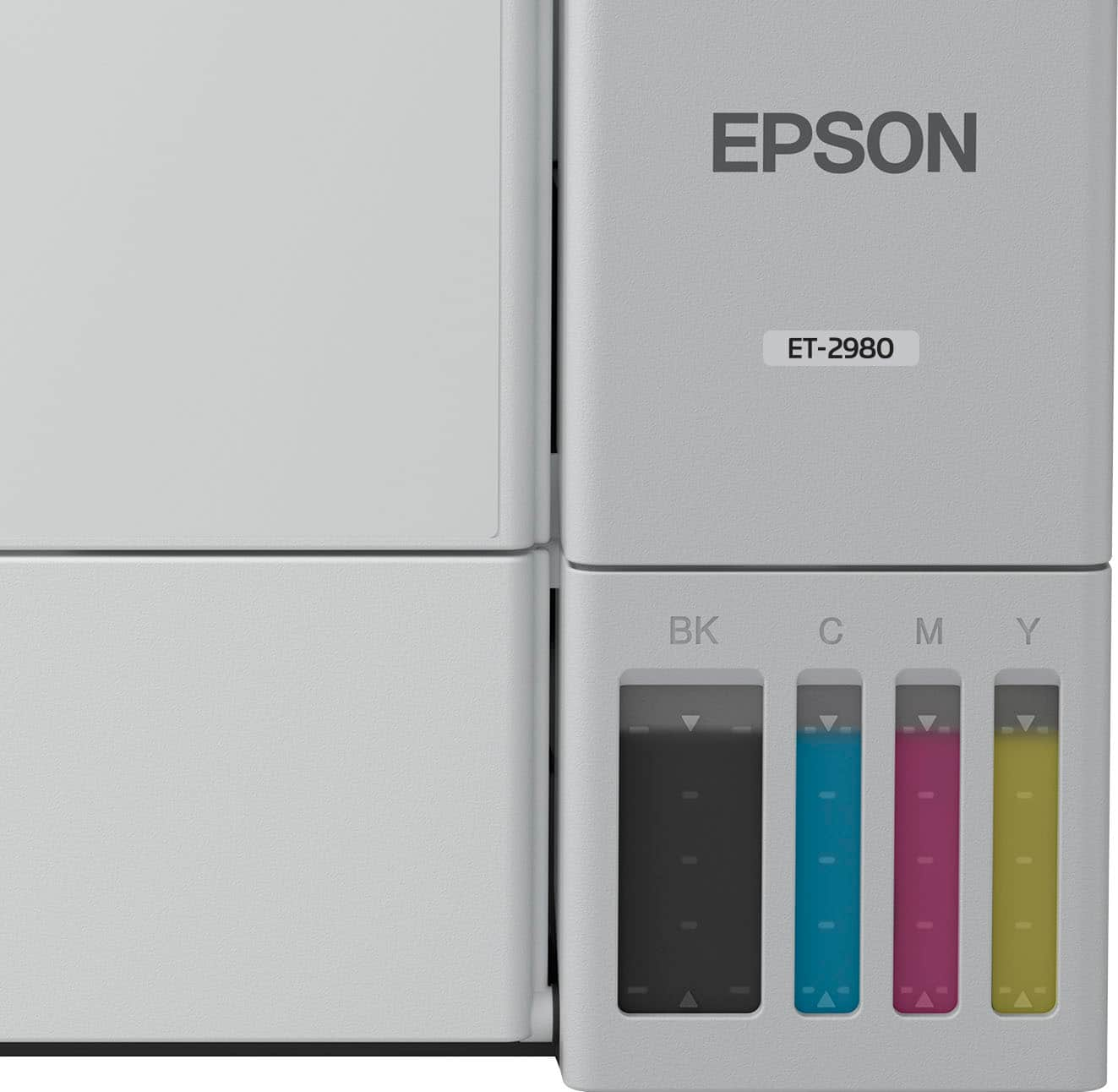
A:AnswerHello danno. Yes, the Epson ET-2980 includes ink bottles. Some of the ink will be used for the initial setup, and the remaining ink will be available for printing. Regards, Kevin - The Epson Team
A:AnswerHello. The Epson ET-2980 was not designed for dye-sublimation printing or the use of non-genuine Epson ink cartridges. Regards, Kevin - The Epson Team.
A:AnswerHello. The ET-2980 is not designed to print on fabric. For a list of supported paper types, please see the User Guide. Regards, Kevin - The Epson Team.
A:AnswerHello. The ET-2980 is not designed for dye-sublimation printing or the use of non-genuine Epson Ink Cartridges. We recommend using Genuine Epson Ink for optimal print quality and performance. Non-genuine ink could cause damage and void the printer’s limited warranty. Regards, Kevin - The Epson Team.
A:AnswerHello. The ET-2980 can be used with a Chromebook via Wi-Fi or USB connection without needing to install drivers. However, when using a Chromebook, functionality is limited to printing only. To use all of the printer's features, including scanning and copying, you'll need to use a PC, Mac, smartphone, or tablet. Regards, Kevin - The Epson Team.
A:AnswerHello Jj. The ET-2980 does not include fax functionality. For a similar printer with fax features, we recommend the ET-4950. Regards, Kevin - The Epson Team.
A:AnswerHello. The Smart Panel app is designed to be used on your smartphone or tablet. You can install our standard print driver from the official Epson Support page if you're printing on the computer. Regards, Kevin - The Epson Team.
A:AnswerHello. We're sorry to hear you're having printing issues. We would like to get more details to better assist you. Please visit our official Epson Support page to find phone numbers to contact our technical support team. Regards, Kevin - The Epson Team.
A:AnswerSearch the Best Buy website or app for "Epson T502".
As of today (5/6/2026), individual bottles range in price from $23 to $25.49 depending on color. The 4 pack is $75.95. A 3 pack (minus Black) is $50.95.
BK
A:AnswerHello. Yes, the ET-2980 will work with Windows 10. You can find the latest print driver on our official Epson Support page. Regards, Kevin - The Epson Team.
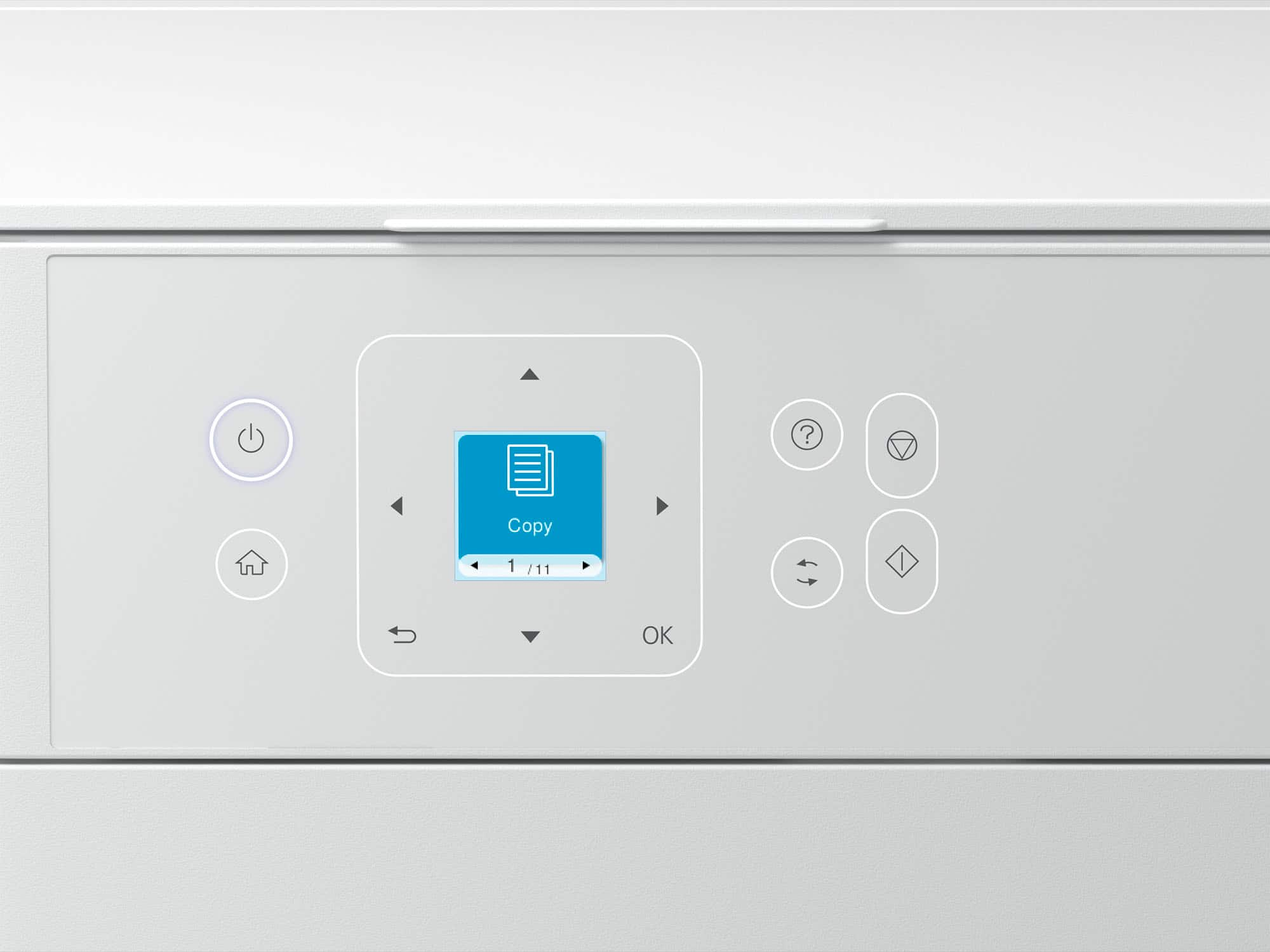
A:AnswerHello. You would have to select the paper size manually as the printer does not have an auto-sense feature. It can reduce and enlarge copies between 25% up to 400% directly from the control panel copy options. Regards, Kevin - The Epson Team.