A:AnswerHello. The ET-3830 has a maximum print resolution of 4800 x 1200 dpi. You can find specification information for our printers on our Official Epson page. The specs will be listed either on the main page for the printer or in a PDF file under "Product Specifications." Regards, Kevin - The Epson Team.
A:AnswerHello Sarah. Unfortunately, we have not tested the ET-3830 with Colorfast fabric. We recommend reaching out to confirm compatibility with our inkjet printers. This model, in particular, uses a combination of dye and pigment-based inks for reference. Regards, Kevin - The Epson Team.
A:AnswerHello JP. Unfortunately, the ET-3830 does not include a USB for flash drives. The printer only supports Wi-Fi, USB Cable, and Ethernet connections. Regards, Kevin - The Epson Team.
A:AnswerHello Holly. Yes, the ET-3830 is compatible to work with a Chromebook. Please visit our official Epson Support page for more information on setting up the printer. Regards, Kevin - The Epson Team.
A:AnswerHello Dorothy. The ET-3830 should be able to work with a 2020 MacBook Pro. It is compatible to work with computers running macOS 10.6 - 12. To download the latest Printer driver software, please visit our official Epson Support page. Regards, Kevin - The Epson Team.
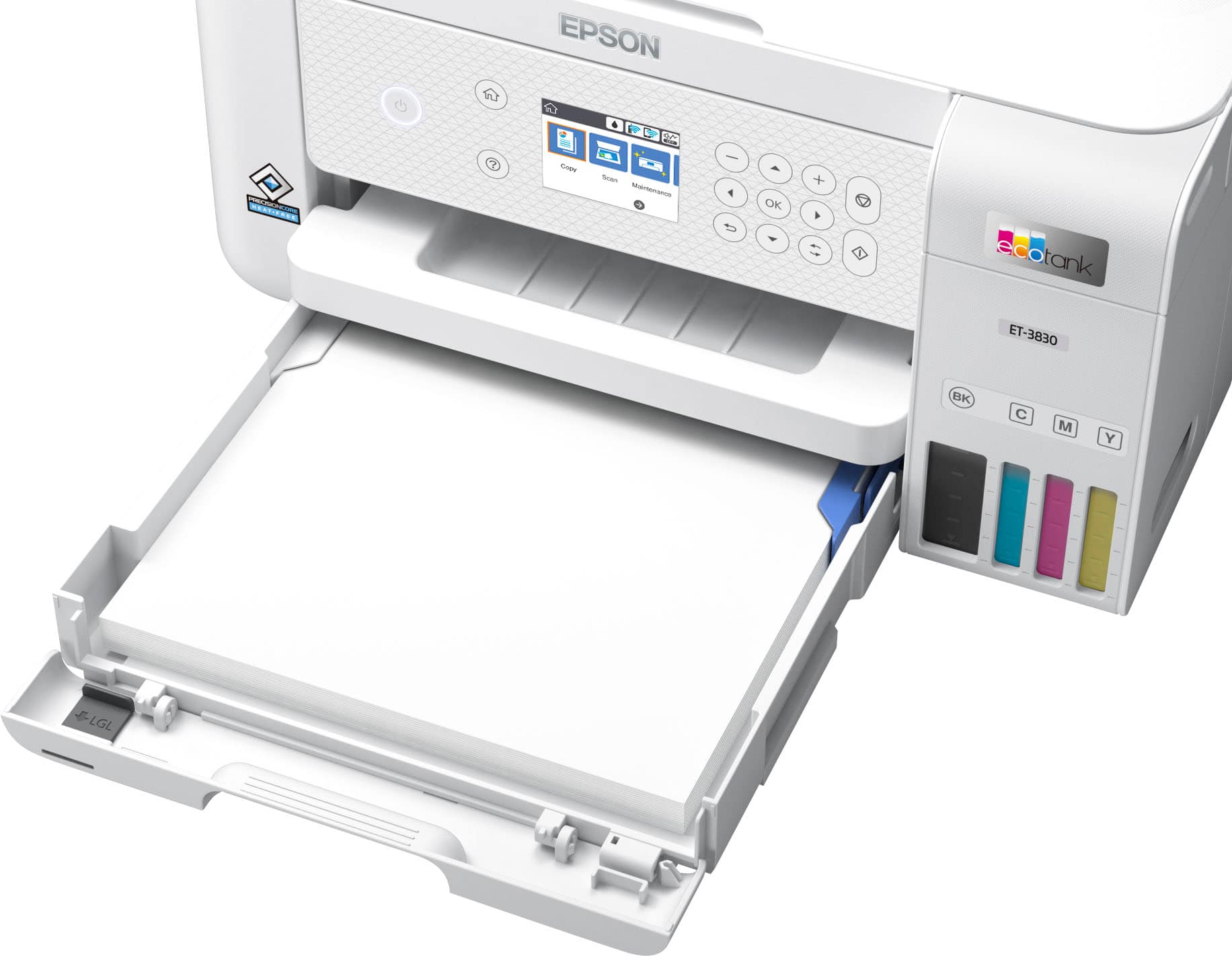
A:AnswerHello Qath. The ET-3830 supports printing on envelopes. Unfortunately, the only supported size will be No.10 envelopes. Regards, Kevin - The Epson Team.
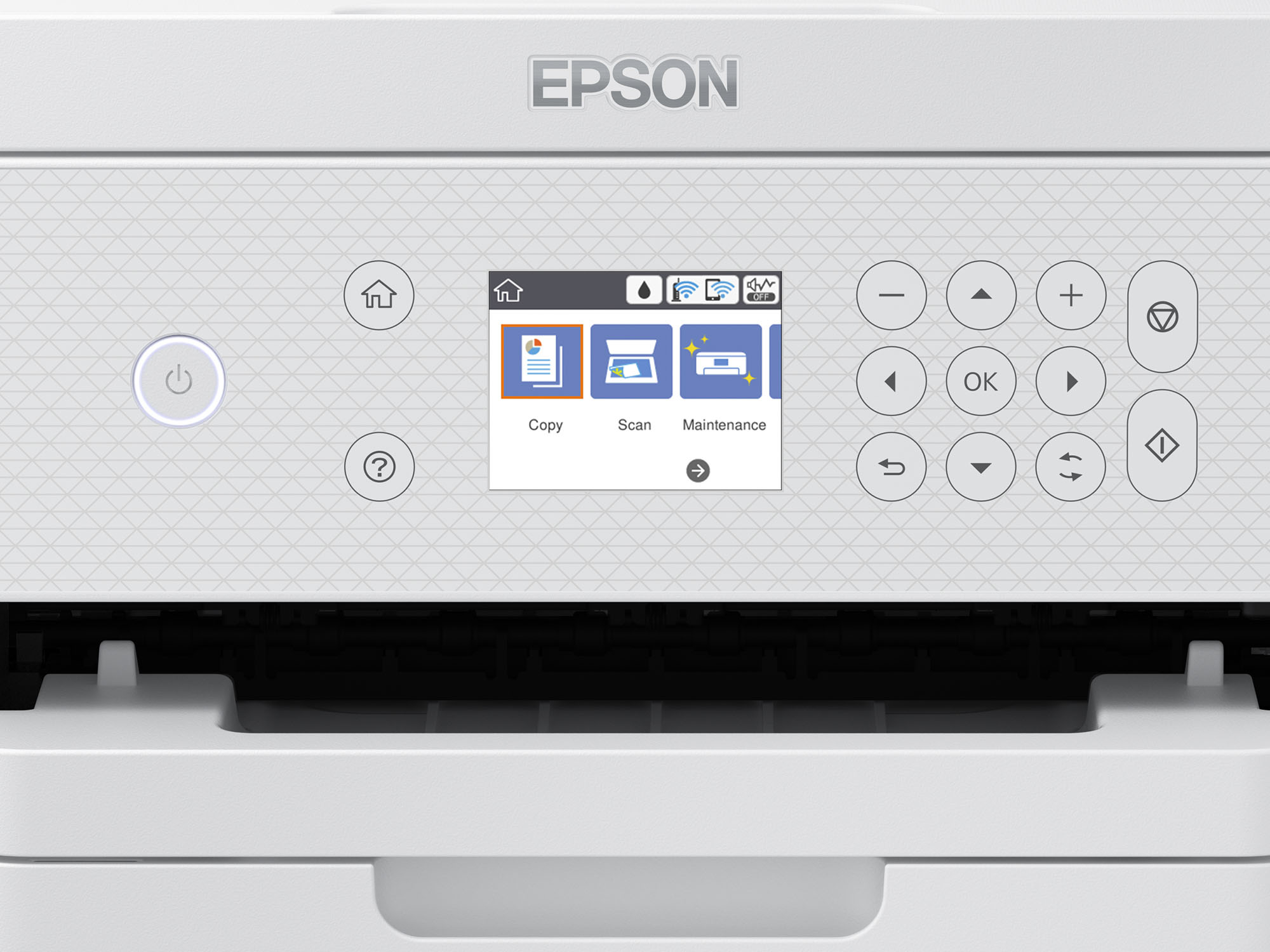
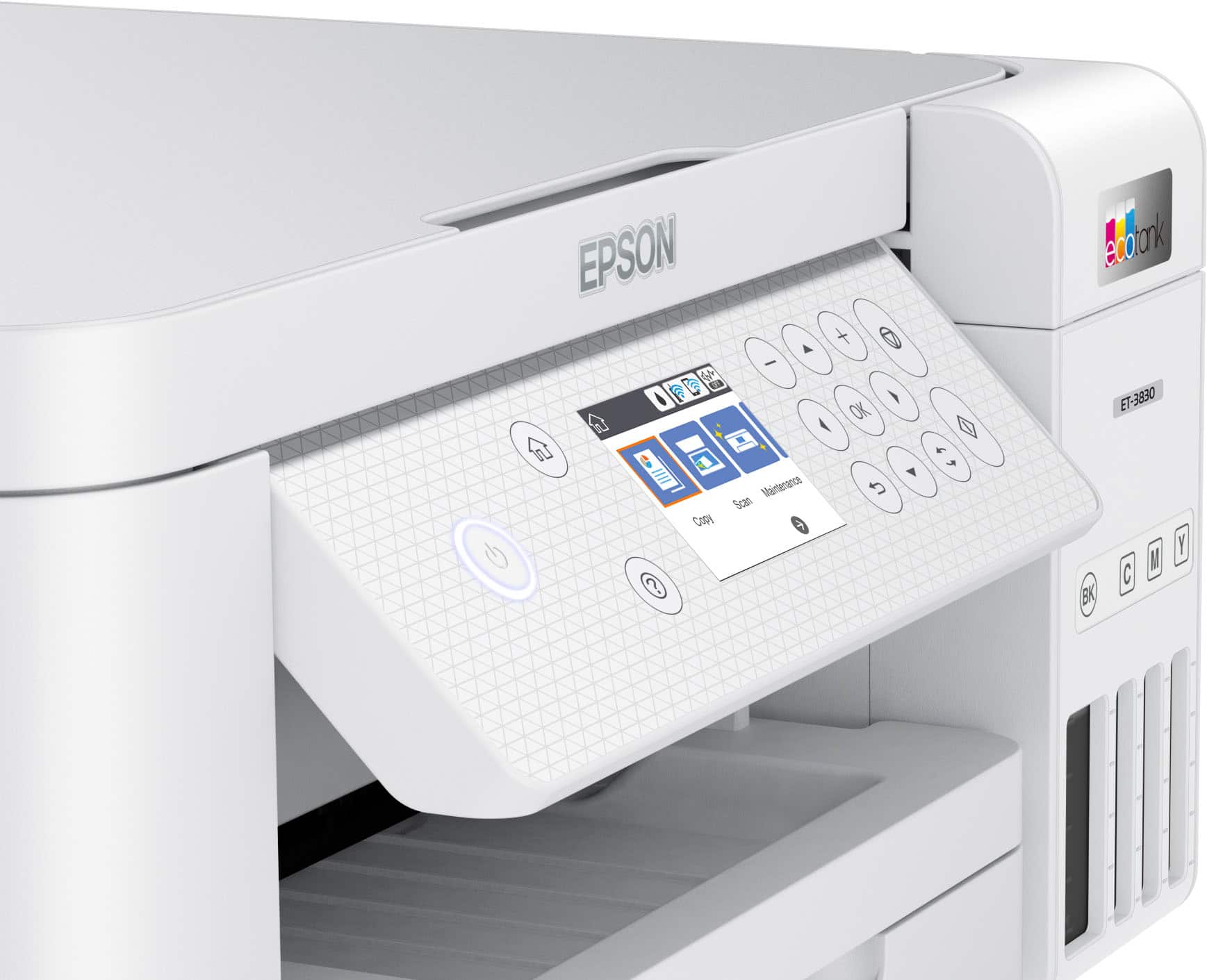
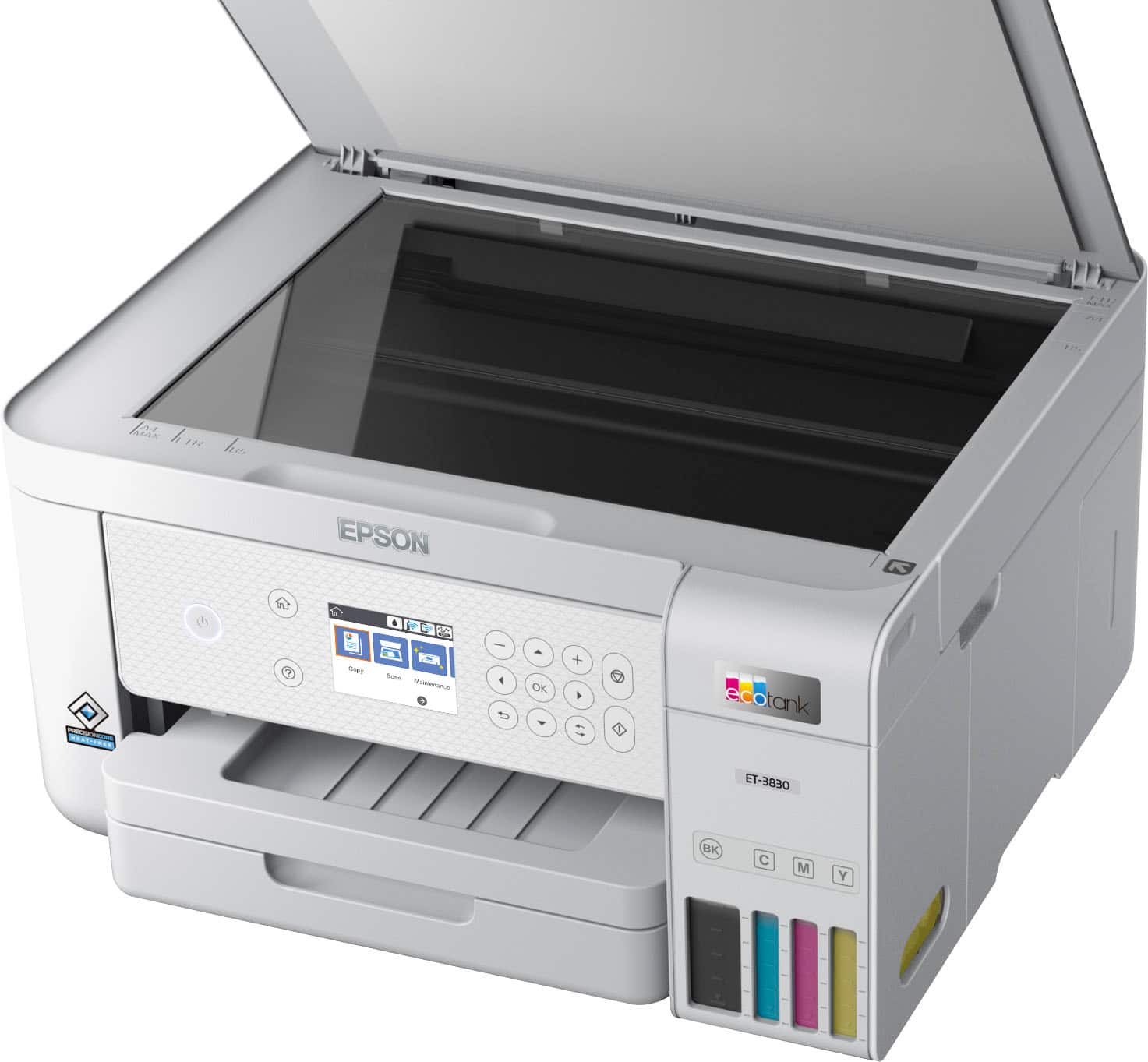
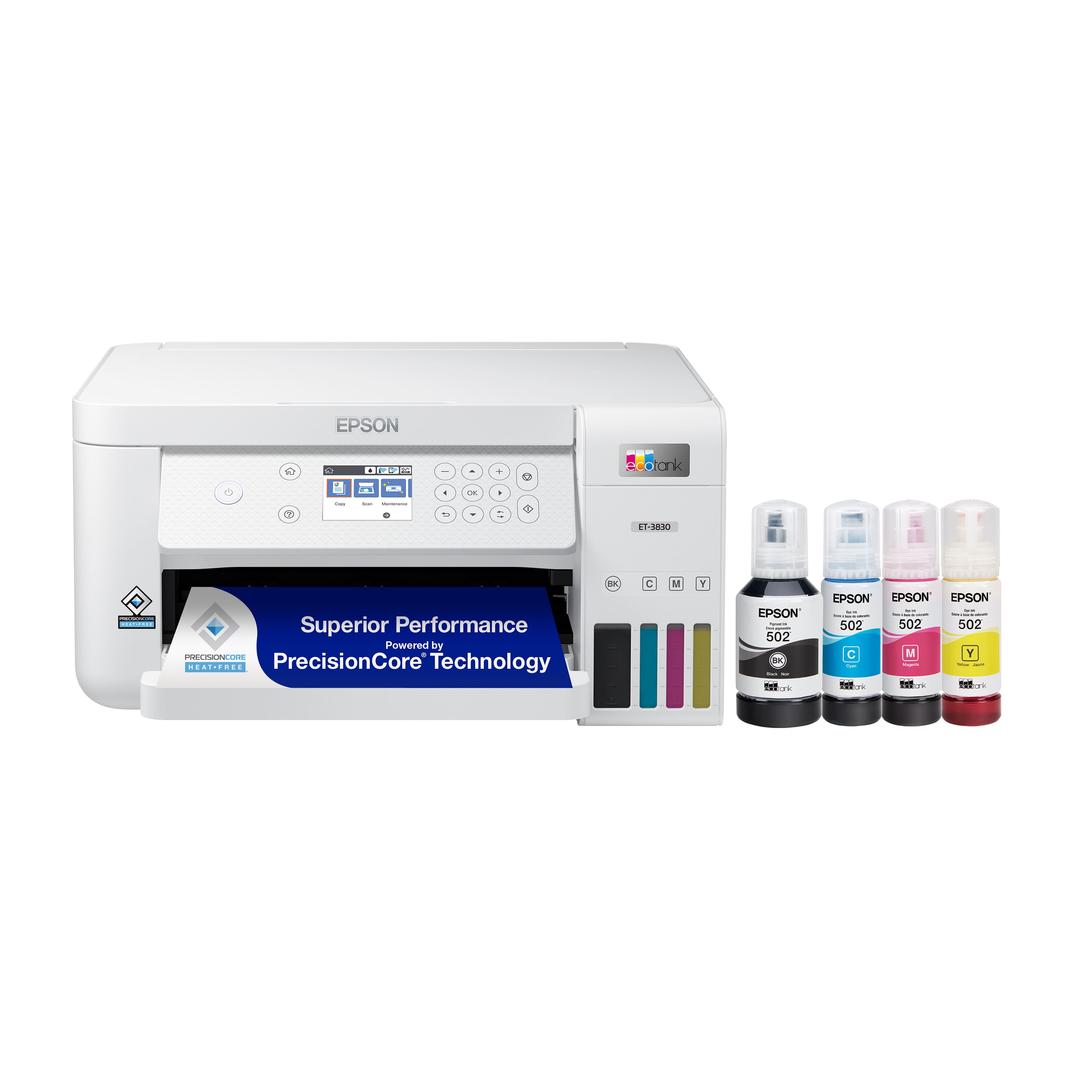
A:AnswerHello. The ET-3710 and ET-3830 are virtually identical printers in design and specifications. One significant difference is cosmetic; the ET-3830 includes a textured control panel. For product availability, we recommend contacting BestBuy customer service directly to confirm. Regards, Kevin - The Epson Team.
.](https://pisces.bbystatic.com/image2/BestBuy_US/images/products/ae1649ec-8302-4f88-8b9b-d104978b3f04.jpg)
. 1 Most features require an Internet connection to the printer, as well as an Internet- and/or email-enabled device. For a list of Epson Connect enabled printers and compatible devices and apps, visit [www.epson.com/connect](http://www.epson.com/connect).](https://pisces.bbystatic.com/image2/BestBuy_US/images/products/9c542c50-85ee-4815-a2ca-cf245f57e253.jpg)