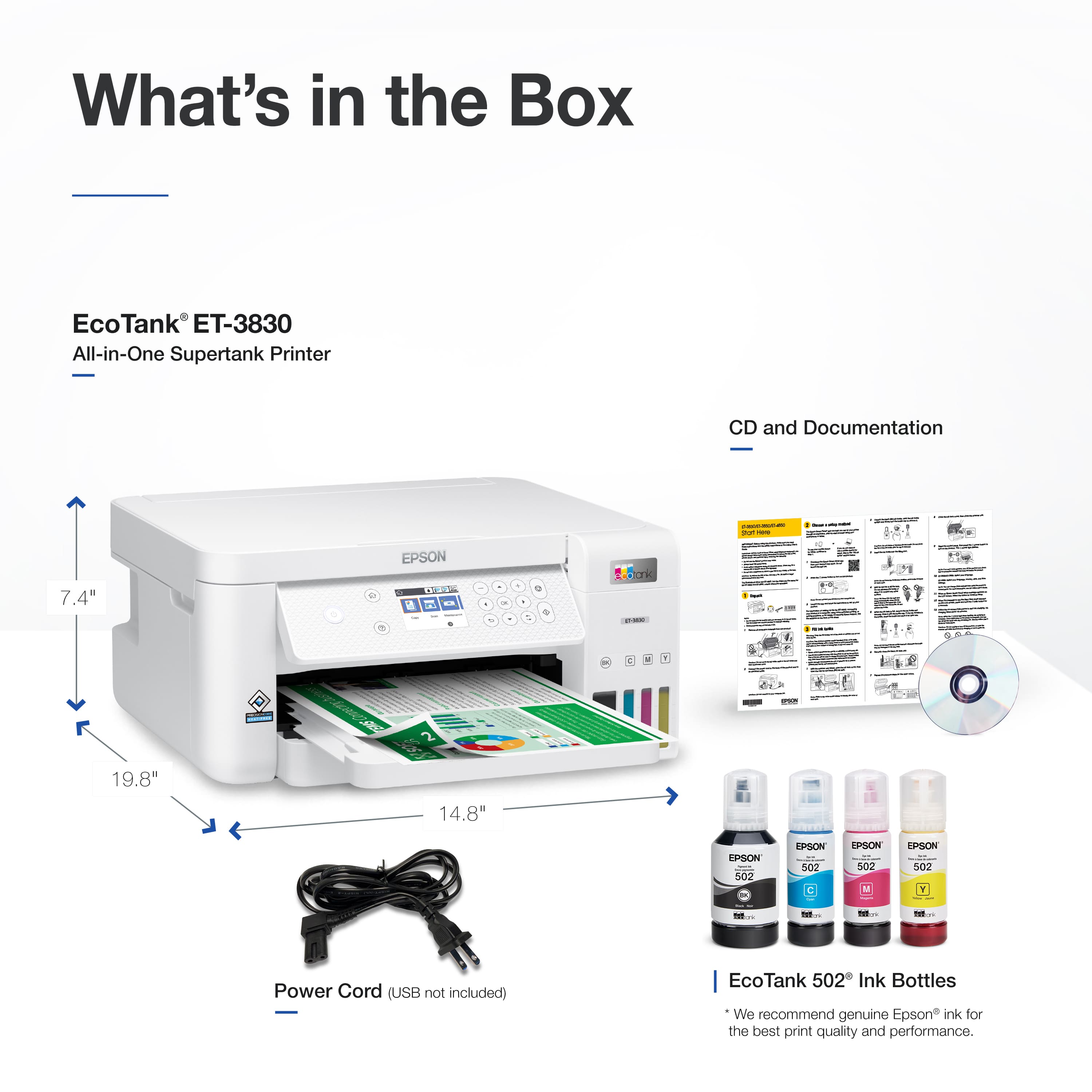
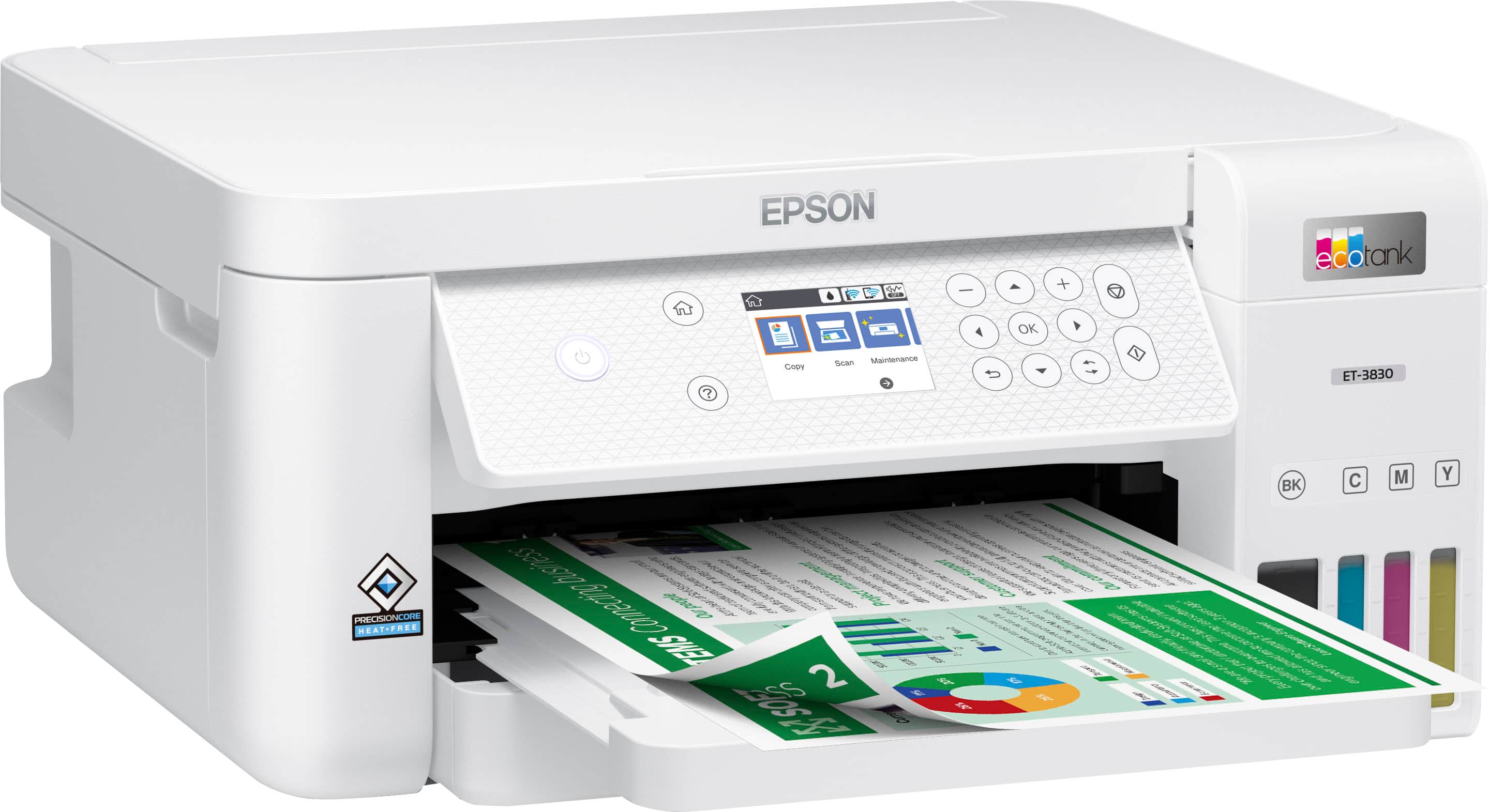
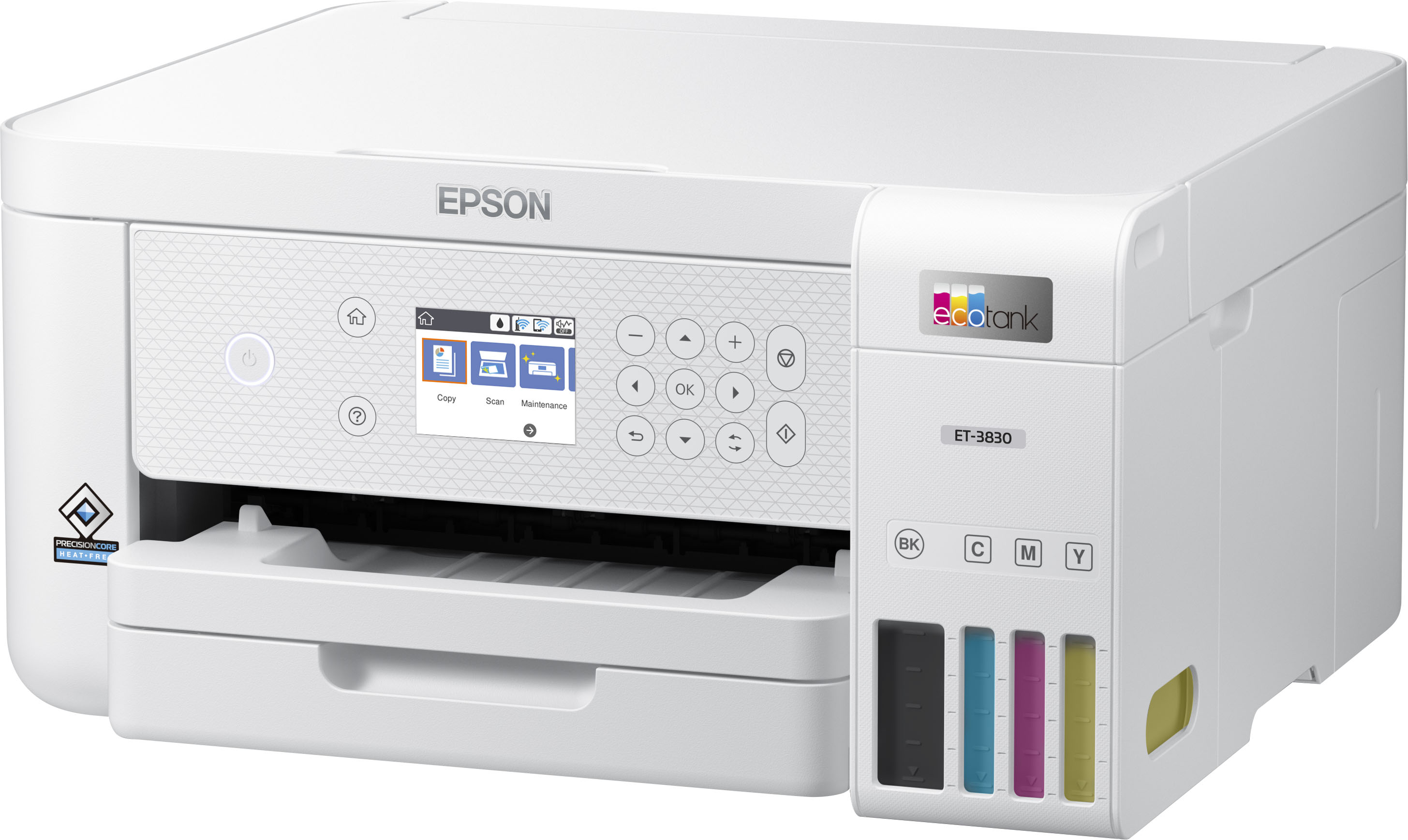
A:AnswerHi Paper, The EcoTank ET-3830 can print on 44 lb. Epson Premium Presentation Paper Matte, so as long as your card stock is a similar weight it should feed through the printer. We cannot guarantee print quality with all third-party media. Regards, Mark - The Epson Team.
A:AnswerThe largest size sheet the ET-3830 can print is 8.5" x 47.2". The heaviest paper the printer is specified for is Epson Premium Presentation Paper Matte at 9 mil. and 44 lbs. Regards, Mark - The Epson Team.
A:AnswerHello LR. The ET-3830 can only scan one document at a time. For multi-page scanning, we recommend looking at the ET-3850, as it is a similar printer with an automatic document feeder included. Regards, Kevin - The Epson Team.
A:AnswerHello Jehosephat. Yes, the ET-3830 is compatible with Microsoft Windows 11. You can find the latest drivers available for download on our official Epson Support page. Regards, Kevin - The Epson Team.
A:Answeranswer: yes.
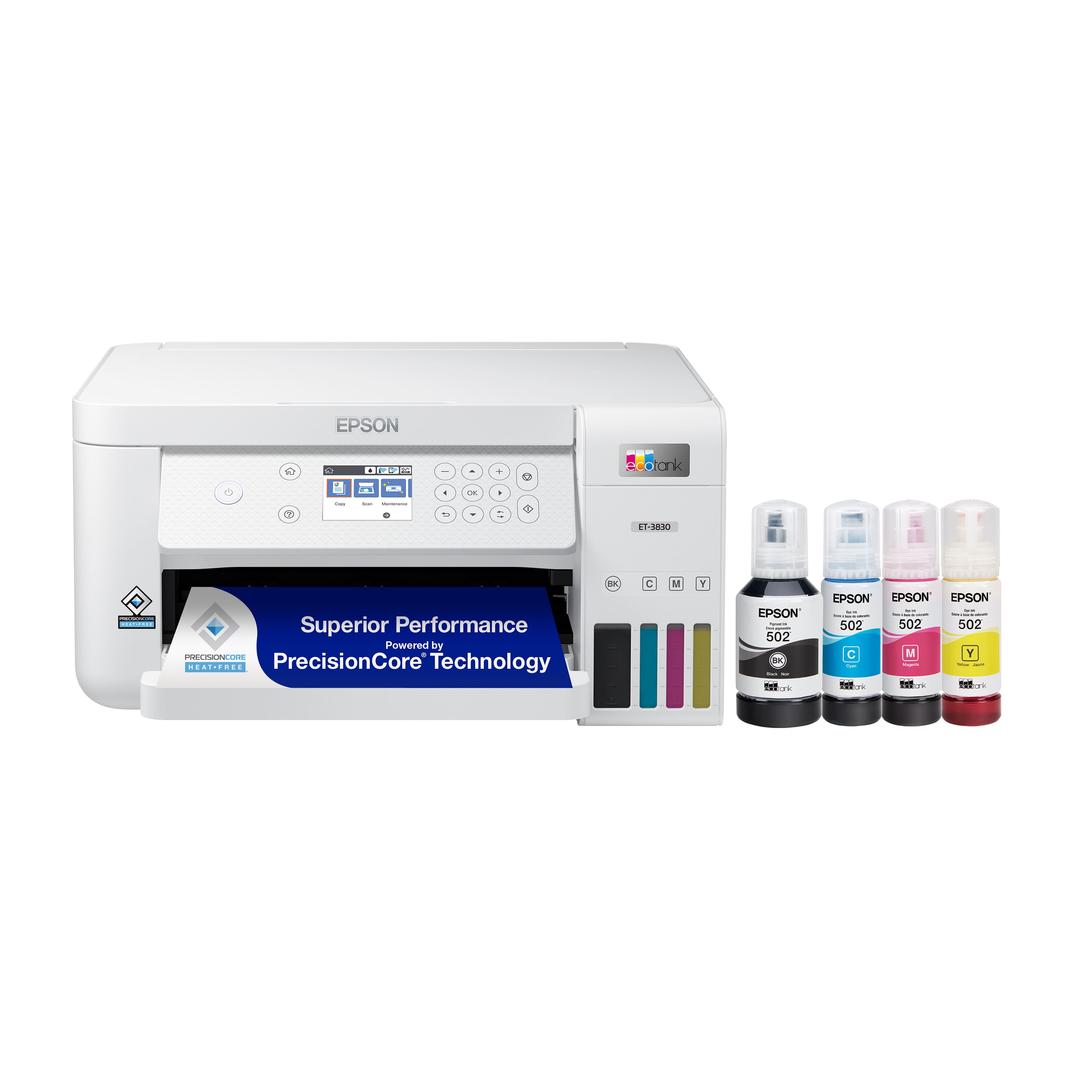
printer supports wireless, USB, and ethernet.
note: I have found the wireless connectivity to be awful. I'm waiting for Epson to fix with firmware updates because wireless operation is hugely unreliable. disconnects for no reason.
A:AnswerHi Samlam, Sorry, the EcoTank ET-3830 does not have an SD card slot. This feature is more common in Epson photo printers, like the Expression Premium XP-7100. The XP-7100 is currently available at Bestbuy.com. Inventory levels may change. Regards, Mark - The Epson Team.
A:AnswerHello Carmen. The ET-3830 does not require an online account. There are several different ways to set up and use the printer. If you plan to use it on a computer, you can download and install the driver software from our website. On a smartphone or tablet, you can download the Epson Smart Panel App from your phone's App Store to use the printer. Regards, Kevin - The Epson Team.
A:AnswerHello TAS21012. Yes, the ET-3830 includes an Ethernet port. You can use the printer while physically connected to your network router or wirelessly via Wi-Fi. Regards, Kevin - The Epson Team.
A:AnswerHello Andrew. Yes, the ET-3830 includes a maintenance box. If you ever need to purchase a replacement, the part number for the maintenance box is T04D100. Regards, Kevin - The Epson Team.
A:AnswerHi Gaby, The EcoTank ET-3830 is a great choice for every-day home office printing. If you want to move to the next level of ink durability consider an EcoTank Pro printer with DURABrite ink. The EcoTank Pro ET-5170 is currently available at BestBuy.com. (Inventory levels can vary.) Regards, Mark - The Epson Team.
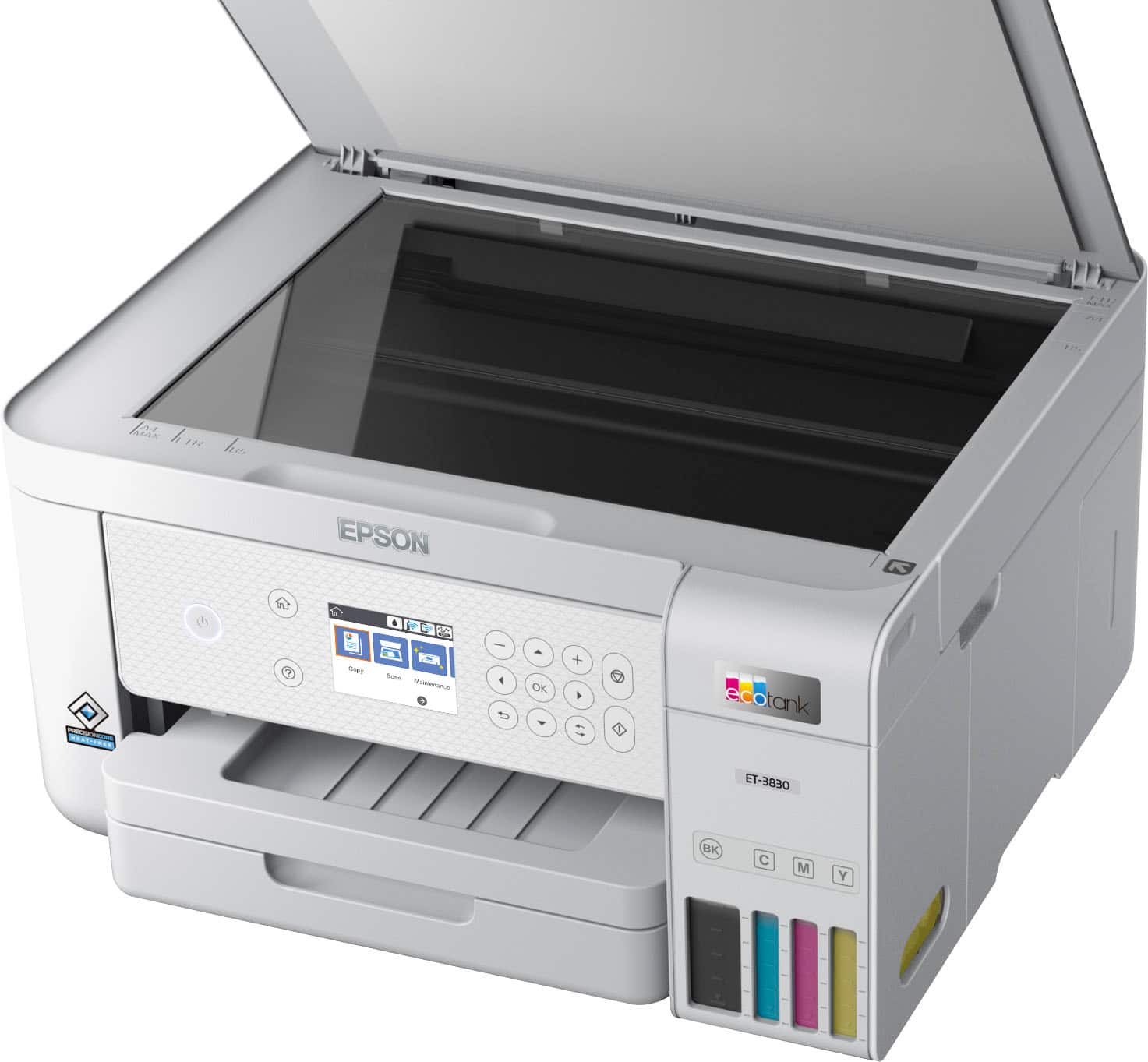
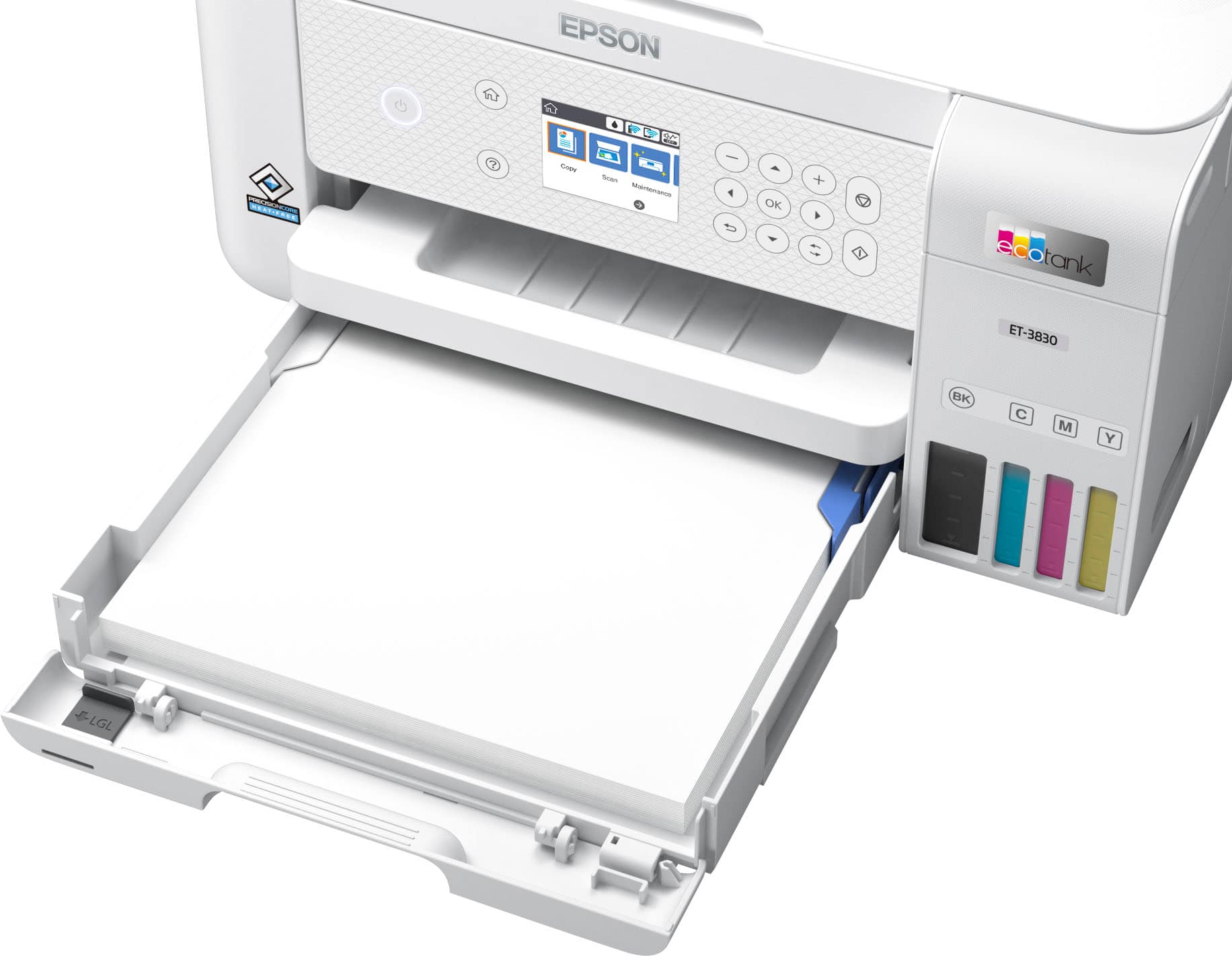
A:AnswerThis printer doesn't have a separate button for print, scan and copy. It does have a separate icon for each of those functions and you choose by arrow selection. There is only one tray but that can be used for many types of paper and sizes and envelopes by selecting the appropriate type and size on a menu screen. It is great for spreadsheets. I have no idea about this printer's compatibility with iMac as I don not have that type of computer. Hopefully this helps you.
.](https://pisces.bbystatic.com/image2/BestBuy_US/images/products/ae1649ec-8302-4f88-8b9b-d104978b3f04.jpg)
. 1 Most features require an Internet connection to the printer, as well as an Internet- and/or email-enabled device. For a list of Epson Connect enabled printers and compatible devices and apps, visit [www.epson.com/connect](http://www.epson.com/connect).](https://pisces.bbystatic.com/image2/BestBuy_US/images/products/9c542c50-85ee-4815-a2ca-cf245f57e253.jpg)