A:AnswerHello charles. You can use the Epson Smart Panel App to print from the ET-3830 on your Android device. The printer is primarily designed for home and light-office document printing, but if you use Epson photo or photo matte paper and set it to high quality, the ET-3830 prints good photos. If you want excellent-quality photos, consider a printer from the Epson Expression line. Regards, Kevin - The Epson Team.
A:AnswerHello edubsya. The ET-3830 can print on paper sizes ranging from 3.5" x 5" to 8.5" x 47.2". It has a scanner bed size of 8.5" x 11.7", but if you need to scan larger documents, you can use the Epson ScanSmart software to scan them in sections and stitch them together. Regards, Kevin - The Epson Team.
A:AnswerHello chrisg. Yes, the ET-3830 can save scanned documents directly to your computer. If you plan to use the printer wirelessly with a smartphone or tablet, you can also save scanned files to those devices. Regards, Kevin - The Epson Team.
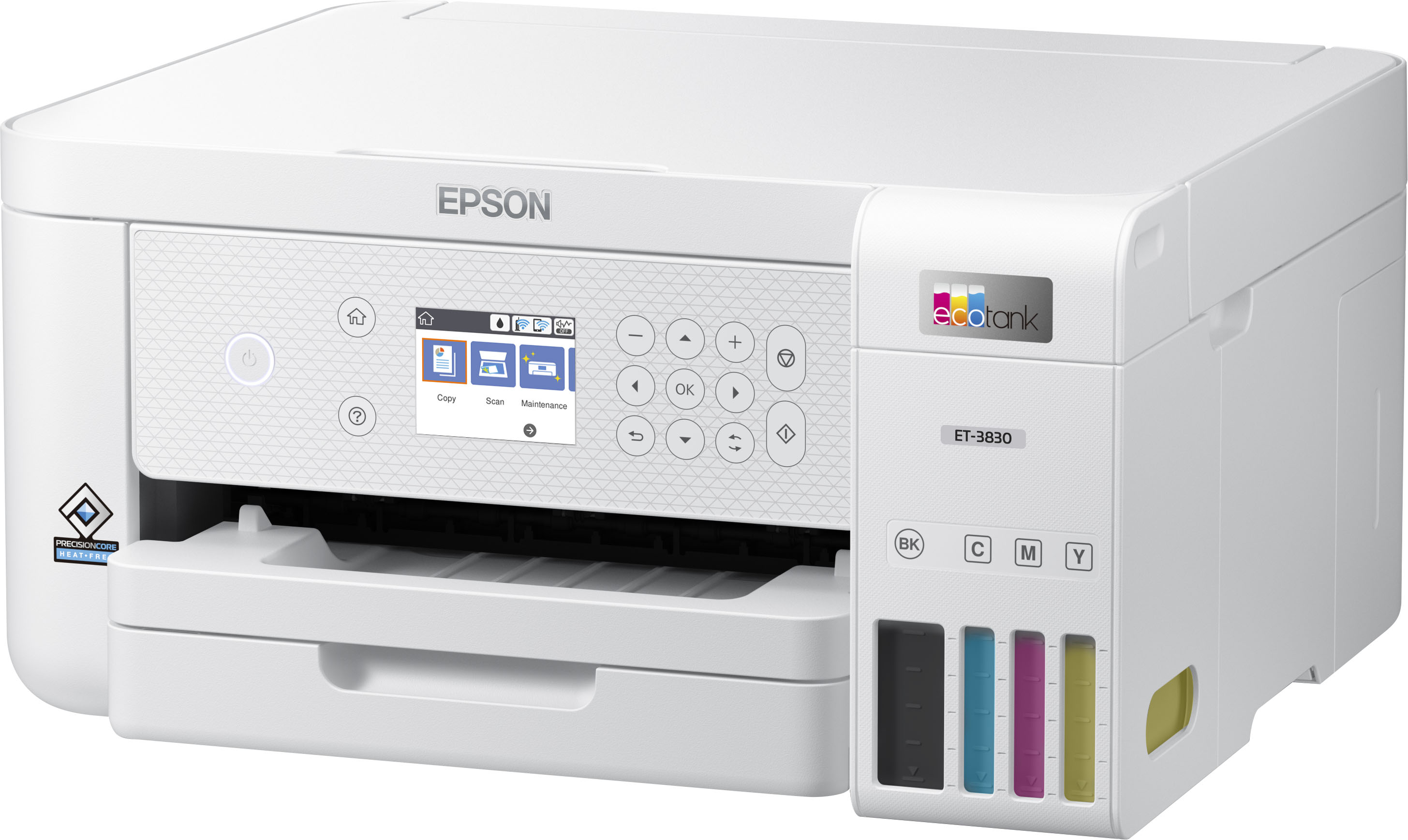
A:AnswerHello Stig. The ET-3830 includes a USB port that can only be used to connect directly to a computer. Unfortunately, the printer does not have a USB port for a USB drive. Regards, Kevin - The Epeson Team.
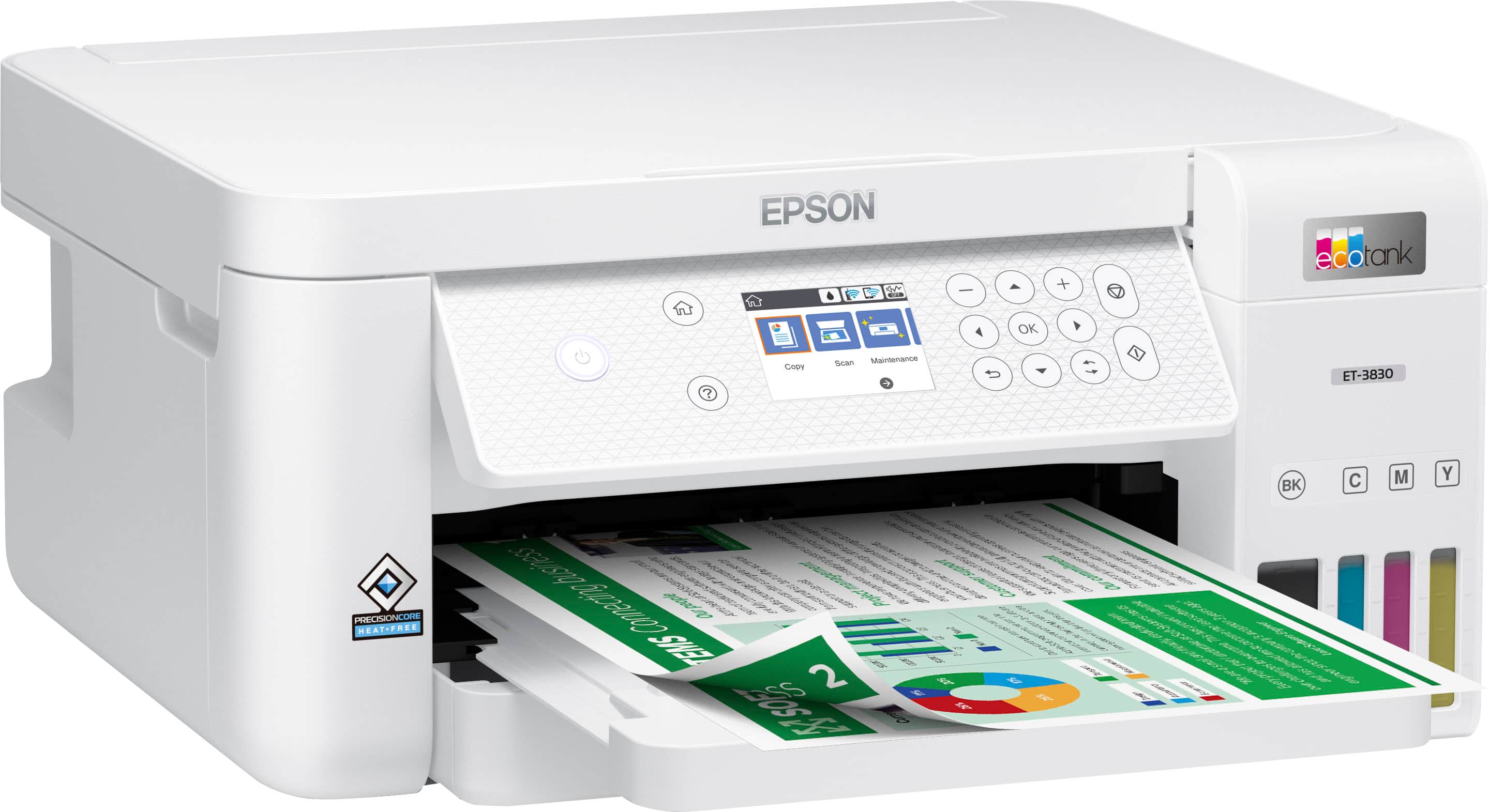
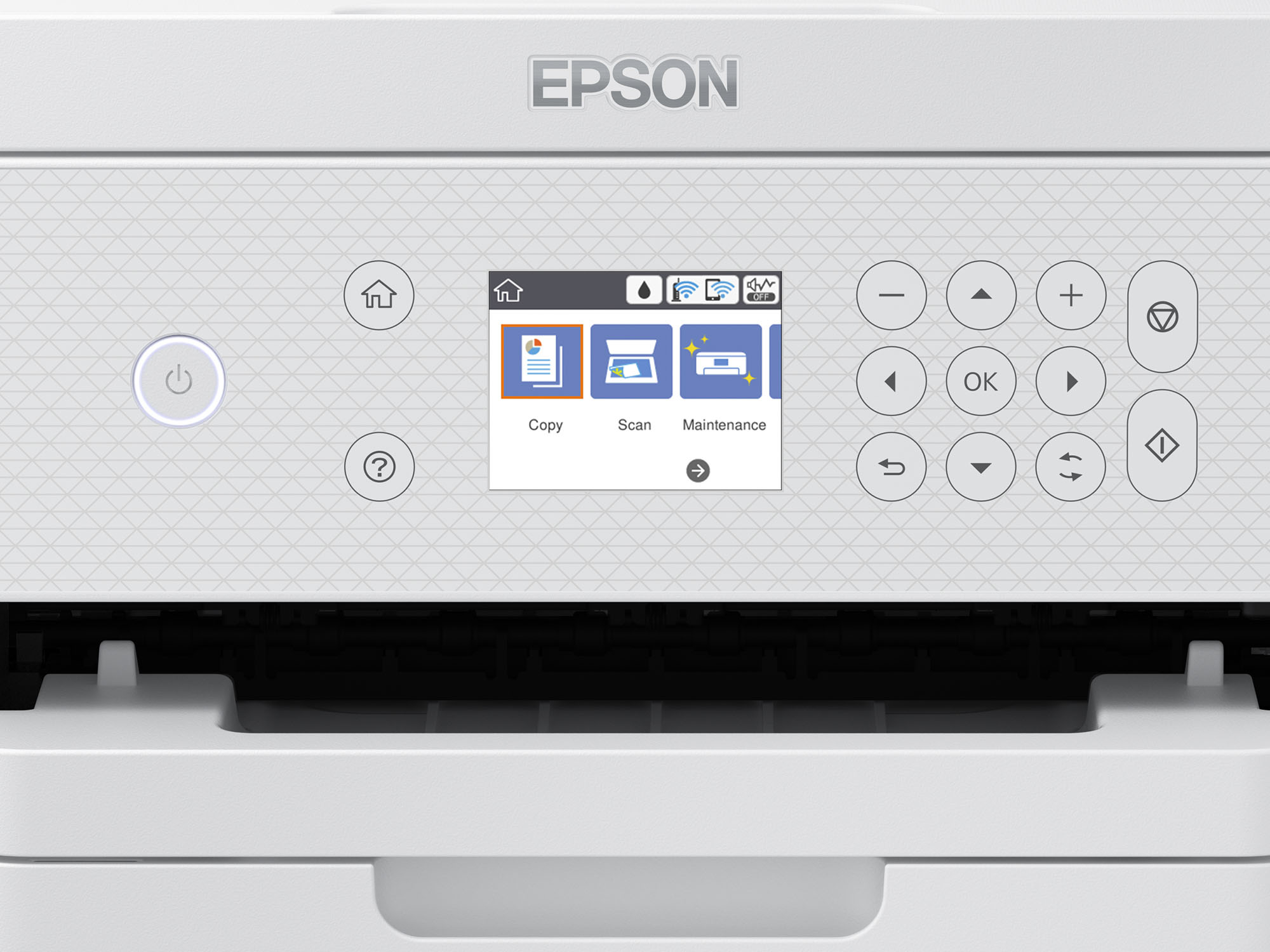
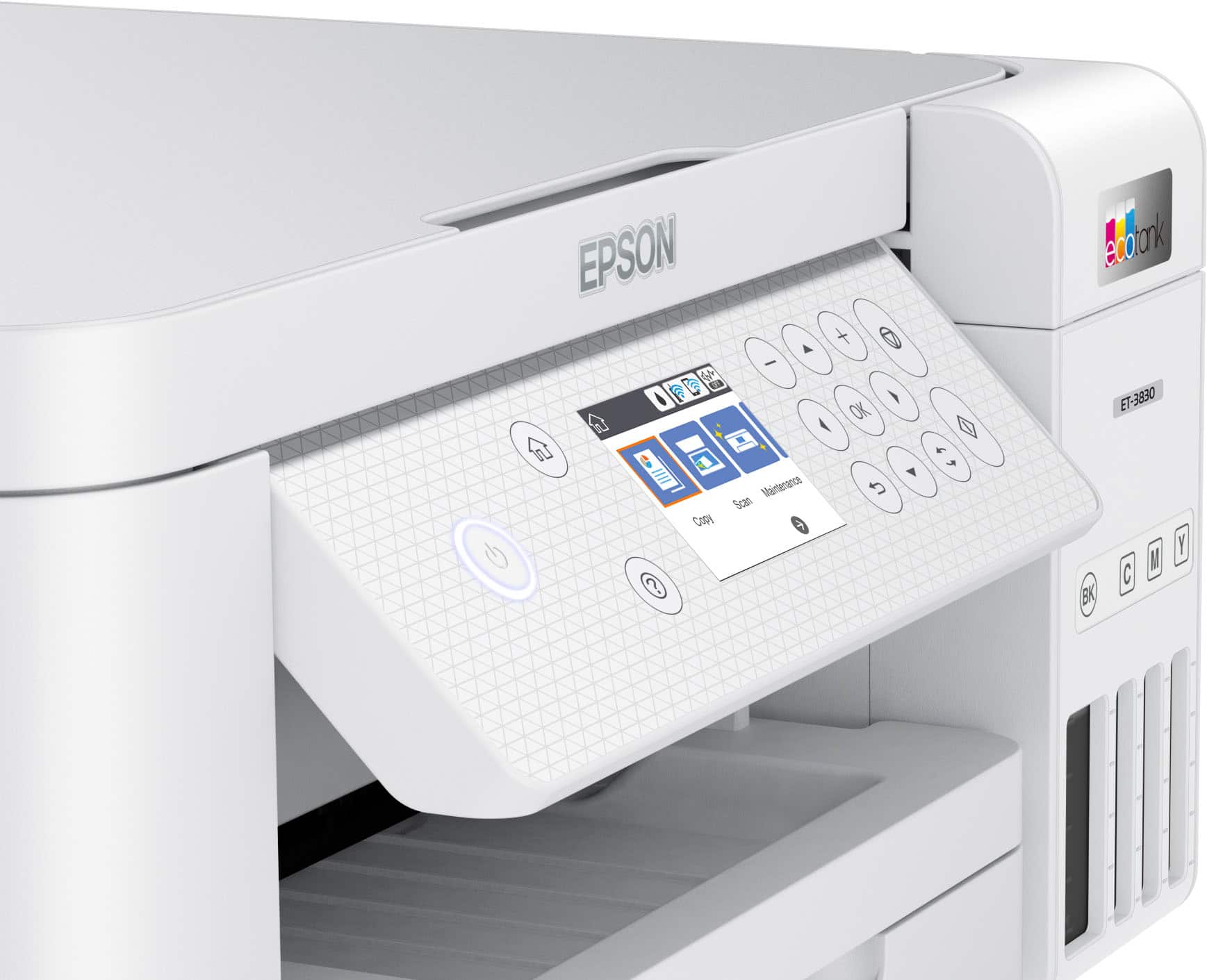
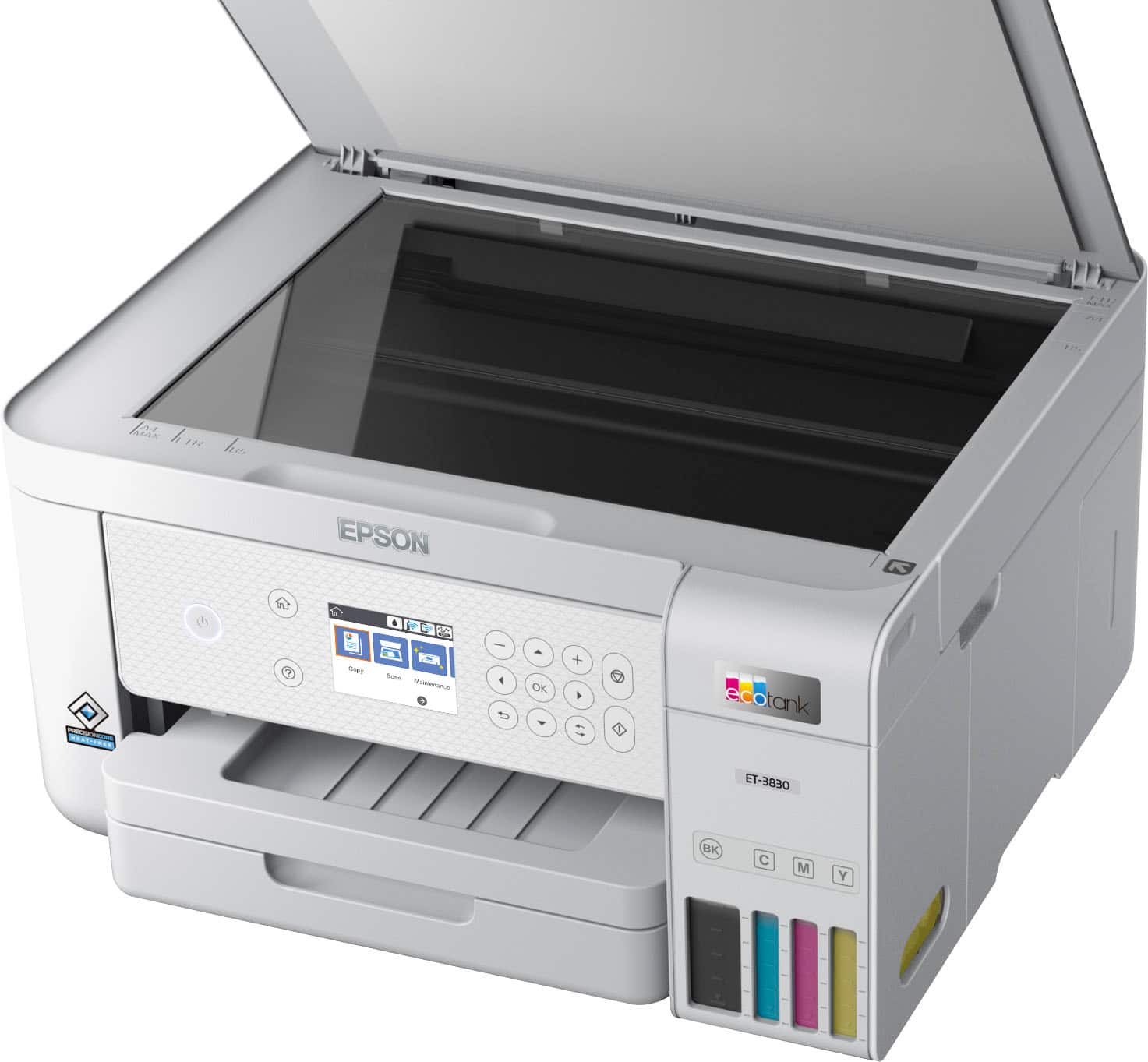
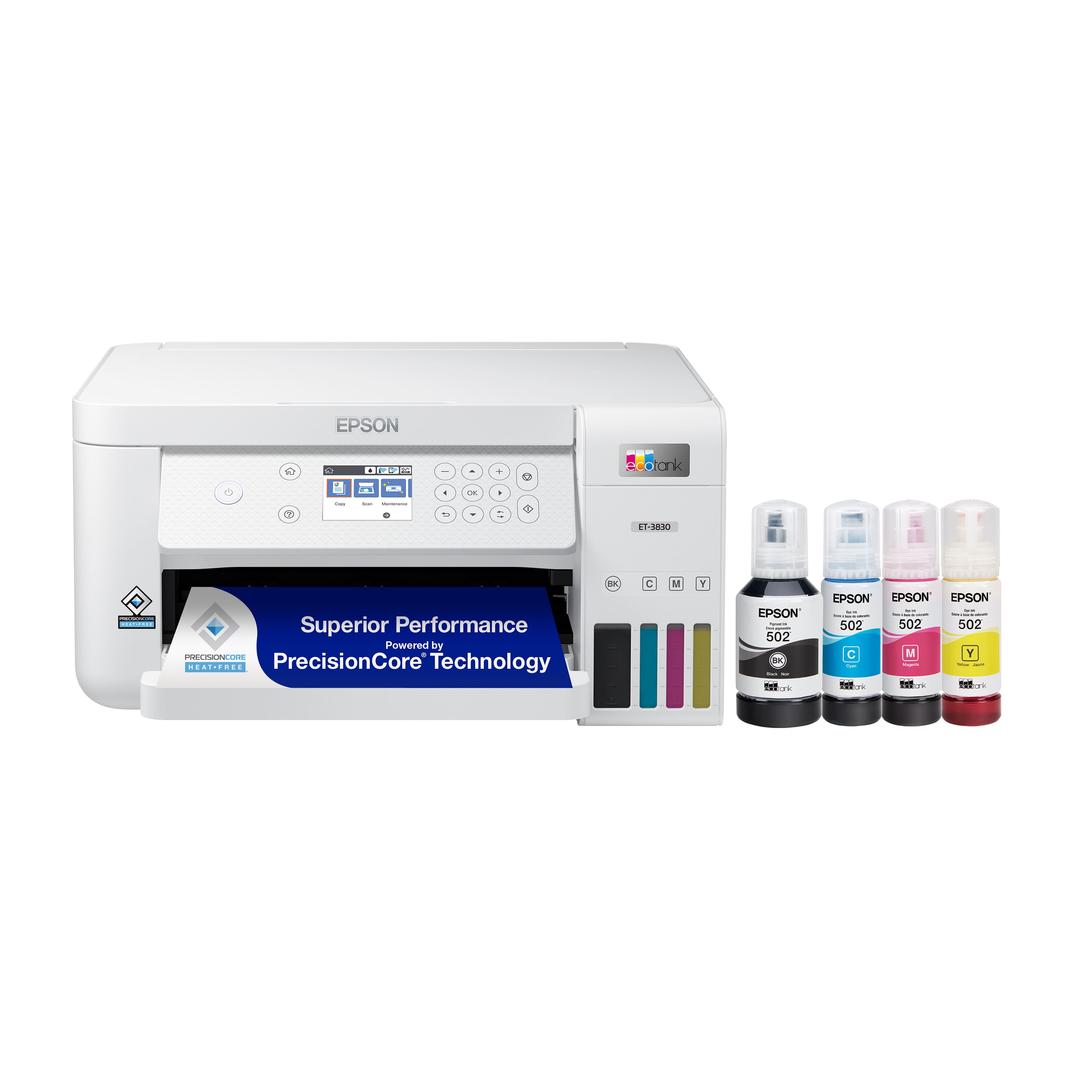
A:AnswerHello Tom. Unfortunately, the printer does not include a touchscreen. However, it features a 2.4" display that is easy to navigate using the physical buttons. Regards, Kevin - The Epson Team.
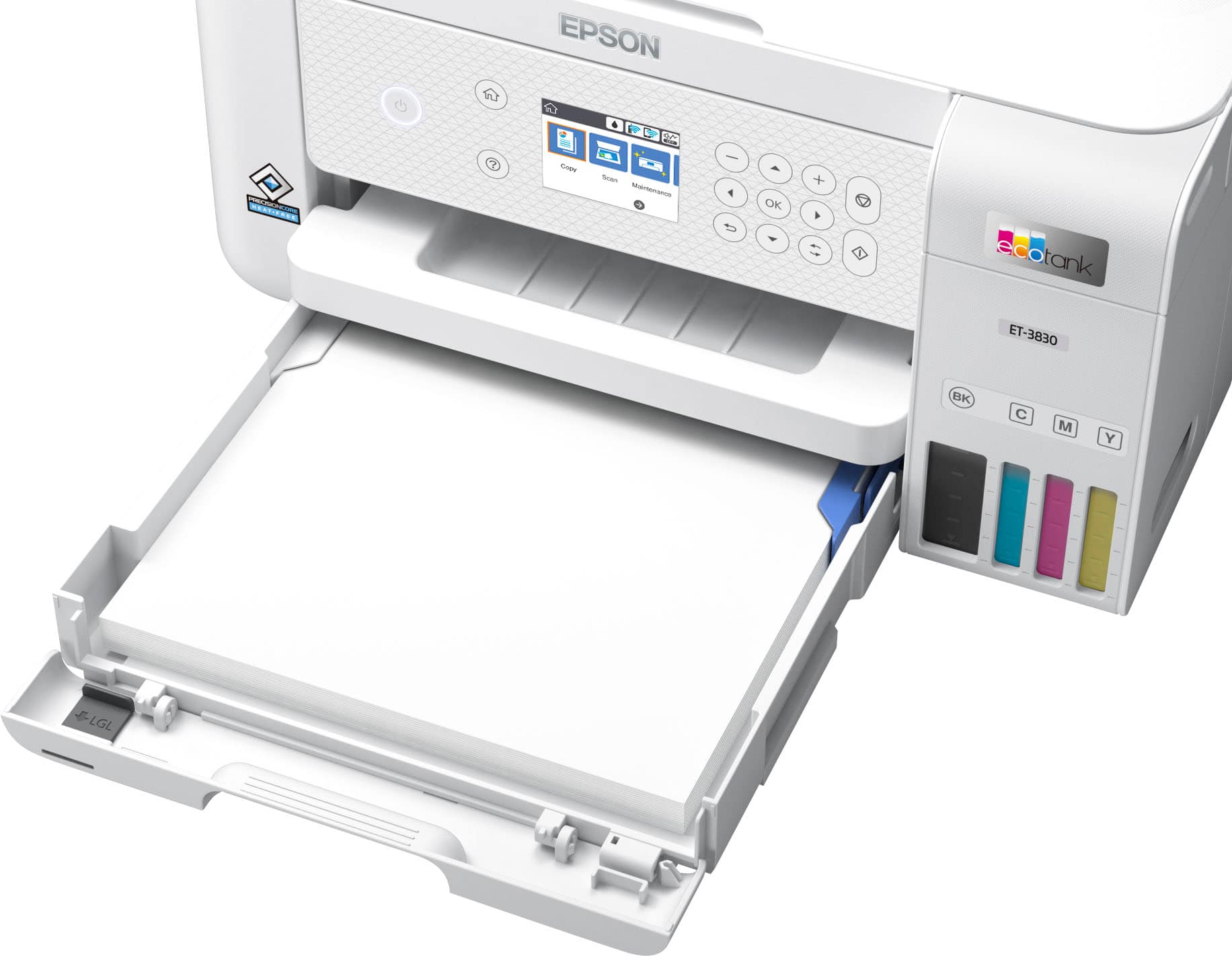
A:AnswerHello Crafts. The EcoTank ET-3830 can print on many types of label sheets, including Epson Photo Quality Self-adhesive Sheets. We haven't tested them, but there are third-party labels that work with our products. If you plan to use label tabs, check with the manufacturer to make sure they will work with our All-in-One printers. Regards, Kevin - The Epson Team.
A:AnswerHello MNPharmTech. You would need to install the scan driver & utility first to use the scanner. You can download both from our official Epson Support page. Regards, Kevin - The Epson Team.
A:AnswerHello bethoumyvision. Both printers are similar in design and features. However, the ET-4850 also includes fax functionality. Regards, Kevin - The Epson Team.
A:AnswerHello Syd. Using your computer, the ET-3830 can scan an original and attach it to a message in your e-mail program, such as Microsoft Outlook, Mac Mail, Windows Live Mail, and Entourage. As an additional option, you can set up Epson Connect services on the printer, which allows you to print and scan documents using a registered email. Please visit our official Epson Support page for additional information on these options. Regards, Kevin - The Epson Team.
A:AnswerHello Rita. The printer is not designed for dye-sublimation printing or the use of non-genuine Epson Ink Cartridges. Regards, Kevin—The Epson Team
A:AnswerHello Gene. Both printers are similar in features and design. The major difference is that the ET-3850 includes an Auto Document Feeder for scanning multiple-page documents. Regards, Kevin - The Epson Team.
.](https://pisces.bbystatic.com/image2/BestBuy_US/images/products/ae1649ec-8302-4f88-8b9b-d104978b3f04.jpg)
. 1 Most features require an Internet connection to the printer, as well as an Internet- and/or email-enabled device. For a list of Epson Connect enabled printers and compatible devices and apps, visit [www.epson.com/connect](http://www.epson.com/connect).](https://pisces.bbystatic.com/image2/BestBuy_US/images/products/9c542c50-85ee-4815-a2ca-cf245f57e253.jpg)