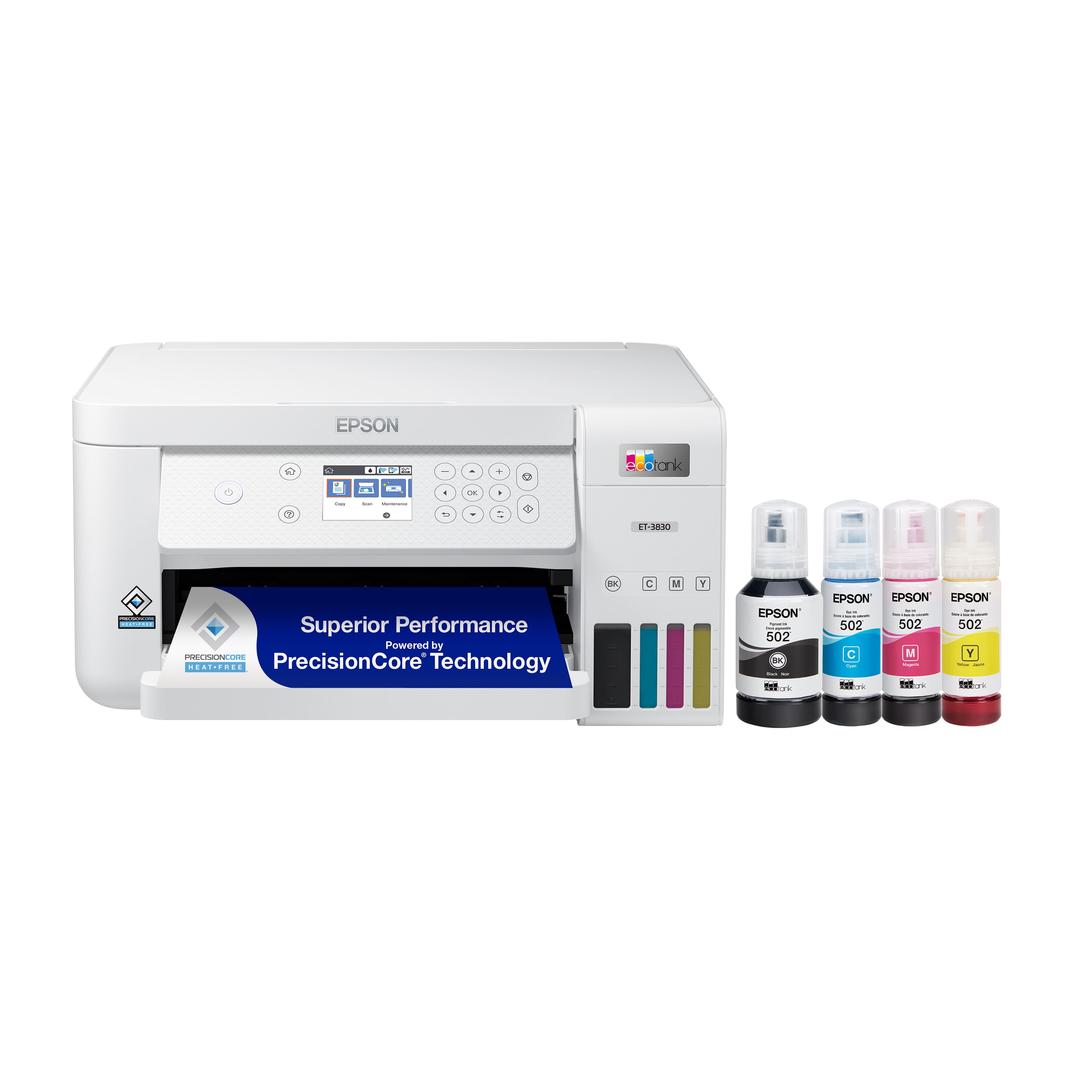
A:AnswerHello Mike. The ET-3830 includes print, copy, and scan functionality only. Unfortunately, the printer does not have fax features. We recommend looking at the ET-4850 for a similar printer with fax functionality included. Regards, Kevin - The Epson Team.
A:AnswerHello Kathy. We're sorry that you are experiencing connection issues with your ET-3830. These issues can be due to many different variables, so we would like to get more details to help identify the root cause of the problem. Please reach out by phone and ask to speak to our Advanced Technical Support team for additional assistance so that we can resolve the issue. Regards, Kevin - The Epson Team.
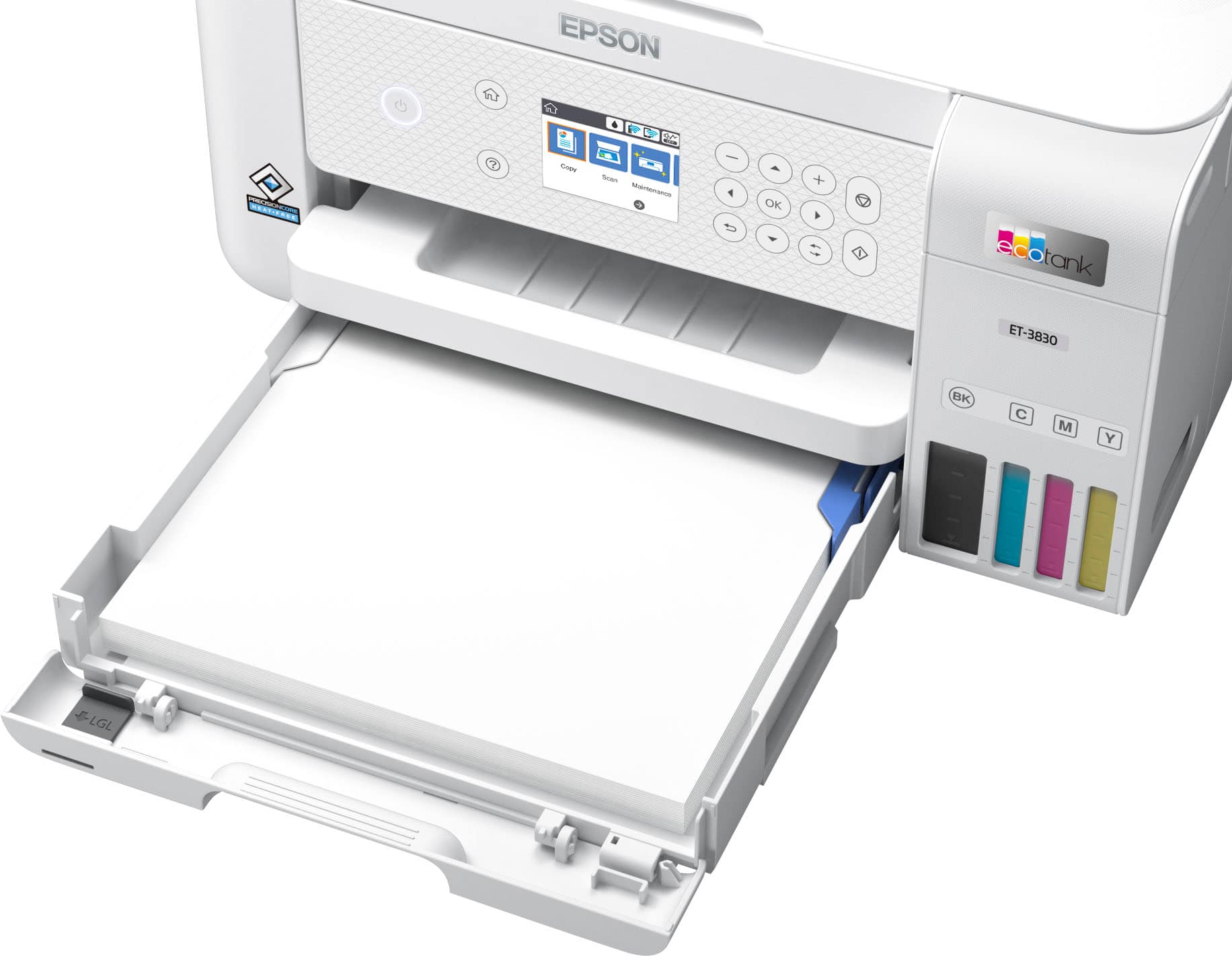
A:AnswerHello Suz. Yes, the ET-3830 uses a paper cassette tray with adjustable guides for loading different paper sizes. Regards, Kevin - The Epson Team.
A:AnswerHello Sammi. Yes, the ET-3830 can print high quality without leaving streaks. We have tested inkjet-compatible label sheets like Epson Photo Quality Self-adhesive Sheets to work on the machine but please be aware that your results will vary when using 3rd party paper types. Regards, Kevin - The Epson Team.
A:AnswerHello Barbara. The thickest paper we have tested on the ET-3830 is Epson Premium Photo Paper Glossy, which weighs around 79 lb. If you plan to use cardstock, we have tested similar Epson paper that weighs around 44 lb. Please be aware that these recommendations are for Epson paper only. You can try paper that falls in that range, but your results can vary when using other brands and heavier paper. Regards, Kevin - The Epson Team
A:AnswerHi Spartan, Yes you can send prints to the EcoTank ET-3830 from your Chromebook via Wi-Fi with no software installation required. Simply connect your Epson printer via USB or Wi-Fi and you are ready to print. Regards, Kevin - The Epson Team.
A:AnswerHello Pics. Depending on the size of paper you plan to use, we recommend looking at the ET-8500 or ET-8550. They're EcoTank printers that are great for photo printing. Regards, Kevin - The Epson Team.
A:AnswerHello HF12. The ET-3830 can print on both sides of legal-sized paper by manually flipping the page. While automatic 2-sided printing is supported on several sizes, the feature is not available for legal-size paper. Regards, Kevin - The Epson Team.
A:AnswerHello Printer. We recommend printing a nozzle check from the printer's maintenance menu. If you see broken segments, try running cleanings from the same menu to see if you can recover the missing areas. Also, please ensure you select the correct print quality settings and have the latest ET-3830 driver installed from our official Epson Support page. Regards, Kevin - The Epson Team.
A:AnswerHello. The life of a maintenance tank can vary based on printer usage and maintenance, which includes print head cleanings. If you need additional assistance, please do not hesitate to call our Technical Support team. Regards, Kevin - The Epson Team.
.](https://pisces.bbystatic.com/image2/BestBuy_US/images/products/ae1649ec-8302-4f88-8b9b-d104978b3f04.jpg)
. 1 Most features require an Internet connection to the printer, as well as an Internet- and/or email-enabled device. For a list of Epson Connect enabled printers and compatible devices and apps, visit [www.epson.com/connect](http://www.epson.com/connect).](https://pisces.bbystatic.com/image2/BestBuy_US/images/products/9c542c50-85ee-4815-a2ca-cf245f57e253.jpg)