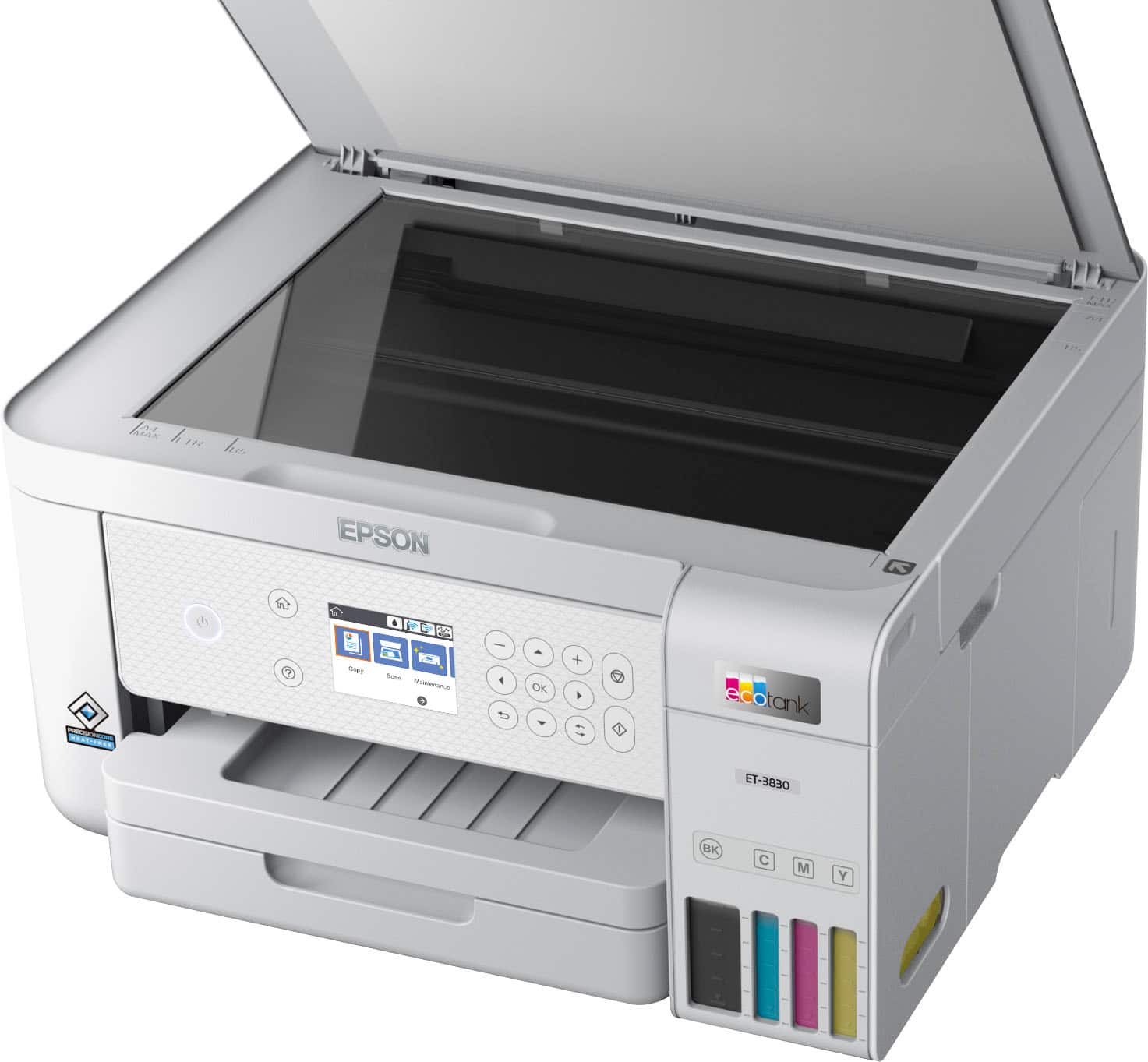
A:AnswerHello. The ET-3830 includes print, copy, and scan functionality only. We recommend looking at the ET-4850; it is a similar All-in-One printer with fax functionality included. Regards, Kevin - The Epson Team.
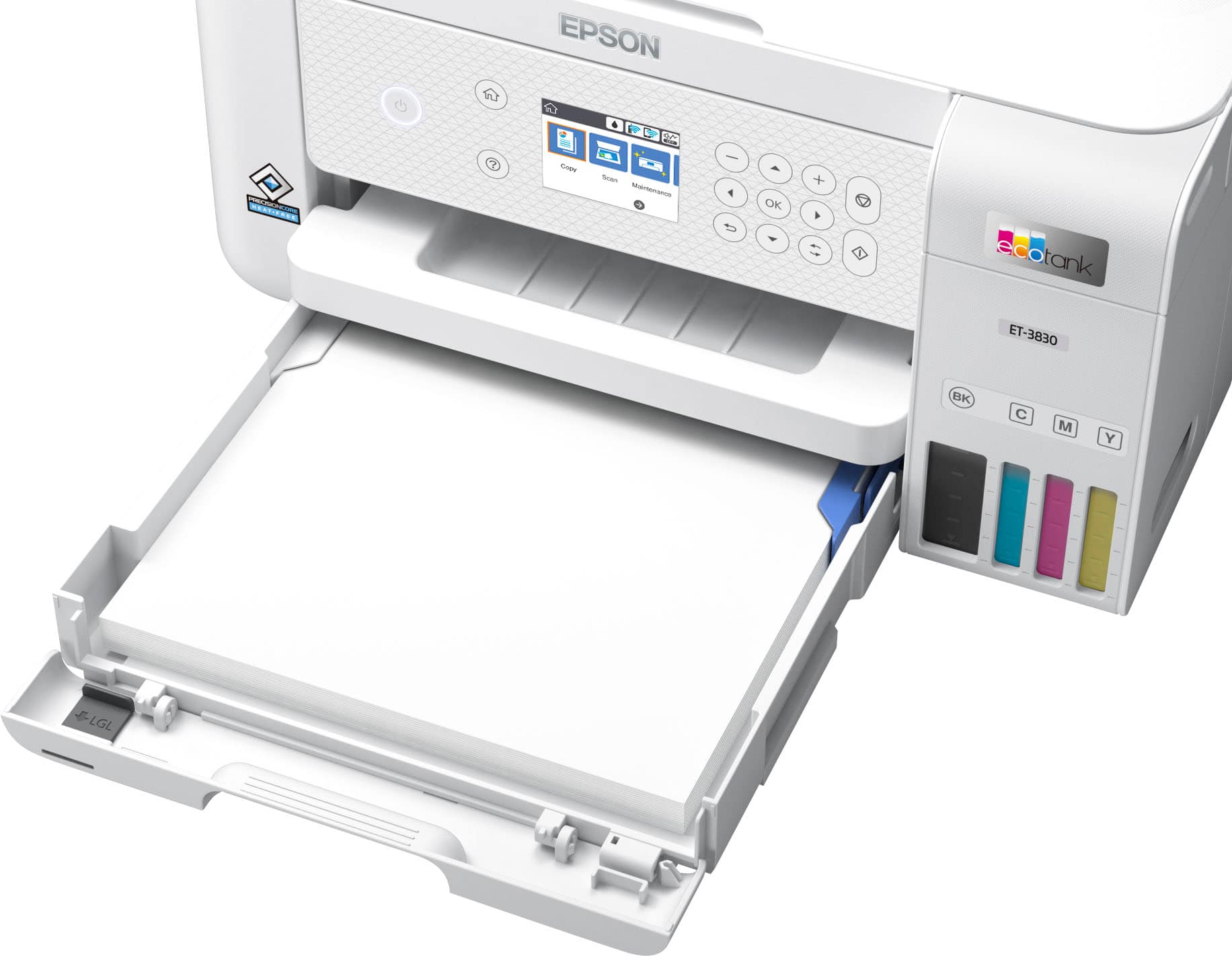
A:AnswerHello GJH. The ET-3830 does not have a rear paper feed. However, you can load up to ten No.10-sized envelopes in the lower paper cassette. Regards, Kevin - The Epson Team.
A:AnswerHello Corral1978. The ET-3830 includes a 12-month standard warranty. If you register your product directly with Epson, we include an additional 12-month extended Service plan. For more information, please see the product page on our official Epson website. Regards, Kevin - The Epson Team.
A:AnswerWhat? There’s a reserve in the rear of the printer? Never seen it. Been using this printer over two years. Never touched that or even knew it existed.
A:AnswerHello Tony. The ET-3830 includes a worry-free 2-year limited warranty with product registration. For full details on warranty coverage, please see the "Warranty Statement" available on our official Epson Support page. Regards, Kevin - The Epson Team.
A:AnswerHello JAY48. The ET-3830 can print mirrored images. The option can be enabled/disabled from the print settings on your computer. Regards, Kevin - The Epson Team.
A:AnswerLike a bazillion!!! I’ve had mine for over two years. Only added ink once. What a pleasure. No cartridge to deal with. Makes it worth dealing with the network issues
A:AnswerYes. I have had several versions of IOS and never a problem printing. And windows. And Android. And Ubuntu. And Lubuntu. No problems. Just the WiFi connectivity.
A:AnswerHello Sandy. The ET-3830 can print on No.10 envelopes. We have not tested greeting card or business envelopes to confirm compatibility with the machine, so your results will vary. Regards, Kevin - The Epson Team.
.](https://pisces.bbystatic.com/image2/BestBuy_US/images/products/ae1649ec-8302-4f88-8b9b-d104978b3f04.jpg)
. 1 Most features require an Internet connection to the printer, as well as an Internet- and/or email-enabled device. For a list of Epson Connect enabled printers and compatible devices and apps, visit [www.epson.com/connect](http://www.epson.com/connect).](https://pisces.bbystatic.com/image2/BestBuy_US/images/products/9c542c50-85ee-4815-a2ca-cf245f57e253.jpg)