A:AnswerHi Bee, The EcoTank ET-3830 has a small amount of buffer memory for printing and scanning. It is not permanent. Regards, Mark - The Epson Team.
A:AnswerHello natureboy. You can try to run cleanings from the maintenance menu to see if you can recover the missing colors. If you continue to have issues, then we recommend contacting our Technical Support team by phone for additional assistance. Regards, Kevin - The Epson Team.
A:AnswerHi Clara, Yes you can. To print text and graphics in black or shades of gray, select the Black/Grayscale setting in the EcoTank ET-3830's driver. Regards, Mark - The Epson Team.
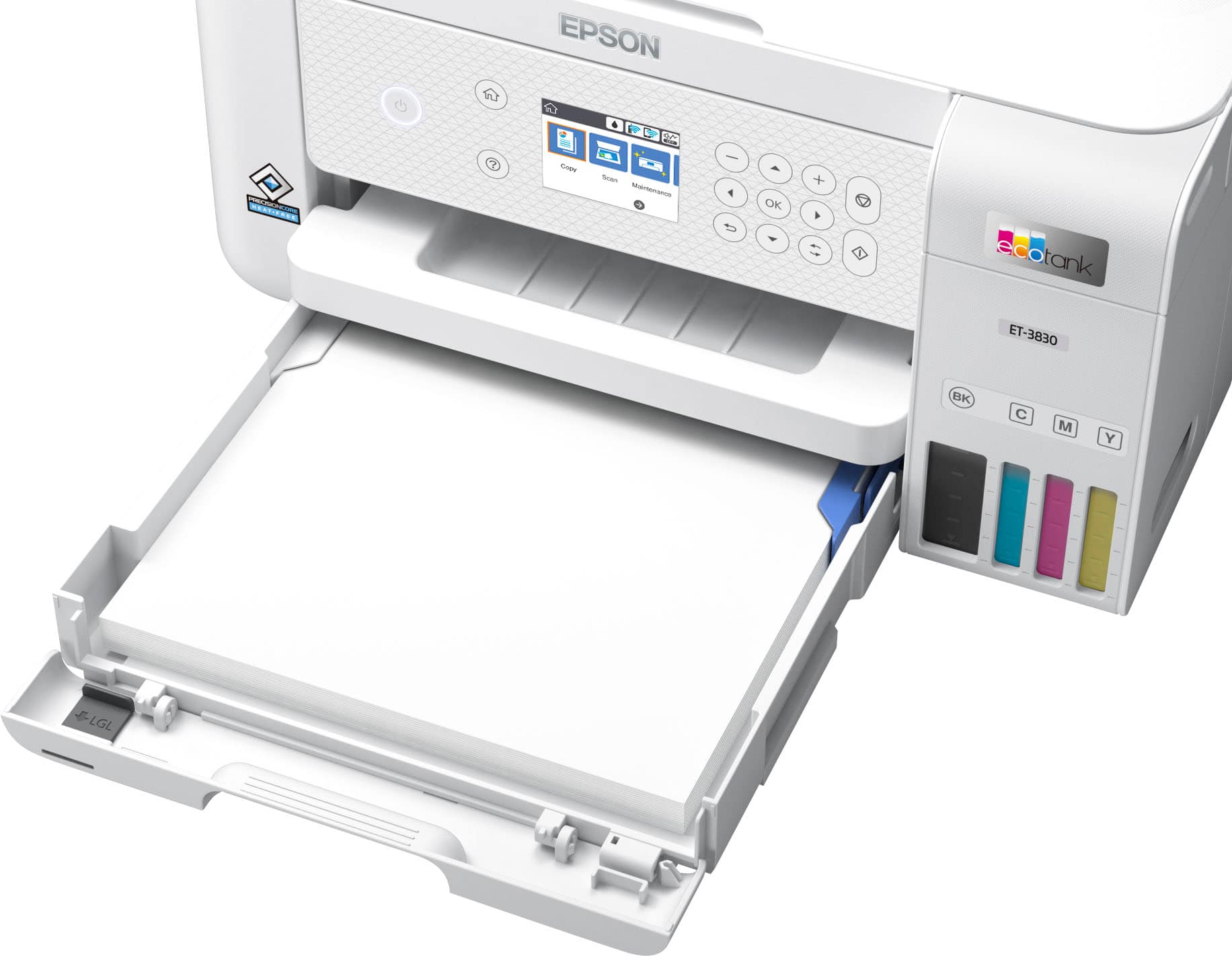
A:AnswerHi bsey, We cannot test all third-party media types with the EcoTank ET-3830, so cannot guarantee print quality. For a list of paper types know to be compatible, visit the Epson support site for the ET-3830. Regards, Mark - The Epson Team.
A:AnswerHi Bethers, The EcoTank ET-3830 does not include scan-to USB capabilities. Higher-end EcoTank printers do have that feature, like the Epson EcoTank Pro ET-5800 Wireless All-In-One Inkjet Printer, which is currently available at Bestbuy.com (inventory levels can change). Regards, Mark - The Epson Team.
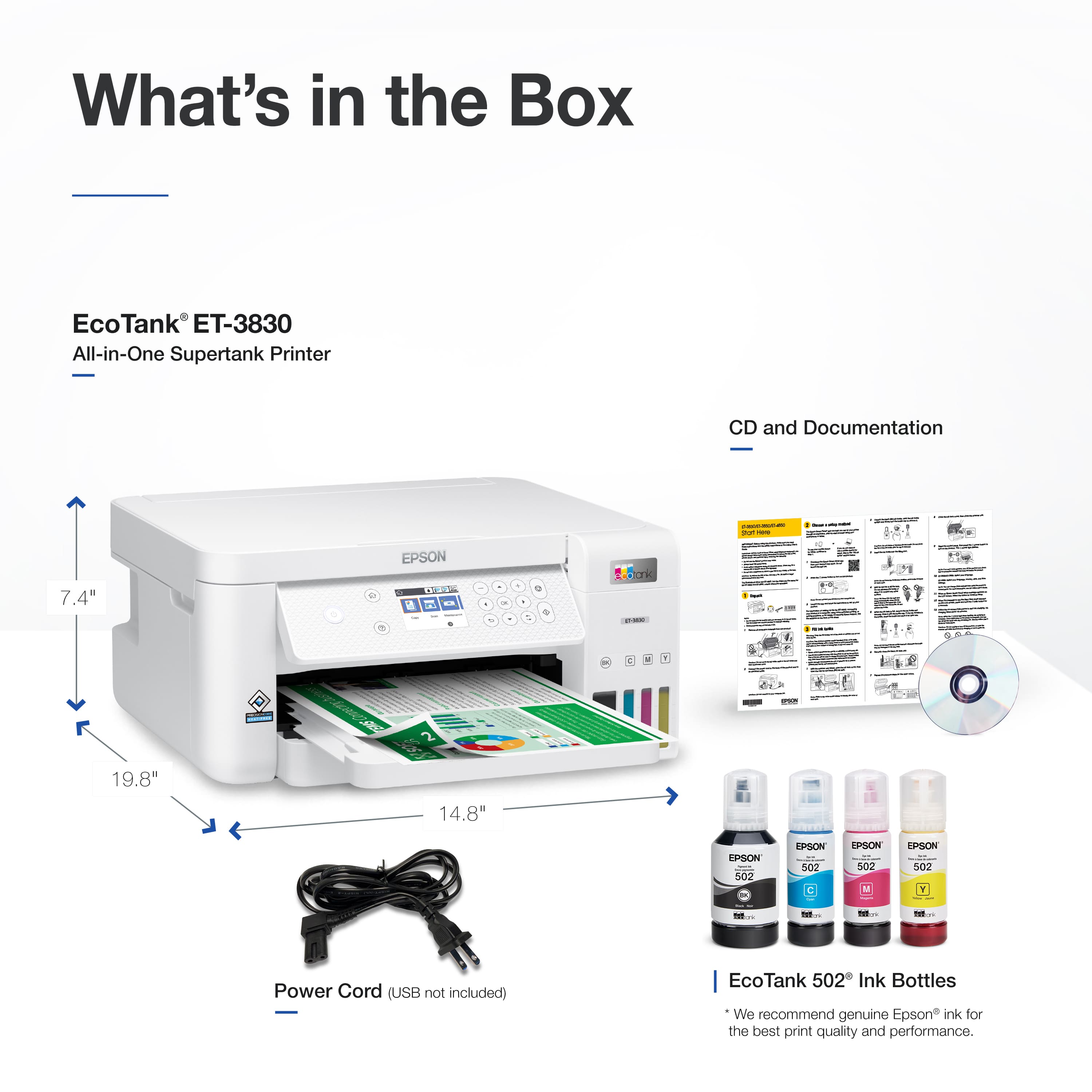
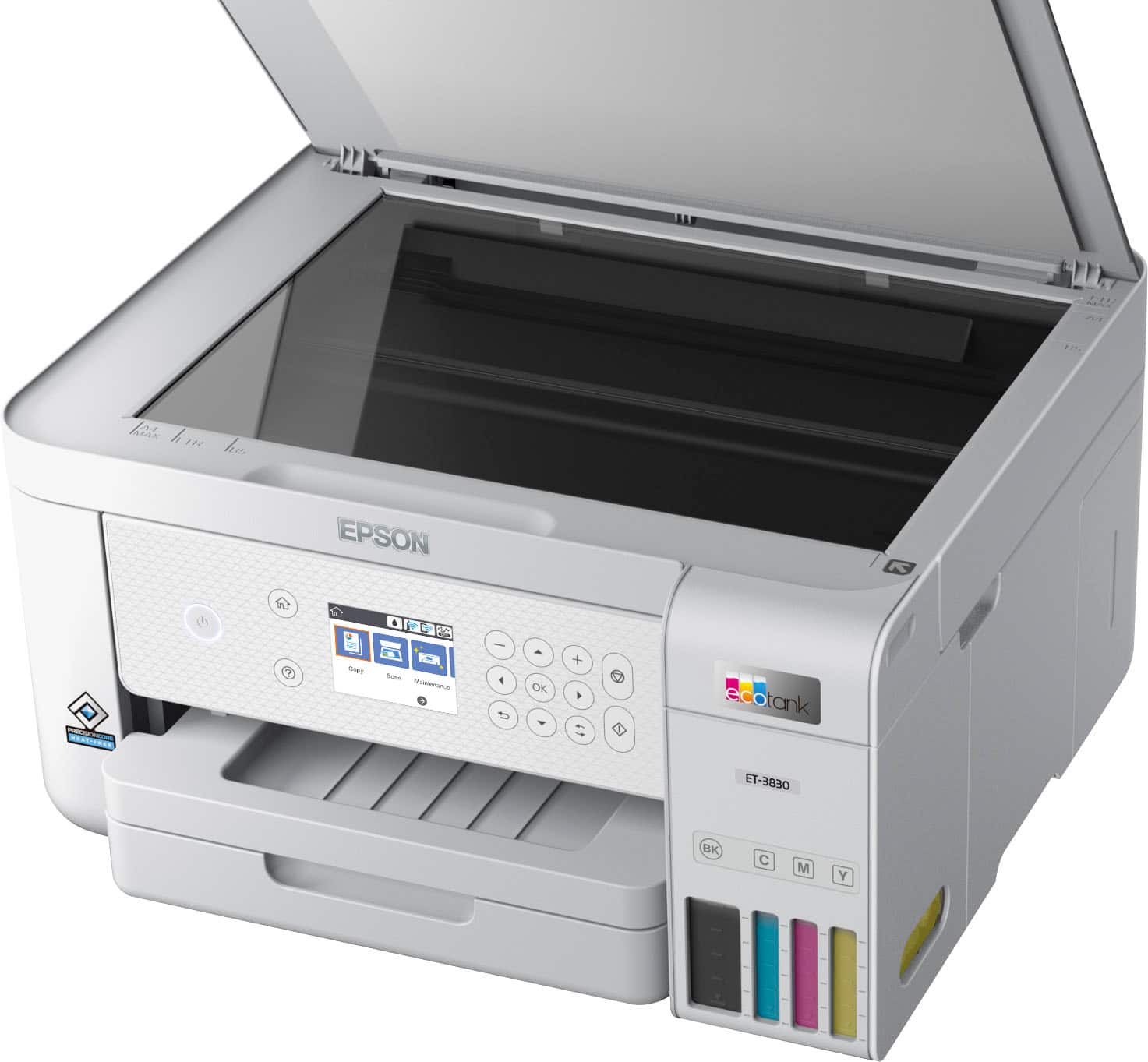
A:AnswerHi Tim04, When all of the EcoTank ET-3830's trays are open and it is ready for use the dimensions are 14.8" Wide x 19.8" Deep x 7.4" High (375 x 503 x 187 mm). Regards, Mark - The Epson Team.
A:AnswerHello Tlynn. The ET-3830 can print on paper up to 8.5" x 47" in size. Unfortunately, 13" x 19" paper is not supported. We recommend looking at our Wide-format EcoTank printers. Regards, Kevin - The Epson Team.
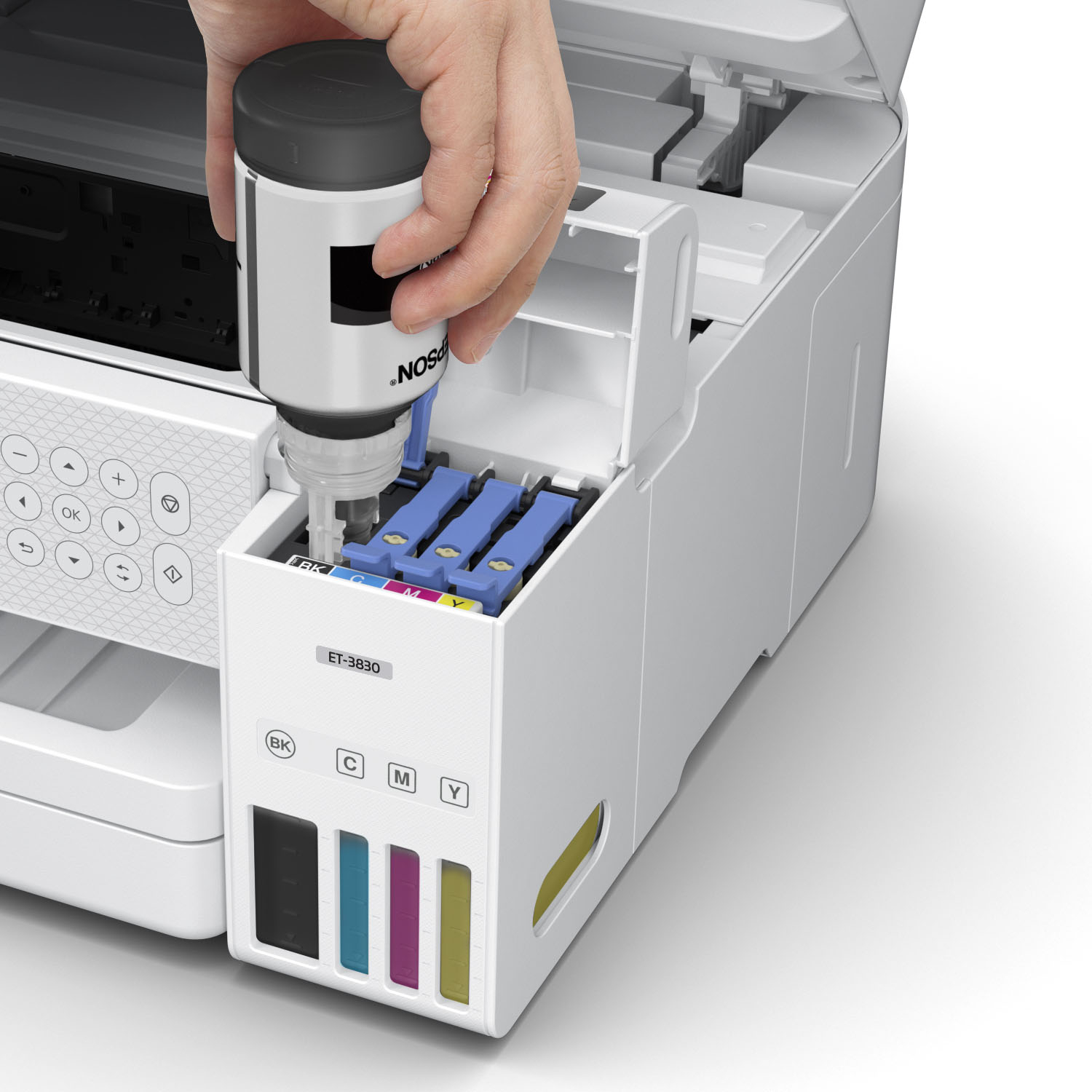
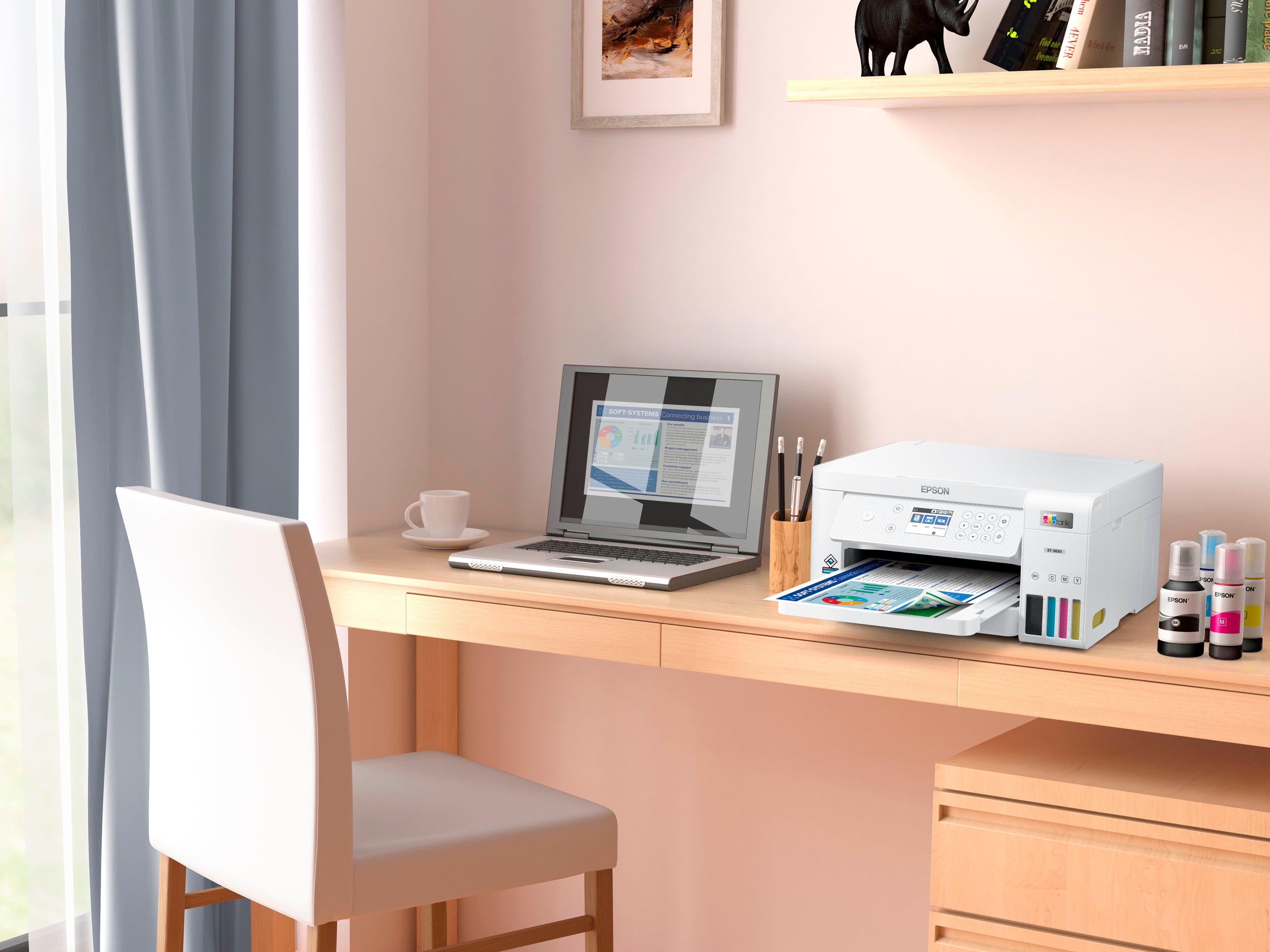
A:AnswerYes. Refills are avl to purchase, but the initial ink supply can last up to one year or longer. It depends on how much you’re printing on a regular basis.
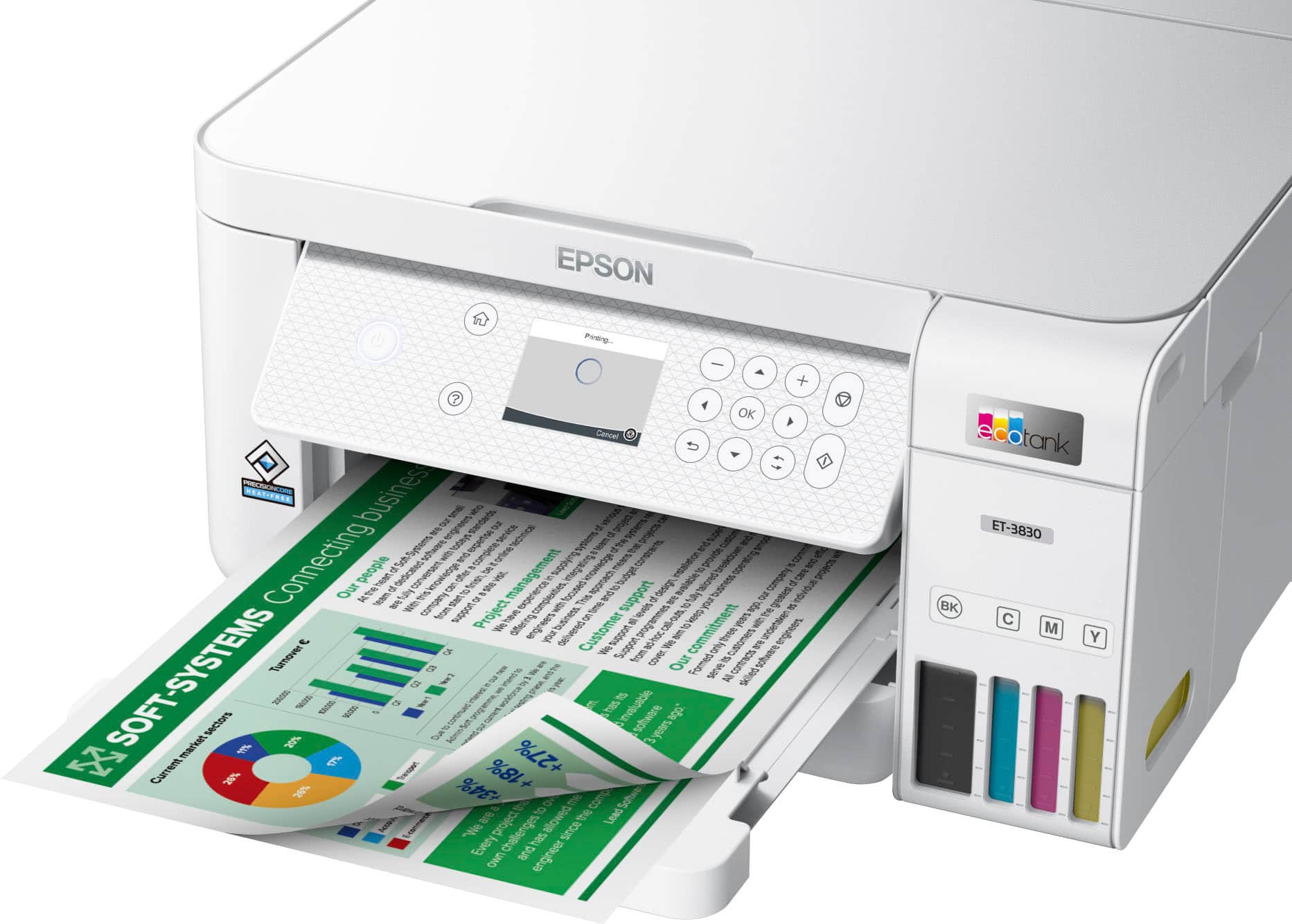
A:AnswerHello 2sideddocuments. The ET-3830 can automatically print 2-sided. Unfortunately, to scan a 2-sided document, you would need to flip it manually as automatic 2-sided scanning is not available with this model. Regards, Kevin - THe Epson Team.
A:AnswerHello Grandson. Yes, the ET-3830 is compatible with Chromebook computers. Please visit our Chromebook support page for information on connecting your device. Regards, Kevin - The Epson Team.
.](https://pisces.bbystatic.com/image2/BestBuy_US/images/products/ae1649ec-8302-4f88-8b9b-d104978b3f04.jpg)
. 1 Most features require an Internet connection to the printer, as well as an Internet- and/or email-enabled device. For a list of Epson Connect enabled printers and compatible devices and apps, visit [www.epson.com/connect](http://www.epson.com/connect).](https://pisces.bbystatic.com/image2/BestBuy_US/images/products/9c542c50-85ee-4815-a2ca-cf245f57e253.jpg)