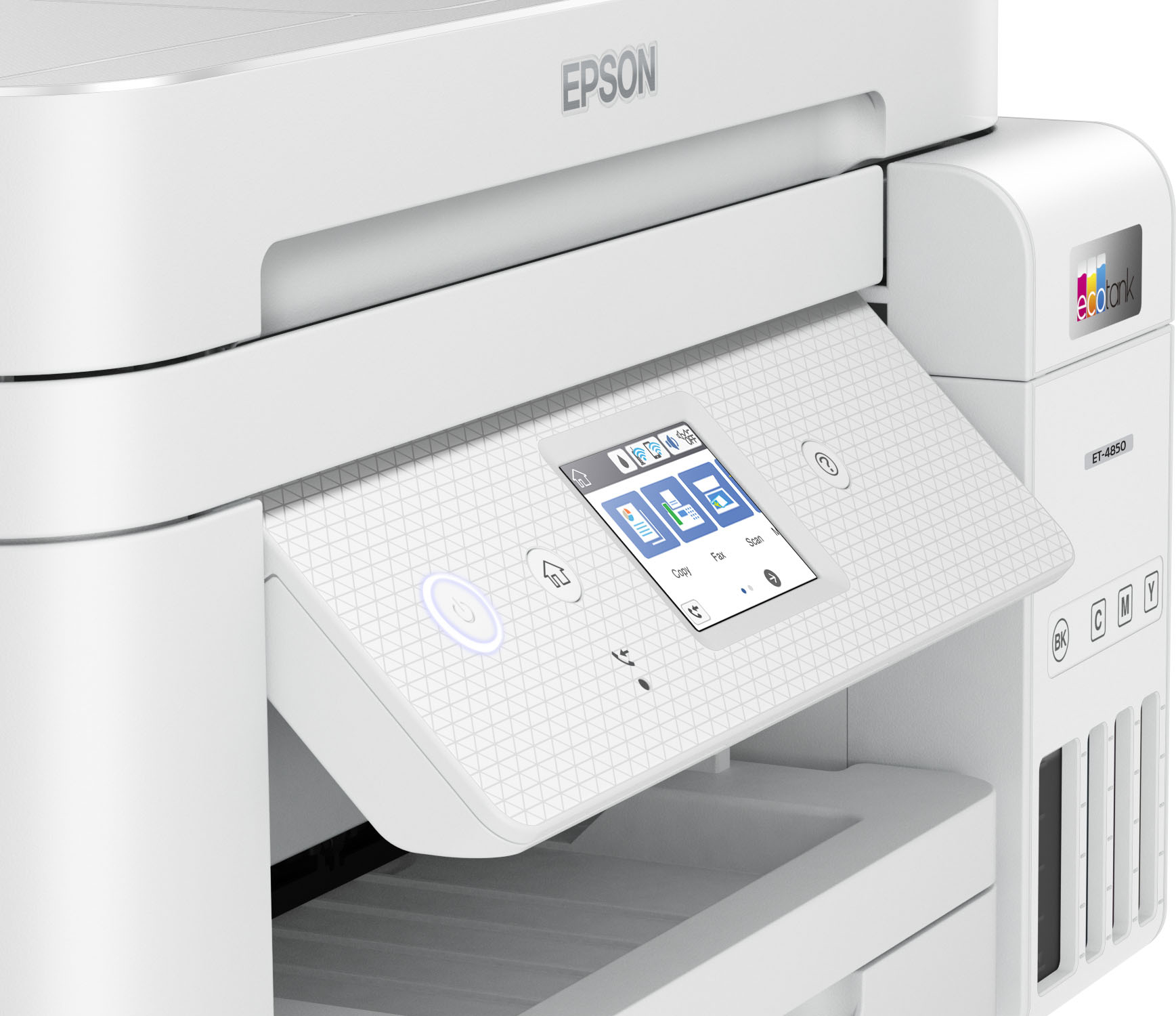
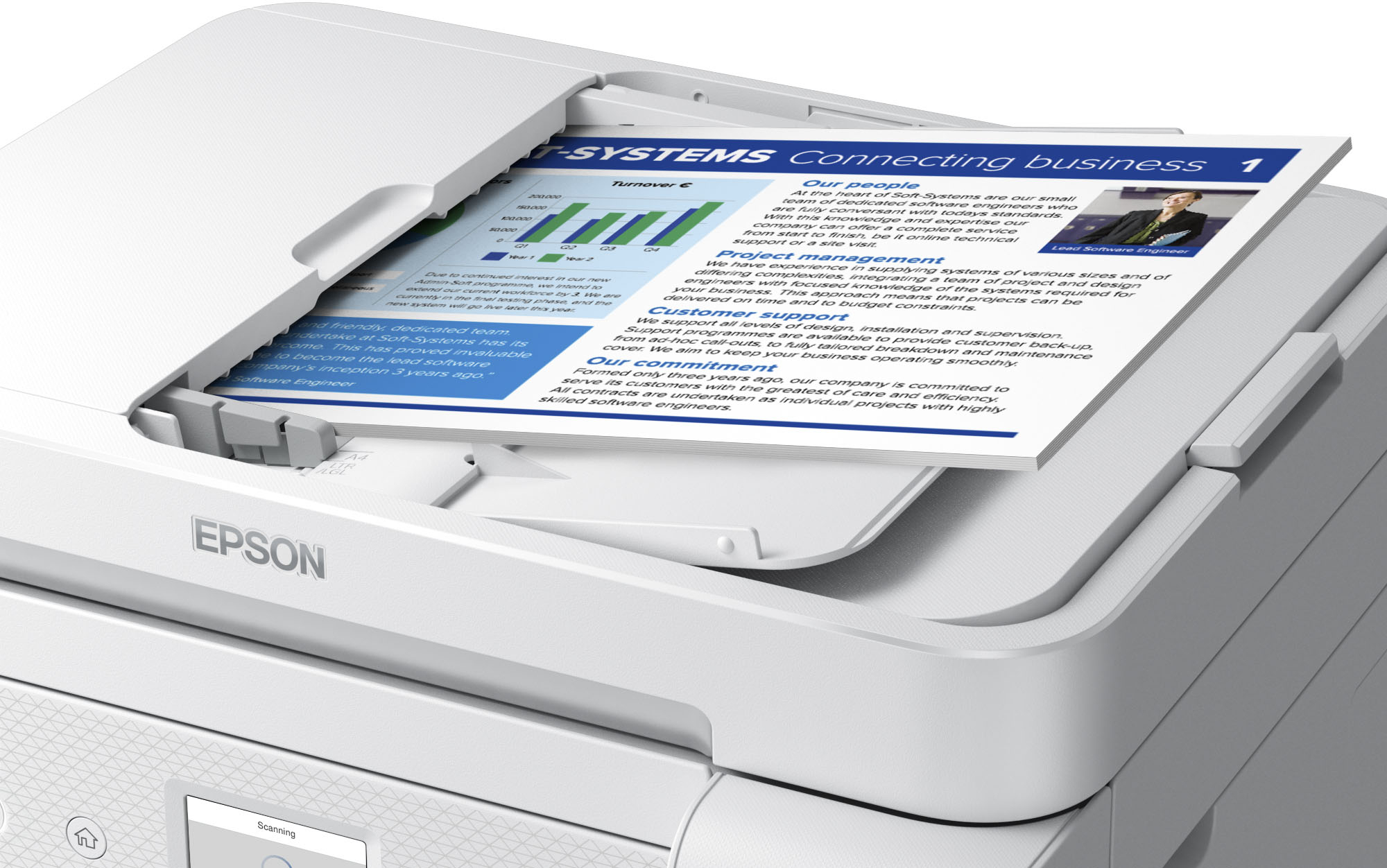
A:AnswerHello KayKay805. Both printers have very similar features. However, the ET-4850 includes fax functionality and an automatic document feeder, so you can scan multiple pages without having to load each page at a time. Regards, Kevin - The Epson Team.
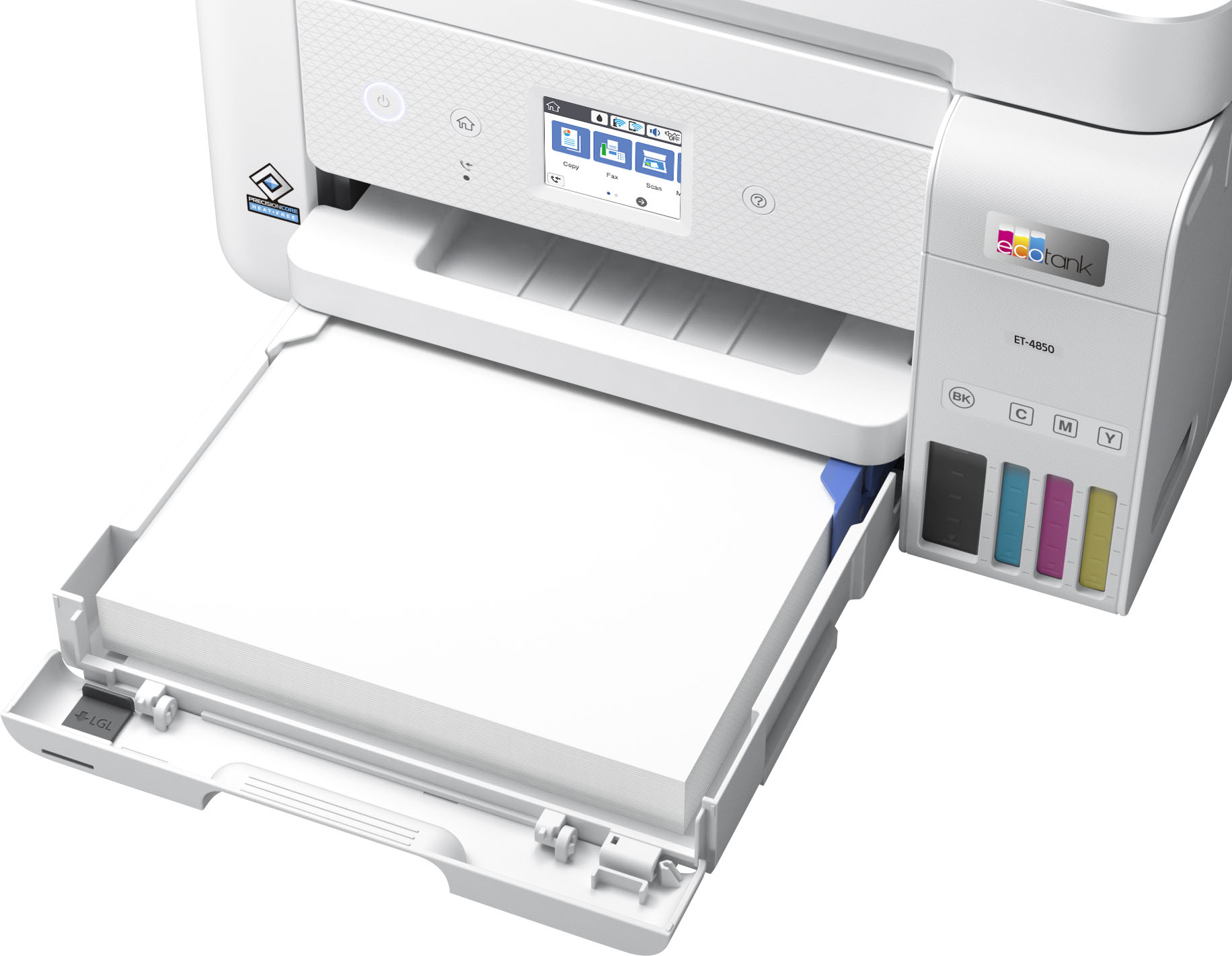
A:AnswerHello Terry. The ET-4850 is the correct option, as it can print and copy legal-sized documents. You can also set up the machine wirelessly with a computer, smartphone, or tablet. Regards, Kevin - The Epson Team.
A:AnswerHello. Yes, the ET-4850 can be directly connected to a computer using a USB A to B cable. You can find the latest print drivers available for download on our official Epson Support page. Regards, Kevin - The Epson Team.
A:AnswerHello cedki. The ET-3850 can do automatic 2-sided printing. For copies, you would have to copy both sides of your original document manually, and the printer will automatically print both sides when you are done. Regards, Kevin - The Epson team.
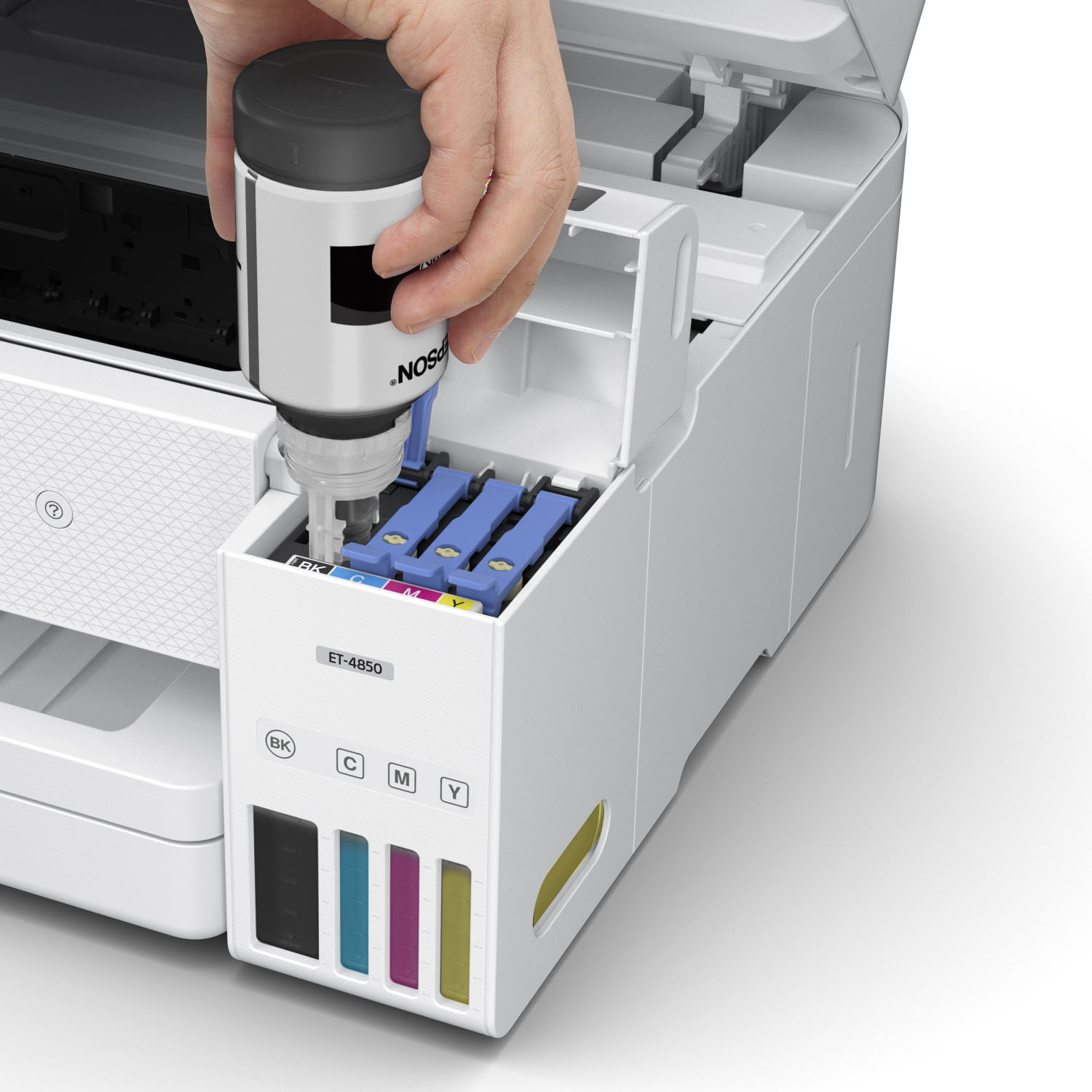
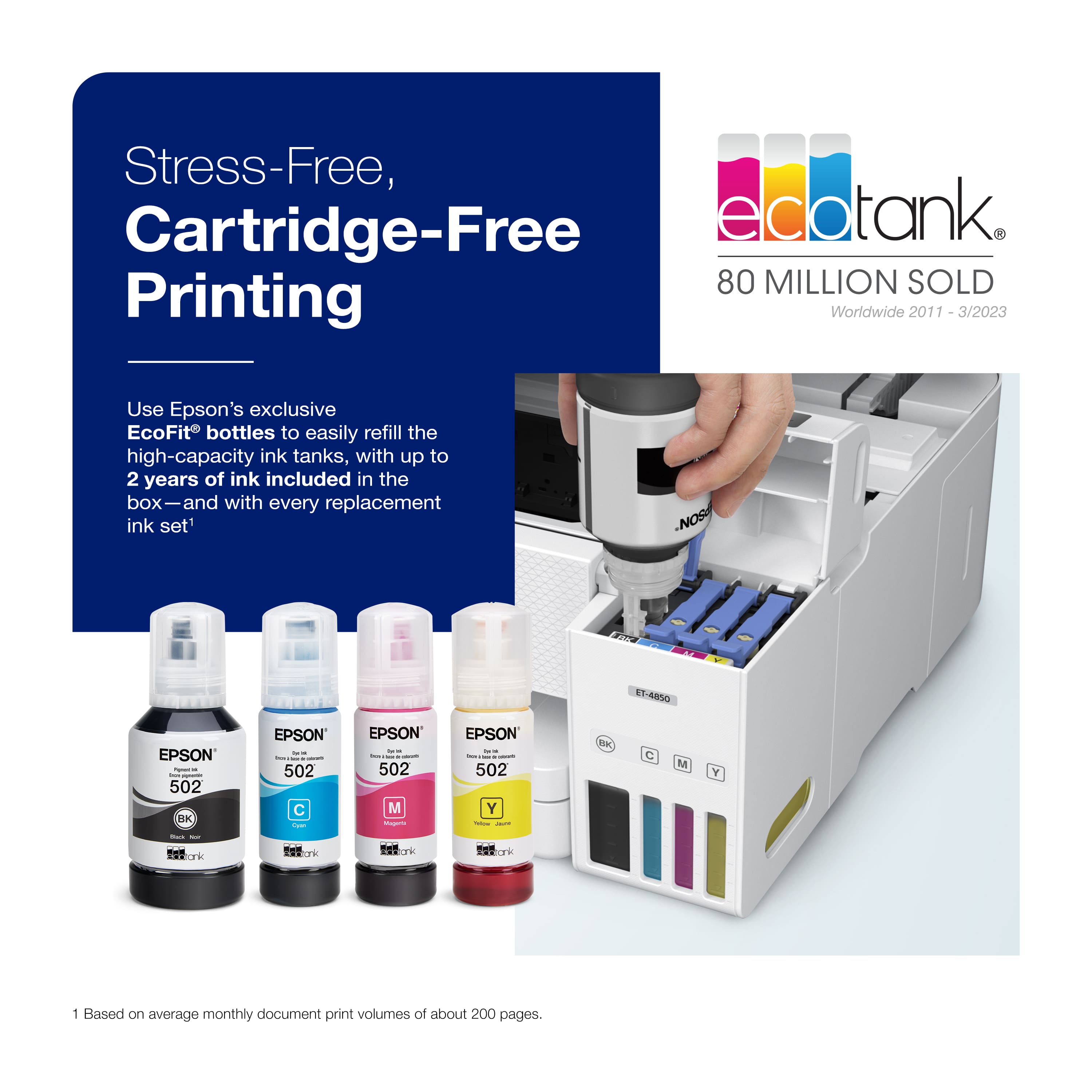
A:AnswerHi Joan, Yes you can use black in the EcoTank ET-4850 when color ink is expended. However, Epson recommends refilling ink tanks as soon as possible to avoid ink drying around the nozzles. This may cause printing issues. Regards, Mark - The Epson Team.
A:AnswerHello JA. The ET-4850 is designed to work on a Wi-Fi router using a 2.4Ghz band. If the Wi-Fi router you are using is a 5 GHz router, then you want to ensure that it is a dual-band router and the printer connects to the 2.4 GHz band. The "5G" you are inquiring about may refer to the network connection on a mobile device like a tablet or a smartphone which would be entirely separate. However, if you are trying to connect this printer to a tablet or mobile device, it will work over a Wi-Fi connection, and you can use it by downloading the Epson iPrint application. Regards, Kevin - The Epson Team.
A:AnswerHi Sally, Yes, the ET-4850 can print envelopes. It can also feed Legal-size paper from the paper tray using the same method you describe. The printer is for light/office and home printing, so photos printed on photo paper will be very good. Regards, Mark - The Epson Team.
A:AnswerHello serena. Yes, you can connect multiple devices to the ET-4850 wirelessly via Wi-Fi. This includes smartphones, tablets, and computers. Regards, Kevin - The Epson Team.
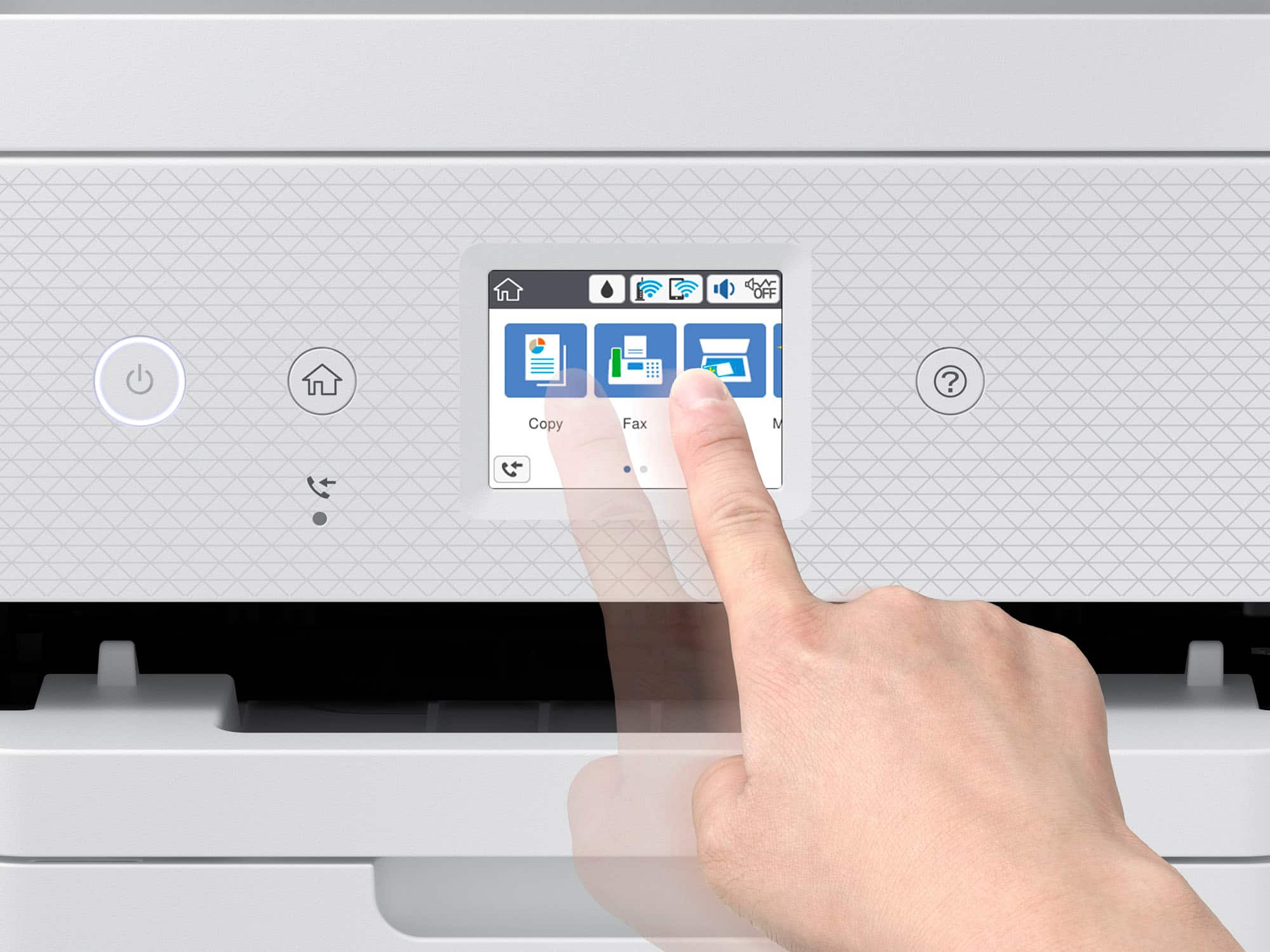
A:AnswerHi, The EcoTank ET-4850 includes fax capabilities. In order to fax, the ET-4850 must be connected to a telephone landline. Regards, Mark - The Epson Team.
A:AnswerHello Pibura. The ET-4850 is an All-In-One printer that works with photo paper, but it has not been tested to print on art paper. Our Photography/Fine Art printer models are better equipped for printing art. Neon colors are generally challenging to scan, particularly with this model based on the technology used. We recommend looking at a standalone photo scanner like the V600 for neon colors. Regards, Kevin - The Epson Team.
A:AnswerHi ram, Sorry we do not test the EcoTank ET-4850 with all third-party media types so cannot guarantee compatibility or print quality. For a list of media known to work with the ET-4850, please visit the Epson support site. Regards, Mark - The Epson Team.
A:AnswerHi, The ET-4850's maximum print resolution is 4800 x 1200 dpi. The maximum hardware resolution for scanning is 1200 x 2400 dpi. The scan driver can interpolate to 9600 dpi. Regards, Mark - The Epson Team.
A:AnswerHi Marbs, The ScanSmart software included with the EcoTank ET-4850 allows you to scan as a PDF and attach the PDF to an email message using many popular email software packages for Windows and Macs. Regards, Mark - The Epson Team.
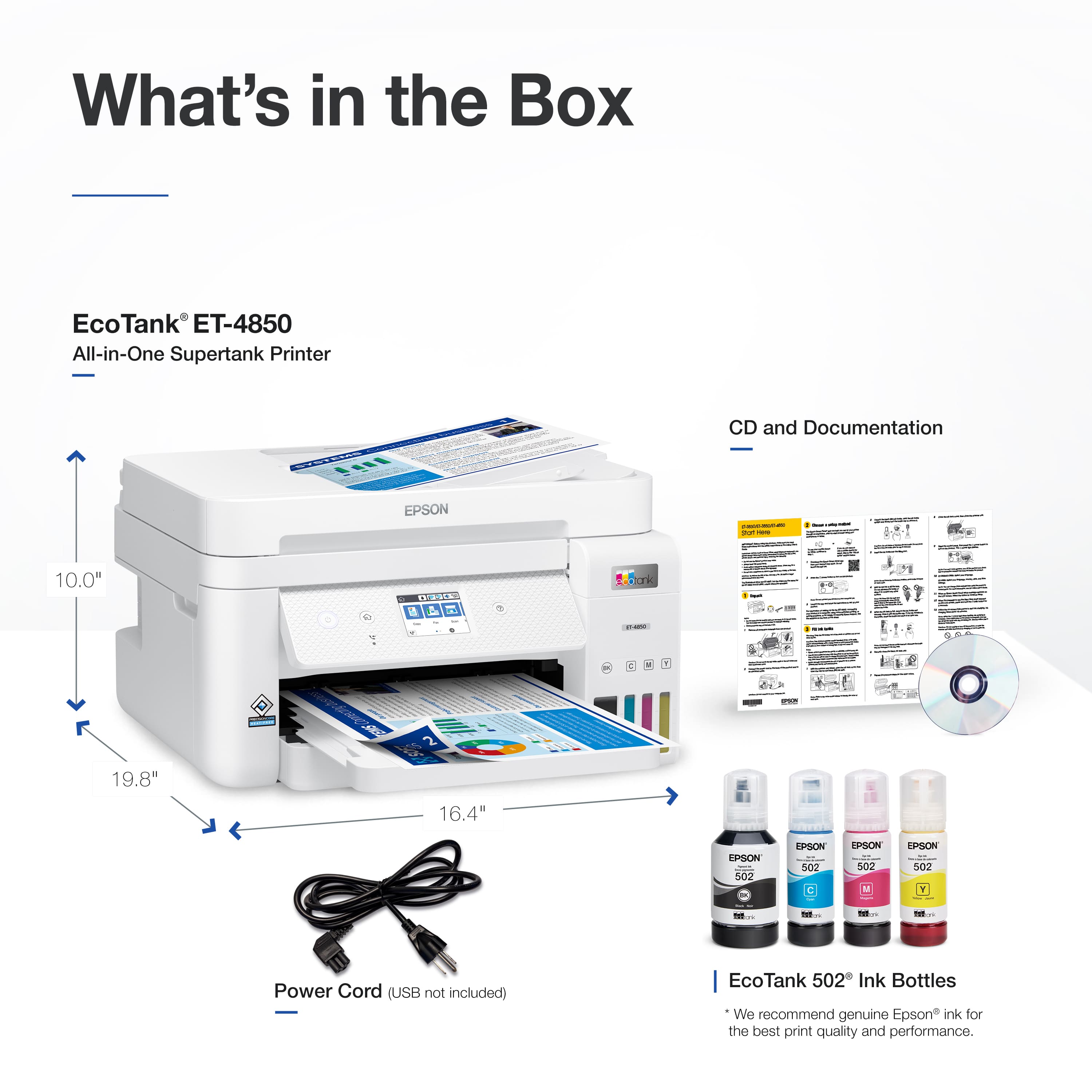
A:AnswerHi AllInOnePrinting, All Epson Supertank printers have USB ports for connection to a computer. The EcoTank ET-4850 also has a USB port. Regards, Mark - The Epson Team.
A:AnswerHello Nancy. Unfortunately, most EcoTank printer specifications are not meant to handle 80lb card stock. For thicker card stock, we recommend looking at our WorkForce printer lineup. Regards, Kevin - The Epson Team.
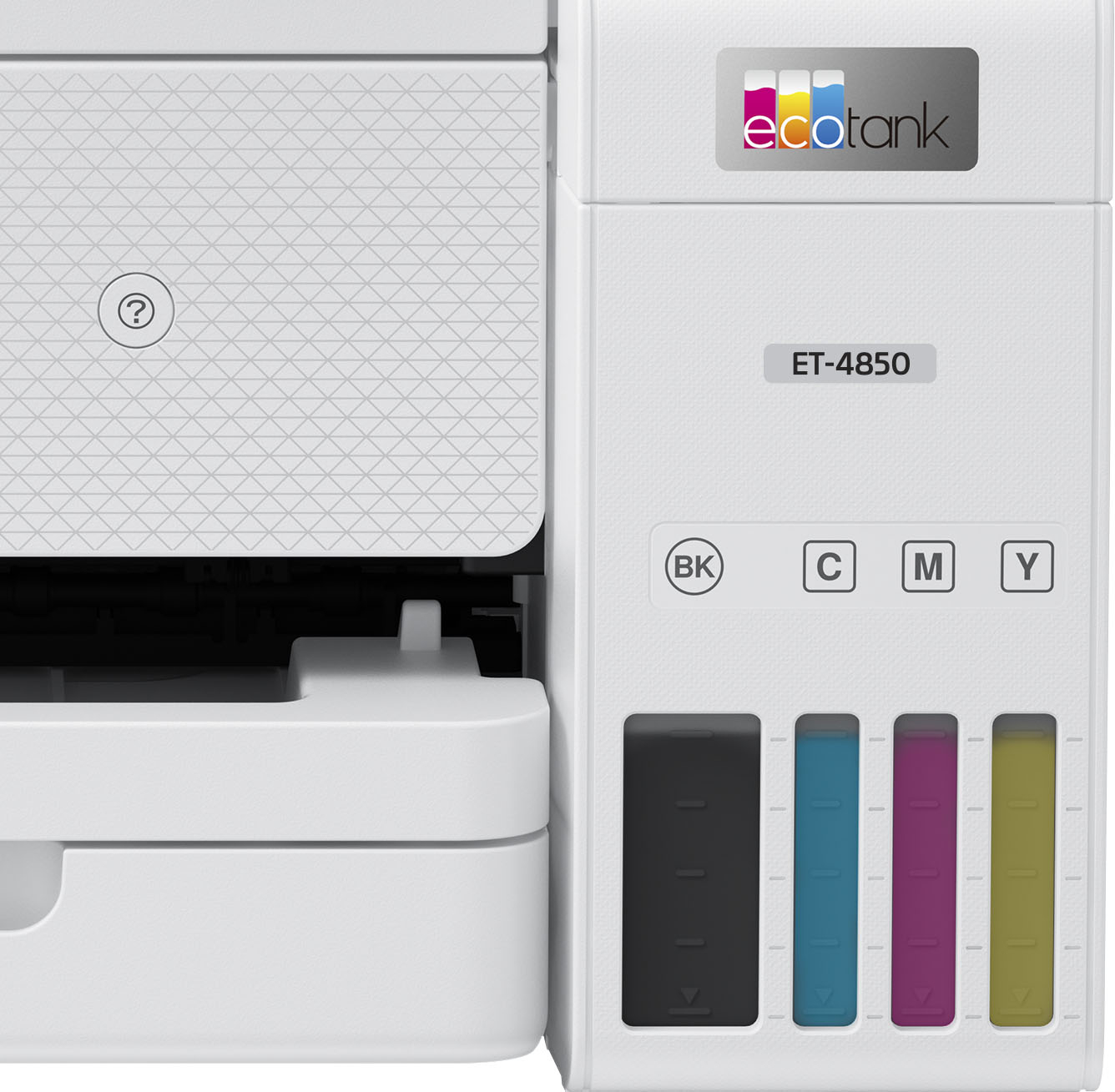
A:AnswerHi DarkAngel, The EcoTank ET-4850 comes with an already-installed maintenance box. The maintenance box will fill over time and require replacement. Regards, Mark - The Epson Team.

.](https://pisces.bbystatic.com/image2/BestBuy_US/images/products/e7f7b8a3-4d8b-4350-9bbd-c97539be30a7.jpg)
. 1 Most features require an Internet connection to the printer, as well as an Internet- and/or email-enabled device. For a list of Epson Connect enabled printers and compatible devices and apps, visit [www.epson.com/connect](http://www.epson.com/connect).](https://pisces.bbystatic.com/image2/BestBuy_US/images/products/d6e3691d-df7e-4aa7-8df7-3adddd584649.jpg)