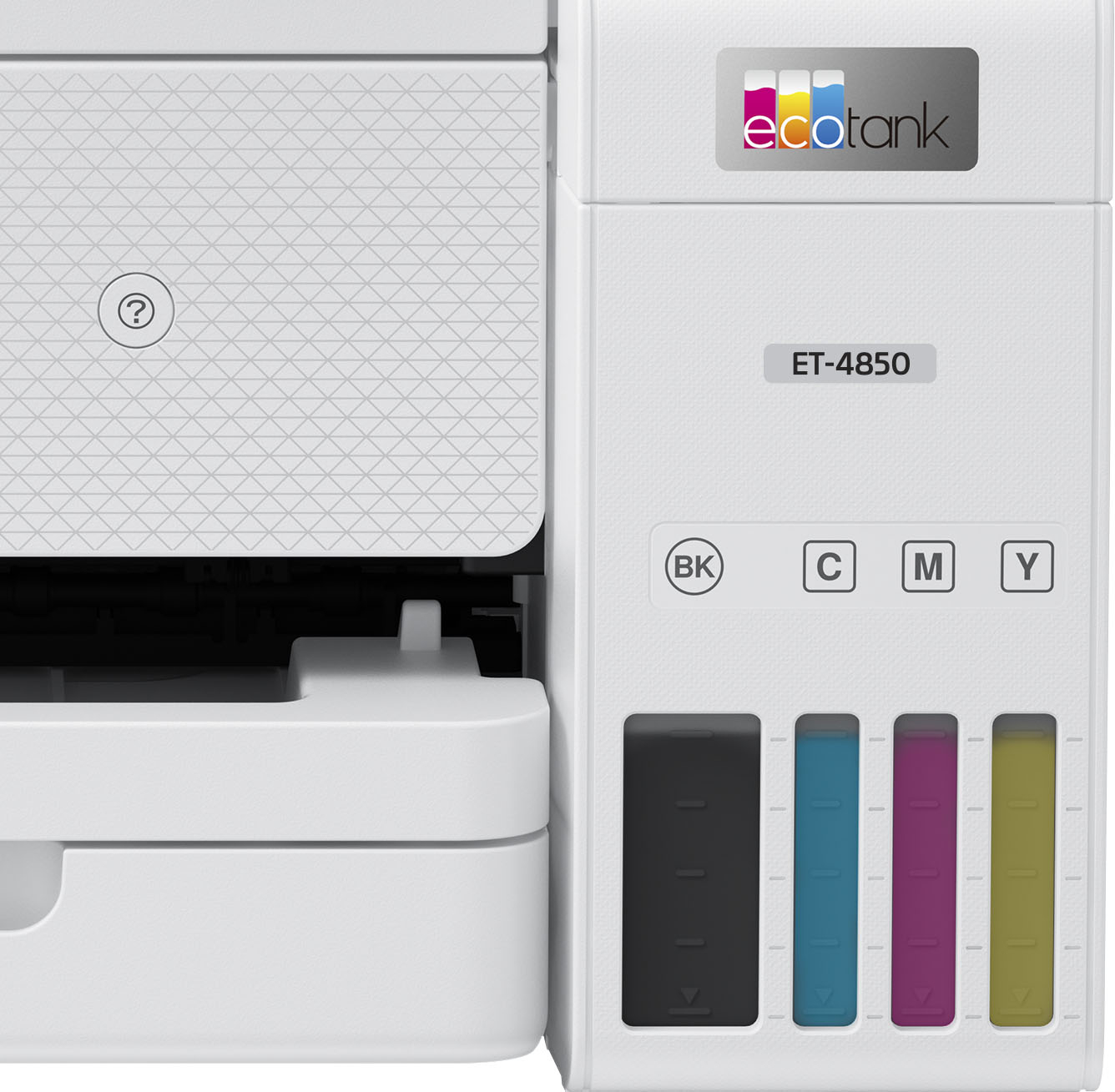
A:AnswerHello Thomas. Unfortunately, we have not tested PVC ID card material on the ET-4850. We recommend contacting the manufacturer of the cards to confirm compatibility with our All-In-One ink-jet printers. Regards, Kevin - The Epson Team.
A:AnswerHello cedki. The ET-3850 can do automatic 2-sided printing. For copies, you would have to copy both sides of your original document manually, and the printer will automatically print both sides when you are done. Regards, Kevin - The Epson team.
A:AnswerHello. Yes, the ET-4850 can only print on No.10 envelopes. You can load approximately ten envelopes in the lower paper cassette. Regards, Kevin - The Epson Team.
A:AnswerHi Boofzilla, Yes, the EcoTank ET-4850 can print without borders on photo or photo matte paper in the following sizes: 4" x 6", 5" x 7", 8" x 10", A4, and Letter. Regards, Mark - The Epson Team.
A:AnswerCheck with your dye manufacturer if they have sublimation dye for the 4850s yet, or compatible with the EPSON 502 ink. That’s the set these take.
A:AnswerHello niborl. The ET-4850 has a scan to a computer e-mail option from the panel. This allows you to scan your original and attach it to a message in your e-mail program on the computer such as Microsoft Outlook, Mac Mail, Windows Live Mail, and Entourage. Also, you can set up Epson Connect services on the printer, which allows you to print and scan documents using a registered e-mail. For additional information on these options, please visit our official Epson Support page. Regards, Kevin - The Epson Team.
A:AnswerHello Charlene. The ET-4850 can scan multiple pages to be saved under one file when choosing the PDF file format option. You can select the Automatic 2-Sided print setting when you are ready to print. Regards, Kevin - The Epson Team.
A:AnswerET-3850 has 2 ports. 1 displays the USB icon, but sadly a USB connection will not fit in the port. I've never seen this type of connection. For this printer, you need to scan through wifi and it's glitchy at best. The online video for this printer didn't match up to mine. It can scan. You just have to figure it out yourself. Then attach a flash drive to your computer and transfer the files.
A:AnswerHi, Thank you for your suggestion. This is already built into the Epson ScanSmart software that is included with EcoTank ET-4850s. After scanning, you can click and drag the scanned pages to reorder them, and then save as a PDF or other popular file types. Regards, Mark - The Epson Team.

.](https://pisces.bbystatic.com/image2/BestBuy_US/images/products/e7f7b8a3-4d8b-4350-9bbd-c97539be30a7.jpg)
. 1 Most features require an Internet connection to the printer, as well as an Internet- and/or email-enabled device. For a list of Epson Connect enabled printers and compatible devices and apps, visit [www.epson.com/connect](http://www.epson.com/connect).](https://pisces.bbystatic.com/image2/BestBuy_US/images/products/d6e3691d-df7e-4aa7-8df7-3adddd584649.jpg)