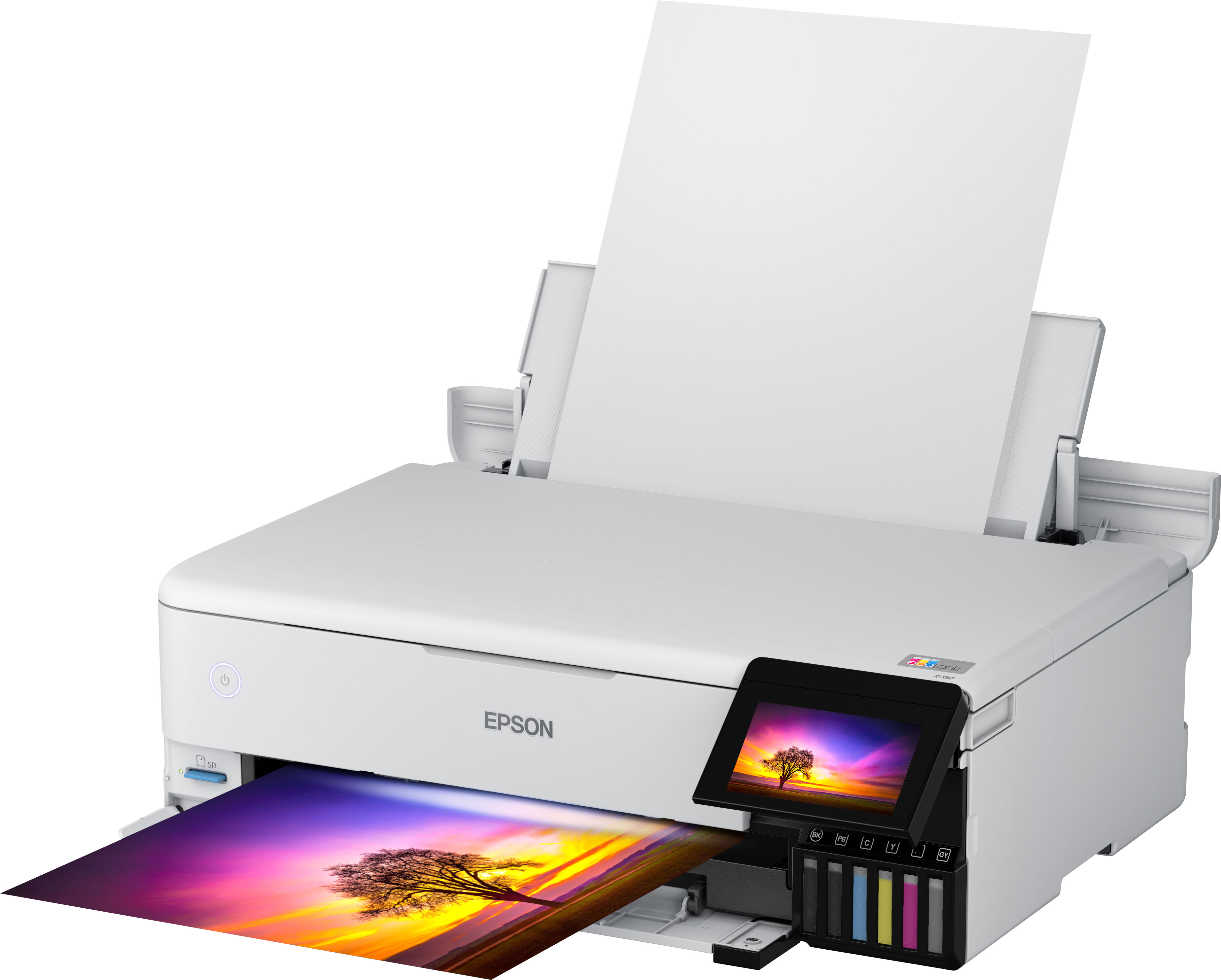
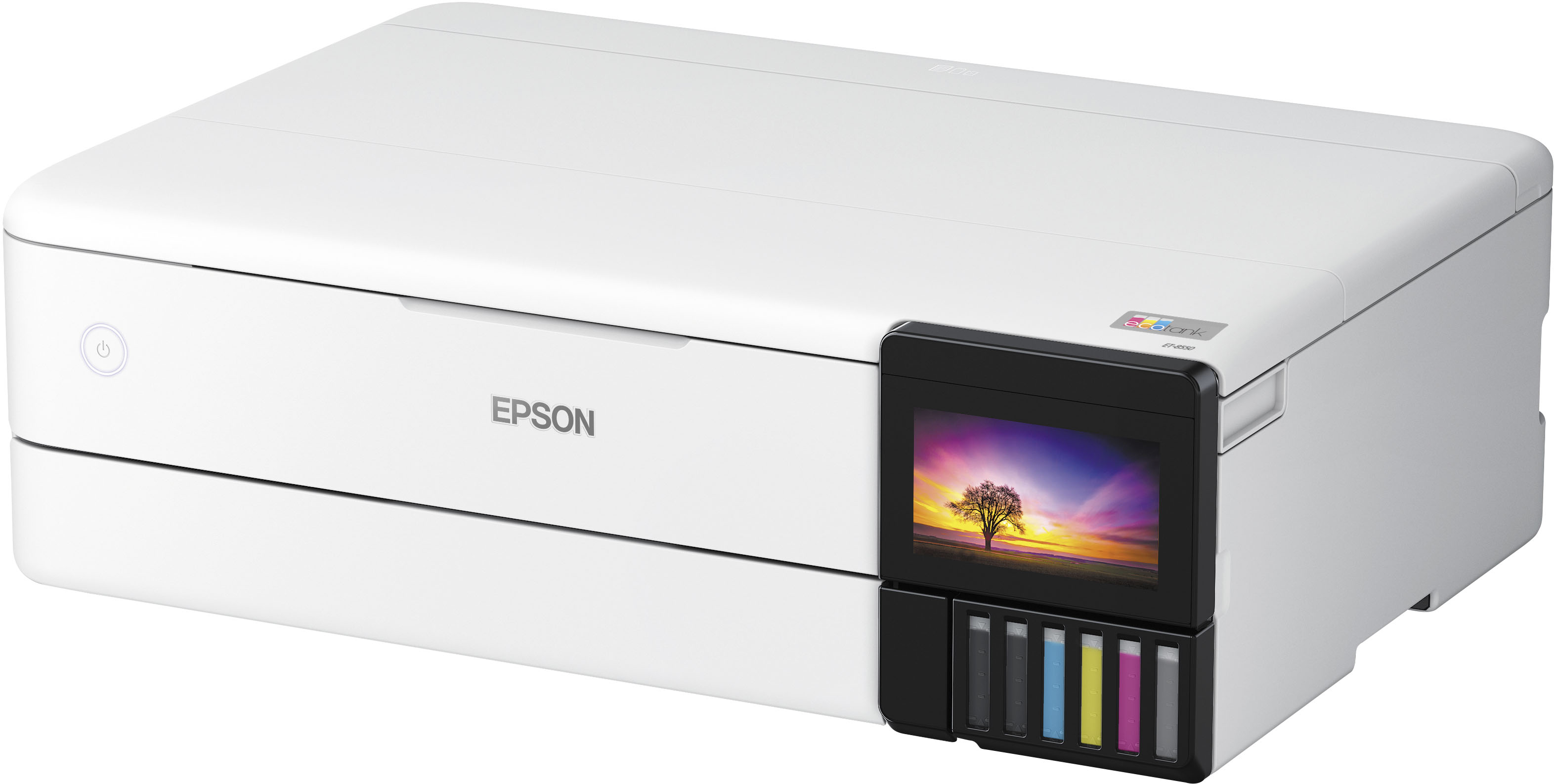
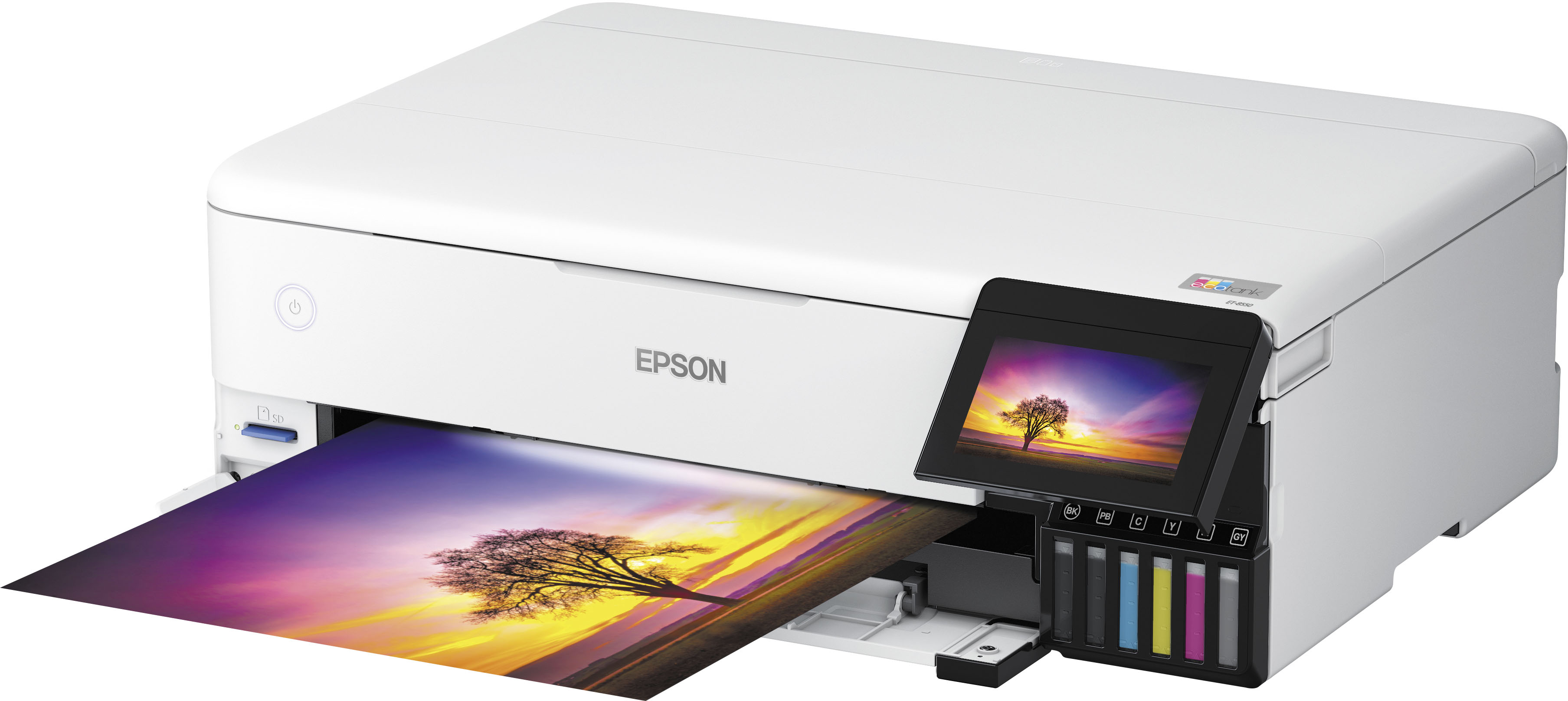
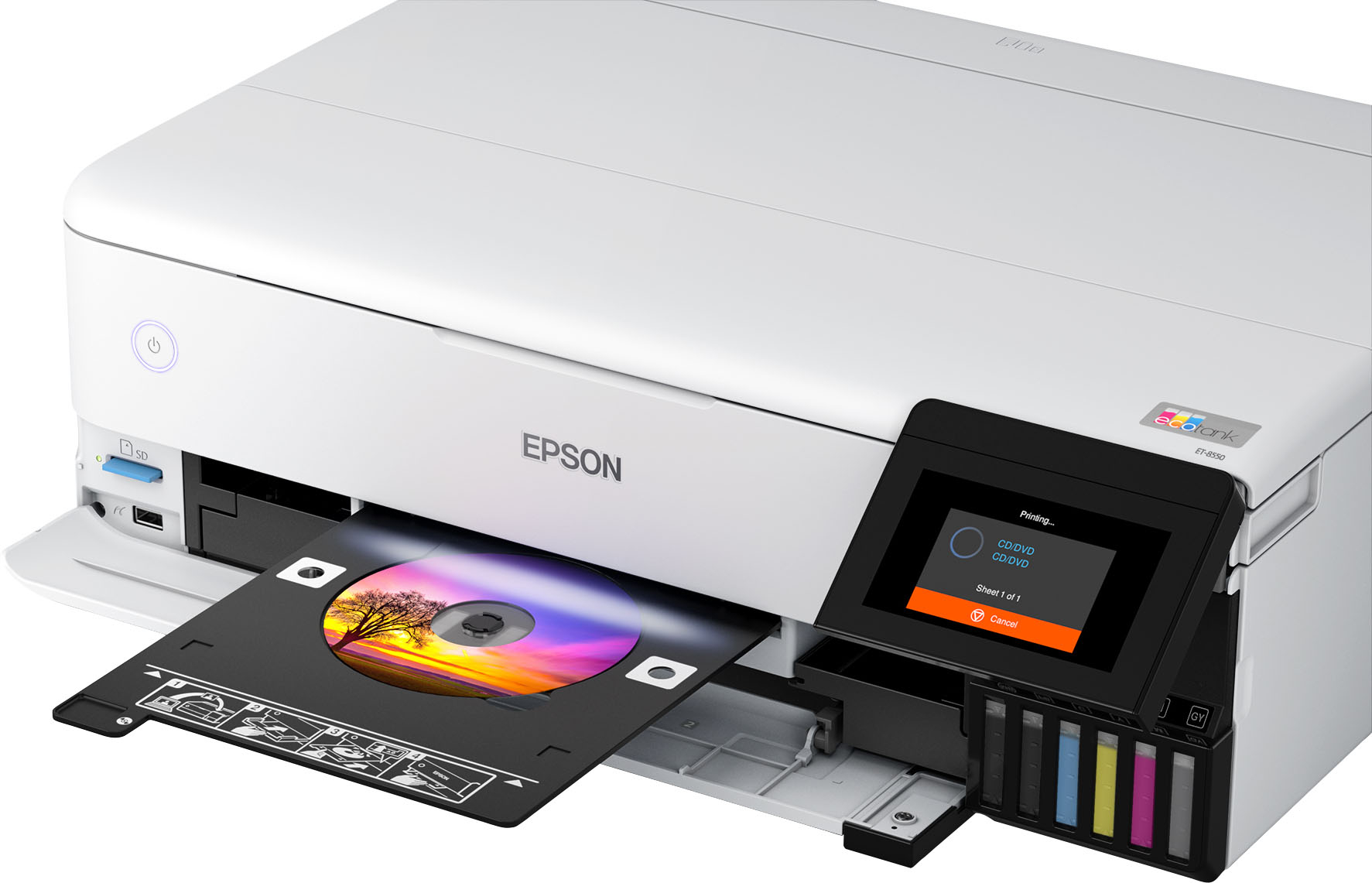
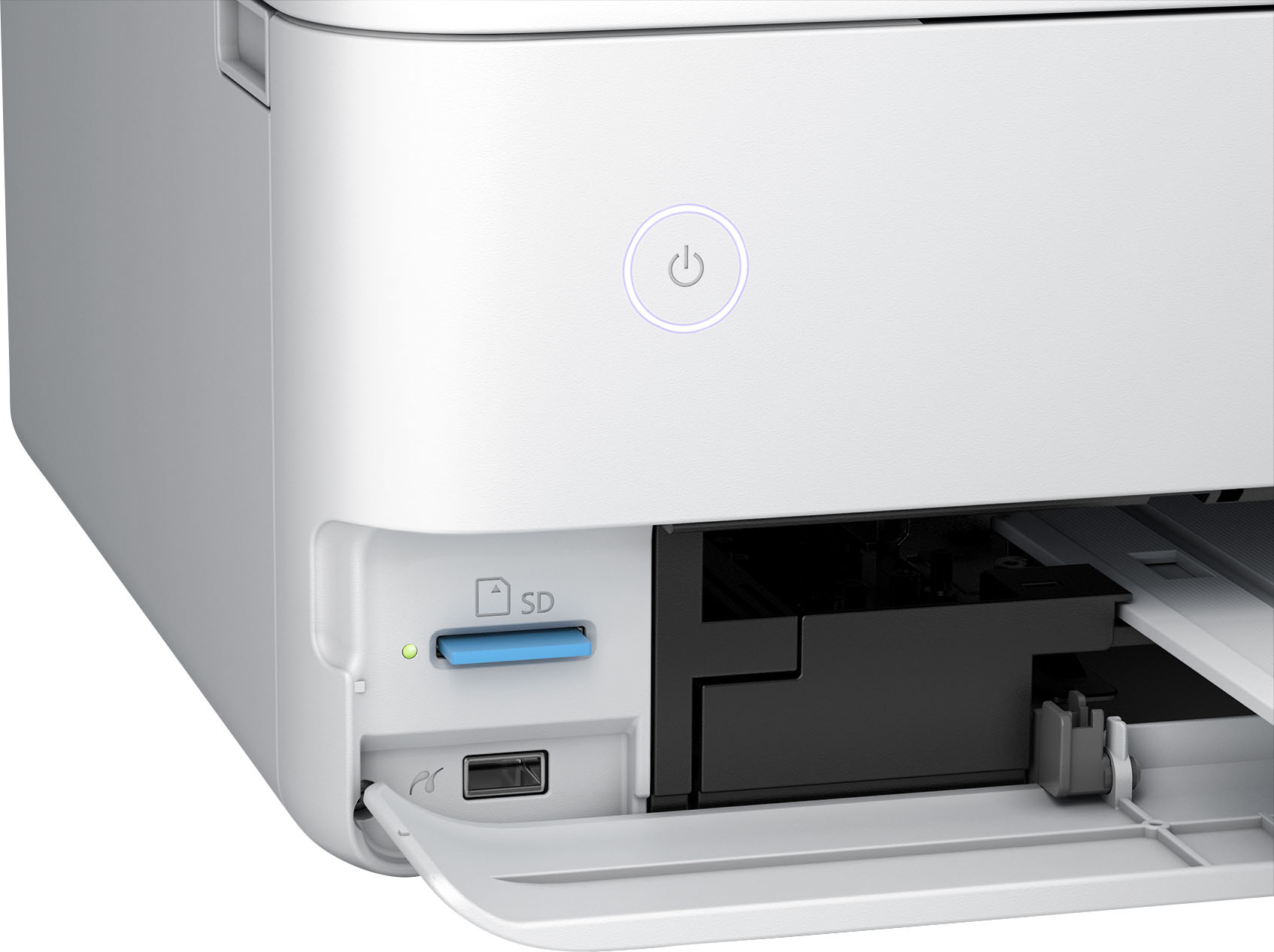
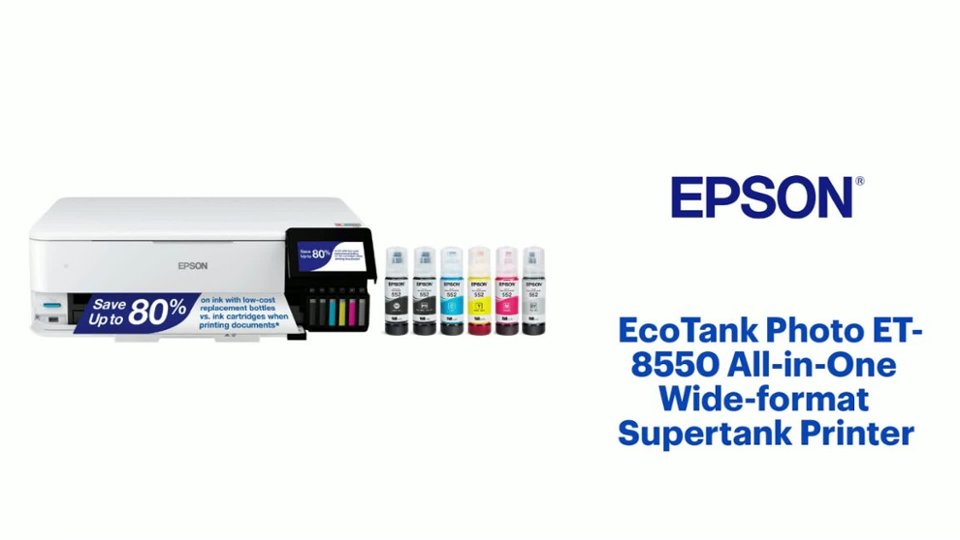
A:AnswerHi vjr18, Yes, the EcoTank Photo ET-8550 can print 12" x 12" photos. In order to print on 12" x 12" paper it is necessary to create a User Defined size. This is a simple one-time operation. Note: 12" x 12" photos will have a small white border on all edges of the photo. Regards, Dylan - The Epson Team.
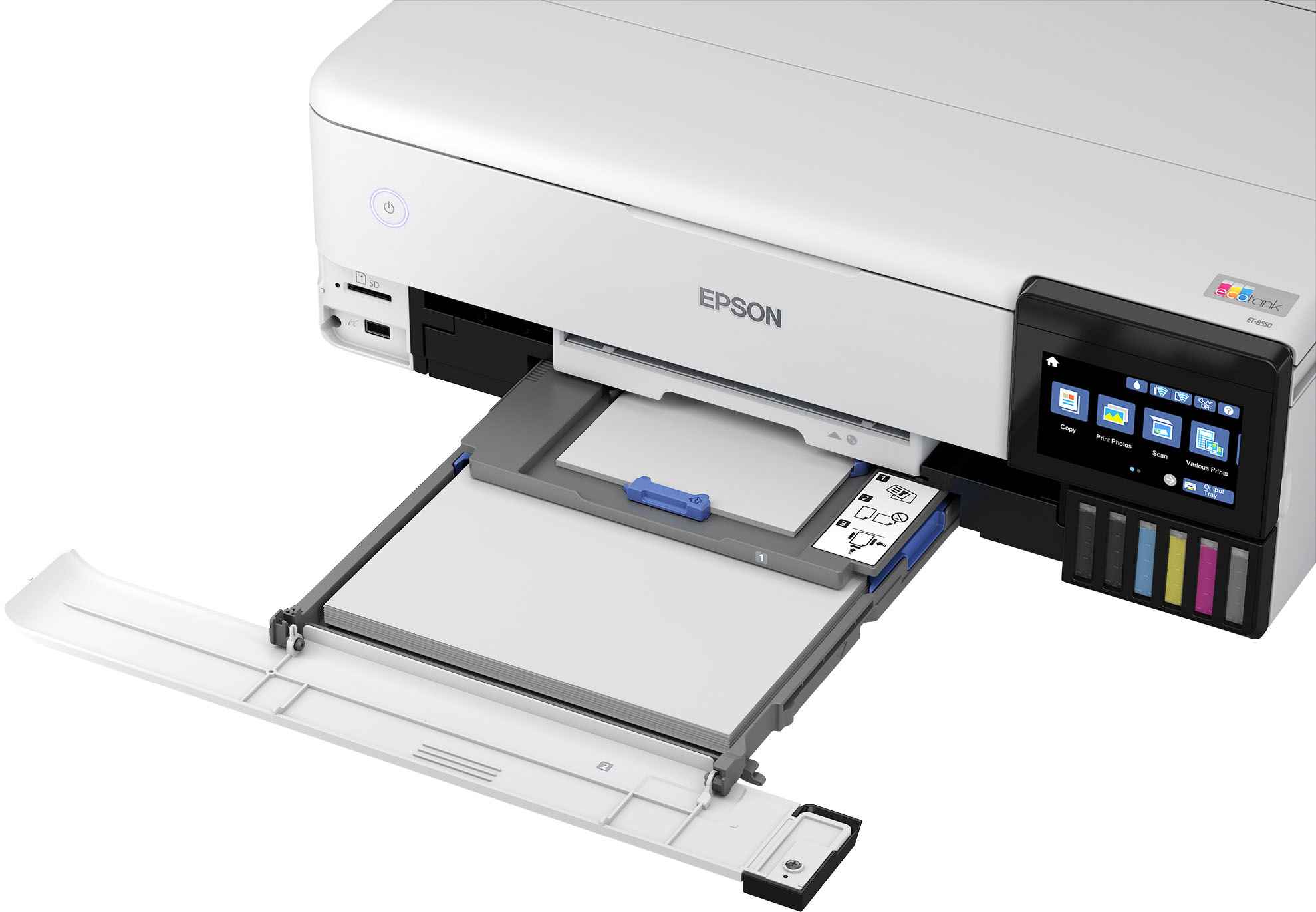
A:AnswerThat size paper can be loadin in the back of the printer just lift the tab on the rear at thr top of the printer and pull out the guides and load the paper
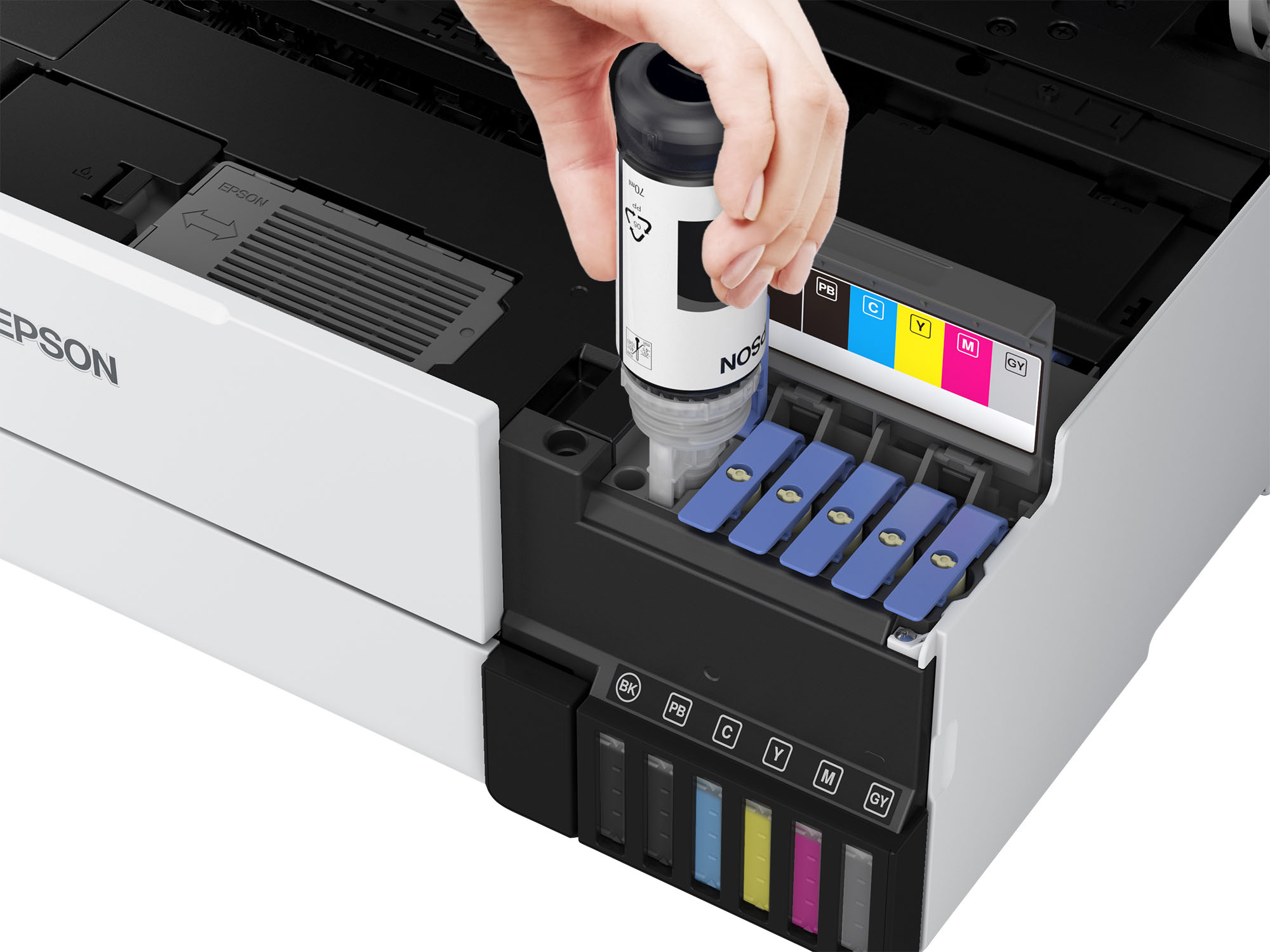
A:AnswerWhat you are looking for is called Sublimation. You can purchase that type of ink for it, just do not use the included ink and put the Sublimation ink the well instead. I personally did not do this with mine, as printing color photos was a higher priority. The Sublimation ink on photo paper is more faded as it was designed to be heated which brings the color out. PS- my original though was use that ink, but research said once you do, the printer should only be used for that.
A:AnswerHi Les, The highest resolution the EcoTank Photo ET-8550 is capable of with Black/Grayscale selected is 5760 by 1440 dpi. Regards, Mark - The Epson Team.
A:AnswerGood Question. I need to try that. I tried on my EcoTank 4760 Ink Jet and the print was not very clear. I also tried printing on presentation slides and it wasn't clear either.
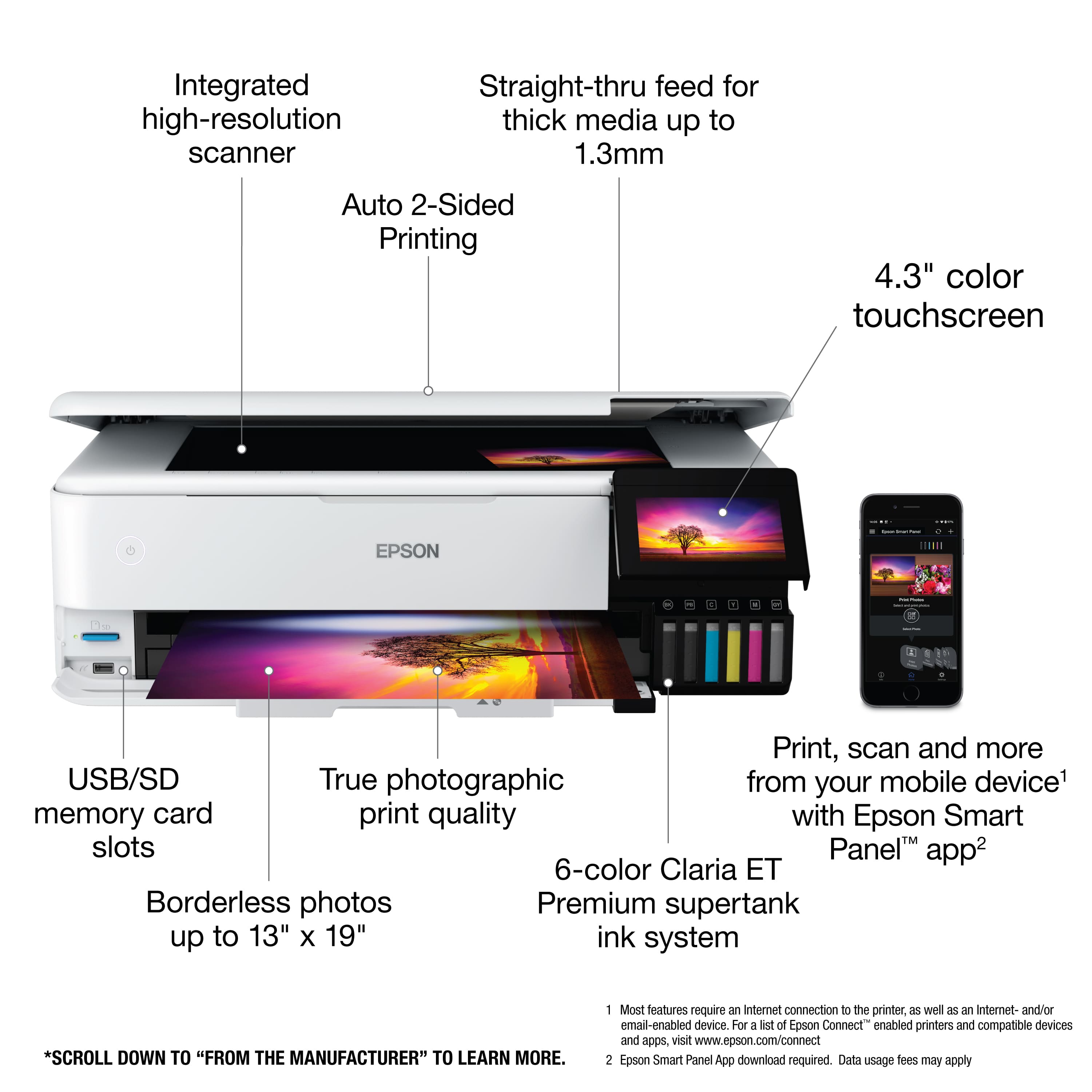
A:AnswerHello Vy. The ET-8550 can print on 11" x 17" card stock that is between 0.61 and1.3 mm in thickness. If the card stock you plan to use meets this specification, select "Card stock 1 or 2" in the printer driver to avoid paper feed issues. Regards, Kevin - The Epson Team.
A:AnswerI just bought mine online through Staples about an hour ago. If you go to the Epson website and click on the printer it shows a list of stores that currently have it available to purchase.
A:AnswerNo idea, i prayed to the creator of all things and my prayer was answered :) it is crazy that we cannot get things we used to take for granted. Deserves deep consideration.
A:AnswerHello. Yes, the ET-8550 is compatible with Apple computers running macOS 10.6 - 12. Please visit our official Epson Support page to download the latest printer driver. Regards, Kevin - The Epson Team.