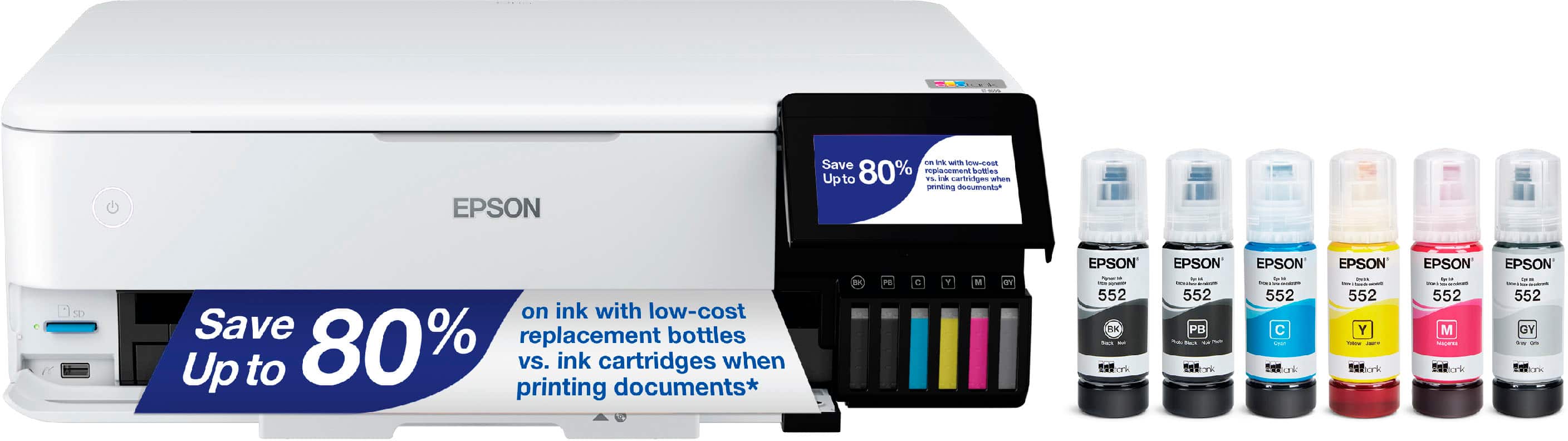
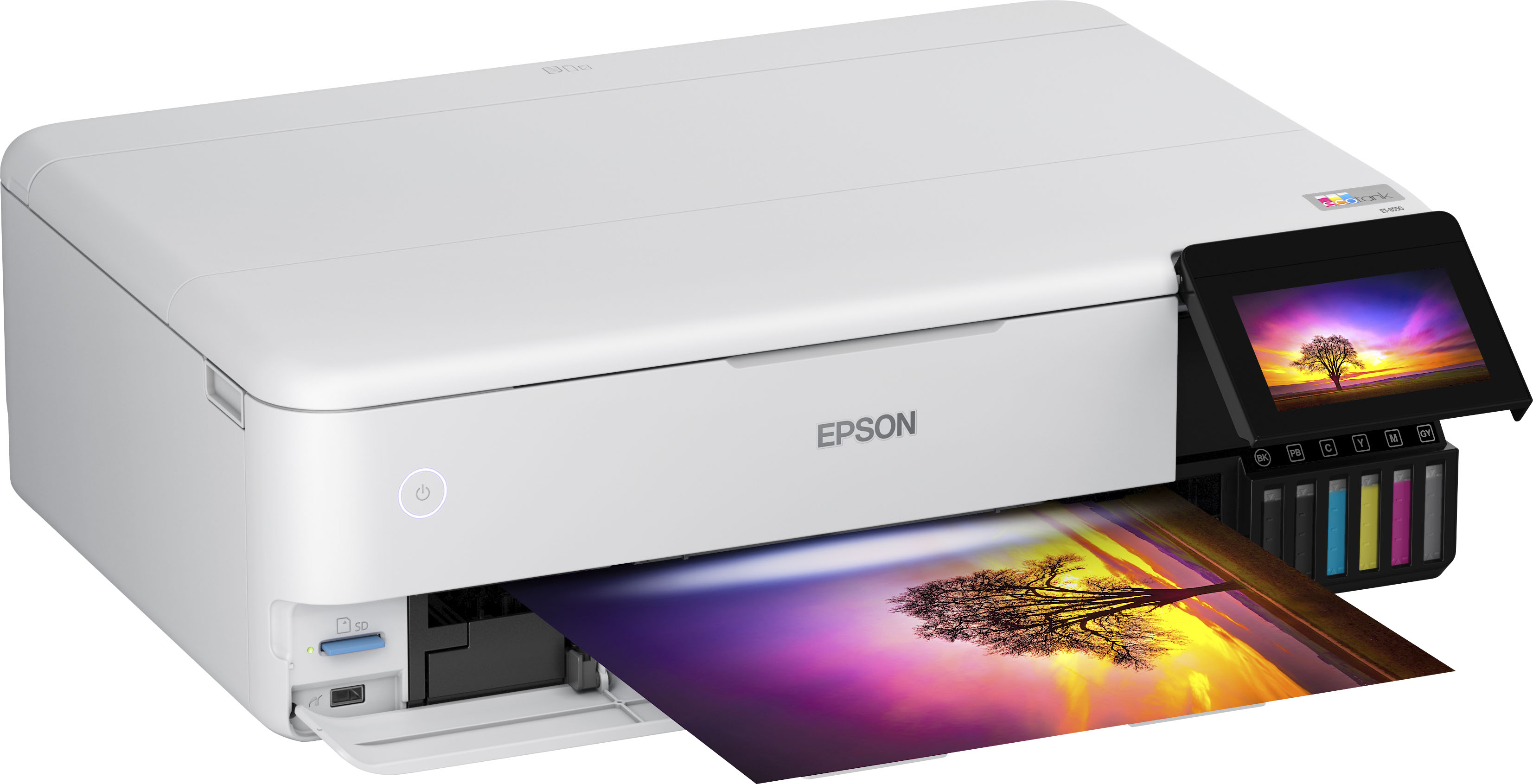
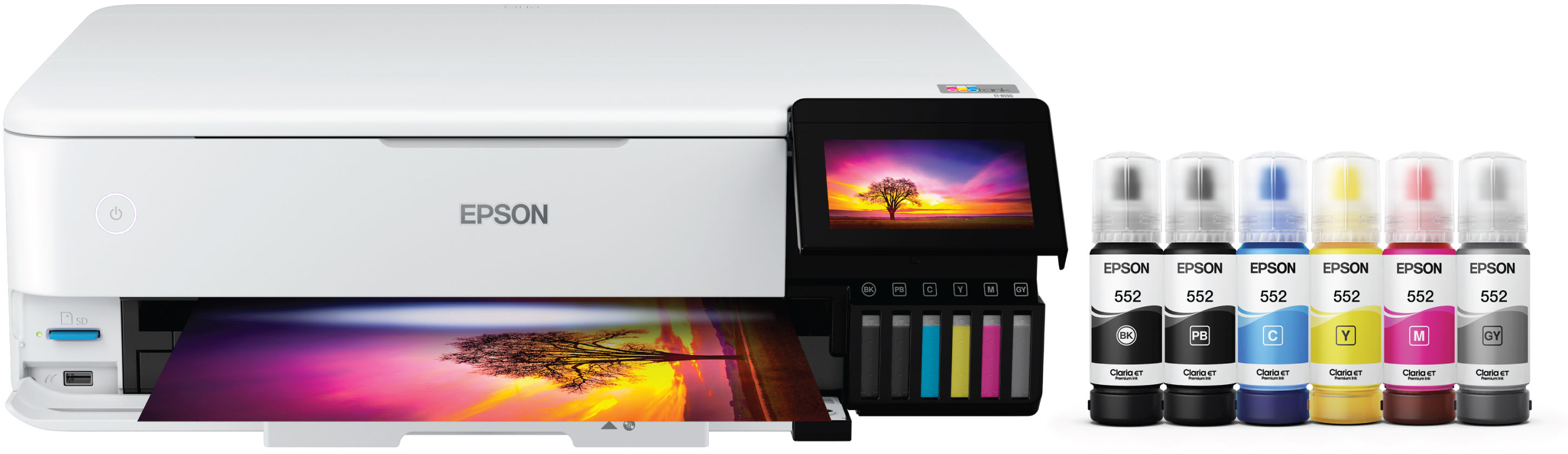
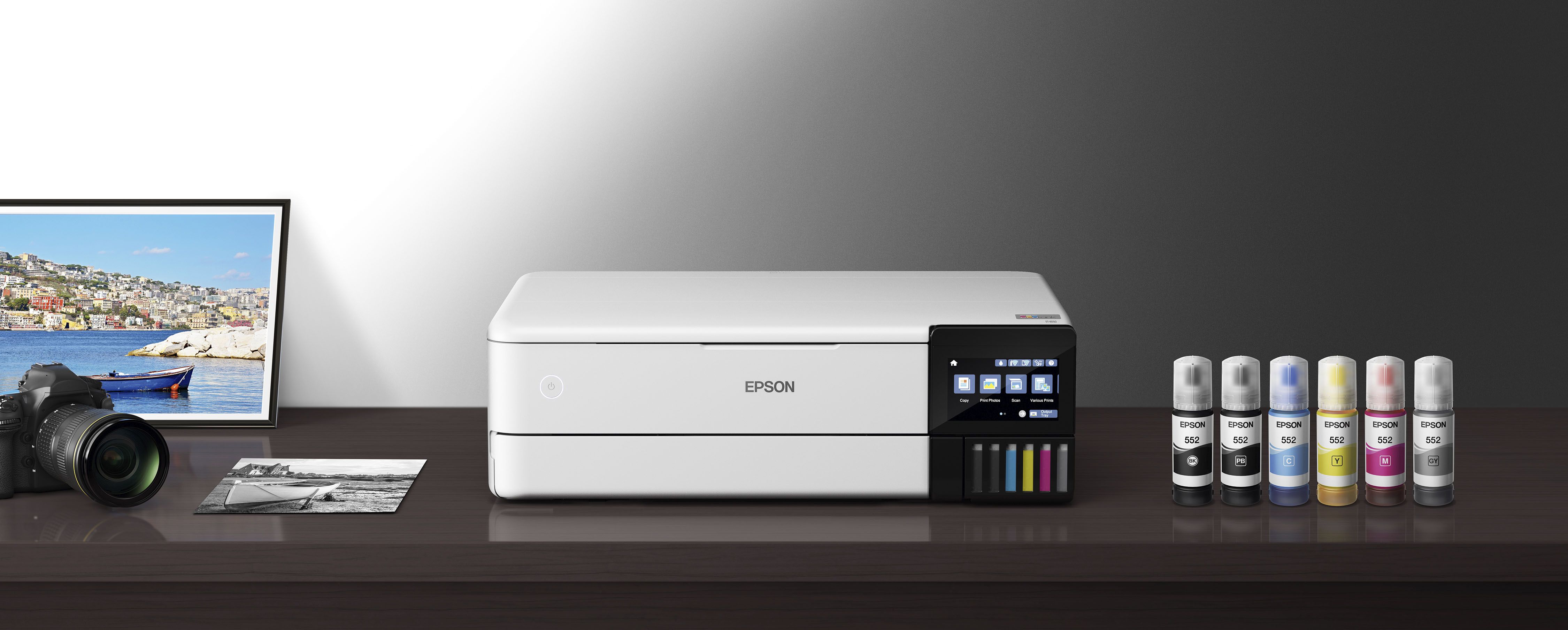
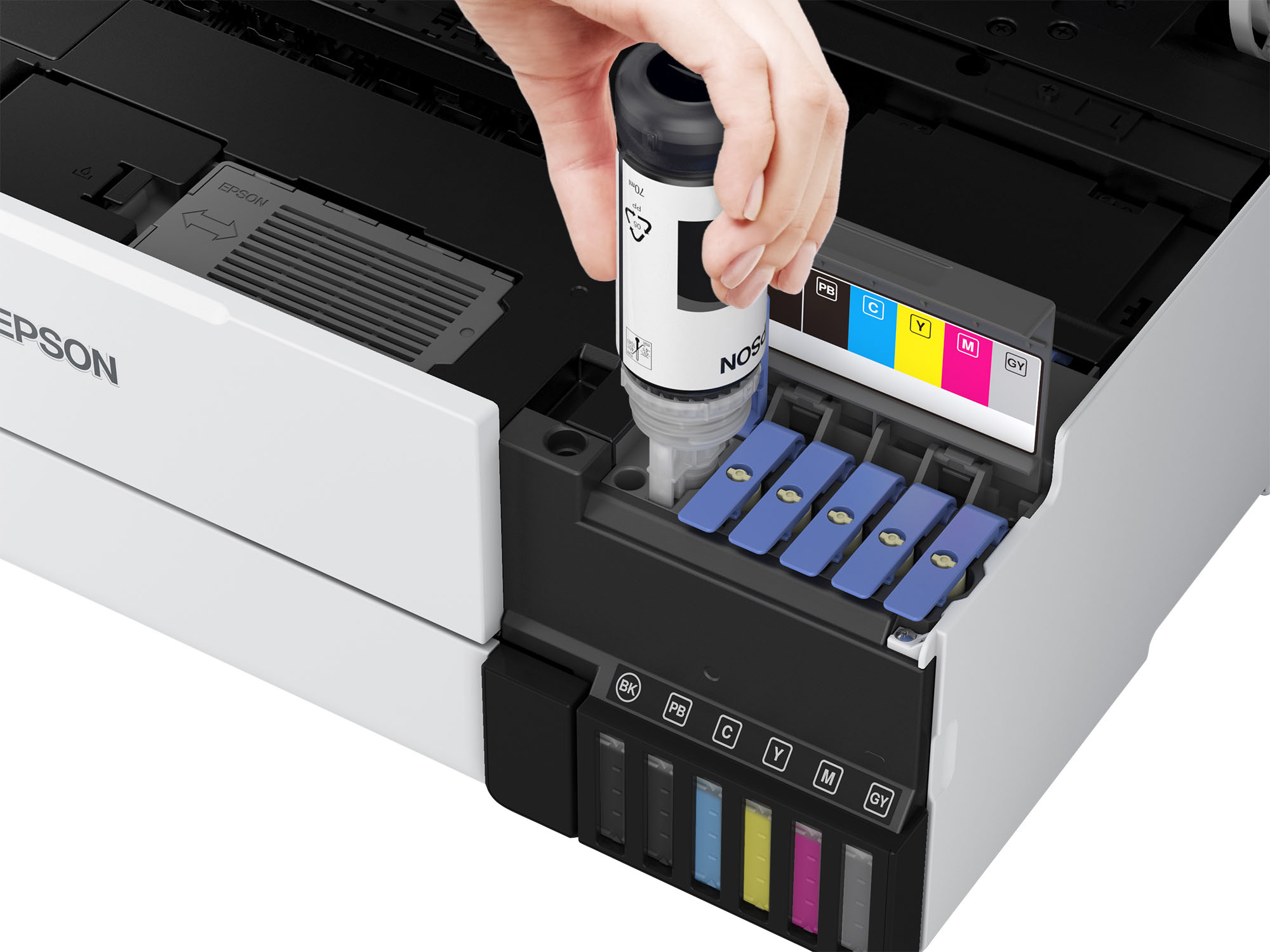
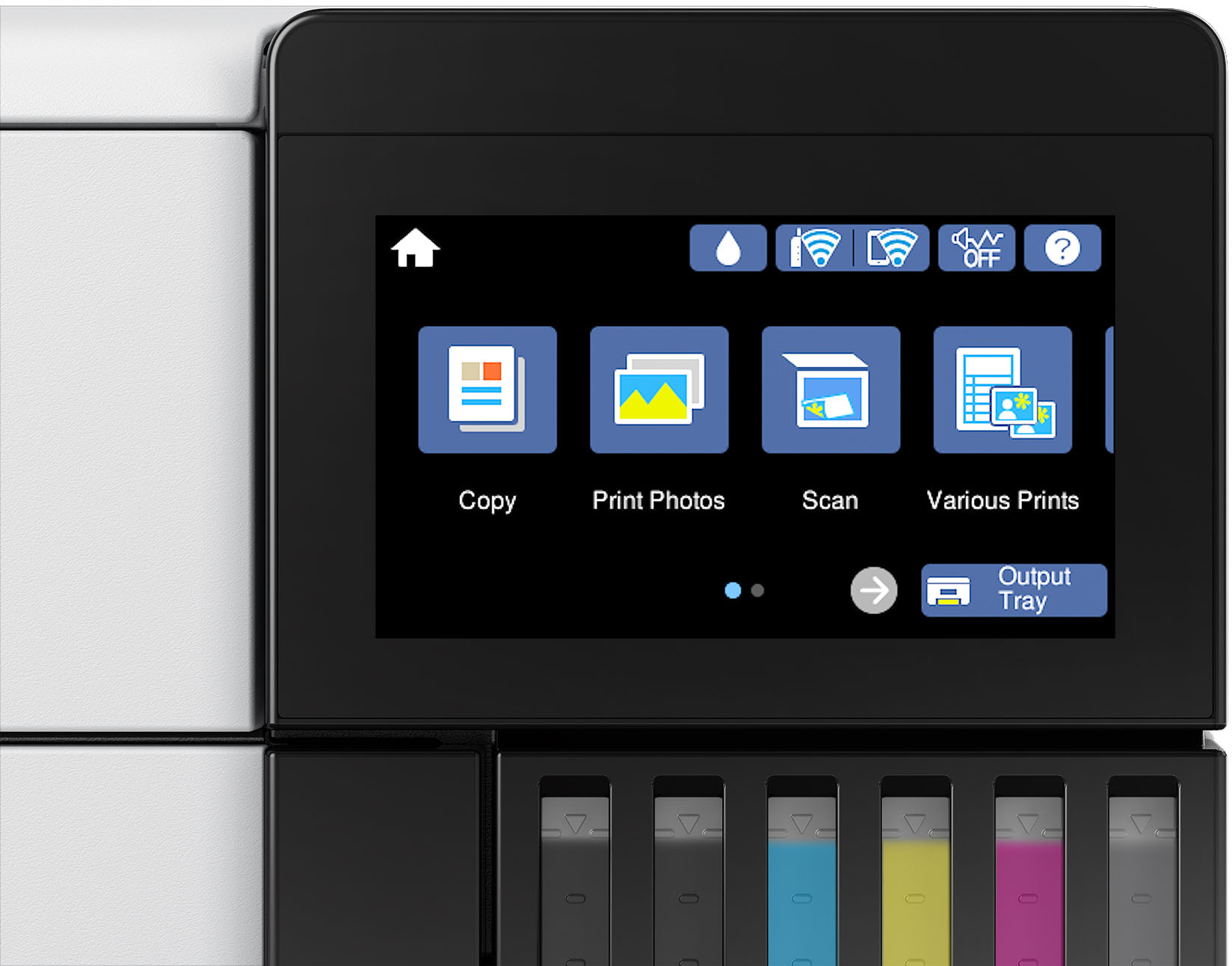
A:AnswerNo, thank goodsness - unless you enrolled in a program (for example, automatic ink replacement) that has limited prints each month. You can easily see the ink levels visually, so knowing what and when to replace ink is super easy.
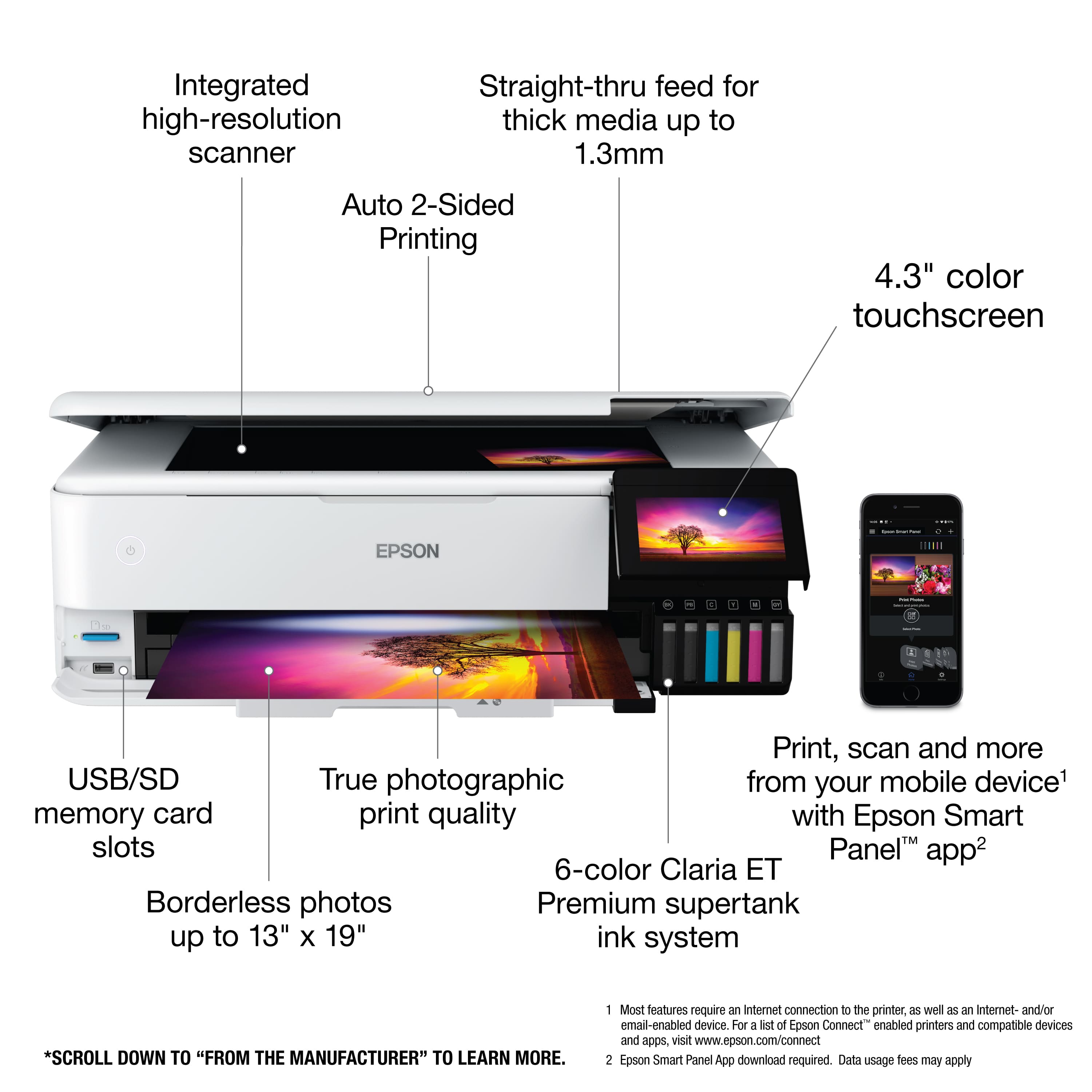
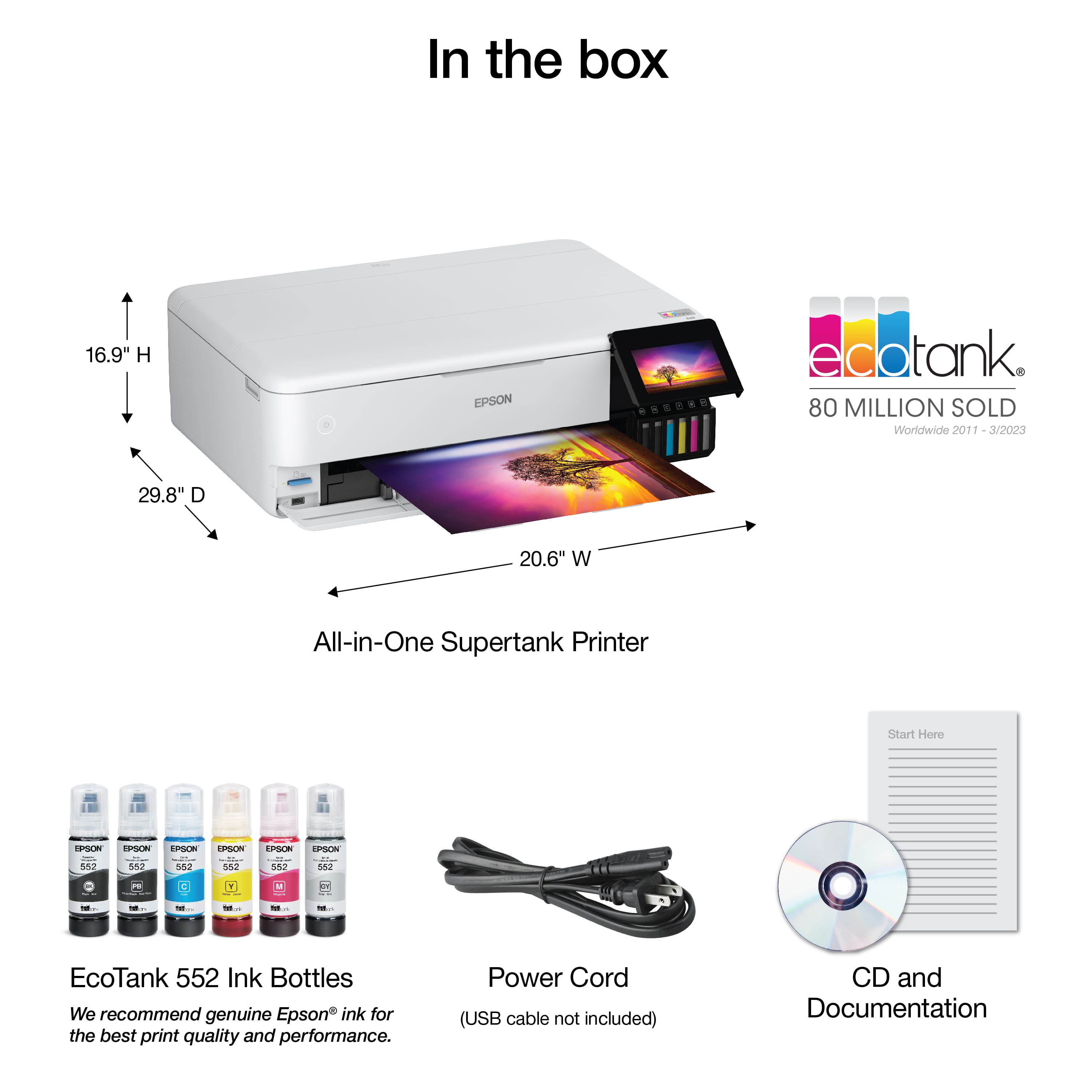
A:AnswerHello Poppi. Depending on whether you’re using the printer with a computer, smartphone, or tablet, the setup process may vary slightly. The printer includes an on‑screen setup wizard as well as a setup guide inside the box. If you’re setting up the printer with a computer, be sure to visit our official Epson Support page to download and install the latest drivers. If you need help at any point, our Technical Support team is available to walk you through the process over the phone. Feel free to give us a call. Regards, Kevin - The Epson Team.
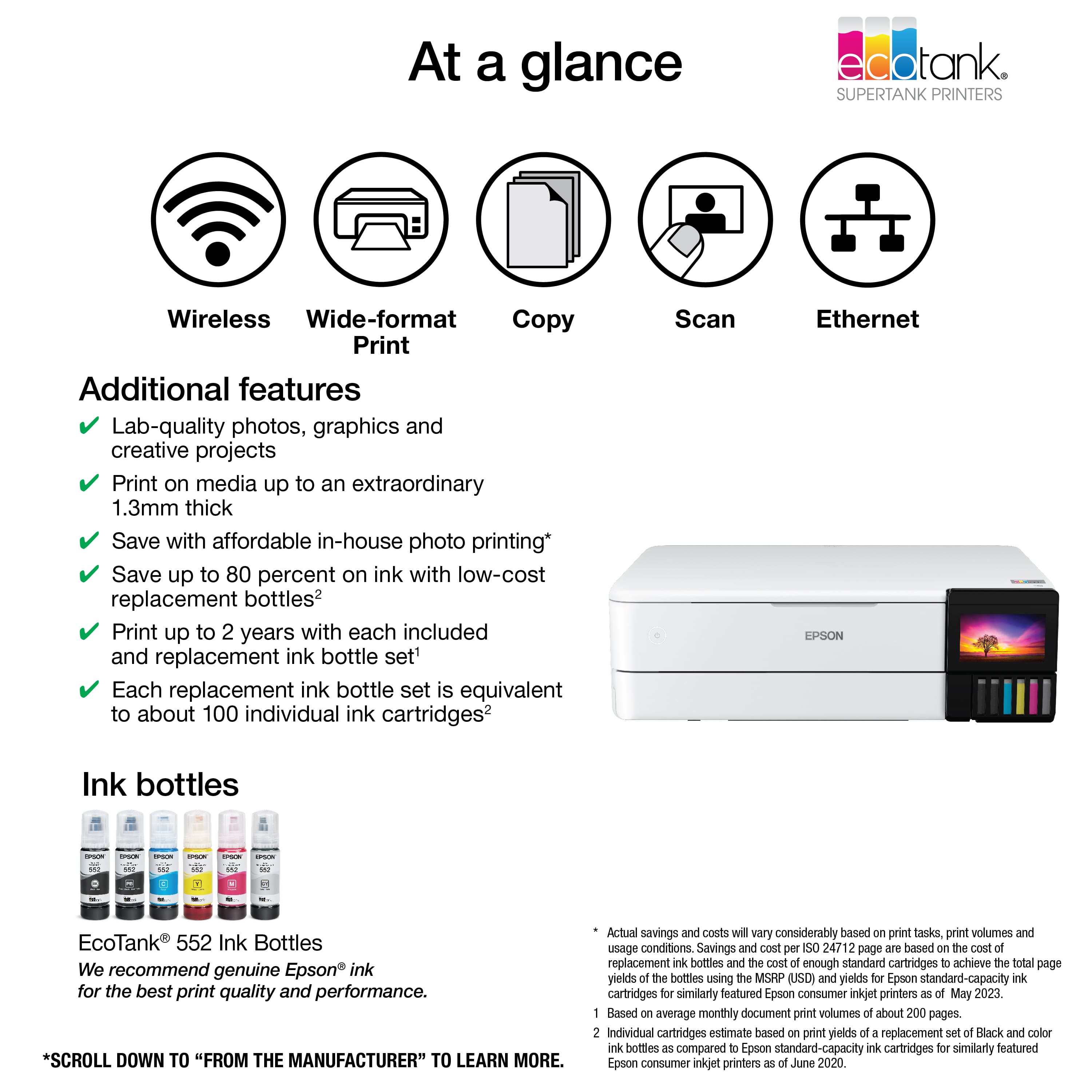
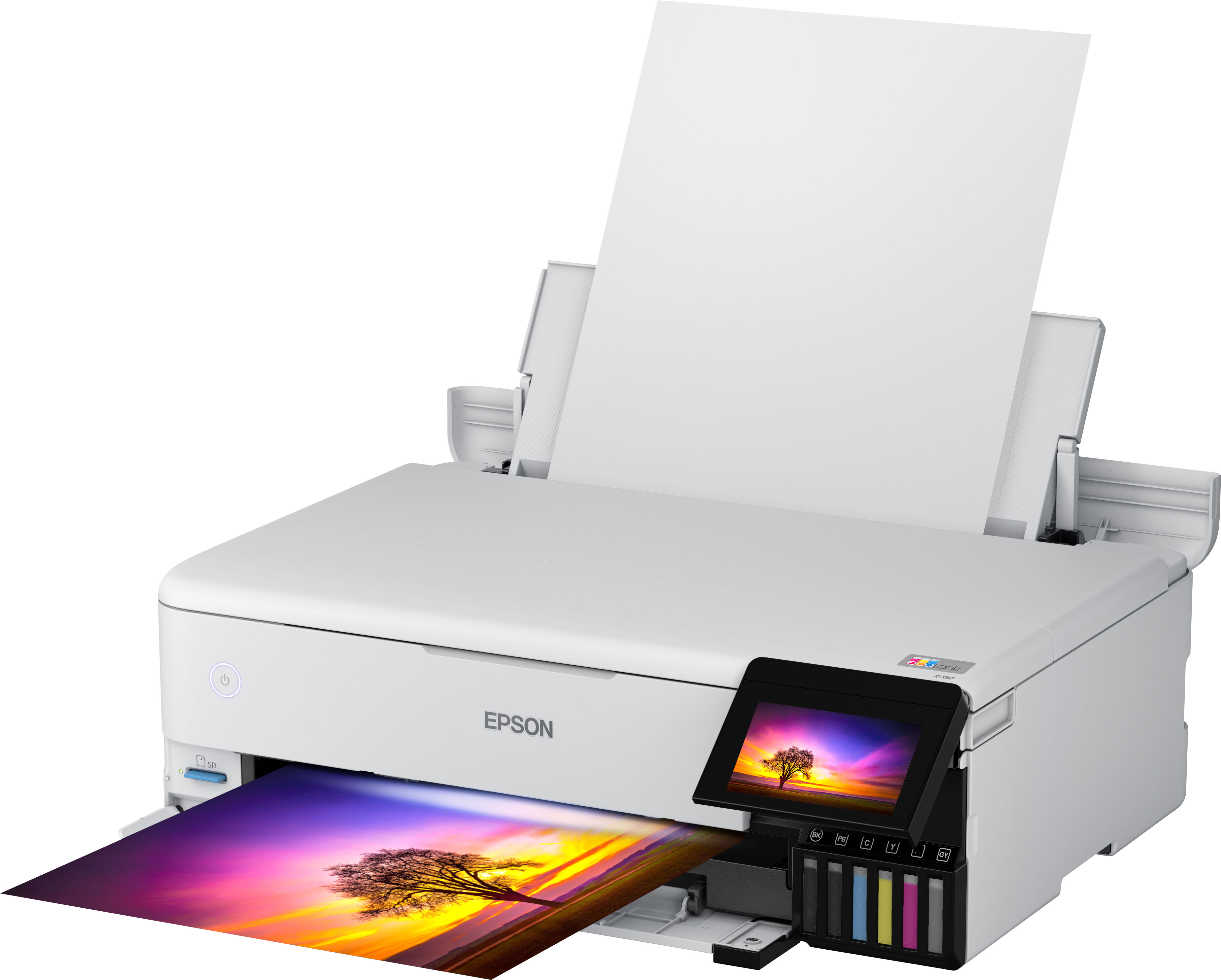
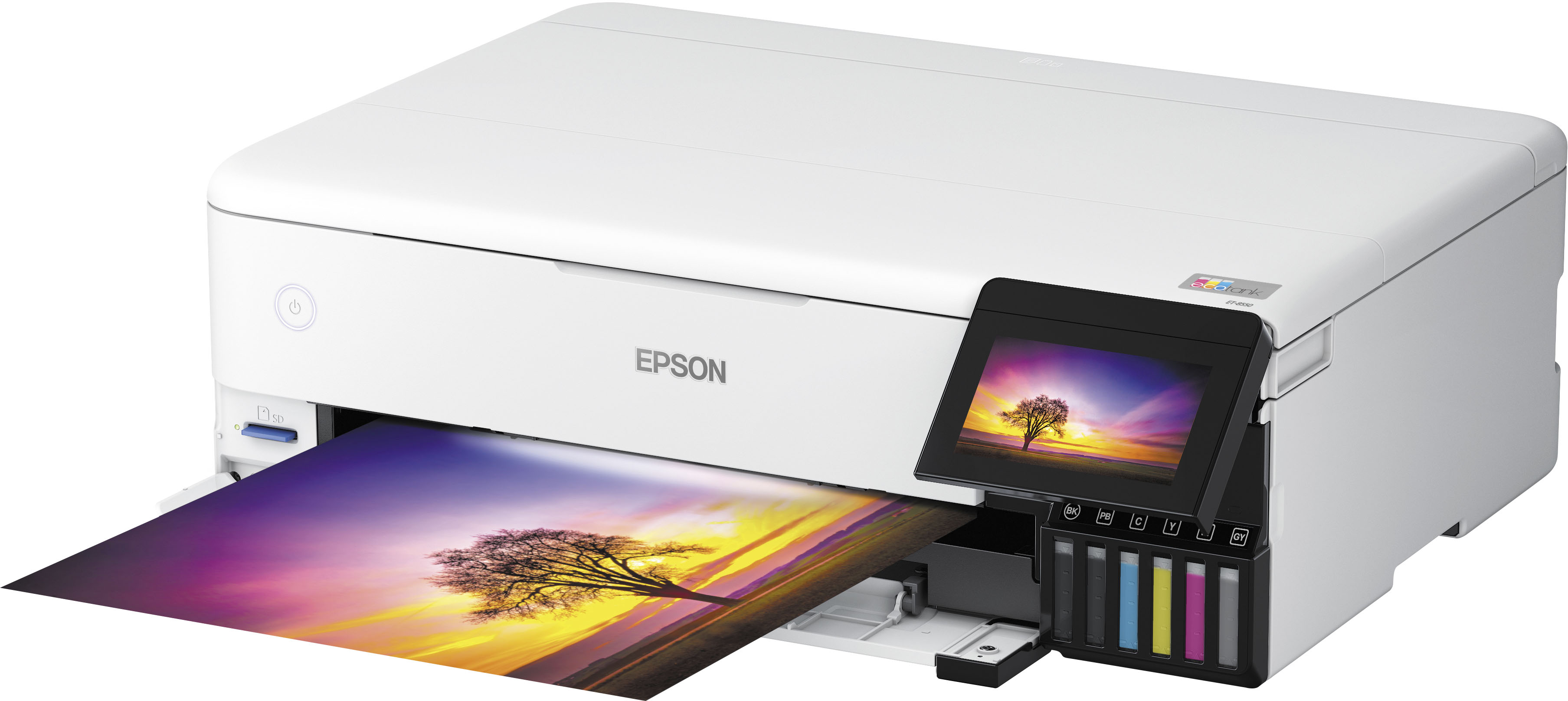
A:AnswerHello Wally. Yes, the printer will print 4" x 6" photos. It supports sizes ranging from 3.5" x 5" to 13" x 19". Regards, Kevin - The Epson Team.
A:AnswerHello Fernando. The Epson ET-8550 may be able to print on canvas and inkjet-compatible vinyl, but results depend on the brand, material, and settings. The printer uses a mix of dye and pigment inks, which are water-resistant but not waterproof, so the ink can react to water differently based on the paper used. For best results, we recommend checking with the paper manufacturer to confirm compatibility. Regards, Kevin - The Epson Team.
A:AnswerYou can print on heat transfer paper, but the colors do not come out the same as your computer screen. Also, you have to use High or Best to get it to print without lines going through your designs. When you use this option, the colors are much darker or different than what you have designed. Also, my printer stopped working after only 2 months and I'm having a heck of time trying to get a replacement printer sent out to me by Epson. DO NOT BUY THIS PRINTER.