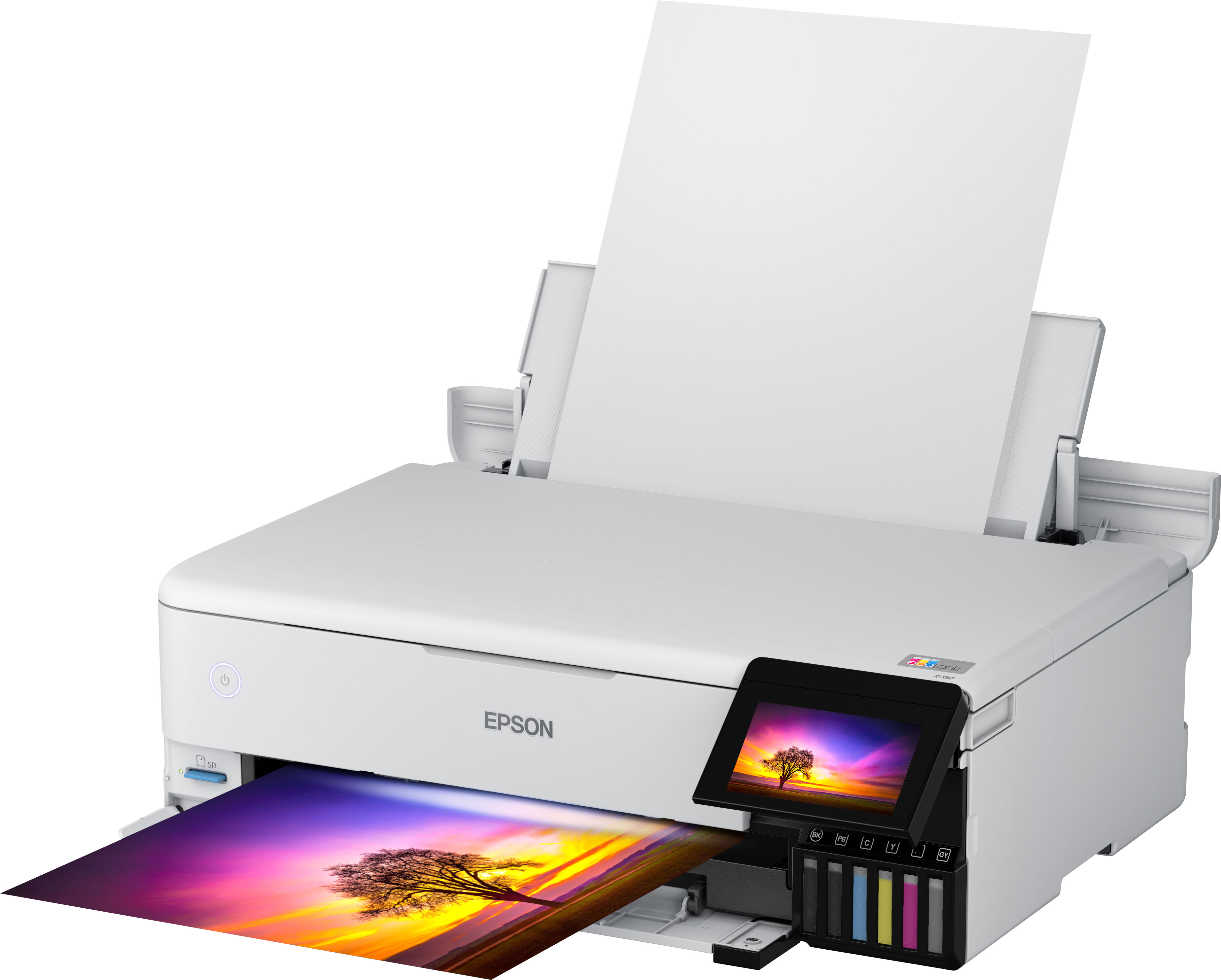
A:AnswerHello David. The ET-8550 can print on paper up to 78.7" in length. Unfortunately, roll paper is not supported for this model, as adapters are not available. Regards, Kevin - The Epson Team.
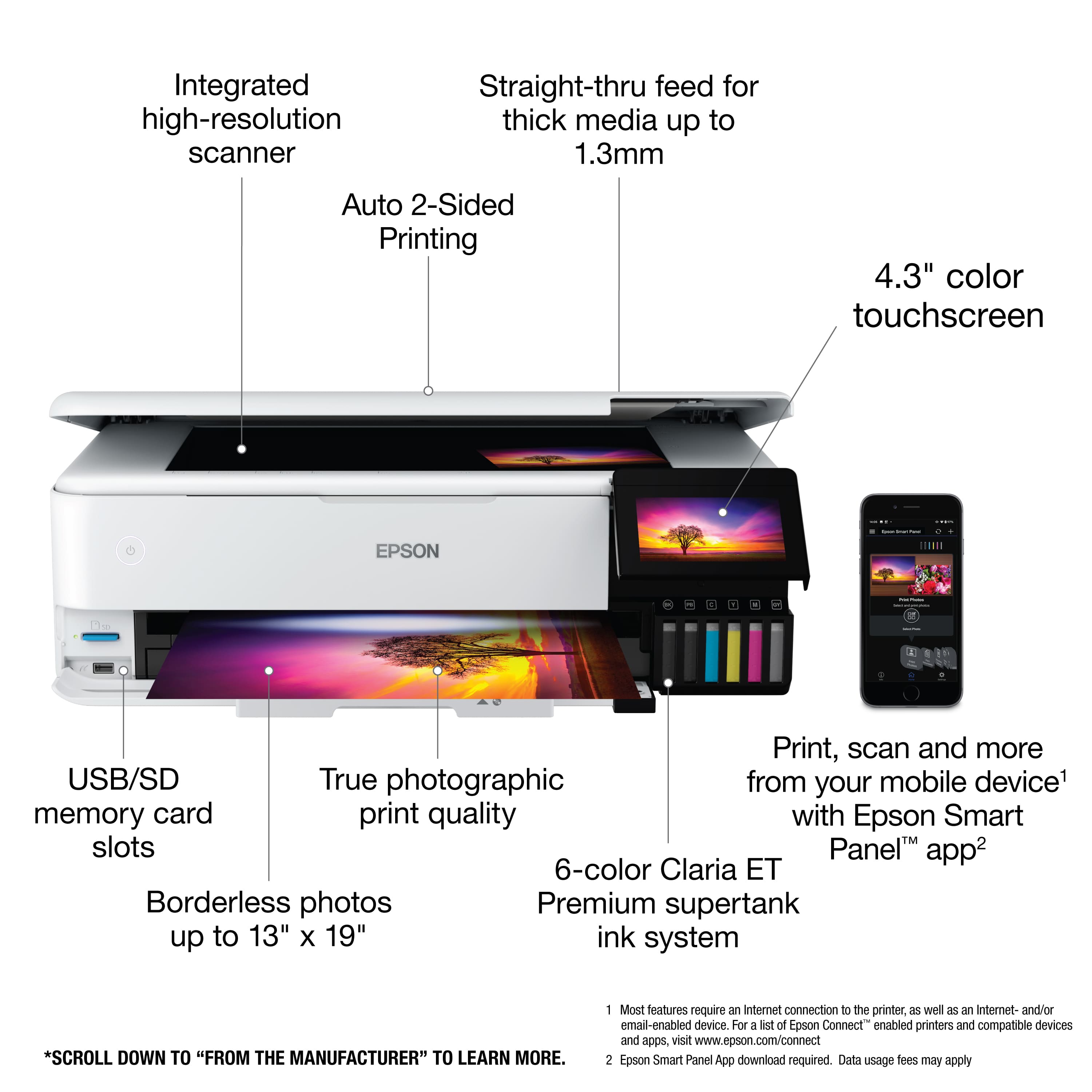
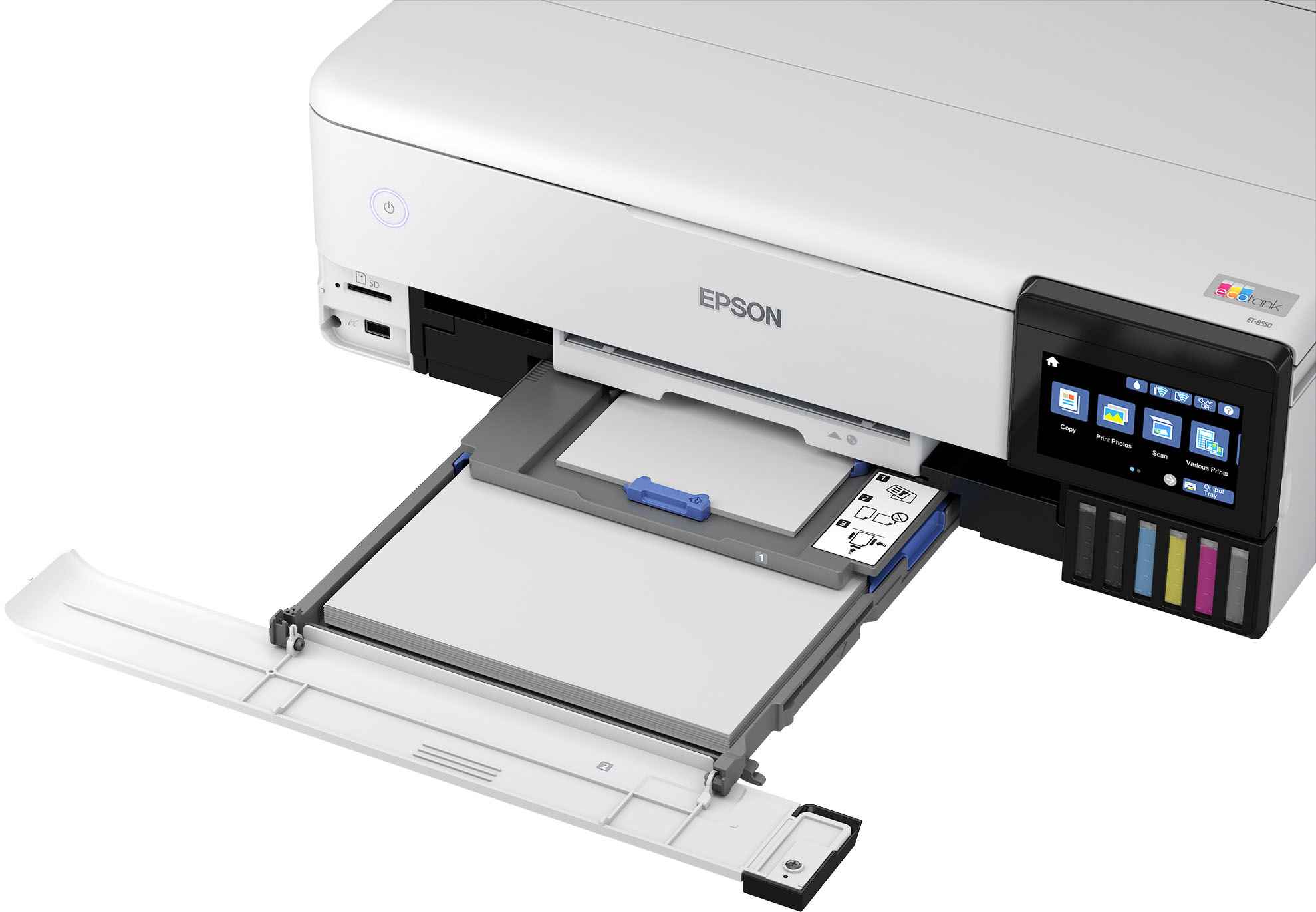
A:AnswerHello FranciscoMejia. Yes, the ET-8550 can print on 11" x 17" paper. The printer supports paper sizes ranging from 3.5" x 5" to 13" x 19". Regards, Kevin - The Epson Team.
A:AnswerHello Rachell. Yes, the ET-8550 is compatible with Epson glossy, semi-gloss, and matte photo paper. For a list of all compatible paper types, please see the User's Guide on our official Epson Support page. Regards, Kevin - The Epson Team.
A:AnswerHello K. You can choose the Black/Grayscale setting. However, even when selecting this option, the printer could still use a mixture of color inks to create black on your prints. Regards - Kevin - The Epson Team.
A:AnswerI don't know about the 4845, but this printer prints very clear. I print on film (clear) paper every day and haven't had an issue yet. Can only print on the matted side though, will not be able to print on the smooth side without the ink running/bleeding
A:AnswerNo, if you don’t use it for a while and then do you might get some lines on your prong. You just do maintenance and it cleans the heads and it works perfectly. It is the same for the 3850. I own both. I love both the ET 3850 and 8550.
A:AnswerOne, if you do this, make sure the vinyl you are printing on can be printed with an inkjet printer not a laser jet printer. If the material is the smooth vinyl material, then I would say no. More than likely the ink will just run. I use mine for printing film and it works well on the matted side, but if I print on the other side (smooth non matted) the ink will run/bleed. I can only assume it will do this for vinyl. HOWEVER, this is perfect for heat transfer paper.
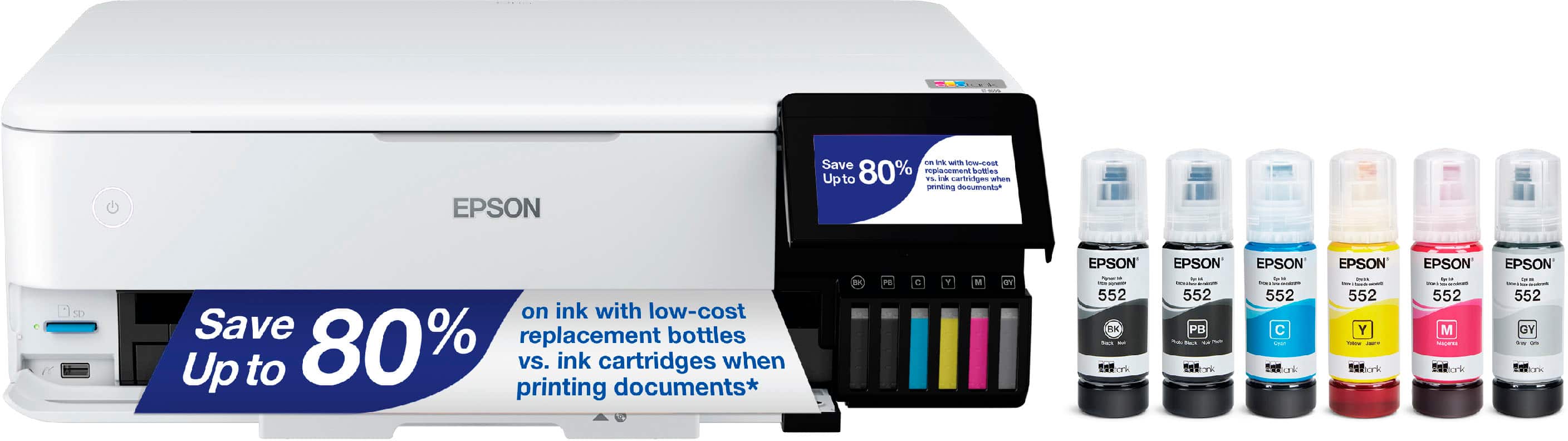
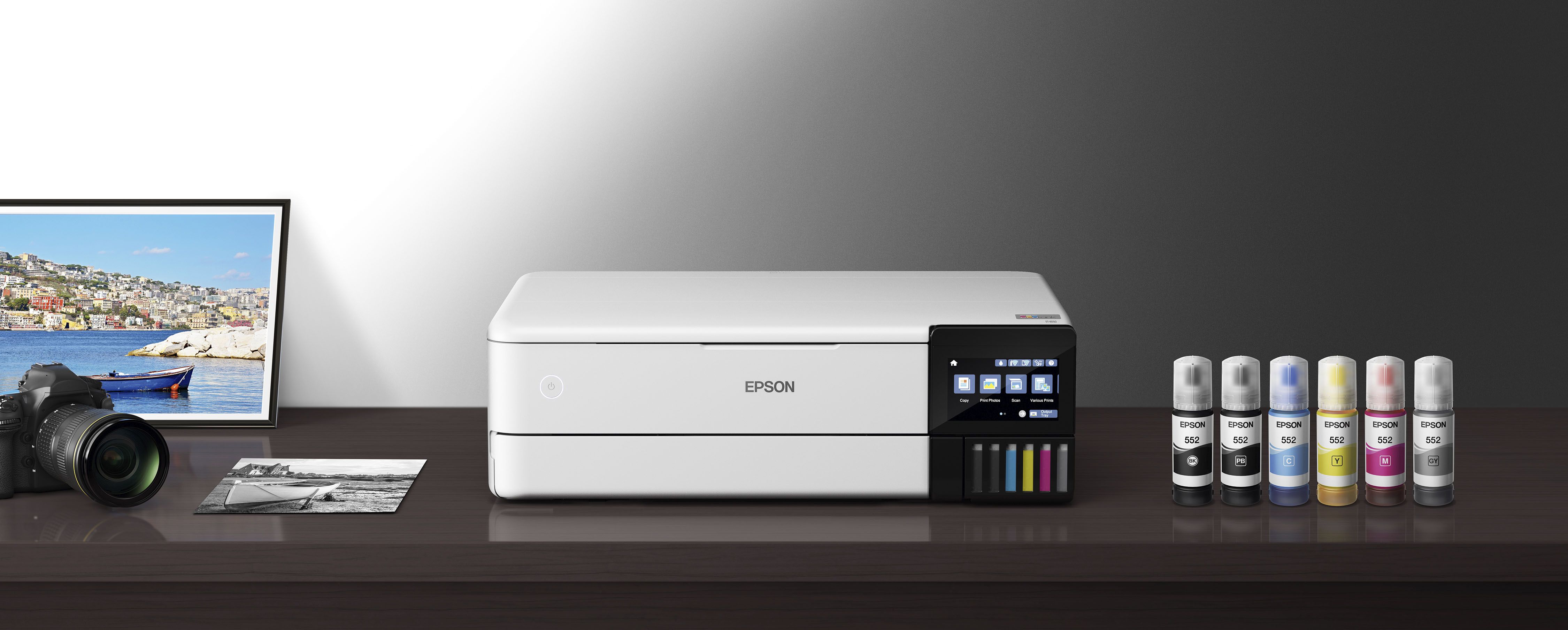
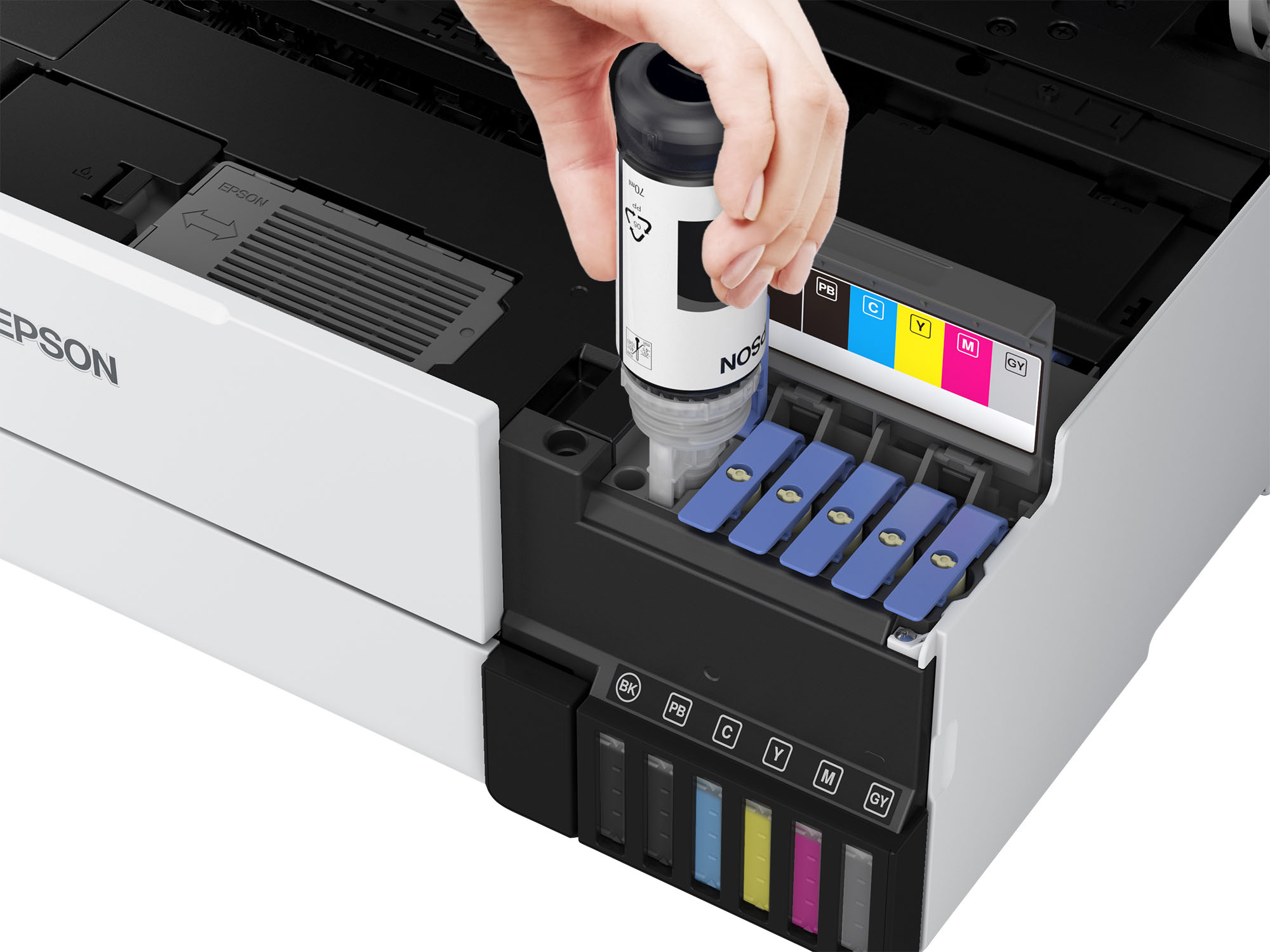
A:AnswerNo conversion needed bought for that single purpose I recommend hippo ink to start out with and buy the appropriate ink kit that hippo list for this printer this printer has 5 tanks unlike most that have 4 tanks hope this helps
A:AnswerHello Debo. While the ET-8550 can print an image that has teal, please be aware that different factors can affect how your final print turns out, such as the original scan settings, file type, application, paper type, color profiles, and print settings. Regards, Kevin - The Epson Team.
A:AnswerHi, The EcoTank Photo ET-8550 uses all colors to print spectacular photos on photo or photo matte paper. If one or more ink tanks is expended, we recommend refilling it as soon as possible. That way, you can avoid having ink dry around the nozzles and potentially causing clogs. Regards, Mark - The Epson Team.
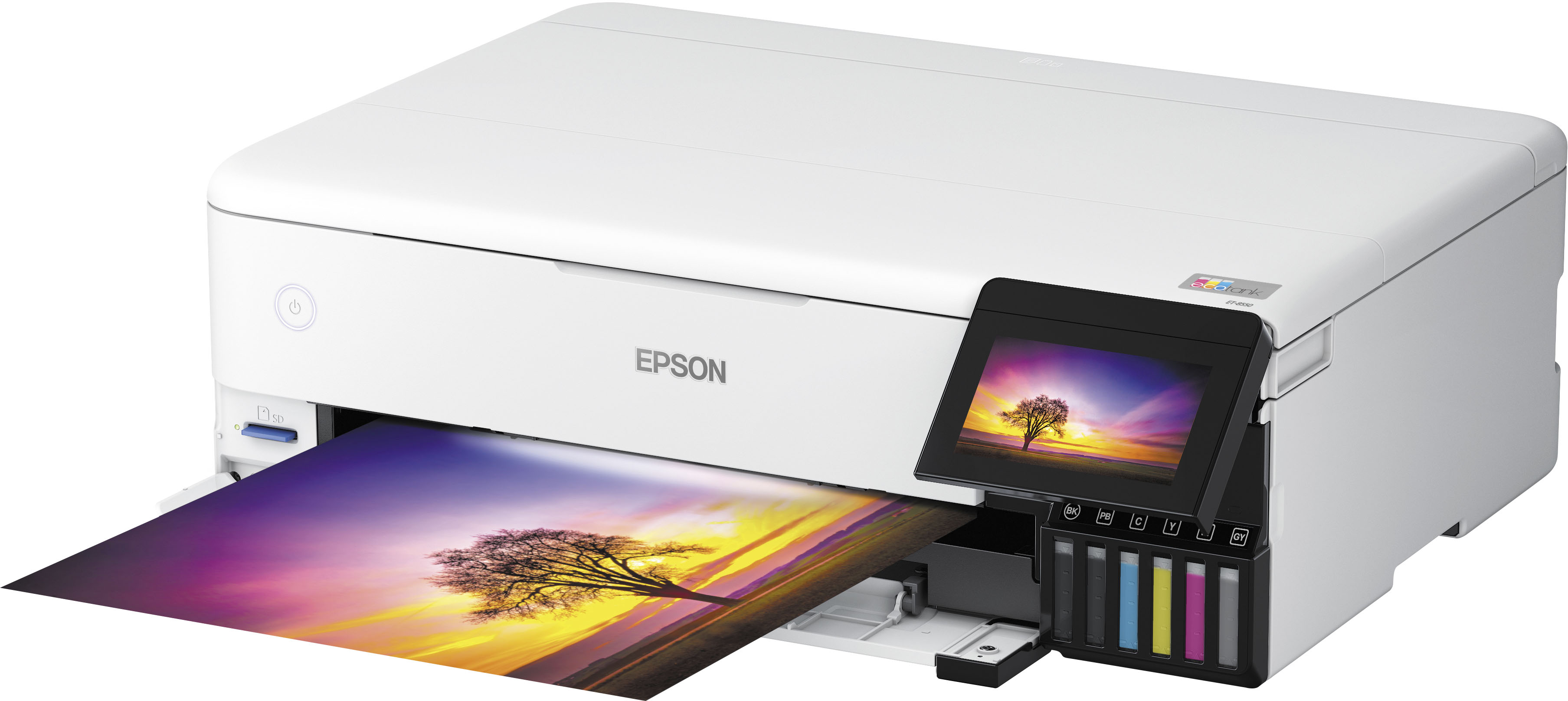
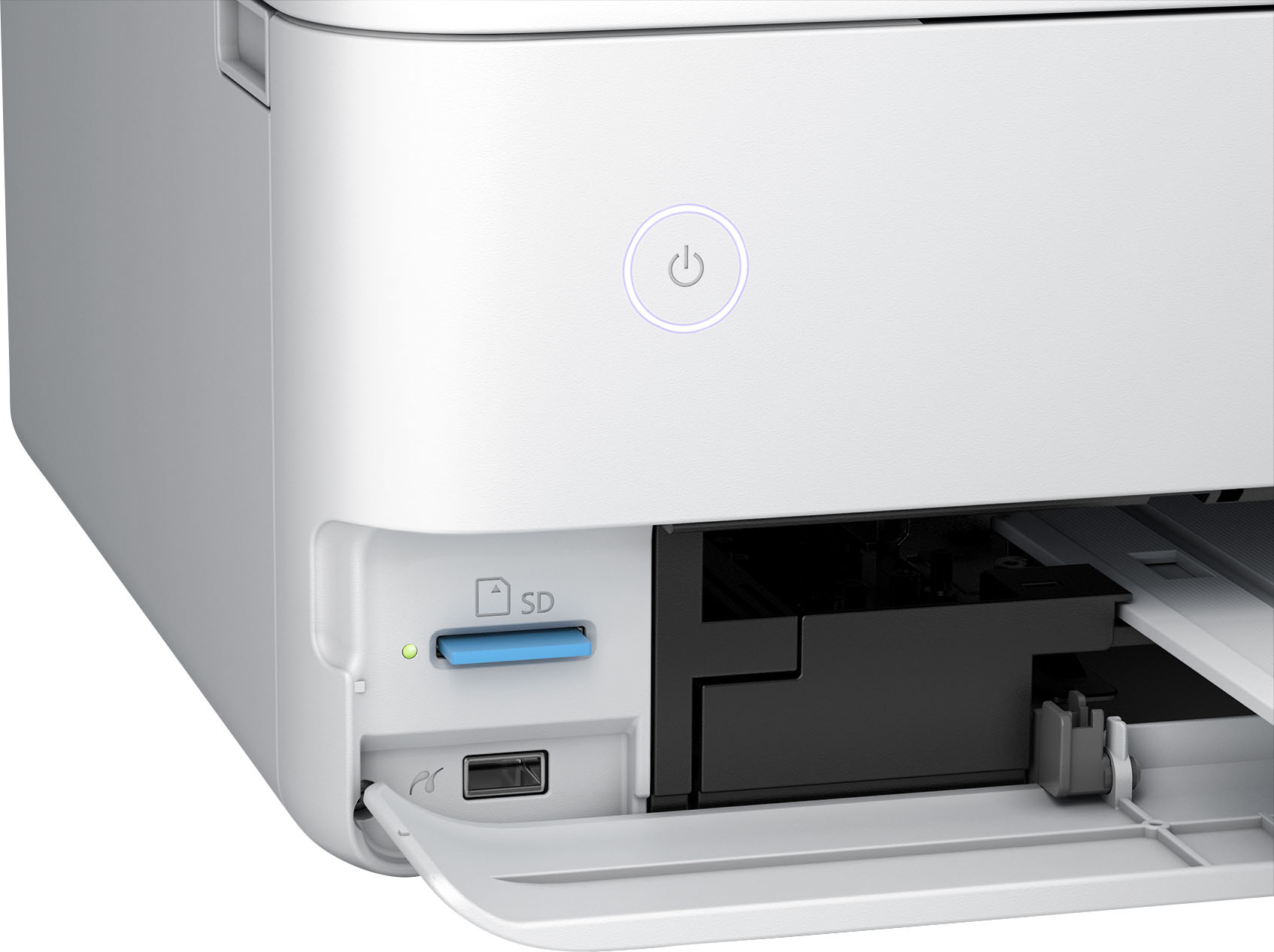
A:AnswerHello sandy. The ET-8550 is compatible with a variety of memory cards. You can use miniSD*: 2GB, miniSDHC*: 32GB, microSD*: 2GB, MicroSDHC*: 32GB, microSDXC*: 64GB, SD: 2GB, SDHC: 32GB, and SDXC: 64GB. Regards, Kevin - The Epson Team.
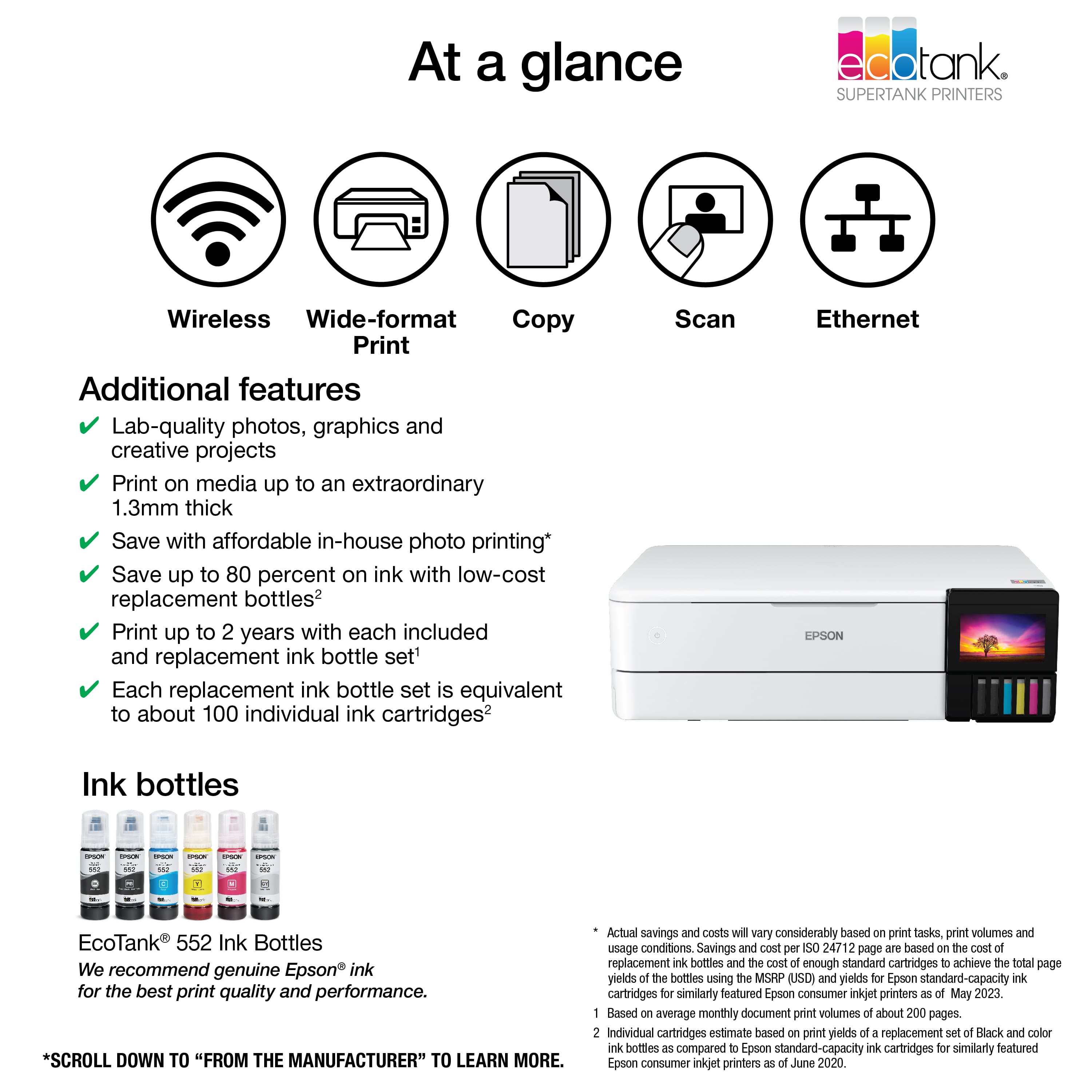
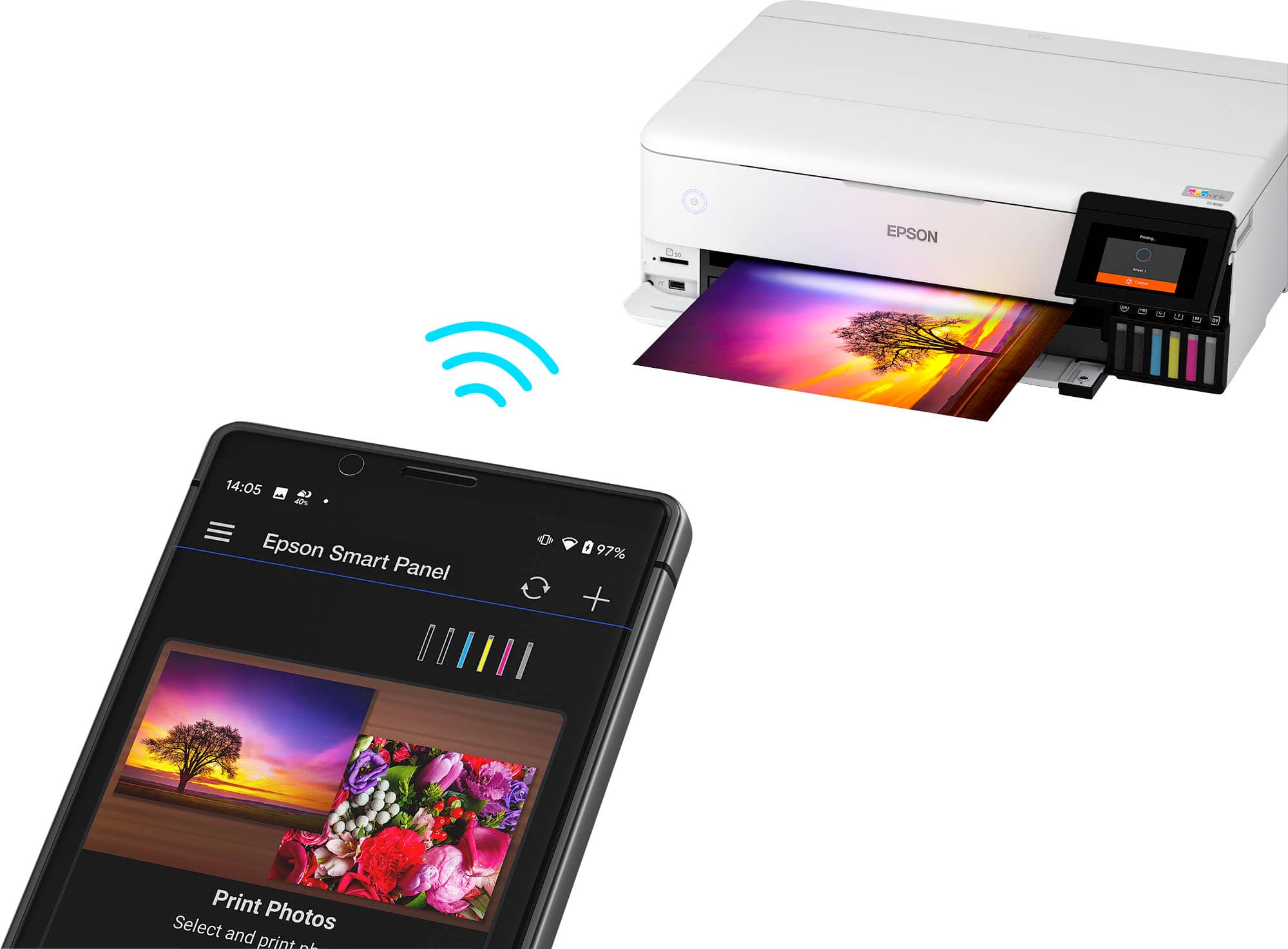
A:AnswerHello Hotdogss. Yes, the ET-8550 can be used with an Android device using the Epson Smart Panel App. The App is available for download directly through the Google Play Store. Regards, Kevin - The Epson Team
A:AnswerHello. Yes, the ET‑8550 can print business cards. We recommend printing on a full sheet rather than individual cards. Please note that the printer does not include automatic card cutting or built-in templates, so you’ll need to cut each card manually after printing. Also, when using third-party paper, feeding reliability may vary depending on the paper’s surface and thickness. Regards, Kevin - The Epson Team.
A:AnswerHello Eric1509. The maximum true optical resolution when scanning photos is 1200 dpi (main scan) × 4800 dpi (sub‑scan). Regards, Kevin - The Epson Team.