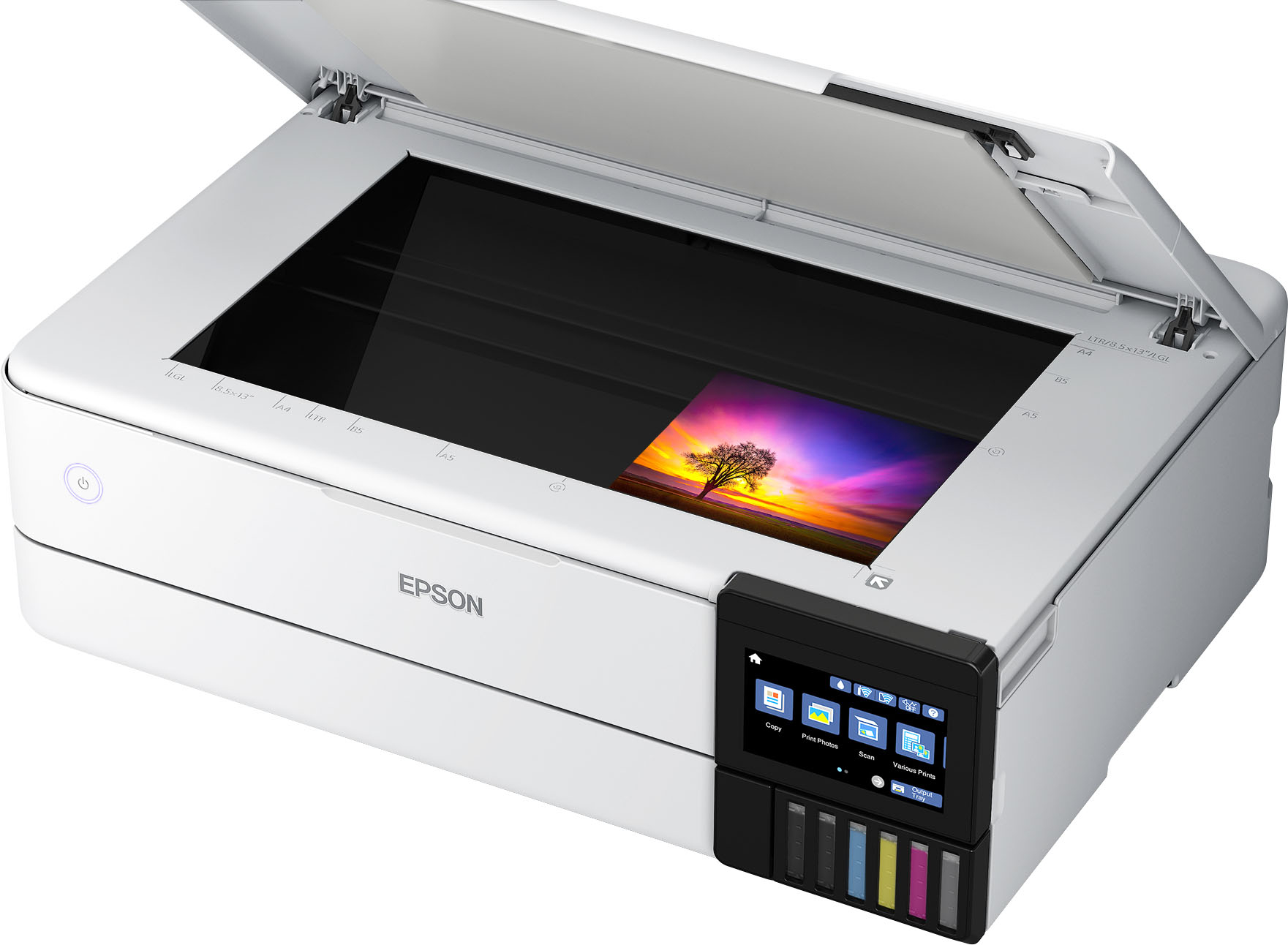
A:AnswerHello Rose. Print results can vary based on your image settings, color profiles, paper type, and printer settings. Adjusting these can help you achieve softer, more muted tones for a vintage look. Also, the flatbed scanner should be able to scan rice paper as long as the material has enough density and isn’t too transparent. Regards, Kevin - The Epson Team.
A:AnswerHello. This printer is not generally used for printing on vinyl. We recommend contacting the manufacturer of the vinyl paper you are using to ensure compatibility with our inks/printers. Regards, Kevin - The Epson Team.
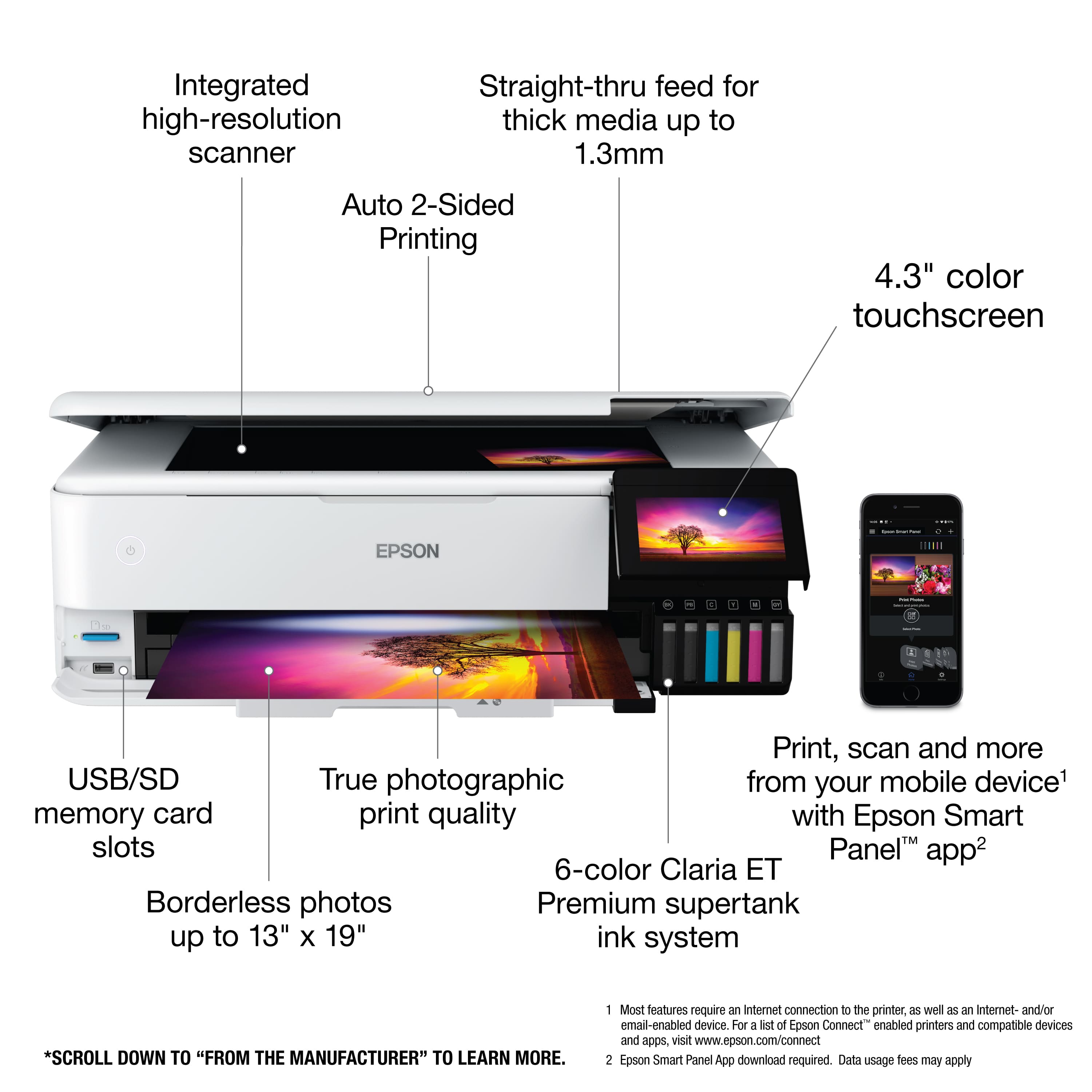
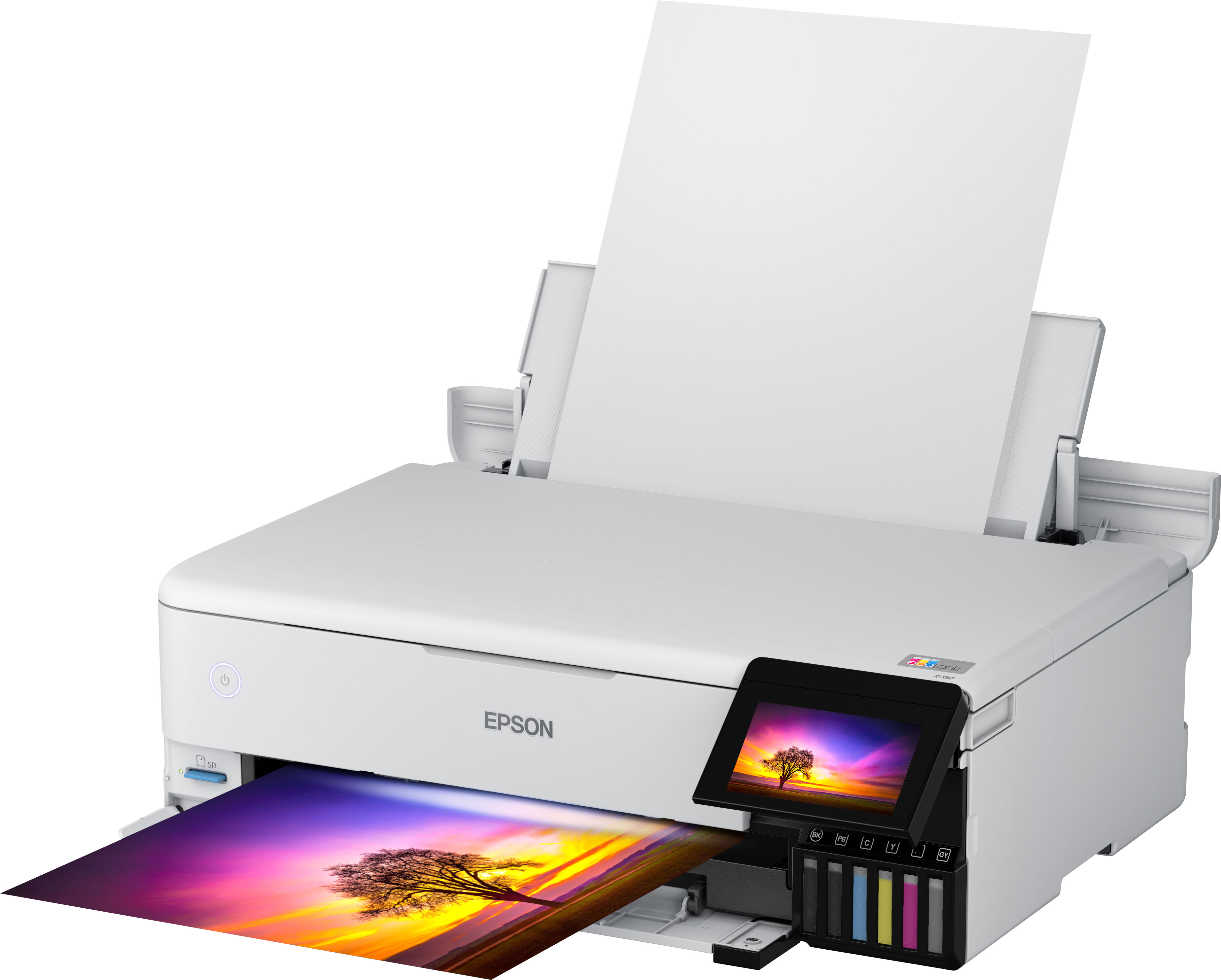
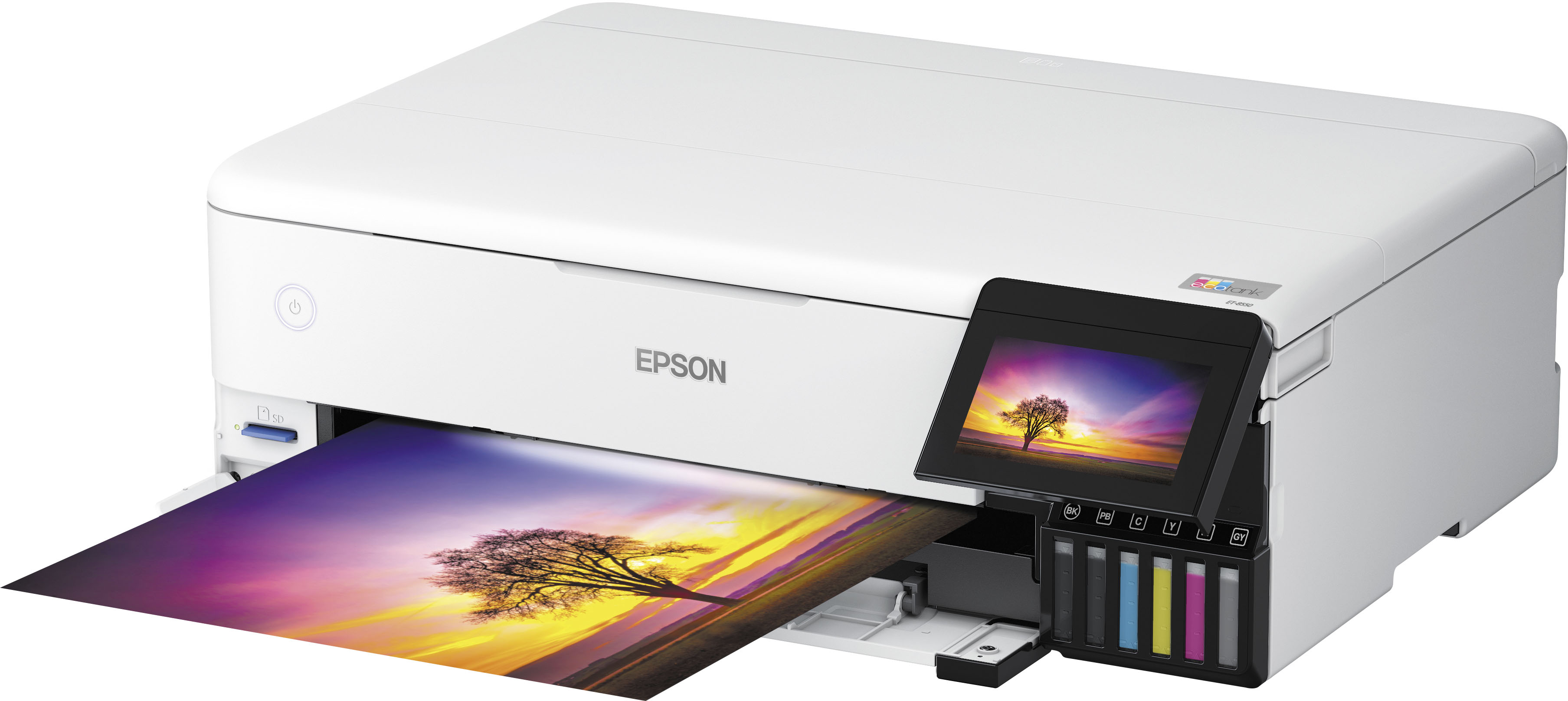
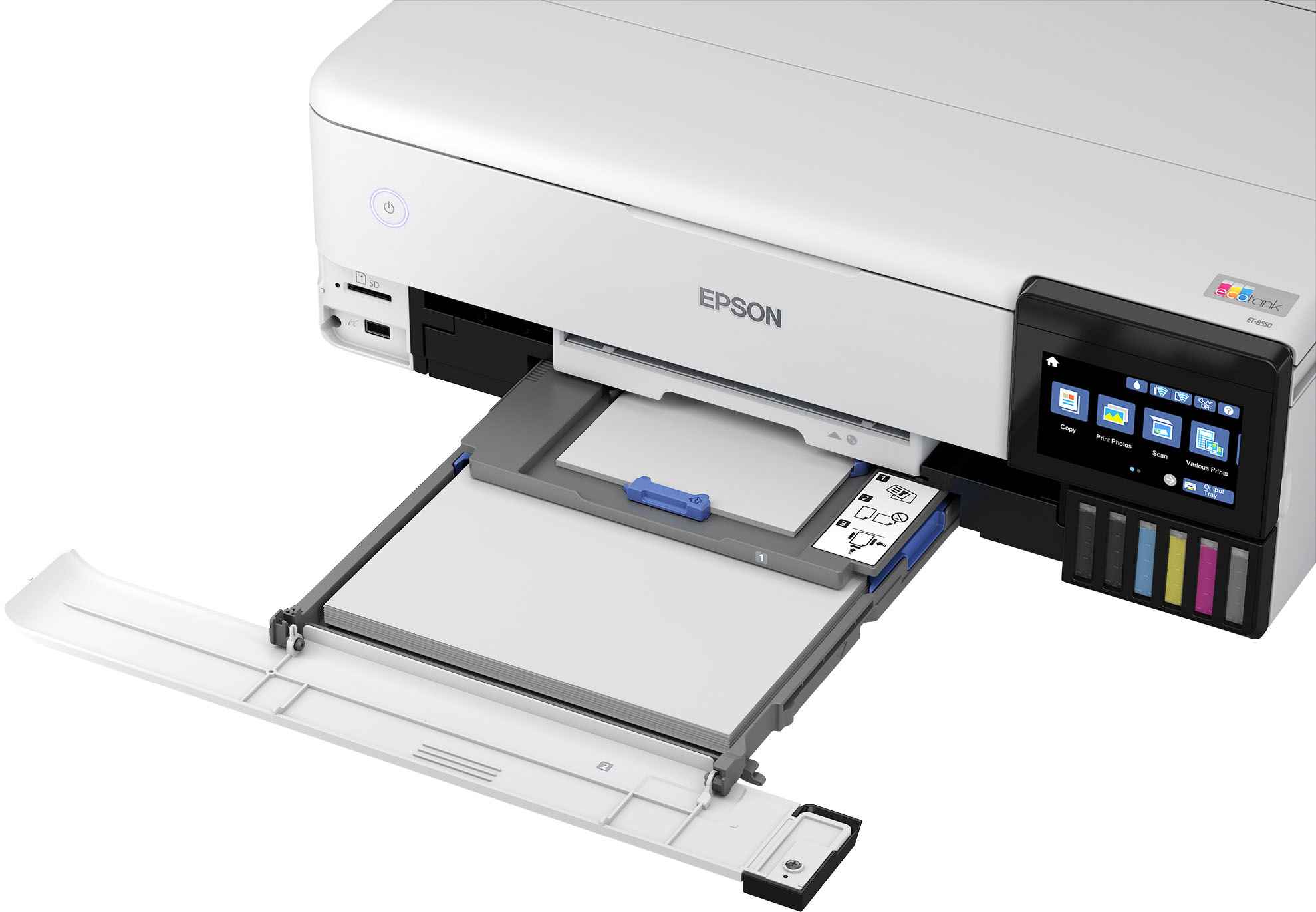
A:AnswerHello Hobbs. Wide‑format printing refers to models that can handle paper larger than the standard 8.5″ × 11″ size. The Epson ET‑8550 supports paper sizes ranging from 3.5″ × 5″ up to 13″ × 19″. Regards, Kevin - The Epson Team.
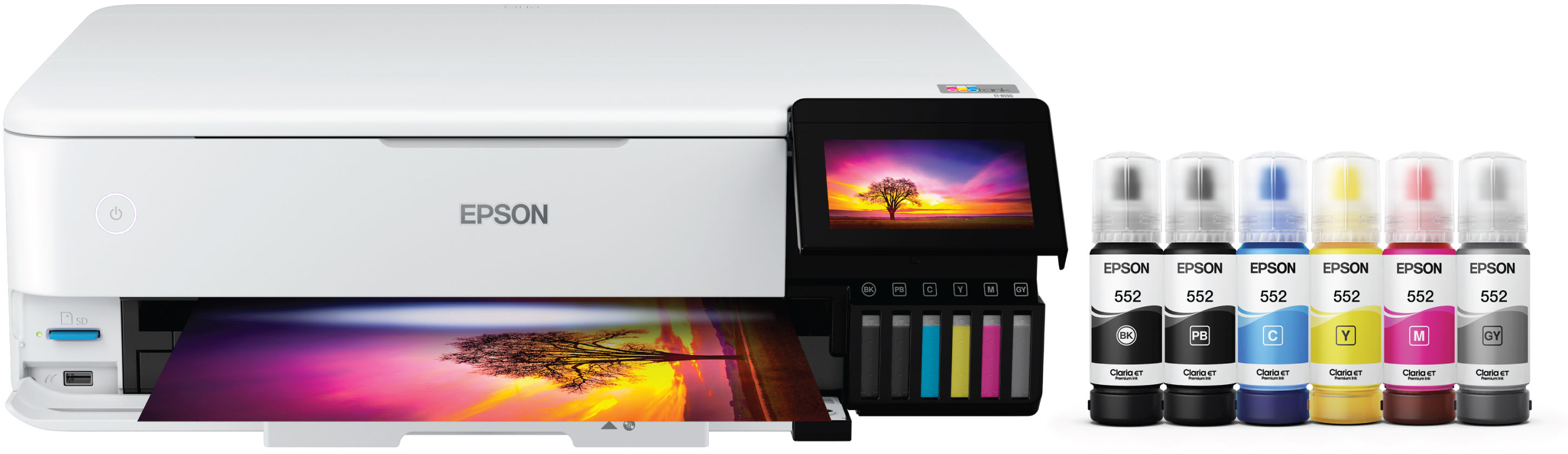
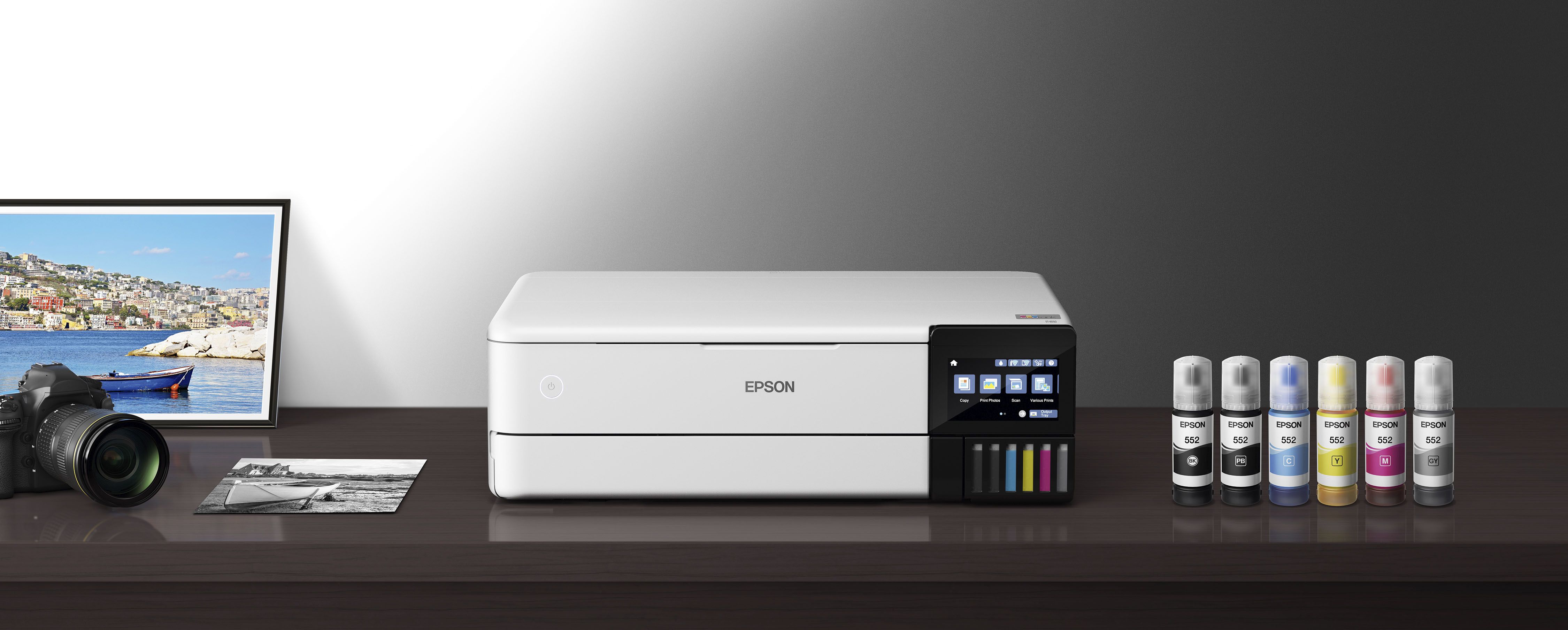
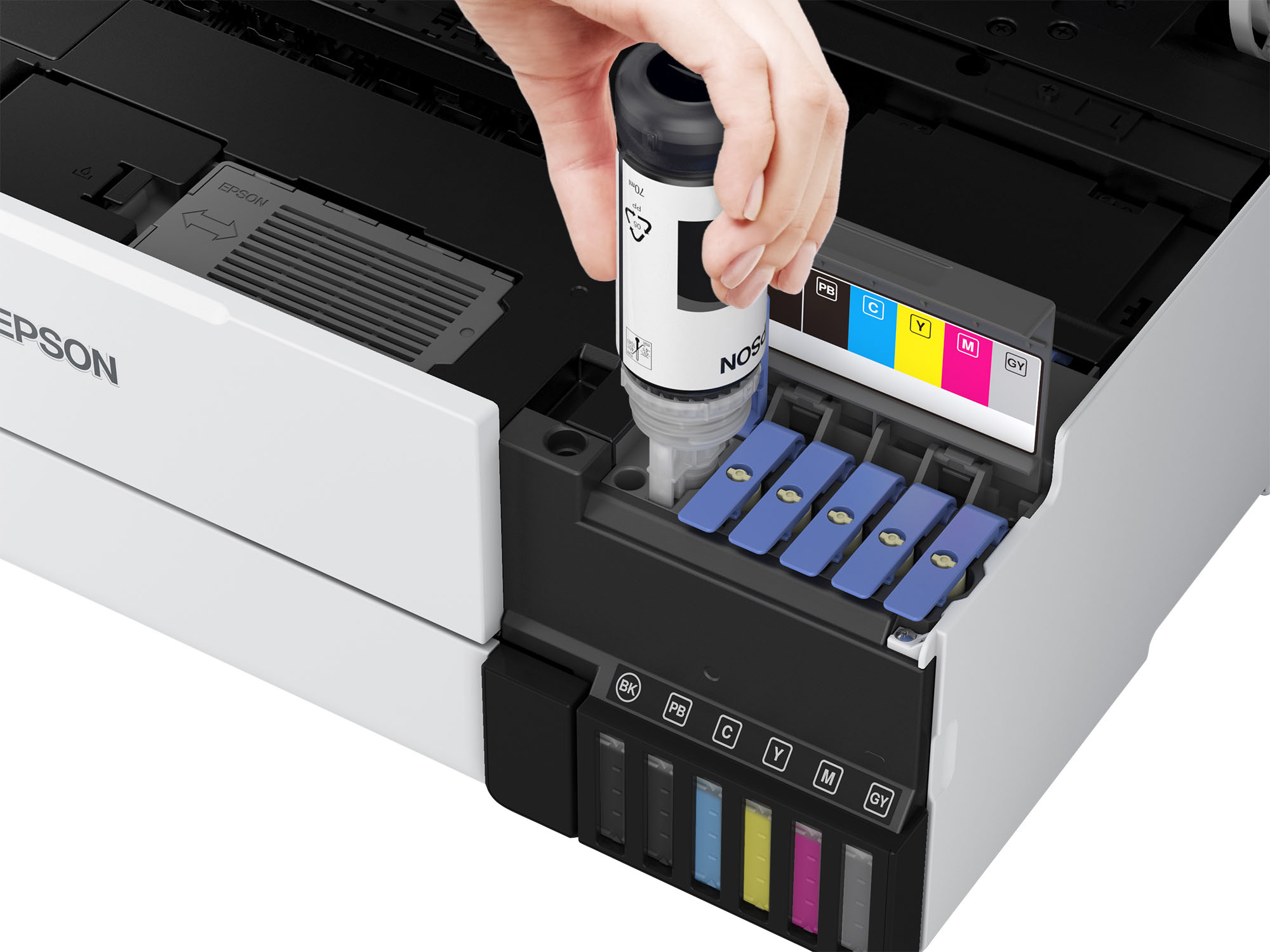
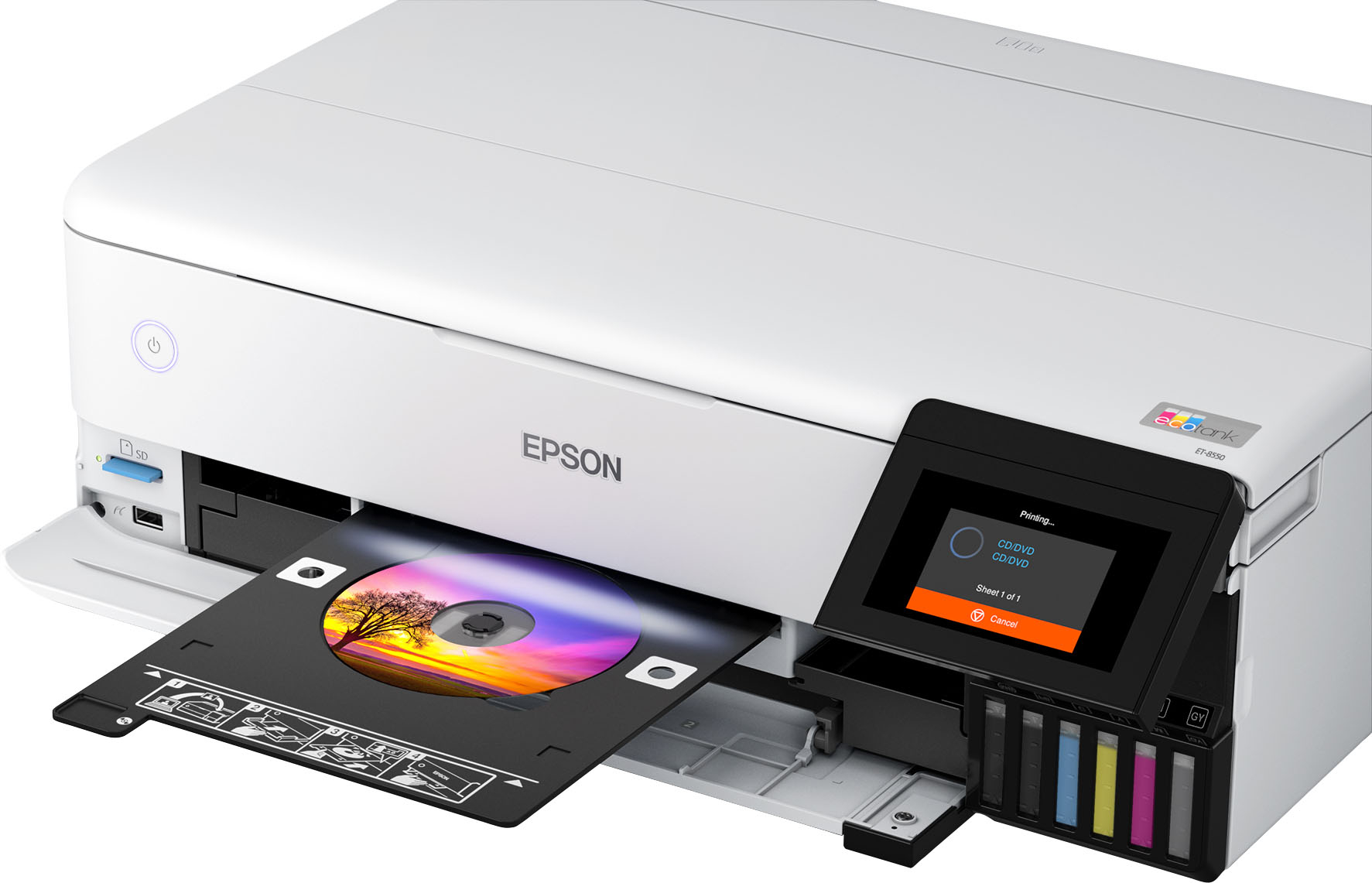
A:AnswerNo, thank goodsness - unless you enrolled in a program (for example, automatic ink replacement) that has limited prints each month. You can easily see the ink levels visually, so knowing what and when to replace ink is super easy.
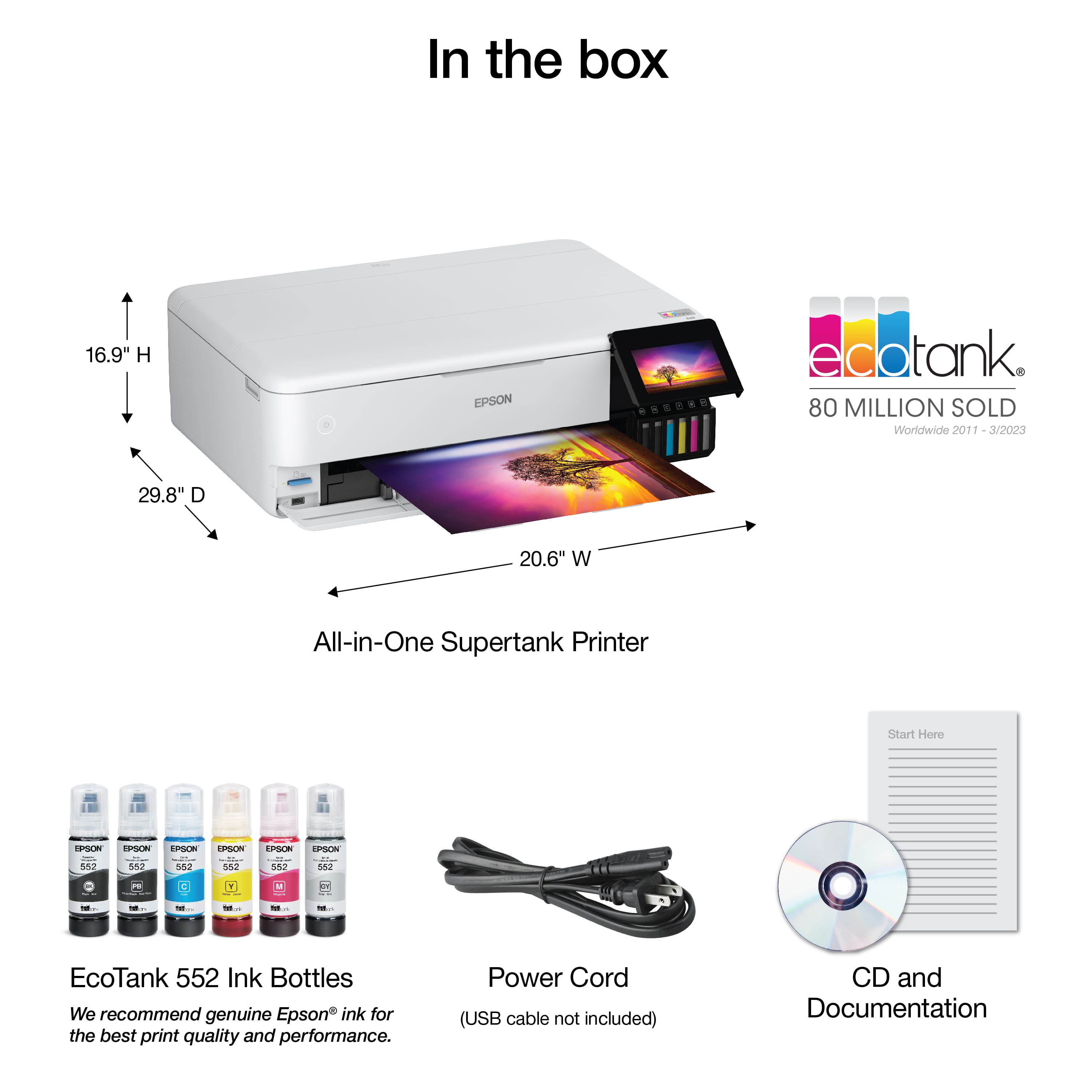
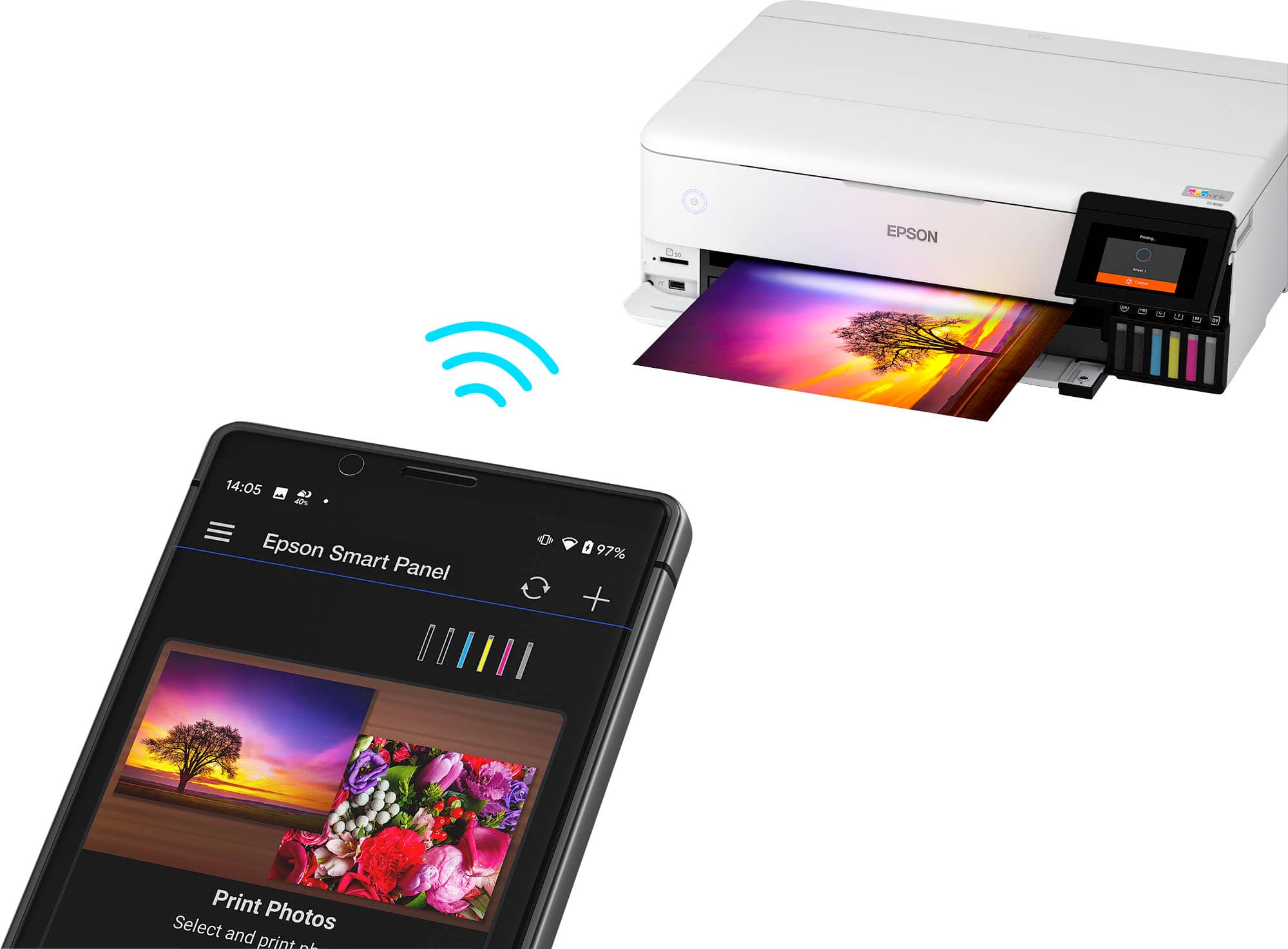
A:AnswerHello Poppi. Depending on whether you’re using the printer with a computer, smartphone, or tablet, the setup process may vary slightly. The printer includes an on‑screen setup wizard as well as a setup guide inside the box. If you’re setting up the printer with a computer, be sure to visit our official Epson Support page to download and install the latest drivers. If you need help at any point, our Technical Support team is available to walk you through the process over the phone. Feel free to give us a call. Regards, Kevin - The Epson Team.
A:AnswerHello Wally. Yes, the printer will print 4" x 6" photos. It supports sizes ranging from 3.5" x 5" to 13" x 19". Regards, Kevin - The Epson Team.