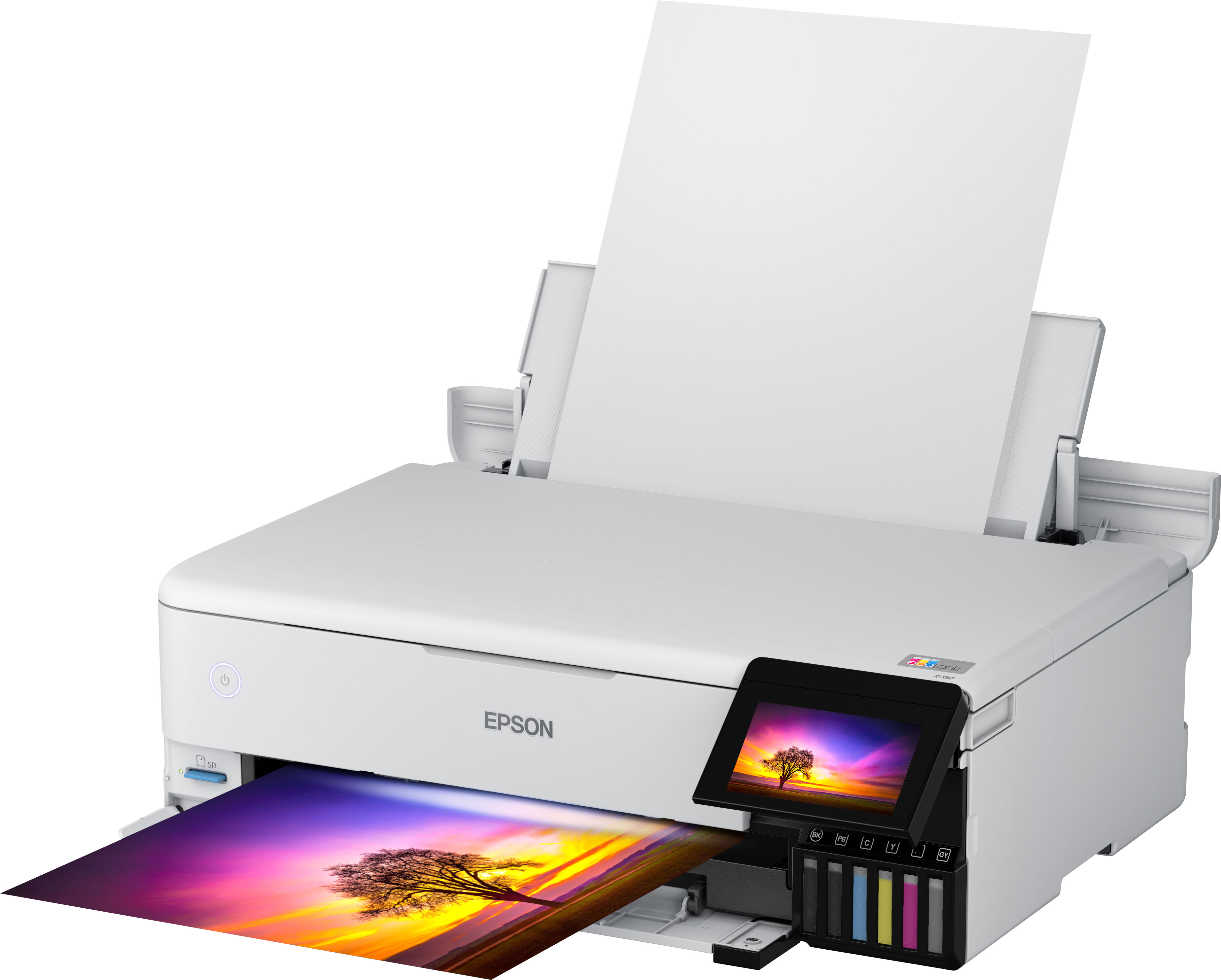
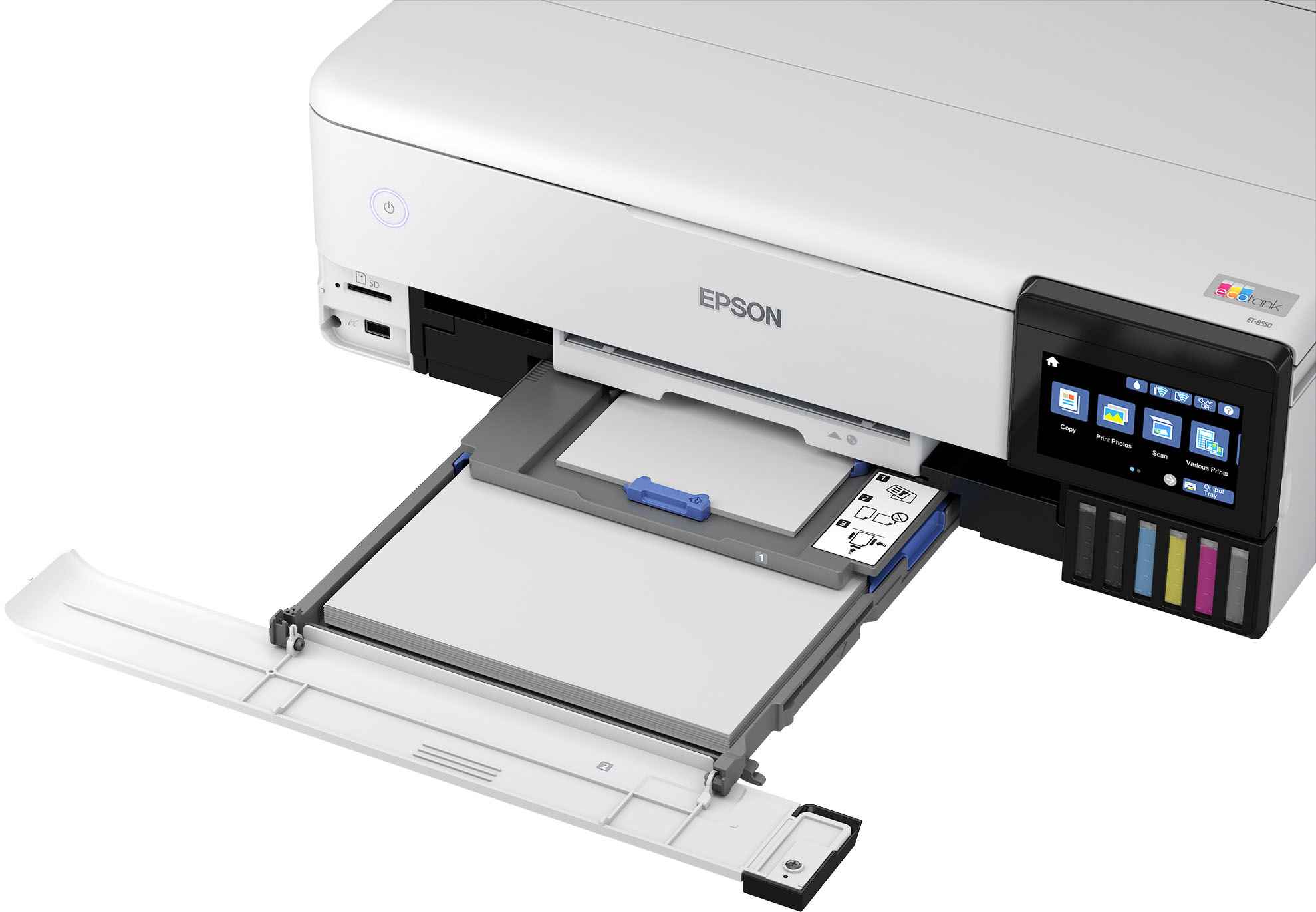
A:AnswerHello. Loading capacity can vary based on size and paper type. When using plain paper you can load approximately 100 sheets in the lower cassette and 50 in the rear paper feed. For more details, please see the "Paper Loading Capacity" section in the User's Guide. Regards, Kevin - The Epson Team.
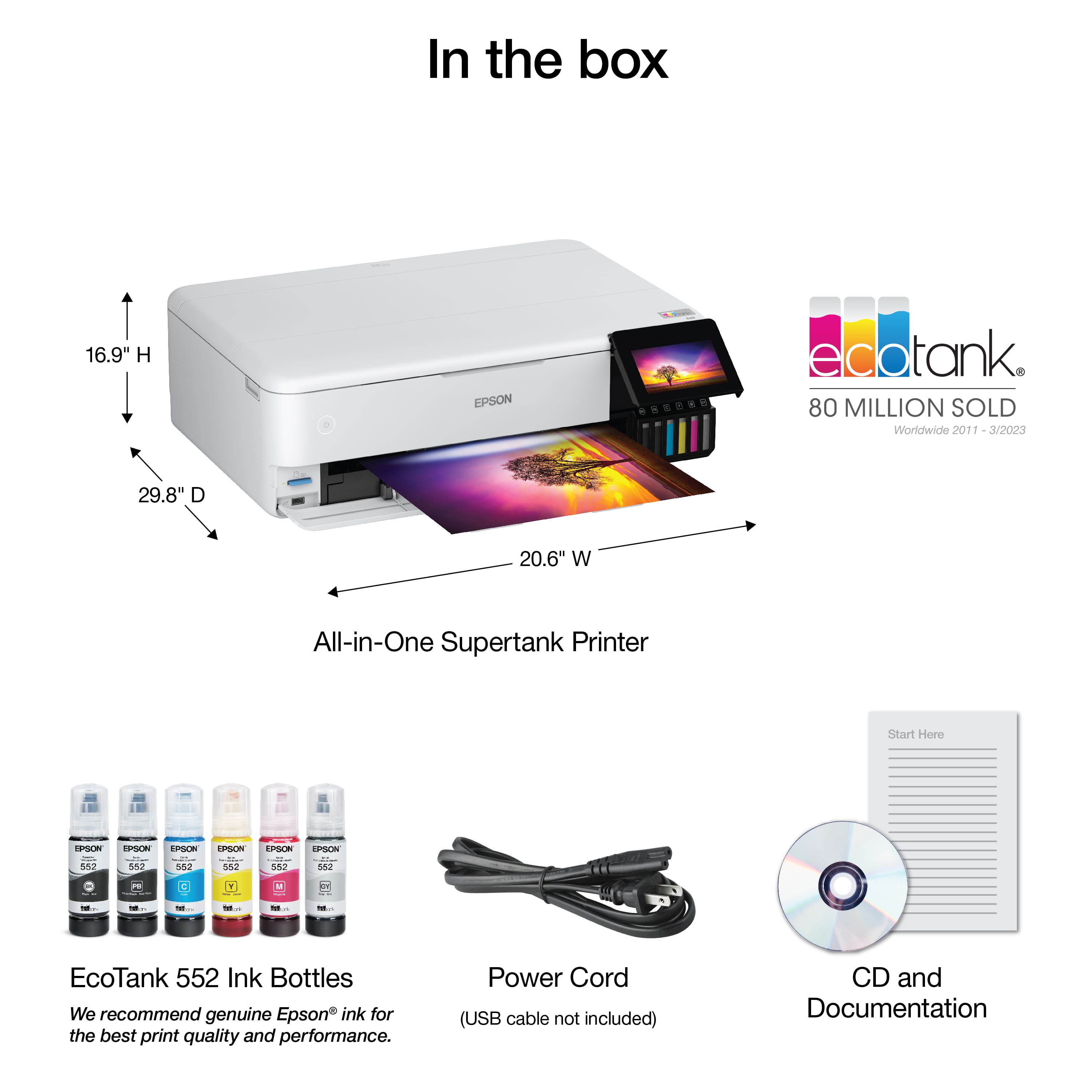
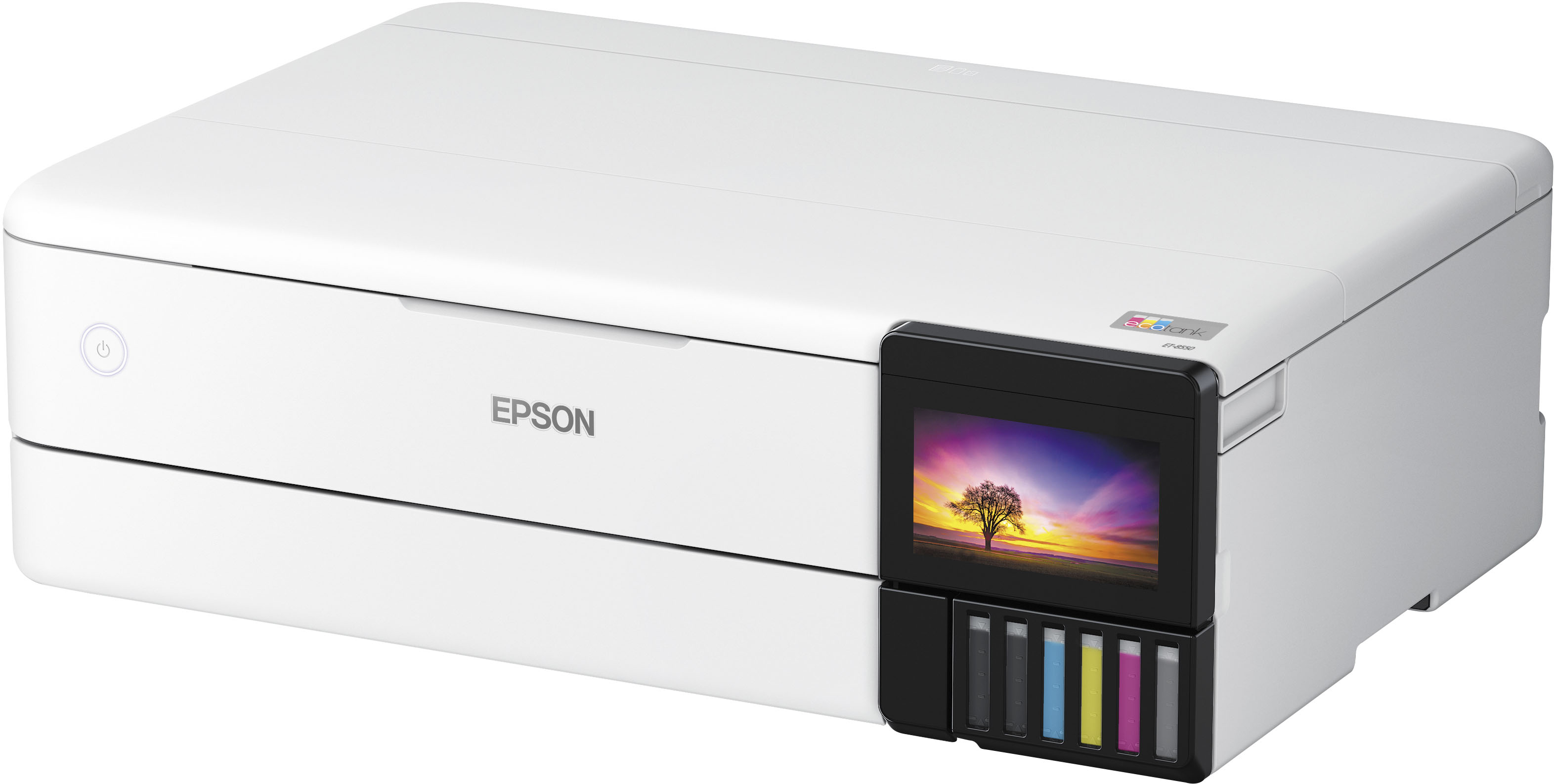
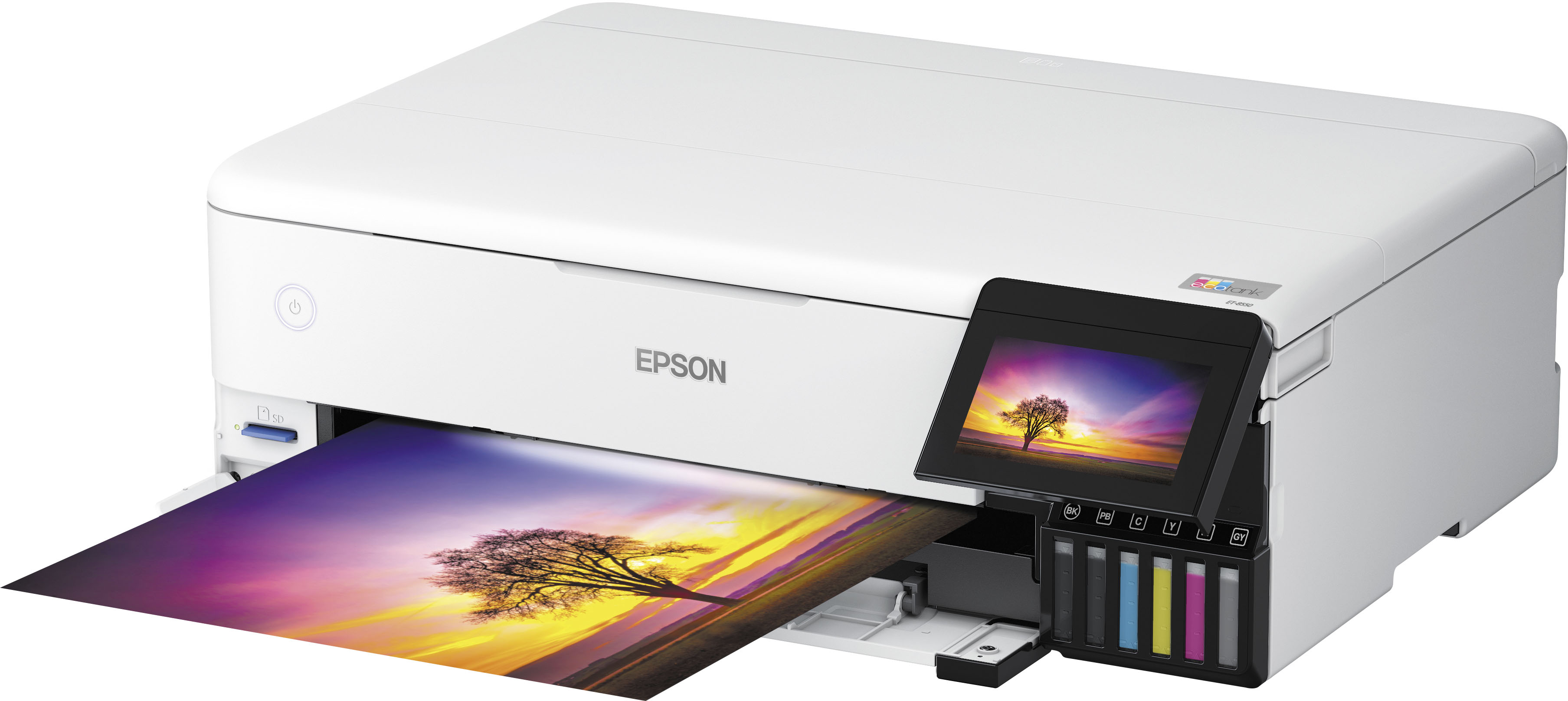
A:AnswerNo. The Epson - EcoTank Photo ET-8550 All-in-One Wide-format Supertank Printer
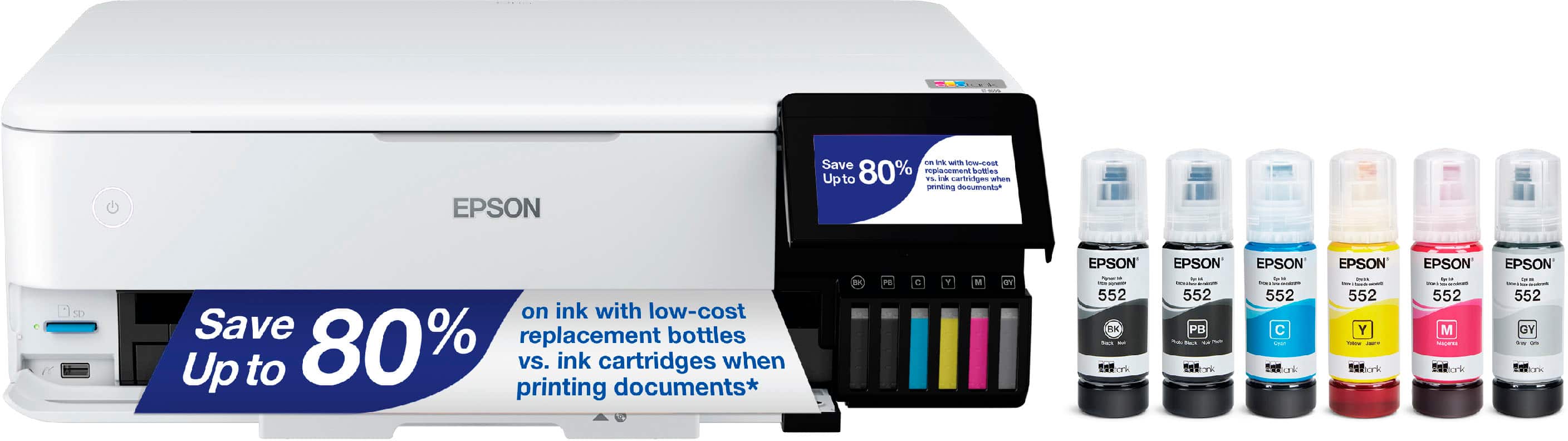
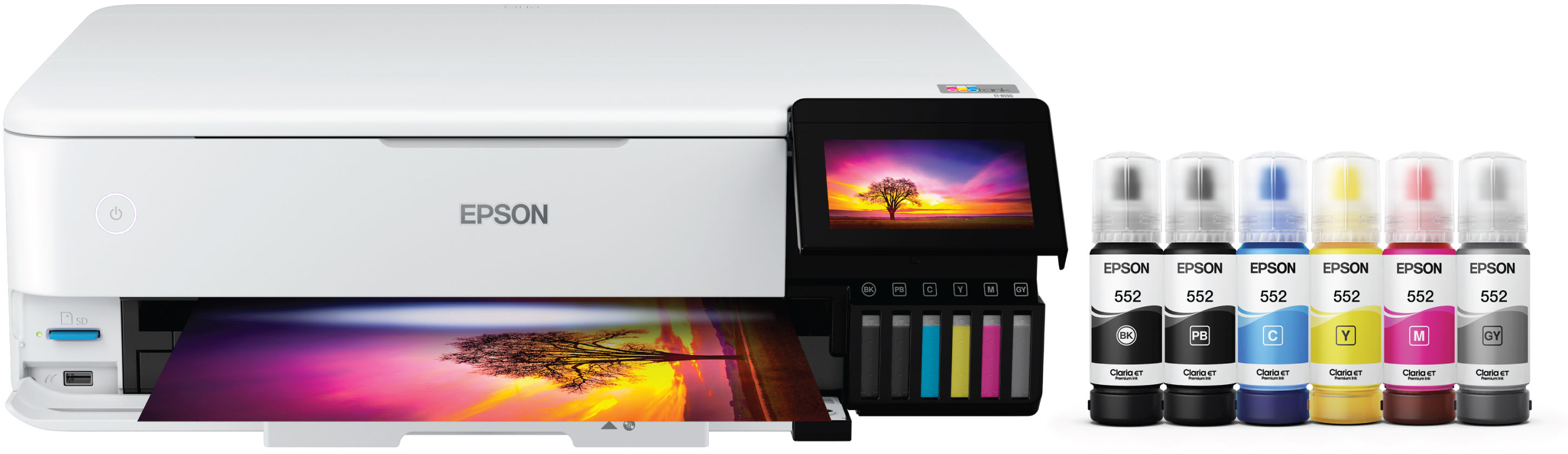
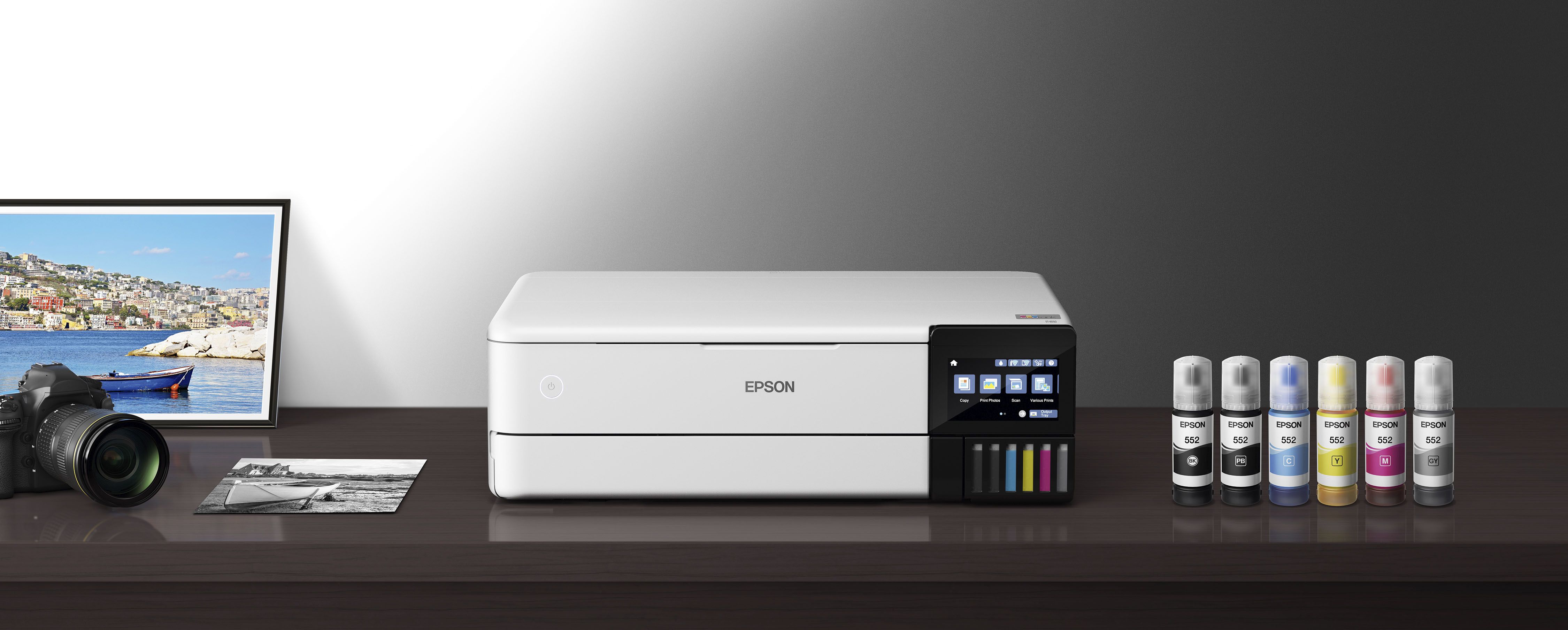
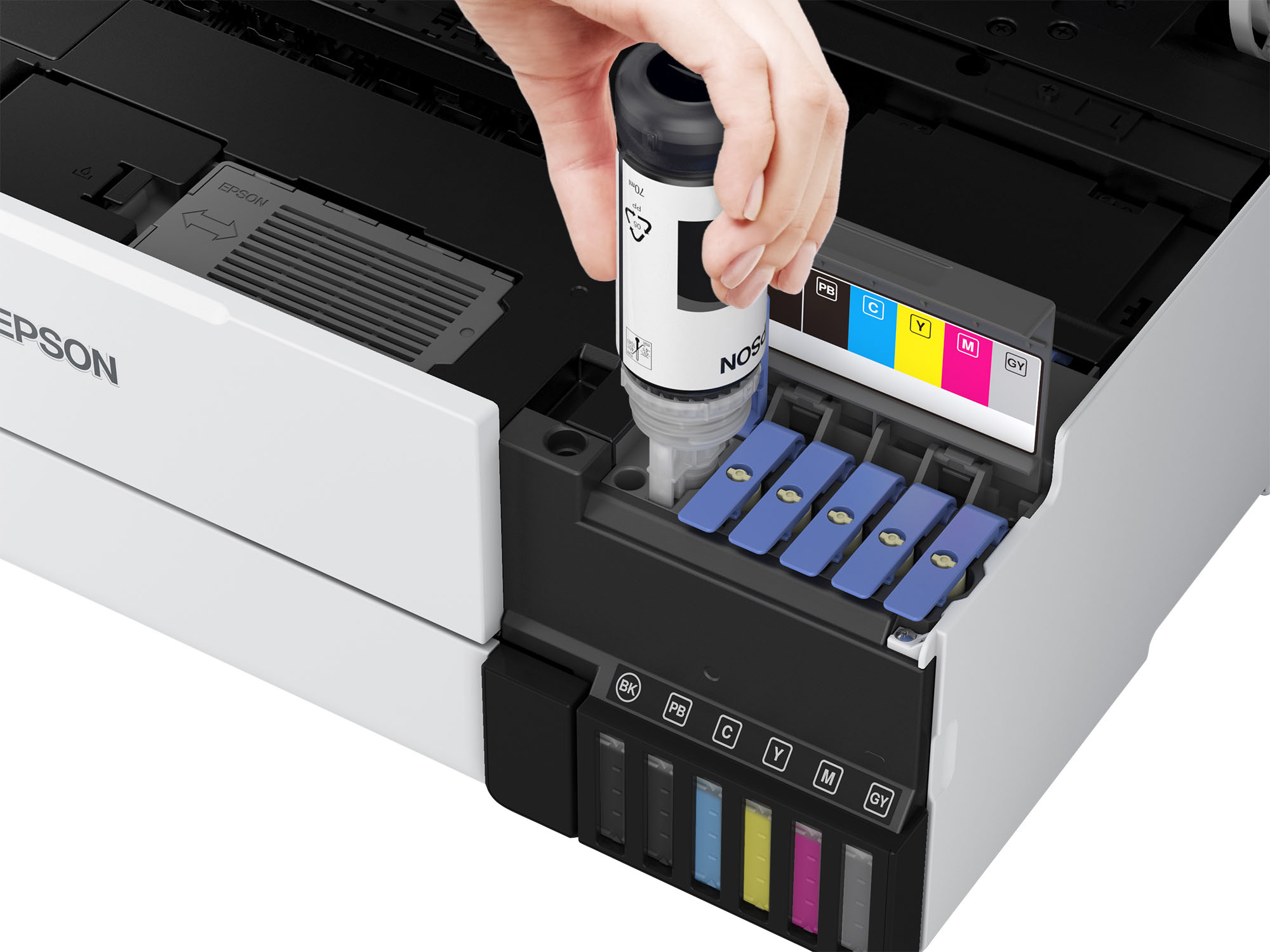
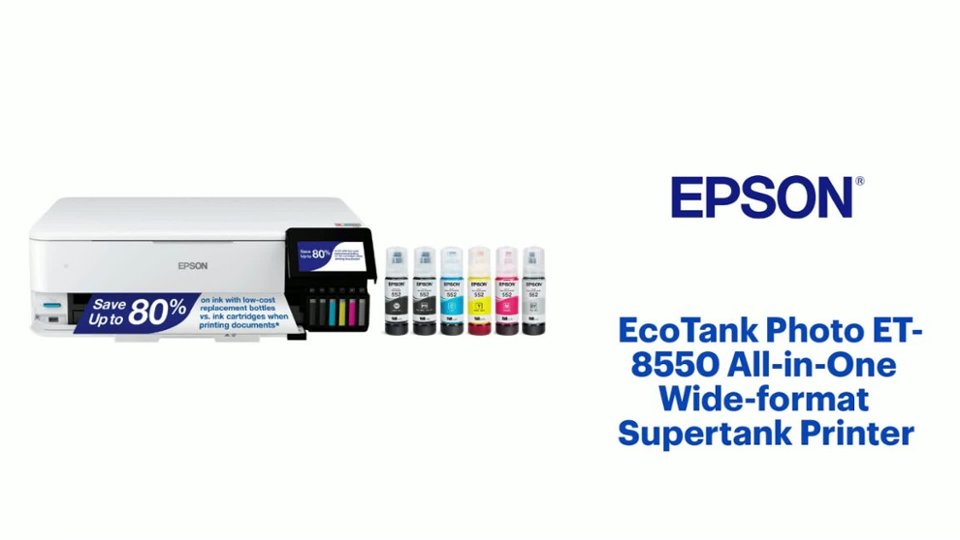
Only used Epson 552 inks- they are 6 individual ink bottles used.
A:AnswerYes, it can print off magnetic paper. It depends on the ink that you'll also be used into so using a high quality print. It will work best, but if you are using like a dtf, inc, it could work as well, but make sure that when you're using this is the dtf. Films or btf prints, it could align with printing my magnetic paper as well.
A:AnswerHello. Unfortunately, we have not tested magnetic paper with the ET-8550 to confirm compatibility, so your results will vary. To see Epson-branded papers that are designed to work with the printer visit the Epson support site. Regards, Kevin - The Epson Team.
A:AnswerBuying the printer new is the best time to start using it with pigment only or sublimation inks as the system is sold as a dry system. Meaning that no ink has been loaded in the tanks and the print heads have not been charged with dye ink. If you've installed the dye/pigment inks from Epson Claria, their standard ink, you'll have to drain all tanks and force clean the charged heads, this is a bit of work to do.
My brand new was filled for the first time with pigment ink compatible for the ET-8550 and I didn't have the issues of pigment ink mixed with dye ink, it works excellently with the pigment ink.
A:AnswerHello. The ET-8550 uses Cyan, Magenta, Yellow, and Black ink. Unfortunately, it cannot print white. For any white in your images, the printer will generally use the white from your paper and not print anything in those areas. Regards, Kevin - The Epson Team.
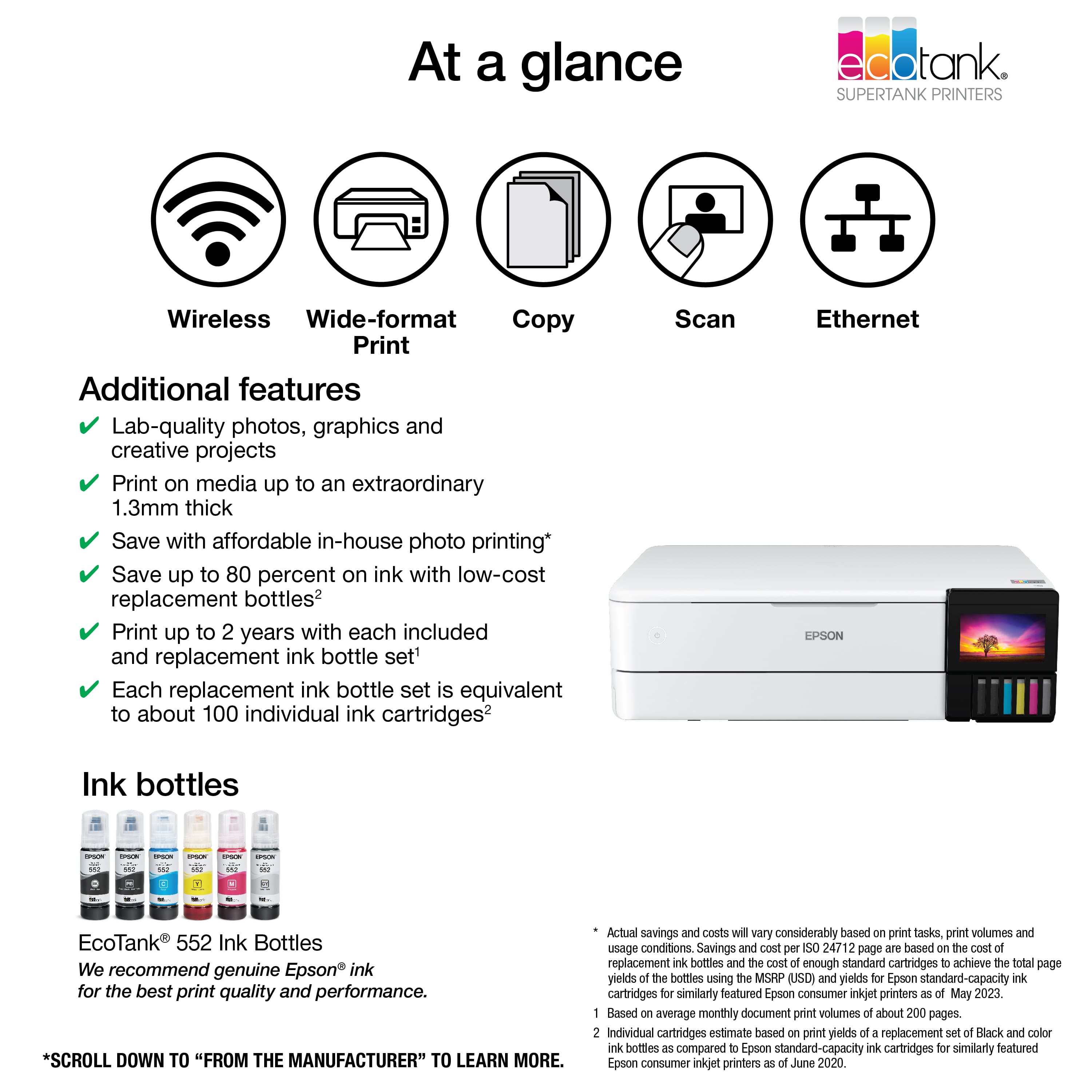
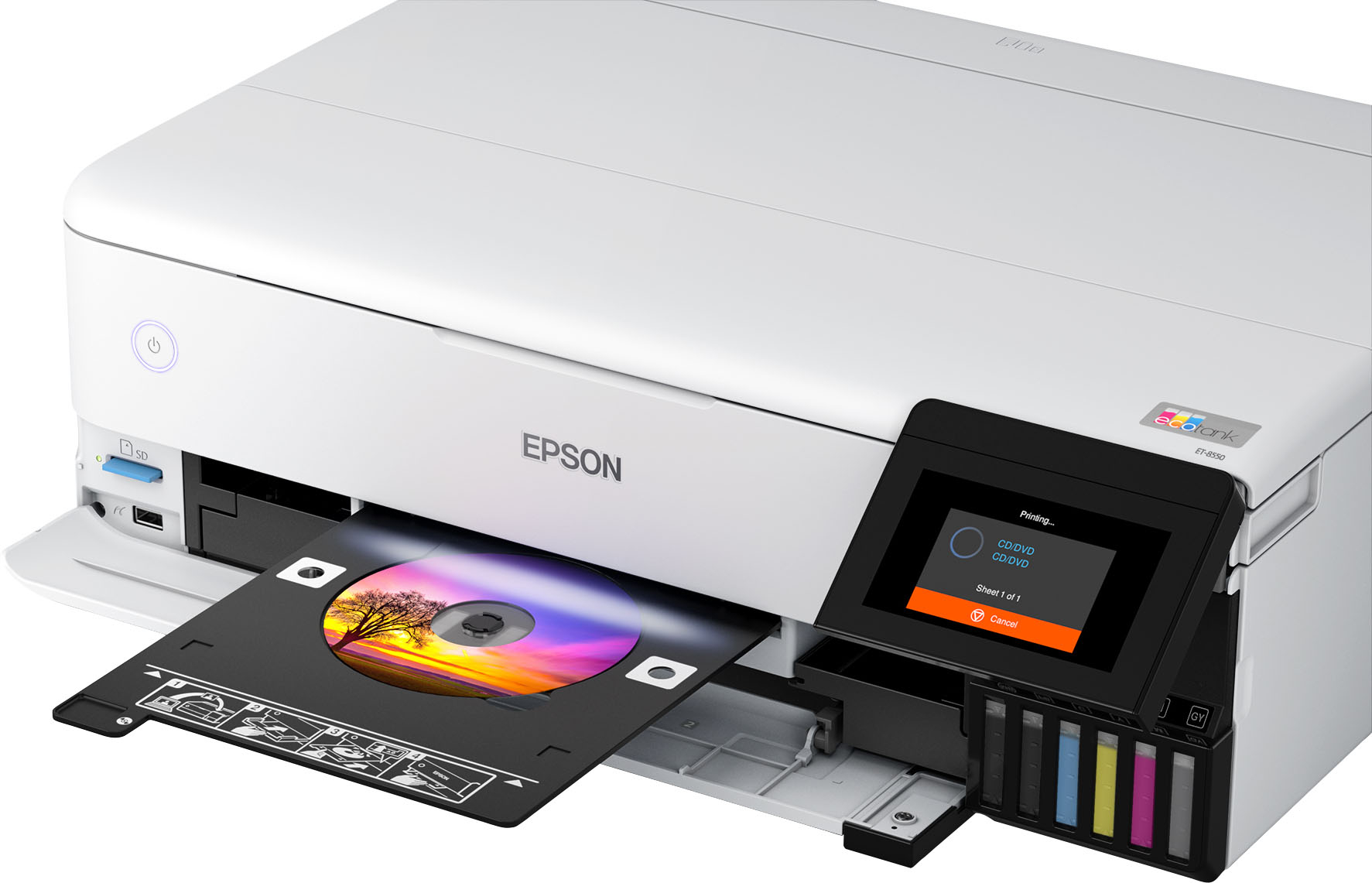
A:AnswerHello Sassy85. Yes, the ET-8550 is an All-In-One printer designed for printing wide-format color photos, graphics, and everyday documents. Regards, Kevin - The Epson Team.
A:AnswerHi Lea, The EcoTank Photo ET-8550 is designed to print photos on photo or photo matte paper, and documents on plain paper. (The list of Epson paper types know to be compatible with the ET-8550 is available on the Epson support site.) Since we cannot test all third-party media types, we cannot guarantee print quality. If you try different media types, please print small batches to start with, until you can assess the suitability of the media. Regards, Mark - The Epson Team.
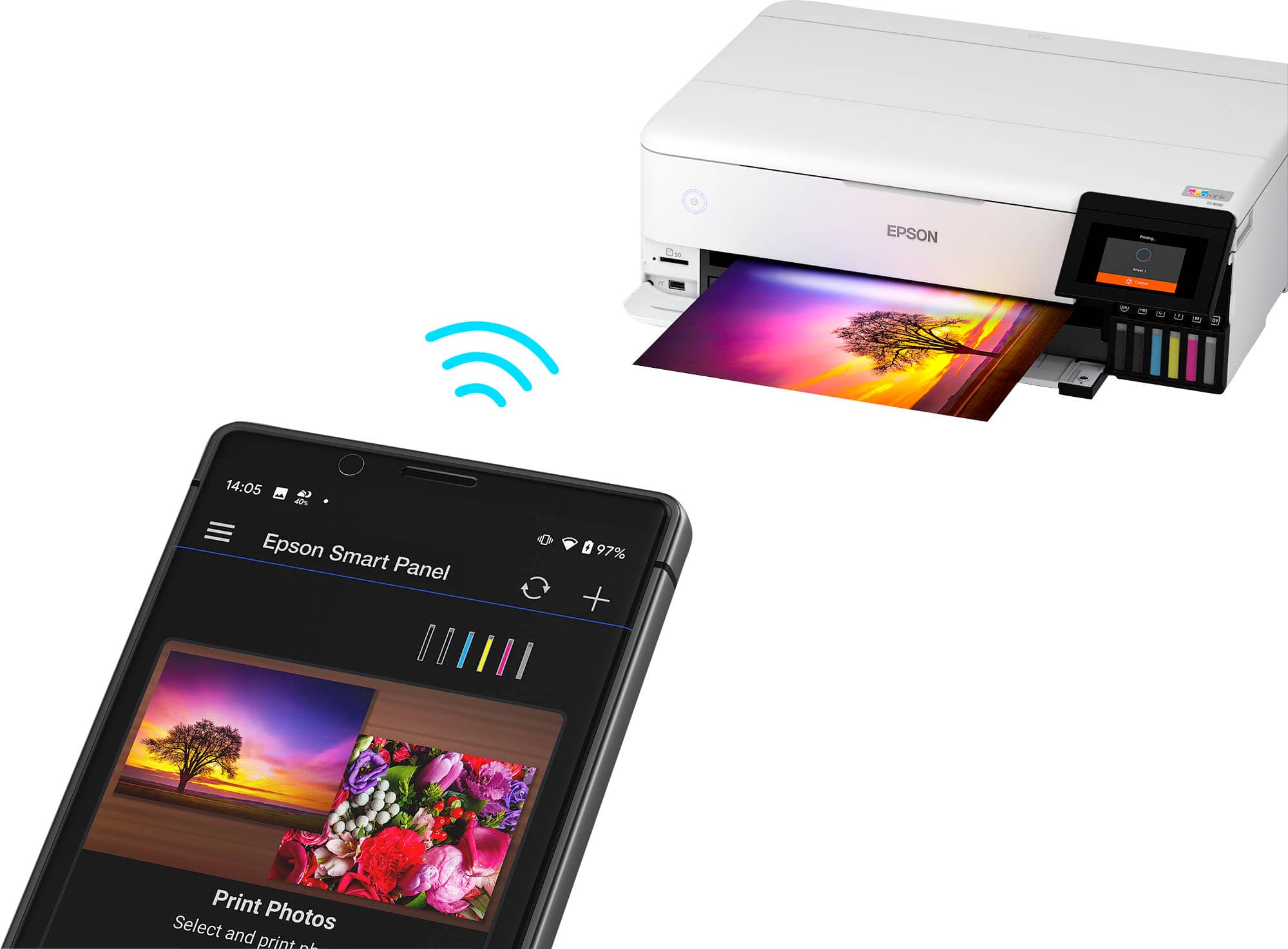
A:AnswerHello SandraF. Yes, the ET-8550 supports a wireless Wi-Fi connection and can also be set up via an Ethernet and Hi-Speed USB cable. Regards, Kevin - The Epson Team.
A:AnswerEPSON IS A JOKE. THE ET8550 IS THEIR MOST POPULAR PHOTO PRINTER. AND THEY CANT KEEP IT IN STOCK. MY EDUCATED GUESS IS 4 MONTHS. DONT HOLD YOUR BREATH
VERY UNHAPPY
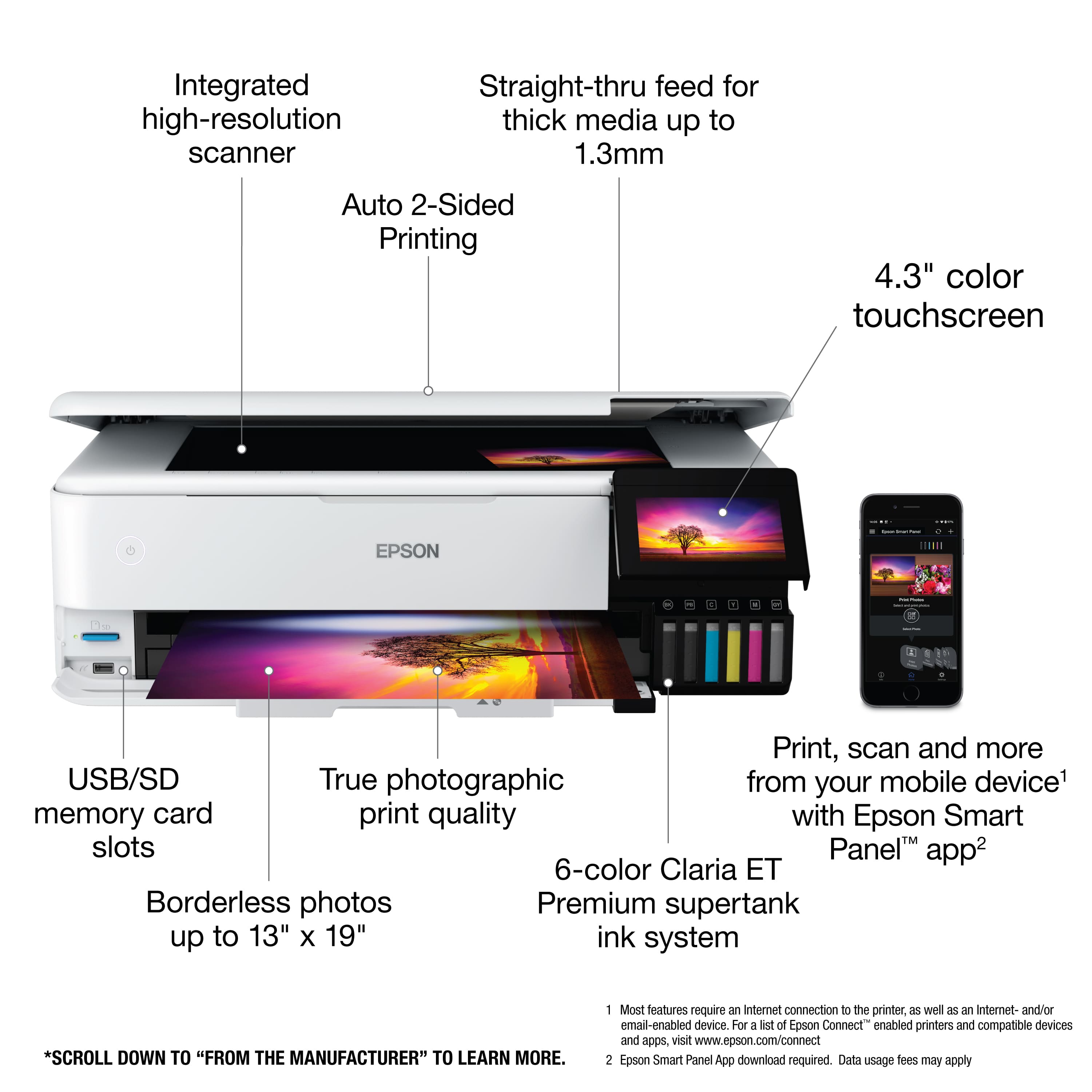
A:Answeryes, it will print two sided and flip either longside or shortside. I don't know why these people say you need to manually flip it. bots maybe?
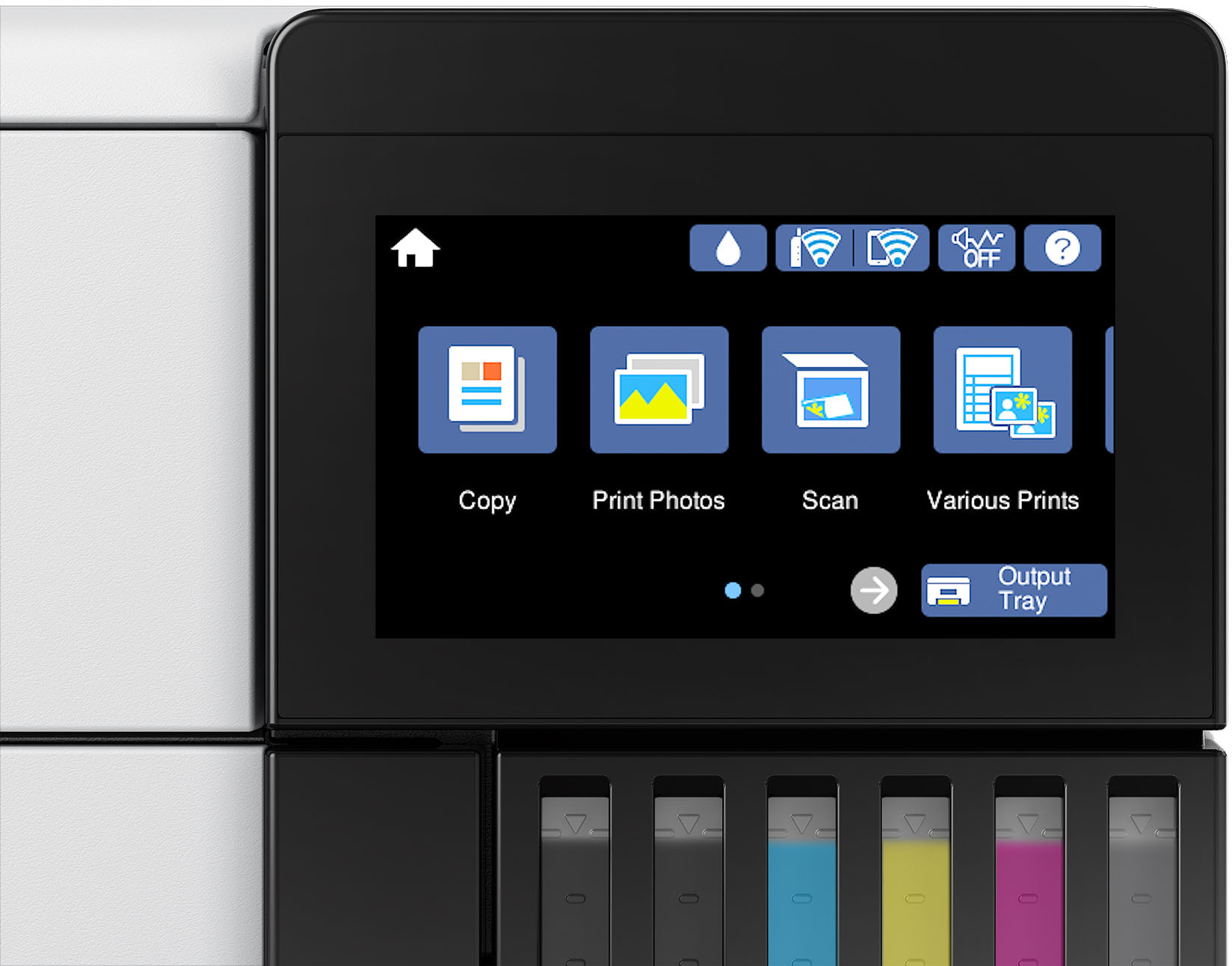
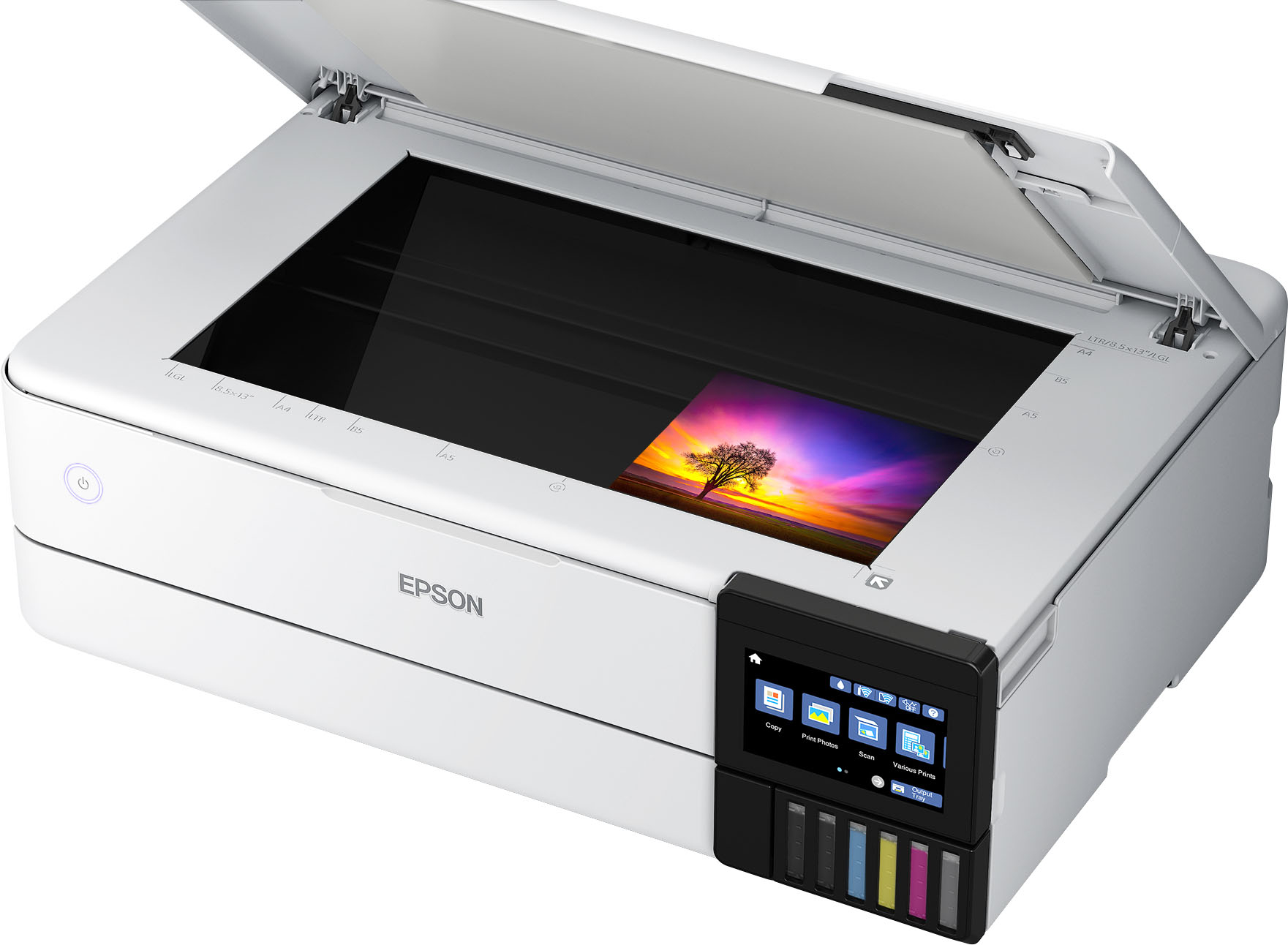
A:AnswerI choose the 8550 because the ink was designed for color photos. The 15000 has CYMB where as the 8550 has CYMB but also photo black and photo gray. The 8550 does borderless 13" x 19" but can go way past 19". The 15000 does 13" x 19", but not borderless. Scanning on the 15000 is 8.5" x 14" (legal size) ADF (auto Doc Feed), where as the 8550 is legal size but no ADF function. The touch screen on the 15000 is 2.7" color while the 8550 is 4.3" color.
Over all, the 15000 is more of an office design where as the 8550 is more home with color photo being much better quality.
A:AnswerHi Nita, You can use glossy paper with the EcoTank Photo ET-8550. Visit the Epson support site for a list of compatible glossy and matte photo papers. Regards, Mark - The Epson Team.
A:AnswerHi Ed34, The largest size sheet the EcoTank Photo ET-8550 can print is 13" x 19". You can use plain paper or a variety of photo and photo matte paper types. To see a full list, visit the Epson support site for the ET-8550. Regards, Mark - The Epson Team.